

 DownloadHeart Indicator Mod
Get the files on 9Minecraft
Guides
Step-by-step, in-game.
Adjust Heart Display Position for Your Character ModelFinding the Right Height The default heart position works well for Steve, but custom character models or skins with…Monitor Multiple Players' Health in MultiplayerViewing Other Players' Hearts When playing on a server or in a shared world, Heart Indicator Mod displays health bars…Toggle Health Display On and Off During GameplayAccessing the Toggle The Heart Indicator Mod includes a keybind to quickly show or hide the health display without…Troubleshoot Hearts Not Appearing Above Your HeadCommon Reasons Hearts Don't Show If you don't see hearts floating above your character, the display is likely toggled…
Frequently asked questions
How do I turn on the heart display for the first time?
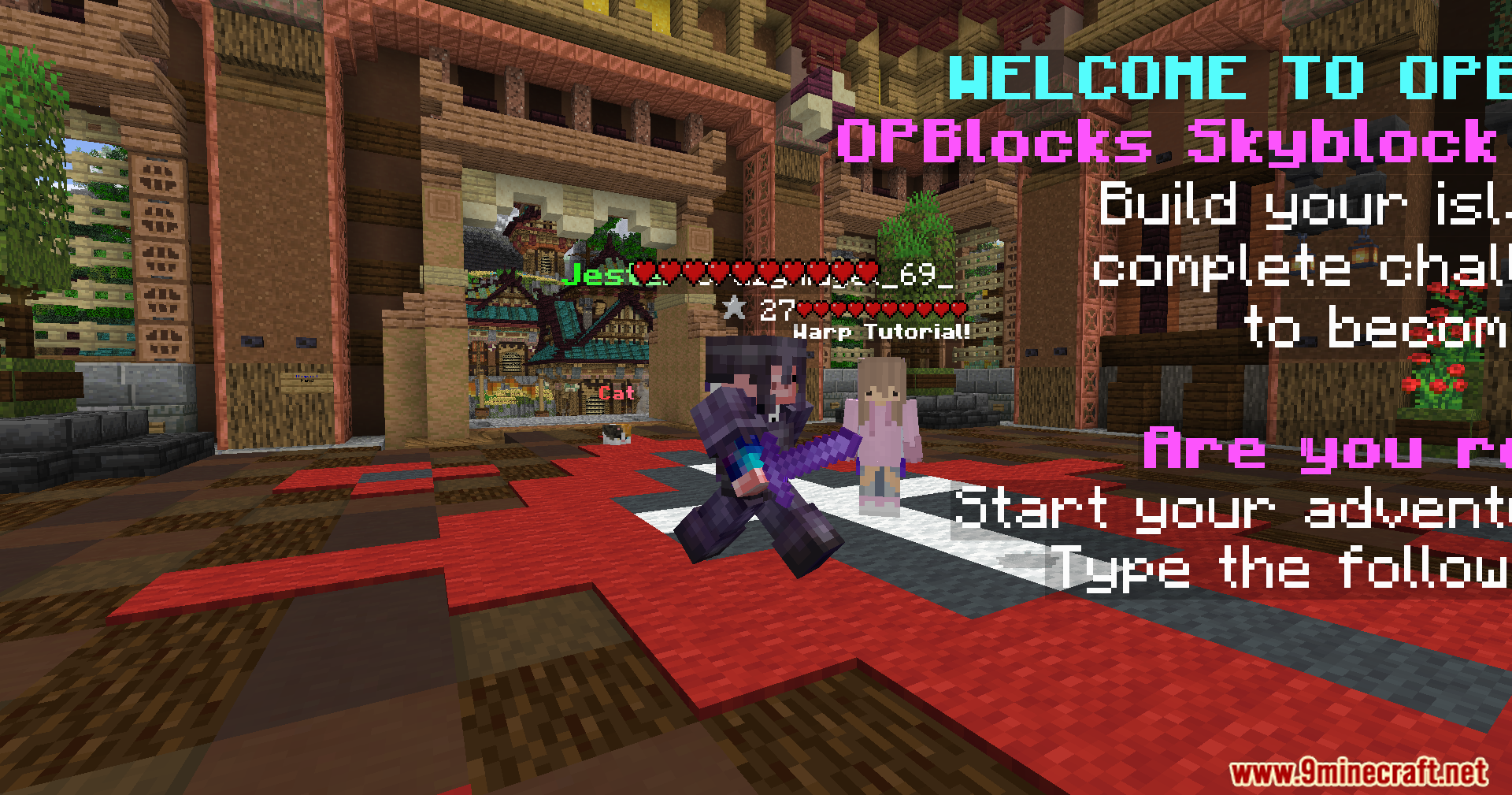
Open your controls menu and bind a key to toggle the Heart Indicator Mod display, then press that key in-game to activate it. The hearts will appear above your head and update in real-time as you take damage or heal.
Can I see other players' health in multiplayer servers?
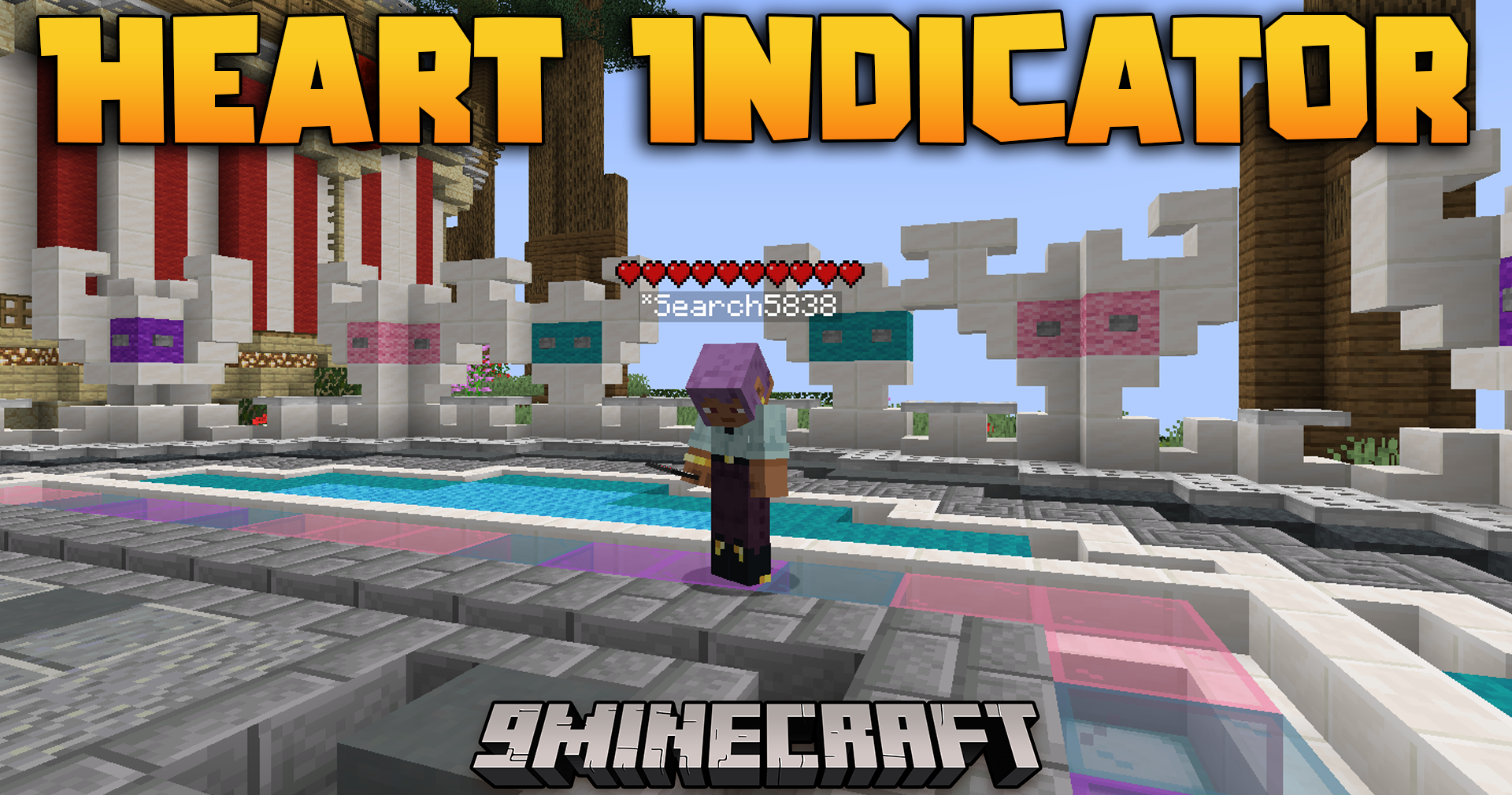
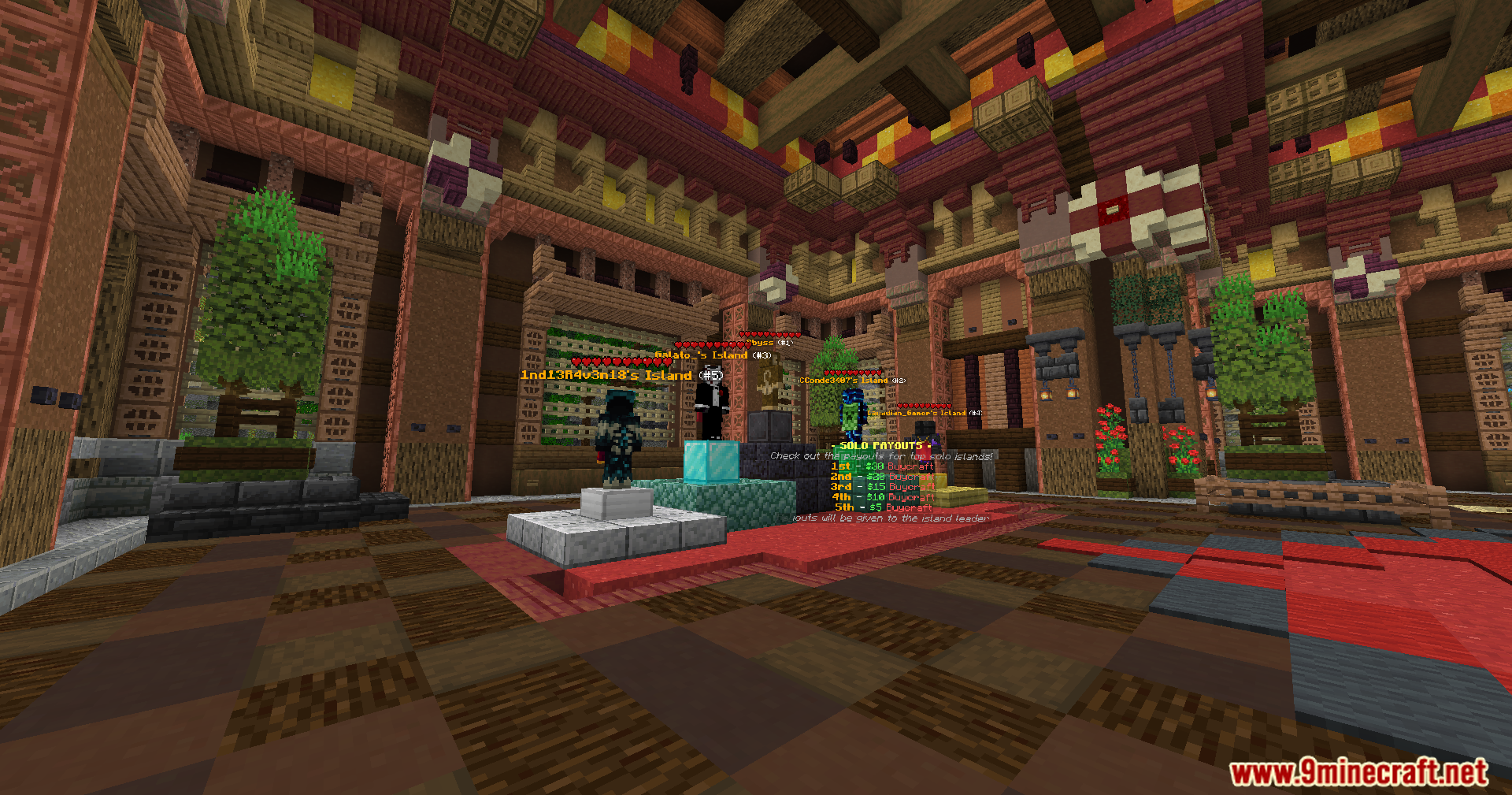
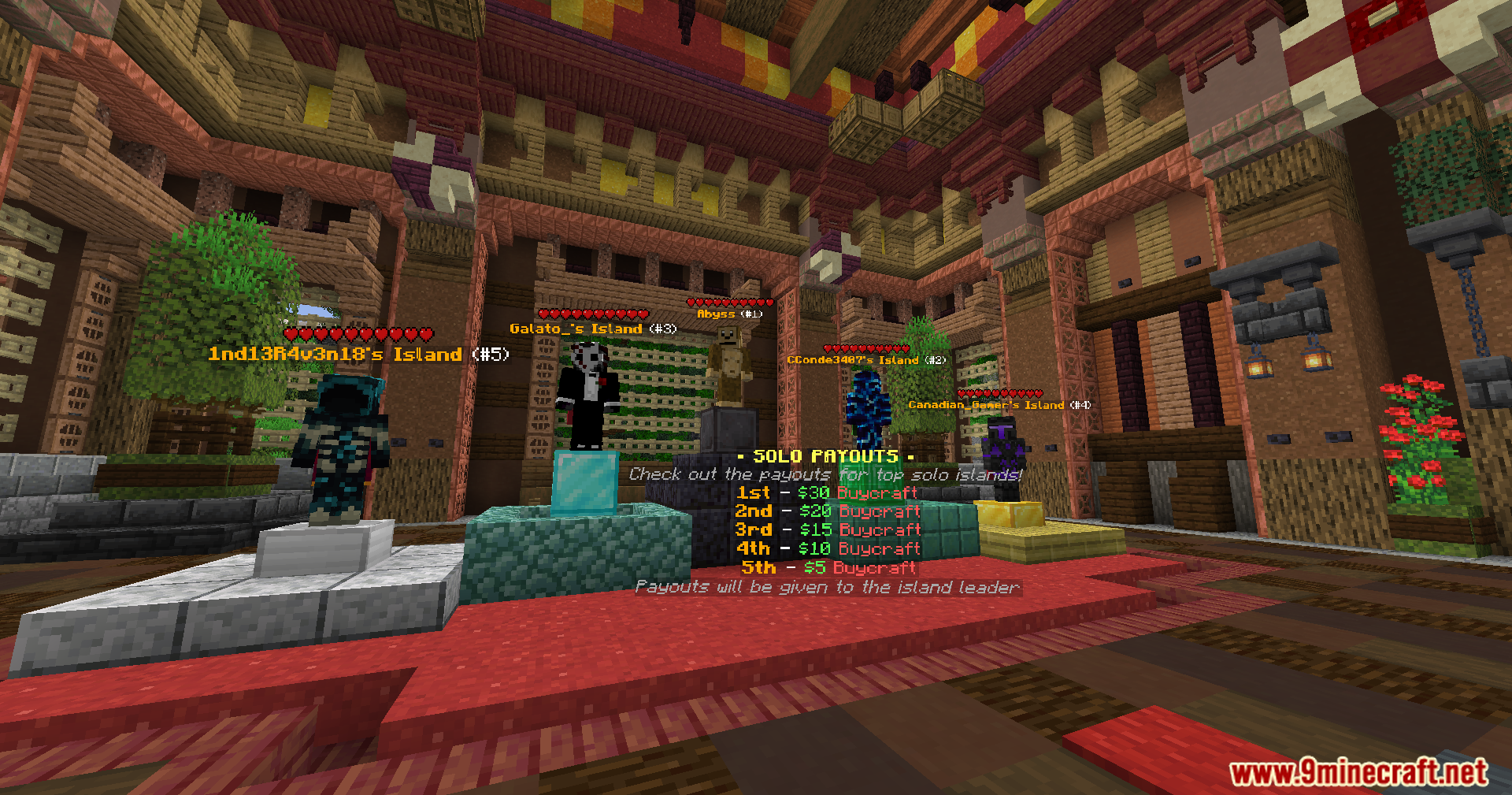
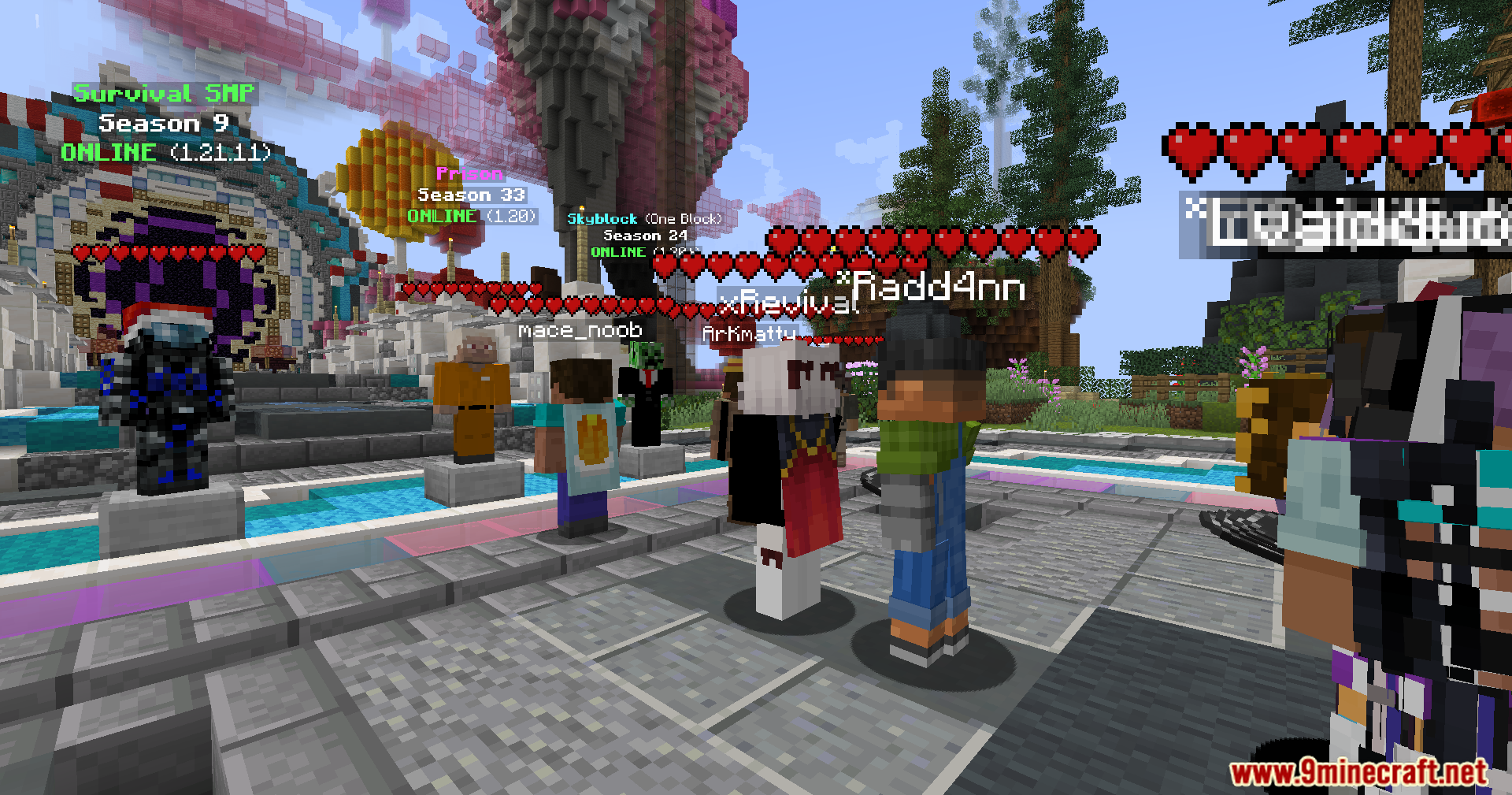
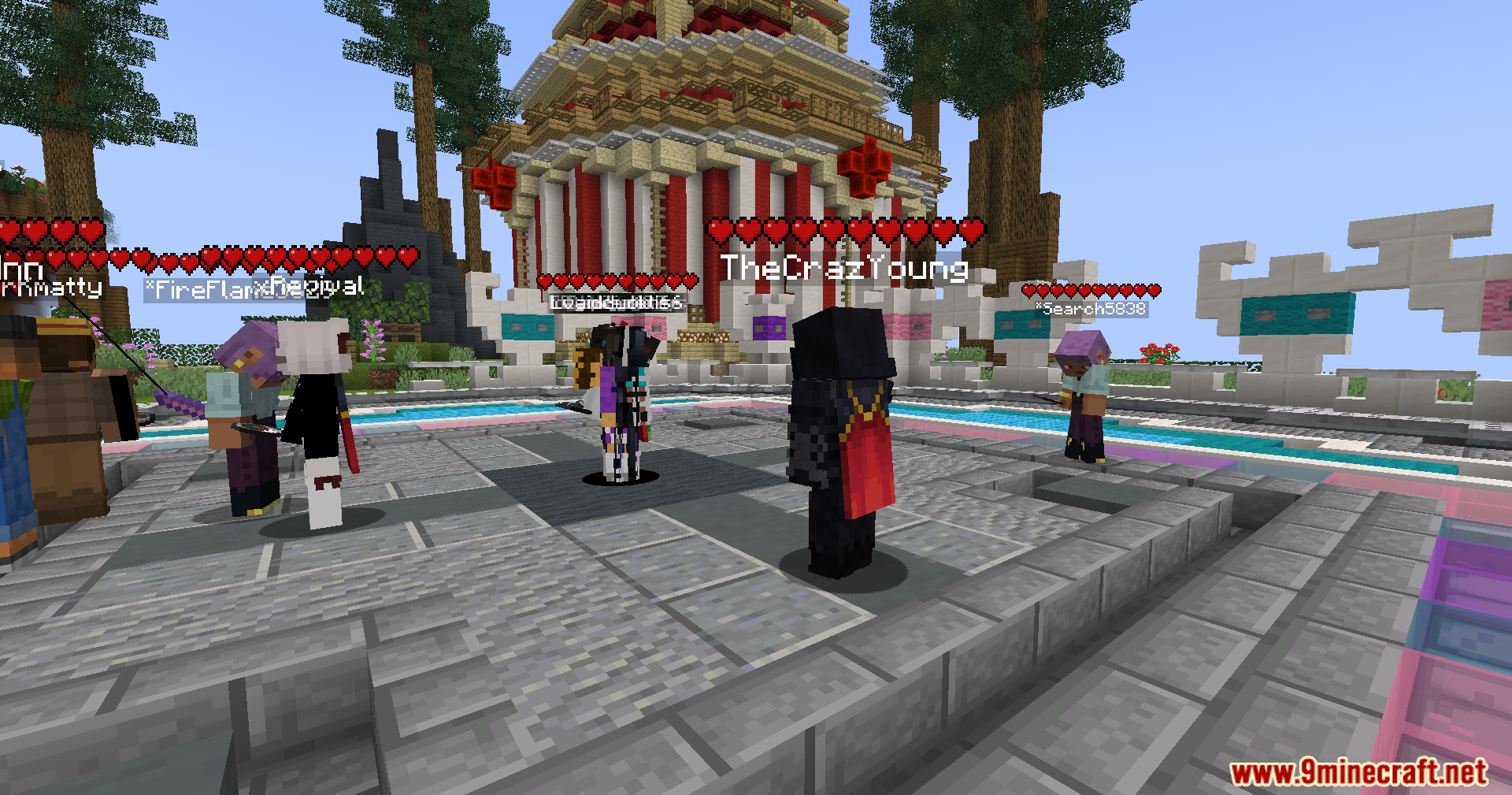
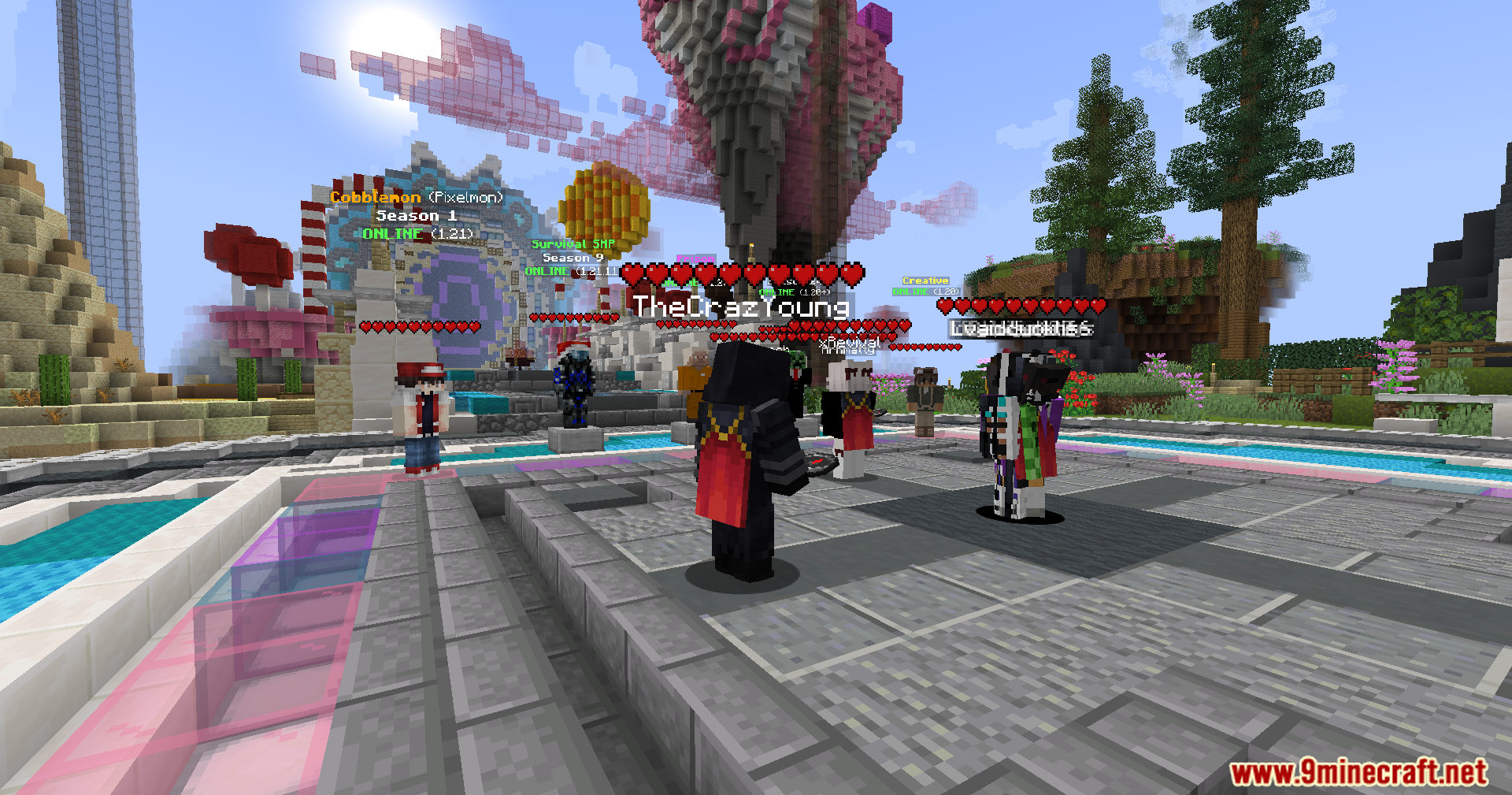
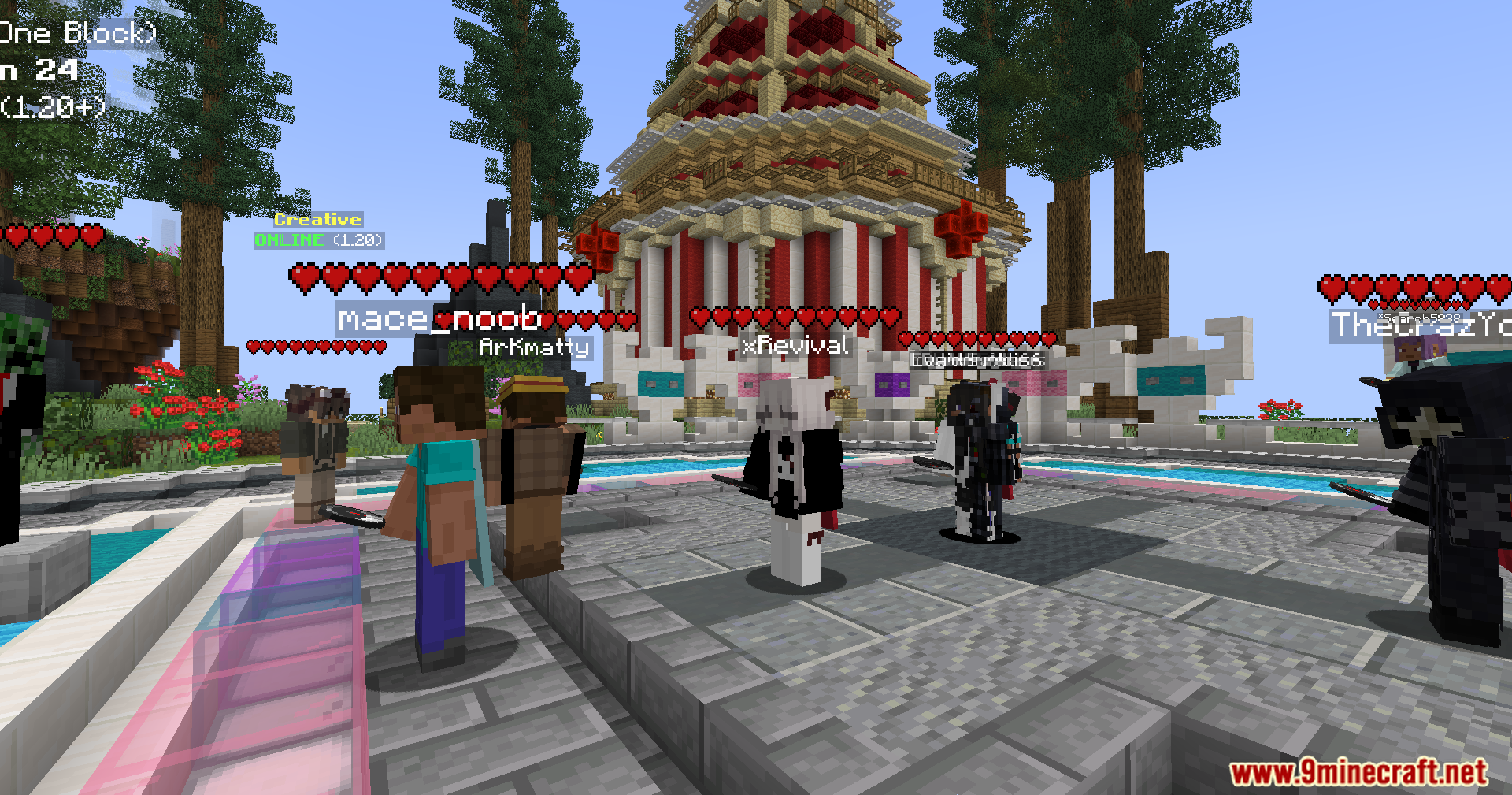
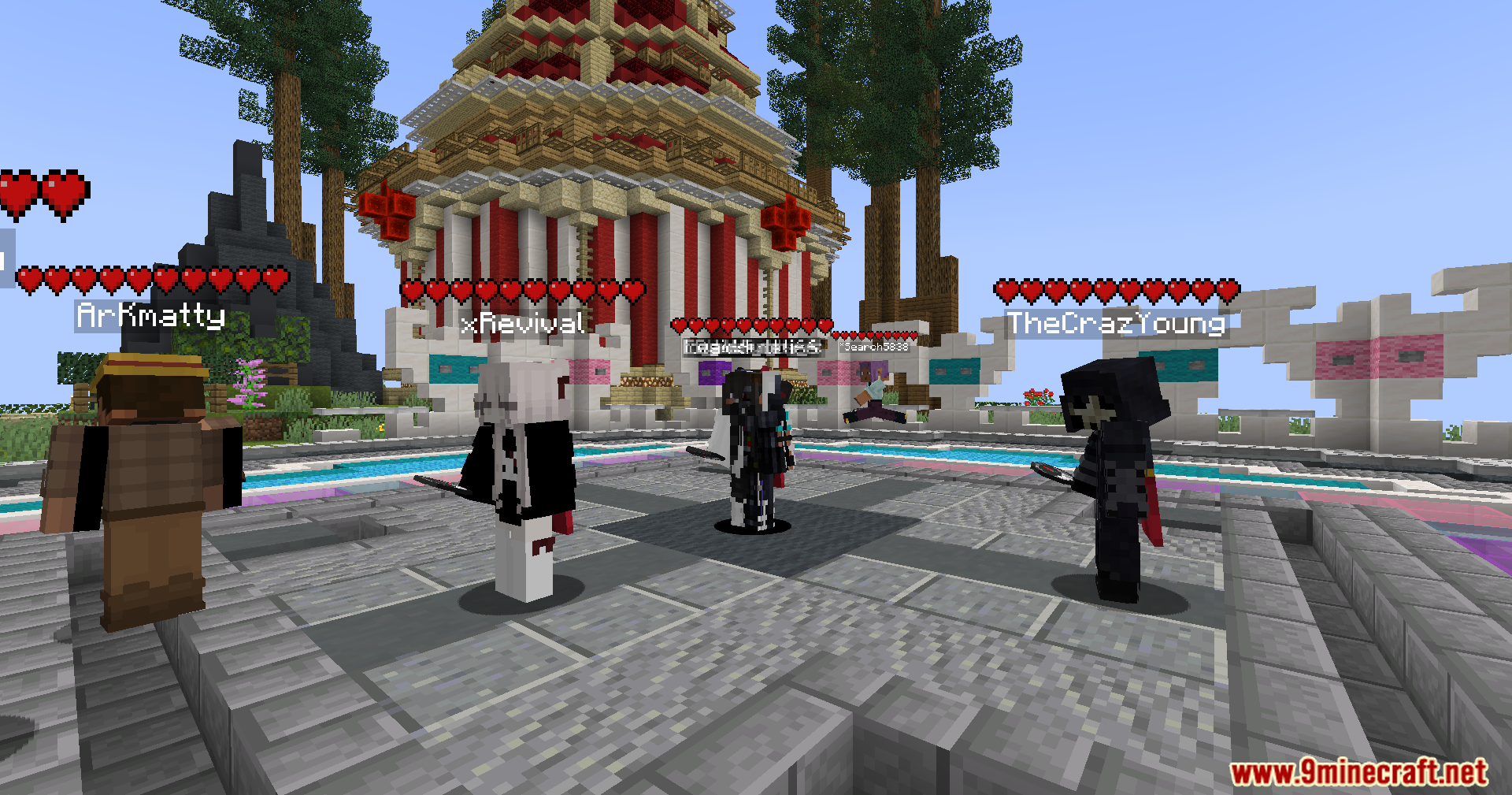
Yes, the mod displays hearts above all players' heads in multiplayer, letting you quickly check teammates' or opponents' remaining health during combat or cooperative gameplay.
The hearts are floating too high above my character—how do I fix this?
Use the Up Arrow and Down Arrow keys to adjust the vertical position of the heart display until it sits at the right height for your character model.
Why aren't the hearts showing up above my head?
Check that you've toggled the display on using your keybind, verify the hearts aren't positioned off-screen by pressing the reset button, and make sure the mod is properly loaded in your mods folder.
See all 10 Heart Indicator questions ›
Gallery
11 images from the Heart Indicator Mod page.
You May Also Like
Wikis that share the most with this one
Wikis on the same theme: cat
More mod wikis on the site
The most downloaded mods that have a wiki here
A few wikis from each of the other kinds