

 DownloadWandering Trader May Leave Mod
Get the files on 9Minecraft
Guides
Step-by-step, in-game.
How to Configure Llama Despawning and Particle EffectsFinding the Config This mod includes a config file that controls two main behaviors: whether leashed llamas despawn…How to Make a Wandering Trader Leave Without Killing ItUsing the Despawn Button Open the trader's trade screen by right-clicking it as usual. In the top-left corner of the…How to Respawn a Wandering Trader with the Spawn CommandRequirements The mod adds a command to summon a Wandering Trader on demand, but it requires cheats to be enabled in…How to Use the Despawn Button Safely on a ServerWho Can Despawn Traders On a multiplayer server, the despawn button in the trader's GUI is available to whoever opens…
Frequently asked questions
How do I make a Wandering Trader leave without killing it?
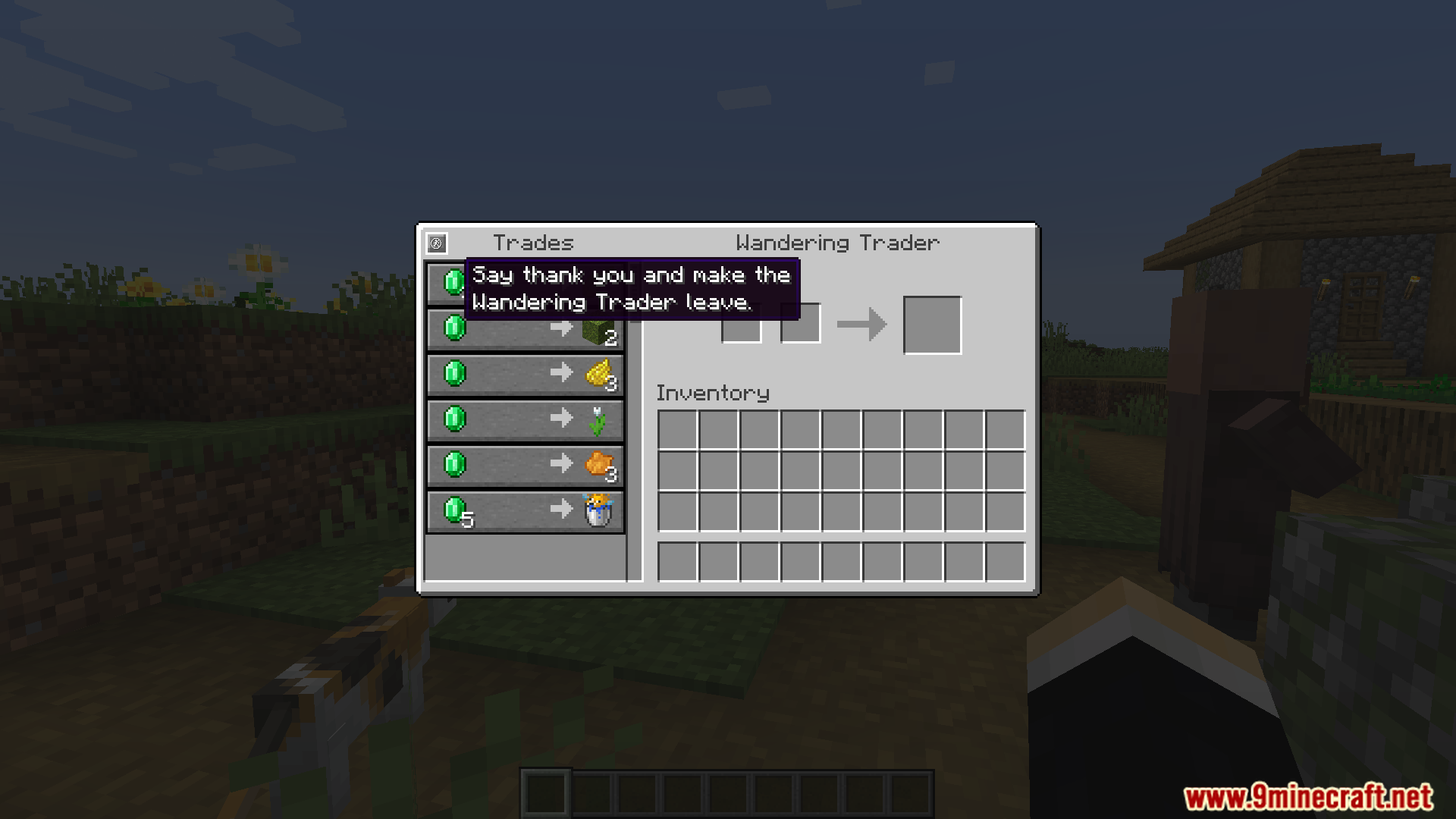
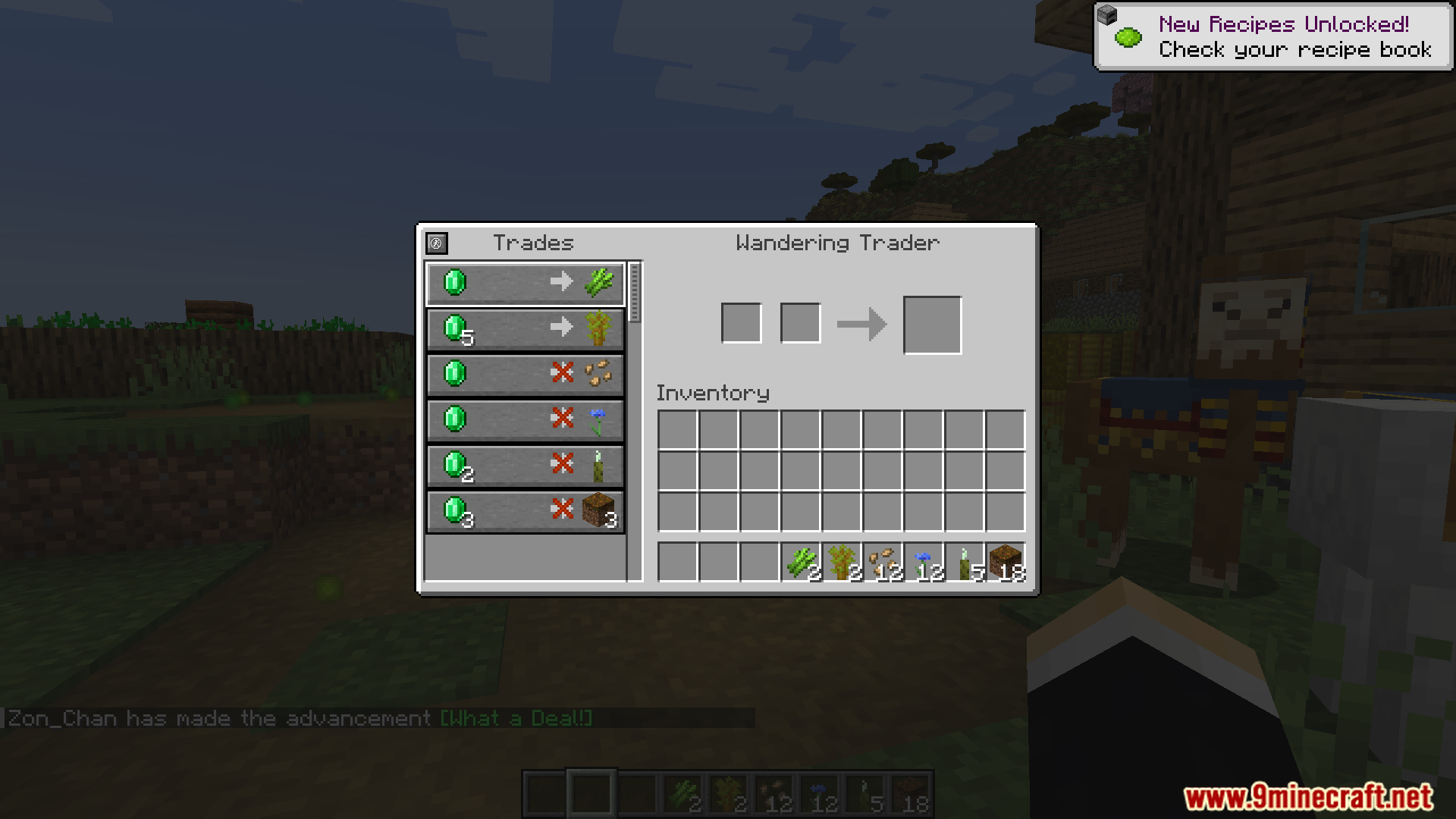
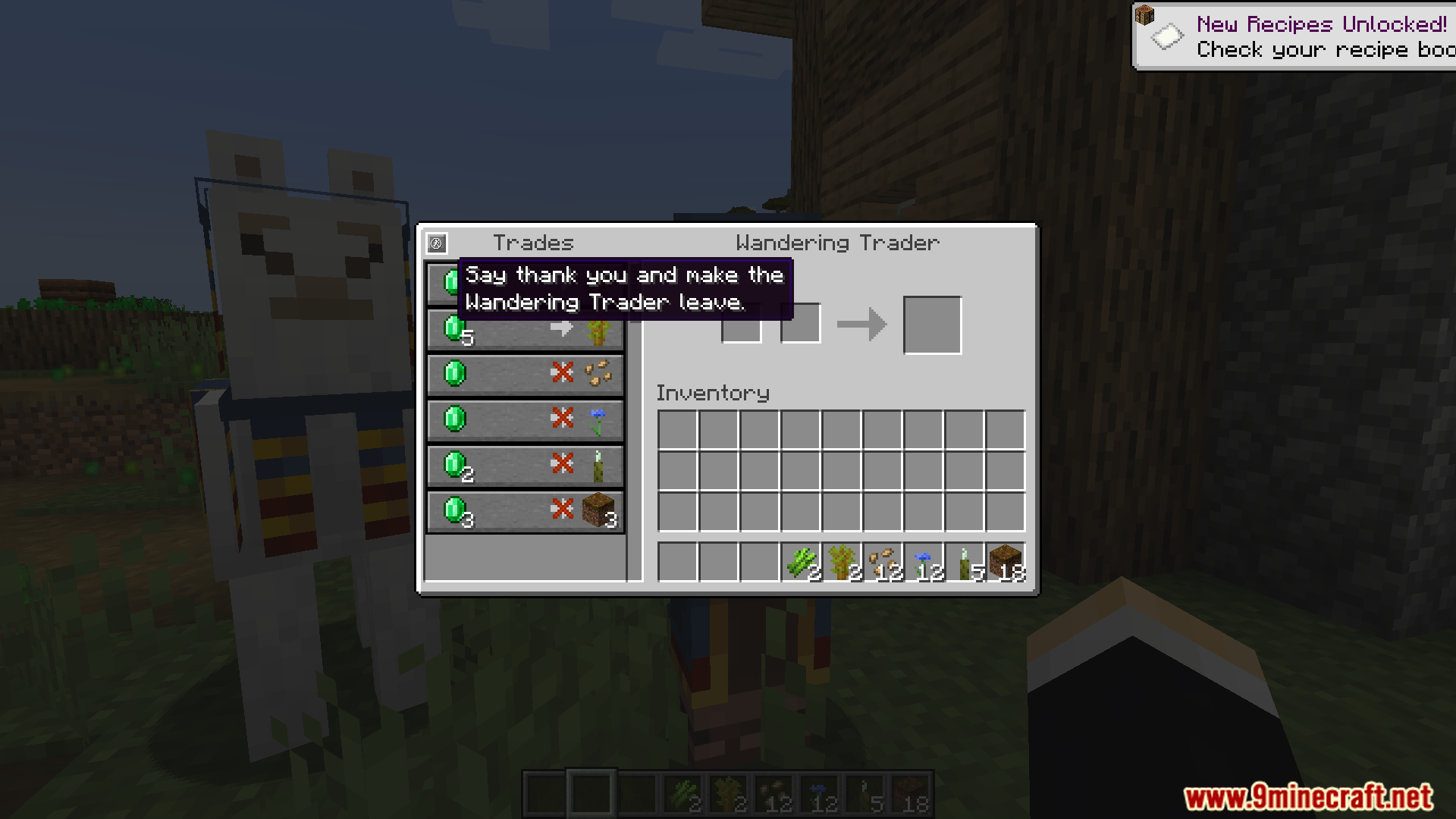
Open the Wandering Trader's trade screen and click the despawn button in the top-left corner. The trader vanishes peacefully in a puff of particles instead of you having to attack it.
Where is the despawn button on the trader's screen?
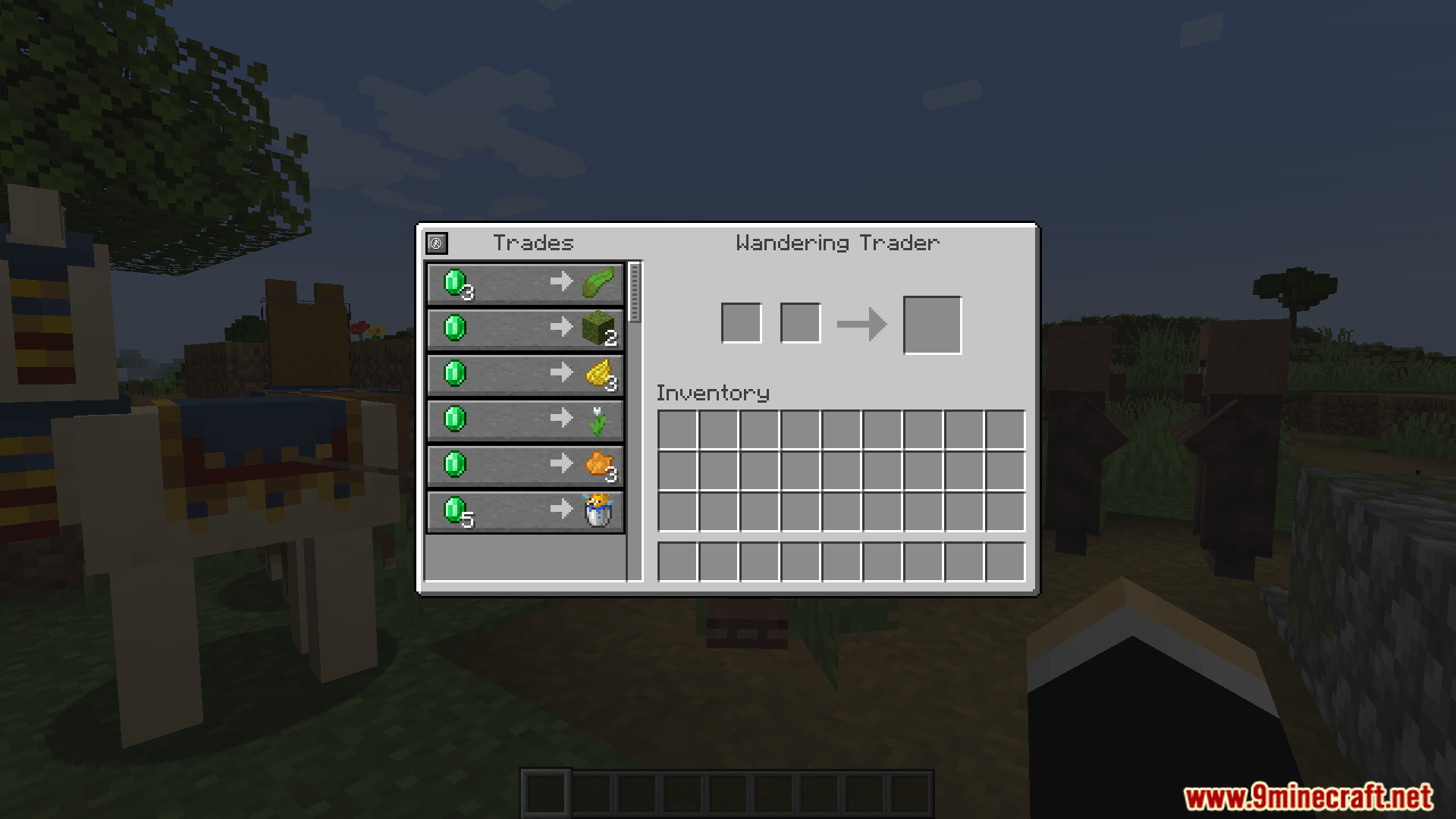
It sits in the top-left of the Wandering Trader's GUI, separate from the trade slots. Just click it once and the trader despawns.
Do the trader's llamas disappear too when I click the button?
Yes, but only if they're leashed to the trader, and this behavior is configurable. If you've disabled llama despawning in the config, the llamas stay behind.
How do I bring a Wandering Trader back after despawning it?
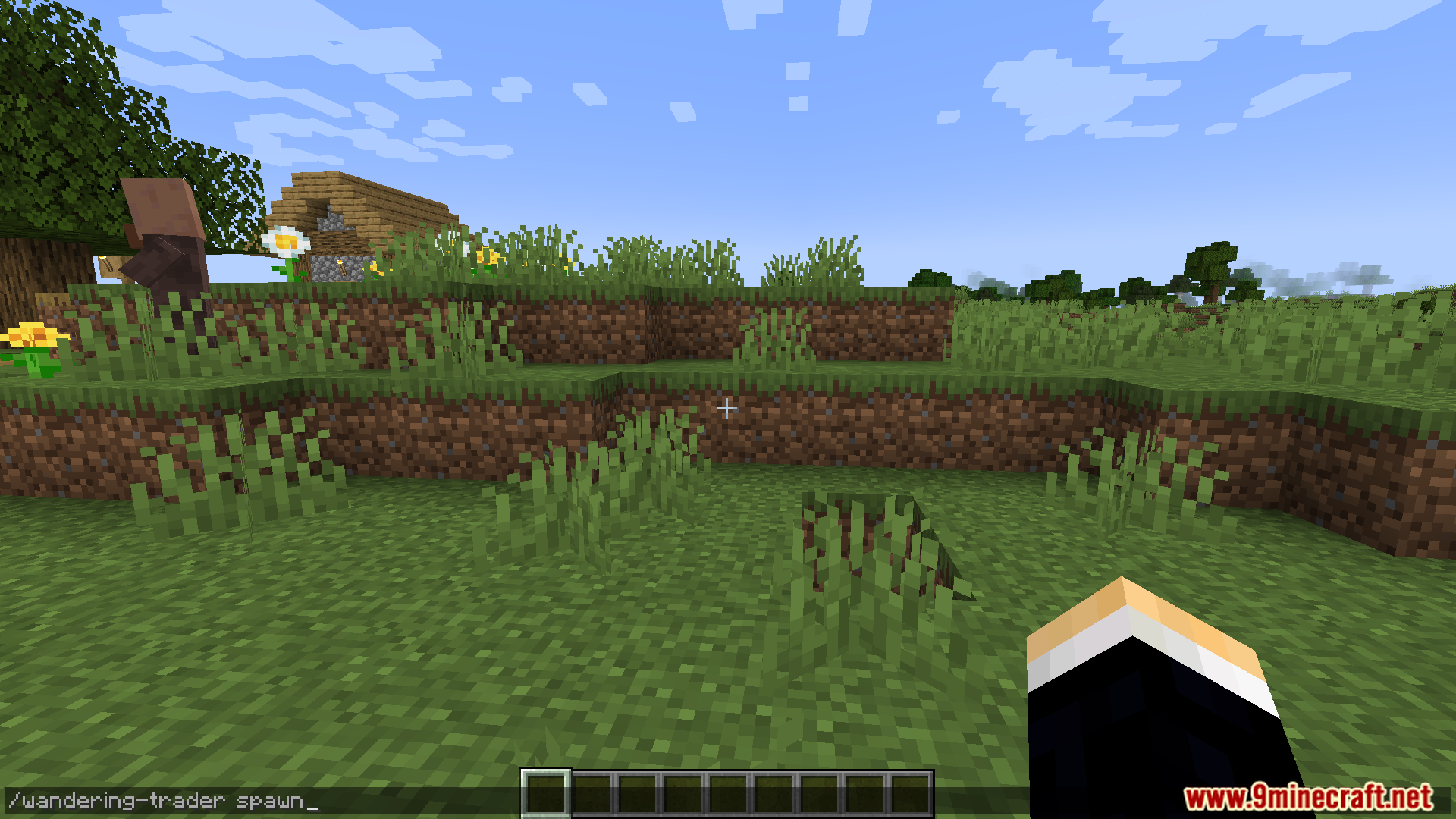
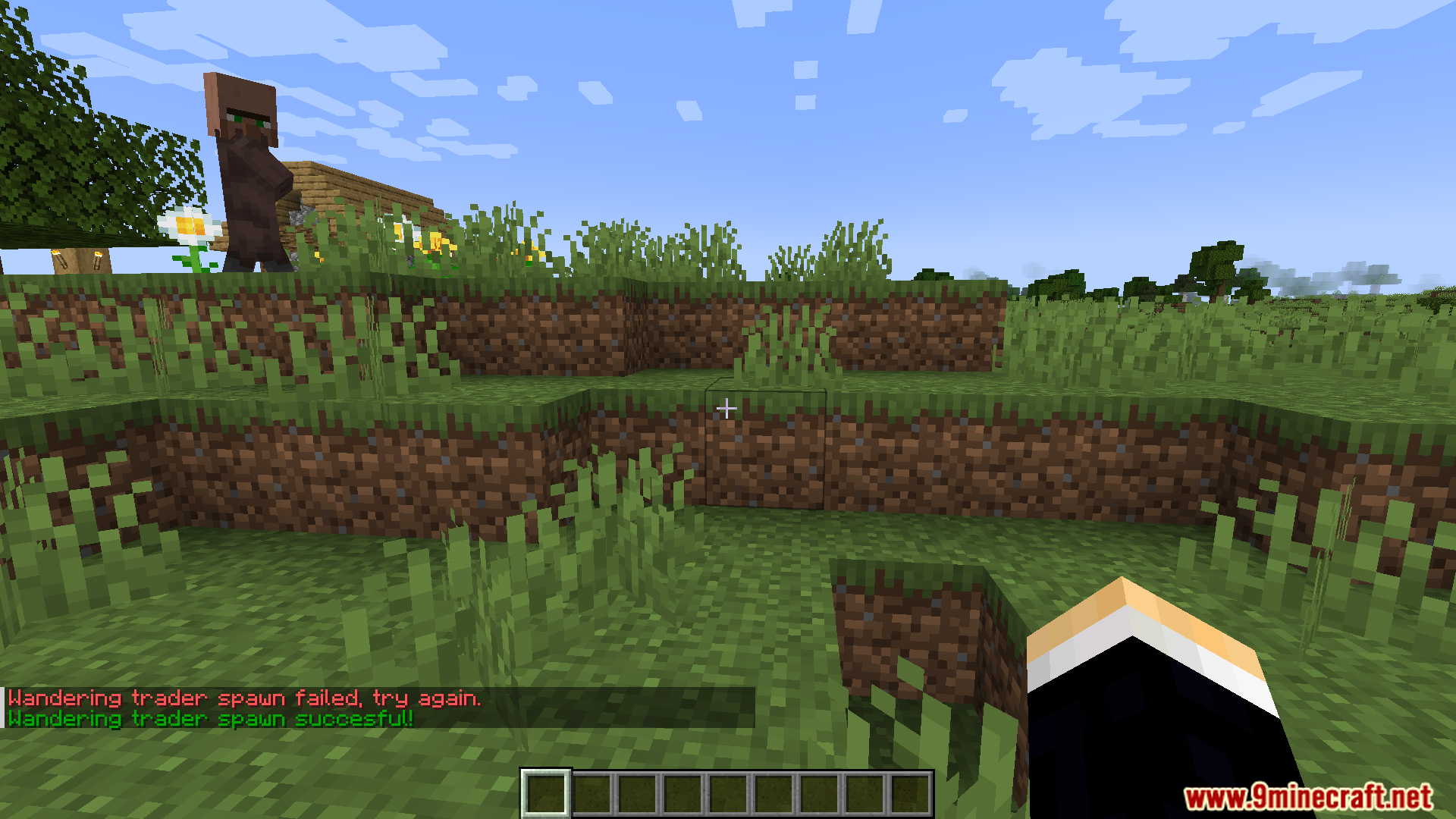
Use the /wandering-trader spawn command, which requires cheats to be enabled. Run it and a new trader appears near you.
See all 10 Wandering Trader May Leave questions ›
Gallery
10 images from the Wandering Trader May Leave Mod page.

You May Also Like
Wikis that share the most with this one
More mod wikis on the site
The most downloaded mods that have a wiki here
A few wikis from each of the other kinds