

 DownloadJump Reset Indicator Mod
Get the files on 9Minecraft
Guides
Step-by-step, in-game.
Adjusting to Different Knockback ScenariosWhy Timing Varies Reset jump timing isn't always identical. The knockback strength, your current velocity, and your…Practicing Reset Jumps EffectivelySetting Up a Practice Environment Create a dedicated space to train your reset jump timing: 1. Build a flat arena…Troubleshooting Failed Reset AttemptsWhy Your Resets Aren't Working If you're seeing large positive or negative numbers consistently, your timing window…Understanding Your Jump Reset TimingReading the Overlay Display When you take knockback and attempt a reset jump, the mod displays a number indicating…
Frequently asked questions
How do I know if my reset jump worked?
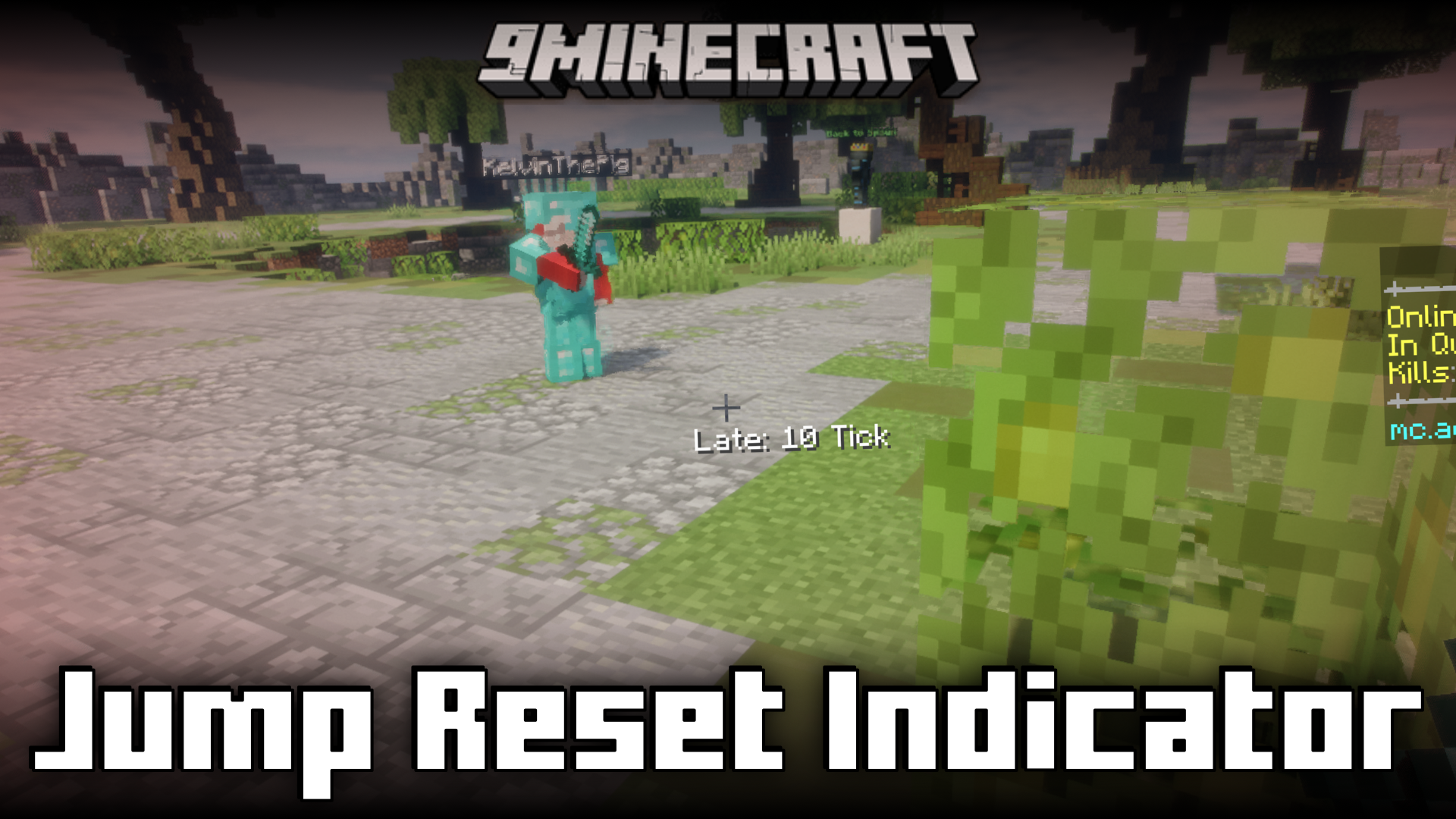
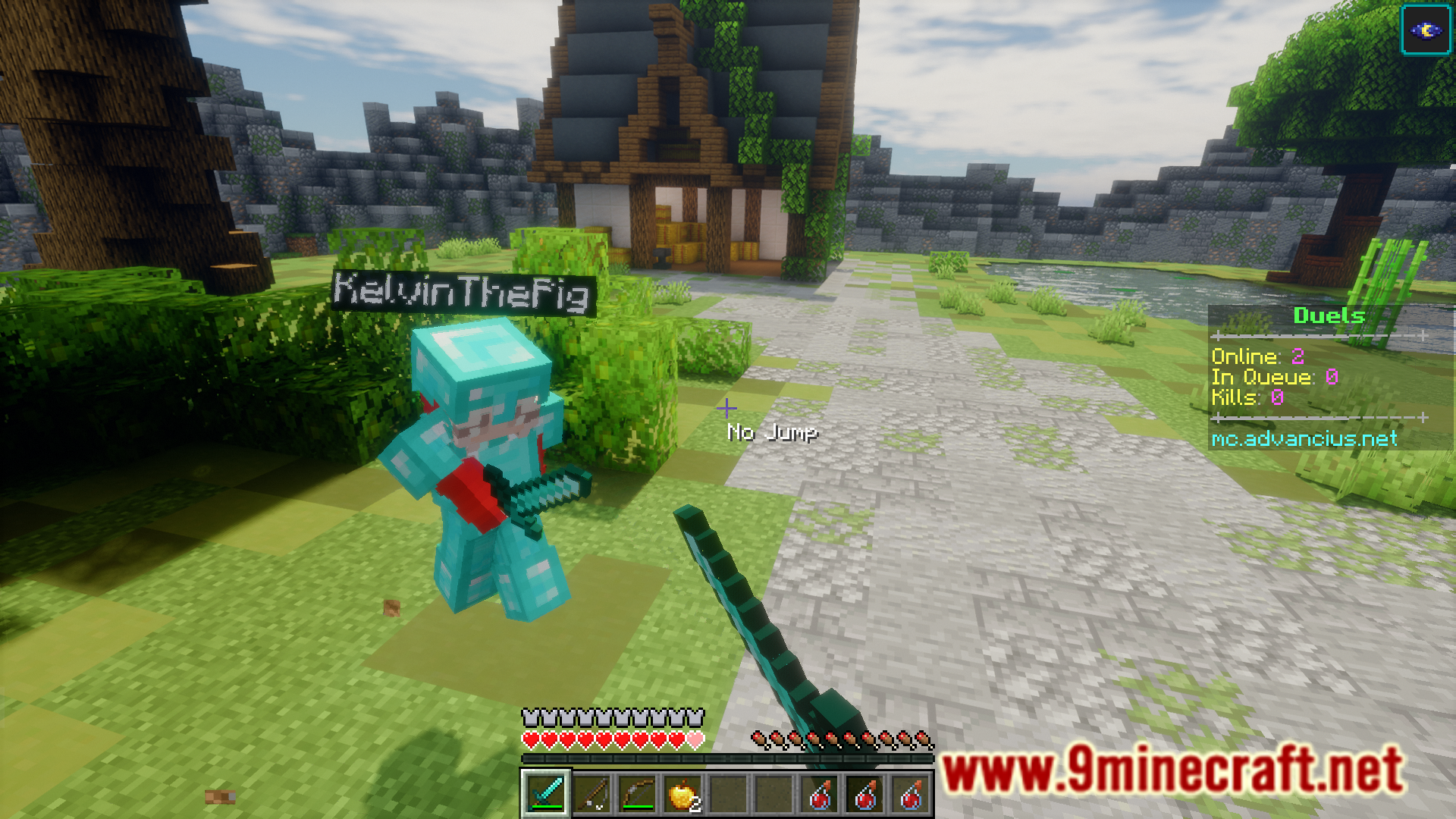
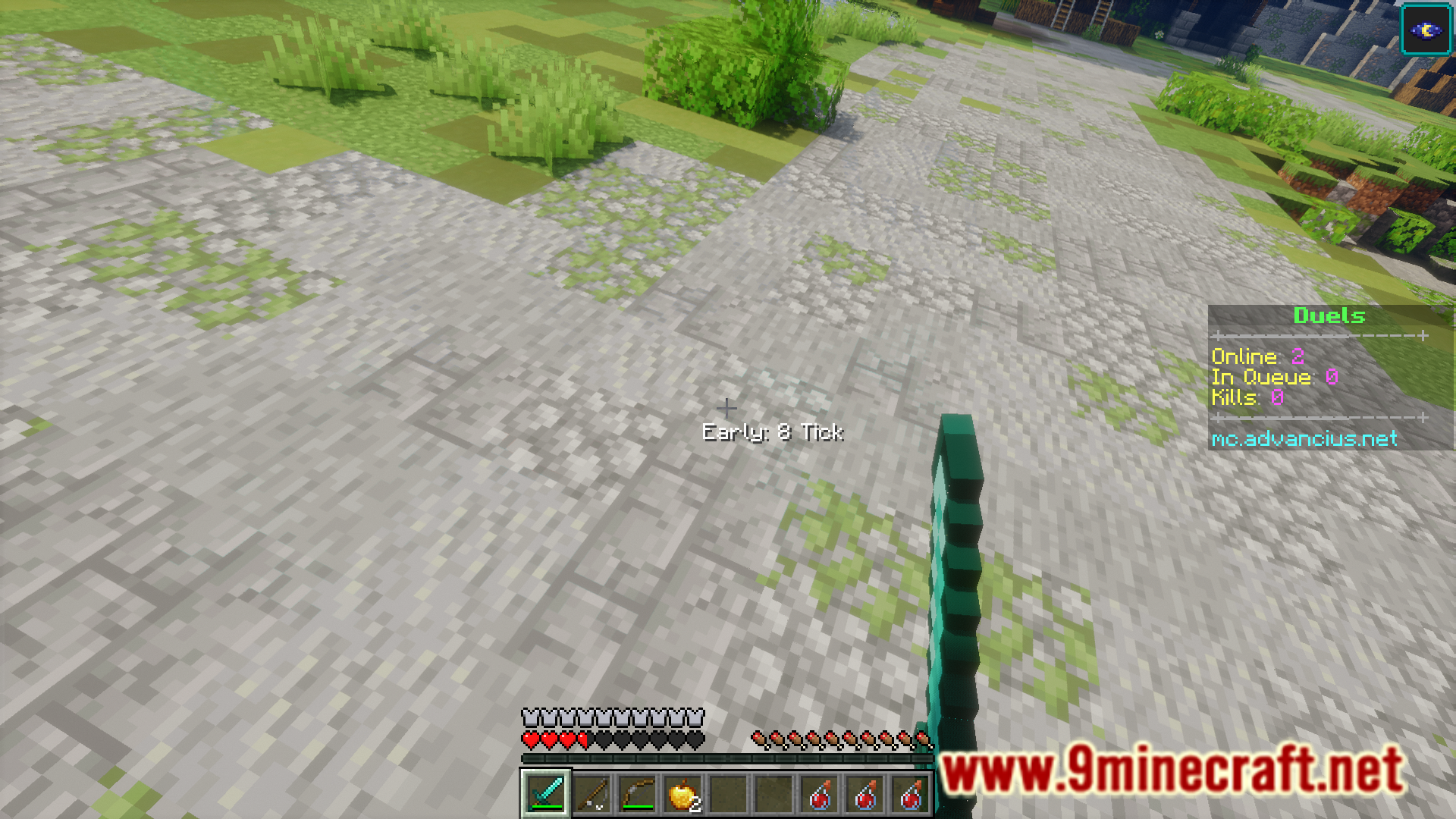
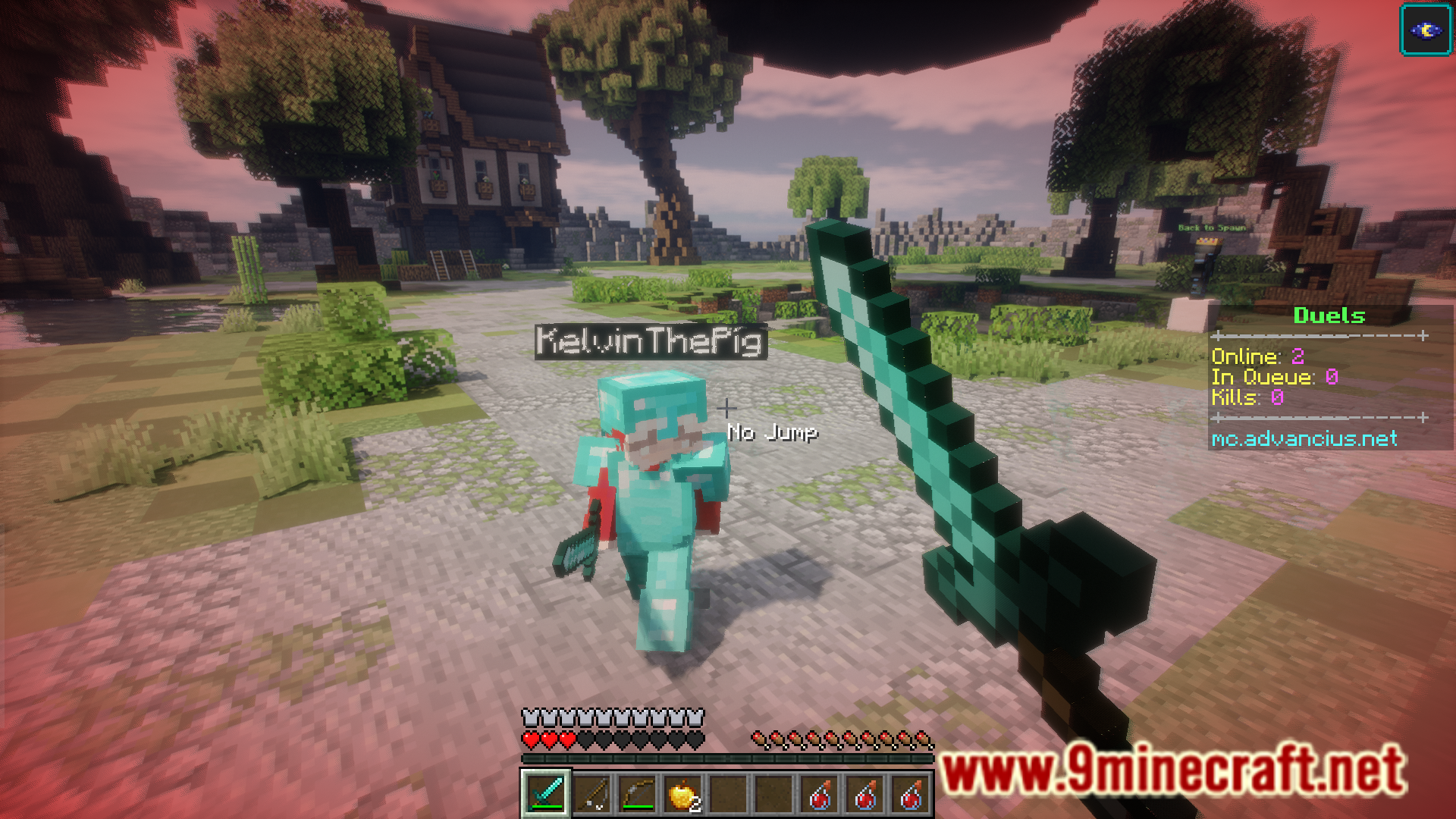
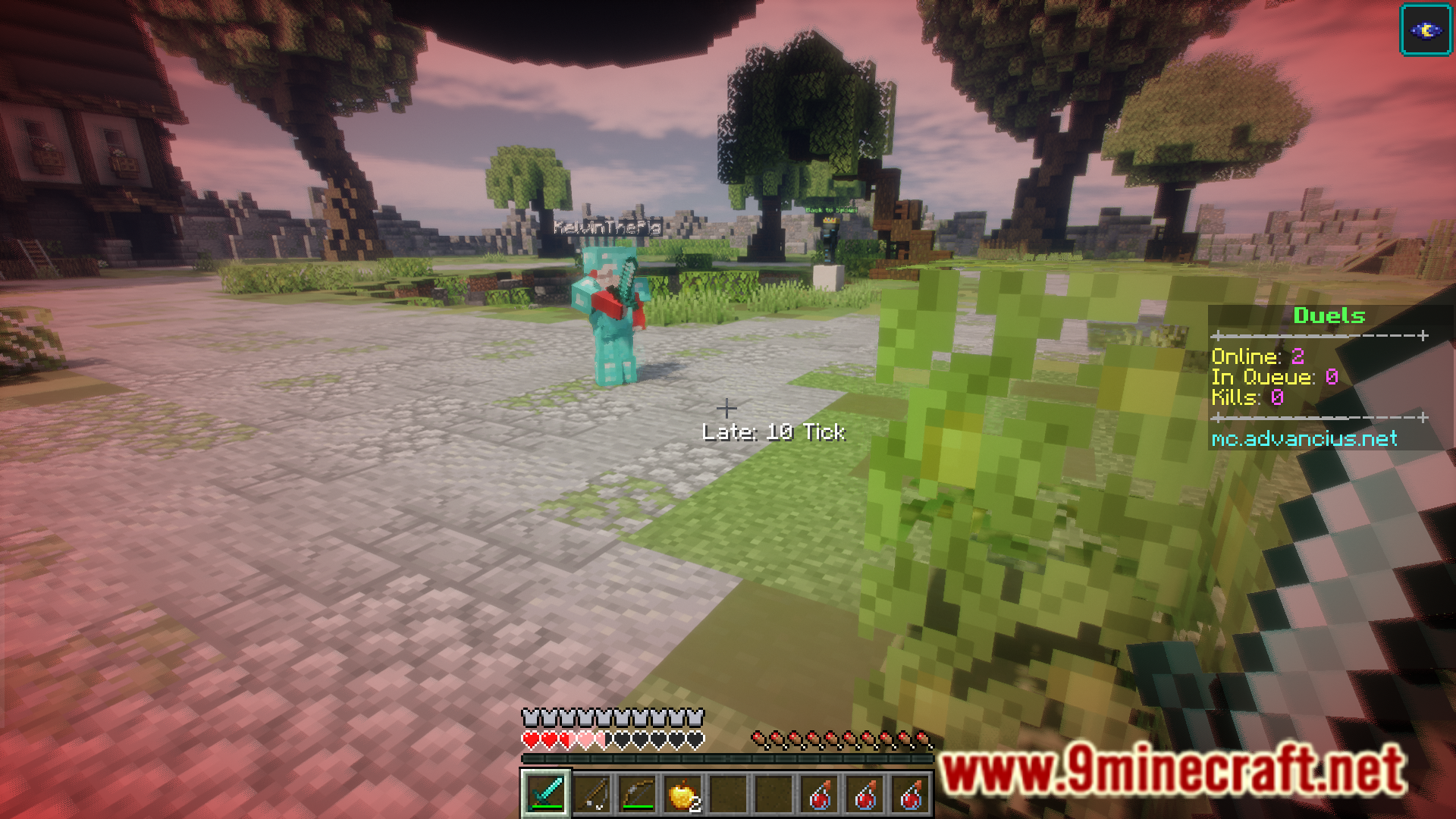
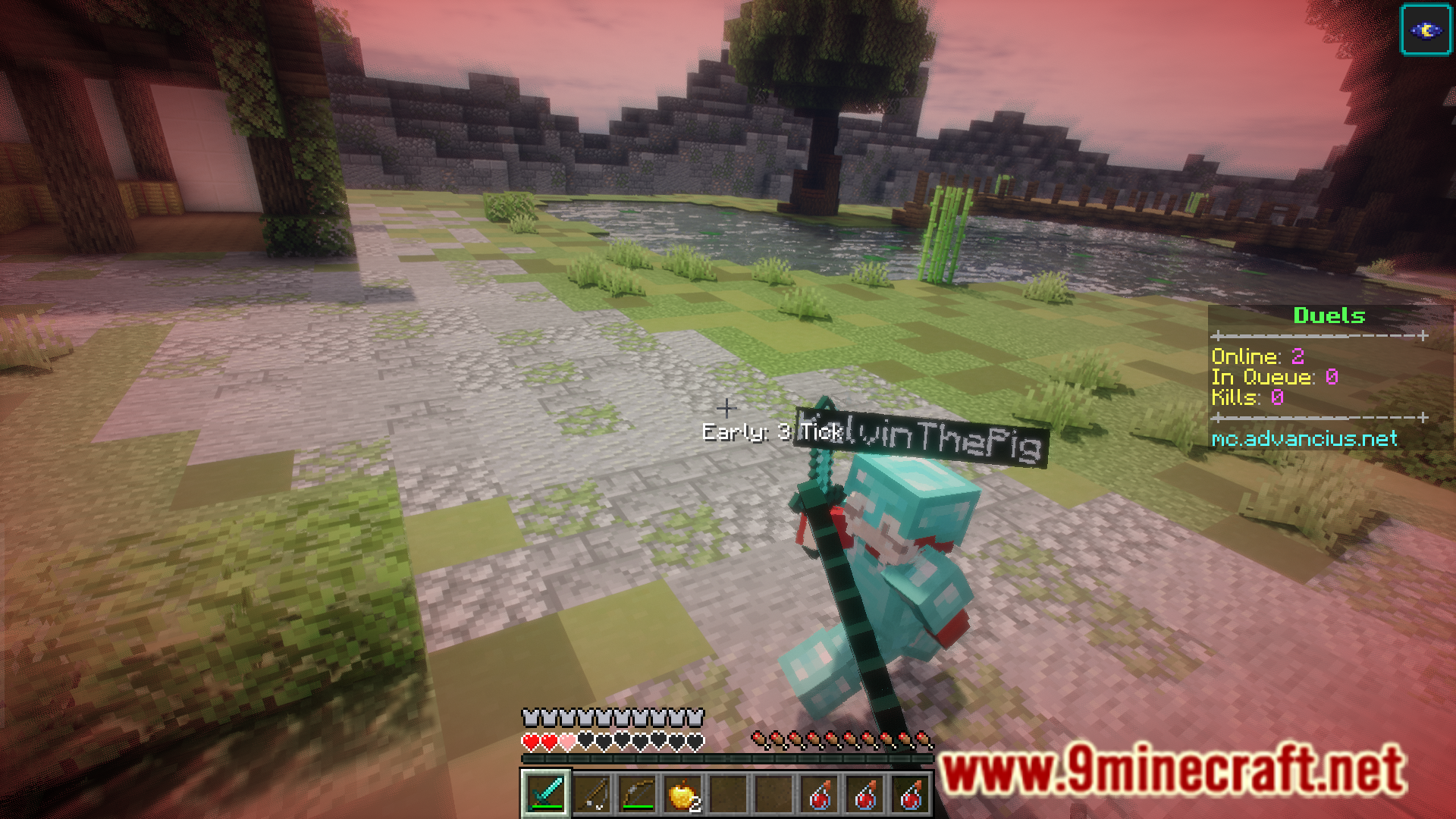
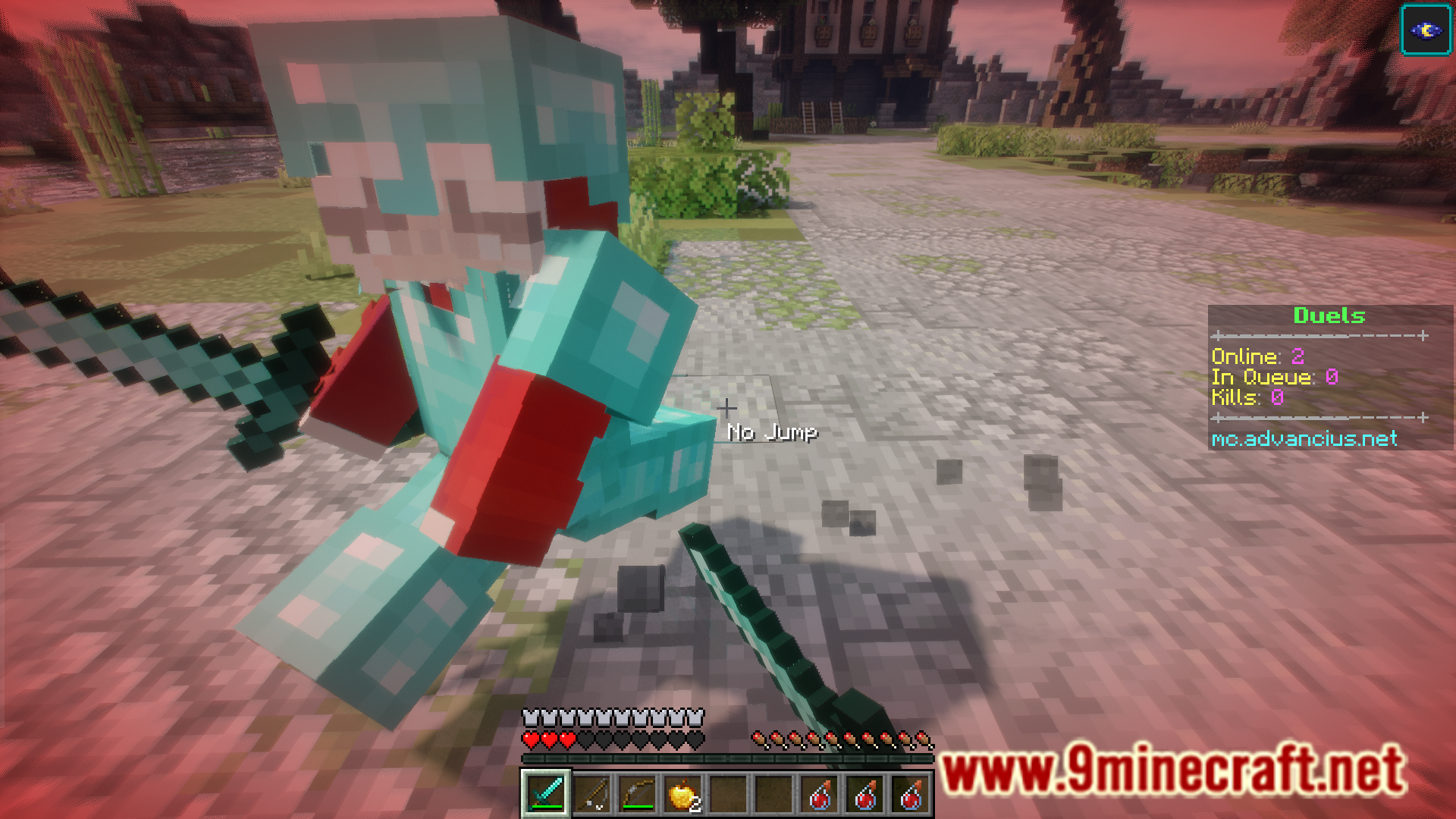
The mod displays a number showing how many ticks early or late your jump was compared to the perfect reset timing. A value close to zero means you successfully negated the knockback; larger numbers indicate a failed reset attempt.
What does it mean when the indicator shows a negative number?
A negative number means you jumped too early before the knockback hit you. A positive number means you jumped too late after the knockback was applied. The closer to zero, the more accurate your timing.
Does the mod work with all types of knockback?
The mod is designed to help with standard knockback from combat hits, but knockback from other sources like explosions or projectiles may behave differently and require adjusted timing.
See all 10 Jump Reset Indicator questions ›
Gallery
8 images from the Jump Reset Indicator Mod page.
You May Also Like
Wikis that share the most with this one
Wikis on the same theme: cat
More mod wikis on the site
The most downloaded mods that have a wiki here
A few wikis from each of the other kinds