
 DownloadVM Computers
Get the files on 9Minecraft
Contents (5)
Guides
Step-by-step, in-game.
How to Add Storage with Hard DrivesChoose a drive Two storage items exist: Hard Drive and New hard drive . Either can be installed in a PC case or PC…How to Build and Power On Your First PCAssemble the parts Place a PC case or PC case with glass sidepanel where you want the machine. You need a 32-bit…How to Choose and Install RAM SticksPick the right amount RAM sticks come in 64MB , 128MB , 256MB , 512MB , 1GB , 2GB , and 4GB RAM stick sizes. A 32-bit…How to Set Up Displays and PeripheralsChoose a screen Three display blocks are available: CRT screen , Flatscreen , and Wall TV . Place the one you want…
Recipes
Every recipe the mod adds, grouped by how it is made.
Items
#
 128MB RAM stick
 1GB RAM stick
 256MB RAM stick
 2GB RAM stick
 32-bit Motherboard
 4GB RAM stick
 512MB RAM stick
 64-bit Motherboard
 64MB RAM stick
C
 CRT screen
F
 Flatscreen
G
 GPU
H
 Hard Drive
 Host CPU divided by 2
 Host CPU divided by 4
 Host CPU divided by 6
K
 Keyboard
M
 Mouse
N
 New hard drive
O
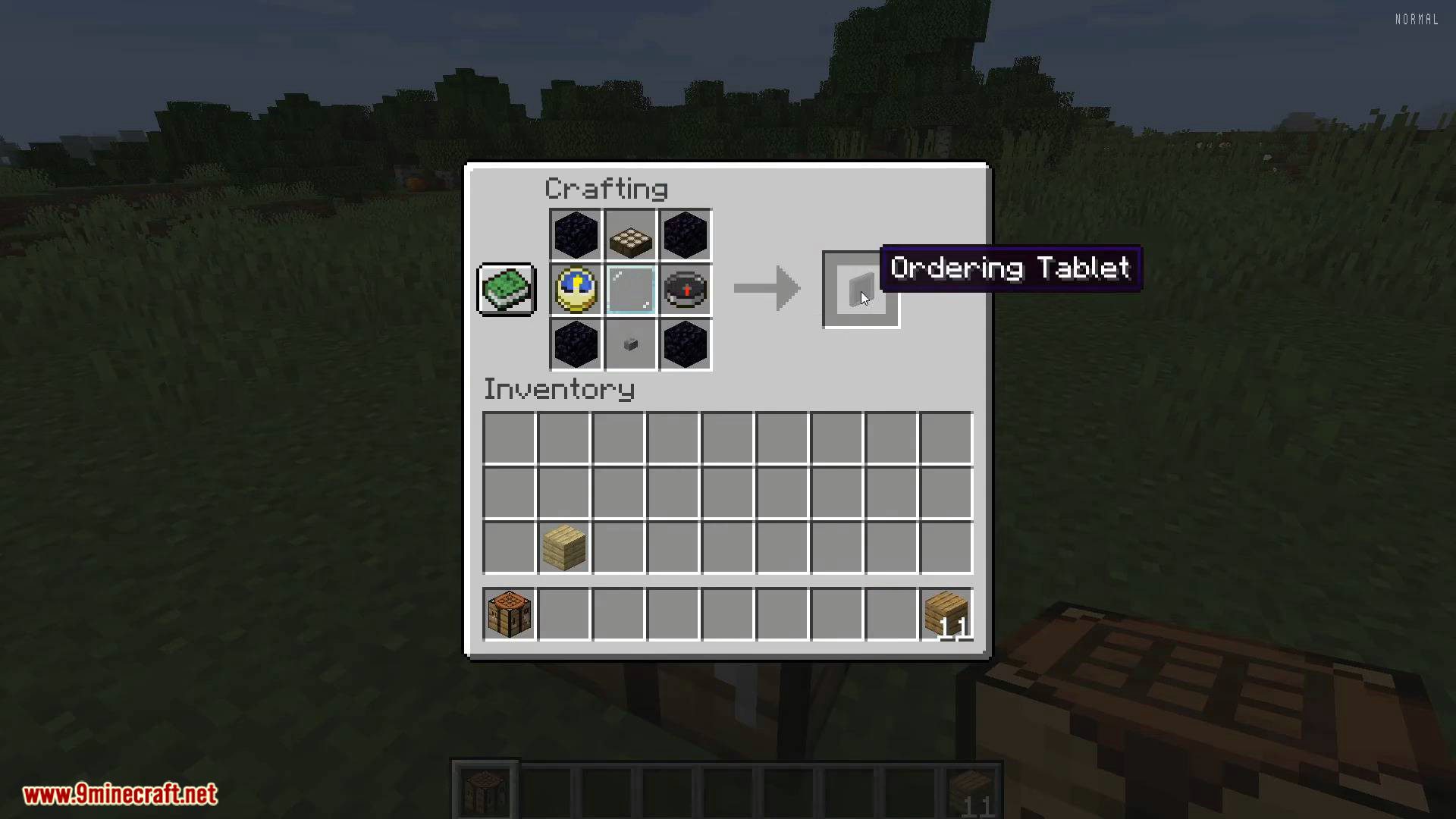
 Ordering Tablet
P
 PC case
 PC case with glass sidepanel
W
 Wall TV
Frequently asked questions
How do I craft a PC case?
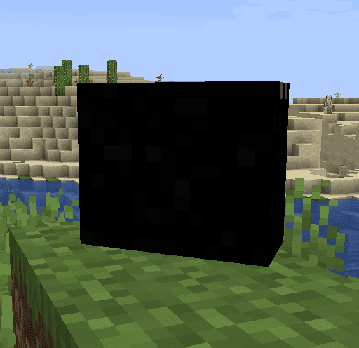
PC cases are made using a shaped crafting recipe; the plain PC case and the PC case with glass sidepanel are separate craftable blocks. Place the finished case in the world to begin building a computer.
What is the Ordering Tablet used for?
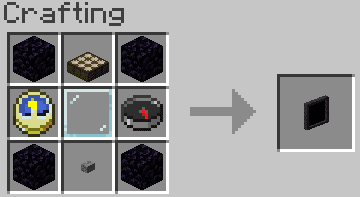
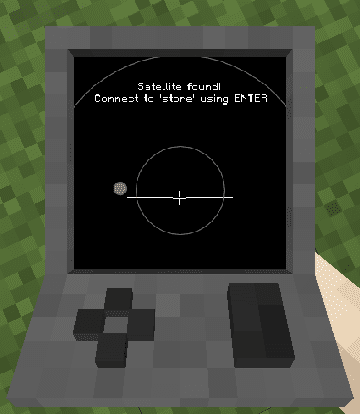
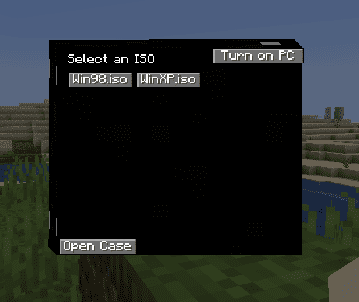
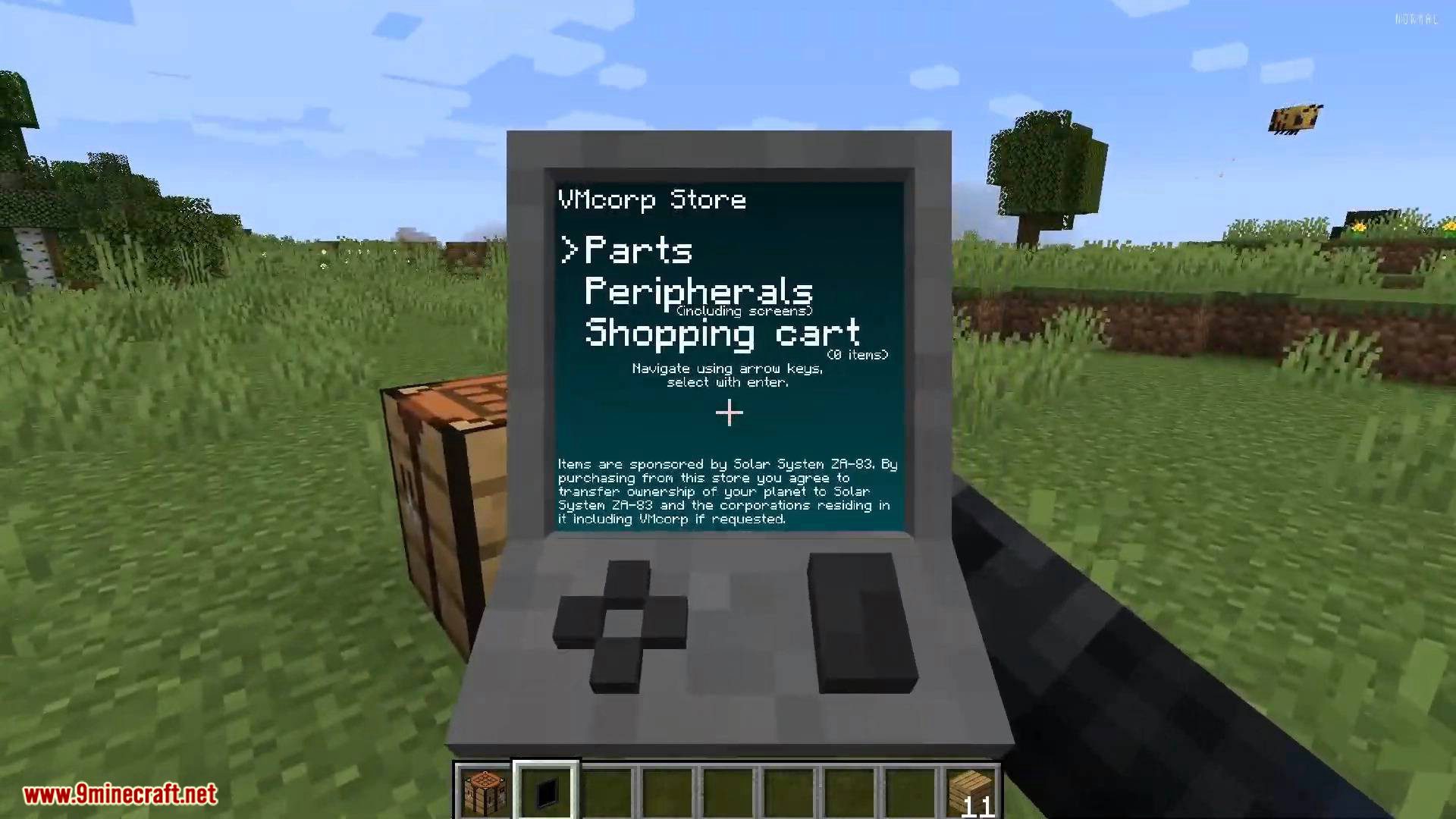
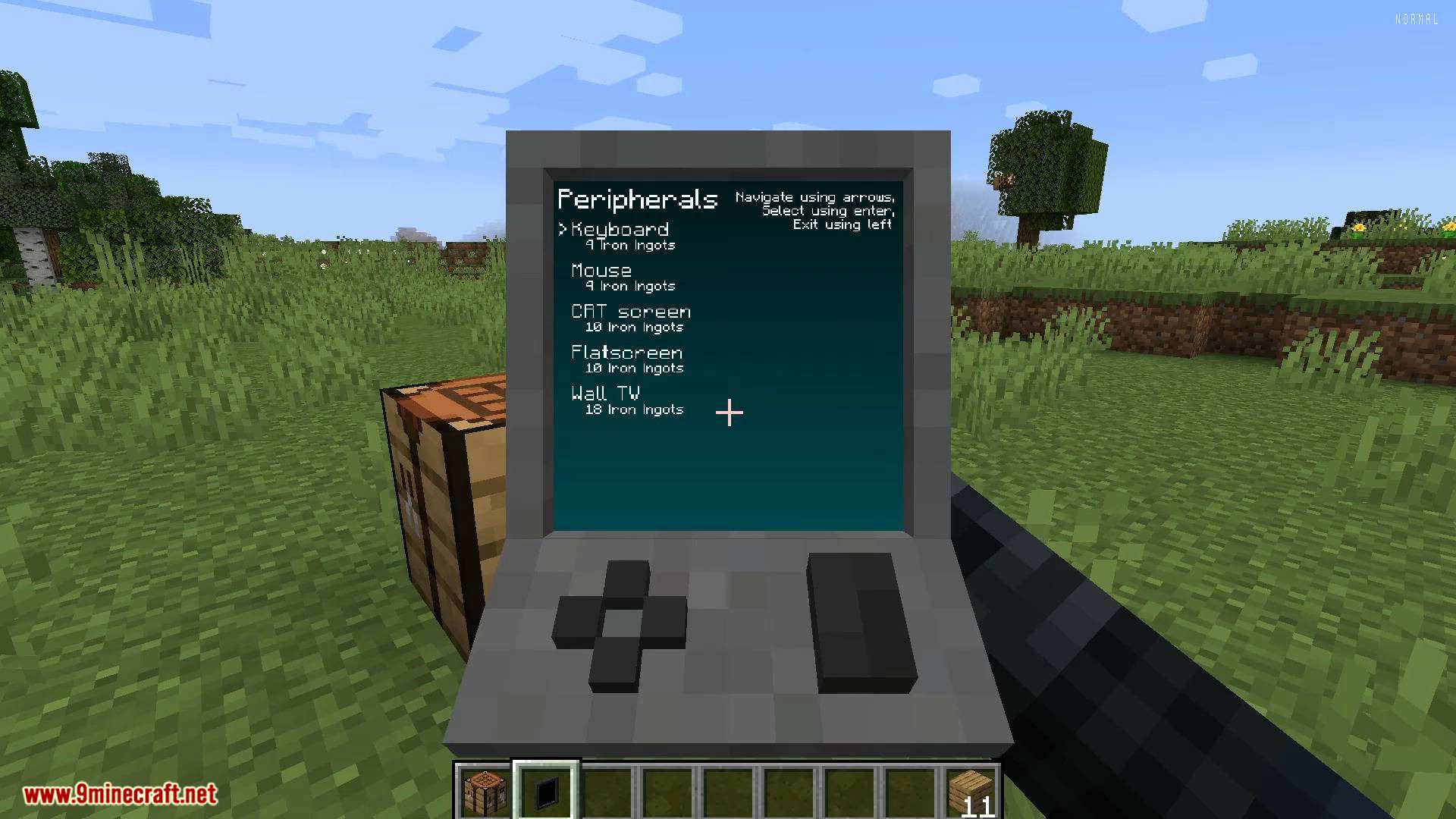
The Ordering Tablet is a craftable item used to order computer parts. It is the starting point for obtaining components like motherboards, RAM, GPUs, and hard drives.
How do I get a motherboard?
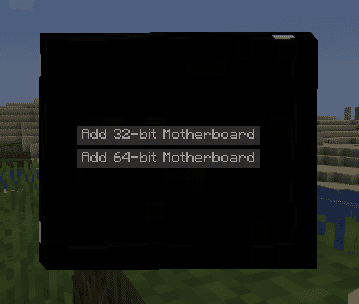
Motherboards come in 32-bit and 64-bit variants and are obtained through the Ordering Tablet. The 64-bit Motherboard is required for larger RAM configurations.
What RAM sticks are available?
The mod includes 64MB, 128MB, 256MB, 512MB, 1GB, 2GB, and 4GB RAM sticks. Each is a separate registry item that can be installed into a motherboard.
How do I install RAM into my computer?
Place a compatible RAM stick into the motherboard inside the PC case. The 32-bit Motherboard supports less total RAM than the 64-bit Motherboard.
How do I craft a Hard Drive?
The Hard Drive is a craftable component, and a separate New hard drive item also exists. Install a hard drive into the PC case to provide storage for the operating system.
What is the difference between the Hard Drive and the New hard drive?
Both are storage components used in a PC build, but they are distinct registry items. The New hard drive is a separate item from the standard Hard Drive.
How do I get a GPU?
The GPU is a craftable component that installs into the PC case. It is required for graphics output to a connected screen.
What CPU options exist?
CPUs are represented as Host CPU divided by 2, Host CPU divided by 4, and Host CPU divided by 6. These are separate items that determine the processing power of the built computer.
What screens can I connect to my computer?
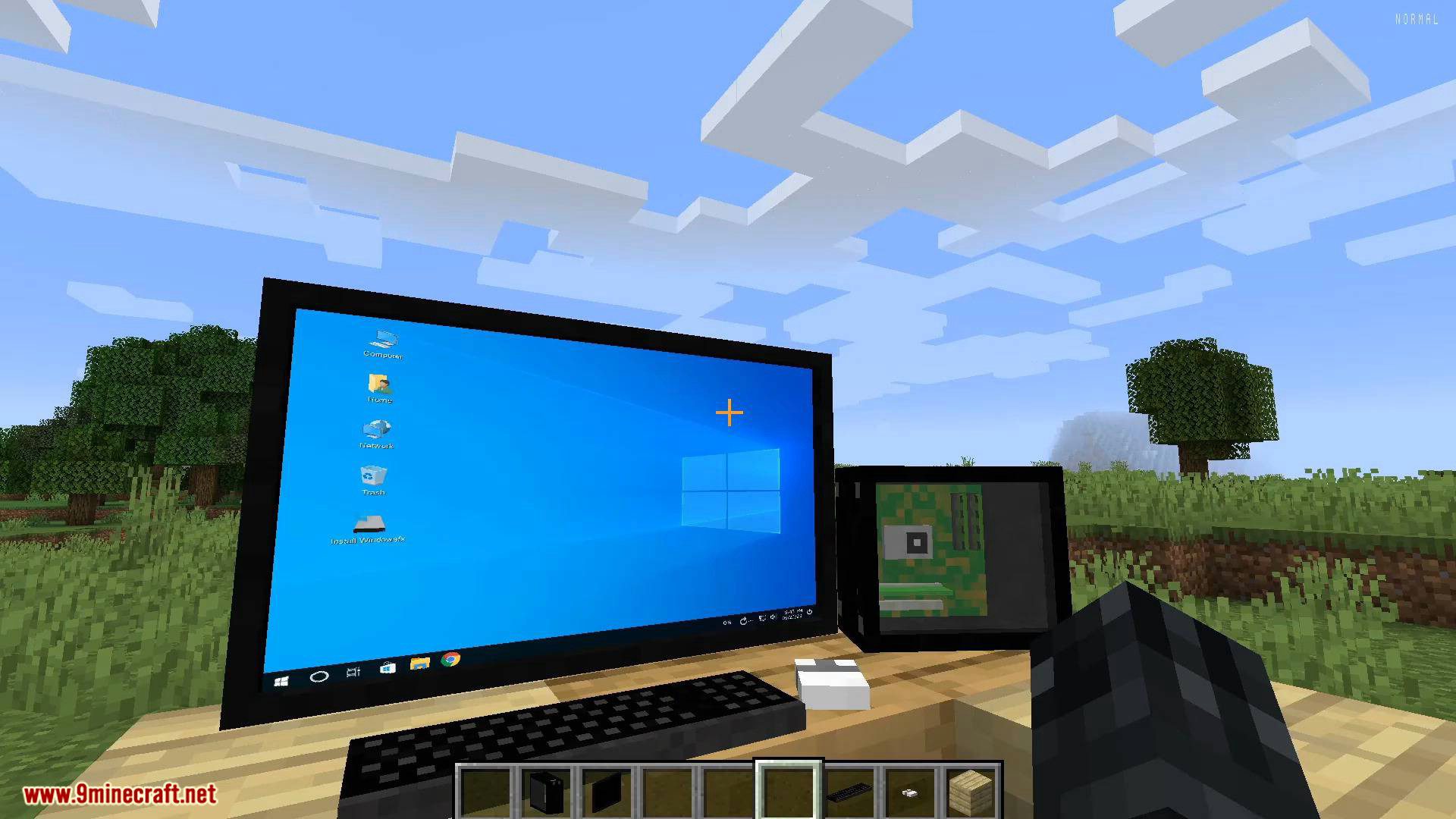
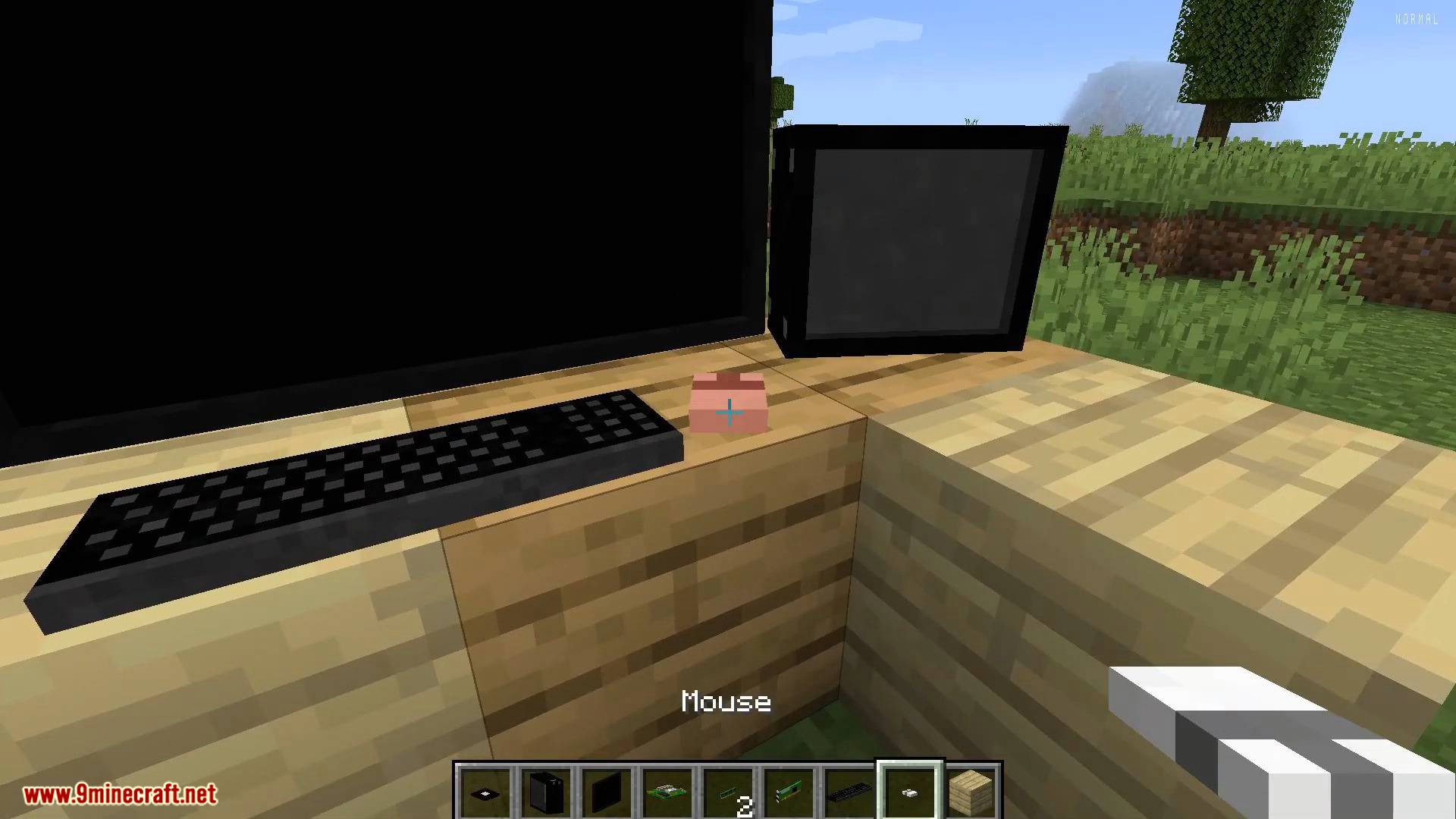
The mod provides CRT screen, Flatscreen, and Wall TV blocks as display options. Connect one of these to a completed PC to see output.
How do I craft a Keyboard and Mouse?
Both the Keyboard and Mouse are craftable items using shaped recipes. They are input peripherals used with a completed computer setup.
How do I build a complete computer?
Craft a PC case, then install a motherboard, CPU, RAM, GPU, and hard drive inside it. Attach a screen, keyboard, and mouse, then use the Ordering Tablet to obtain any missing parts.
Gallery
12 images from the Vm Computers Mod page.
You May Also Like
Wikis that share the most with this one
Wikis on the same theme: build
More mod wikis on the site
The most downloaded mods that have a wiki here
A few wikis from each of the other kinds