

 DownloadVillager Timetable Mod
Get the files on 9Minecraft
Guides
Step-by-step, in-game.
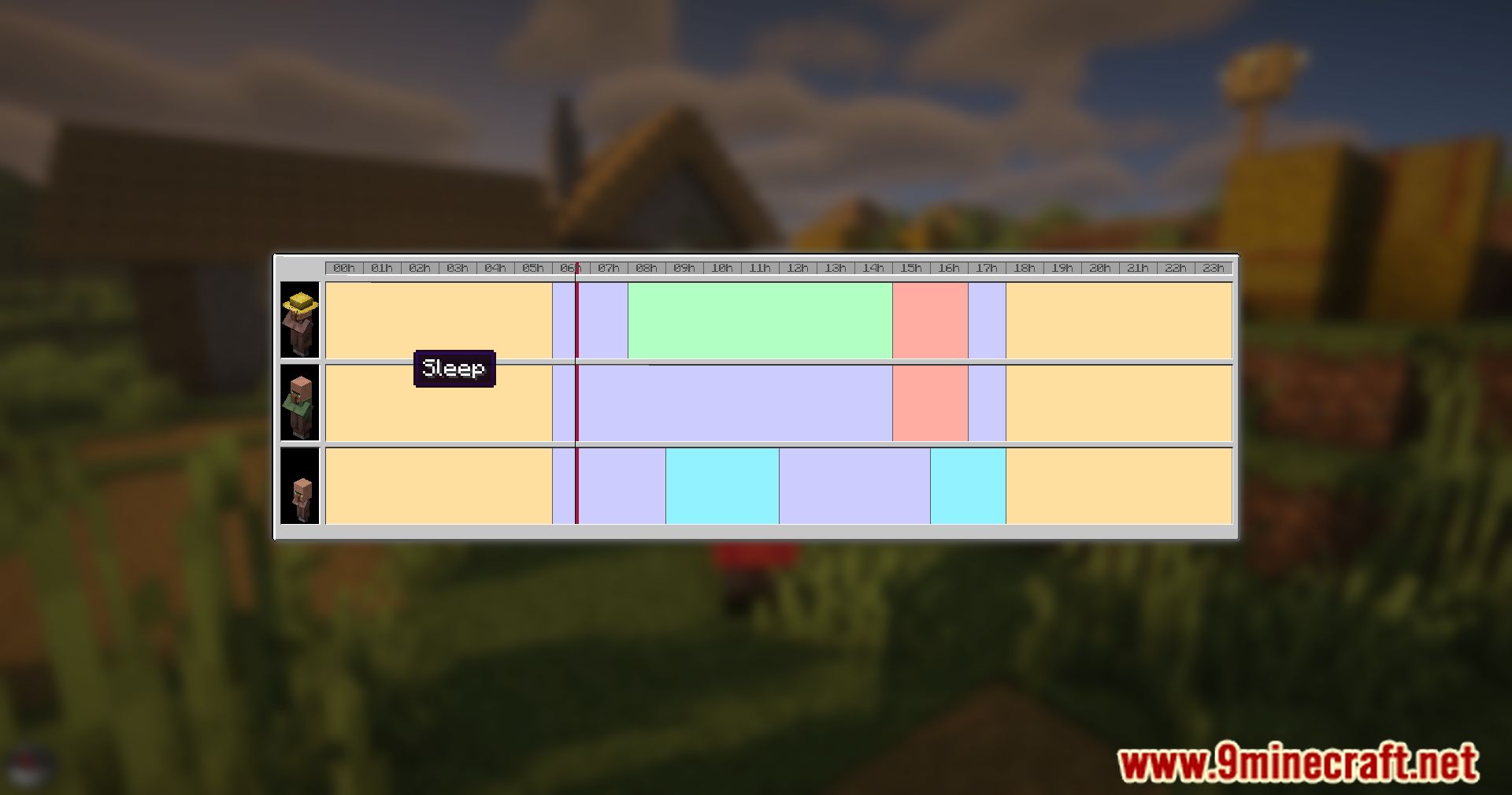
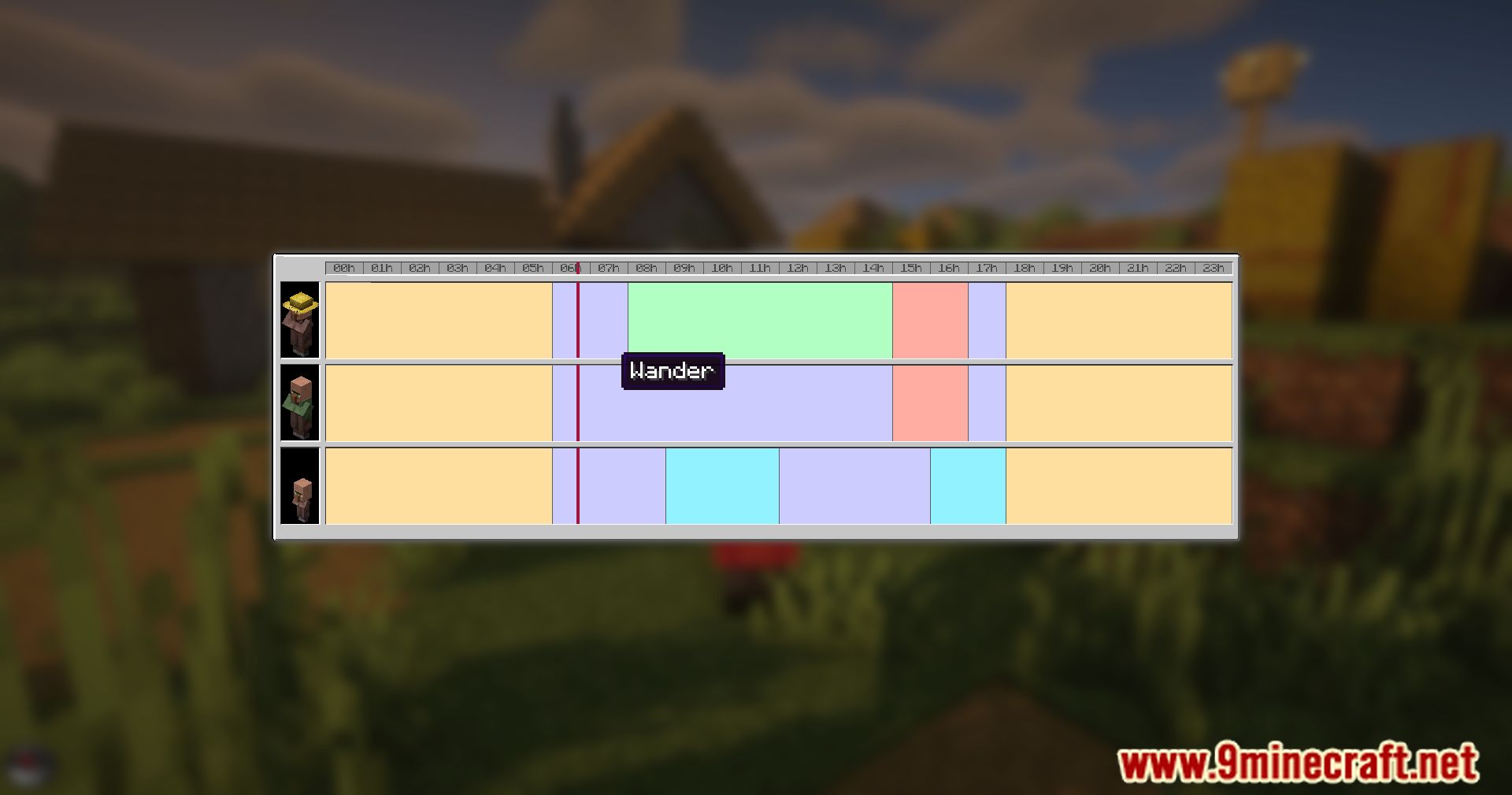
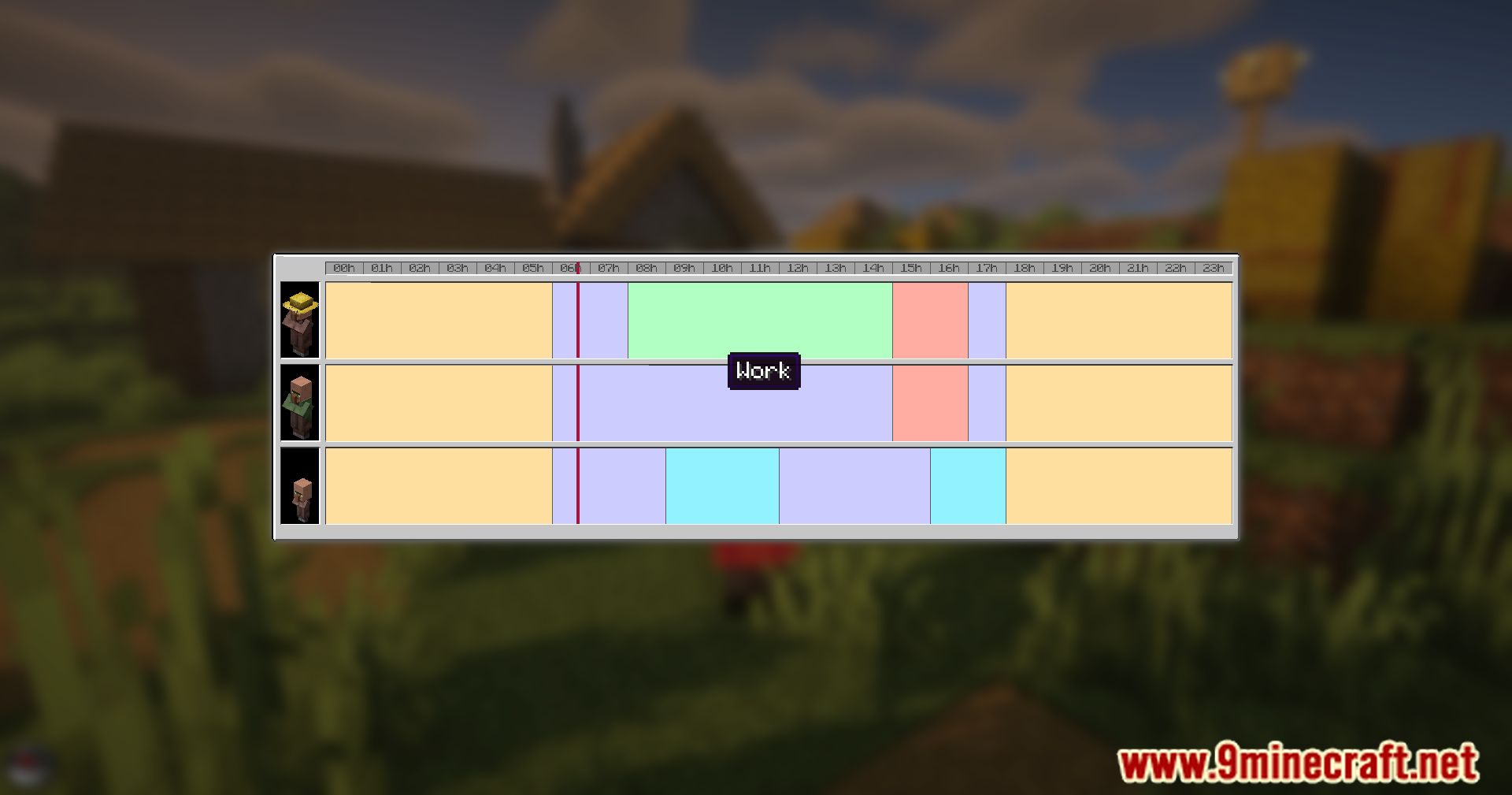
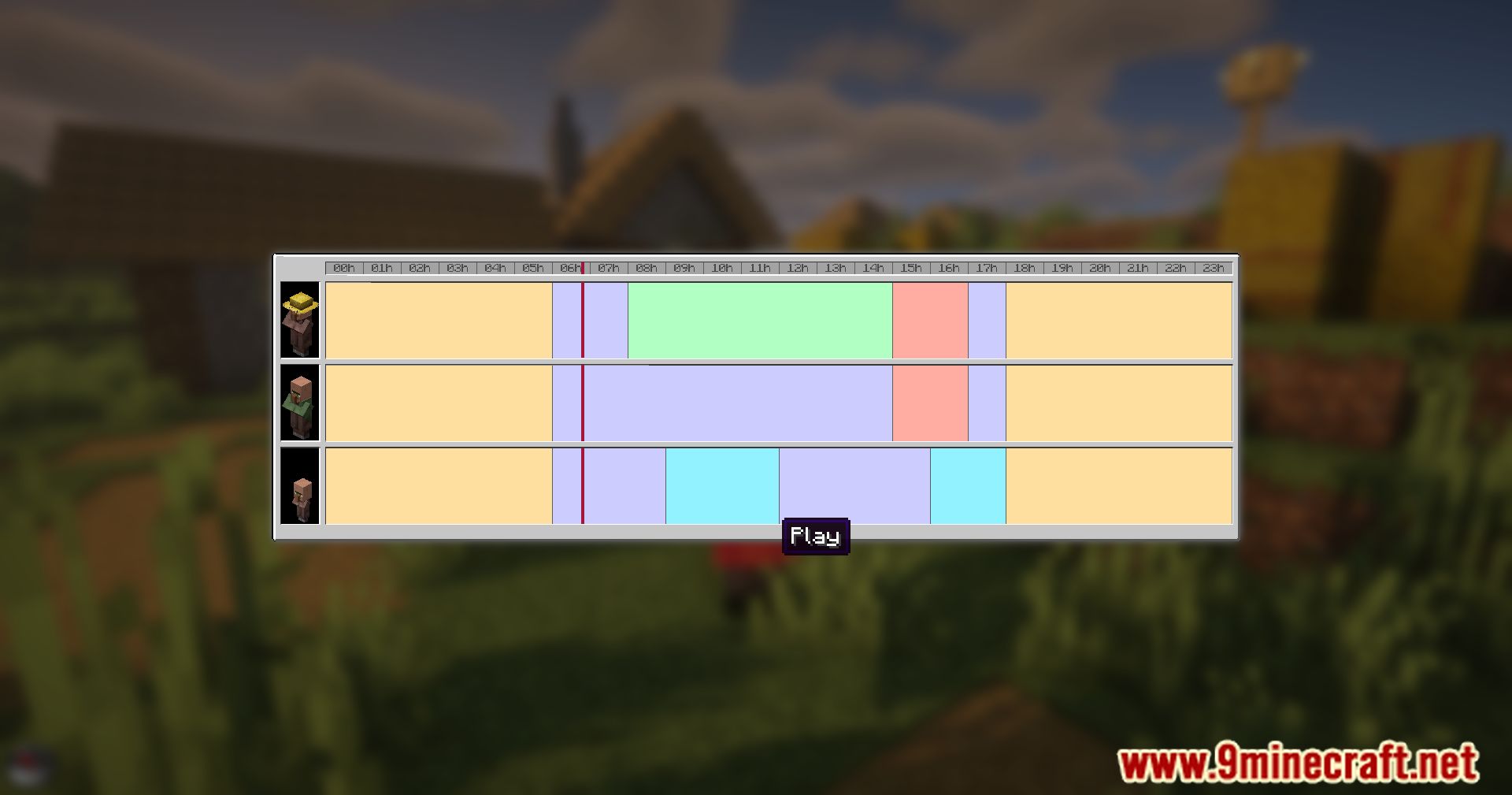
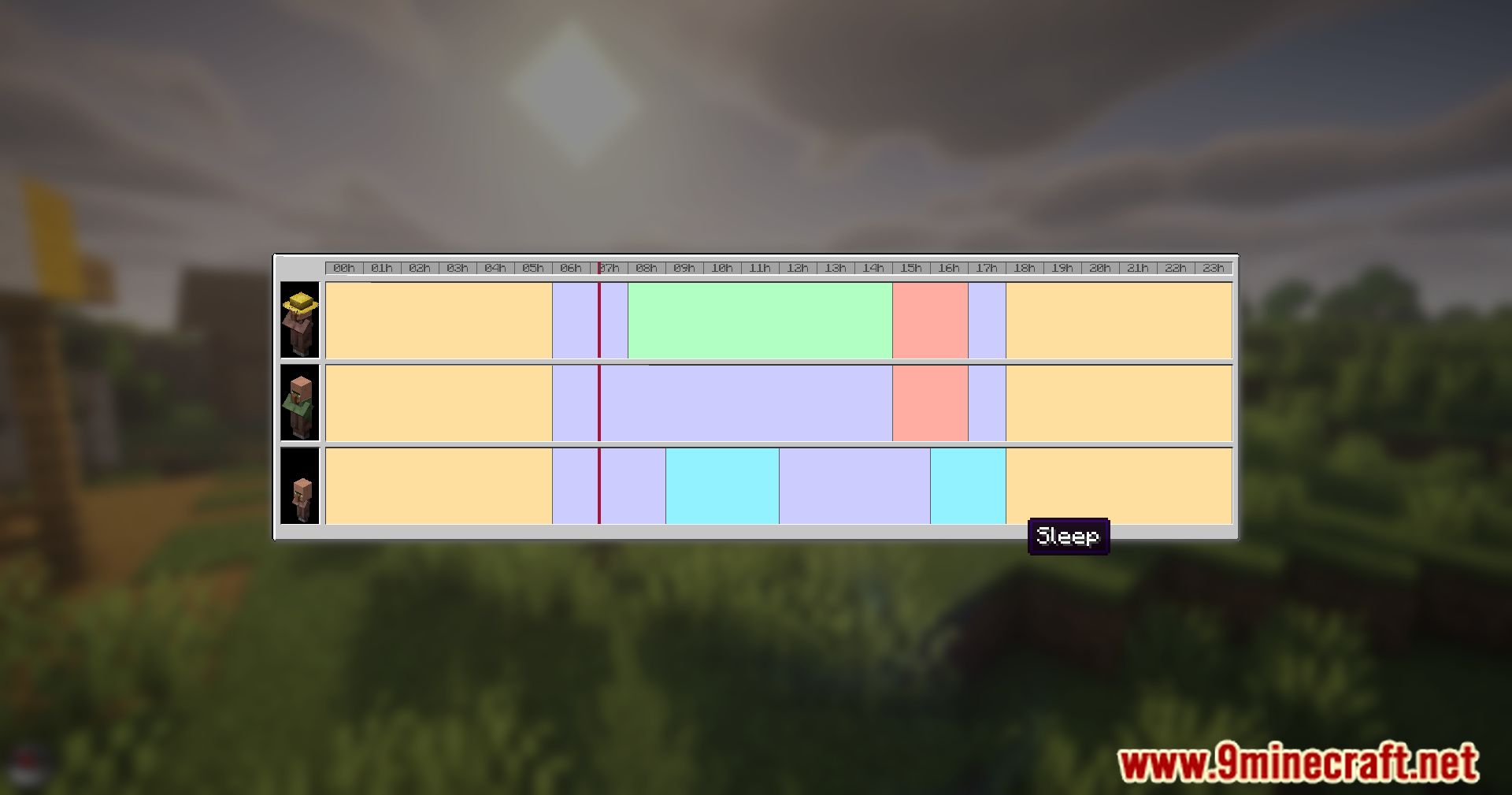
Enable the Real-Time Schedule HUD OverlayActivating the HUD Display The mod includes an optional HUD overlay that shows your current villager's schedule phase…Optimize Your Trading Hall Layout with Schedule InformationDesigning Around Villager Routines Use the Villager Timetable to understand when different profession types are most…Track When Your Villagers Work and RestOpening the Villager Schedule Press the V key (default) while looking at or standing near a villager to open the…Understand Why Your Villager Isn't WorkingChecking the Schedule First When a villager appears inactive or won't trade, open their schedule using the V key. The…
Frequently asked questions
How do I open the villager schedule screen?
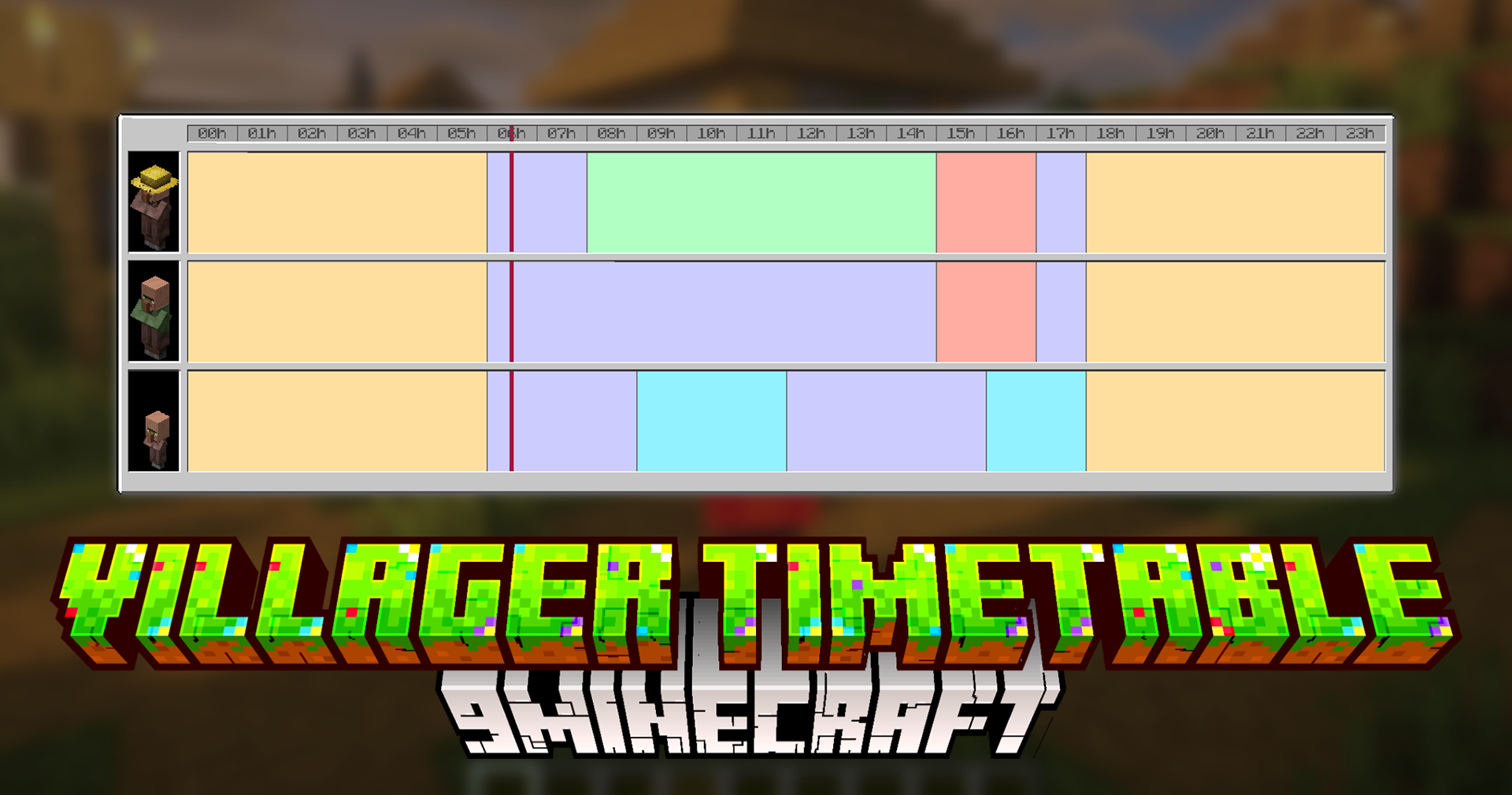
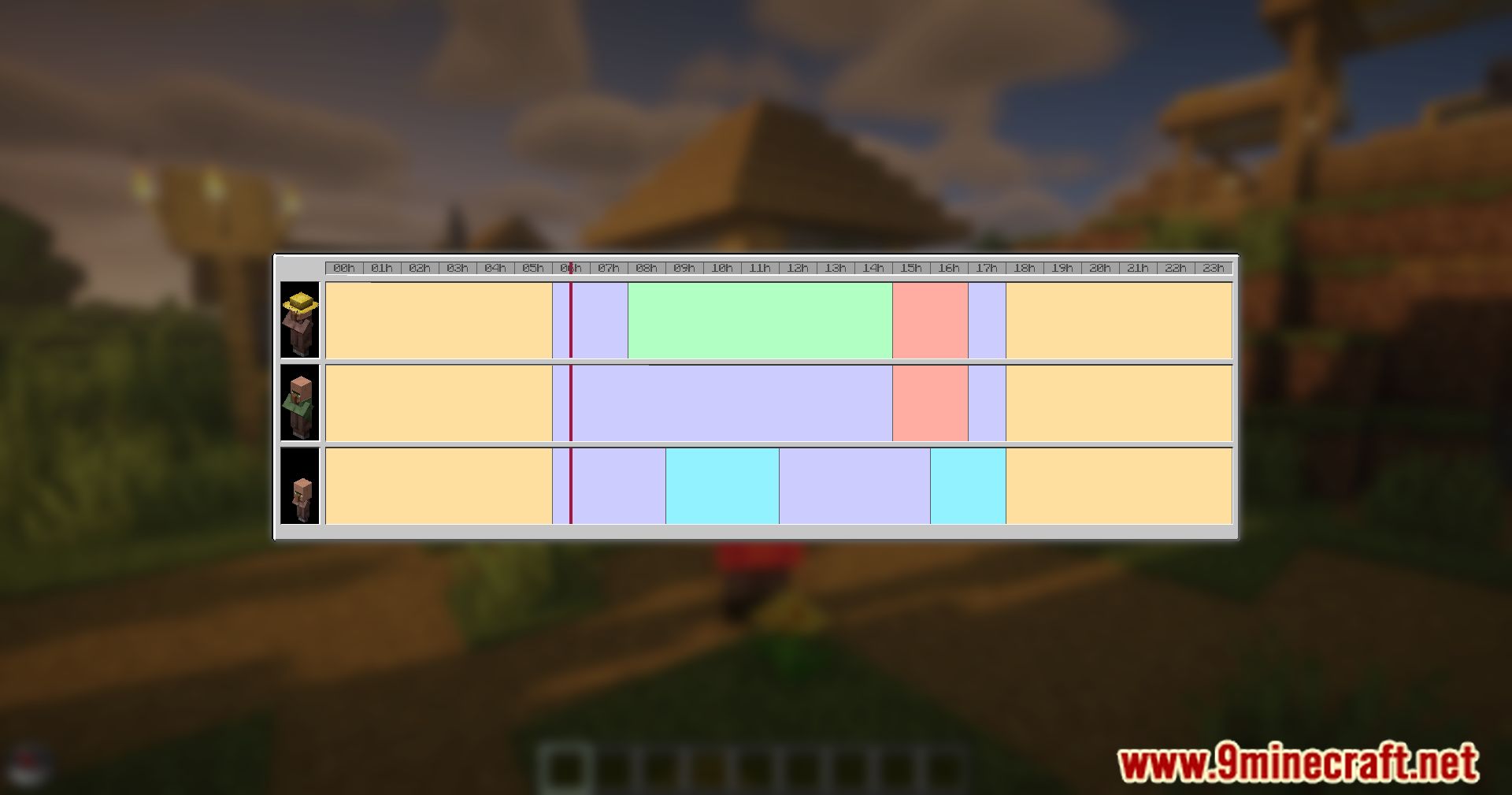
Press the V key (default keybind) while looking at or near a villager to open their detailed timetable. You can rebind this key in your controls settings if needed.
Why is my villager not working even though it's daytime?
Open the schedule screen to check if the villager is in a rest or travel phase—not all daytime hours are work hours. Ensure the villager has access to their workstation and that it's not claimed by another villager.
Can I see multiple villagers' schedules at once?
You need to open the schedule screen for each villager individually by looking at them and pressing V. The mod doesn't currently support viewing all villagers' schedules in a single interface.
What does the HUD overlay show?
The optional HUD displays the current activity phase of a nearby villager in real-time (such as working, resting, or traveling). Enable it in the mod settings to see live updates without opening the full schedule screen.
See all 10 Villager Timetable questions ›
Gallery
12 images from the Villager Timetable Mod page.
You May Also Like
Wikis that share the most with this one
Wikis on the same theme: villager
More mod wikis on the site
The most downloaded mods that have a wiki here
A few wikis from each of the other kinds