

 DownloadTNTUtils Mod
Get the files on 9Minecraft
Guides
Step-by-step, in-game.
Disable TNT Chain ReactionsWhy Disable Chain Reactions Chain reactions occur when an explosion triggers nearby TNT blocks to detonate in…Make Creepers Environmentally FriendlyUnderstanding Creeper Damage Control Creepers naturally destroy blocks when they explode, causing environmental…Prevent Explosions from Destroying Specific BlocksProtecting Important Blocks You can configure TNTUtils to preserve certain blocks during explosions. This is…Use the /explosion Command for Custom DetonationsAbout the /explosion Command TNTUtils provides a /explosion command that lets you trigger custom explosions at…
Frequently asked questions
Where do I configure TNTUtils settings?
TNTUtils settings are configured in a config file located in your config folder (usually `config/tntutils.toml` or similar). After installing the mod, launch the game once to generate the default config, then edit it with a text editor and restart.
Can I stop TNT from destroying only certain blocks?
Yes, TNTUtils lets you whitelist or blacklist specific blocks in the config. You can either specify blocks that explosions CAN destroy (whitelist) or blocks that explosions CANNOT destroy (blacklist), depending on your preference.
Do I need to install this mod on clients if I'm running it on a server?
No, TNTUtils is a server-side mod, so installing it only on the server is sufficient. Clients do not need the mod installed to experience its effects.
See all 10 TNTUtils questions ›
Gallery
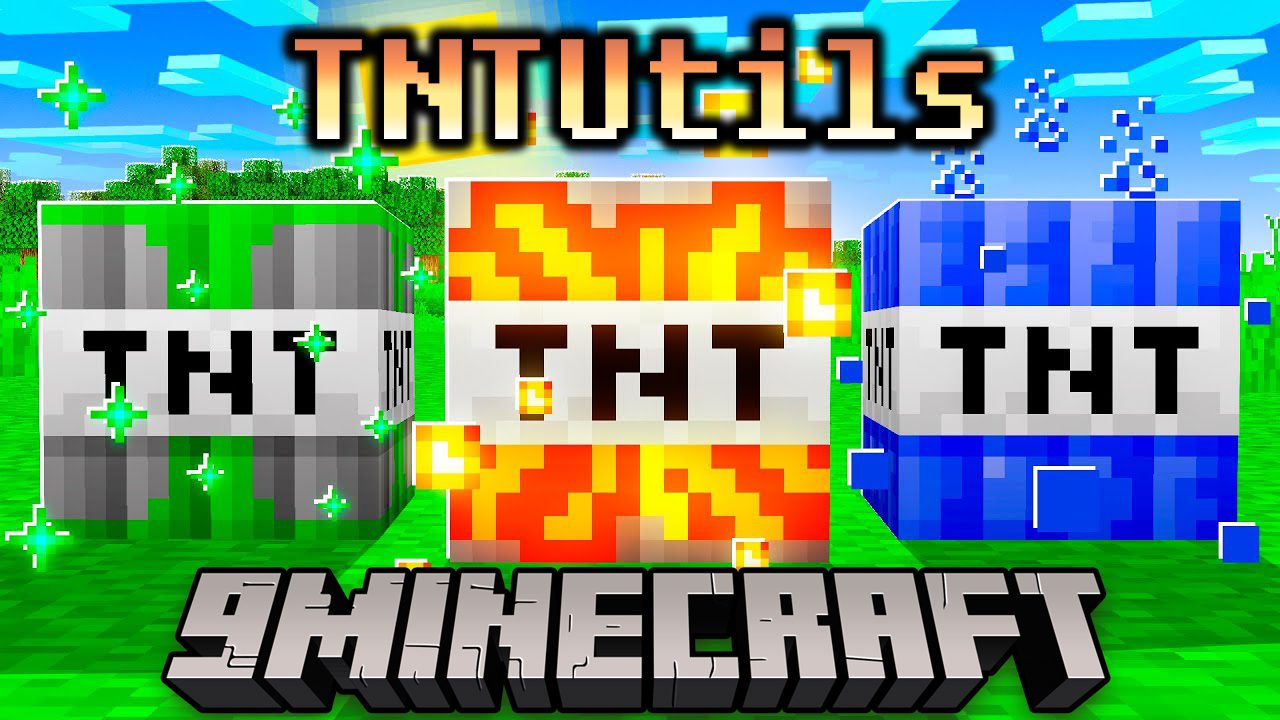
1 image from the Tntutils Mod page.
You May Also Like
Wikis that share the most with this one
Wikis on the same theme: tool
More mod wikis on the site
The most downloaded mods that have a wiki here
A few wikis from each of the other kinds