

 DownloadThird Person Nametags Mod
Get the files on 9Minecraft
Guides
Step-by-step, in-game.
Enable Your Nametag in Third-Person ViewHow to See Your Nametag Once Third Person Nametags Mod is installed, your nametag will display automatically whenever…Take Better Screenshots and VideosCapturing Your Character Authentically Third-person view with your visible nametag lets you take screenshots and…Use Third-Person View for Building and DecorationBetter Spatial Awareness While Building Third-person view combined with your visible nametag helps you understand…Verify Your Nametag Appearance on ServersChecking How Others See You This mod helps you verify that your nametag displays correctly in multiplayer…
Frequently asked questions
How do I turn on my nametag in third-person view?
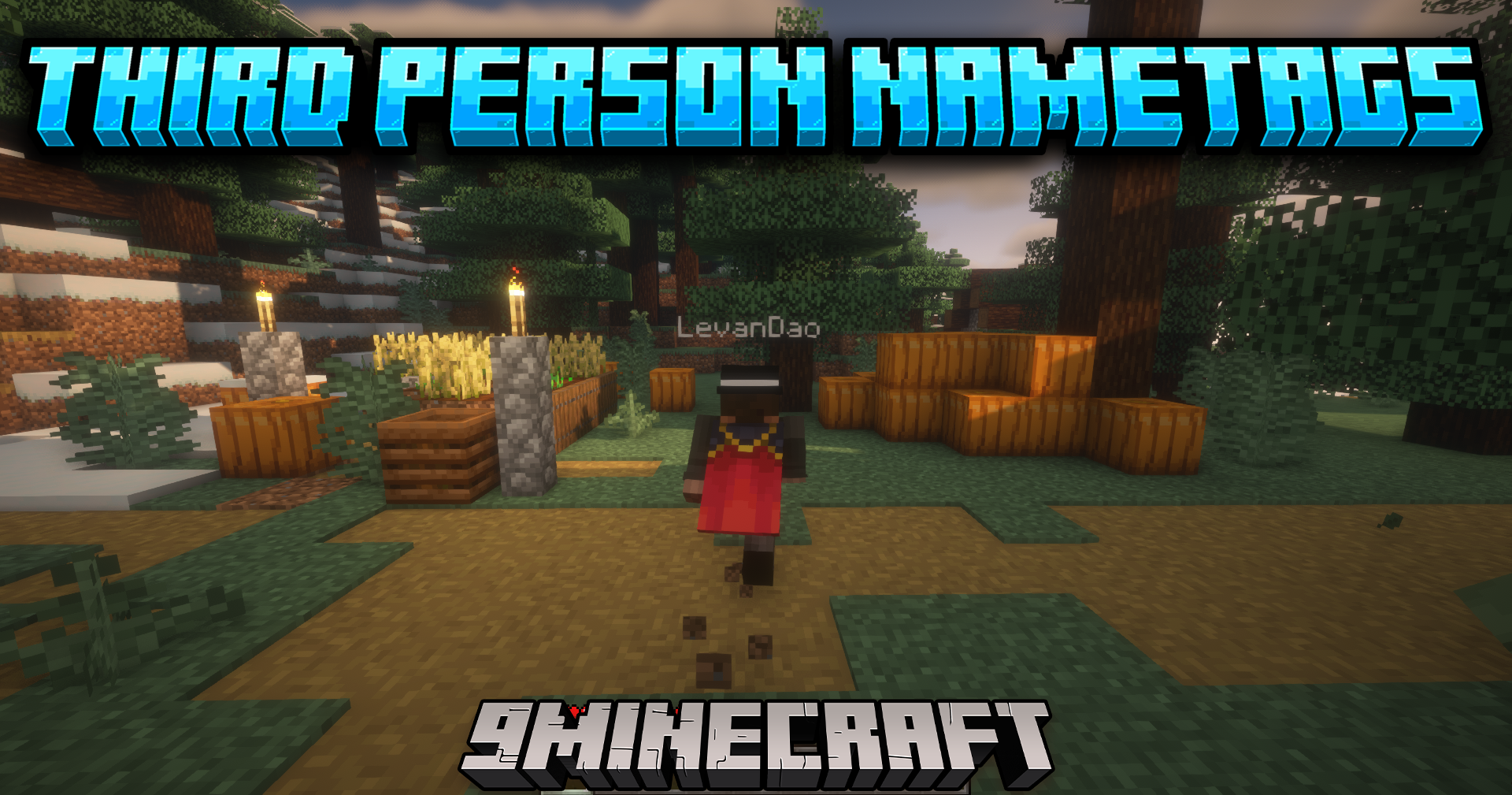
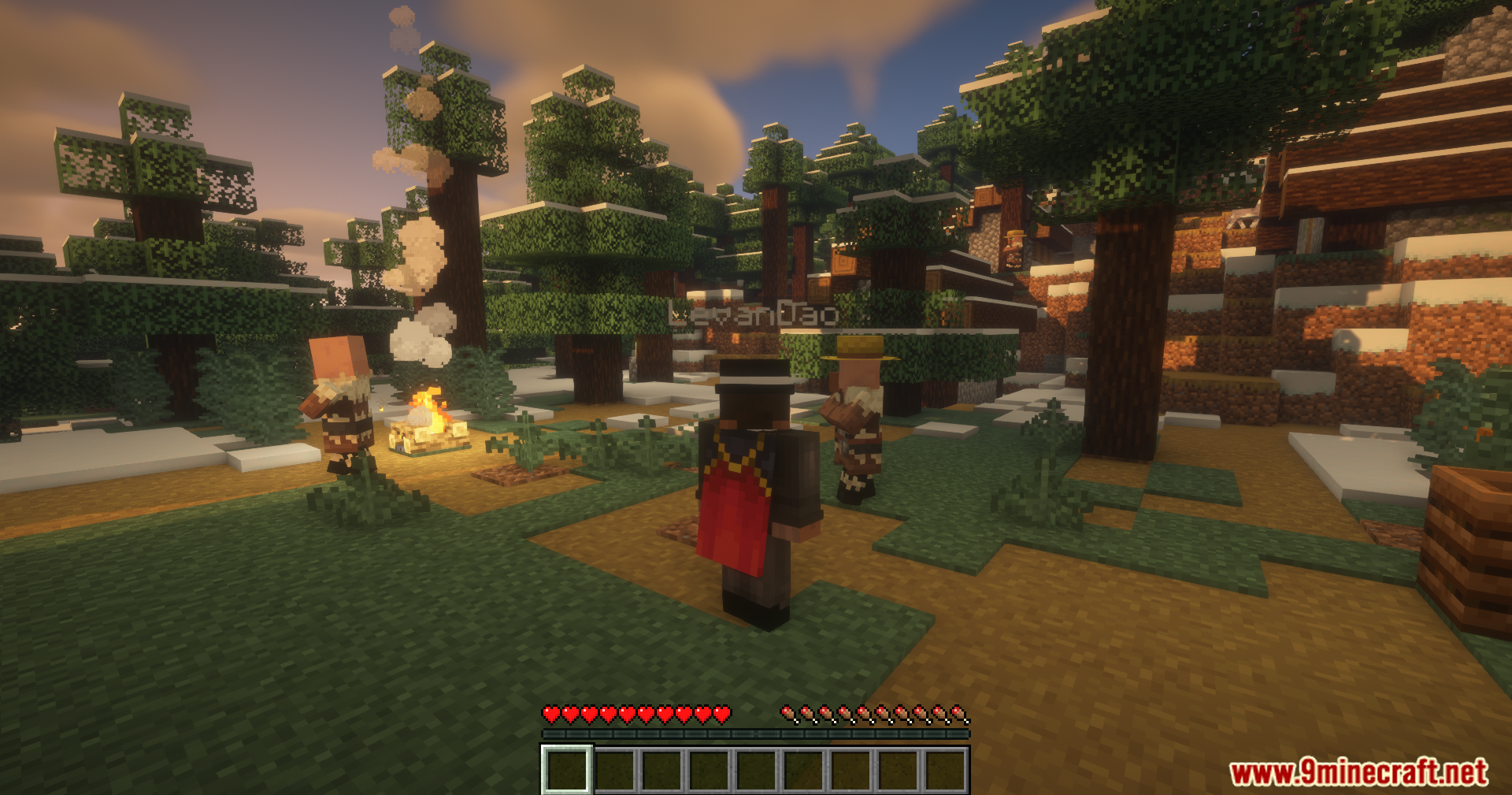
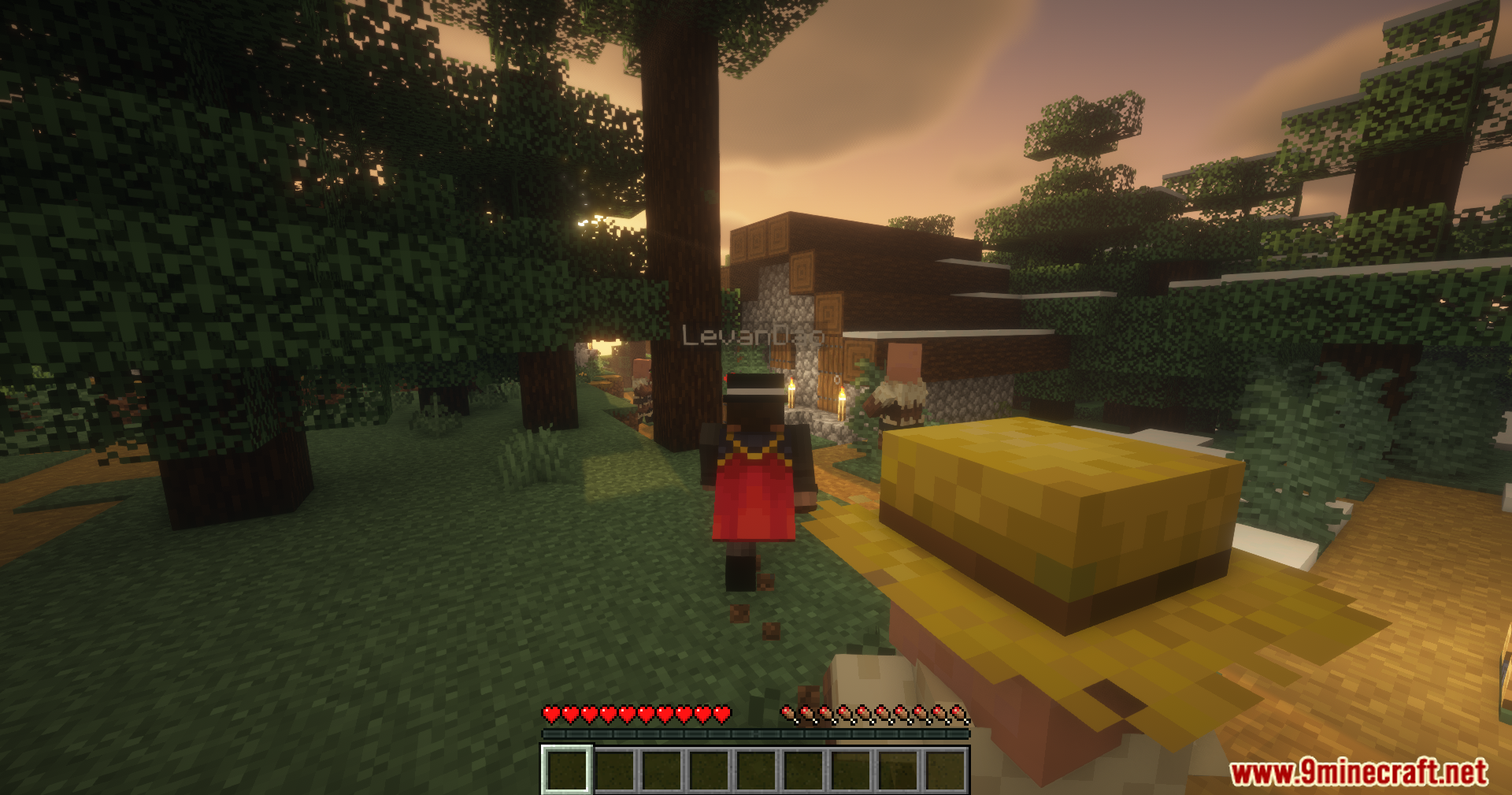
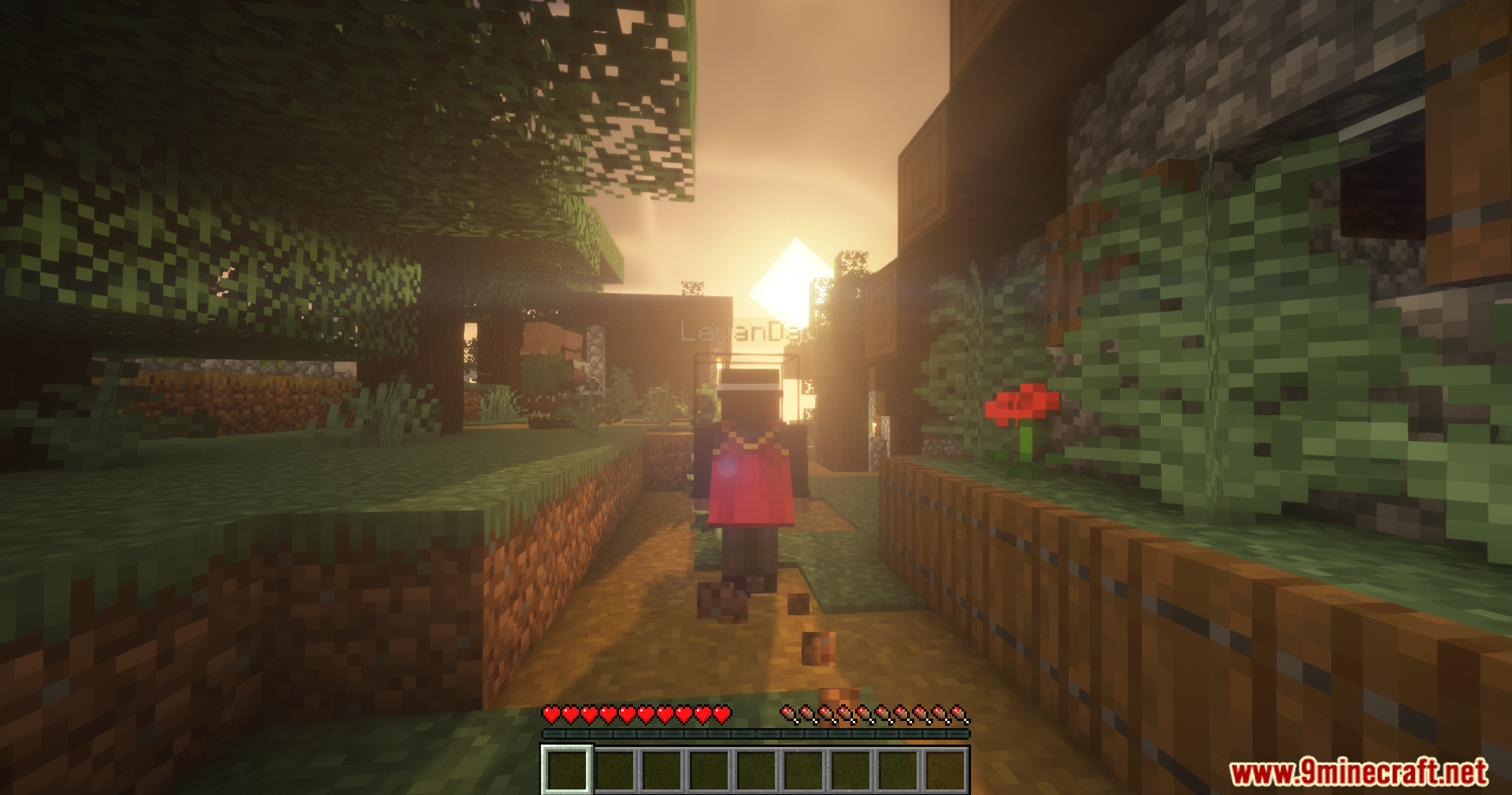
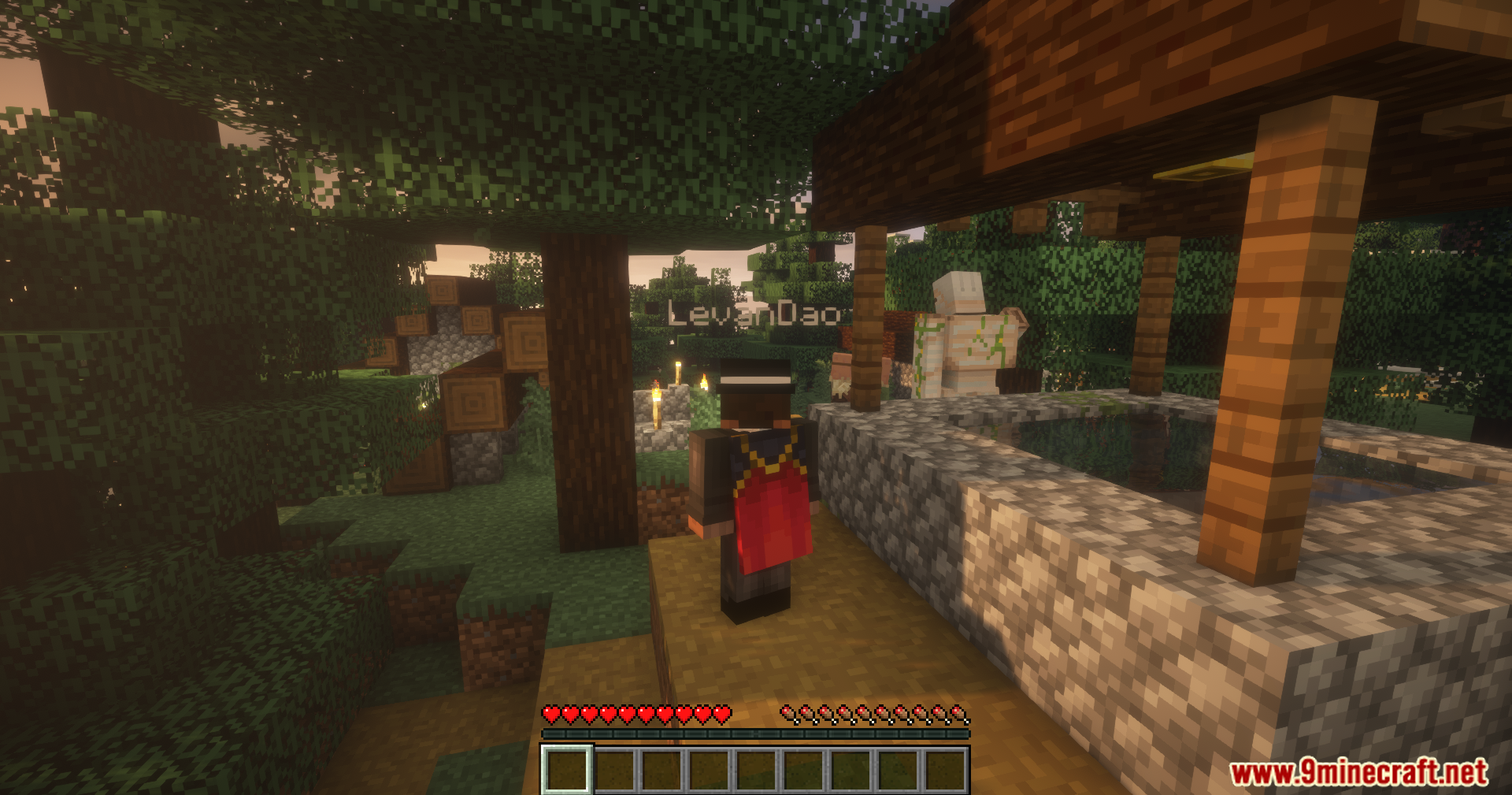
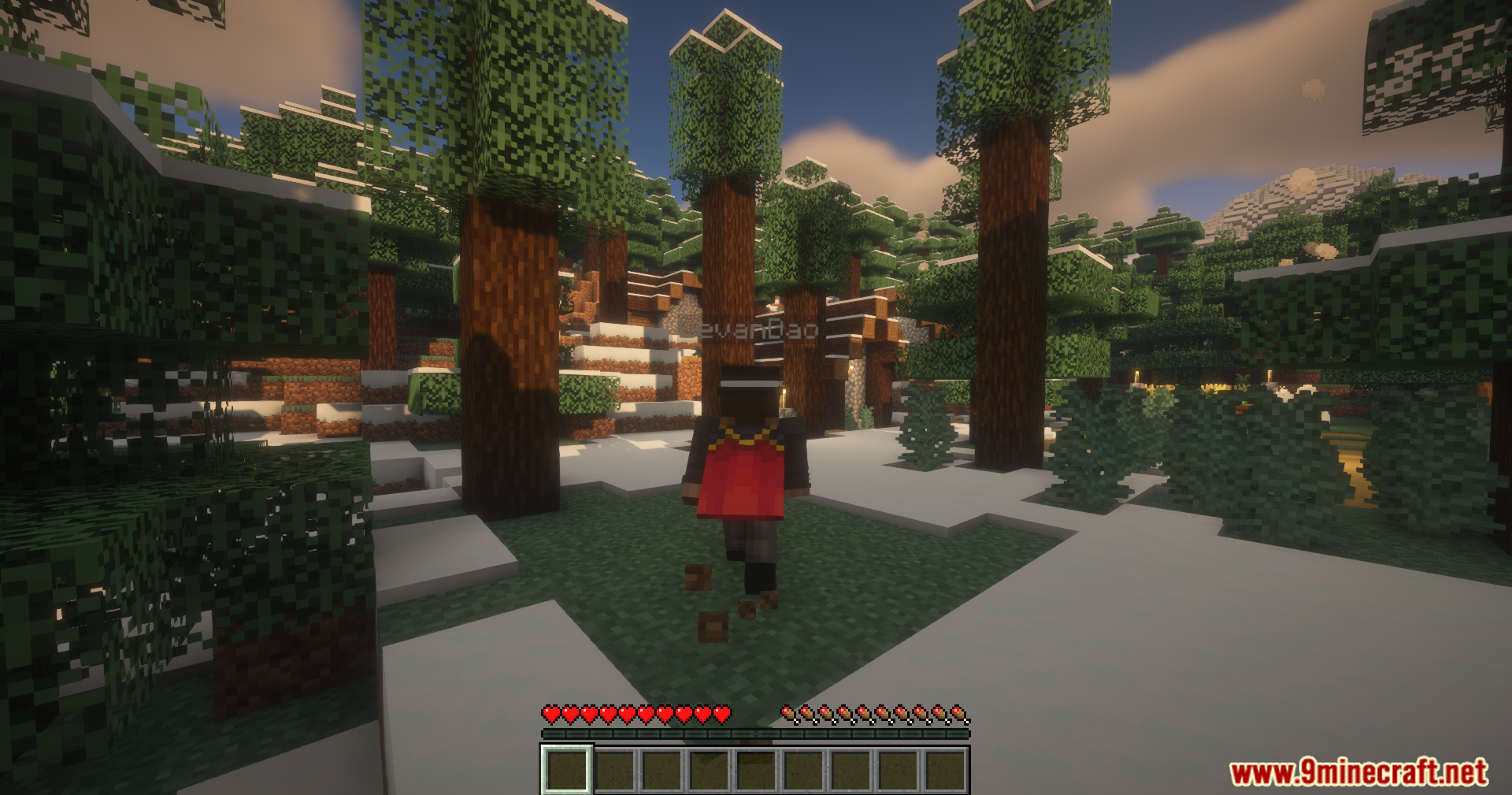
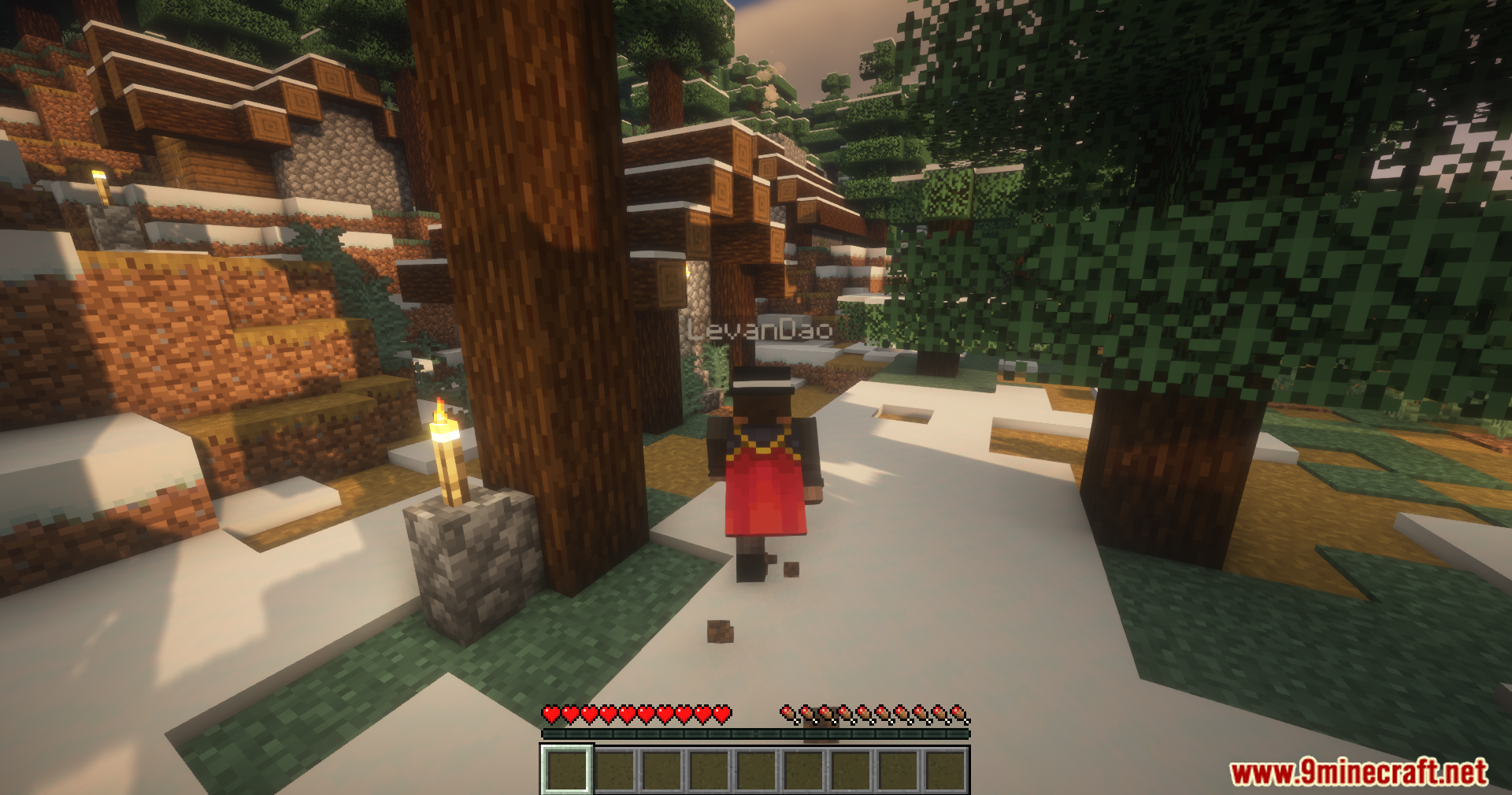
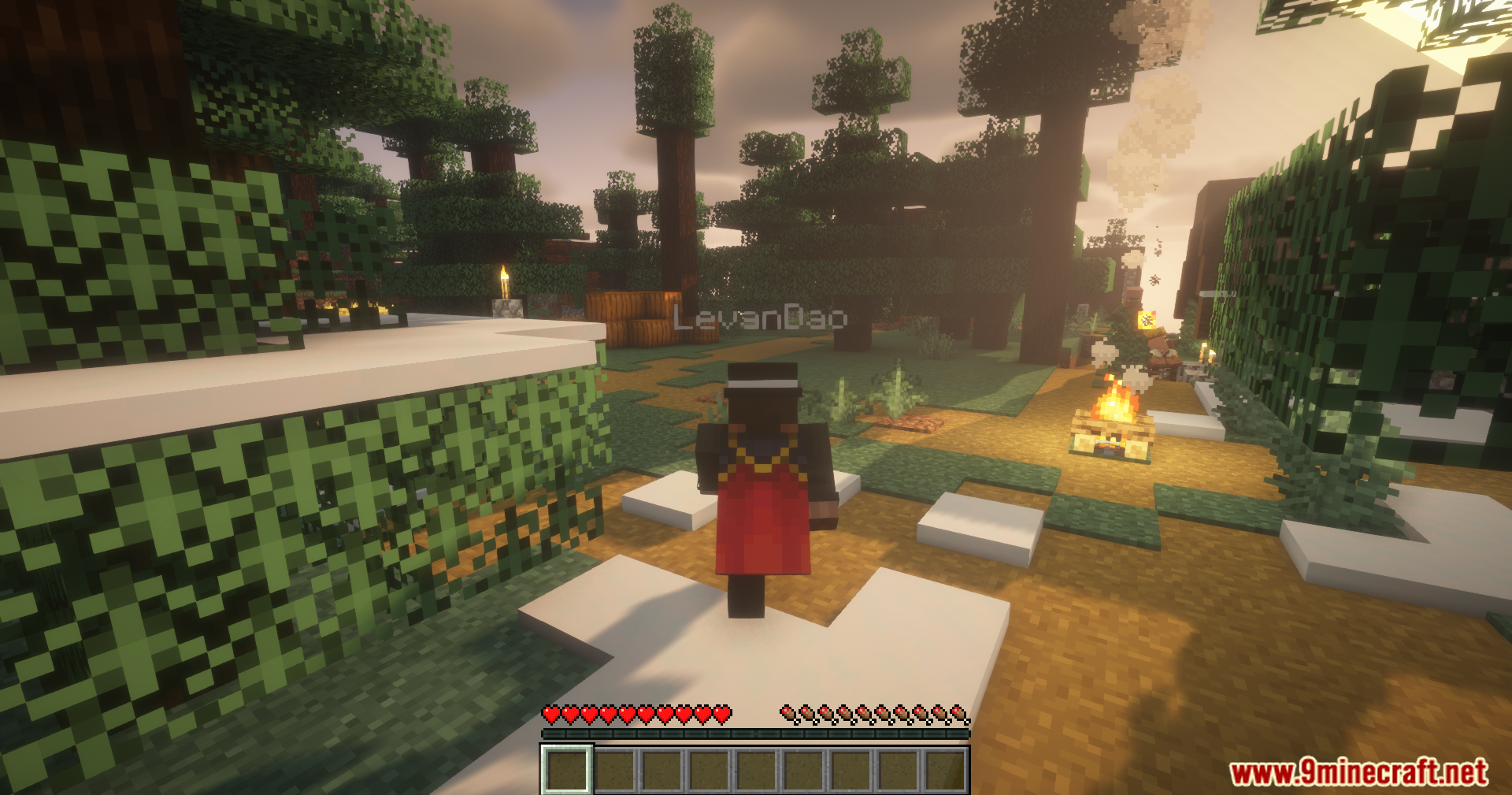
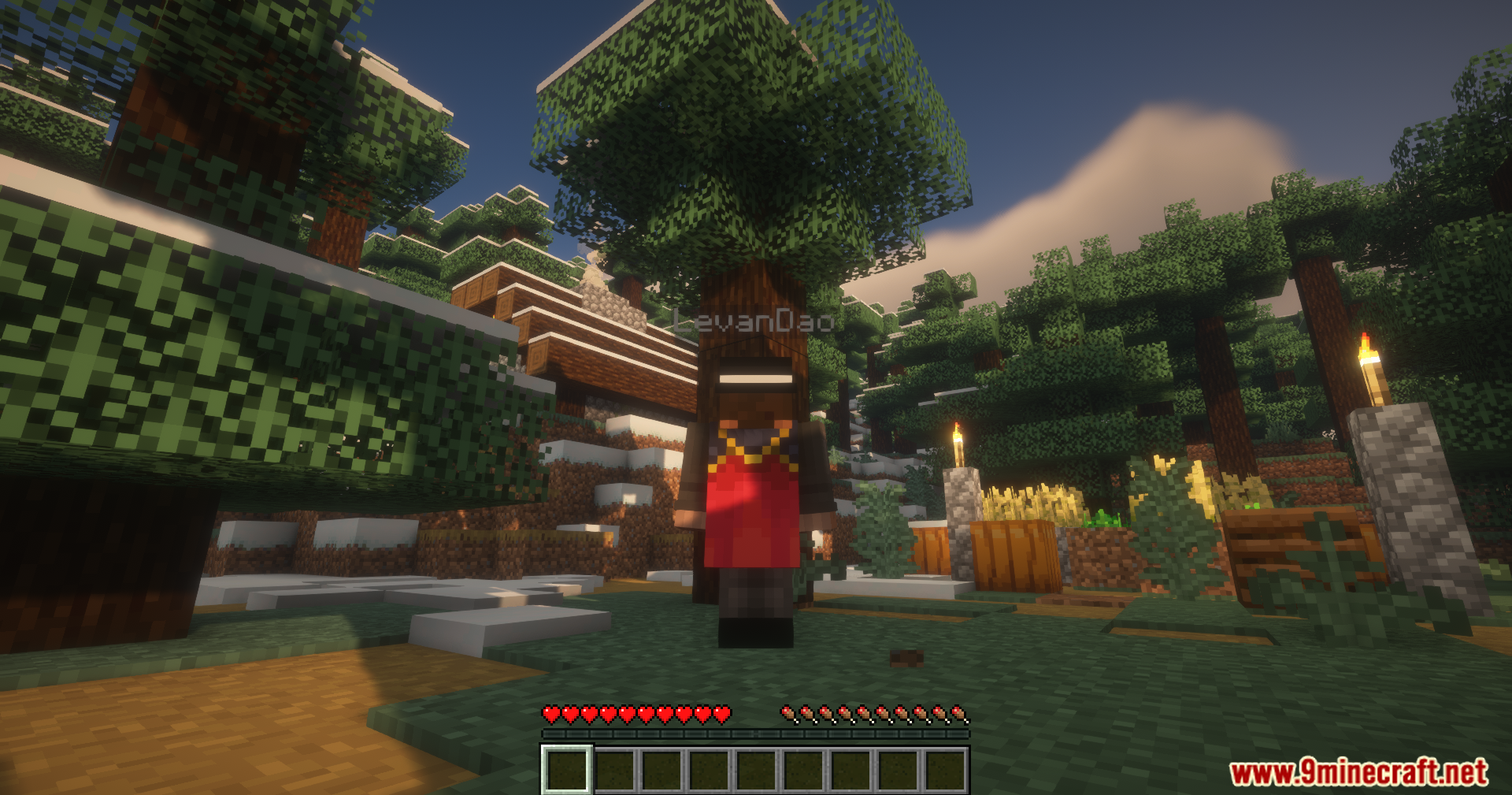
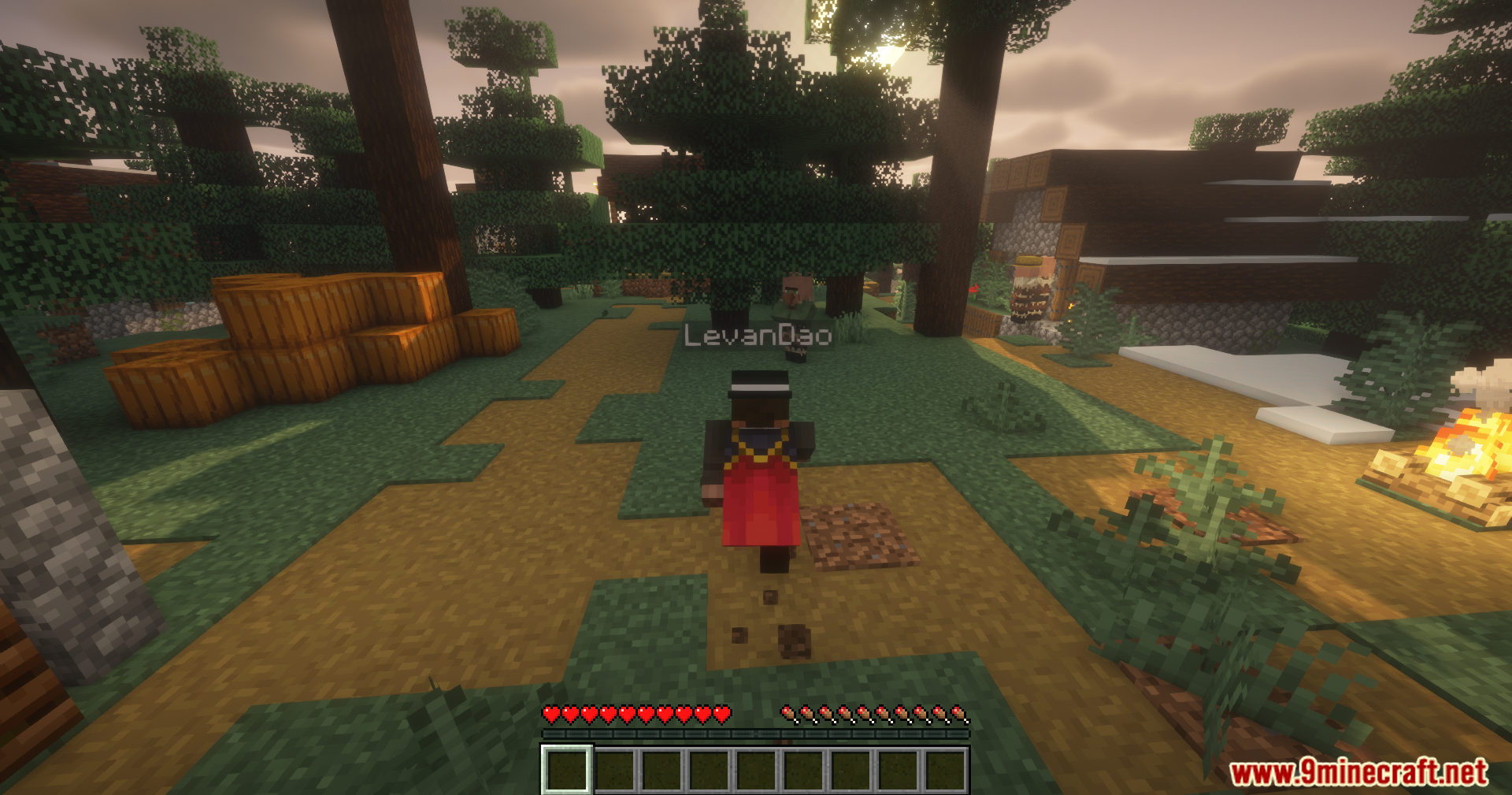
The mod enables your nametag automatically when you switch to third-person view—no configuration needed. Your nametag will appear above your player model and remain visible as long as you stay in third-person mode.
Does my nametag show in first-person view?
No, your nametag only displays when you're in third-person view. This is intentional design to keep your first-person experience uncluttered.
Will other players see my nametag in third-person on multiplayer servers?
This mod only shows your own nametag to you in third-person view. Other players see nametags the way the server normally displays them, regardless of your mod.
Can I customize the color or position of my nametag?
This mod displays your nametag using the default Minecraft nametag appearance and position. It provides no built-in customization options—it's designed to work seamlessly without configuration.
See all 10 Third Person Nametags questions ›
Gallery
11 images from the Third Person Nametags Mod page.
You May Also Like
Wikis that share the most with this one
More mod wikis on the site
 Thematic Core Mod
The most downloaded mods that have a wiki here
A few wikis from each of the other kinds