

 third-person
 DownloadFirst-person Model Mod
Get the files on 9Minecraft
Guides
Step-by-step, in-game.
How to Configure Vanilla Hands So the Mod Switches Views AutomaticallyThe Vanilla Hands option lets the mod decide when to show the full body model and when to fall back to the classic…How to Fix the Mod Not Showing Your Body or AnimationsIf you installed First-person Model Mod but still see plain floating hands, or your body appears but doesn't animate,…How to Get the Most Immersive Experience With the Body-View CameraThe whole point of this mod is immersion, but a few habits and settings make the body view feel far better. Look Down…How to Toggle First-Person Model Mod On and Off In-GameYou don't need to leave your world or restart the game to switch between the vanilla first-person view and the…
Frequently asked questions
How do I turn on the first person model mod?
It's active by default once installed, so you should already see your body in first person. Press F6 to toggle between the vanilla view and the body-view  camera if it isn't showing.
What key toggles the first person model mod?
F6 switches between the vanilla first-person view and the enhanced body-view camera. You can rebind this in the standard Minecraft controls menu under the mod's keybind category.
camera. You can rebind this in the standard Minecraft controls menu under the mod's keybind category.Why can't I see my body when looking down?
Check that you haven't toggled back to vanilla view with F6, and make sure the Vanilla Hands option isn't forcing vanilla mode for your current view angle or held item. If it still fails, confirm the mod is actually loaded for your profile.
What is Vanilla Hands in this mod?
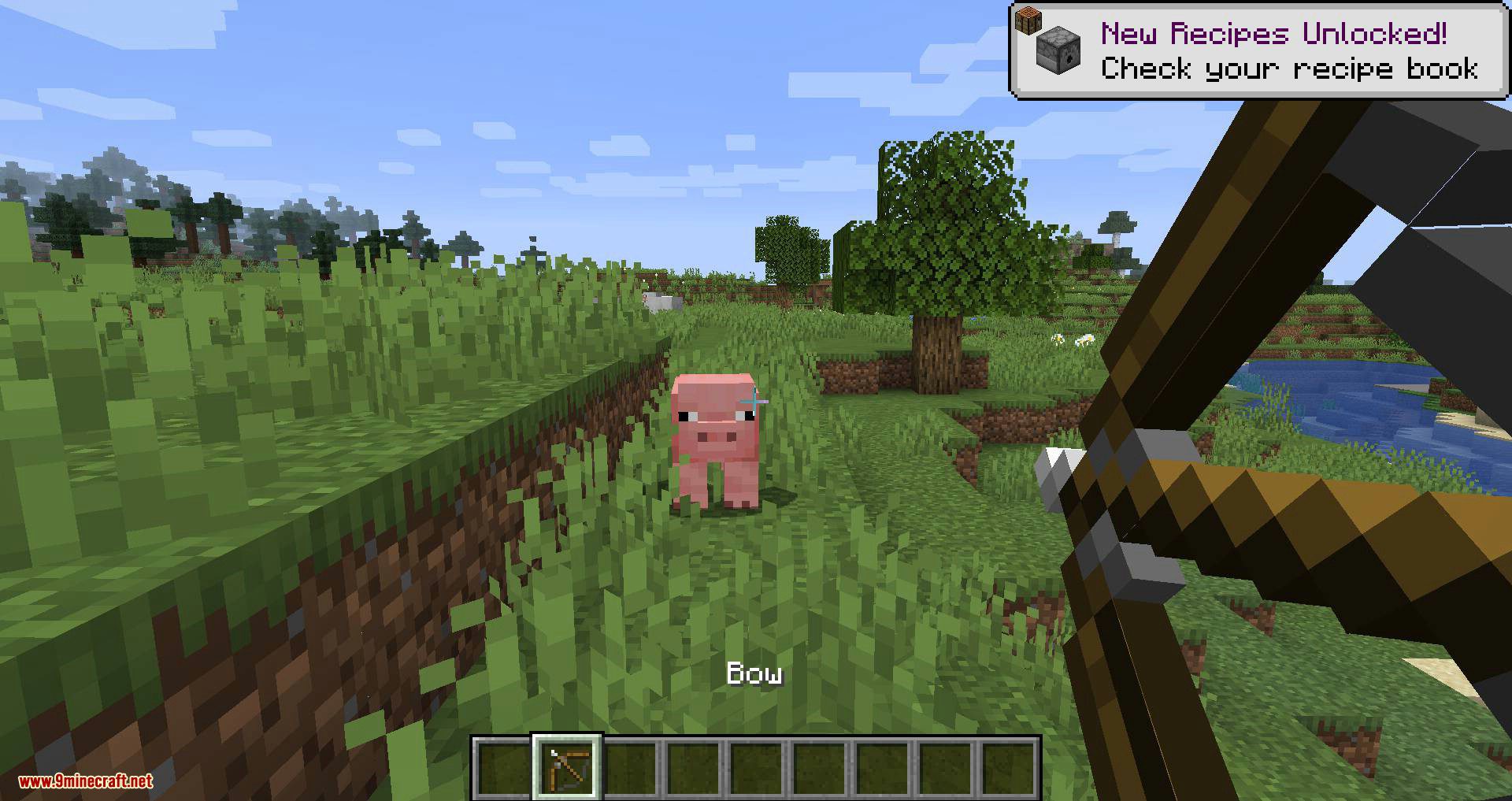
Vanilla Hands automatically switches between the vanilla first-person view and the mod's body view depending on your look angle or the item you're holding. It's meant to keep certain items (like maps or bows) looking correct while still showing your body the rest of the time.
See all 10 First-person Model questions ›
Gallery
11 images from the First Person Model Mod page.



You May Also Like
Wikis that share the most with this one
More mod wikis on the site
The most downloaded mods that have a wiki here
A few wikis from each of the other kinds