

 DownloadSVDialog Mod
Get the files on 9Minecraft
Guides
Step-by-step, in-game.
Adjust Dialog Box Position on Your ScreenMoving the Dialog Box The SVDialog Mod allows you to reposition dialog boxes horizontally across your screen. This is…Trade with NPCs Using the SVDialog Trading MenuAccessing Trading Menus Some NPCs in modpacks using SVDialog Mod offer trading or merchant services. The trading…Understand the Dialog Box Layout and ComponentsDialog Box Structure SVDialog Mod reorganizes NPC dialogue into three main visual components: Key Elements Portrait…View NPC Portraits While Reading DialogueUnderstanding Inline Portraits SVDialog Mod displays character portraits directly within dialog boxes, similar to…
Frequently asked questions
How do I know if the mod is working?
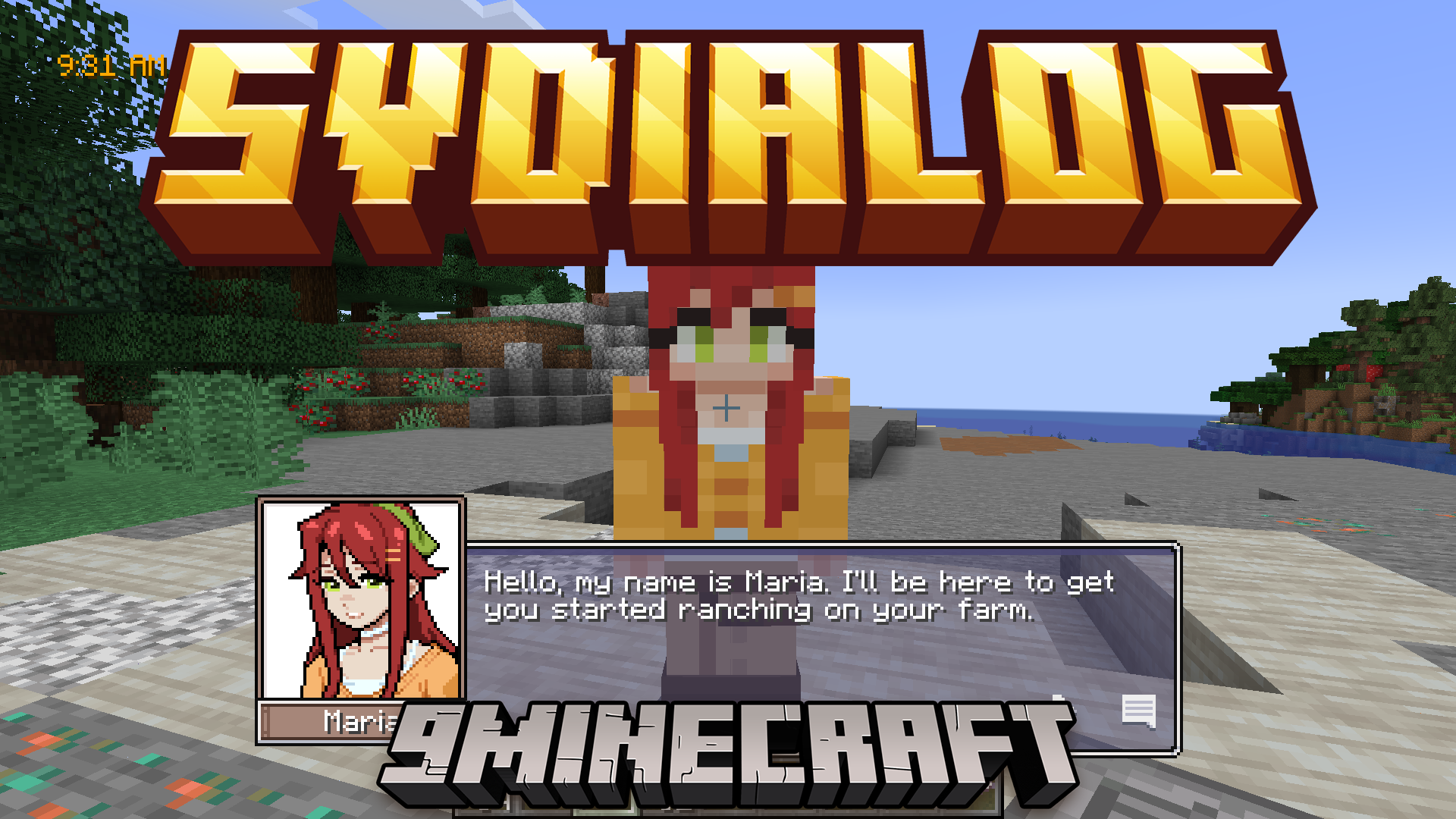
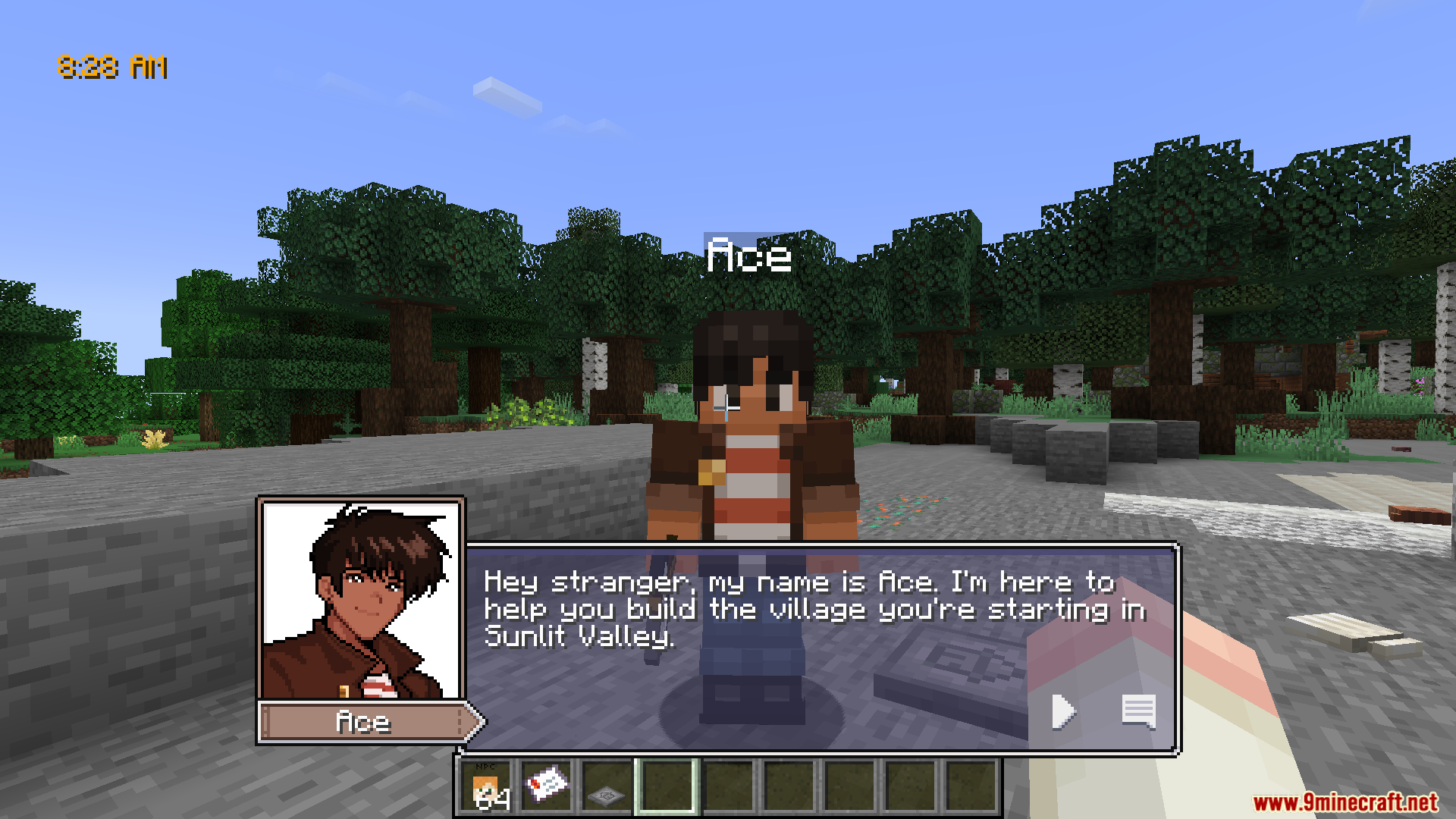
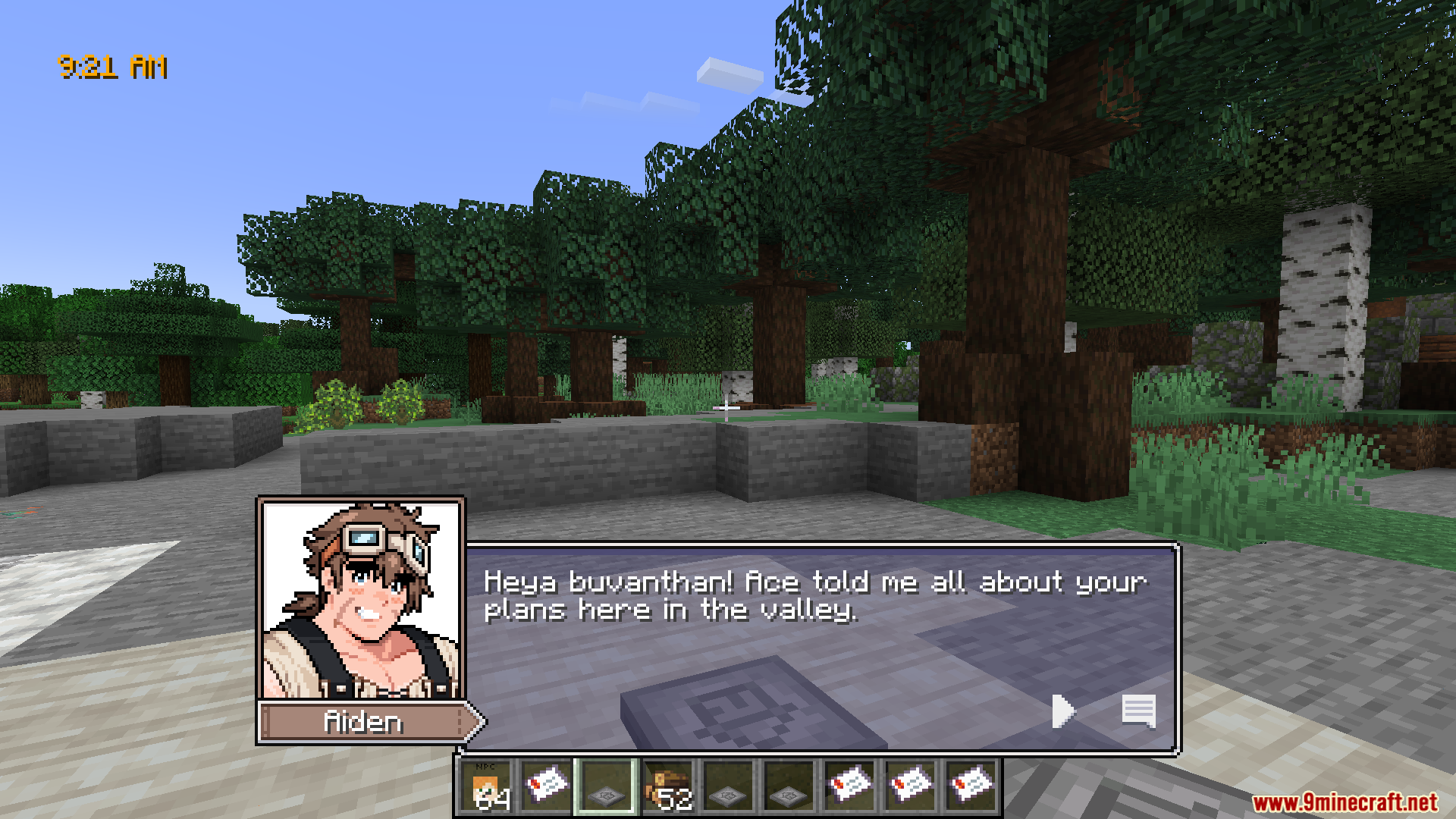
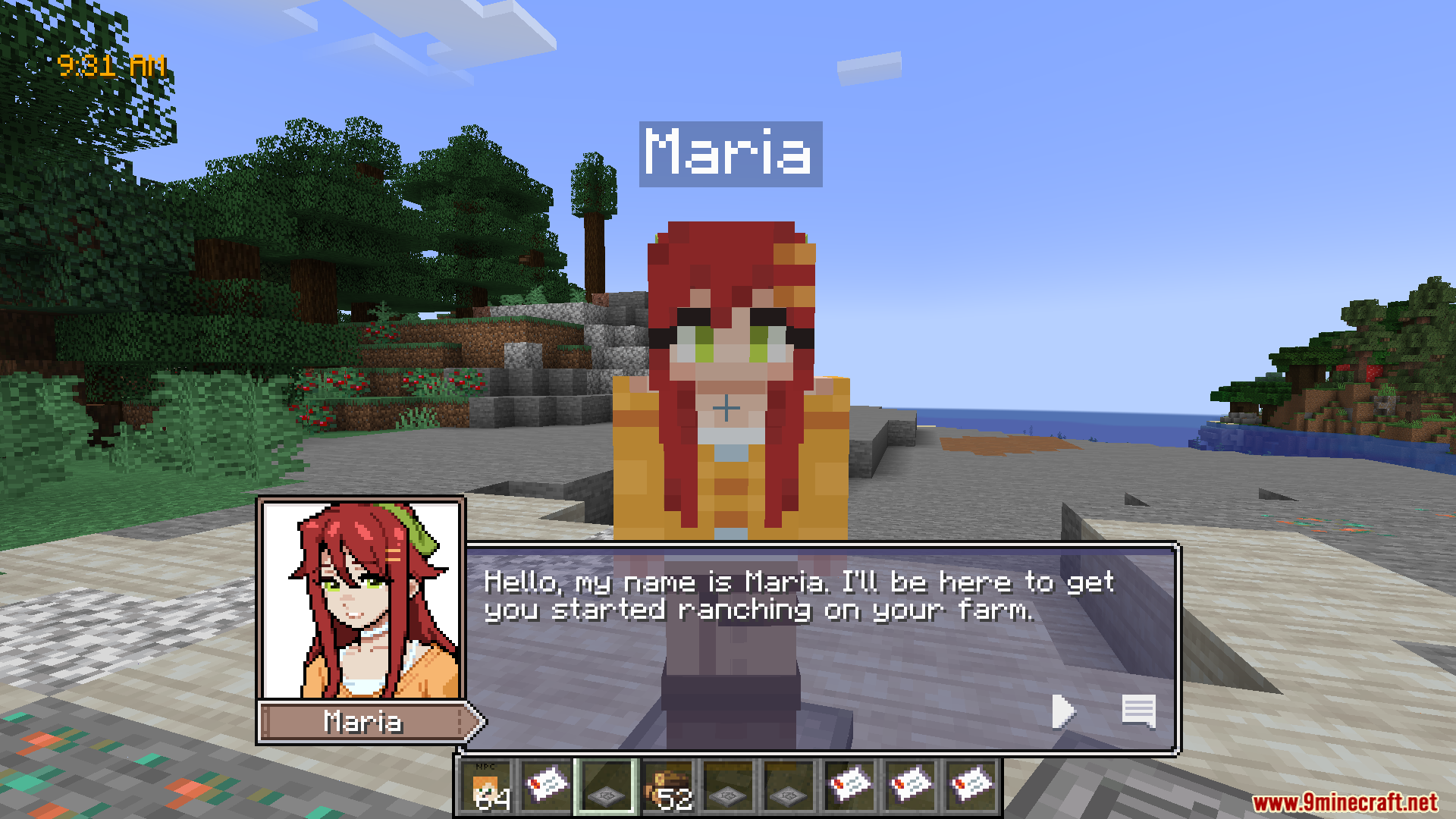
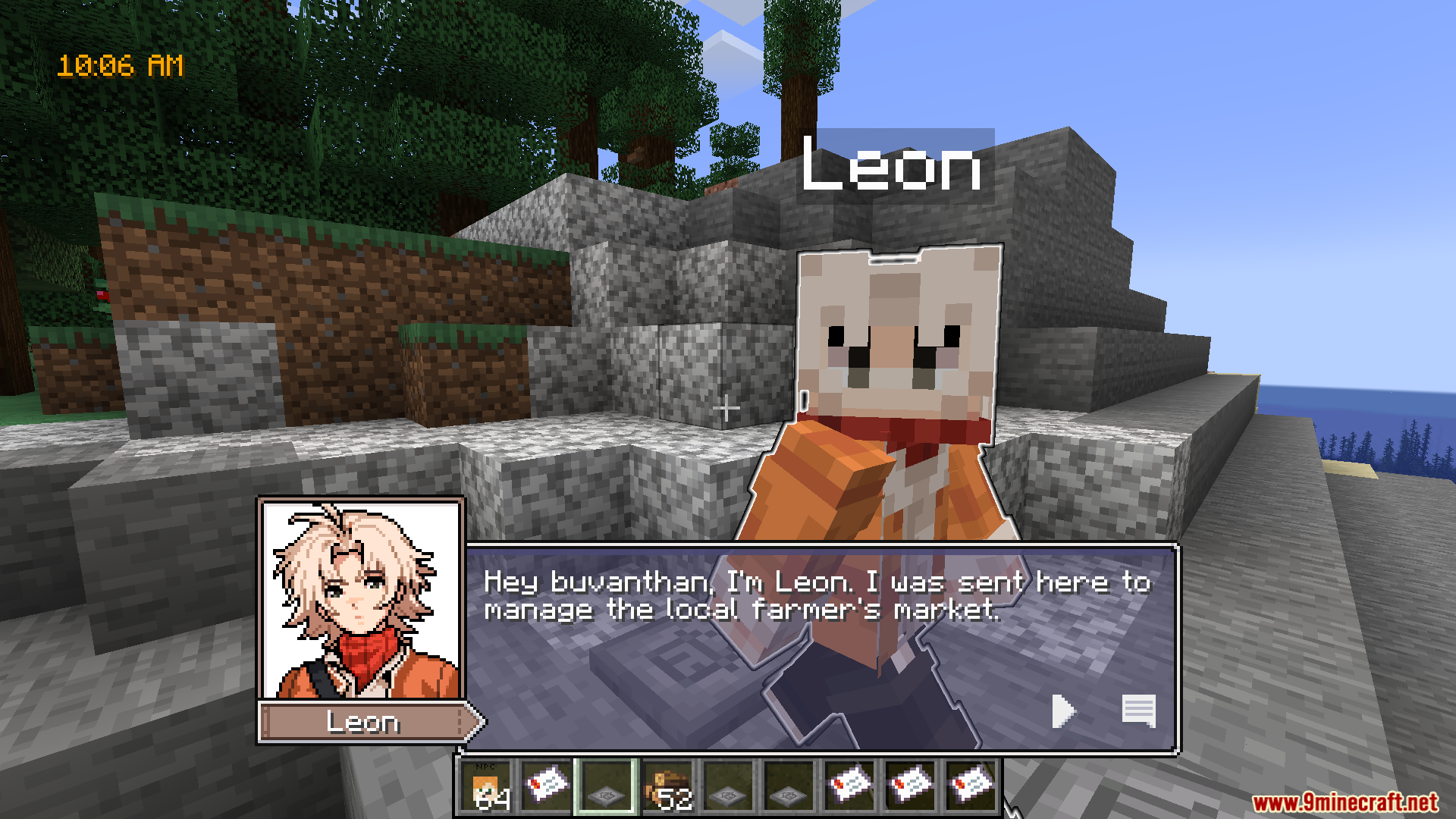
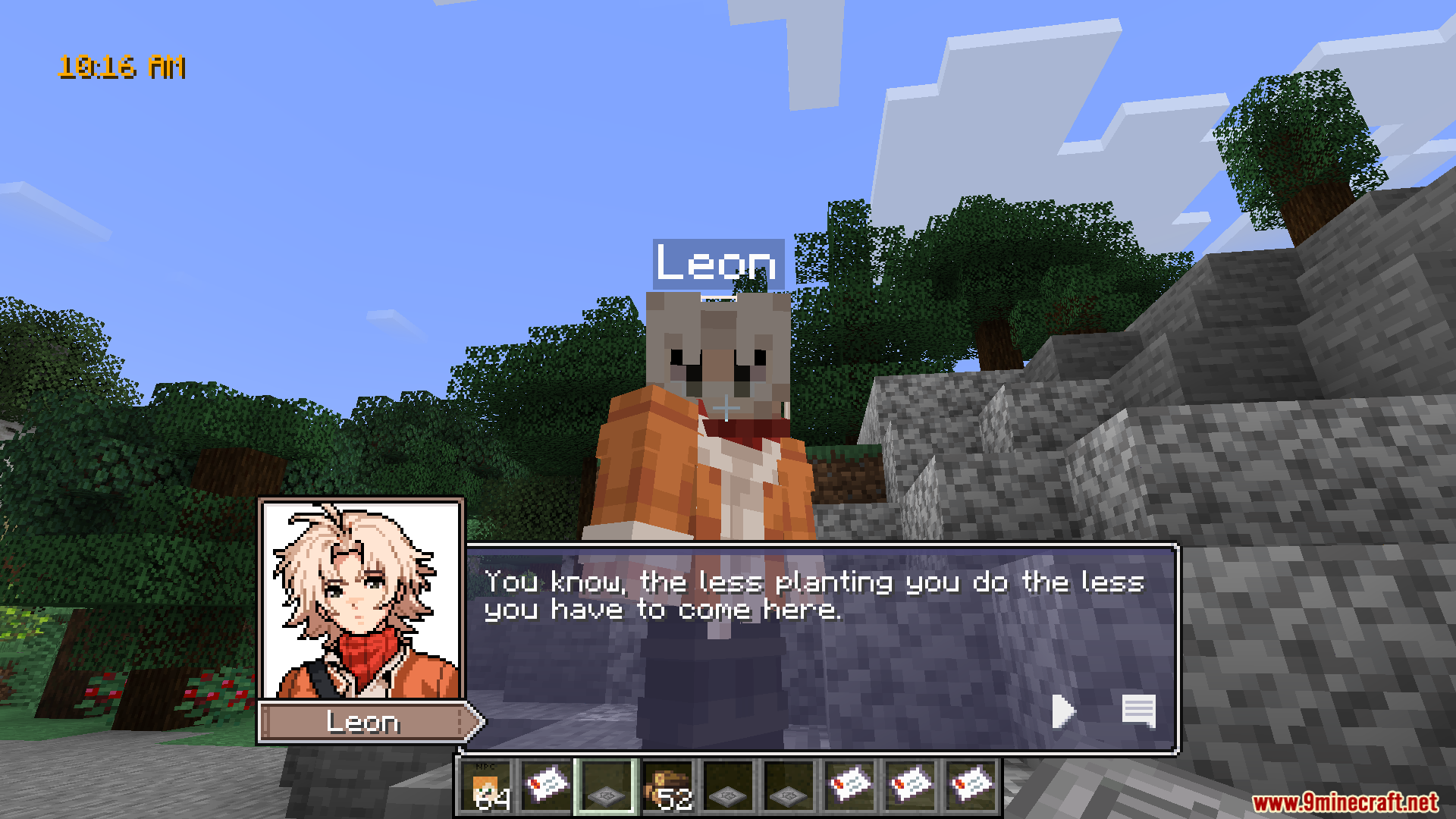
Start a new game or talk to any NPC—you should see a character portrait appear on the left side of the dialogue box with their name displayed underneath. If you see the standard Minecraft dialogue instead, check that the mod is enabled in your mods folder.
Can I move the dialogue box to a different part of my screen?
Yes, you can adjust the dialog box x-offset in the mod's configuration settings to move it left or right. Open your config files and look for the positioning option to customize where the box appears.
Why aren't NPC portraits showing up?
Make sure the NPC you're talking to has a portrait defined in the mod's files—not all NPCs may have custom portraits available. Check that your resource pack or mod folder contains the portrait images and that they're named correctly.
Does this mod work with other dialogue mods?
SVDialog Mod may conflict with other mods that change NPC dialogue or UI elements, so test compatibility by running them together and checking if dialogue displays correctly. If you see overlapping boxes or missing text, try disabling one of the conflicting mods.
See all 10 SVDialog questions ›
Gallery
7 images from the Svdialog Mod 2 page.
You May Also Like
Wikis that share the most with this one
Wikis on the same theme: cat
More mod wikis on the site
Sushi Go CraftingSurvivors Delight Farmers Delight Compat With Terrafirmacraft TfcSurvivors ArsenalSurvivalist EssentialsSurvival Weather Control ModSurvival Instinct Skills ModSurging Ethereal Peaks ModSurface Mushrooms ModSurface Detailer ModSupply LinesSupplementariesSupplementaries Compat Data Pack
The most downloaded mods that have a wiki here
A few wikis from each of the other kinds