

 DownloadSurface Detailer Mod
Get the files on 9Minecraft
Guides
Step-by-step, in-game.
Find and Disable Model Files to Change Block AppearanceLocate JSON Model Files Block models are stored as JSON files separate from textures. Surface Detailer lets you…Hide Specific Block Textures to Use Alternatives from Lower PacksFind and Toggle the Texture When you have multiple resource packs loaded, Surface Detailer lets you selectively hide…Search for Files Across Your Entire Resource PackUse the Search Bar Effectively Resource packs contain hundreds of files. The built-in search bar helps you find…Undo All Changes and Reset a Pack to DefaultReset Your Customizations If you've toggled many files and want to start fresh, Surface Detailer includes a reset…
Frequently asked questions
How do I open the Surface Detailer interface?
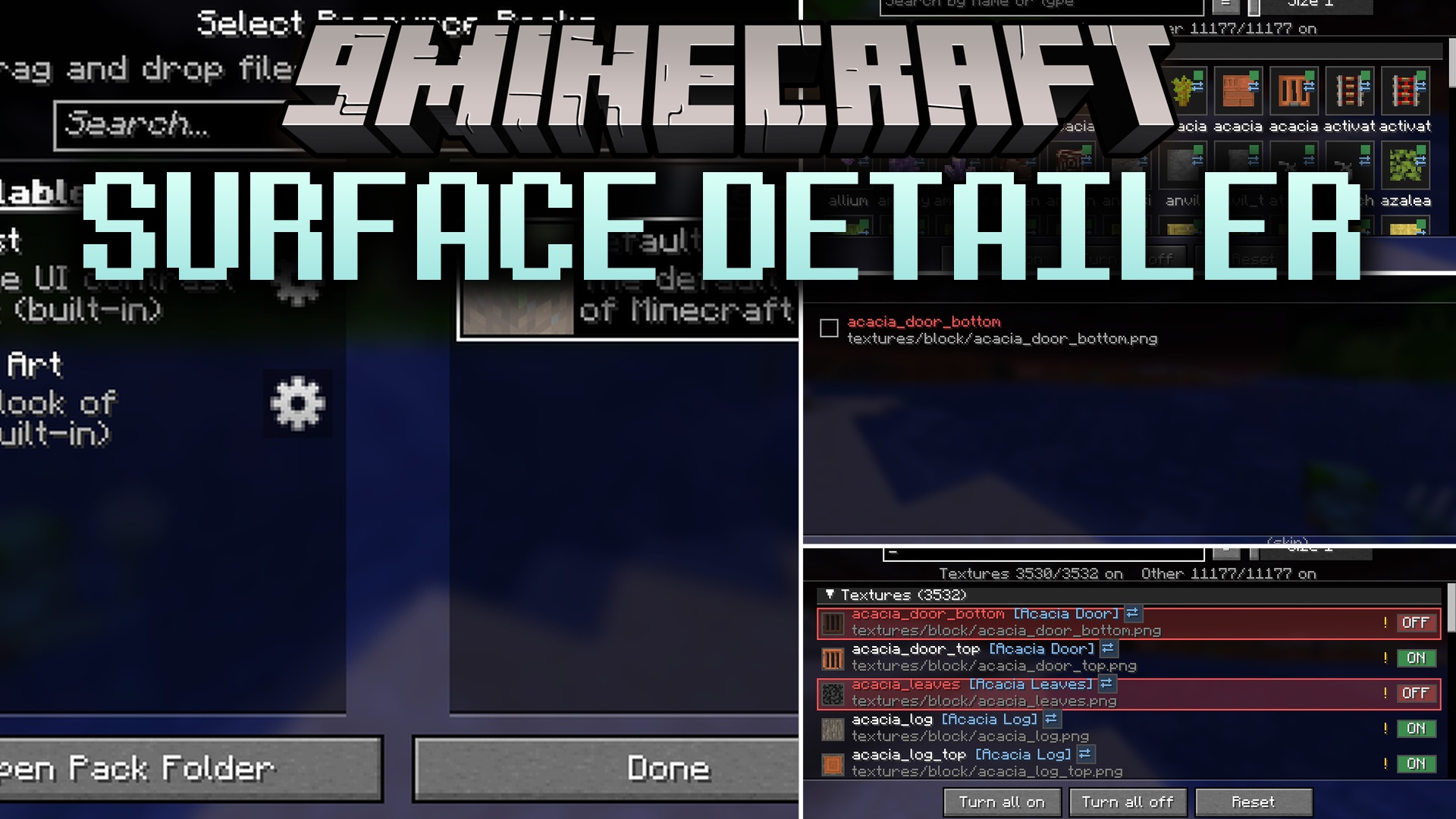
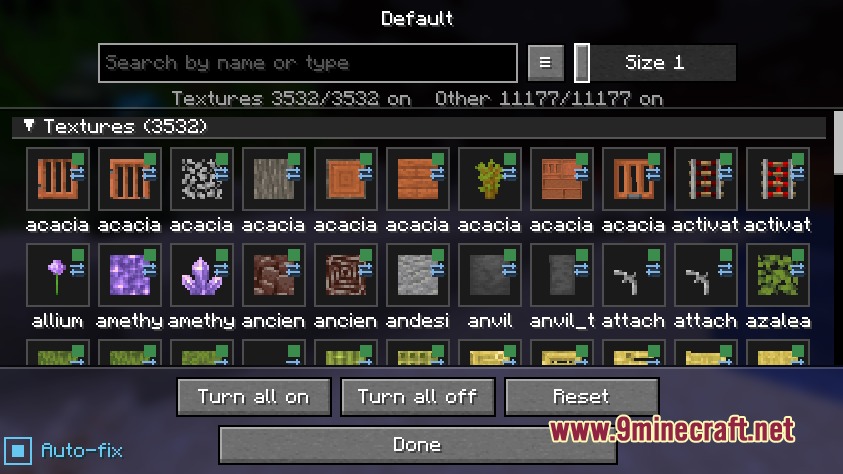
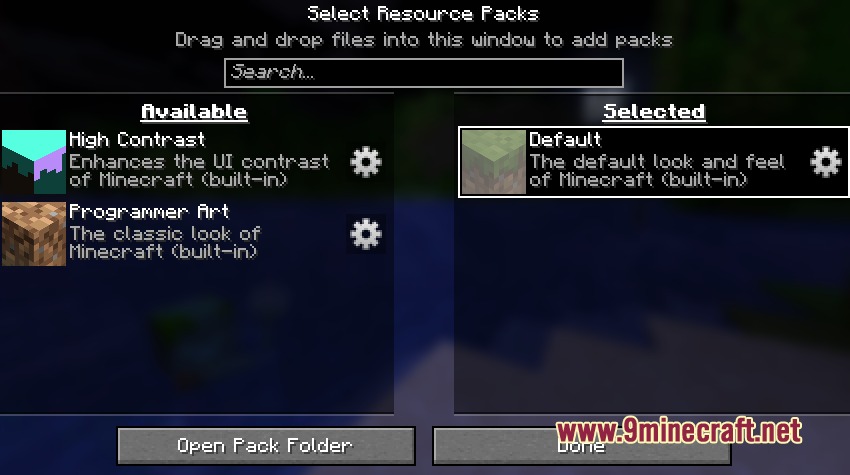
Go to Options > Resource Packs, then click the small gear icon next to any resource pack in your list. This opens the Surface Detailer menu for that pack.
Can I hide textures from multiple packs at once?
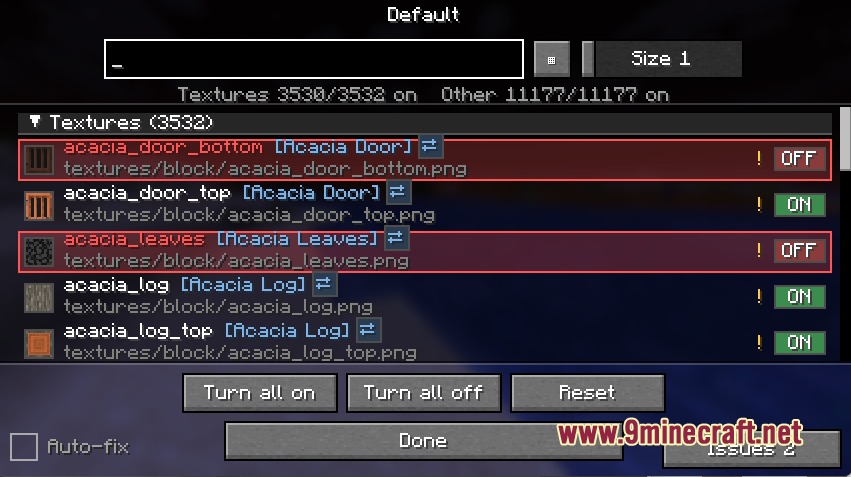
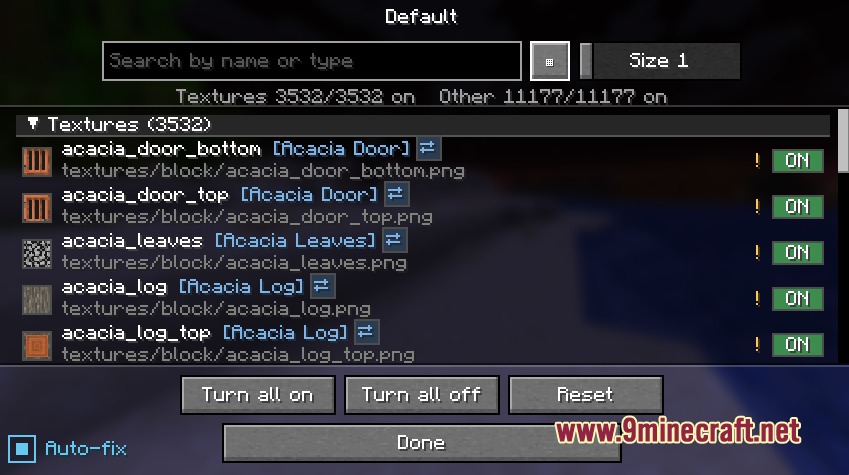
No, you edit one pack at a time. Open the gear icon for each pack separately to toggle its files. When you hide a texture, the game falls back to the next pack below it in your load order.
What happens if I turn off a texture that a model file needs?
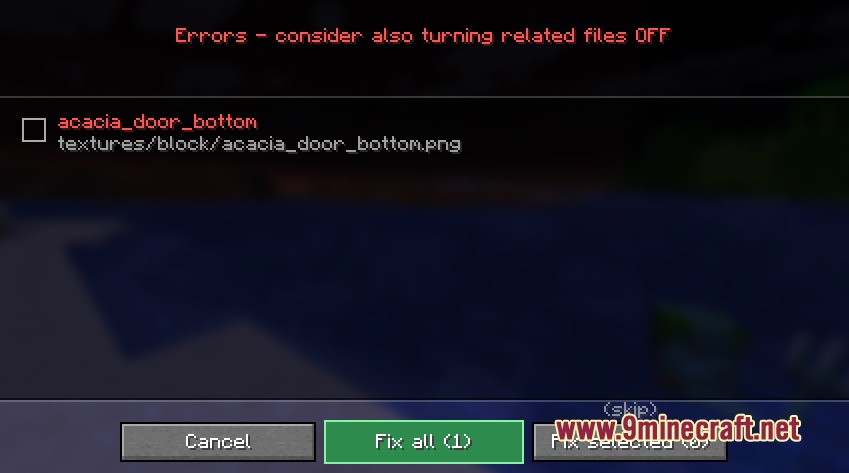
Surface Detailer warns you before you confirm the change, showing which model files depend on that texture. If you proceed anyway, you'll see purple-and-black missing texture errors in-game.
Do my changes get saved if I close the game?
Yes, all your toggles are saved automatically. Your original resource pack files stay untouched—Surface Detailer stores your settings separately.
See all 10 Surface Detailer questions ›
Gallery
7 images from the Surface Detailer Mod page.
You May Also Like
Wikis that share the most with this one
Wikis on the same theme: decor
More mod wikis on the site
The most downloaded mods that have a wiki here
A few wikis from each of the other kinds