

 DownloadStendhal Mod
Get the files on 9Minecraft
Guides
Step-by-step, in-game.
Customizing Nametags with Unicode Characters in the AnvilWhy Use the Anvil Stendhal reworks the Anvil screen and lets you insert unicode characters into the name field. That…How to Copy or Clear an Entire Book, Page, or Sign in Stendhal ModCopying Content Stendhal's reworked book and sign screens add one-click copy tools. You can copy the entire content…How to Import and Export Books and Signs to Disk in Stendhal ModExporting a Book or Sign Open the Book & Quill, a written Book, or a Sign edit screen. Stendhal adds buttons to the…Using the Unicode and Emote Picker for Chat, Signs, and BooksOpening the Picker Stendhal adds a quick access bar of unicode characters whenever you open the chat. Click a…
Frequently asked questions
How do I open the Stendhal book editor?
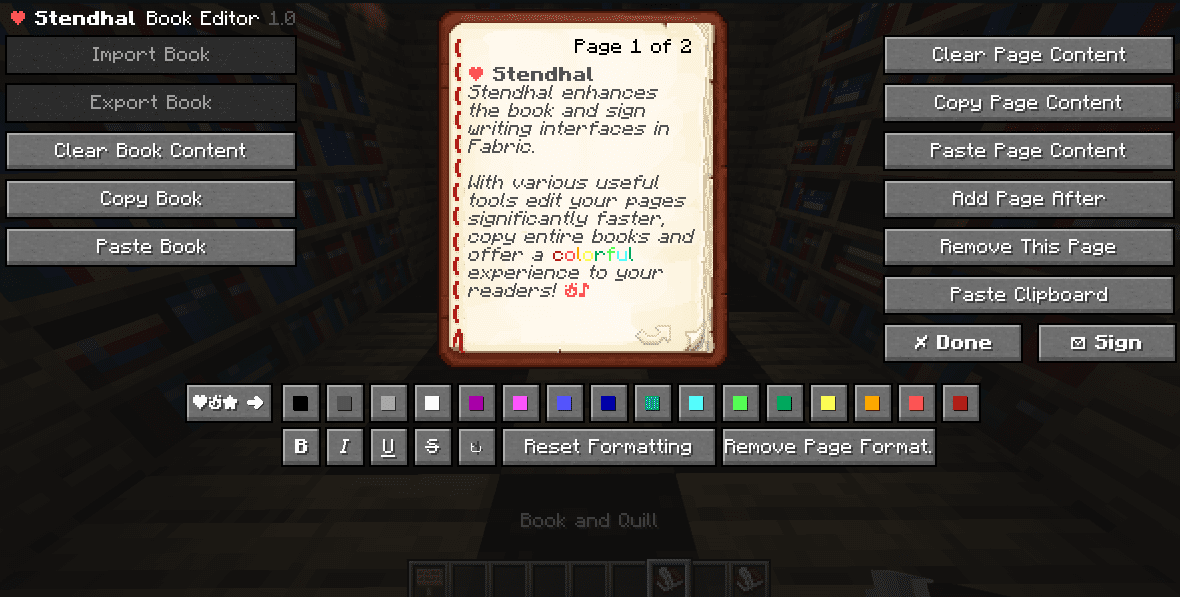
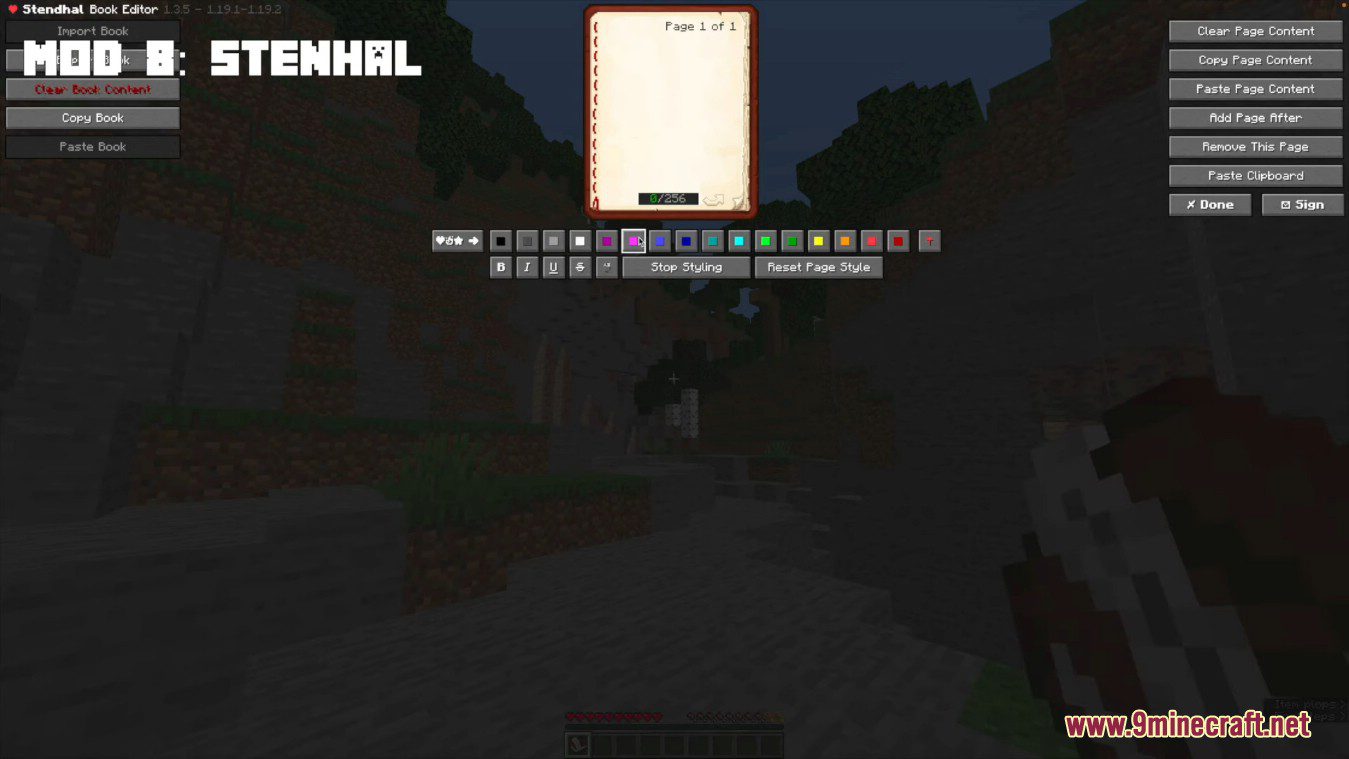
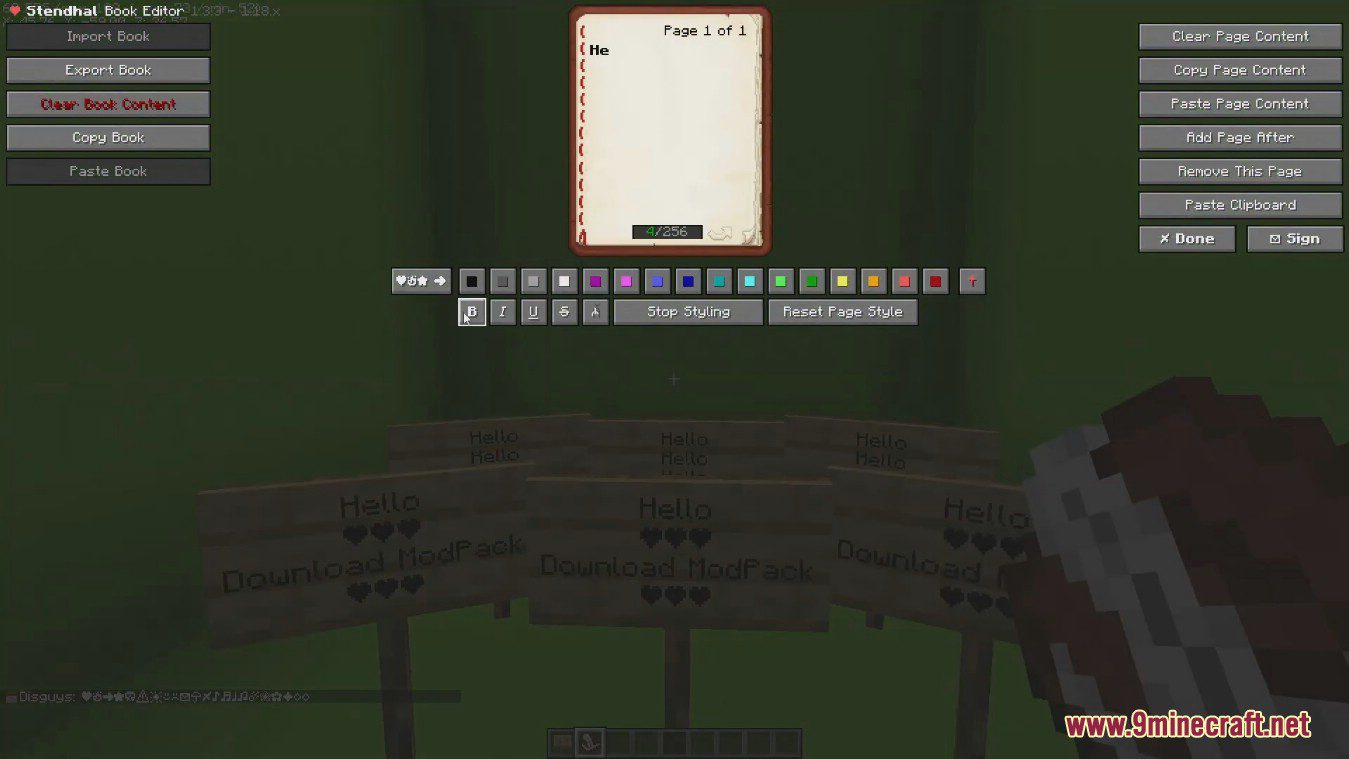
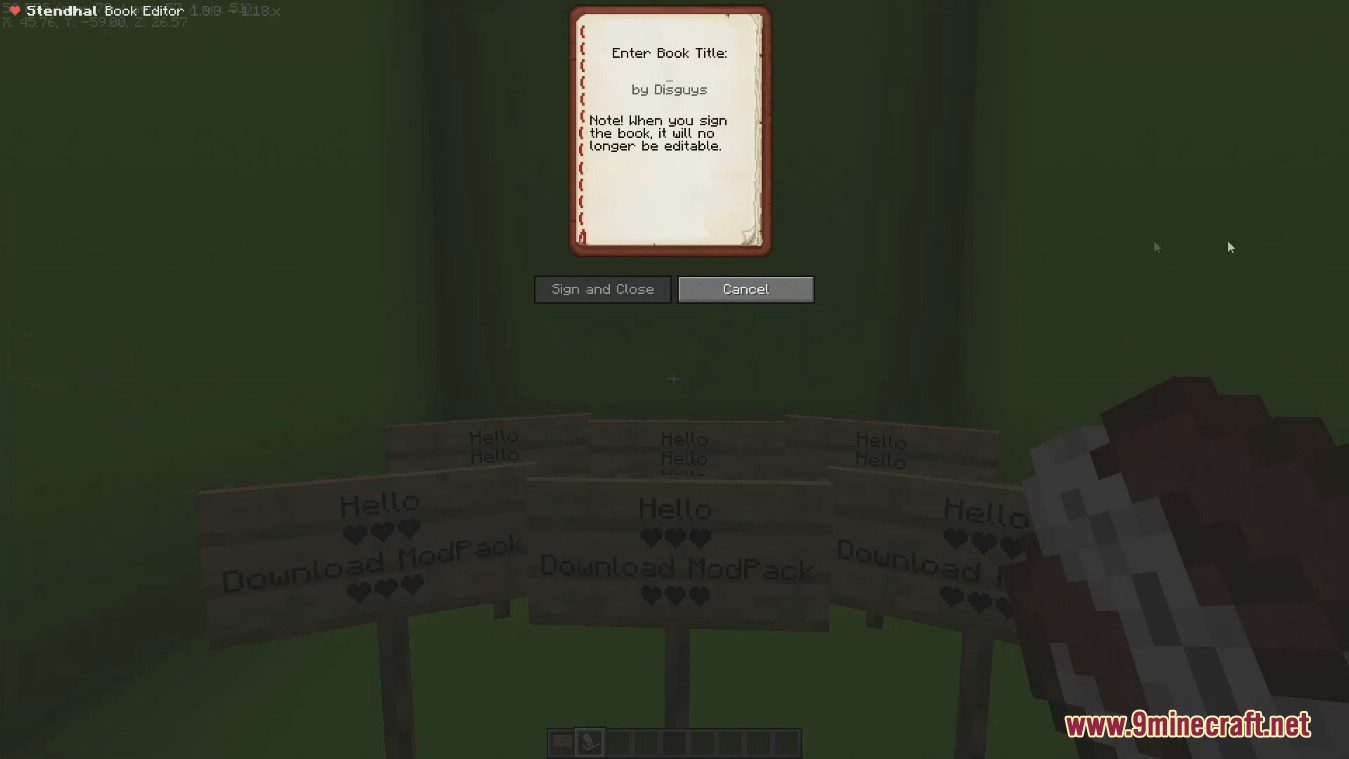
Just open a Book & Quill or a written Book like you normally would — Stendhal replaces the vanilla screen automatically. The  extra buttons for importing, exporting, copying, and clearing appear right on that screen.
Where is the unicode picker in the chat?
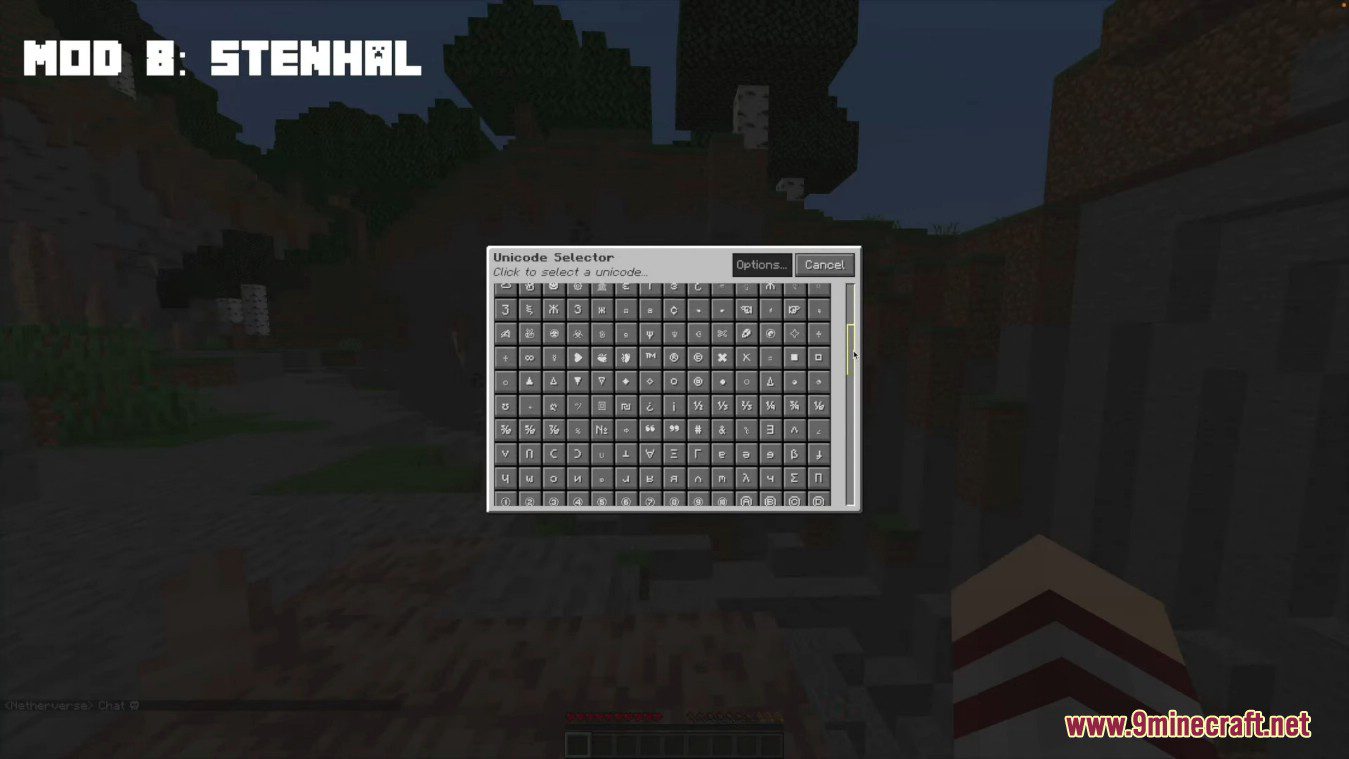
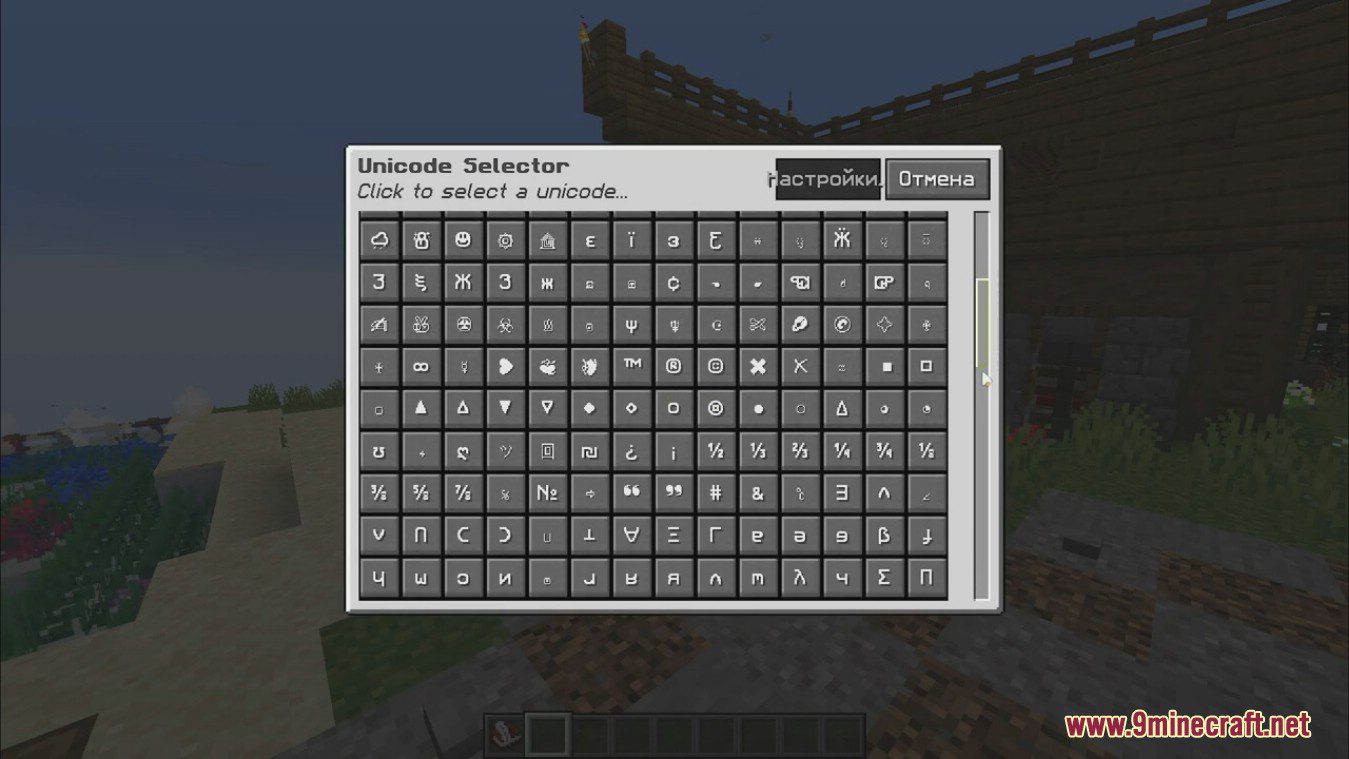
Open the chat and look for the Stendhal quick access bar of unicode characters next to the input field. Click any character to insert it into your message.
How do I add emojis or unicode to a sign?
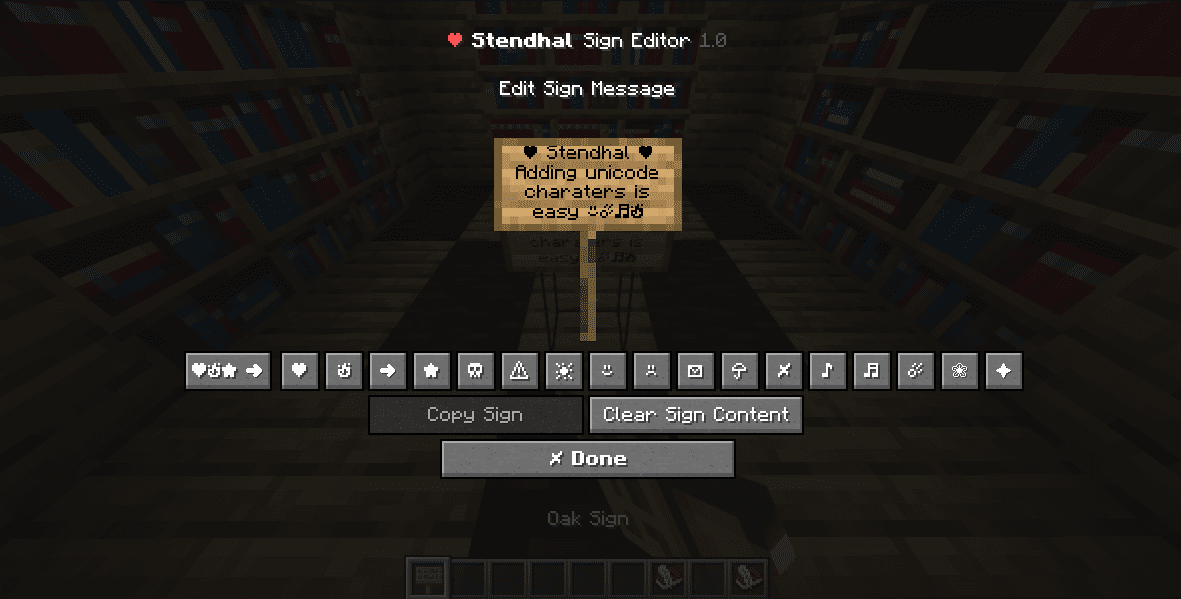
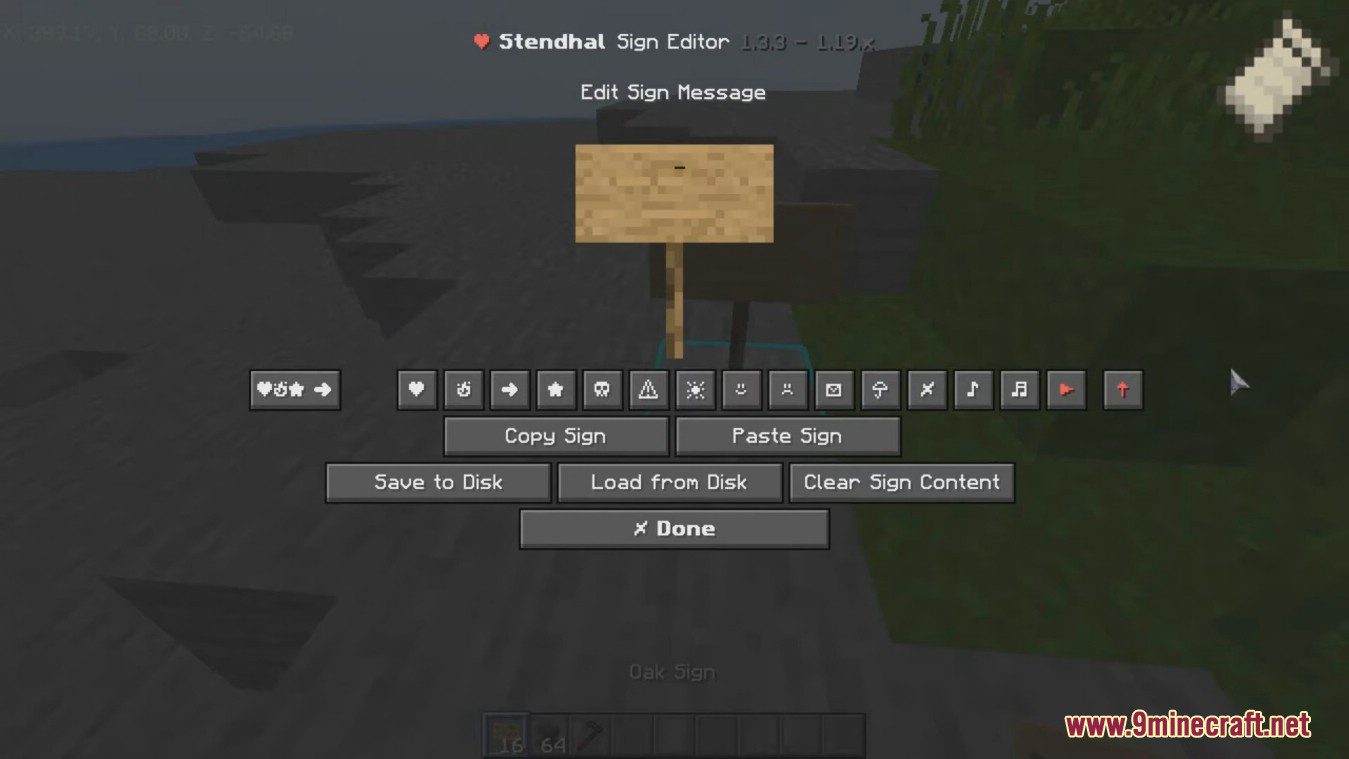
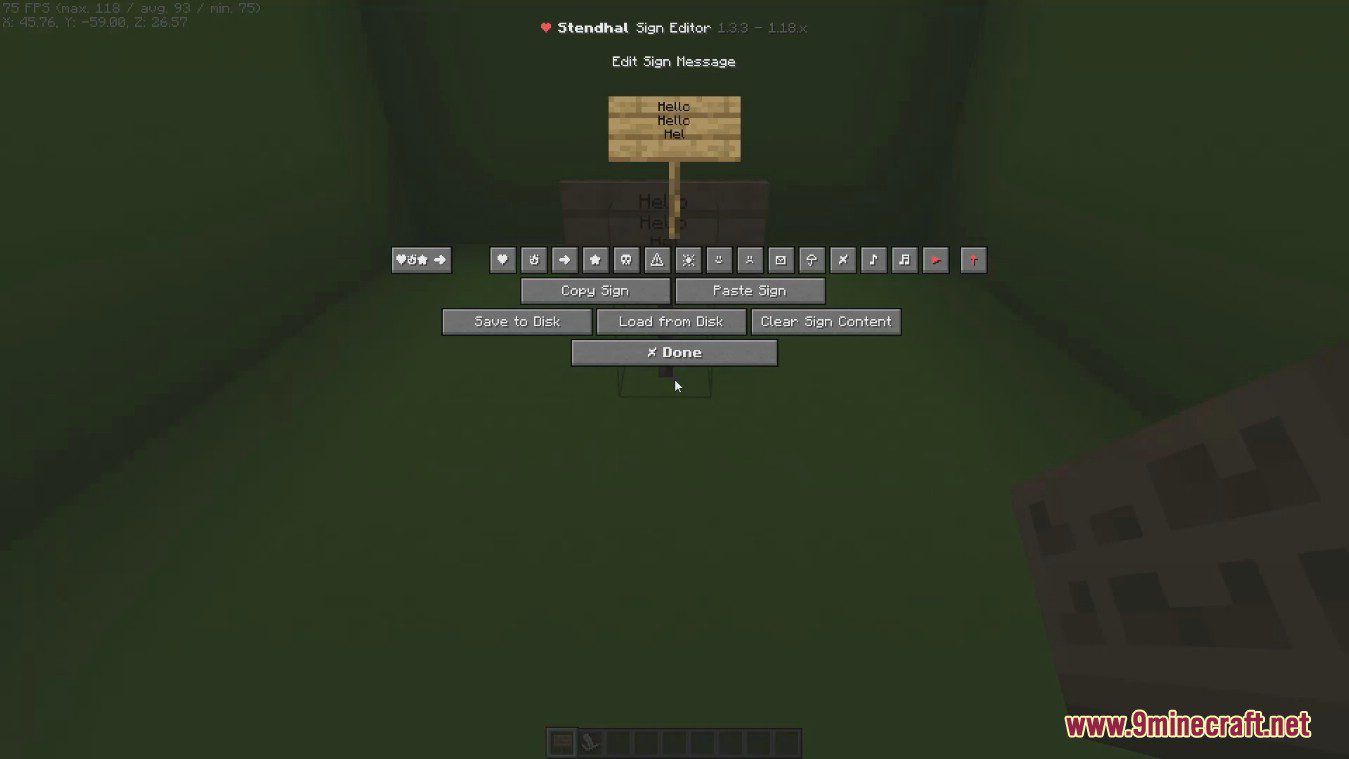
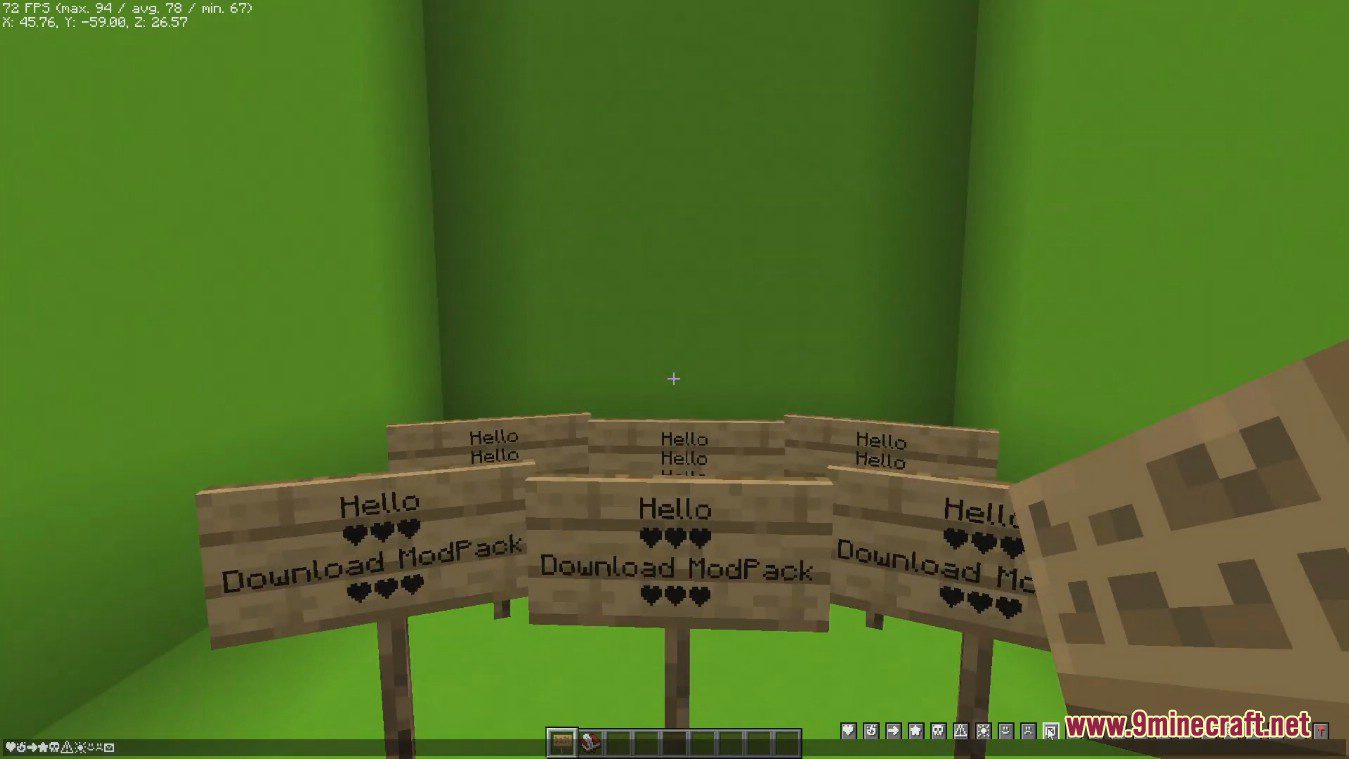
Open the sign editing screen and use the unicode picker that Stendhal adds there. Pick a character and it gets inserted into the line you're editing, then save the sign as usual.
How do I put unicode characters in my nametag?
See all 10 Stendhal questions ›
Gallery
12 images from the Stendhal Mod page.


You May Also Like
Wikis that share the most with this one
Wikis on the same theme: end
More mod wikis on the site
The most downloaded mods that have a wiki here
A few wikis from each of the other kinds