

 DownloadDynamx Physics
Get the files on 9Minecraft
Guides
Step-by-step, in-game.
How to Customize Vehicle PropertiesUnderstanding Vehicle Configuration Each vehicle in a content pack is defined by configuration files that control its…How to Drive and Control VehiclesSpawning a Vehicle Once a content pack is loaded, vehicles appear as items or blocks in your creative inventory or…How to Install and Load Content PacksLocating the DynamX Folder When you first launch Minecraft with DynamX installed, the mod automatically generates a…How to Use Ragdoll Physics with CharactersSpawning Ragdoll Models DynamX allows you to place ragdoll character models that respond realistically to physics.…
Items
 Ragdoll spawner
 Shockwave generator
 Slopes tool
 Wrench
Frequently asked questions
Where do I put content packs after I download them?
Extract the content pack folder and place it directly into your DynamX folder, which is generated in .minecraft when you first run the mod. The mod will load all packs in that directory automatically on your next game launch.
How do I get in and drive a vehicle?
Spawn or locate a vehicle in your world, then right-click it to enter. Use WASD to move, Space to accelerate, and Shift to brake or reverse—the exact controls depend on how the pack creator configured the vehicle.
Why is my vehicle driving weird or sliding around?
Vehicle handling depends on the weight, friction, and suspension properties set in the pack. If a vehicle feels too slippery, the terrain or road surface may not have enough grip, or the pack's physics values may need adjustment by the content creator.
Can I edit vehicle speed and weight myself?
Yes—vehicle properties are stored in configuration files within each content pack. You can open these files and modify values like top speed, acceleration, and mass, then reload the pack to test your changes.
See all 10 Dynamx Physics questions ›
Gallery
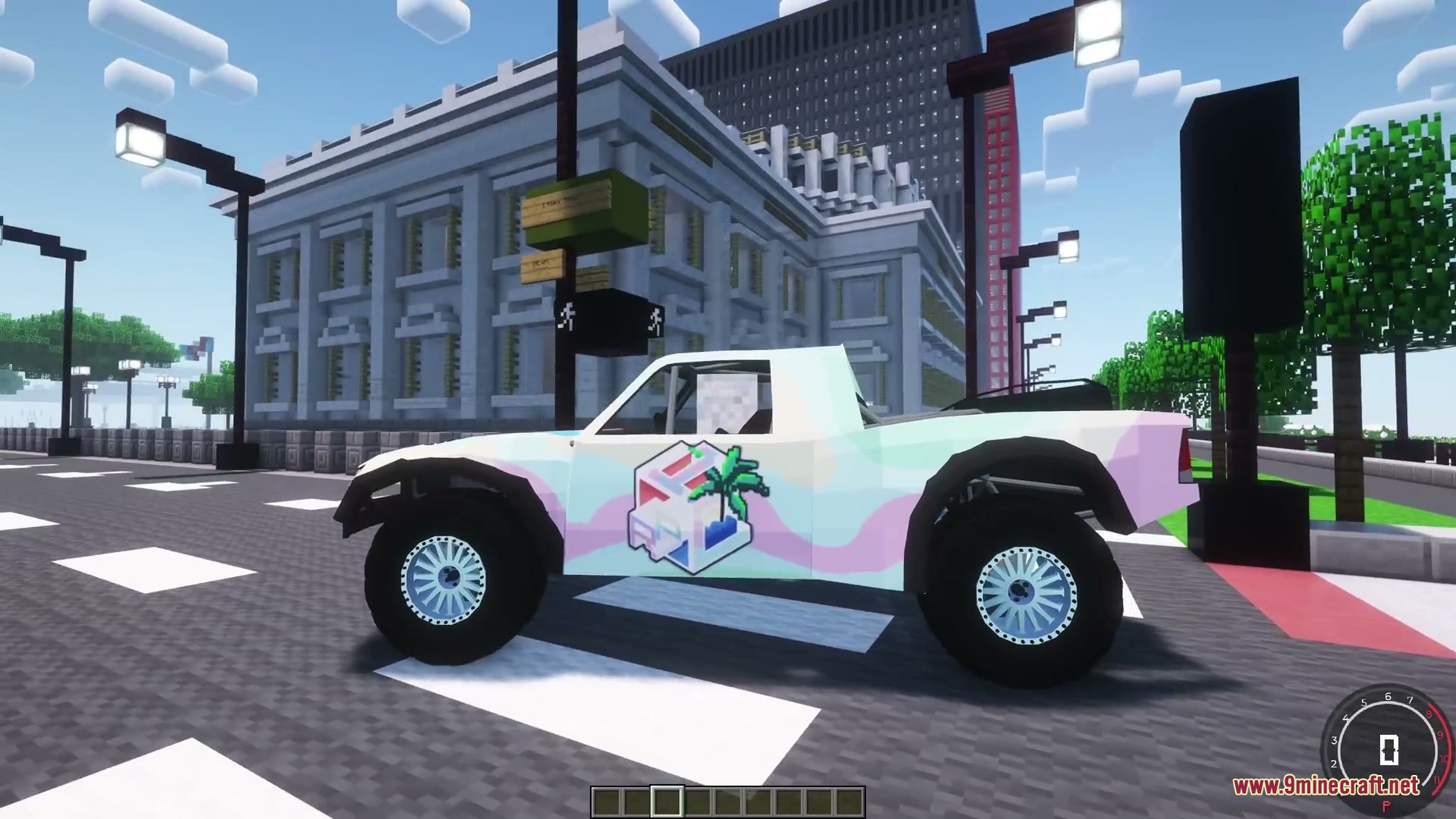
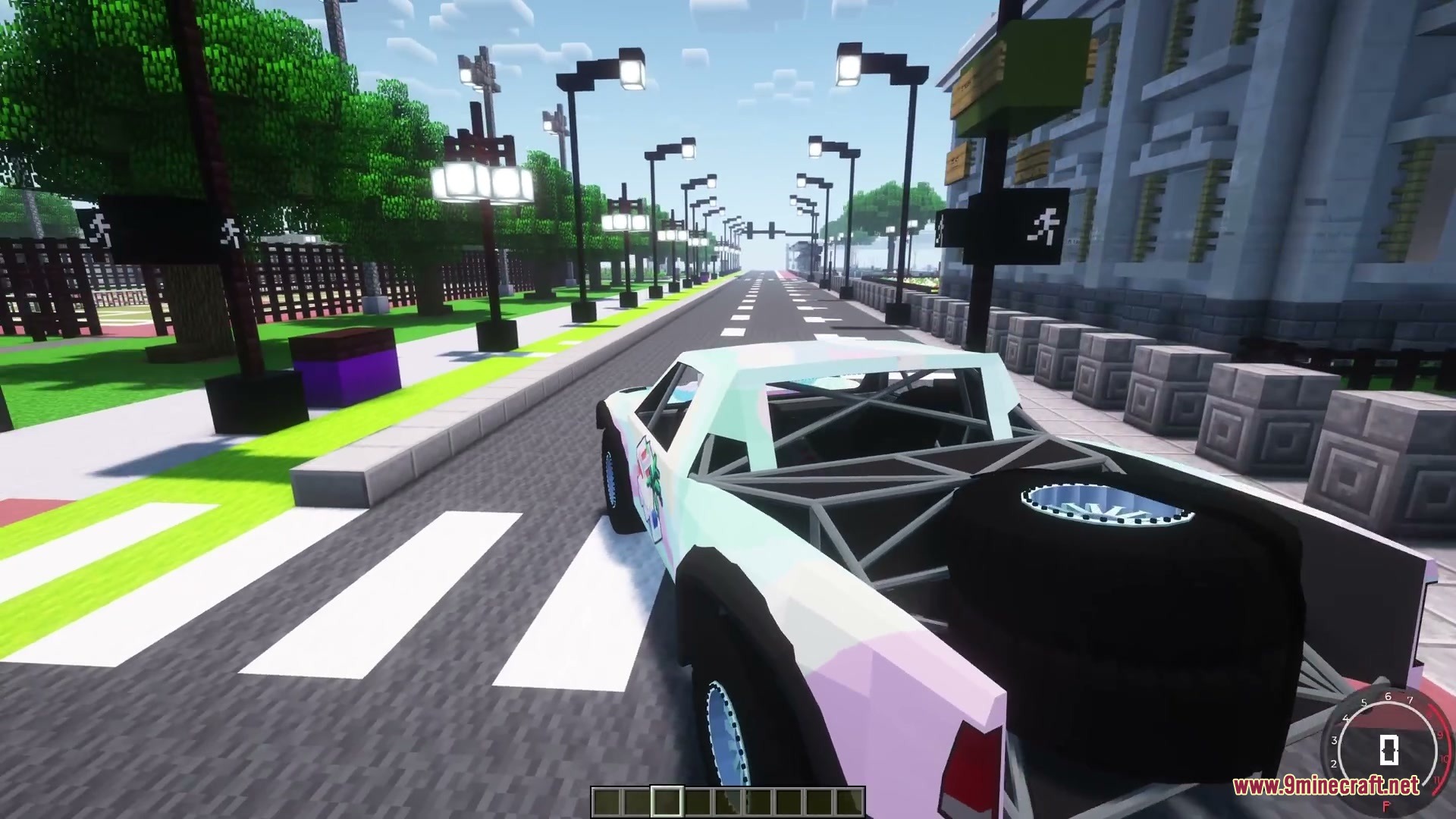
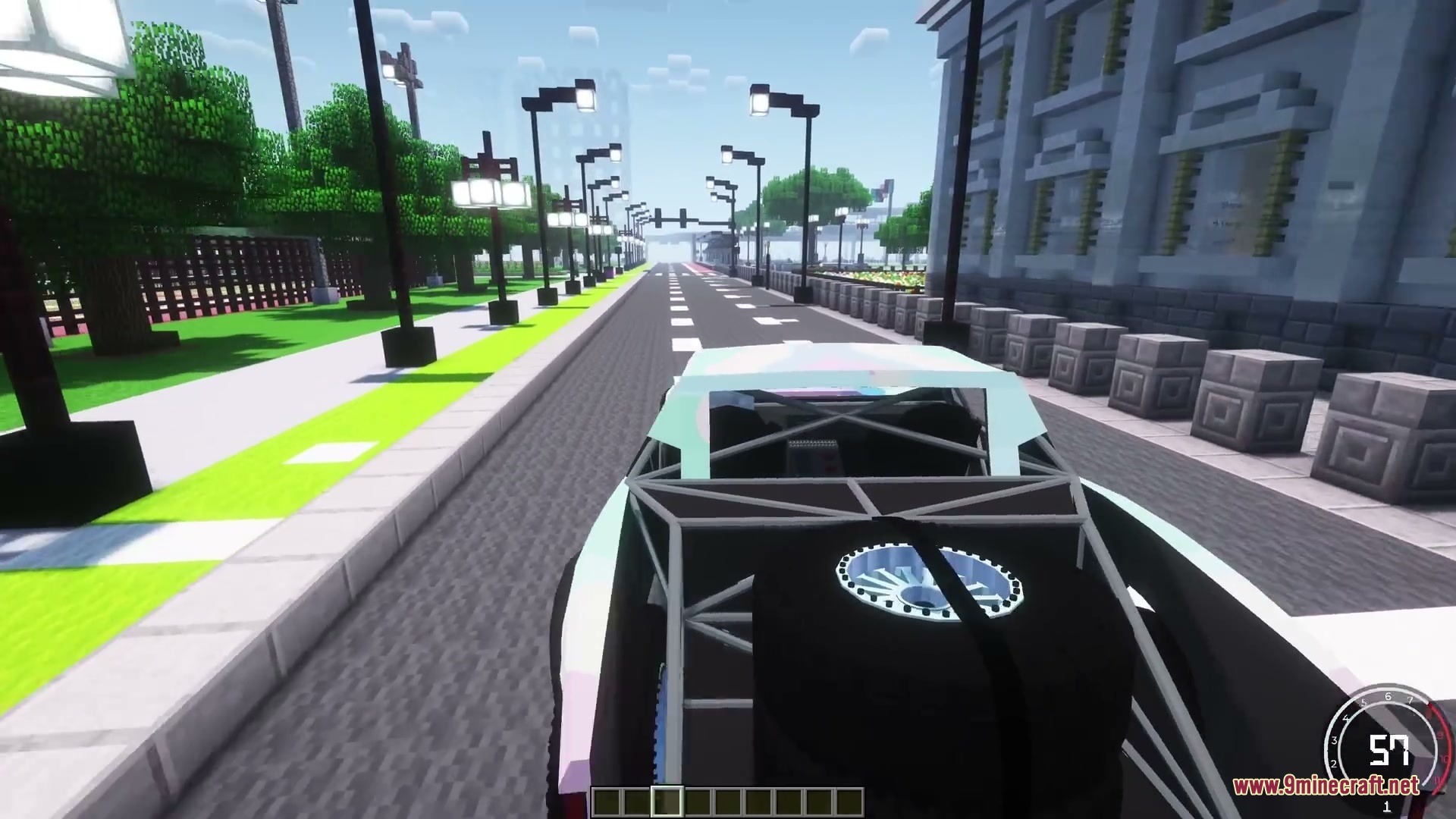
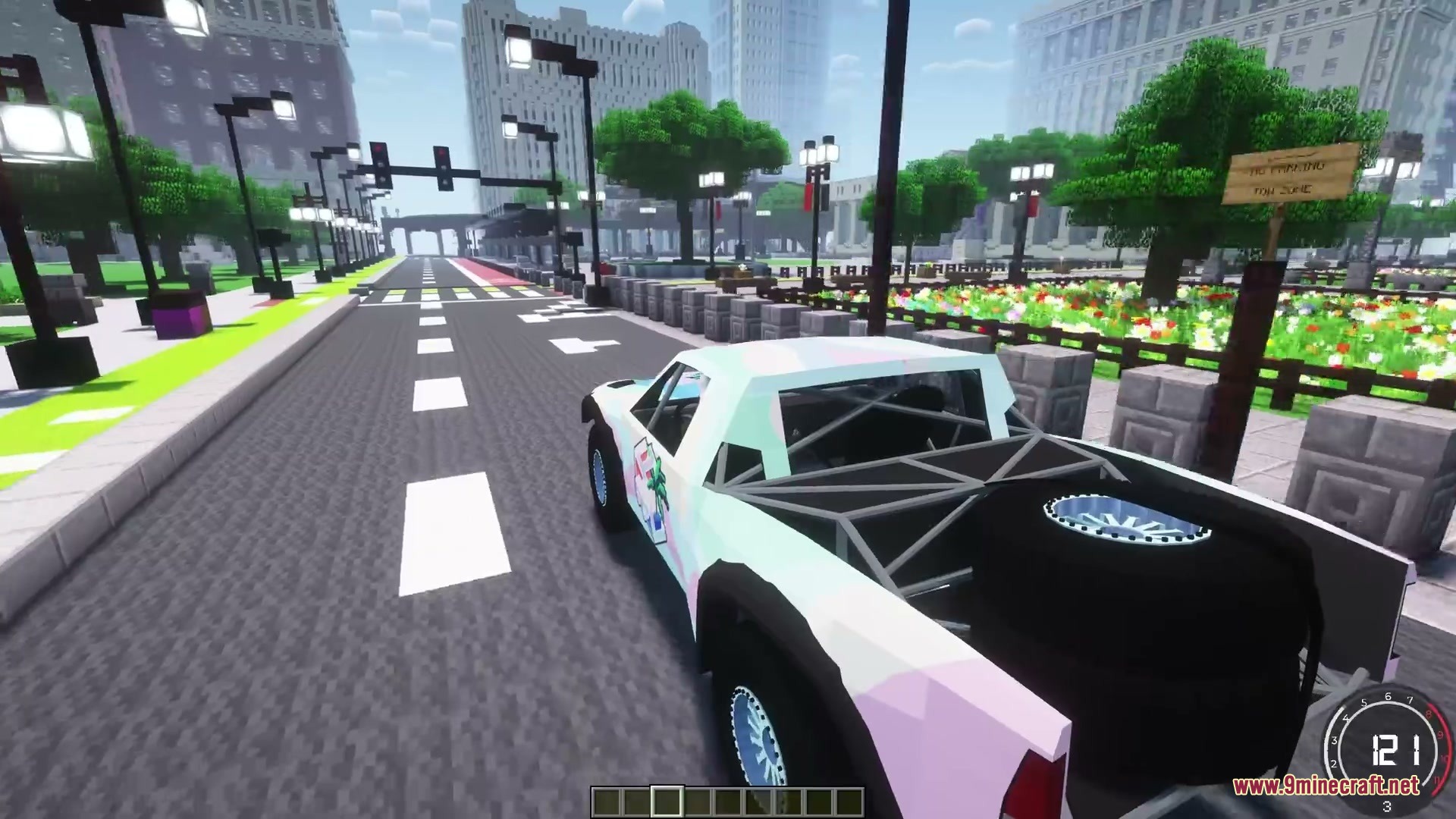
12 images from the Dynamx Physics Mod page.
You May Also Like
Wikis that share the most with this one
Wikis on the same theme: tool
More mod wikis on the site
The most downloaded mods that have a wiki here
A few wikis from each of the other kinds