

 DownloadLead Physics Mod
Get the files on 9Minecraft
Guides
Step-by-step, in-game.
Control How Much Your Rope Swings and MovesAdjust Physics Strength The rope's movement and swing intensity is controlled by a single setting: 1. Access your mod…Make Rope Collide with Blocks and TerrainEnable Block Collision By default, rope leads pass straight through walls and terrain. To make them interact…Switch Between 2D and 3D Rope VisualsChange Your Rope Appearance Lead Physics Mod offers two distinct visual styles for your rope leads: 1. Open your mod…Temporarily Disable the Mod Without UninstallingToggle Mod On and Off If you want to see vanilla leads again or troubleshoot issues without removing the mod: 1. Open…
Frequently asked questions
How do I turn on the rope physics after installing the mod?
Open your mod settings and find the Mod Toggle option, then switch it on. The rope will immediately start rendering with physics instead of as a straight line.
Can I make the rope look like a flat 2D line instead of a 3D rope?
Yes, go to your mod configuration and change the Render Mode setting from 3D to 2D. This will make the rope appear as a flat line while keeping all physics behavior the same.
My rope passes through walls and trees. How do I fix this?
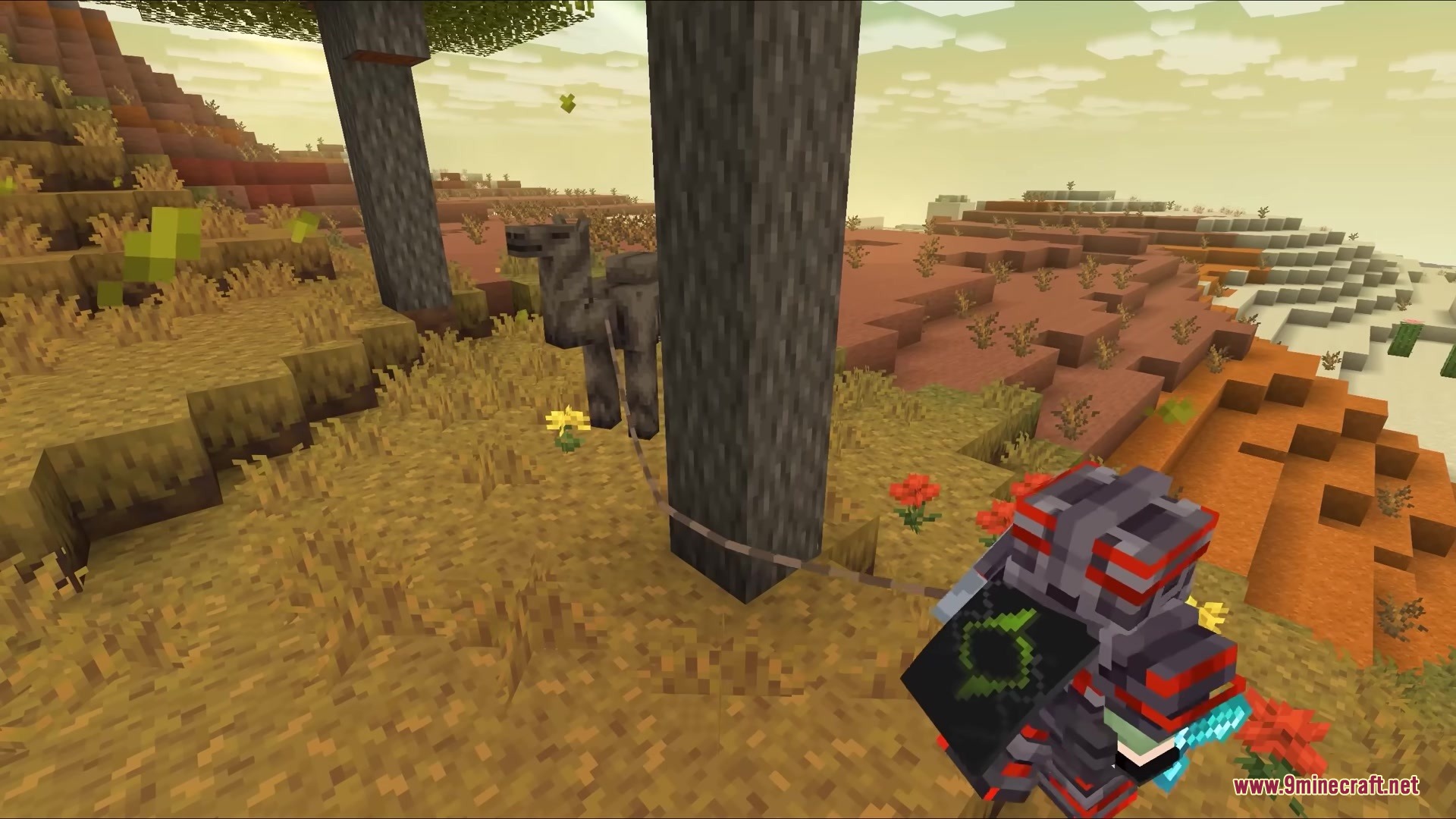
Enable the Block Collision option in your mod settings. Once turned on, the rope will stop and wrap around terrain and blocks instead of passing through them.
The rope swings too much or not enough. Can I adjust this?
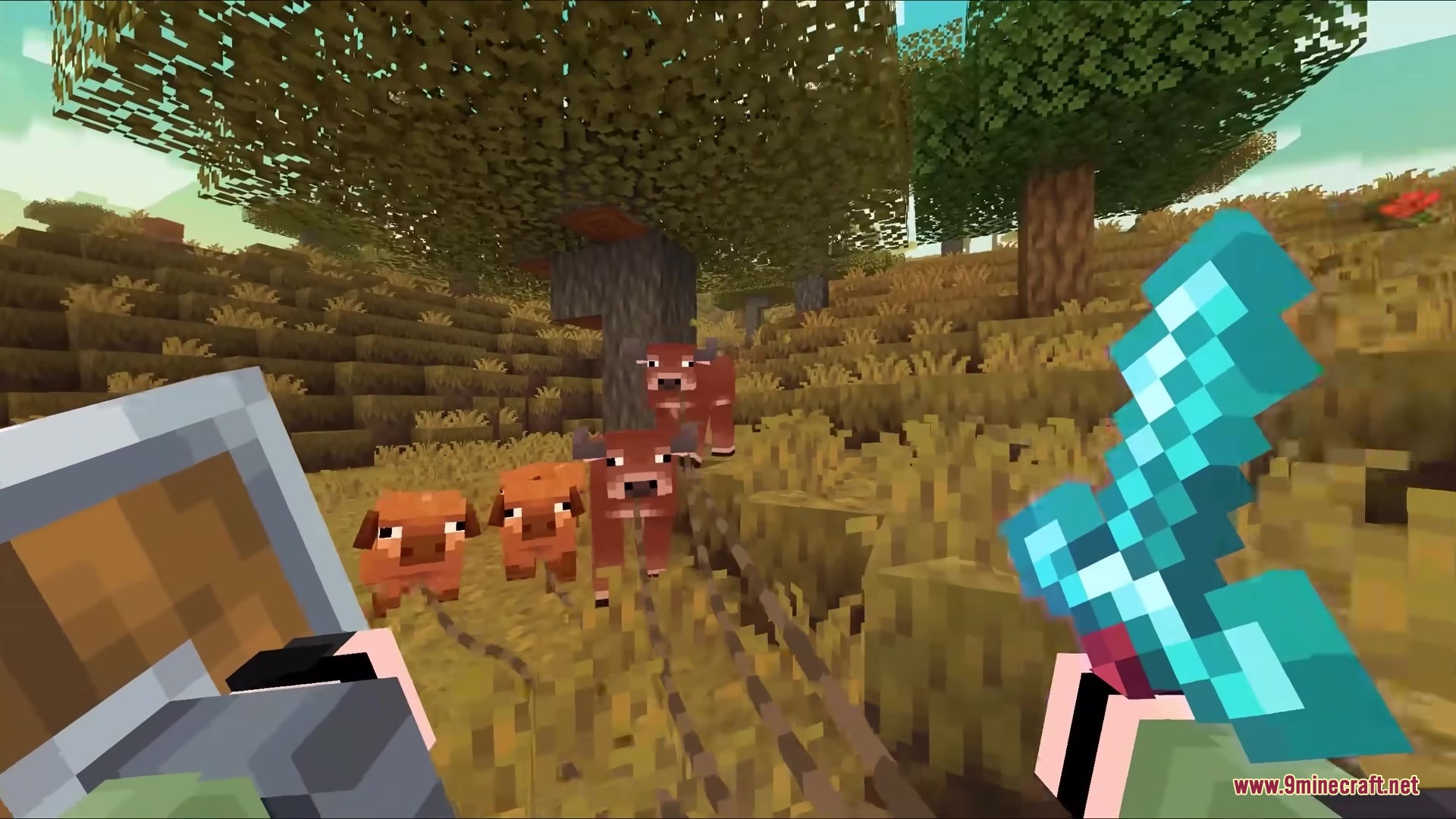
Use the Physics Strength setting to control how much your rope swings and moves. Increase it for more dramatic swinging, or decrease it for stiffer rope behavior.
See all 10 Lead Physics questions ›
Gallery
6 images from the Lead Physics Mod page.
You May Also Like
Wikis that share the most with this one
More mod wikis on the site
The most downloaded mods that have a wiki here
A few wikis from each of the other kinds