

 DownloadSirius Ui Mod
Get the files on 9Minecraft
Guides
Step-by-step, in-game.
Change the Background Image on Menu ScreensPreparing Your Custom Background Create or find a background image you want to use. Save it as a PNG file and place…Create a Custom Menu Layout Using JSONSetting Up Your Resource Pack Start by creating a new resource pack folder in your .minecraft/resourcepacks…Reposition Buttons on the Title ScreenLocating the Menu JSON File Find the JSON file controlling your title screen layout in your resource pack's…Switch Between Different Menu LayoutsCreating Multiple Menu Variants You can create several different menu layouts by making multiple JSON files in your…
Frequently asked questions
How do I start using Sirius Ui Mod?
Load the mod into your game, then create or download a resource pack designed for Sirius UI. Enable the resource pack in your game settings, and your custom menus will load automatically when you restart the game.
Can I edit menu layouts without knowing how to code?
Yes—the mod uses JSON files in resource packs, which are plain text and don't require Java knowledge. You can open and edit these files with any text editor to move buttons, change colors, or swap images.
Where do I put JSON files for custom menus?
Place your JSON layout files inside your resource pack folder structure. The exact path depends on your resource pack's organization, but they typically go in a folder dedicated to UI or menu data within the pack.
Does this mod change the options menu?
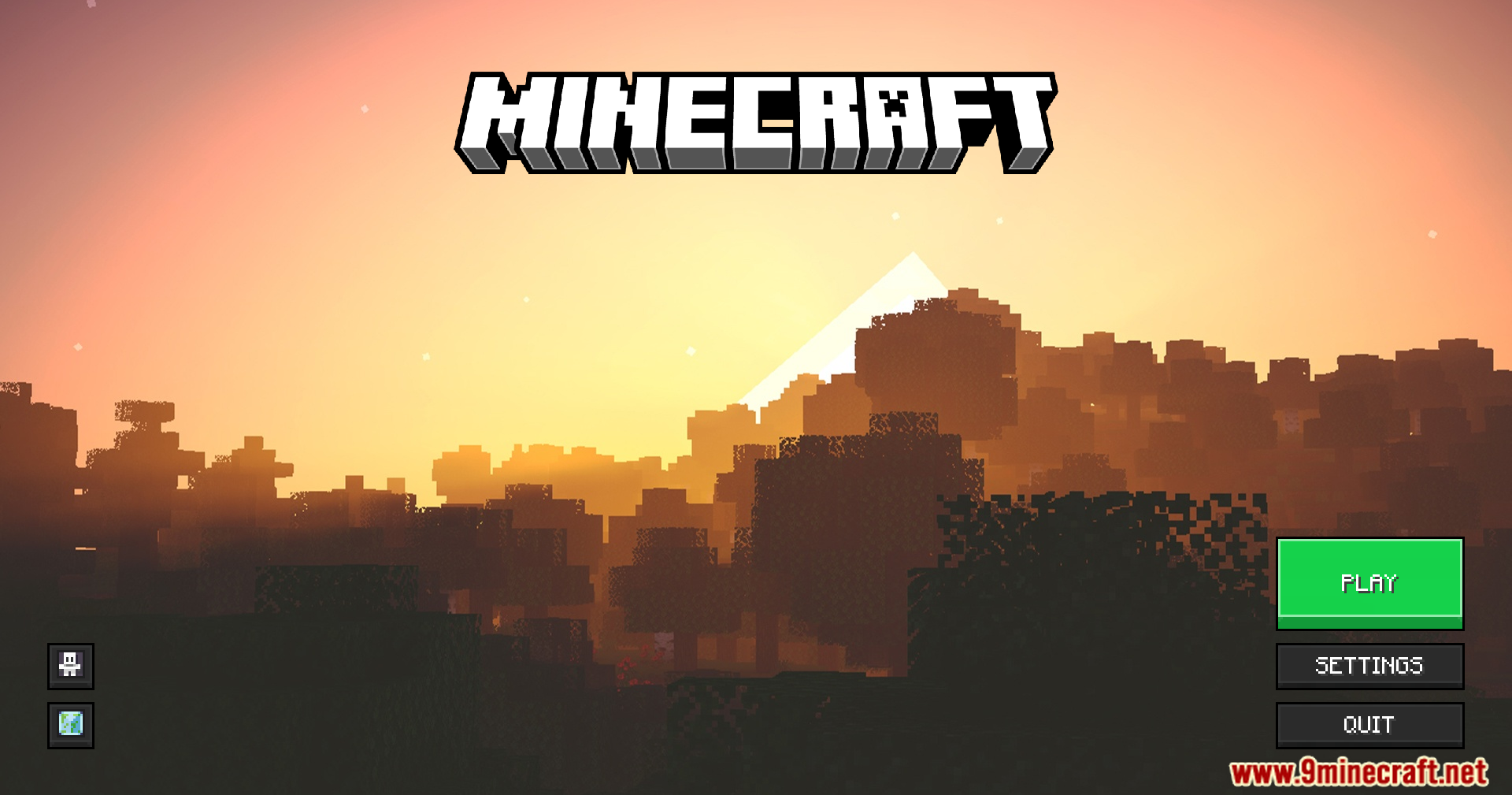
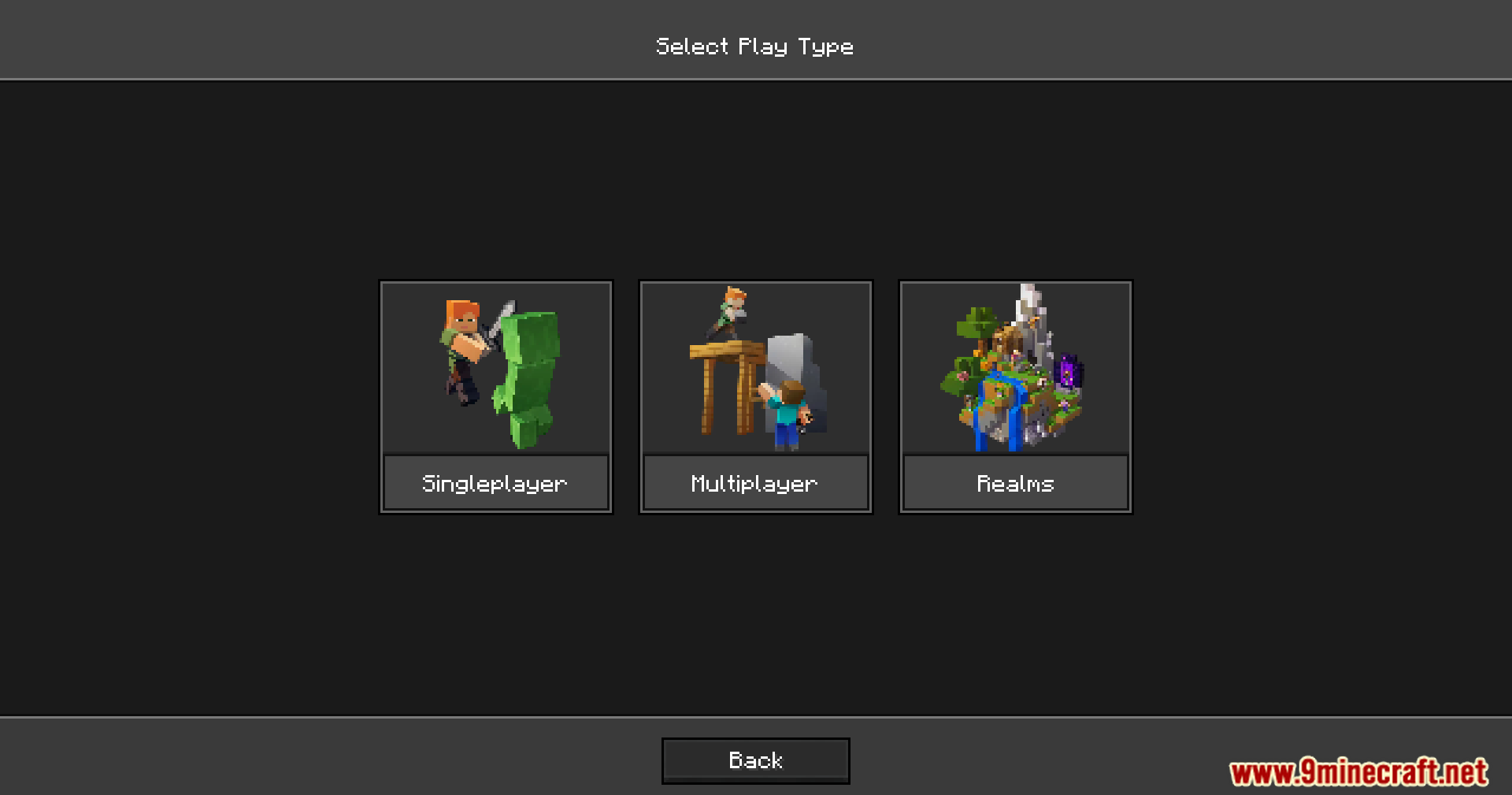
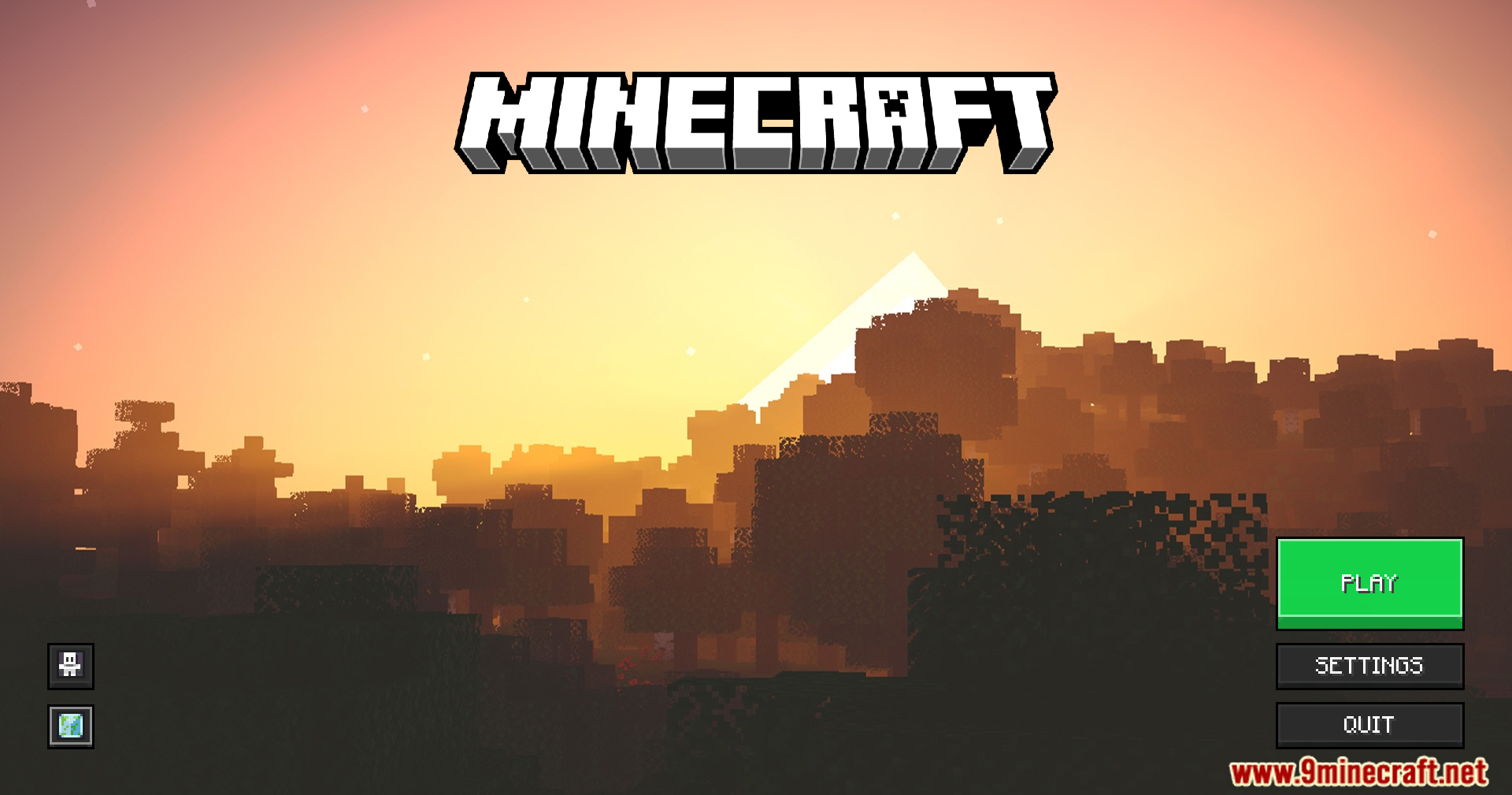
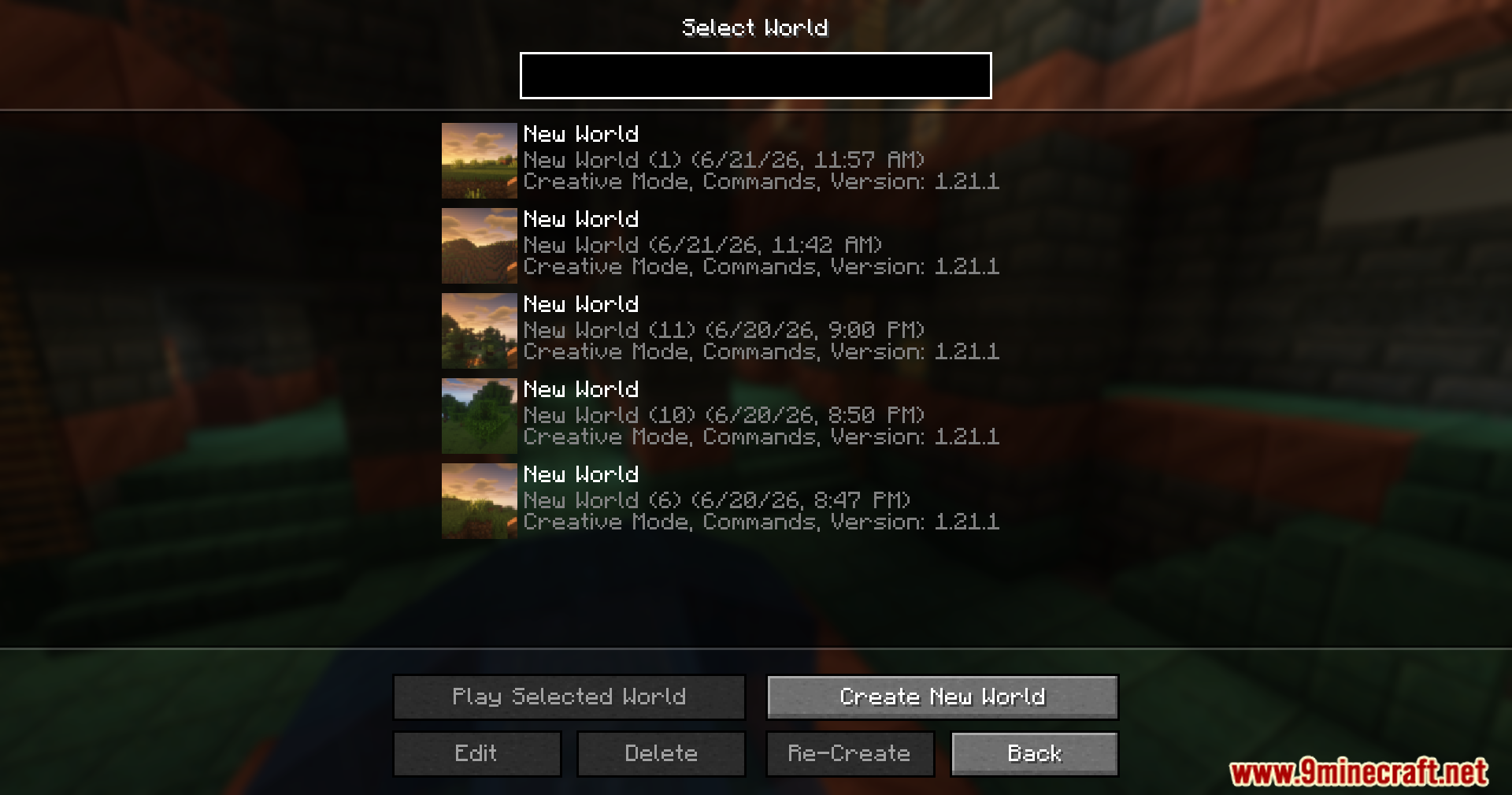
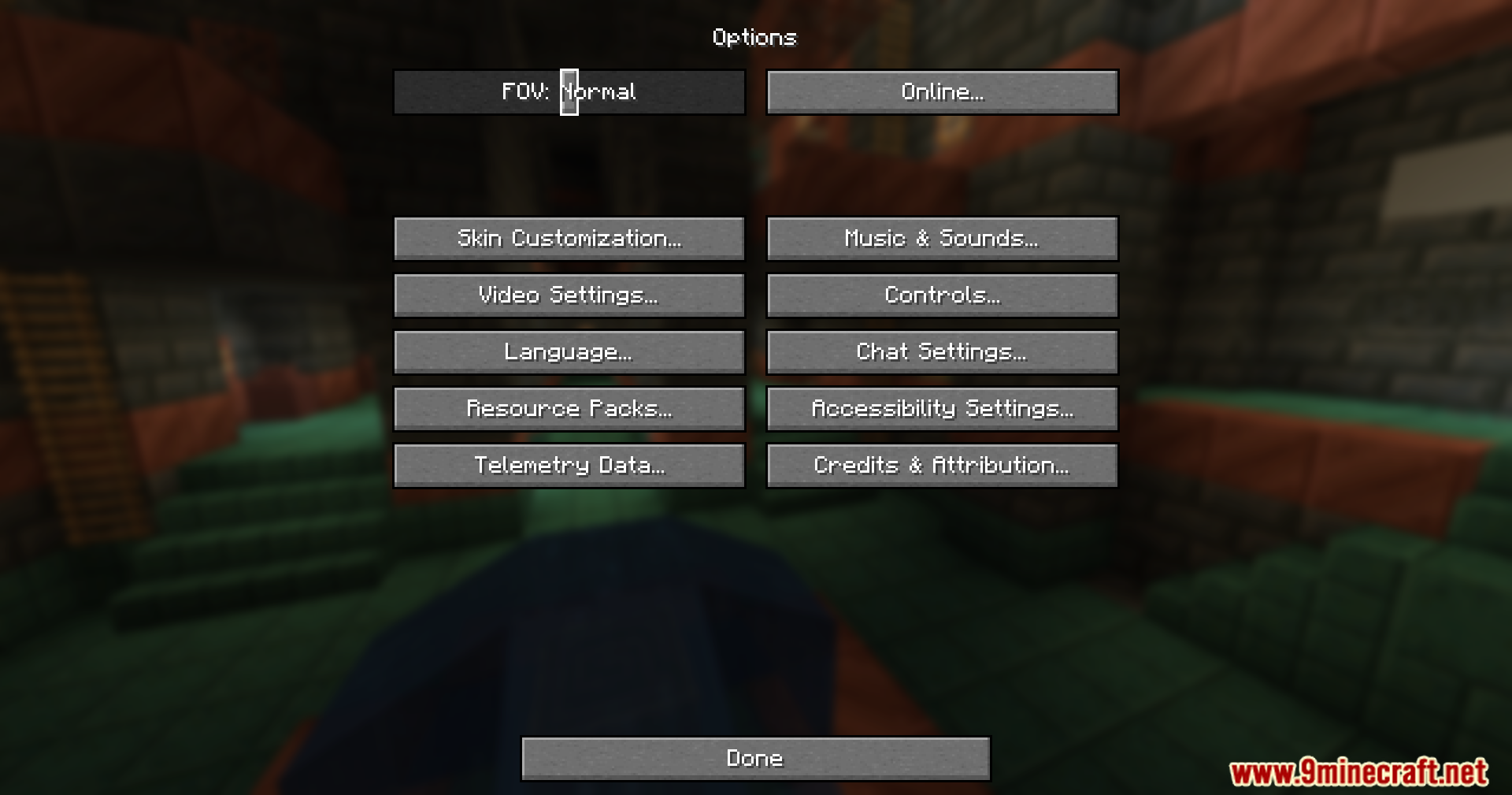
No—the vanilla options menu remains unchanged. Sirius UI only customizes the title screen and world selection screen.
See all 10 Sirius Ui questions ›
Gallery
8 images from the Sirius Ui Mod page.
You May Also Like
Wikis that share the most with this one
More mod wikis on the site
The most downloaded mods that have a wiki here
A few wikis from each of the other kinds