

 DownloadImproved Sign Editing Mod
Get the files on 9Minecraft
Guides
Step-by-step, in-game.
Configure the Improved Sign Editing Mod SettingsAvailable Configuration Options The mod provides two main settings to customize your experience:…Delete and Edit Text Across Multiple Sign LinesCross-Line Deletion Instead of being confined to a single line, the Improved Sign Editing Mod lets you delete text as…Switch Between Improved and Vanilla Sign EditingToggle Button Location The Improved Sign Editing Mod adds a toggle button directly on the sign editing screen. This…Write Long Text on Signs Without Manual Line BreaksHow Automatic Word Wrapping Works The Improved Sign Editing Mod automatically moves words to the next line when they…
Frequently asked questions
How do I start using the improved sign editing?
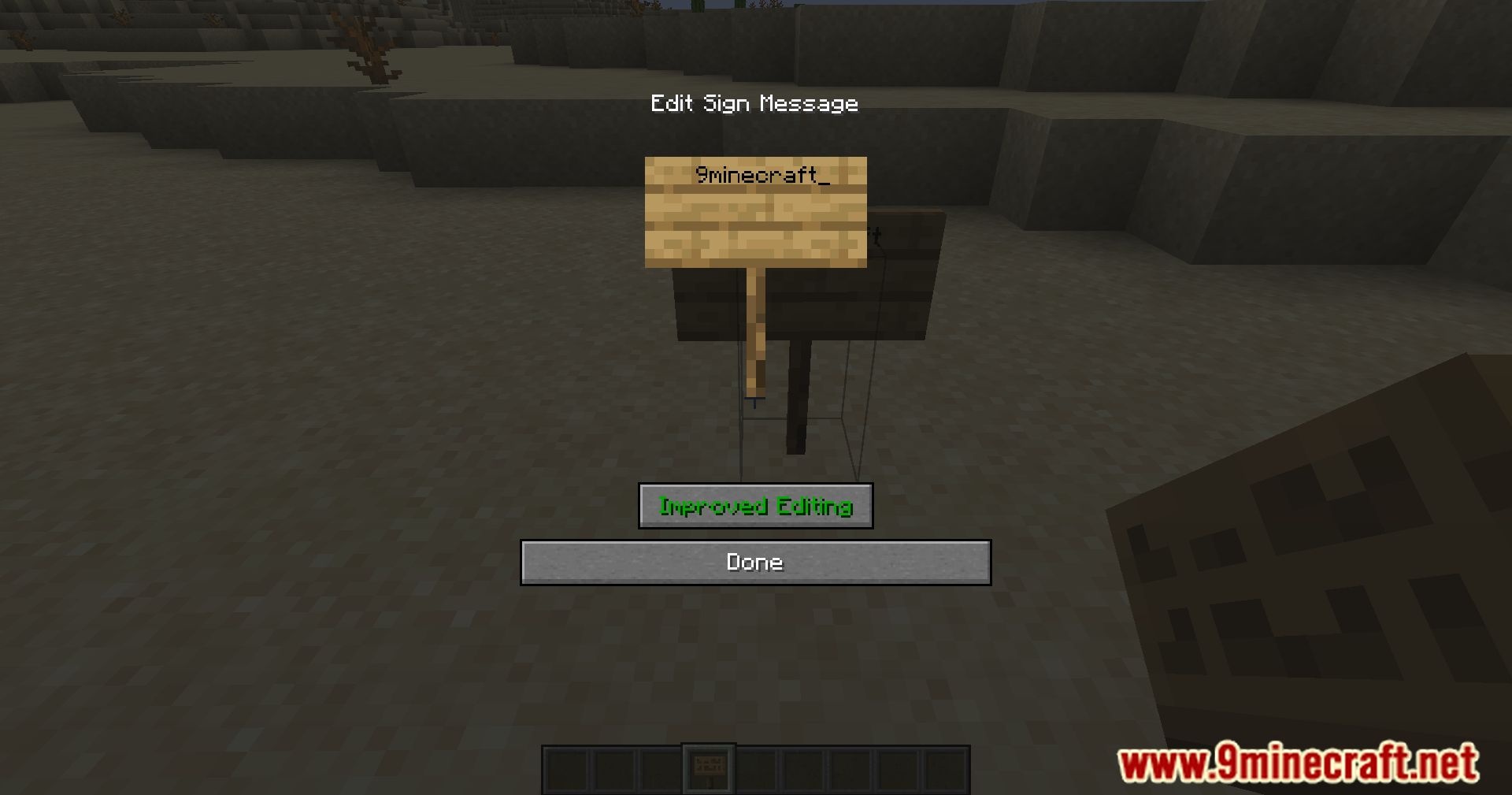
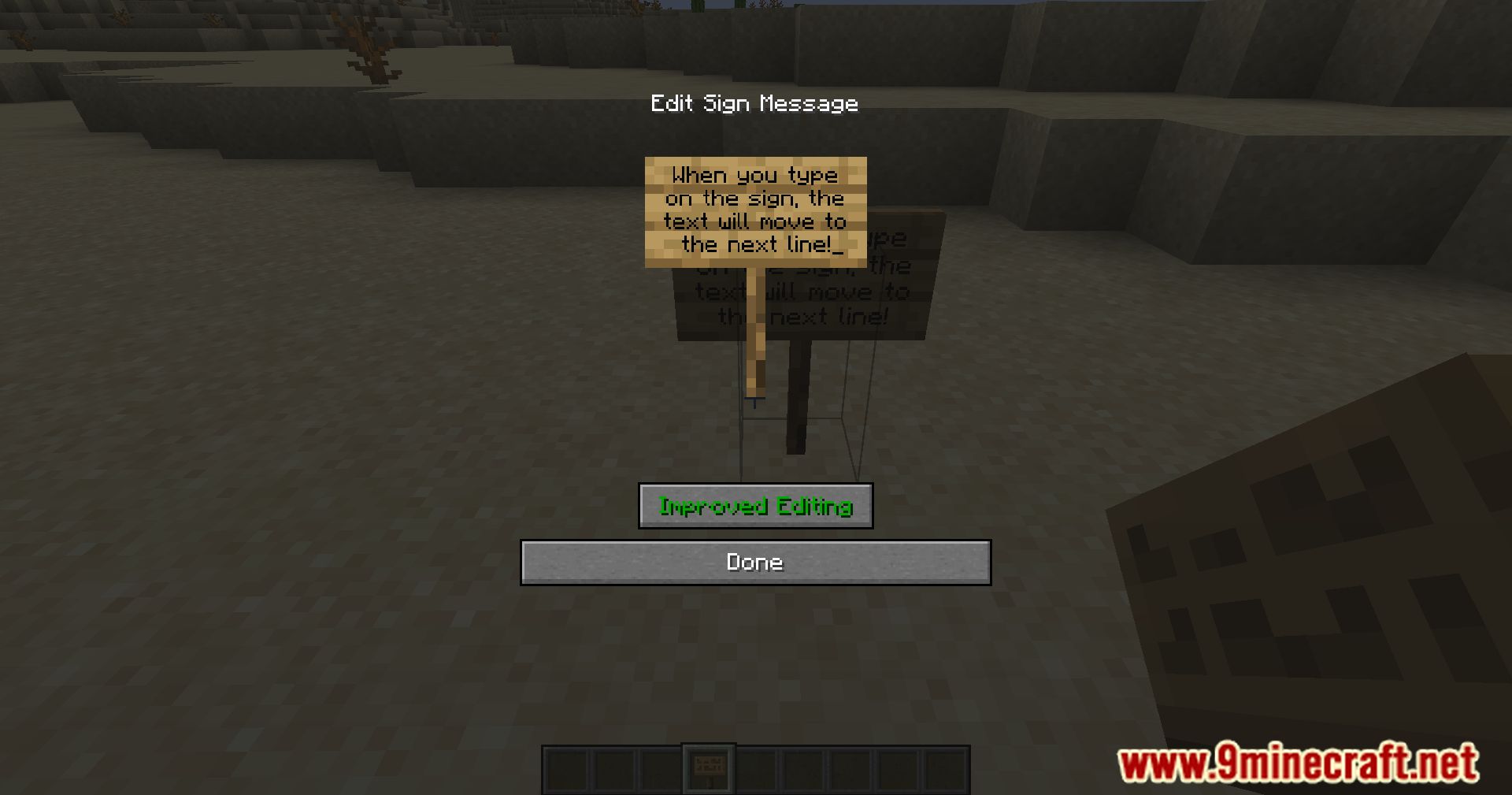
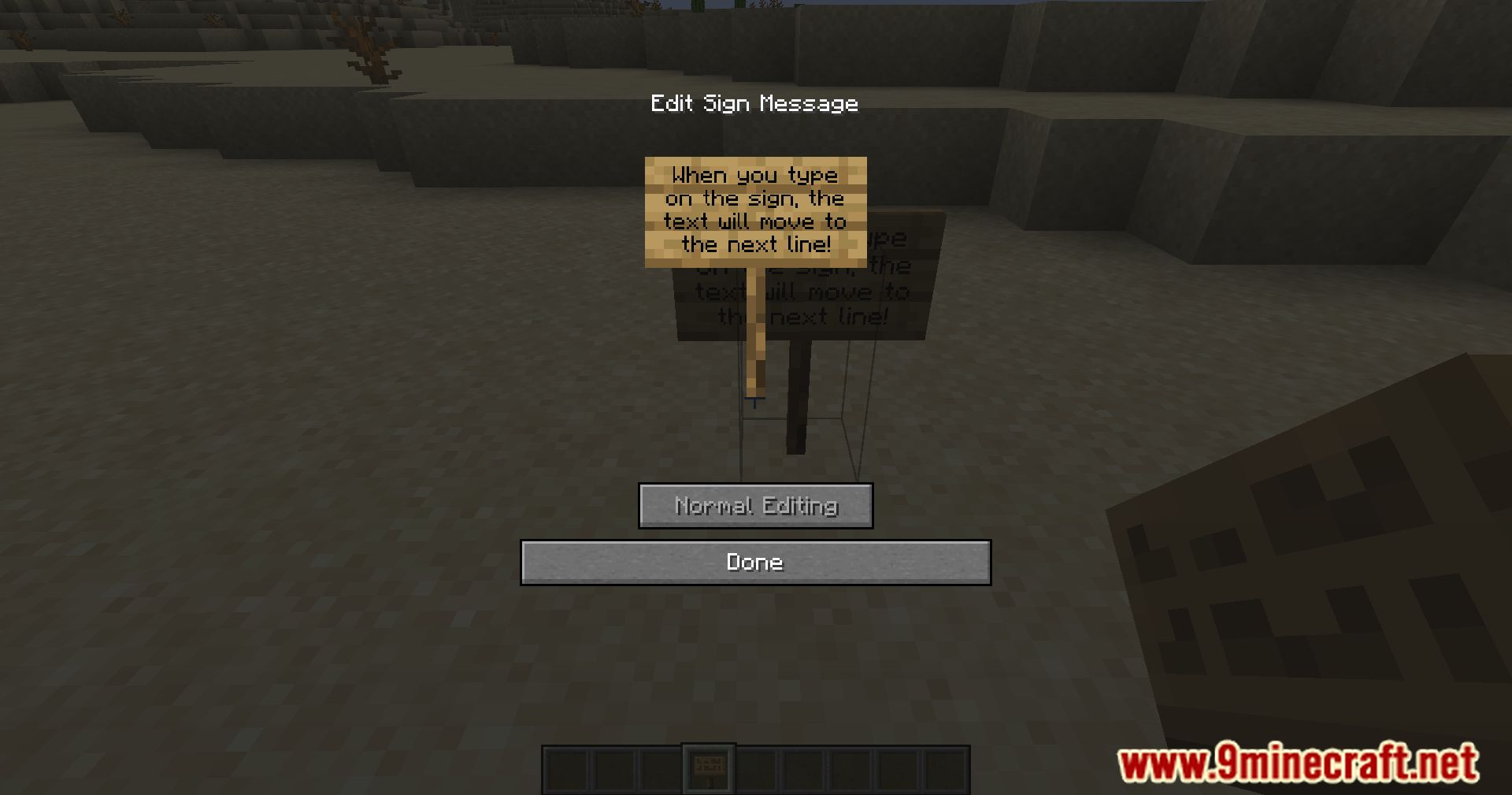
Open a sign to edit it as normal. You'll see a toggle button on the editing screen—click it to switch to improved mode. The mod is enabled by default, so improved editing should work immediately.
Can I write long sentences on one sign line without it breaking?
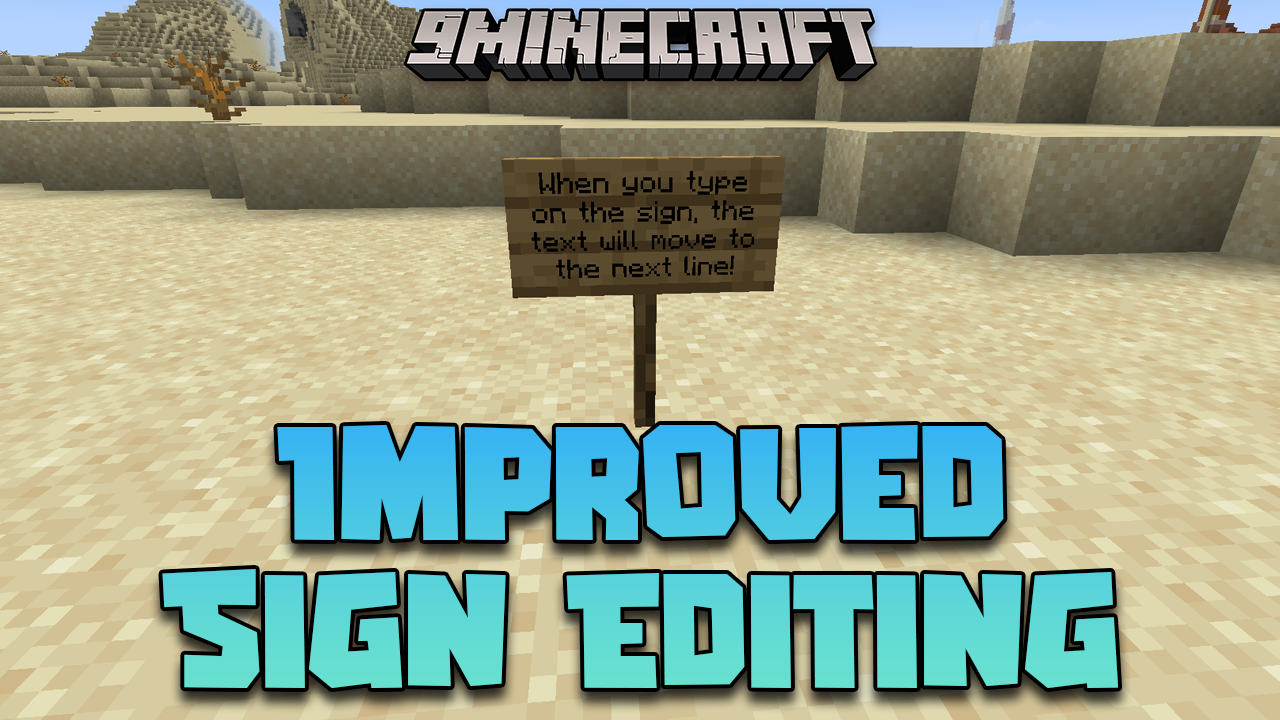
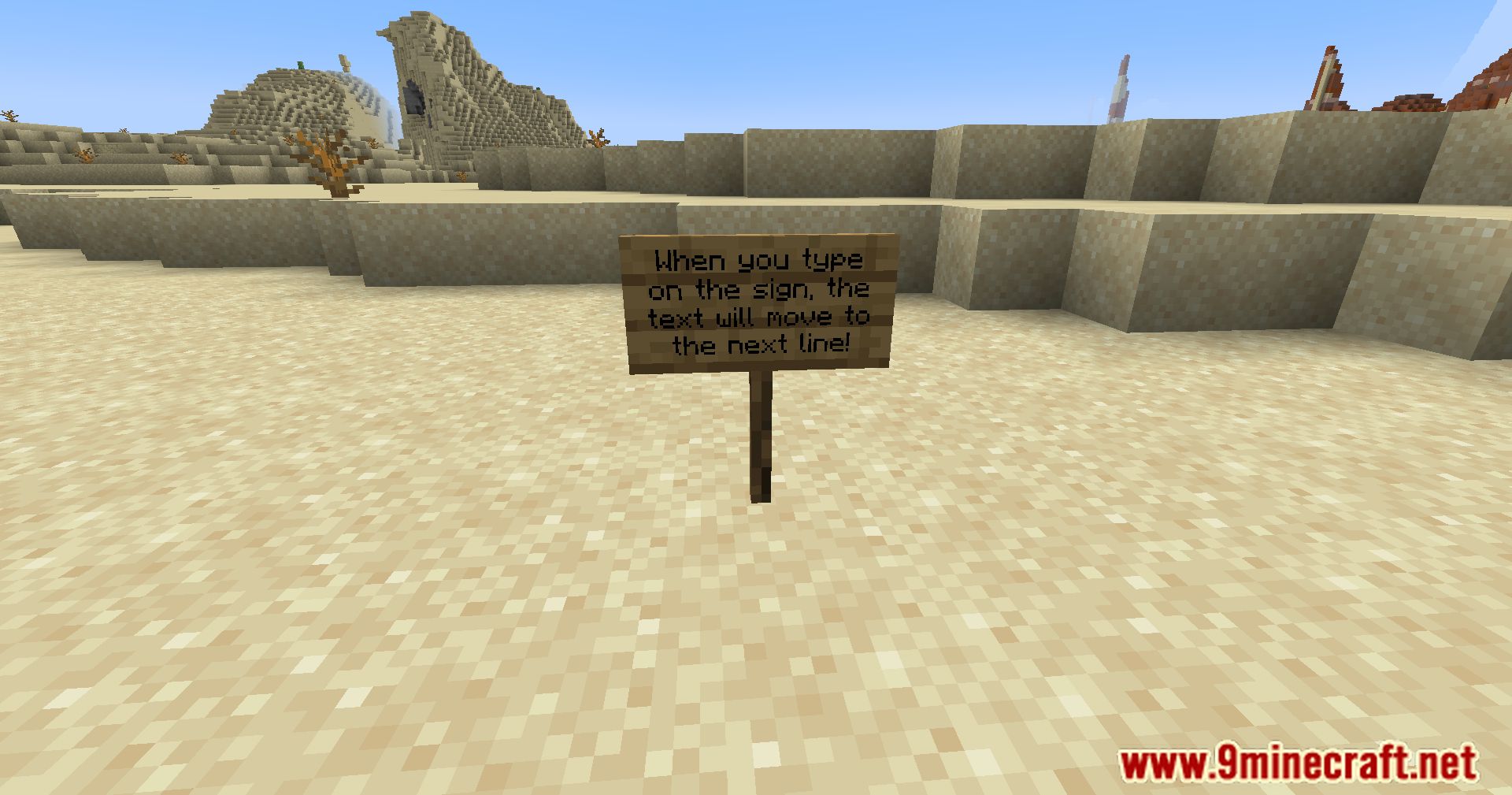
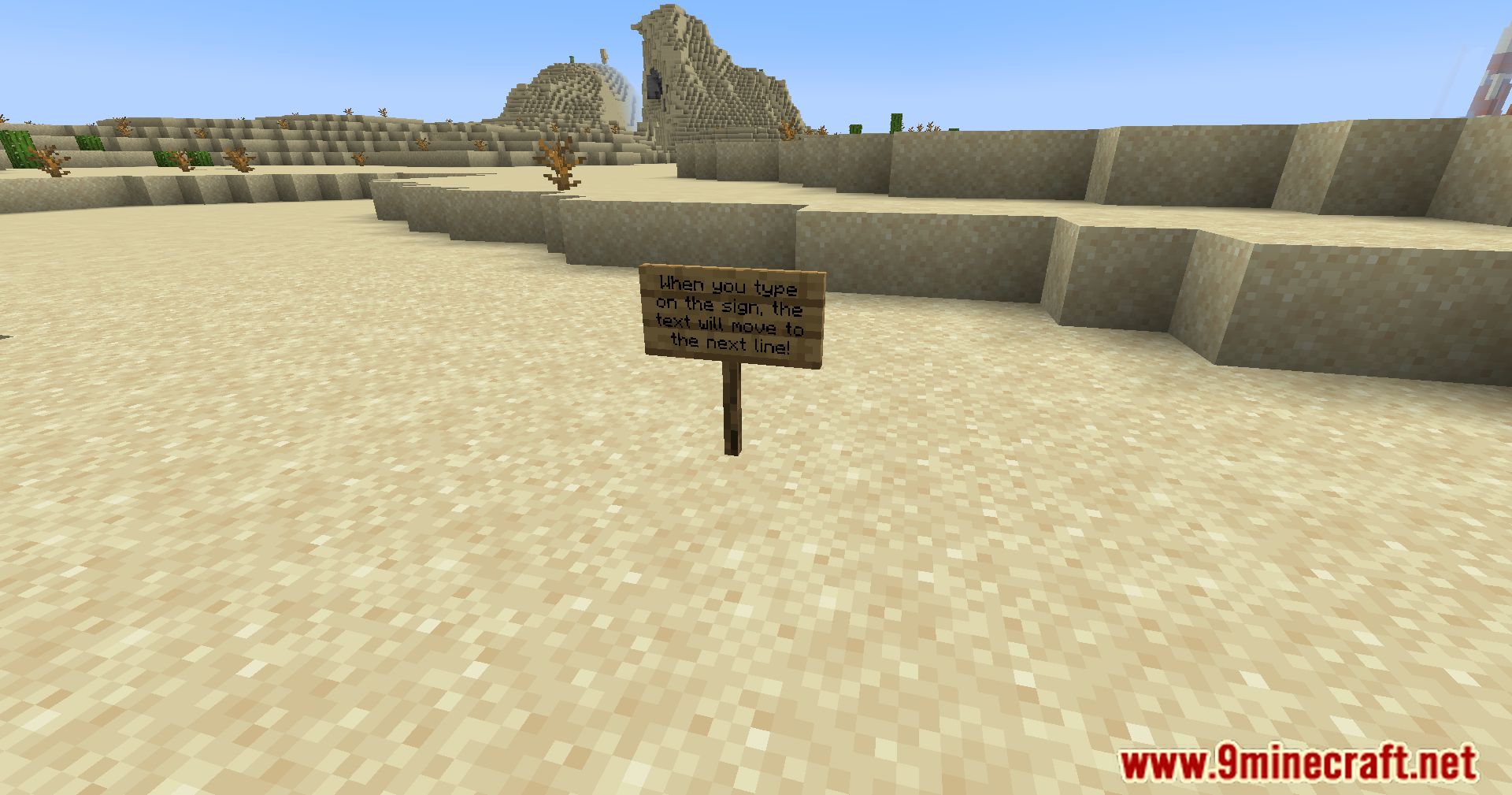
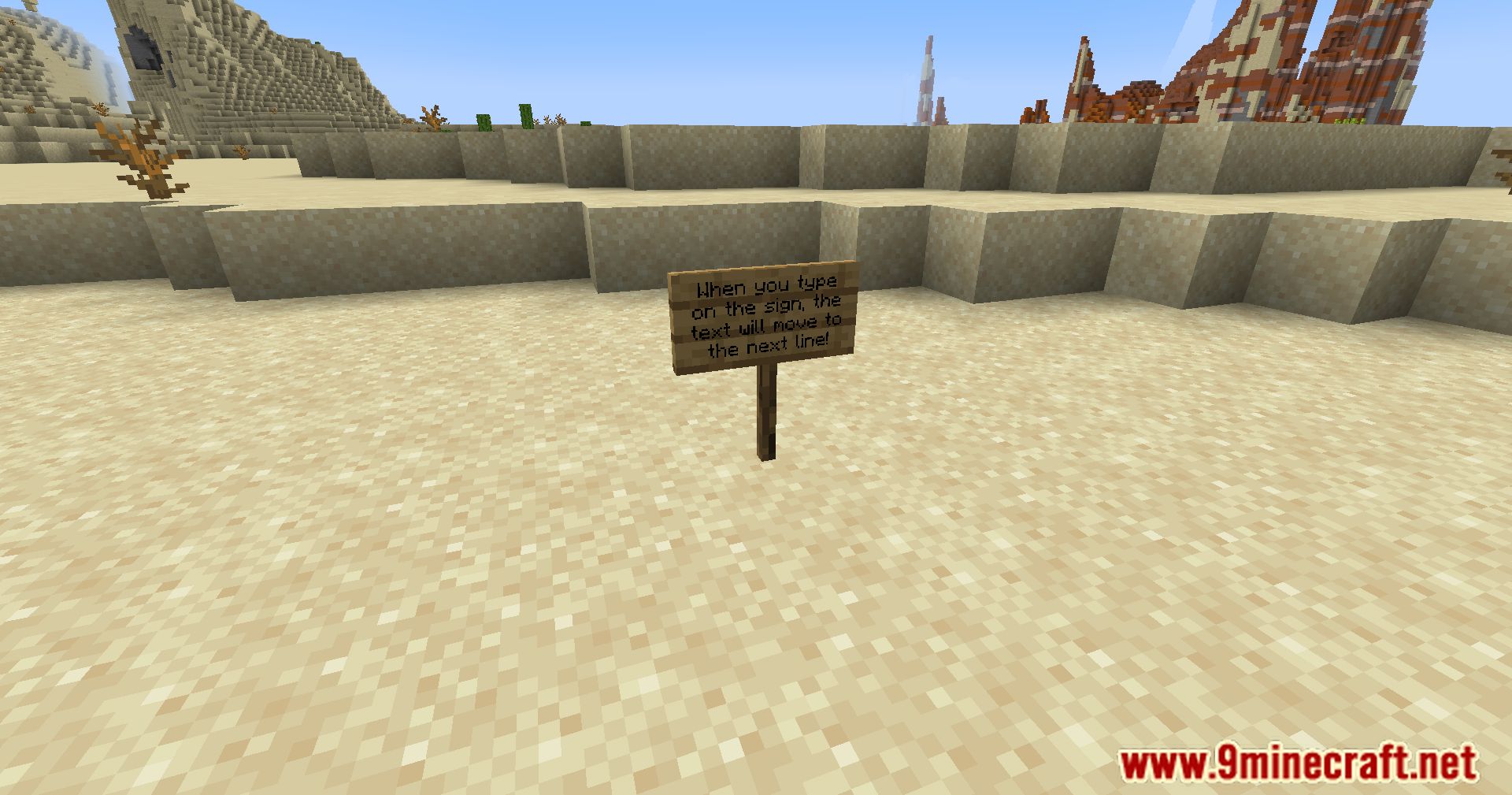
Yes. In improved mode, words automatically shift to the next line if they don't fit on the current line, so you can type naturally without manually adding line breaks or spacing.
What happens if I delete text in the middle of a sign?
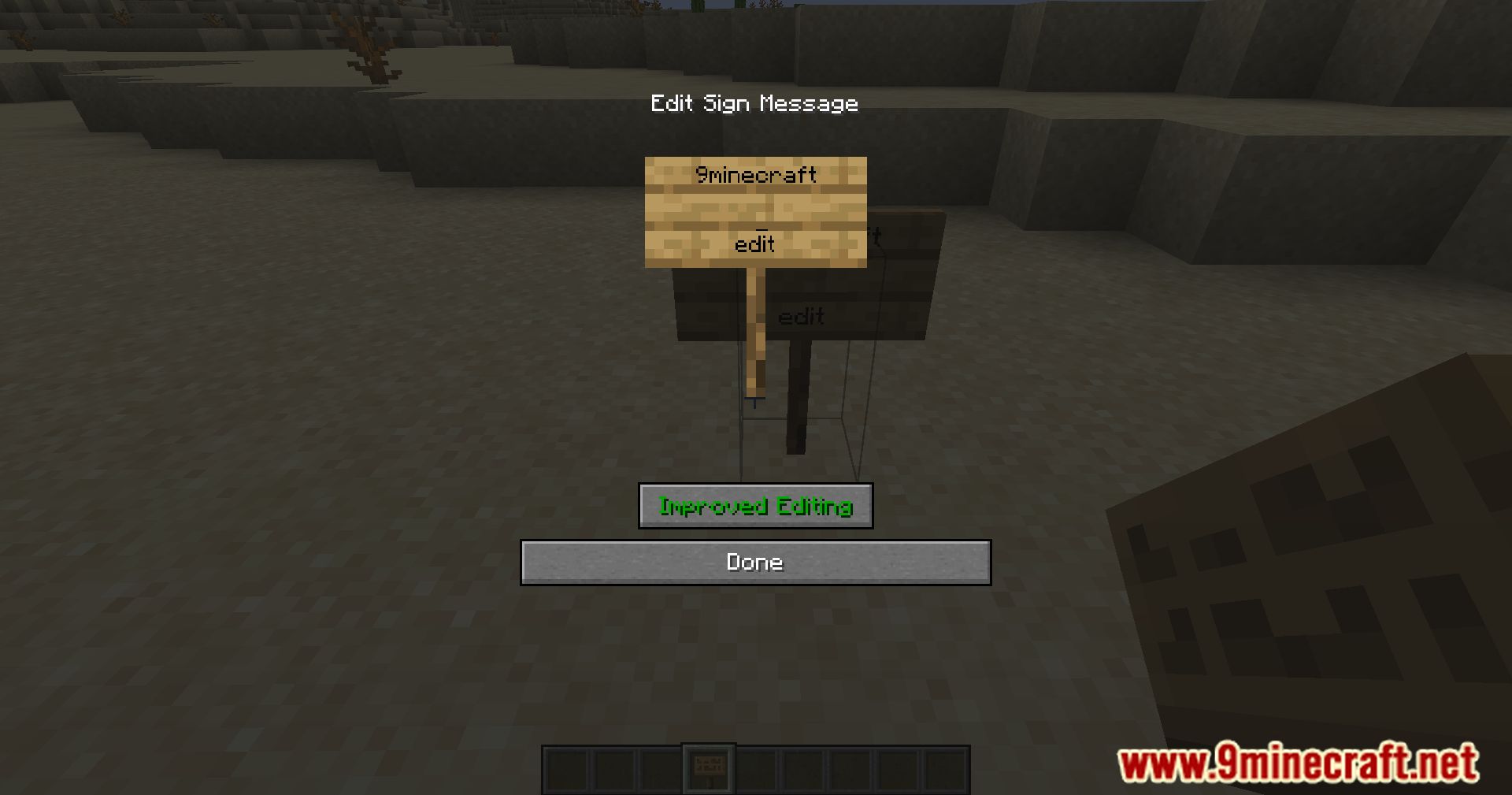
The improved mode deletes intelligently across lines, treating your sign text like a document rather than separate lines. Text flows naturally after deletion instead of leaving gaps.
How do I go back to vanilla sign editing?
Click the toggle button on the sign editing screen to switch back to vanilla mode. You can switch between modes as often as you need.
See all 10 Improved Sign Editing questions ›
Gallery
9 images from the Improved Sign Editing Mod page.
You May Also Like
Wikis that share the most with this one
More mod wikis on the site
The most downloaded mods that have a wiki here
A few wikis from each of the other kinds