

 DownloadShulker Preview Mod
Get the files on 9Minecraft
Guides
Step-by-step, in-game.
Adjust Preview Settings in Game OptionsAccessing Mod Settings The Shulker Preview Mod integrates directly into Minecraft's options menu, making…Identify Shulker Boxes by Color During PreviewUsing Color-Coded Preview Styles Each shulker box color has a distinct preview appearance, making it easy to identify…Preview a Shulker Box Without Opening Your InventoryHow to Peek Inside Shulker Preview lets you inspect shulker box contents while they're still in your hand or on the…Quickly Check Shulker Contents While Building or MiningPreview on the Fly Shulker Preview is designed for fast inspection during active gameplay—you don't need to stop what…
Frequently asked questions
How do I preview a shulker box?
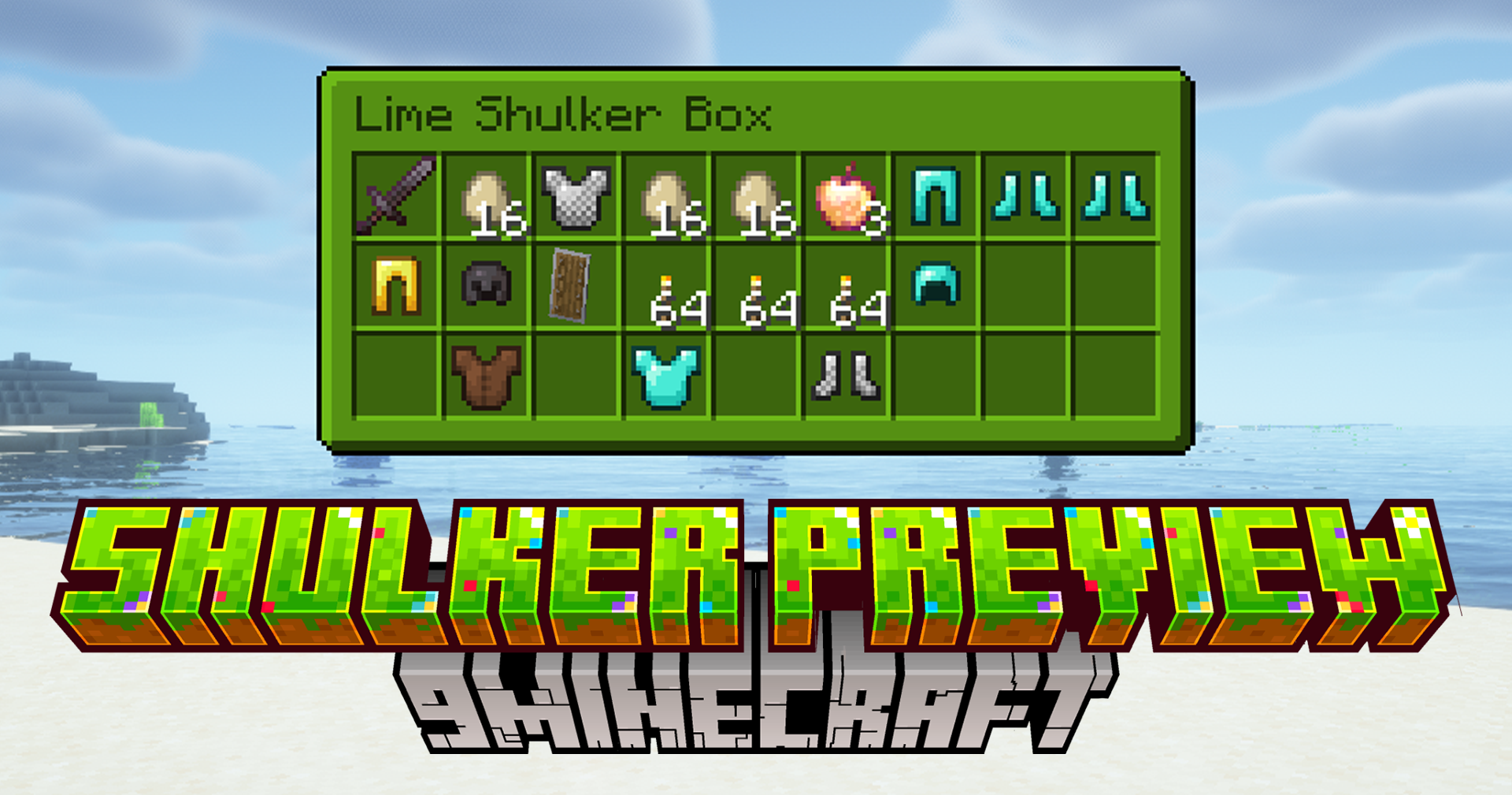
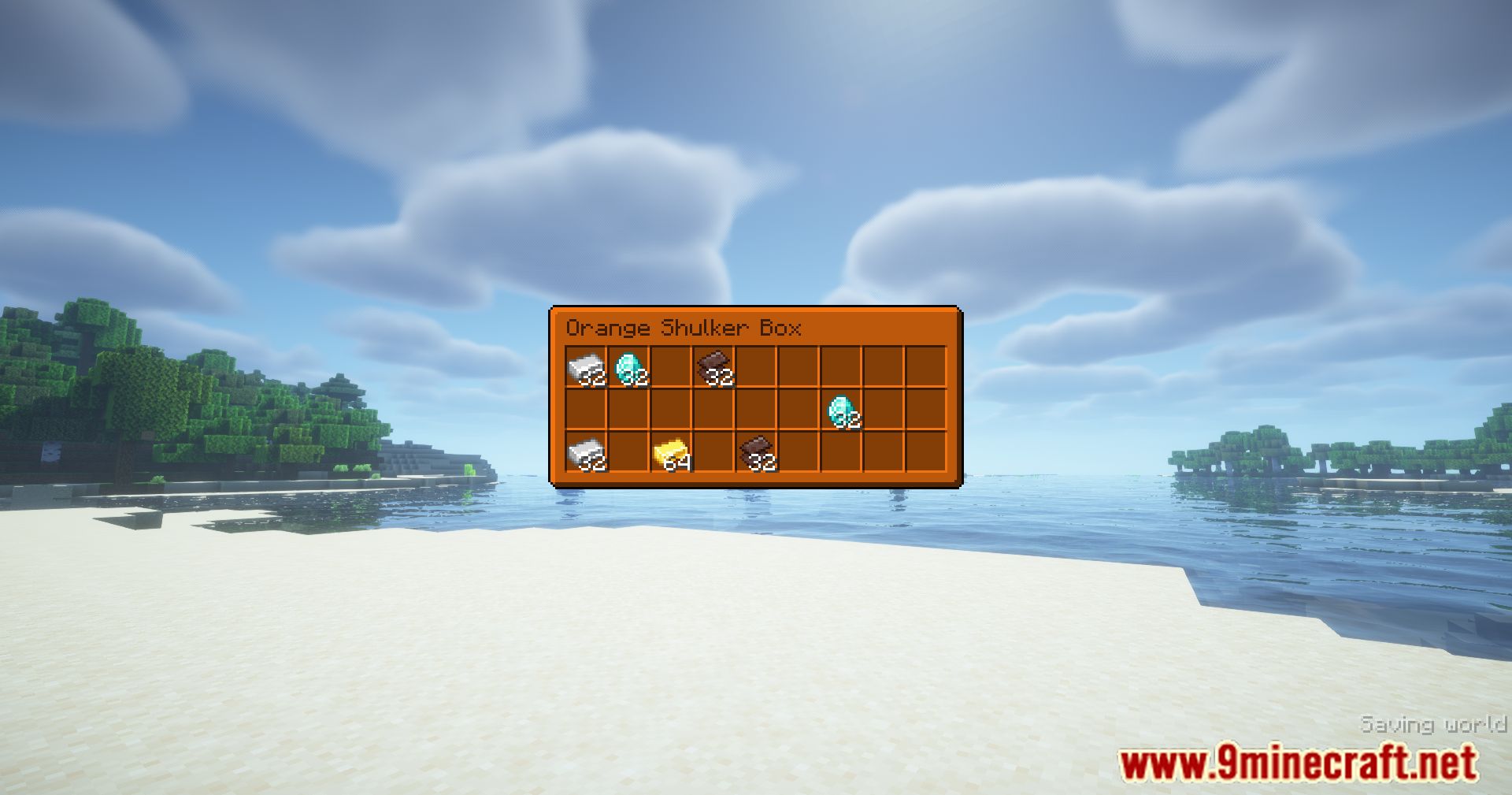
Hold a shulker box in your hand and press the preview activation button (configurable in game options) to see its contents without opening your inventory or placing the box in the world.
Can I preview shulker boxes in my inventory?
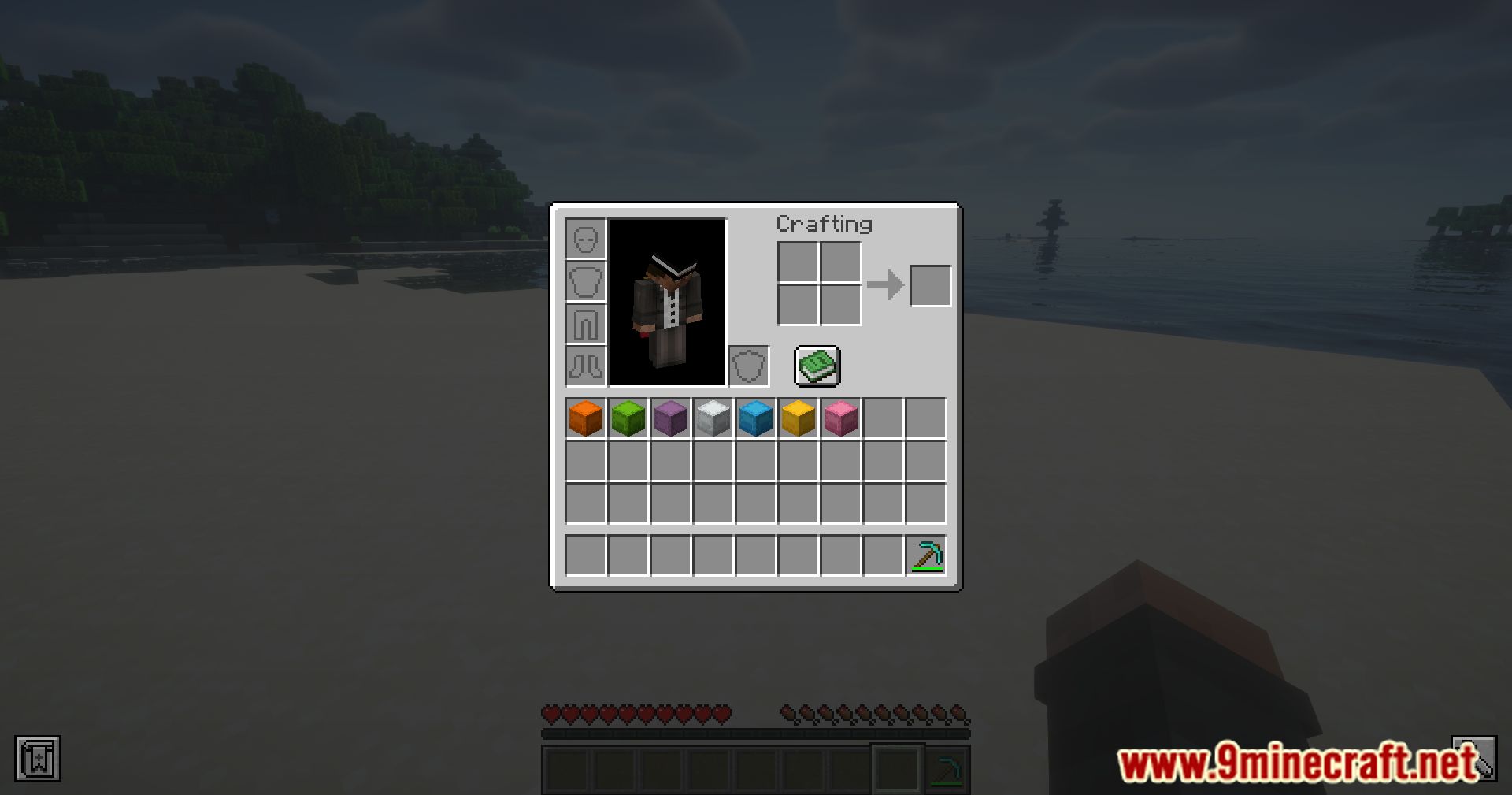
Yes, you can preview shulker boxes directly from your inventory by hovering over them and pressing the preview button—no need to hold them in your hand.
How do I change the preview hotkey?
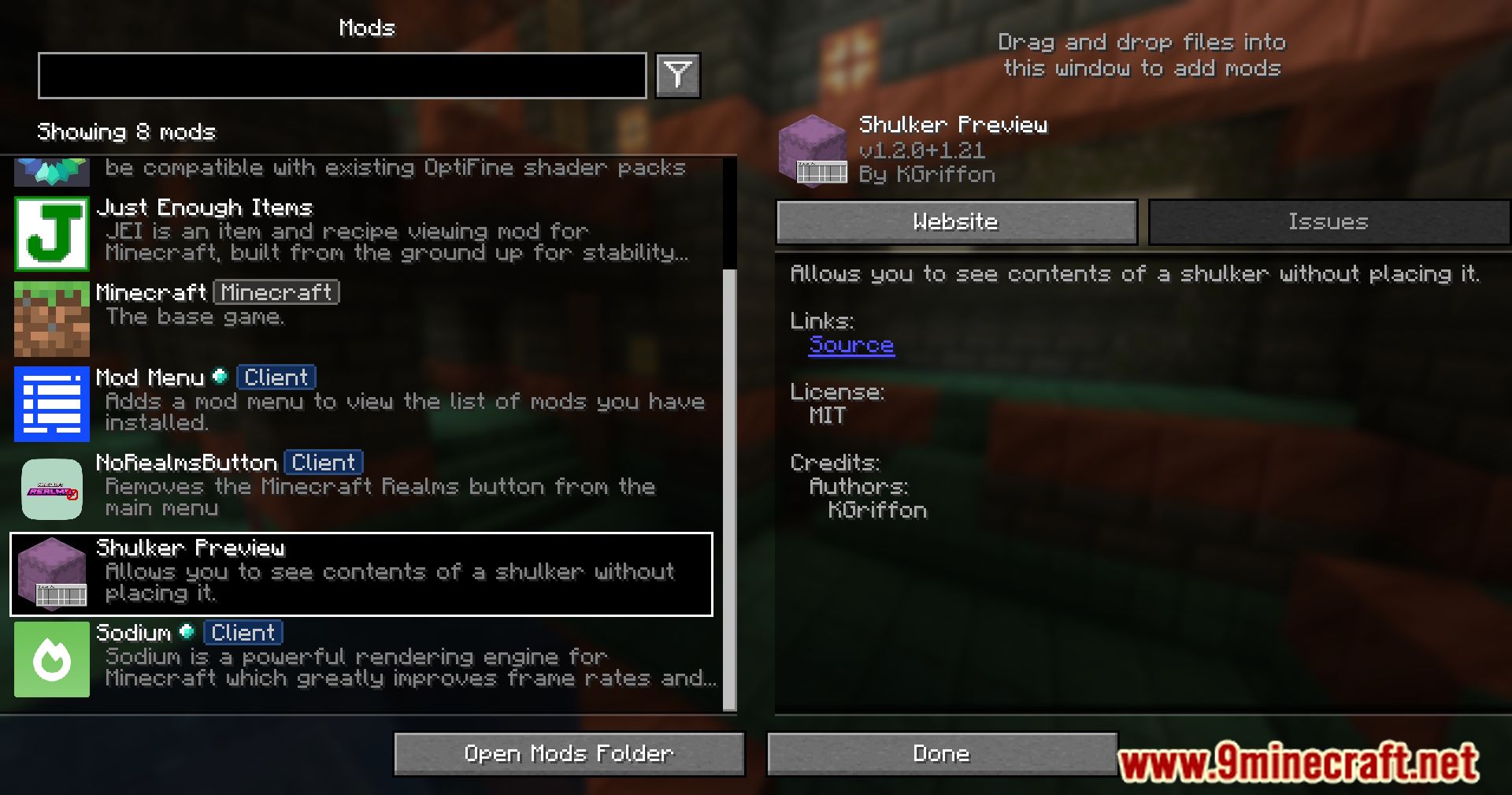
Open your game options, find the controls section, and look for the Shulker Preview keybind to reassign it to your preferred button.
Does the mod show different colors for different shulker boxes?
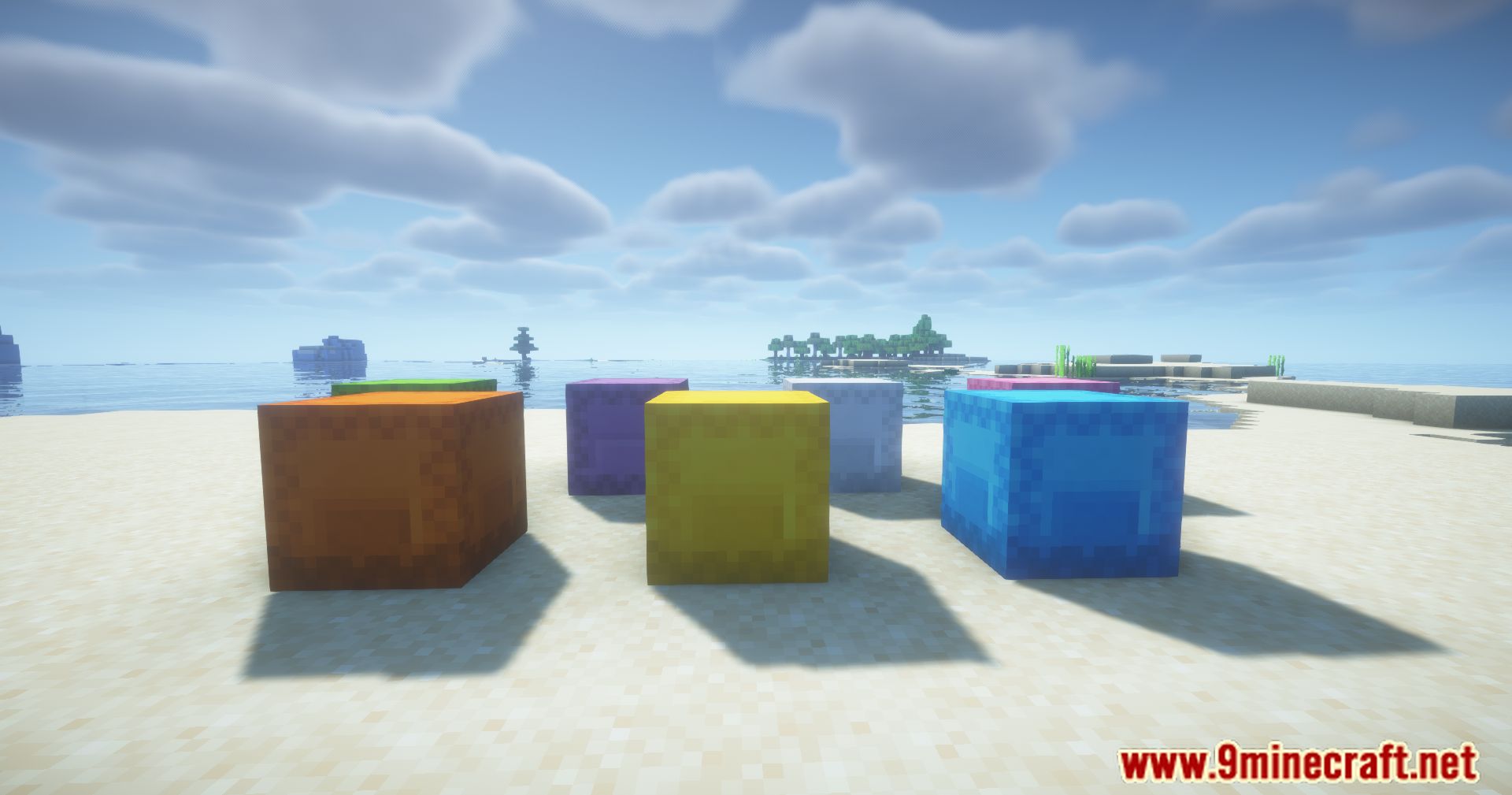
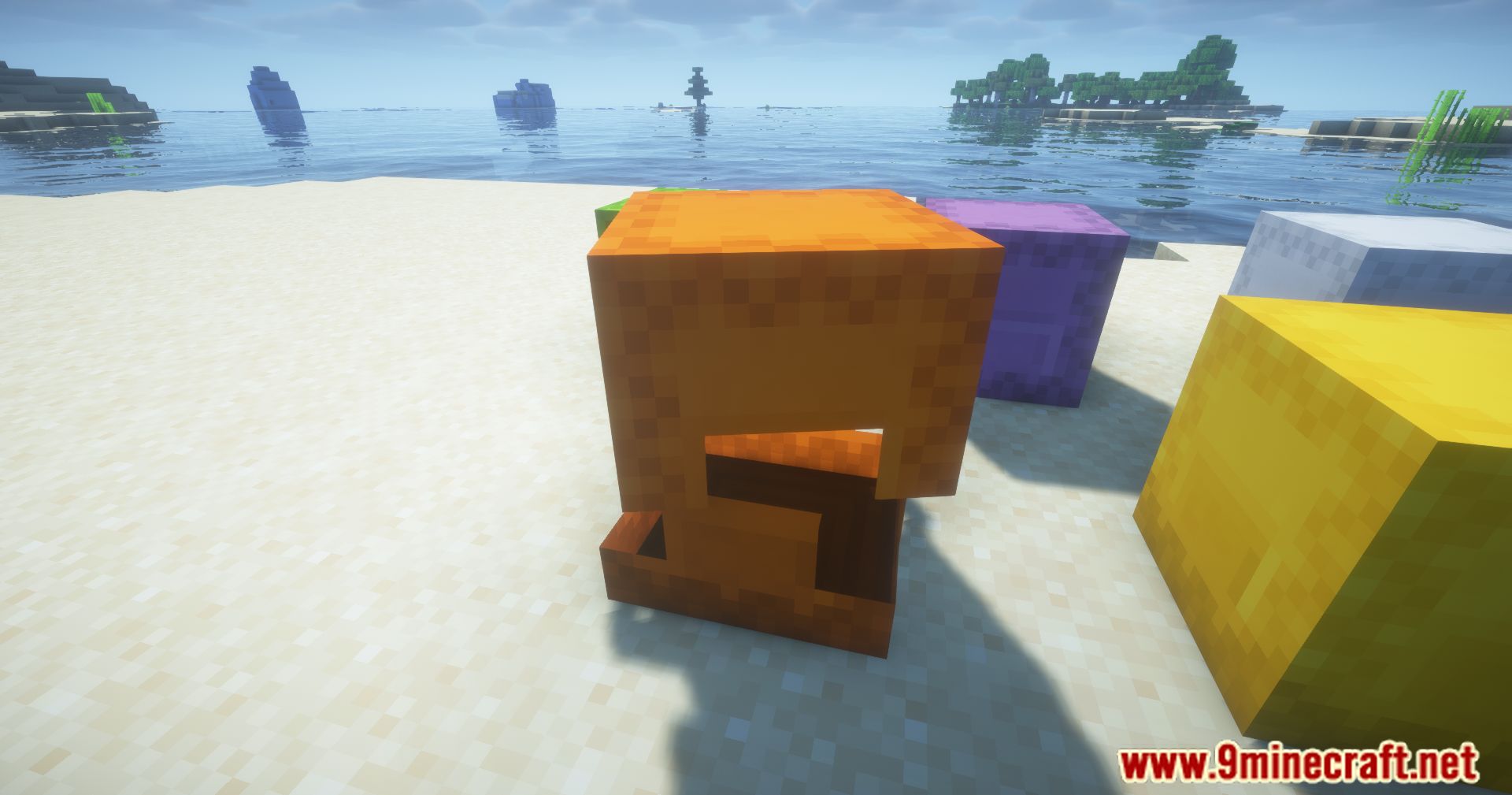
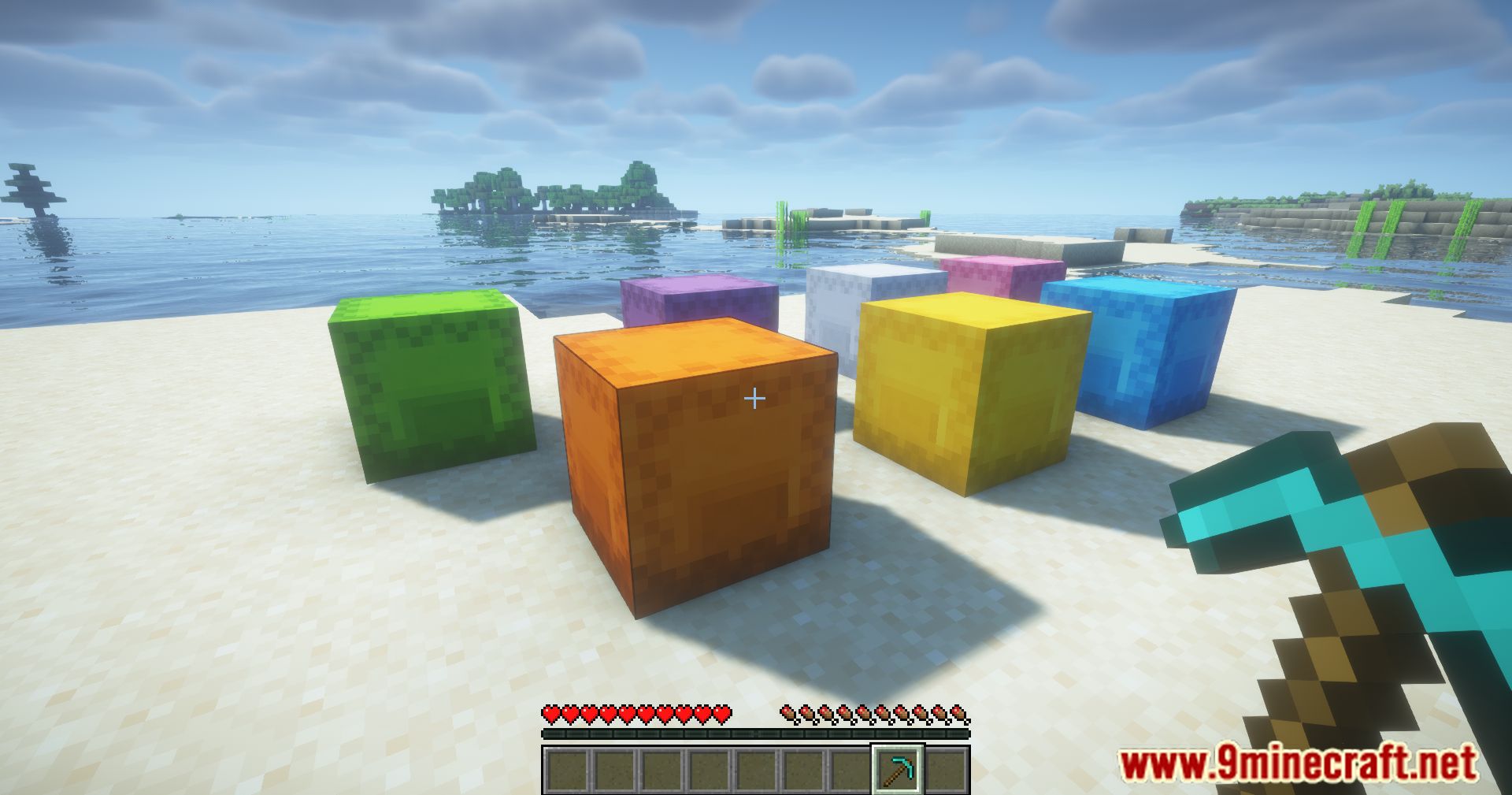
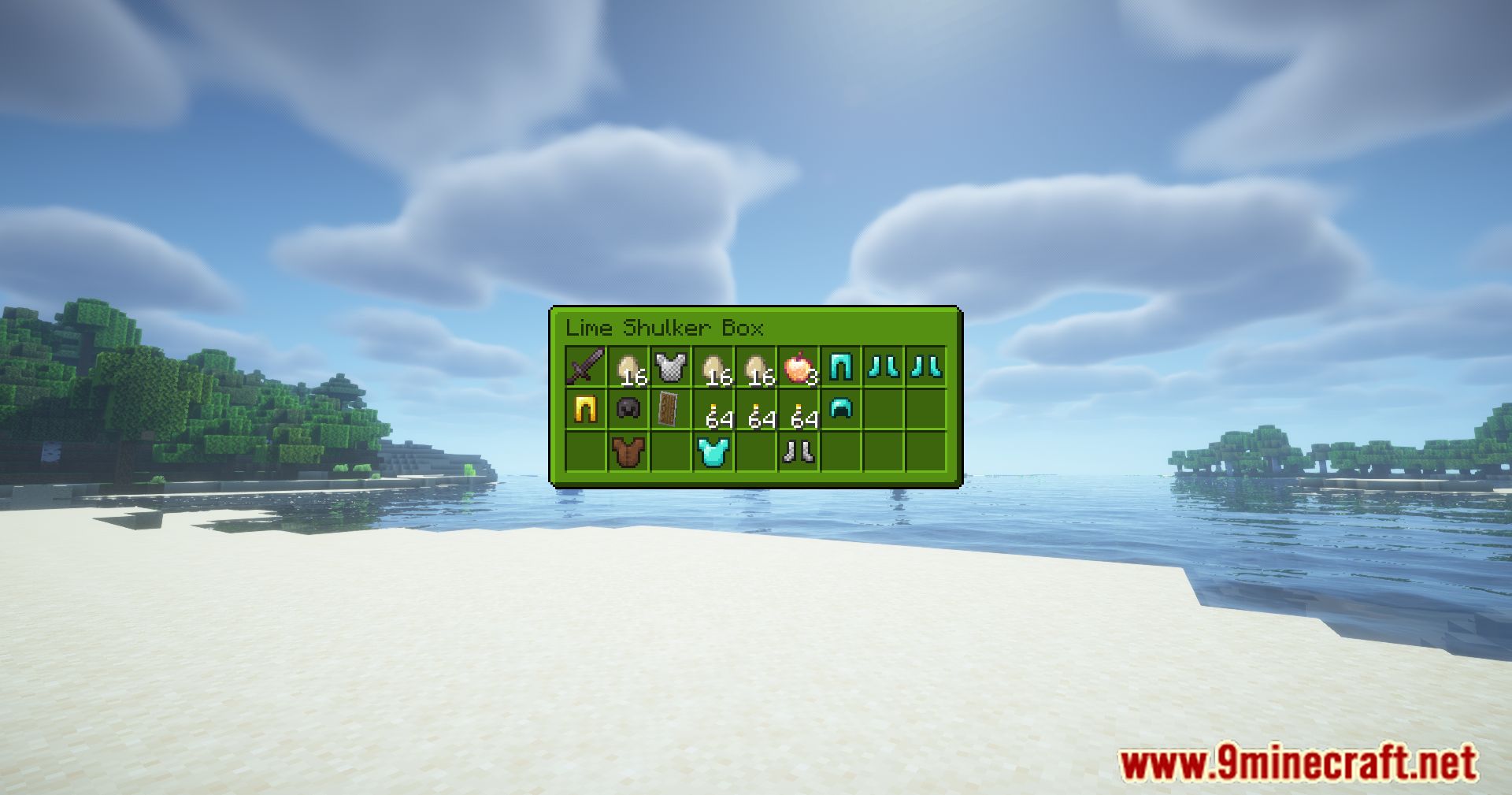
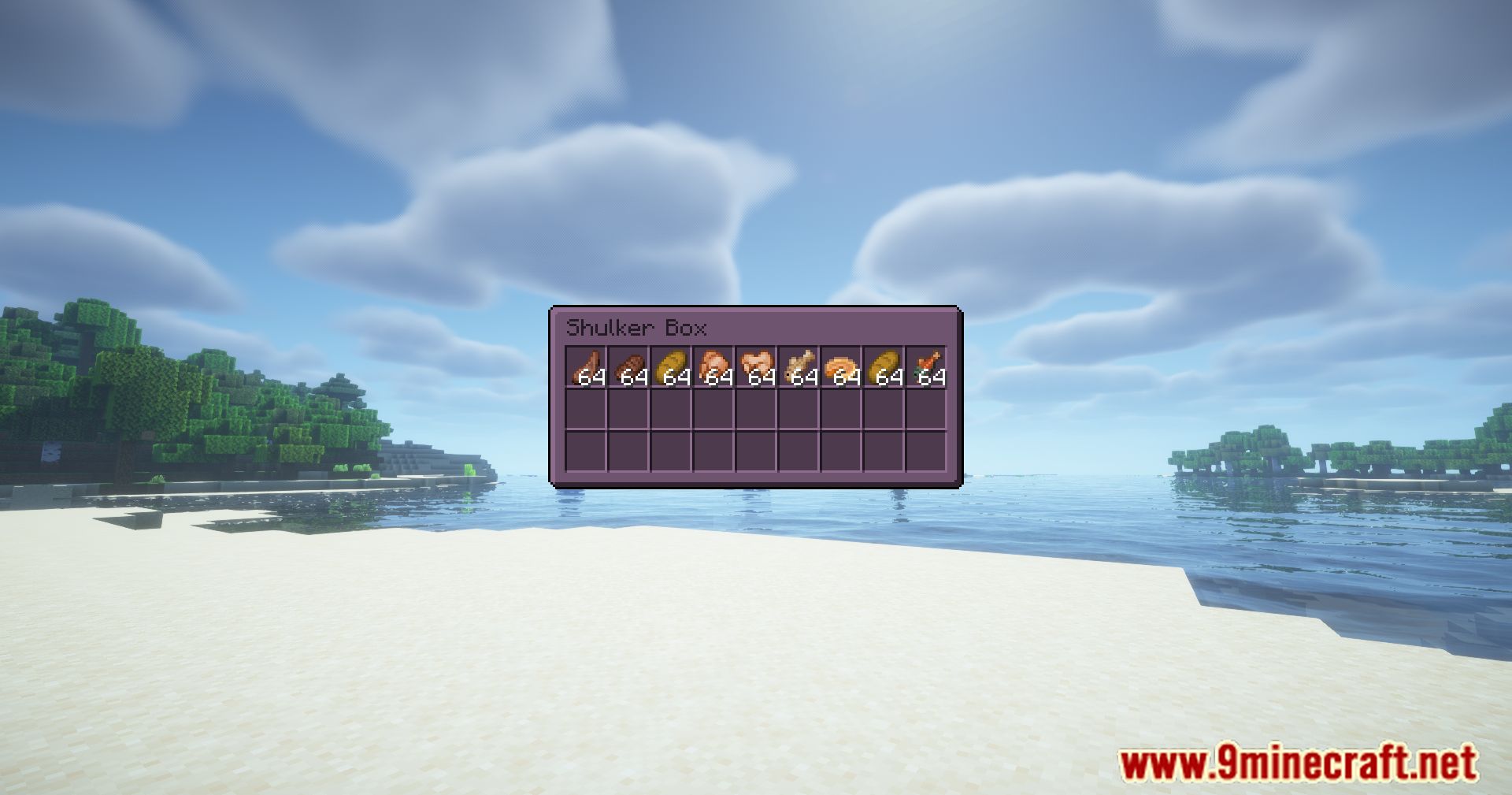
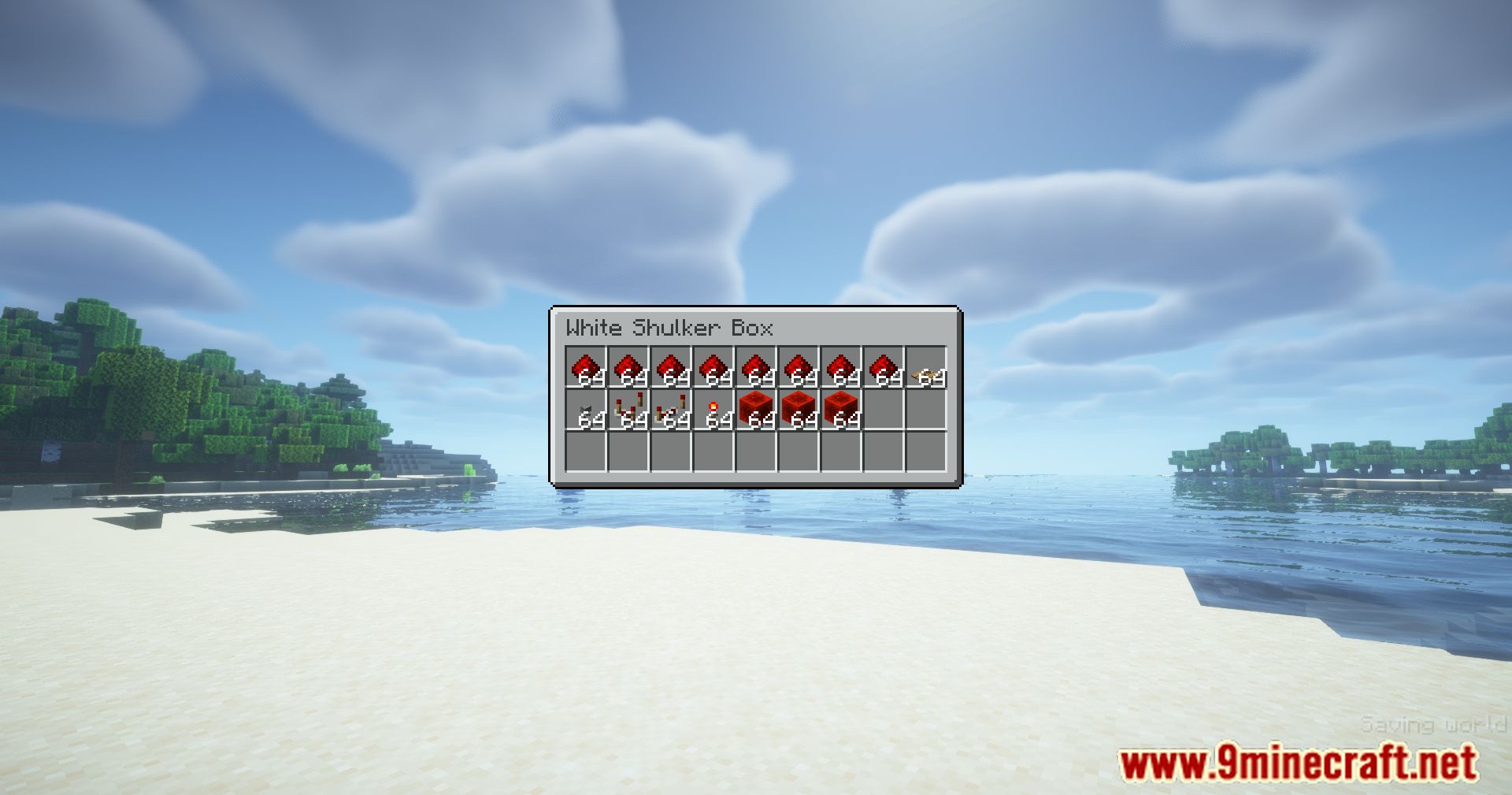
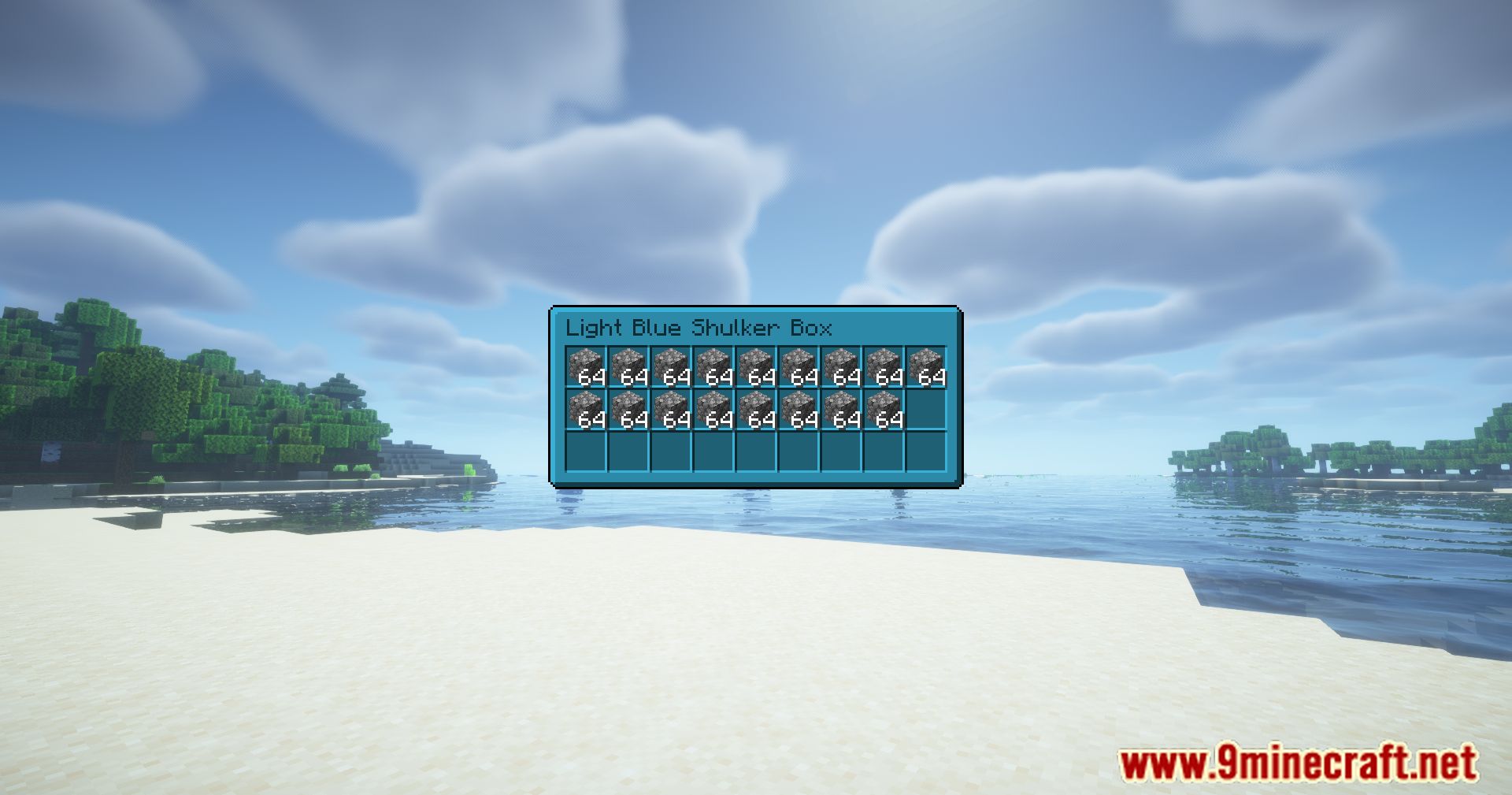
Yes, each shulker color has a distinct preview style so you can easily identify which colored box you're looking at during the preview.
See all 10 Shulker Preview questions ›
Gallery
12 images from the Shulker Preview Mod page.
You May Also Like
Wikis that share the most with this one
More mod wikis on the site
The most downloaded mods that have a wiki here
A few wikis from each of the other kinds