

 DownloadLAST OUT Horror Map
Get the files on 9Minecraft
Guides
Step-by-step, in-game.
Finding All Hidden Notes and Lore ItemsSystematic Room Exploration Notes and lore items are scattered throughout Redwood Asylum and reveal the building's…Finding the Exit and Completing the MapRecognizing Exit Clues The final exit is not immediately obvious and requires you to progress through the asylum's…Solving Puzzles and Unlocking Locked DoorsUnderstanding Puzzle Types Redwood Asylum contains various puzzle mechanisms designed to gate progression. Most…Staying Safe and Managing Scary EventsPreparing for Encounters Redwood Asylum triggers frightening events as you progress through the story. While these…
Frequently asked questions
How do I start the map?
Create a new world and select LAST OUT Horror Map as your world type, then spawn at the asylum entrance. Follow the initial path inside and begin exploring the first corridor to trigger the opening sequence.
Do I need to play in a specific difficulty?
The map works on any difficulty, but Peaceful will disable scary events and hostile encounters, which removes core horror elements. Hard or Normal difficulty is recommended for the intended experience.
What should I do if I get stuck on a puzzle?
Check nearby rooms and desks for notes that provide hints about the puzzle's solution. If still stuck, try interacting with objects in the room or look for hidden items that might be keys or tools needed to progress.
Why aren't the custom sounds playing?
Make sure your game volume is turned up and sound is enabled in Minecraft settings. Check that resource packs are loaded correctly and that your audio drivers are up to date.
See all 10 LAST OUT Horror Map questions ›
Gallery
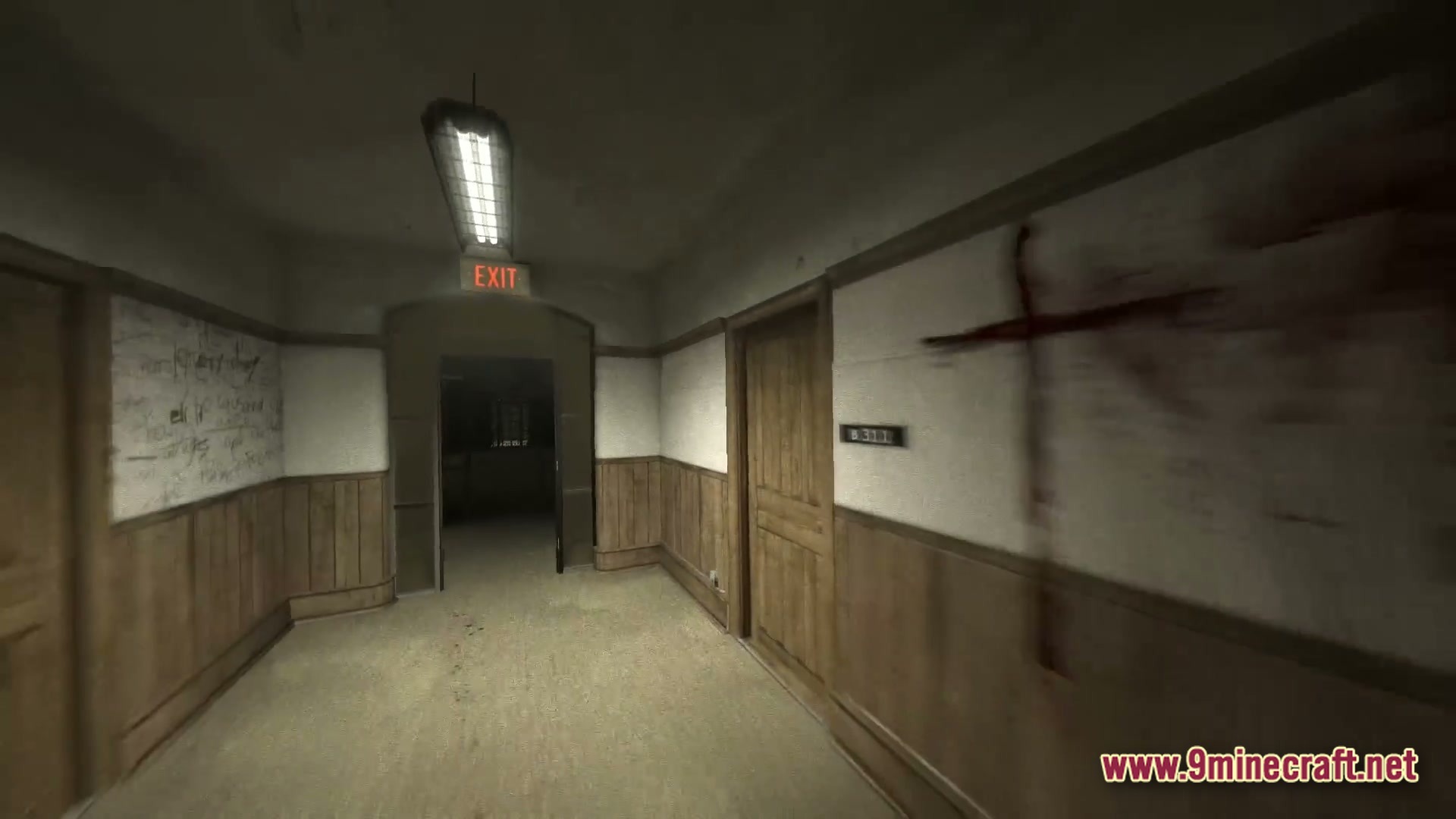
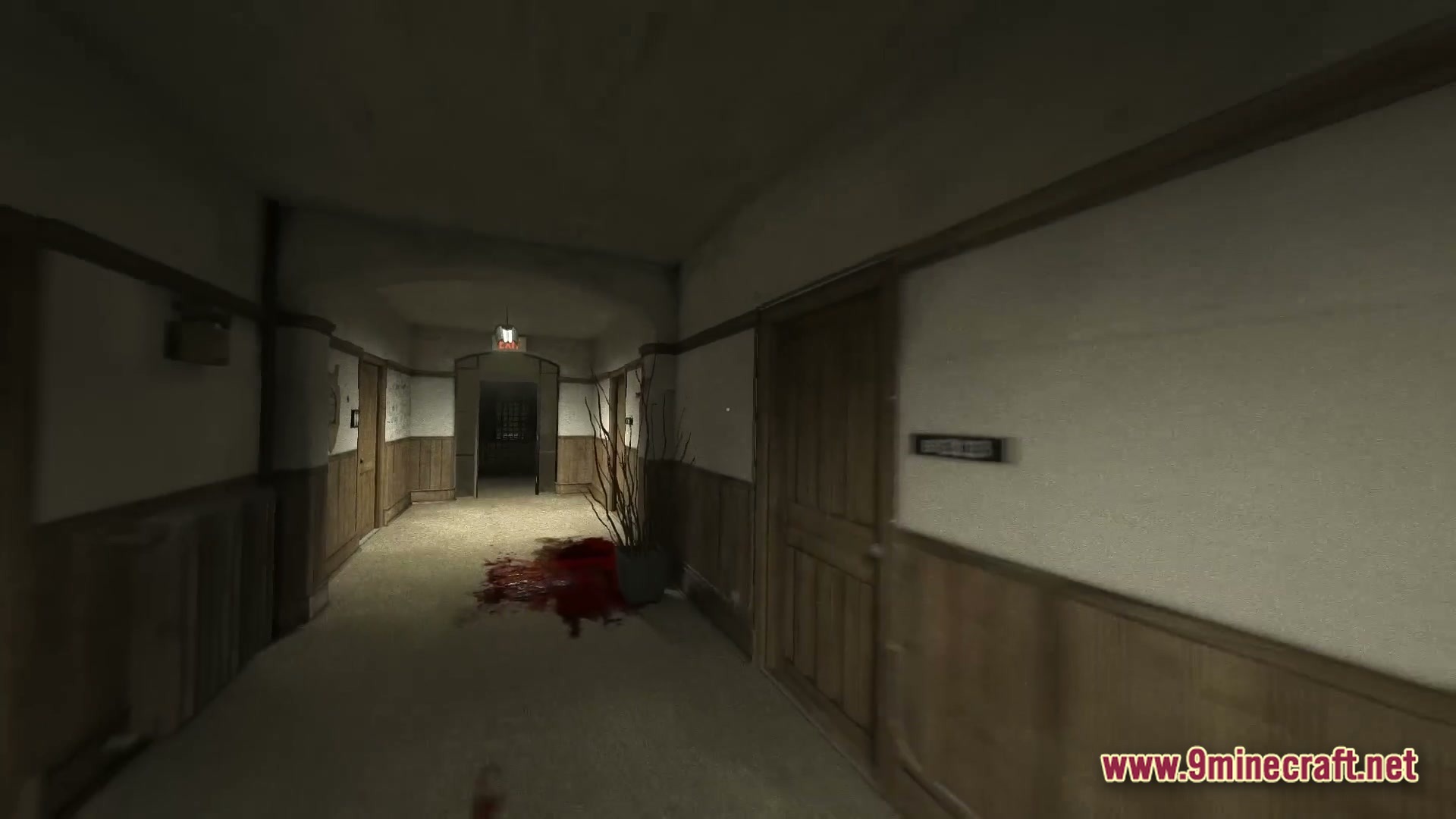
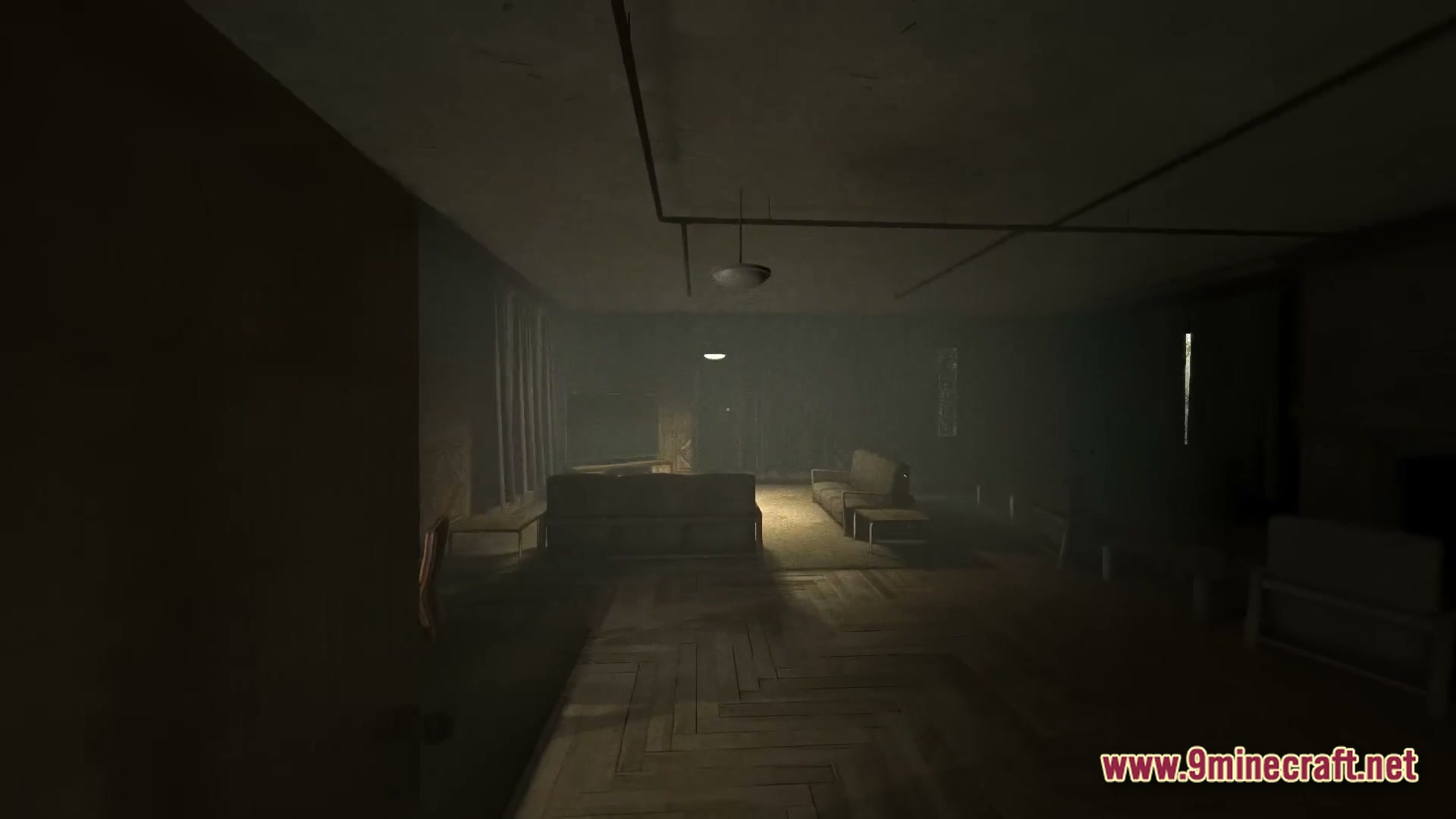
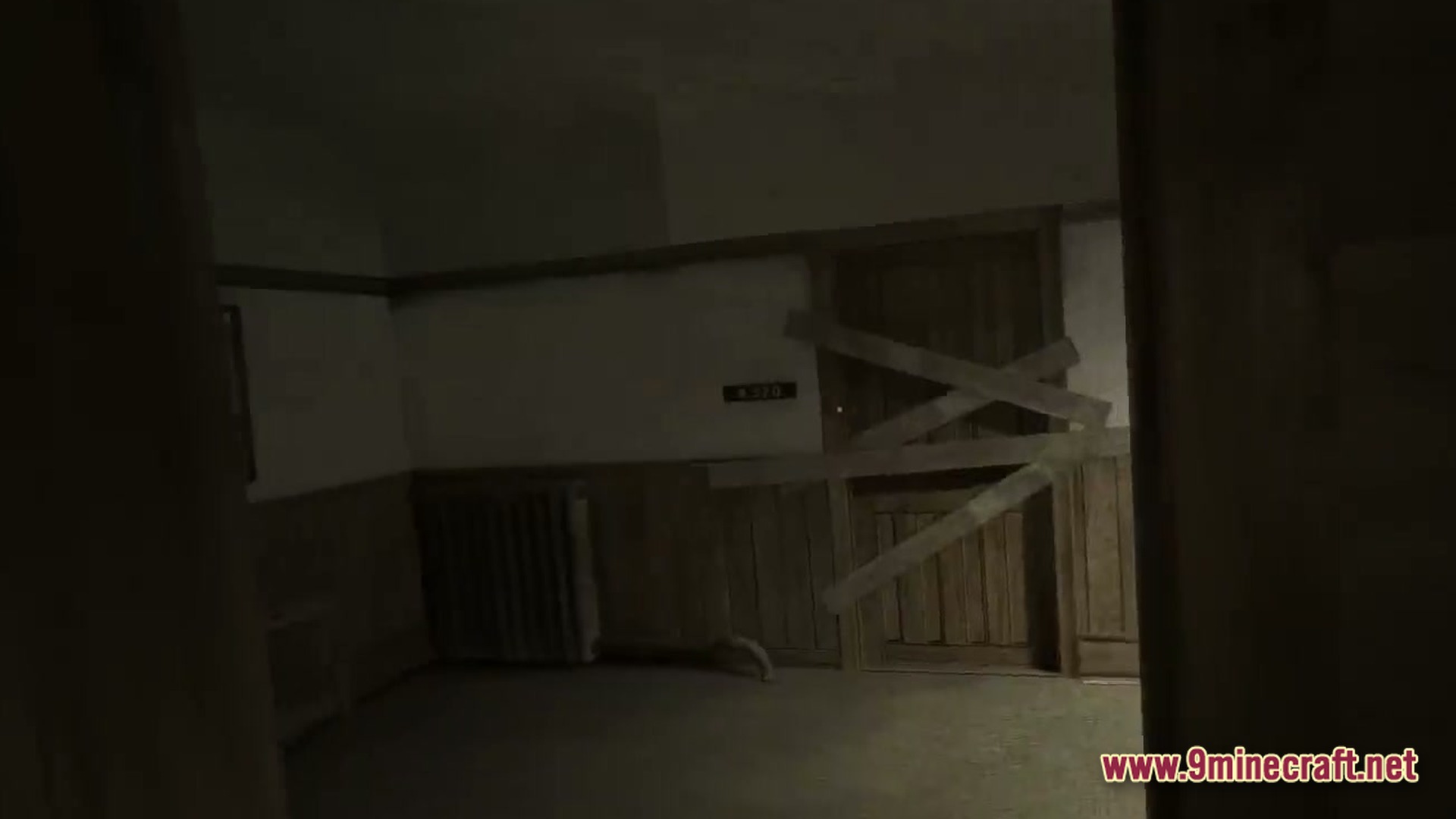
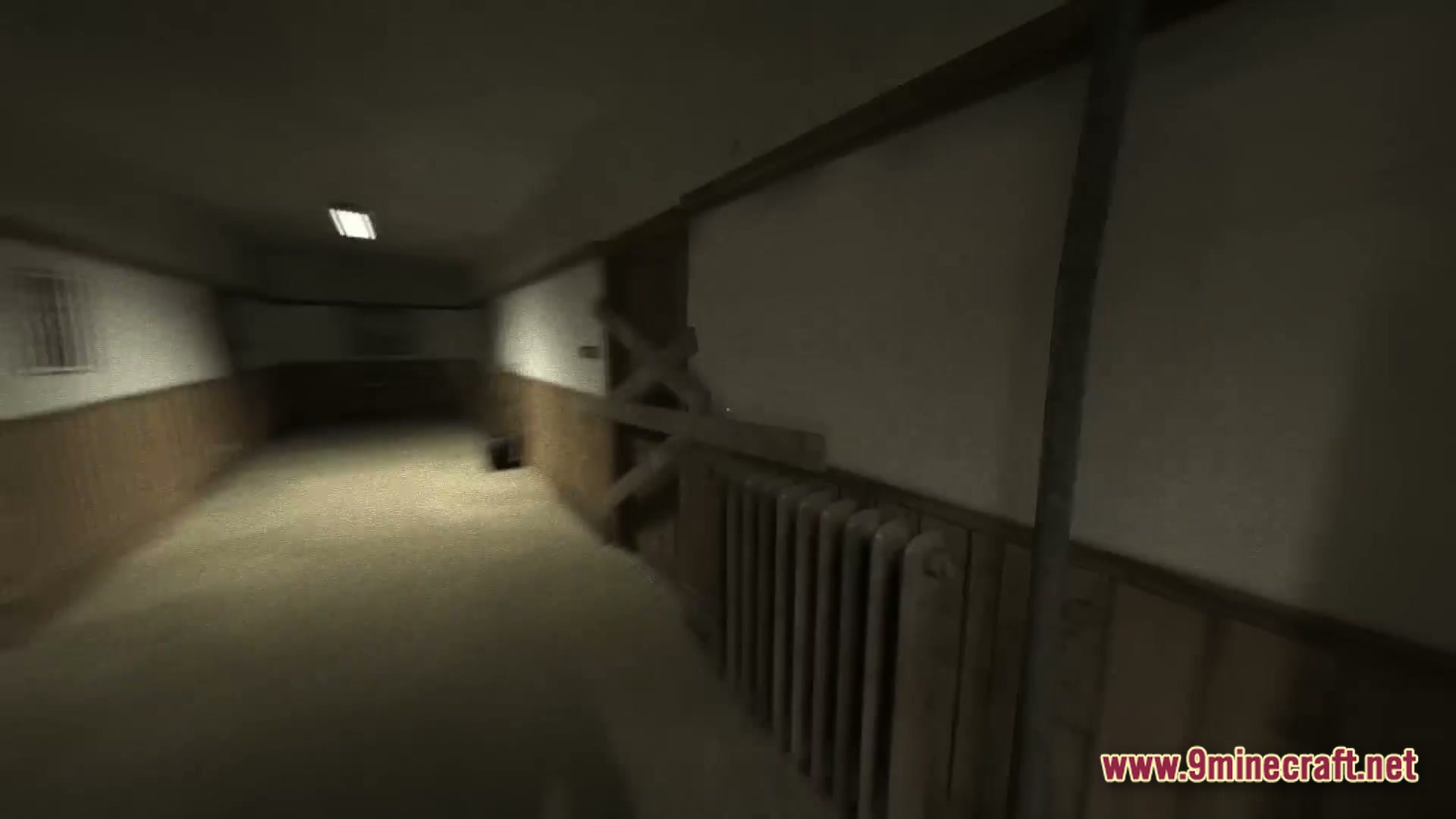
6 images from the Last Out Horror Map page.
You May Also Like
Wikis that share the most with this one
More map wikis on the site
The most downloaded mods that have a wiki here
A few wikis from each of the other kinds