

 DownloadRecipe Unlocker Mod
Get the files on 9Minecraft
Guides
Step-by-step, in-game.
Finding a Specific Recipe You ForgotUse the Search Box Open the recipe book and click the search field. Type part of the item name — for example, typing…How to See Every Crafting Recipe in the Recipe BookOpening the Recipe Book Once the mod is active, open any crafting table or your inventory's crafting grid. Click the…Troubleshooting: Recipes Not Showing UpConfirm the Mod Is Loaded If the recipe book still shows locked or missing recipes, first confirm the mod is actually…Using Recipe Unlocker on a Multiplayer ServerWhy It Works on Servers Recipe Unlocker is a client-side mod, meaning it runs on your own game and does not need to…
Frequently asked questions
How do I open the full recipe list with Recipe Unlocker?
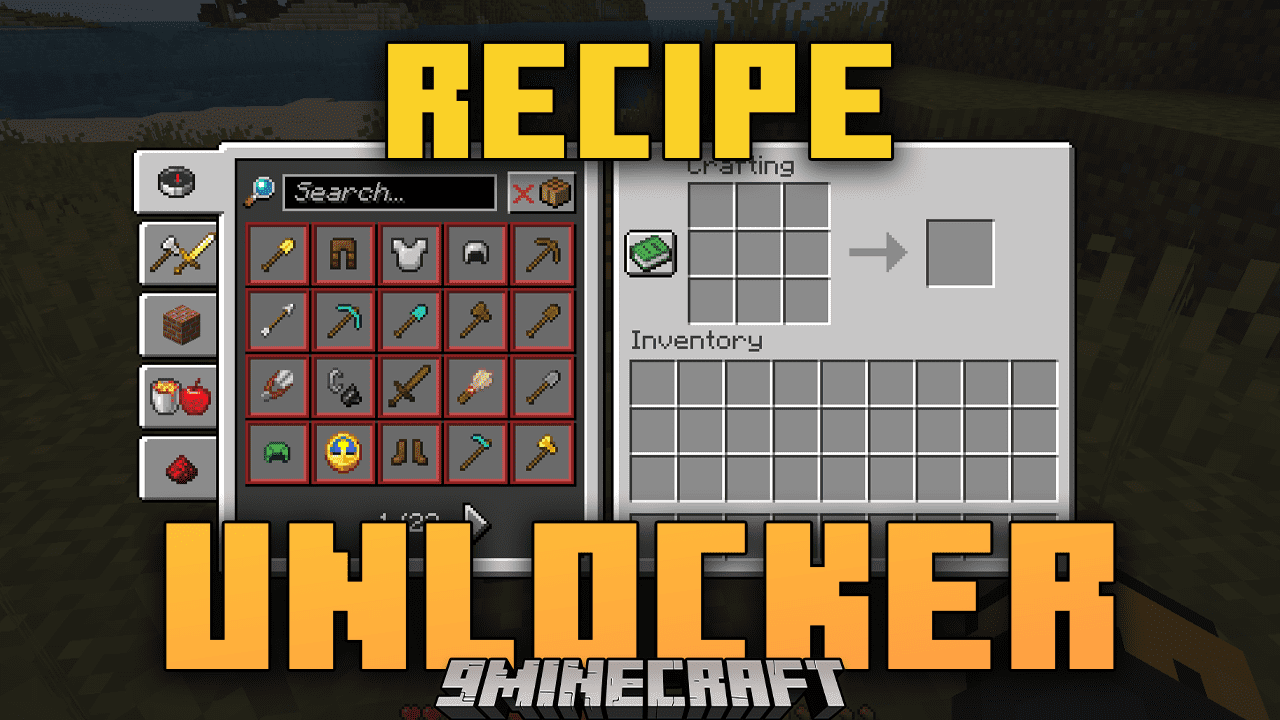
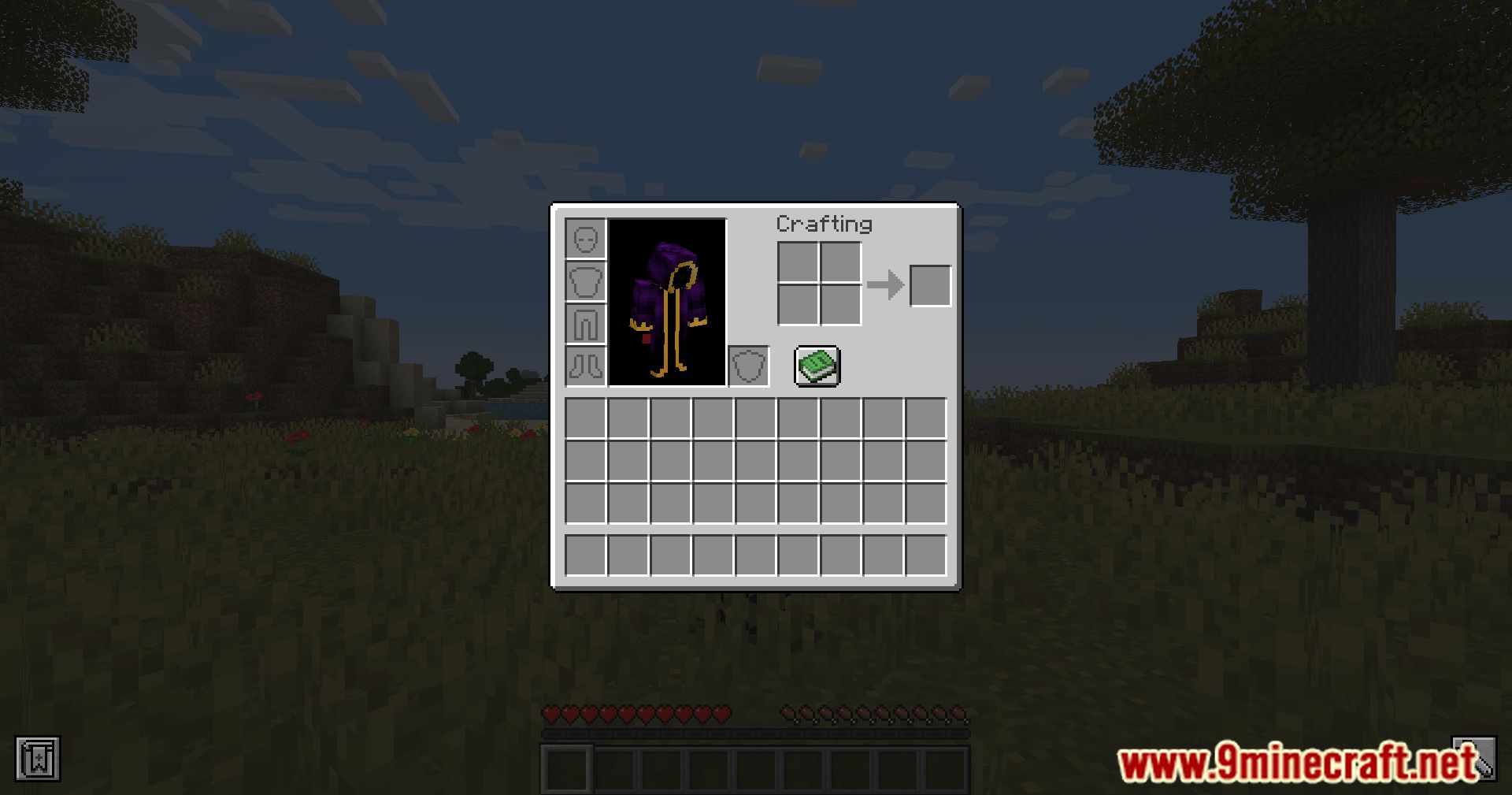
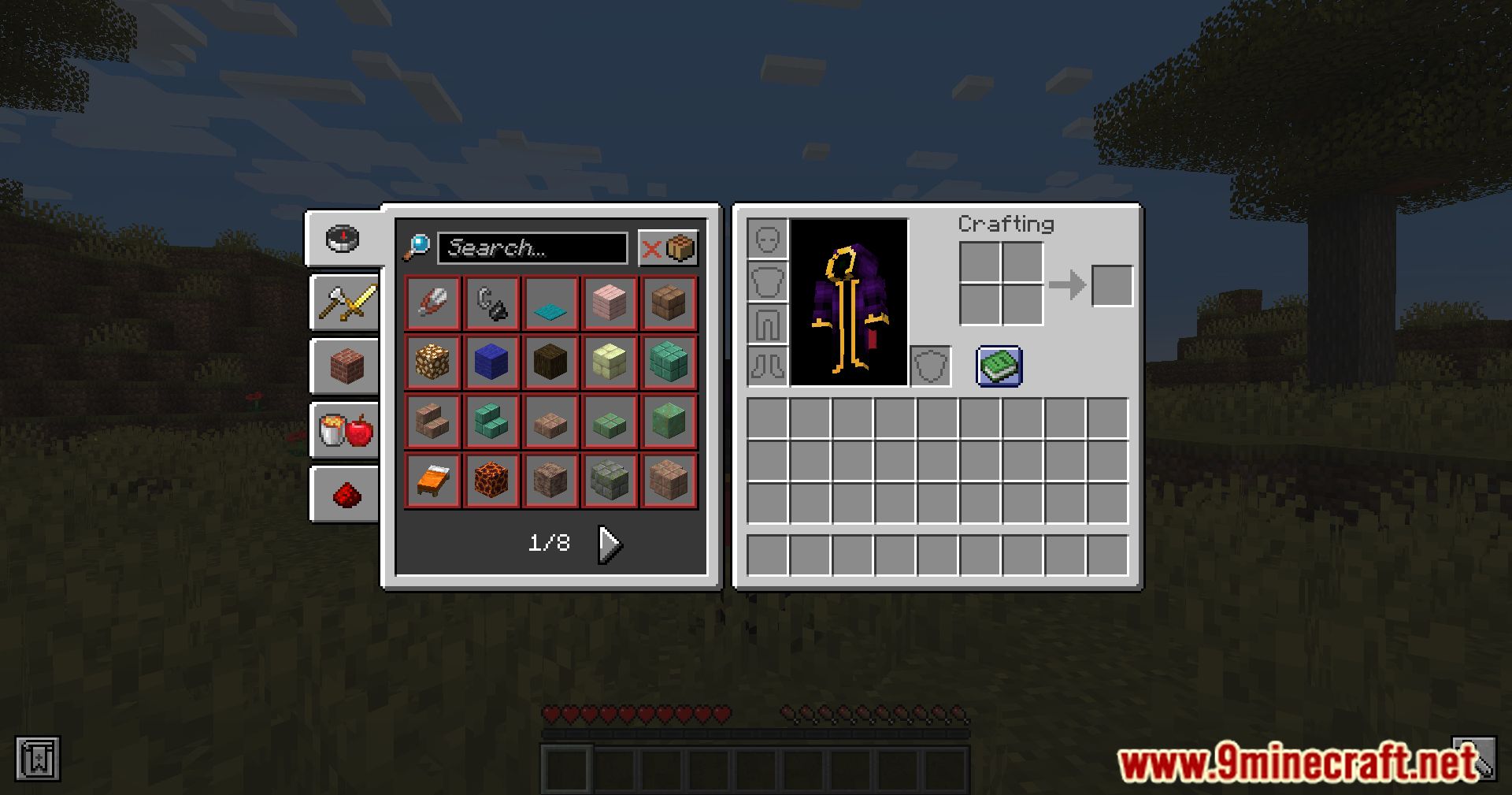
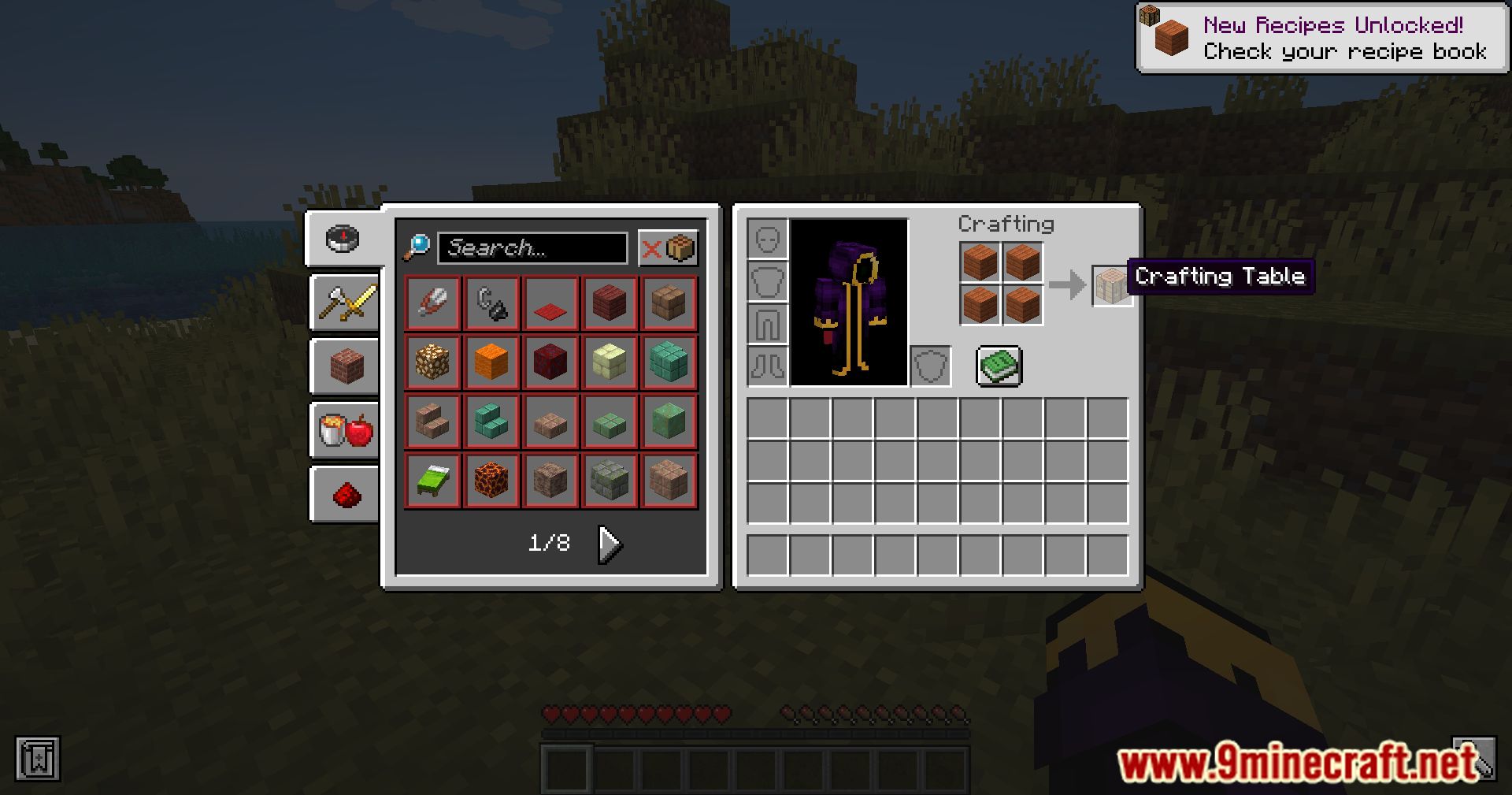
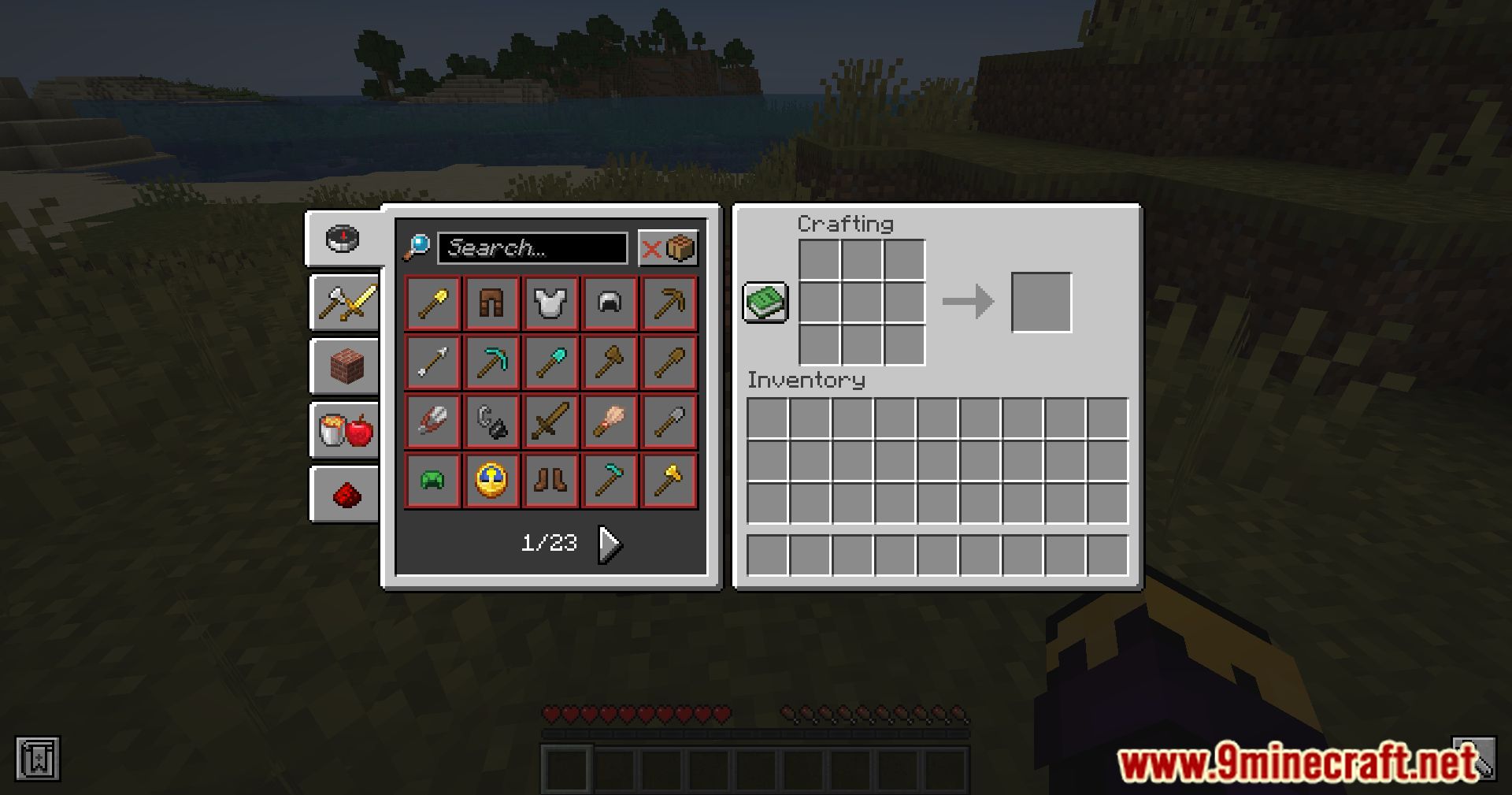
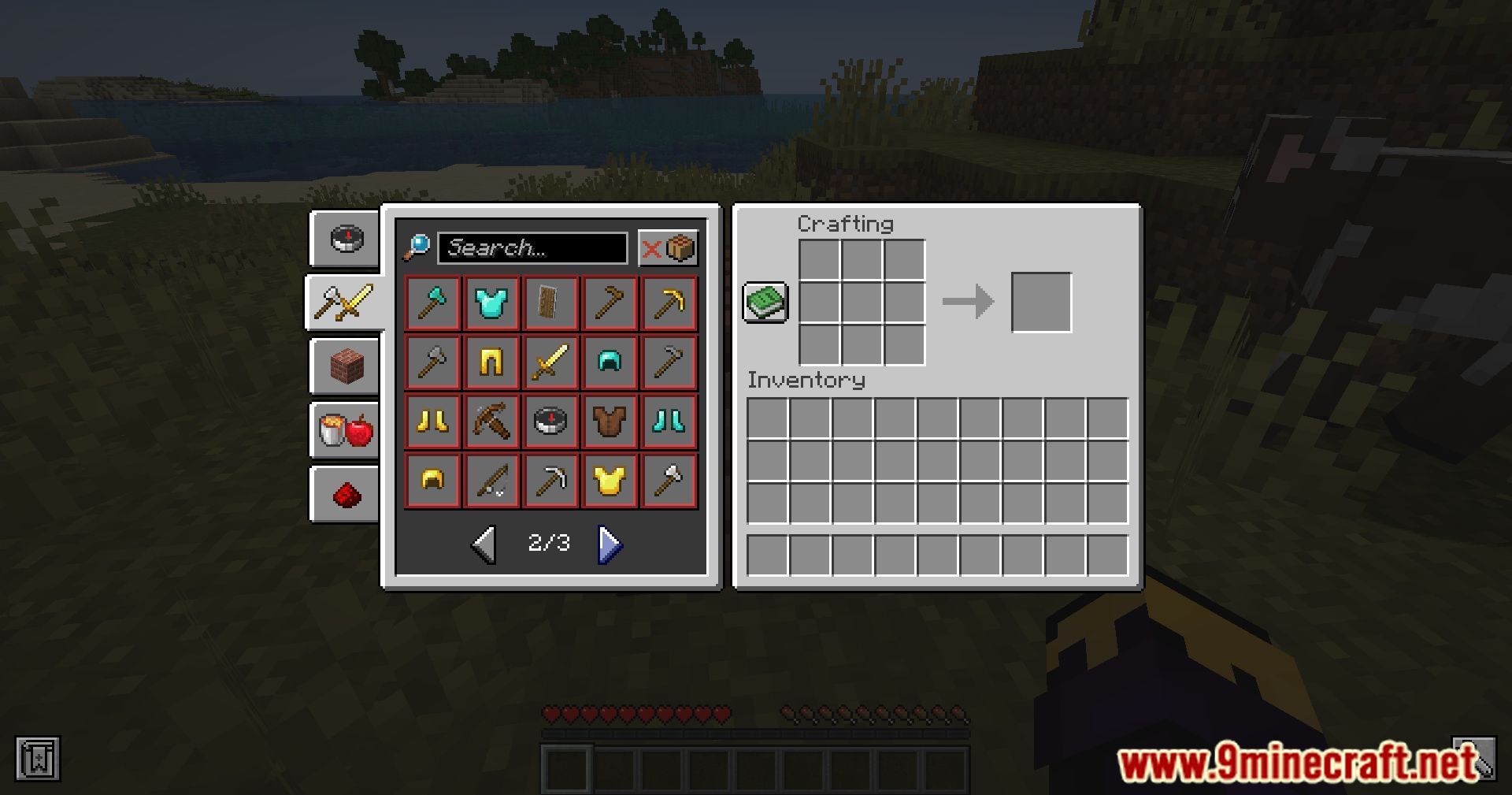
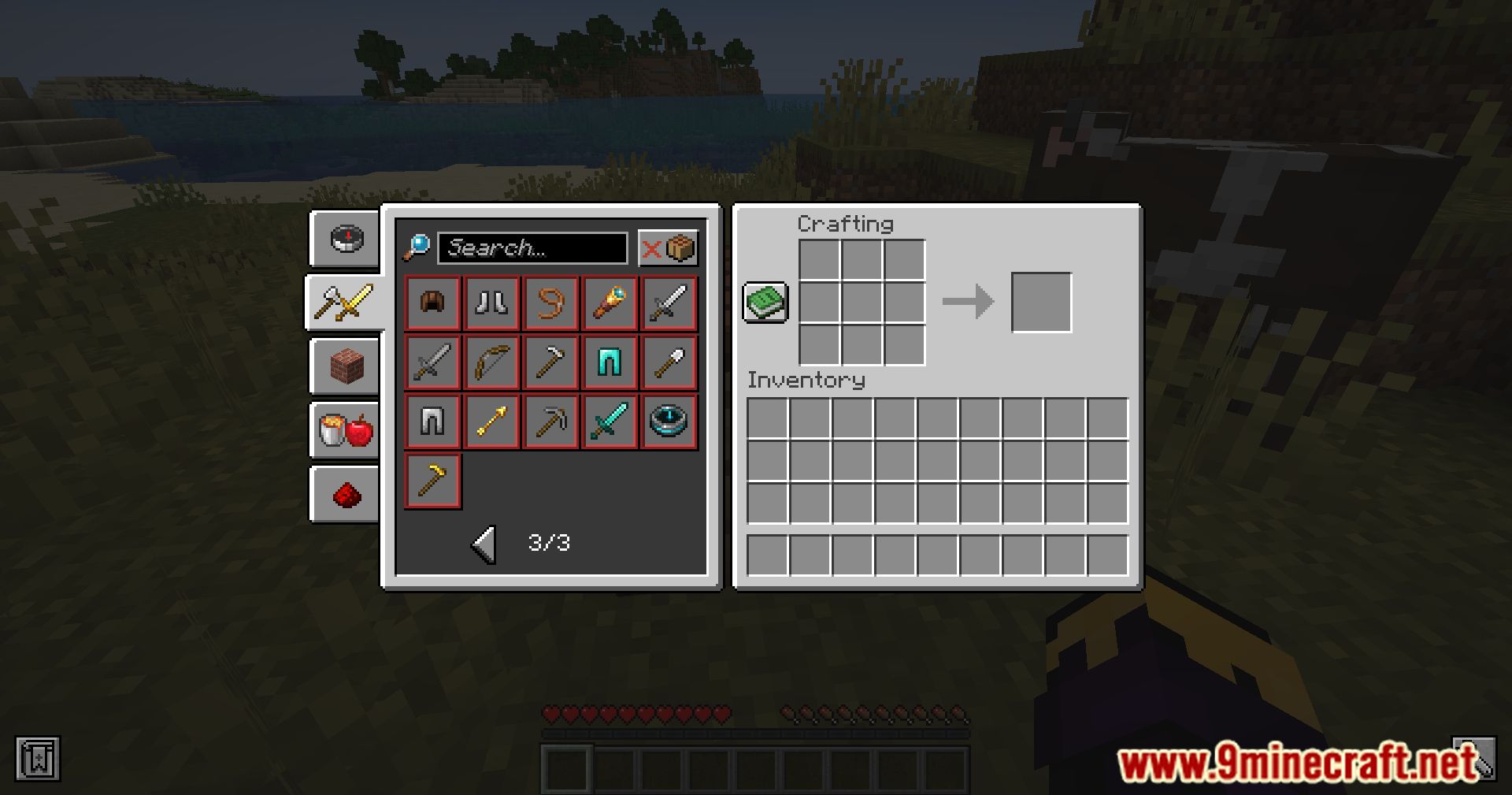
Open your inventory and click the recipe book icon, then browse or search the list as you normally would. The mod simply makes every crafting recipe visible there instead of only the ones you've unlocked.
Do I need to craft something first before it shows up?
No. The whole point of the mod is that all crafting table recipes are shown from the start, so you never have to unlock them by obtaining ingredients or crafting them once.
Does Recipe Unlocker work on servers?
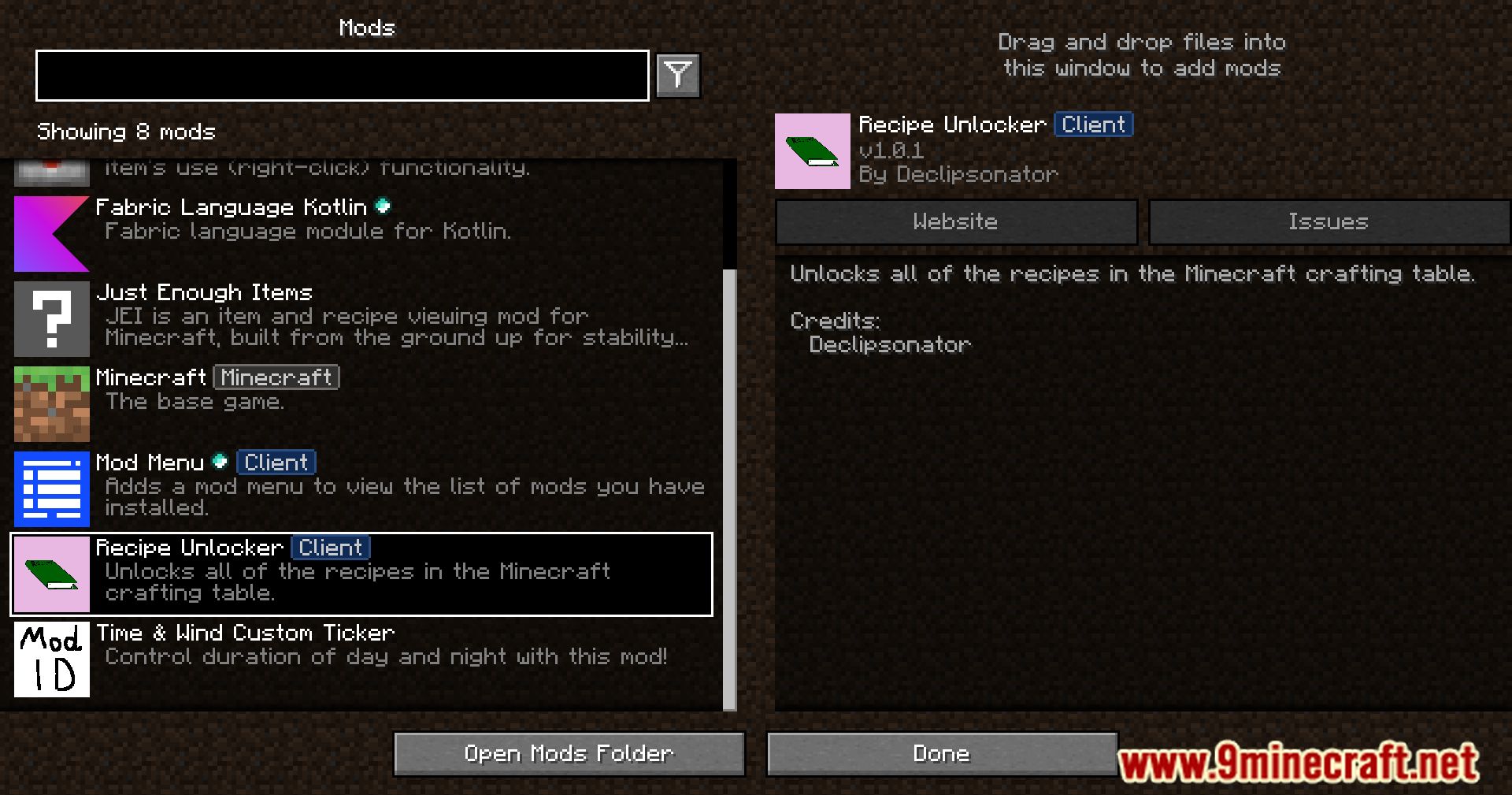
Yes, it's a client-side mod, so it works while connected to multiplayer servers without the server needing it installed. Get permission from the server staff first, since some servers consider it against their rules.
Why can't I find a specific recipe I'm looking for?
Use the search box in the recipe book to filter by the item's name instead of scrolling. If it still doesn't appear, the recipe may not be a crafting table recipe, since the mod only unlocks crafting table recipes.
See all 10 Recipe Unlocker questions ›
Gallery
11 images from the Recipe Unlocker Mod page.
You May Also Like
Wikis that share the most with this one
More mod wikis on the site
The most downloaded mods that have a wiki here
A few wikis from each of the other kinds