

 DownloadDev Tools Unlocker Mod
Get the files on 9Minecraft
Guides
Step-by-step, in-game.
Access Advanced F3 Debug ScreensUnlocking Extra F3 Hotkeys Dev Tools Unlocker adds five additional F3 hotkeys beyond vanilla Minecraft's defaults:…Debug Mob Spawning MechanicsActivating Mob Spawn Debugging Use /debugmobspawning to enable detailed logging of how mobs spawn in your world. This…Test Armor Trim VariantsSpawning Armor Trims for Testing The /spawn_armor_trims command generates armor pieces with different trim patterns…Track Warden Spawning and BehaviorUsing the Warden Spawn Tracker The /warden_spawn_tracker command lets you monitor when and where wardens spawn in…
Frequently asked questions
How do I enable developer commands after installing this mod?
Developer commands are automatically unlocked once the mod is installed—you don't need to toggle anything. Simply open chat and type commands like /debugpath or /debugmobspawning directly into a world or server.
What do the F3 hotkeys do and how do I use them?
The unlocked F3 hotkeys (F3-E, F3-L, F3-U, F3-V, F3-W) open different debug screens and overlays to show information like entity tracking, chunk loading, and performance metrics. Press F3 plus the letter to toggle each screen while in-game.
What's the difference between /debugmobspawning and /raid?
/debugmobspawning shows you where and why mobs are spawning in real-time, while /raid triggers or manages raid events. Use /debugmobspawning to understand spawn mechanics and /raid to test raid behavior.
See all 10 Dev Tools Unlocker questions ›
Gallery
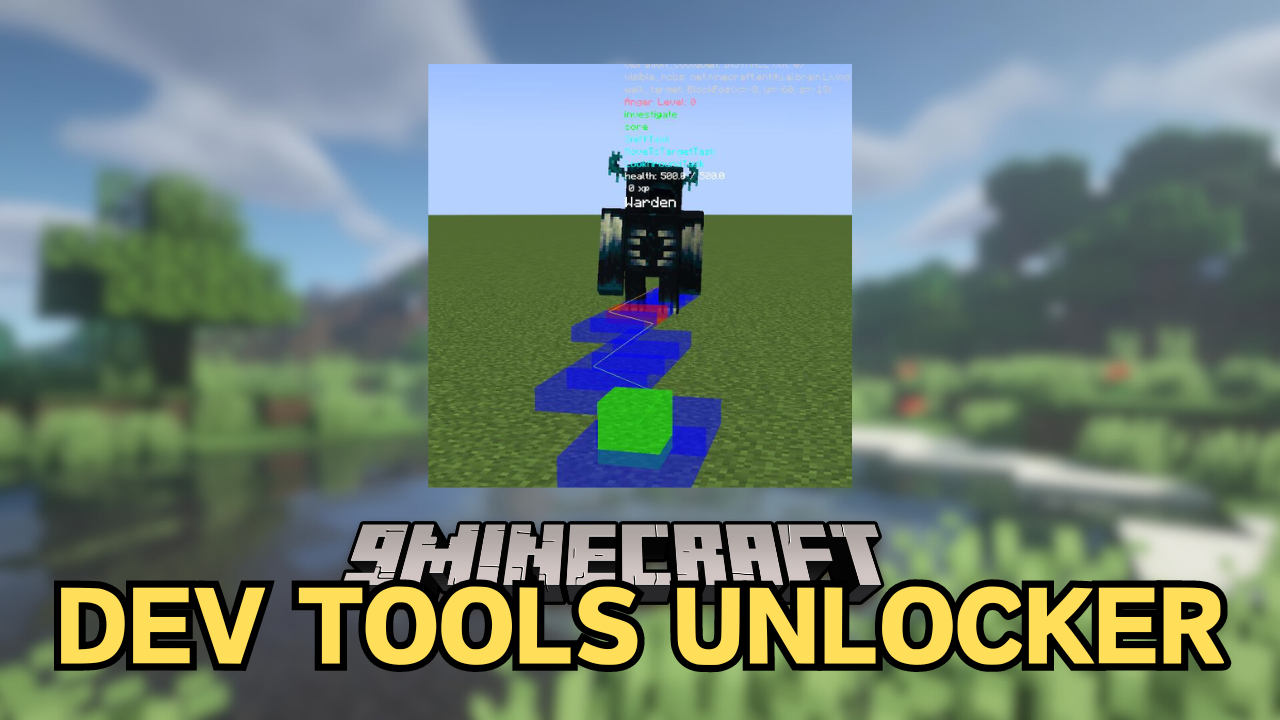
1 image from the Dev Tools Unlocker Mod page.
You May Also Like
Wikis that share the most with this one
Wikis on the same theme: tool
More mod wikis on the site
The most downloaded mods that have a wiki here
A few wikis from each of the other kinds