

 DownloadSelective Bounds Mod
Get the files on 9Minecraft
Guides
Step-by-step, in-game.
Make Outlines Appear When You Have No Tool EquippedDefault behavior without tools Selective Bounds Mod hides block outlines when you're not holding any tool. This keeps…Restore Normal Minecraft Outline BehaviorDisabling Selective Bounds entirely If you want Minecraft to show block outlines in all situations—just like…Show Block Outlines Through Leaves and FoliageThe problem with foliage Leaves, tall grass, and other non-solid blocks often obscure your view when you're trying to…Stop the Outline from Hiding When You're MiningWhy the outline disappears When you're holding a tool that *can* break a block, Selective Bounds Mod hides the…
Frequently asked questions
How do I turn off the mod if I want normal Minecraft outlines back?
Open configs/selectivebounds.json and set the main enable option to false, then restart your game. This will restore the standard Minecraft outline behavior on every block you look at.
Why does the outline disappear when I'm looking at leaves?
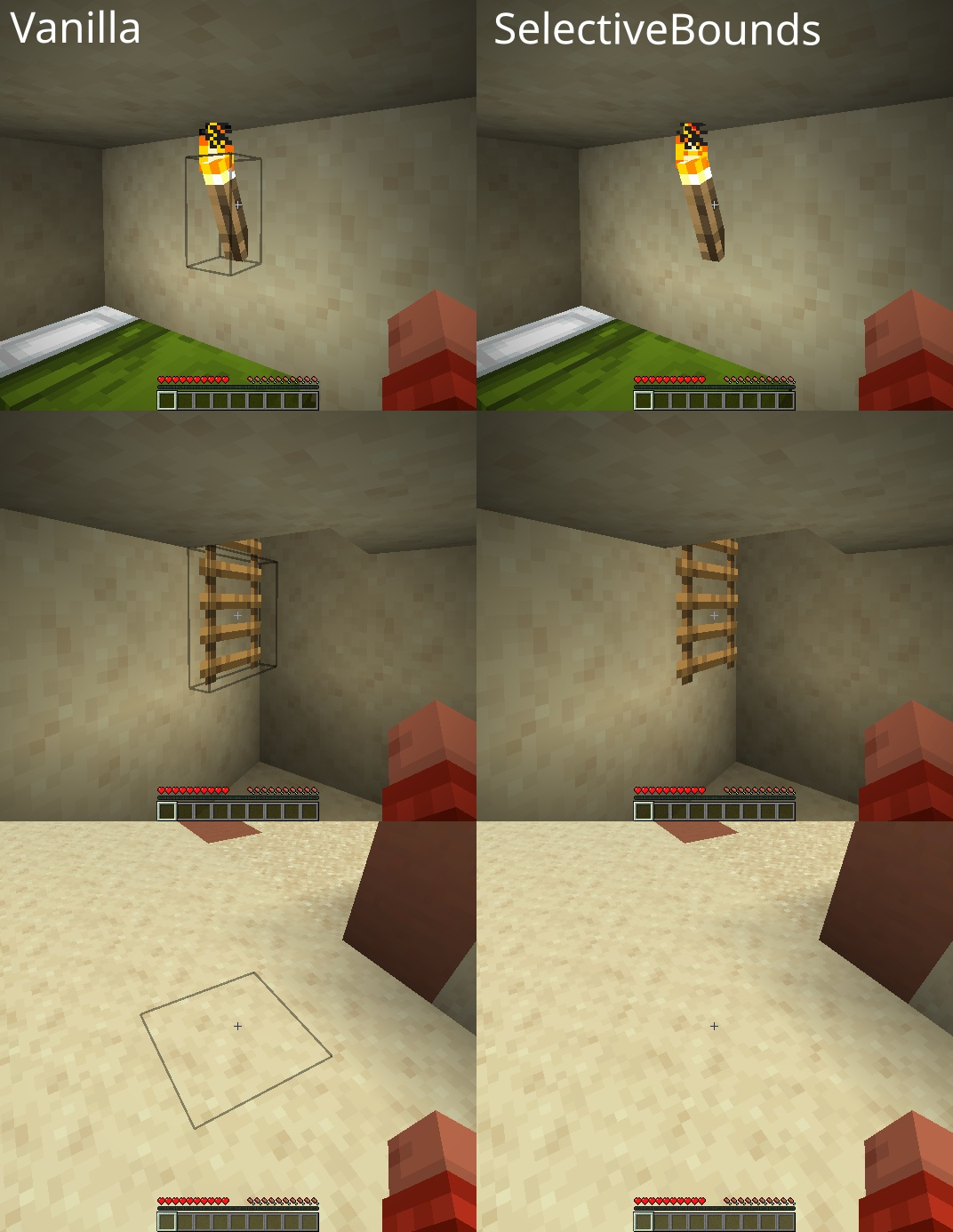
The mod hides outlines on foliage and non-solid blocks by default to reduce visual clutter. You can temporarily see the outline by holding Shift, or disable this behavior in the config file.
The outline won't show up even when I'm holding the right tool. What's wrong?
Check that you're actually holding a tool the mod recognizes as valid for that block type—for example, a pickaxe for stone. If the outline still doesn't appear, verify the mod is enabled in your config file.
Can I make the outline always visible like vanilla Minecraft?
Yes, open configs/selectivebounds.json and disable the smart tool detection and foliage hiding features. This will show outlines on all blocks regardless of what you're holding.
See all 10 Selective Bounds questions ›
Gallery
2 images from the Selective Bounds Mod page.

You May Also Like
Wikis that share the most with this one
More mod wikis on the site
The most downloaded mods that have a wiki here
A few wikis from each of the other kinds