

 DownloadSeedMapper Cevapi Mod
Get the files on 9Minecraft
Guides
Step-by-step, in-game.
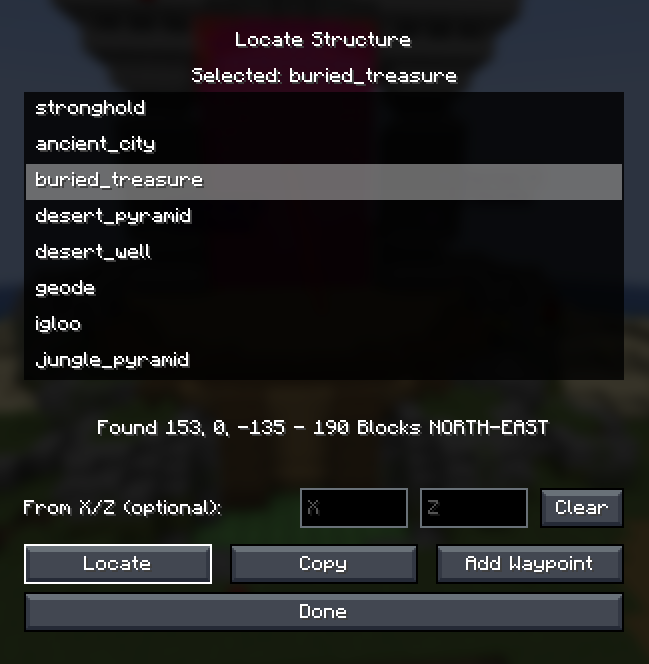
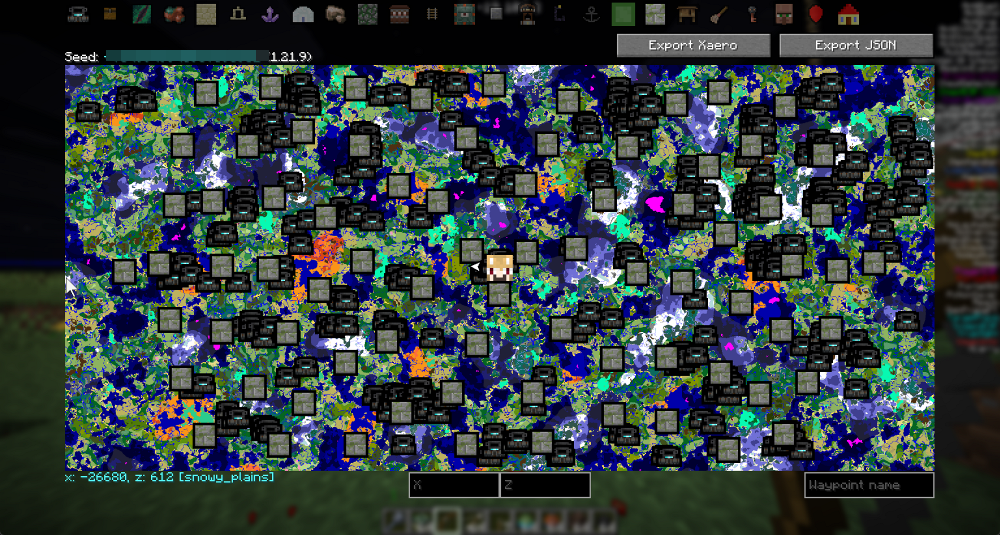
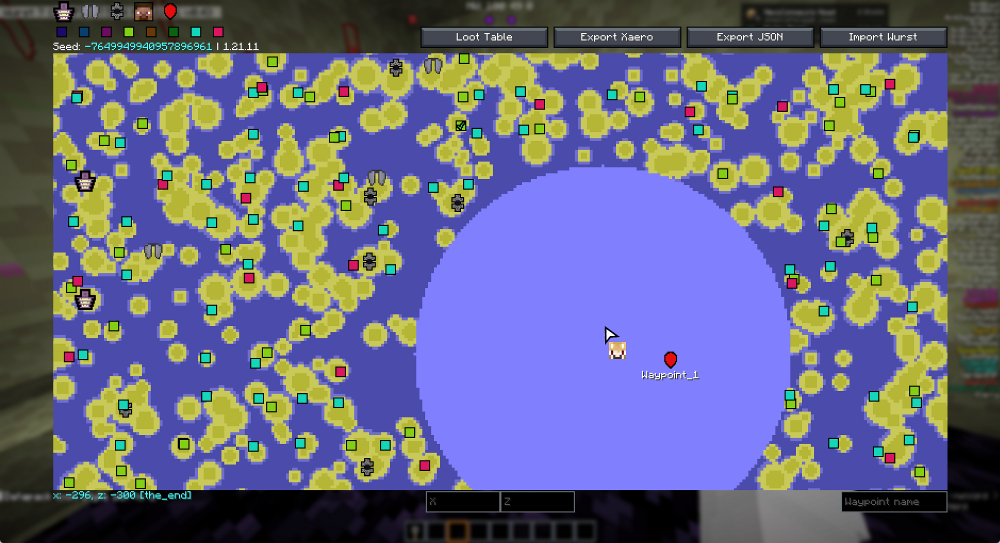
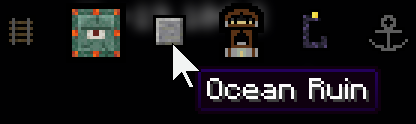
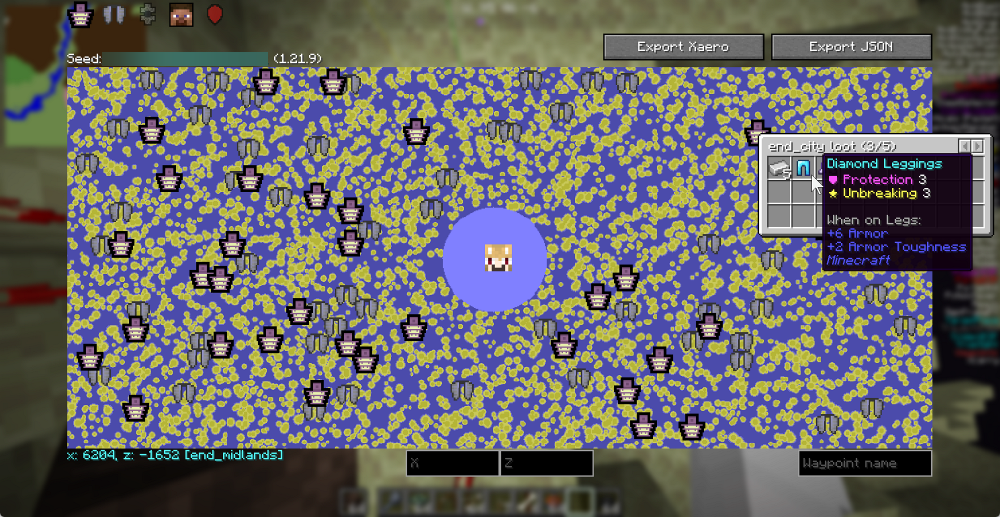
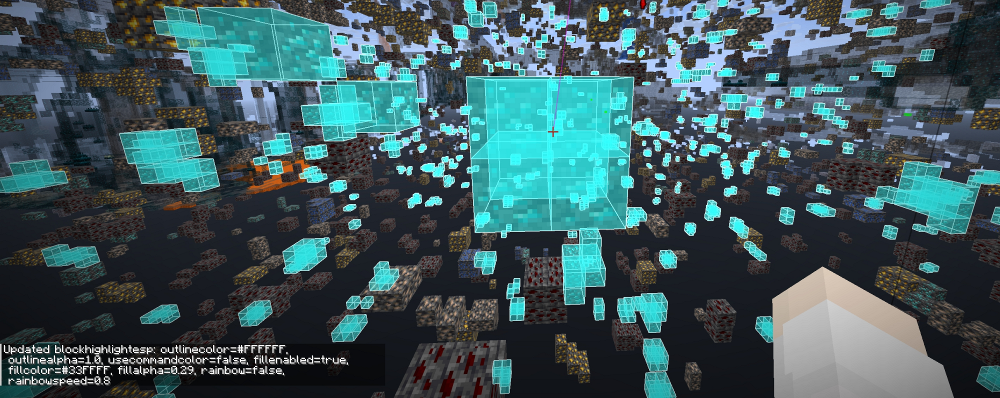
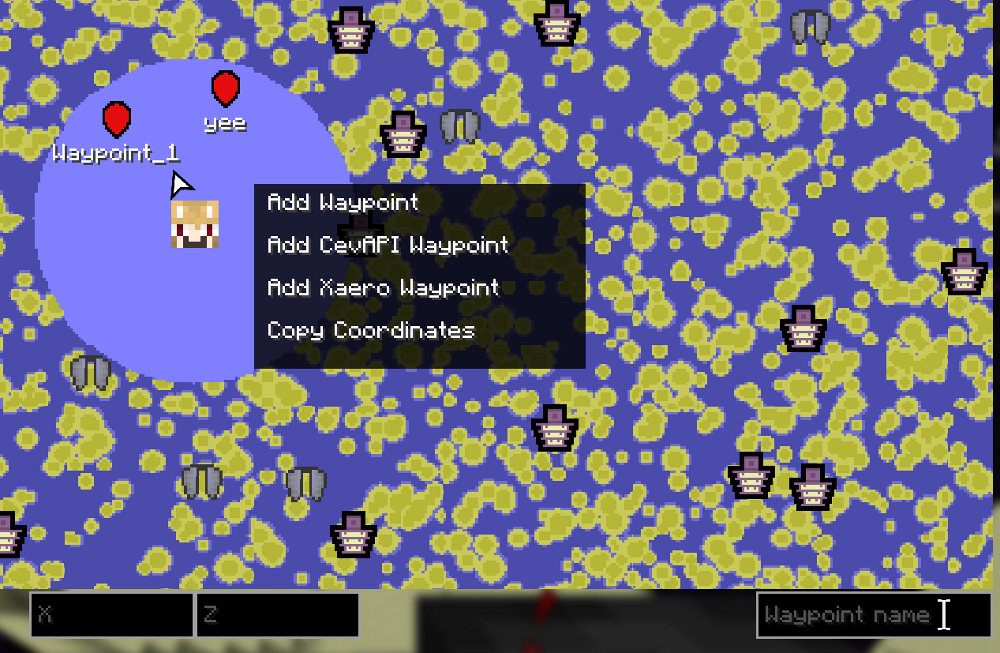
Find and Locate Specific Structures on Your MapOpening the Structure Browser Press your map key to open the live map interface. You'll see your current world…Highlight and Track Specific Blocks Across Your WorldSetting Up Block Highlights Open your mod configuration menu from the main options. Navigate to the Custom Block…Import Custom Structures from Data PacksLoading Custom Structures If you're using custom data packs with unique structures, the SeedMapper mod can display…Search Chests for Specific Items Before TravelingAccessing the Loot Browser Open your live map and locate the Loot Table or Loot Browser button on the map screen.…
Frequently asked questions
How do I open the minimap when I first start?
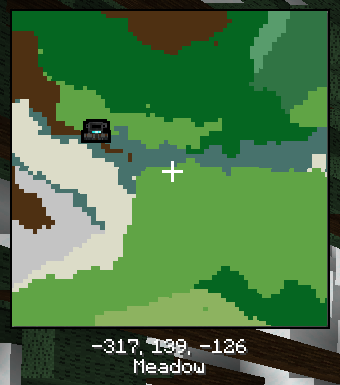
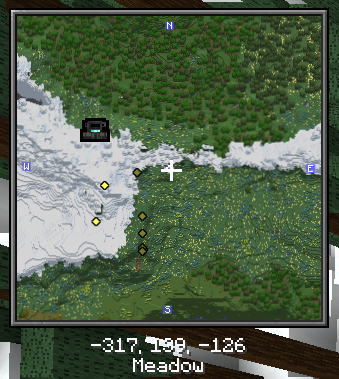
Press the map key (configurable in mod options) to toggle the minimap on your screen, or use the command /sm:minimap to open it. The minimap will appear as a small square in your chosen corner and will track your position and nearby structures automatically.
Why aren't my custom structures showing up on the map?
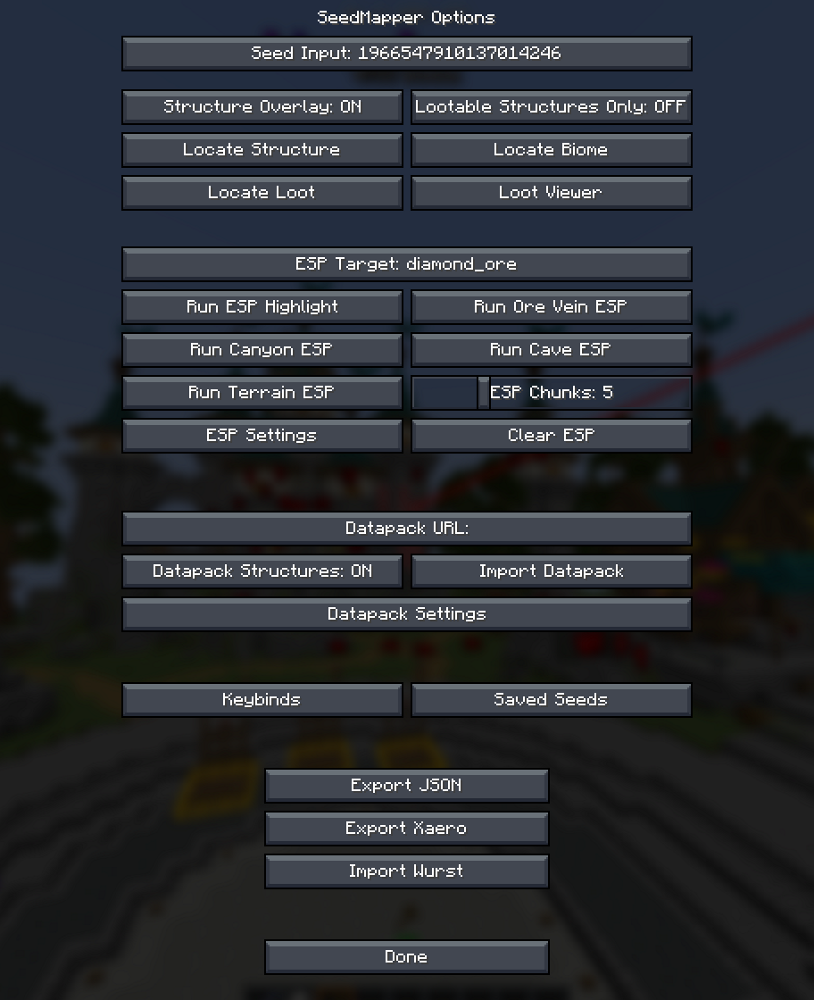
Make sure you've imported the data pack using /sm:datapack import and that the structures are enabled in your mod options menu under the structures tab. Some data packs may require you to restart your world or re-enter the dimension for changes to take effect.
How do I search for specific items inside chests without visiting them?
Click the Loot Table button on your map screen, then type the item name you're looking for—the mod will show you which chests contain that item and their locations on the map. This only works for chests the mod has already scanned in your world.
Can I highlight multiple different block types at the same time?
Yes, you can add multiple block highlights with different colors through the Custom Block Highlights feature in your mod options. Each highlight will draw glowing boxes around its target blocks, and you can toggle them on or off individually.
See all 10 SeedMapper Cevapi questions ›
Gallery
12 images from the Seedmapper Cevapi Mod page.

You May Also Like
Wikis that share the most with this one
Wikis on the same theme: world
More mod wikis on the site
The most downloaded mods that have a wiki here
A few wikis from each of the other kinds