

 things
 DownloadSearchables Mod
Get the files on 9Minecraft
Guides
Step-by-step, in-game.
How to Combine Multiple Searchables Filters for Precise ResultsThe Stacking Rule Every filter you add with a space acts as an AND condition. The result set is the intersection of…How to Tell Which Mods Add Searchables Filters and What They SupportSearchables Is a Library Searchables does not add items, blocks , or its own search screen. It is a library mod:…How to Use Searchables Auto-Complete to Find Items FasterWhat Auto-Complete Does Searchables provides a suggestion dropdown beneath the search bar. As you type, it shows…How to Use Searchables to Filter Items by Color and ShapeUnderstanding the Search Syntax Searchables lets you narrow down item lists using key-value filters. The format is…
Frequently asked questions
How do I actually use Searchables to find items?
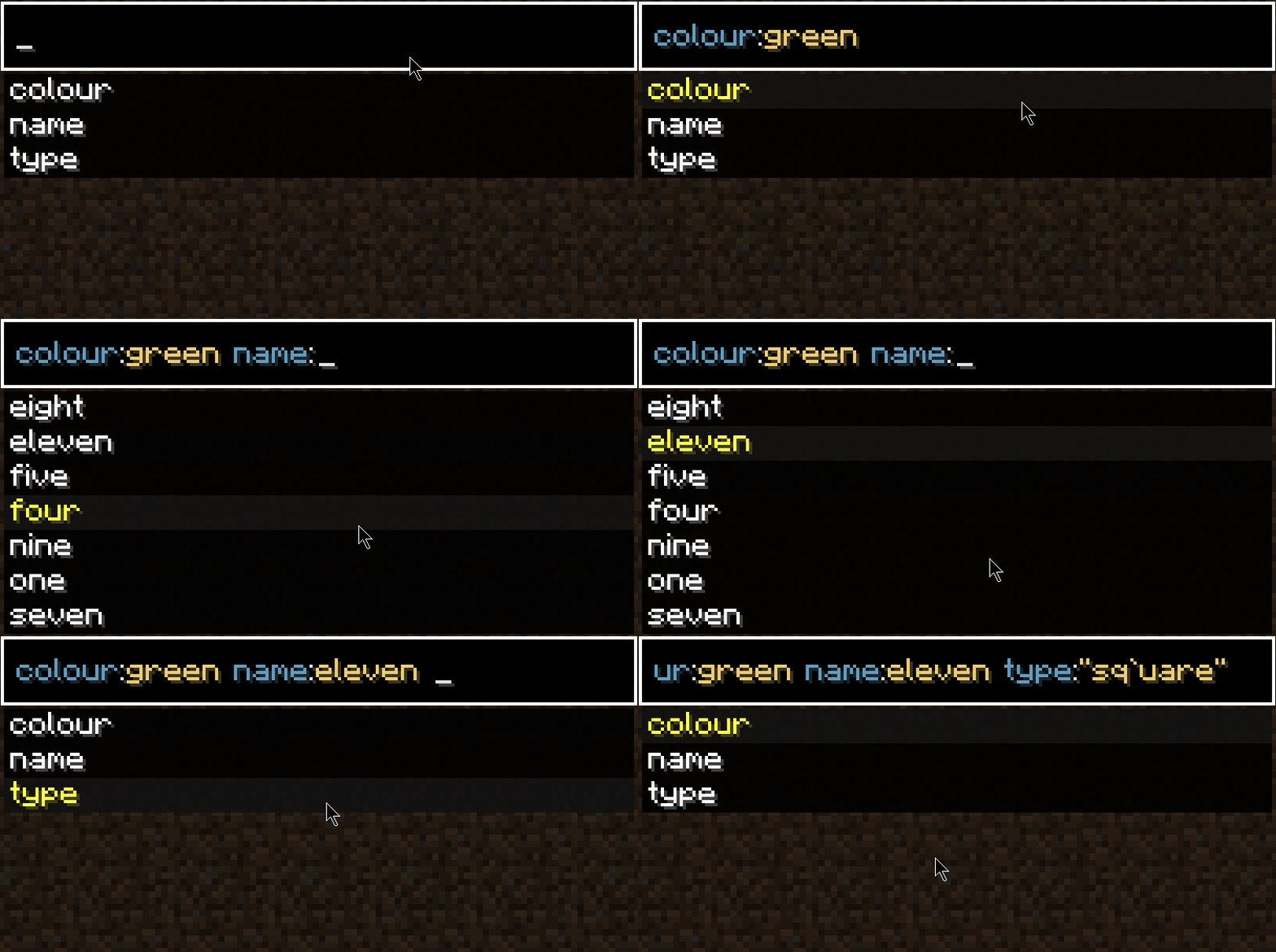
Open any search bar that supports Searchables, such as the creative inventory or a mod's item list, and type your query directly into it. You can type plain words to match item names, or use filters like color:red or shape:square to narrow results. Suggestions appear as you type, so pick one to complete the filter.
Why doesn't Searchables show up as a mod with its own items or blocks?
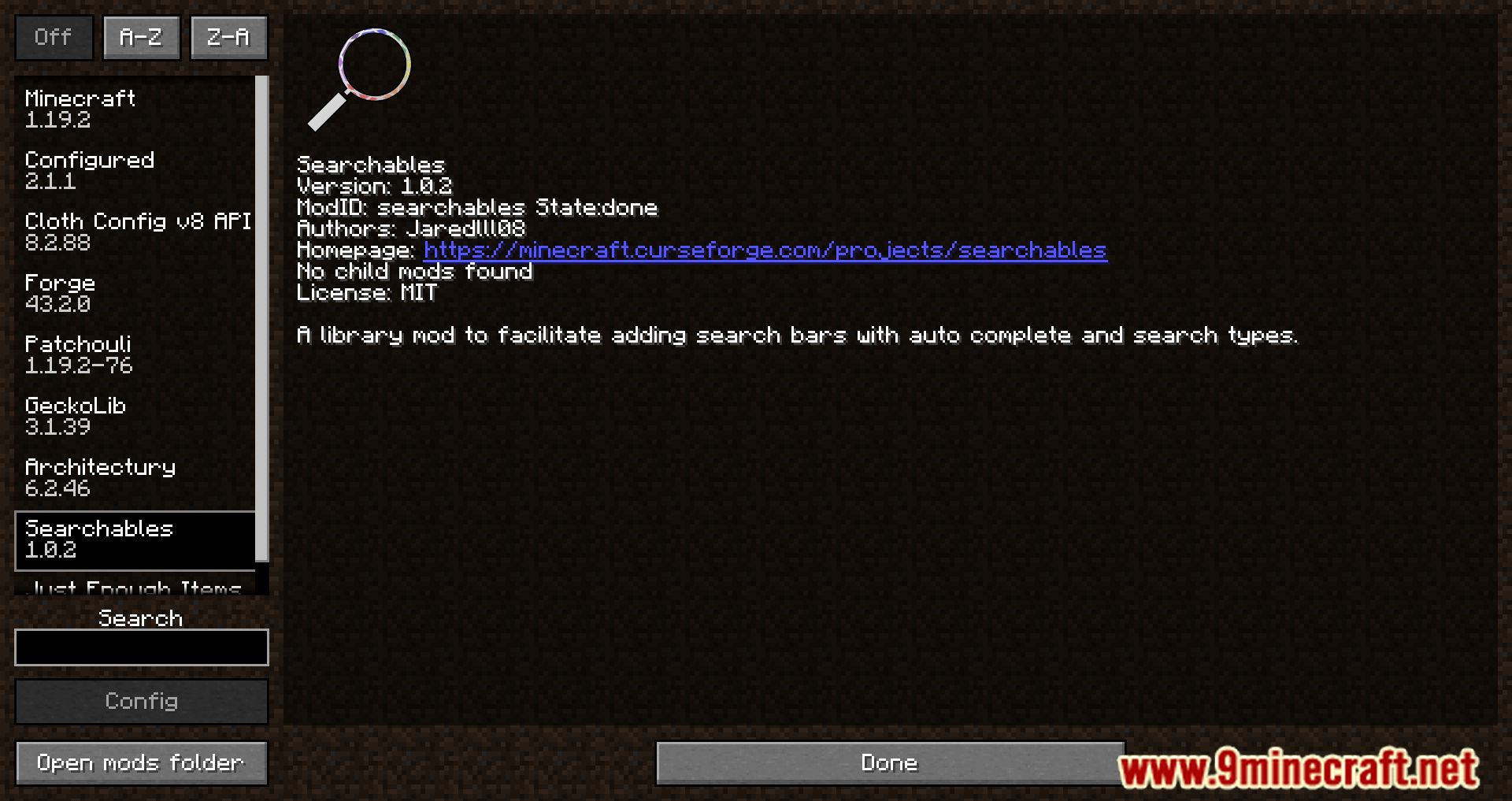
Searchables is a library mod, so it adds no items, blocks, or recipes of its own. It only works behind the scenes to power search features inside other mods that support it. If you installed it expecting new content, that's not what it does.
What filters can I use with Searchables?
Filters depend on what the mod using Searchables exposes, but common examples include color and shape, typed as filter:value pairs like color:red or shape:square. Other mods can register their own custom filters, so the available list varies. Start typing a filter name and let autocomplete show you what's supported.
How do I combine multiple filters in one search?
Just separate them with spaces in the same search box, for example color:red shape:square. Searchables treats them as combined conditions, so results must match all of them. If you get no results, try removing one filter at a time to see which one is too strict.
See all 19 Searchables questions ›
Gallery
8 images from the Searchables Mod page.




You May Also Like
Wikis that share the most with this one
More mod wikis on the site
The most downloaded mods that have a wiki here
A few wikis from each of the other kinds