

 DownloadRemove Reloading Screen Mod
Get the files on 9Minecraft
Guides
Step-by-step, in-game.
How to Fix a Stuck or Frozen Reload ScreenDiagnosing the Freeze If the reload screen still blocks you or the progress bar never completes, the mod is either…How to Keep Playing While a Resource Pack ReloadsWhy You Can Multitask Now Normally, changing a resource pack locks the game until every texture is stitched. This mod…How to Make Resource Packs Load in the BackgroundWhat the Mod Changes Once installed, Remove Reloading Screen Mod takes over the resource pack reload process…How to Use the Mod with OptiFine and Custom Pack ColorsCompatibility Basics Remove Reloading Screen Mod is built to work alongside OptiFine . When both are installed,…
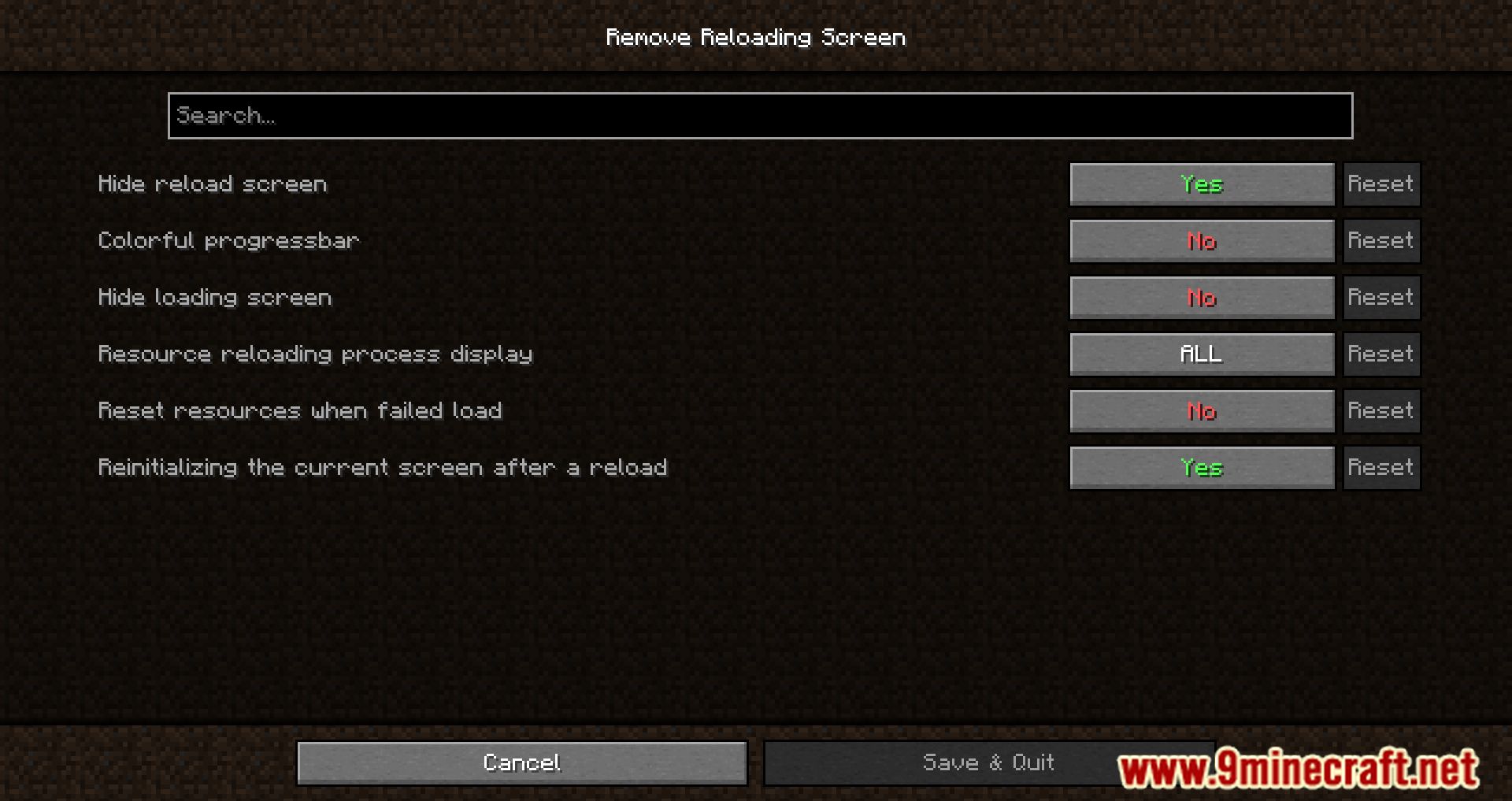
Configuration
Every setting in the mod config file, with what it changes.
| Option | What it does |
|---|---|
all | All overlays |
rgbProgressColorful | MAY CAUSE EPILEPSY |
blockOverlayComplete blocking of overlay usage | Use at your own risk! |
textbg | Custom text with background |
earlyPackStatusSendEarly sending of status about server resourcepack | Some servers specifically wait for the player to load resources, because of this the game may be displayed incorrectly Example: You were underground while reloading resources |
easeEasing | See |
easingArg | Easing argument |
force | Force load |
global | Global |
interpolateAtEndInterpolate at the end | Start interpolation only when the progress bar is completely filled. |
interpolateProgressInterpolate progress | In vanilla minecraft interpolation starts at ~75%, turn it on if you want to do progress based interpolation. This can lead to early fading, but is necessary for some easings. |
interpolation | Interpolation |
load | Load |
loading | Loading only |
none | None |
none | Nothing |
other | Other |
hideOverlays | Overlays that will be hidden |
platform | Platform-specific |
progress | Progress Bar |
reInitScreenReinitializing the current screen after a reload | Disabling this feature may eliminate the hang-up after the reload is complete |
doubleLoad | Reload resources again if an error occurs |
reloading | Reloading only |
Frequently asked questions
How do I turn on background resource pack loading?
Just install the mod and reload your resource packs as normal — it hooks into the reload process automatically, so there's no toggle to enable. The next time you apply a pack, the game keeps running instead of freezing on the reload screen.
Why does my game still freeze when I reload resource packs?
Another mod is likely overriding the reload screen or the pack is being loaded through a path the mod doesn't intercept, such as a mod-specific pack loader. Try removing conflicting reload or loading-screen mods and reload again.
Can I play while a resource pack is reloading?
Yes — that's the whole point of the mod. The world stays loaded and you can keep moving, mining, or fighting while the pack swaps in the background, though you may see brief visual pop-in as textures change.
Where did the reload screen go?
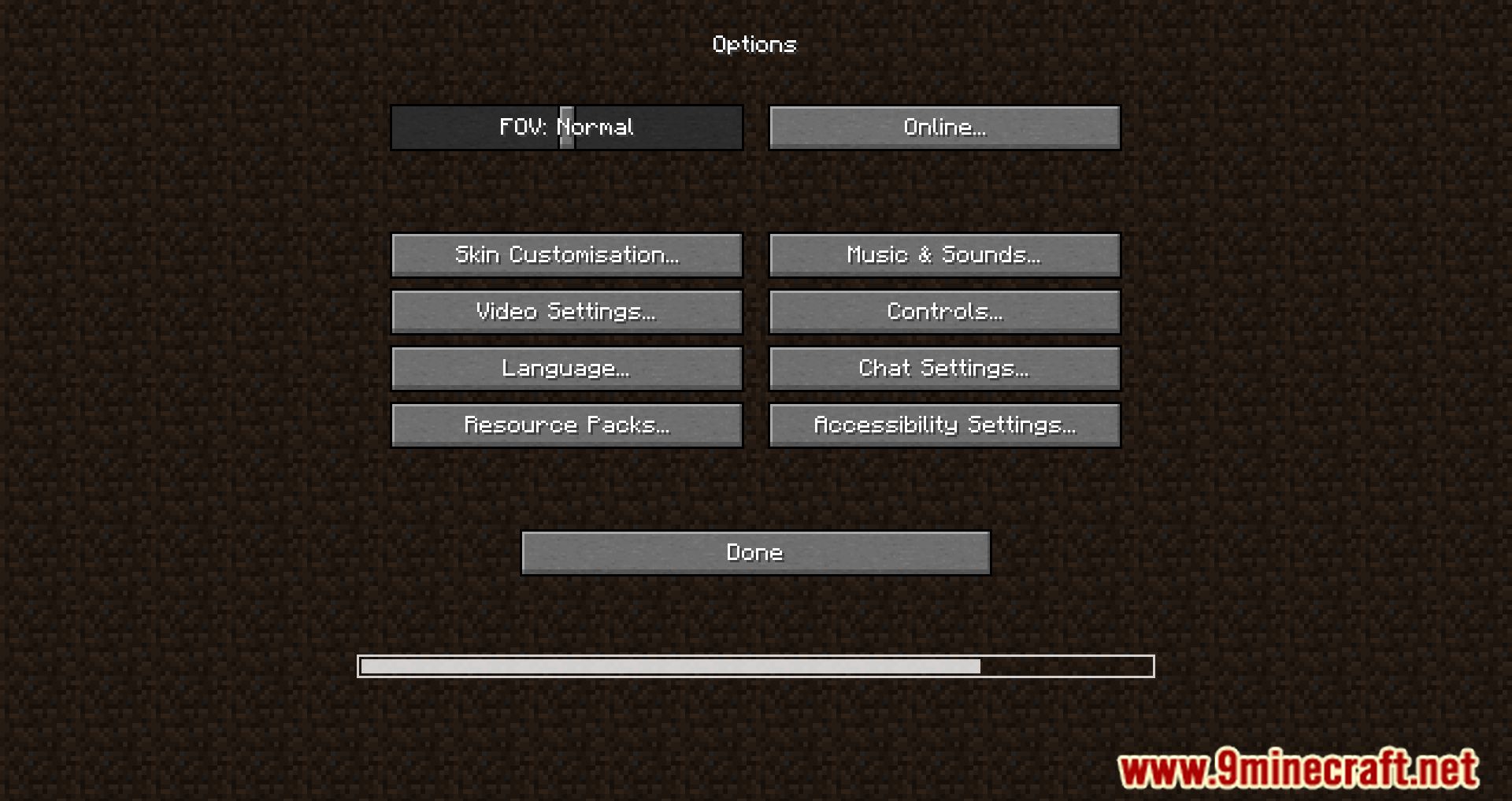
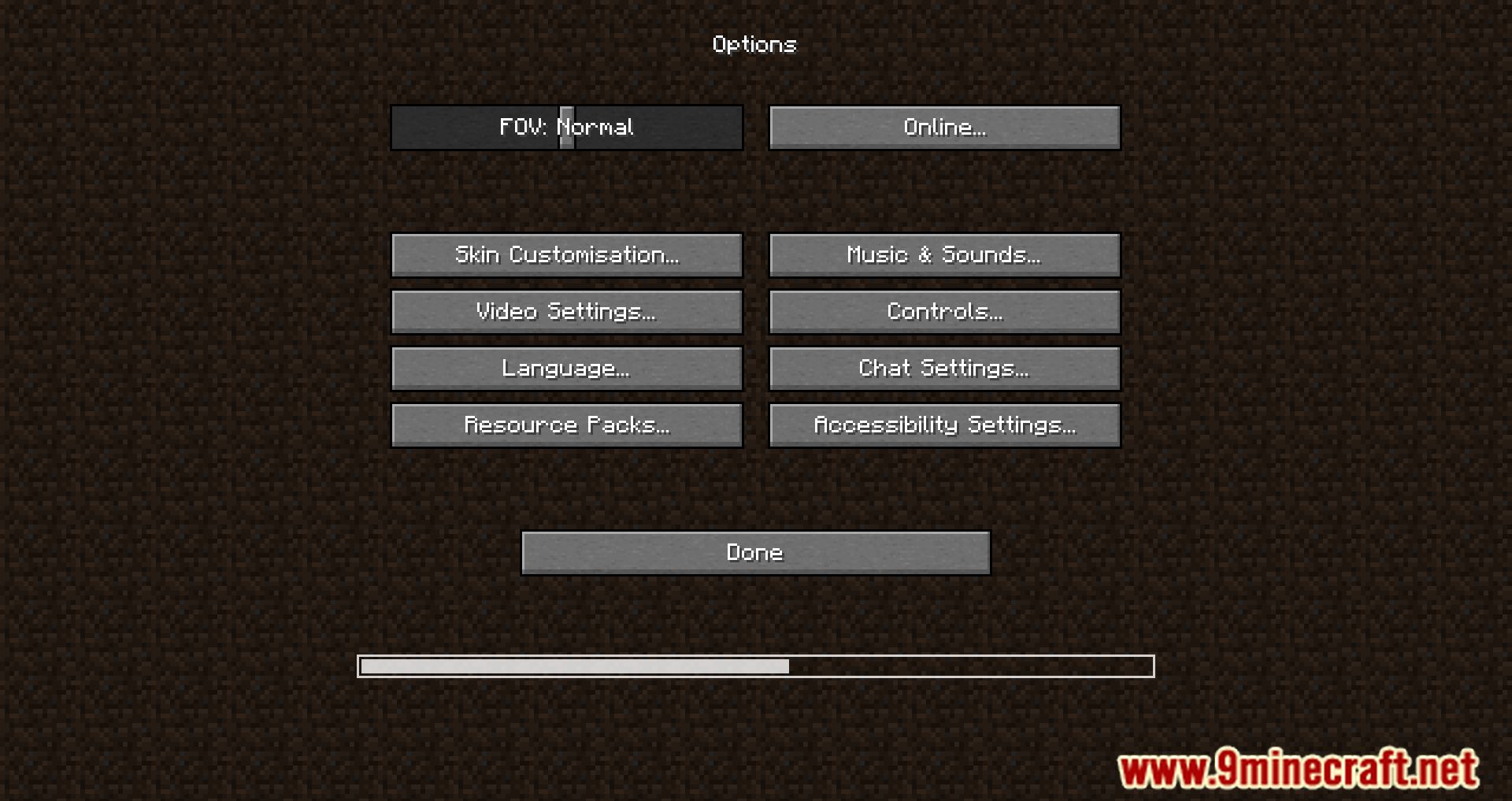
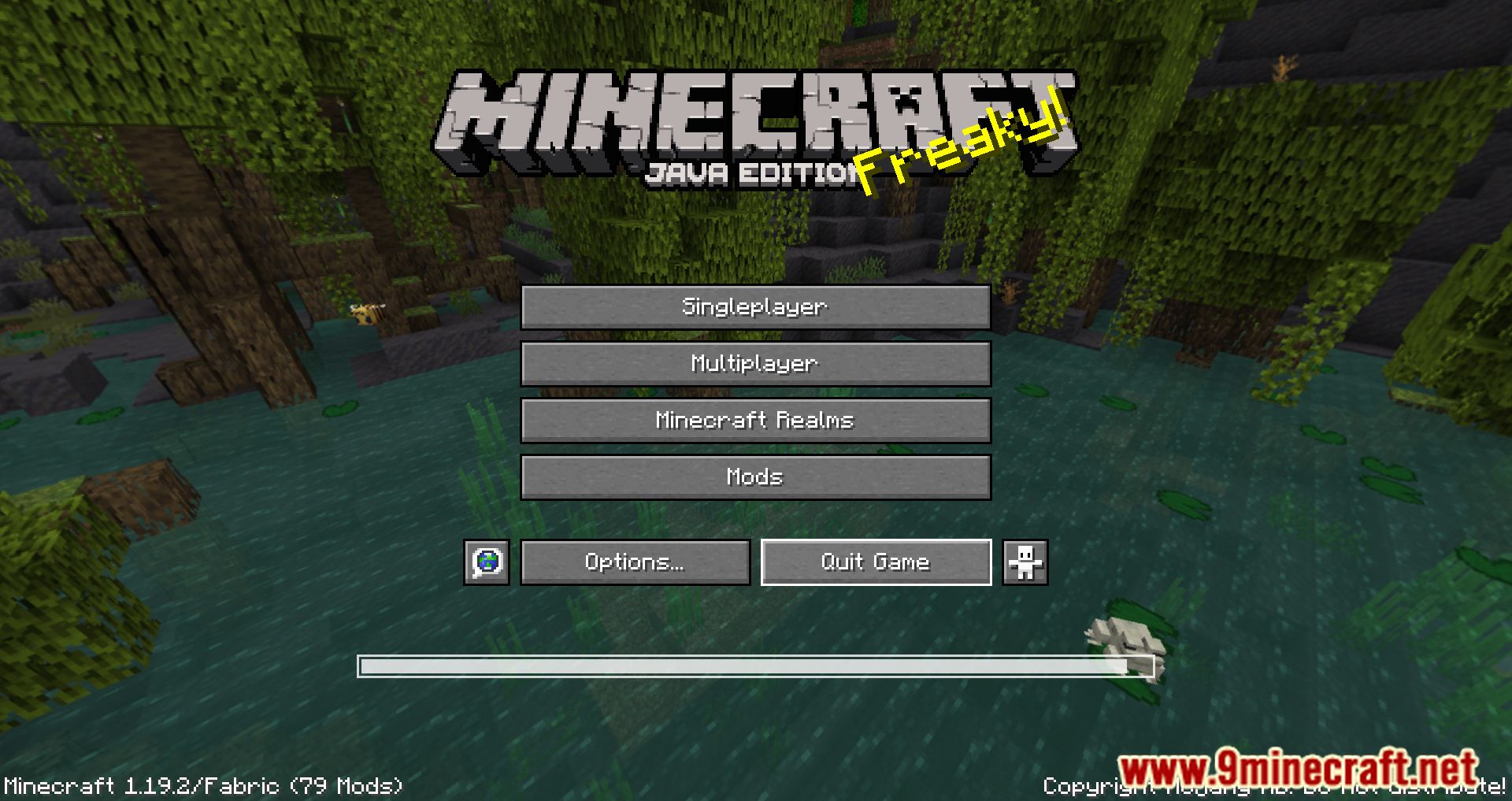
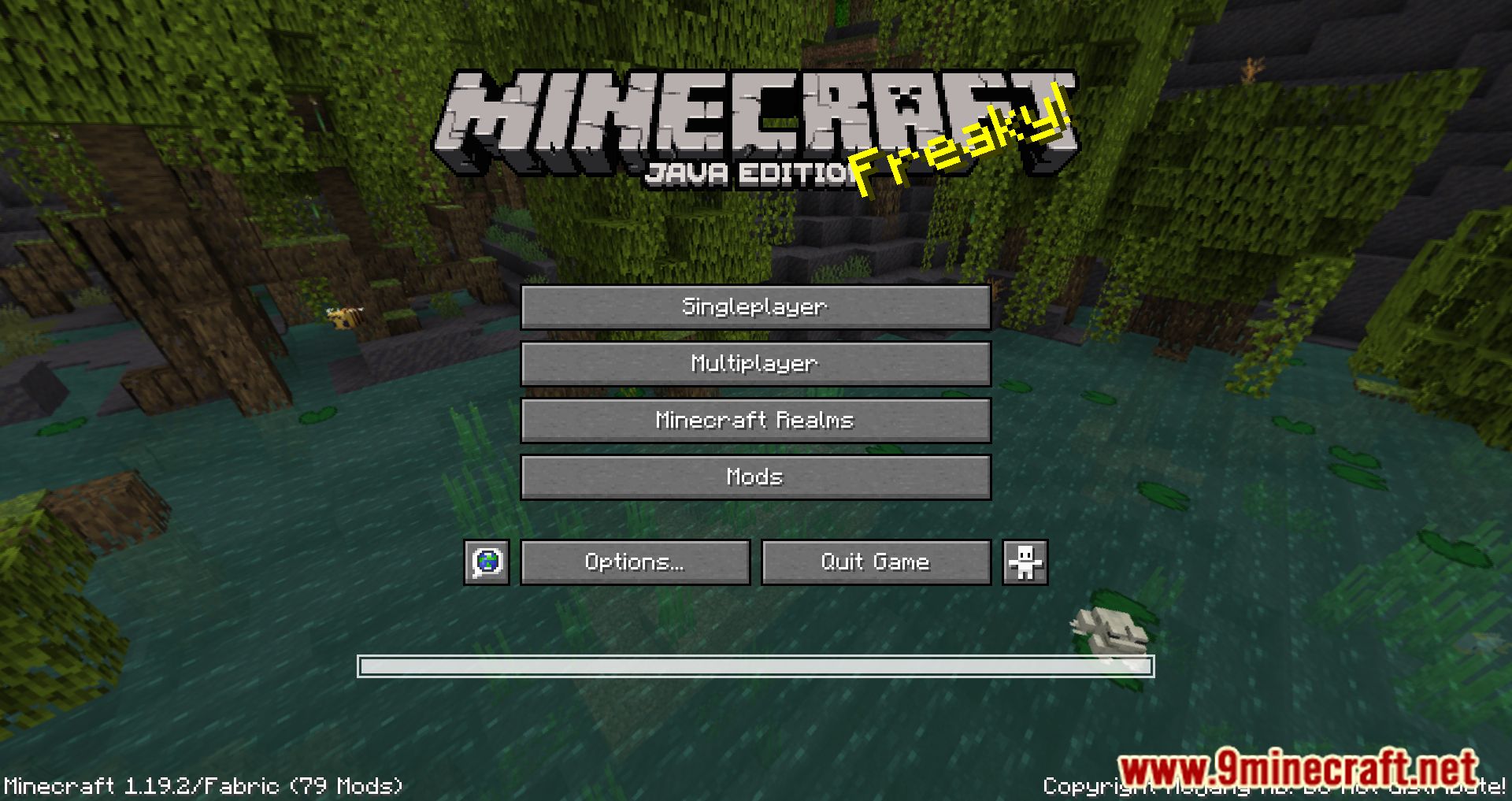
The mod strips the reload screen down to just the progress bar, so the darkened overlay and text you're used to are intentionally gone. If you see nothing at all, the reload is probably finishing fast enough that the bar never appears.
See all 10 Remove Reloading Screen questions ›
Gallery
7 images from the Remove Reloading Screen Mod page.
You May Also Like
Wikis that share the most with this one
Mod Loading Screen ModShow FPS On Screen ModBetter Title Screen ModDark Loading Screen ModLoading Screen Tips ModRetro VHS Screen ShadersDrippy Loading Screen ModAnimated Loading Screen ModCycle Title Screen Splash ModRemove Mouseover Highlight ModDisable Accessibility Screen ModCustom Title Screen 9minecraft Mod
More mod wikis on the site
The most downloaded mods that have a wiki here
A few wikis from each of the other kinds