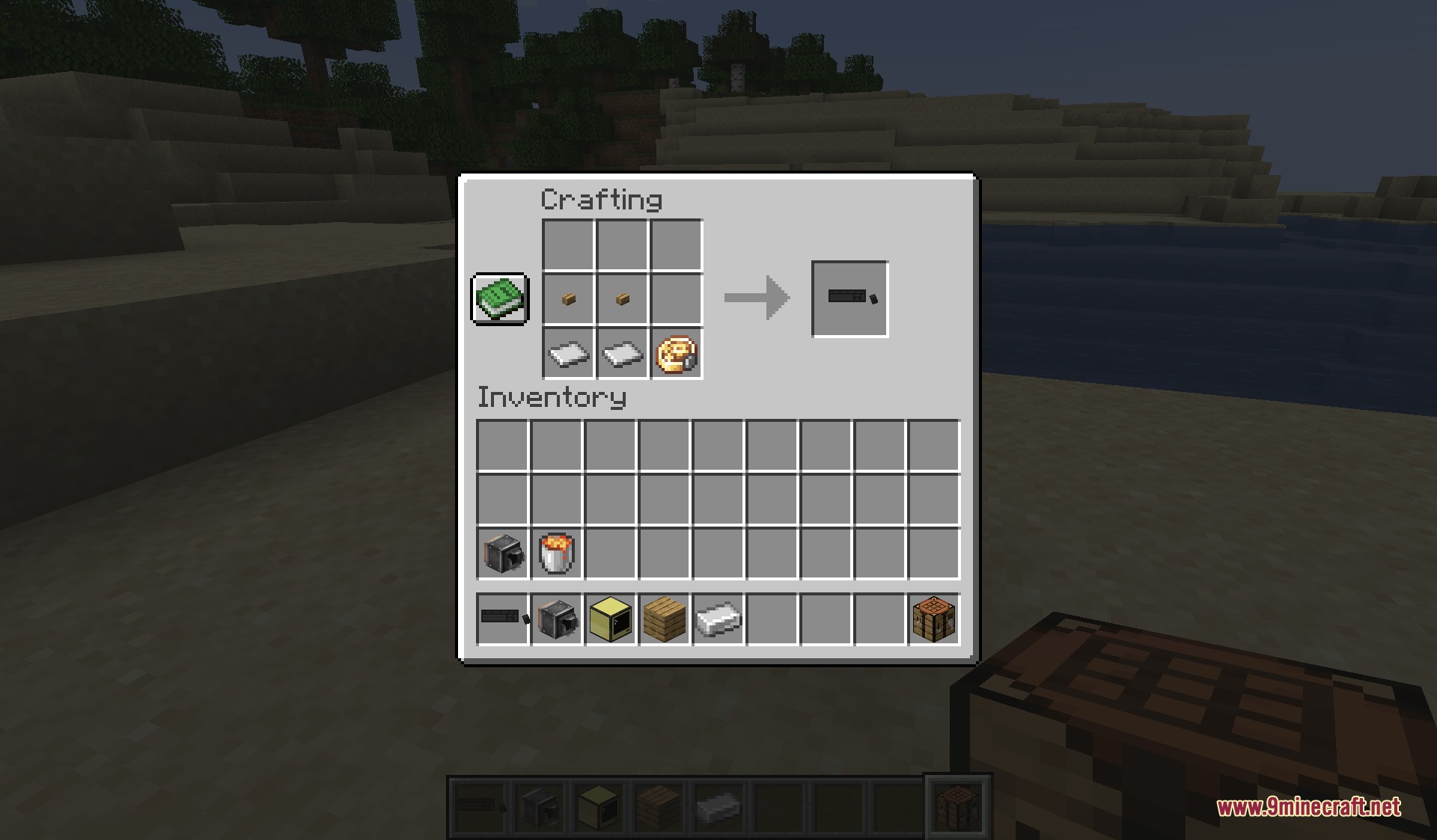
DownloadRemote Control Redstone
Get the files on 9Minecraft
Guides
Step-by-step, in-game.
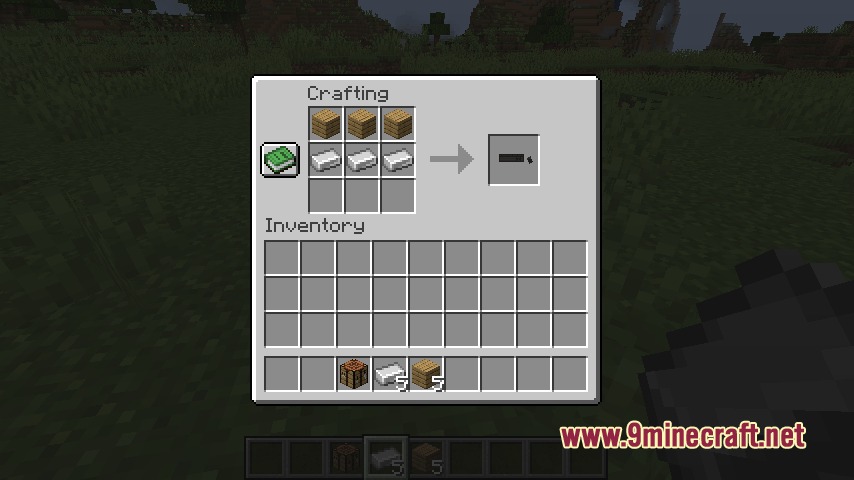
Recipes
Every recipe the mod adds, grouped by how it is made.
Items
 Linking Stick
Blocks
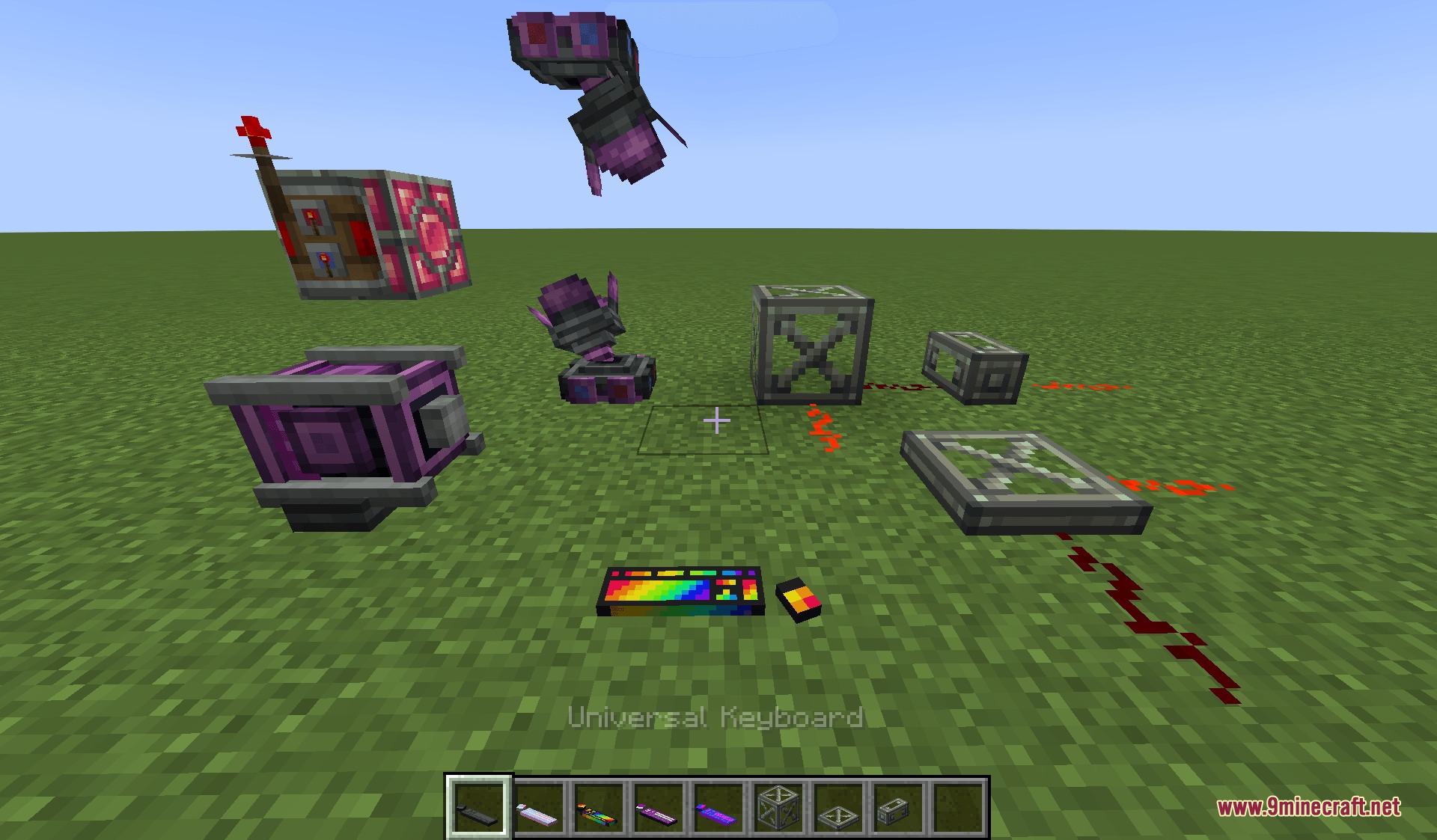
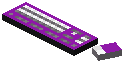 Ace Keyboard
 Bi Keyboard
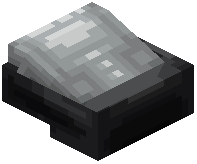 Dashboard
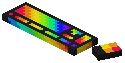 Rainbow Keyboard
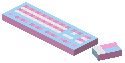 Trans Keyboard
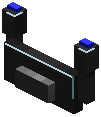 Universal Control Wheel
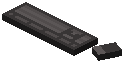 Universal Keyboard
 Wireless Copycat
 Wireless Copycat Panel
 Wireless Copycat Step
Configuration
Every setting in the mod config file, with what it changes.
| Option | What it does |
|---|---|
mouseAbsoluteModeAbsolute Mouse Mode | false (Velocity mode, default): mimics a real joystick, measures input speed as the power, and reverts back to 0. true (Absolute mode): mimics the Aeroworks' joystick, which keeps the cursor locked where you put it. |
clusterWaveSpeedCluster Wave Speed | Keyboard's cluster animation speed. Default: 0.05. |
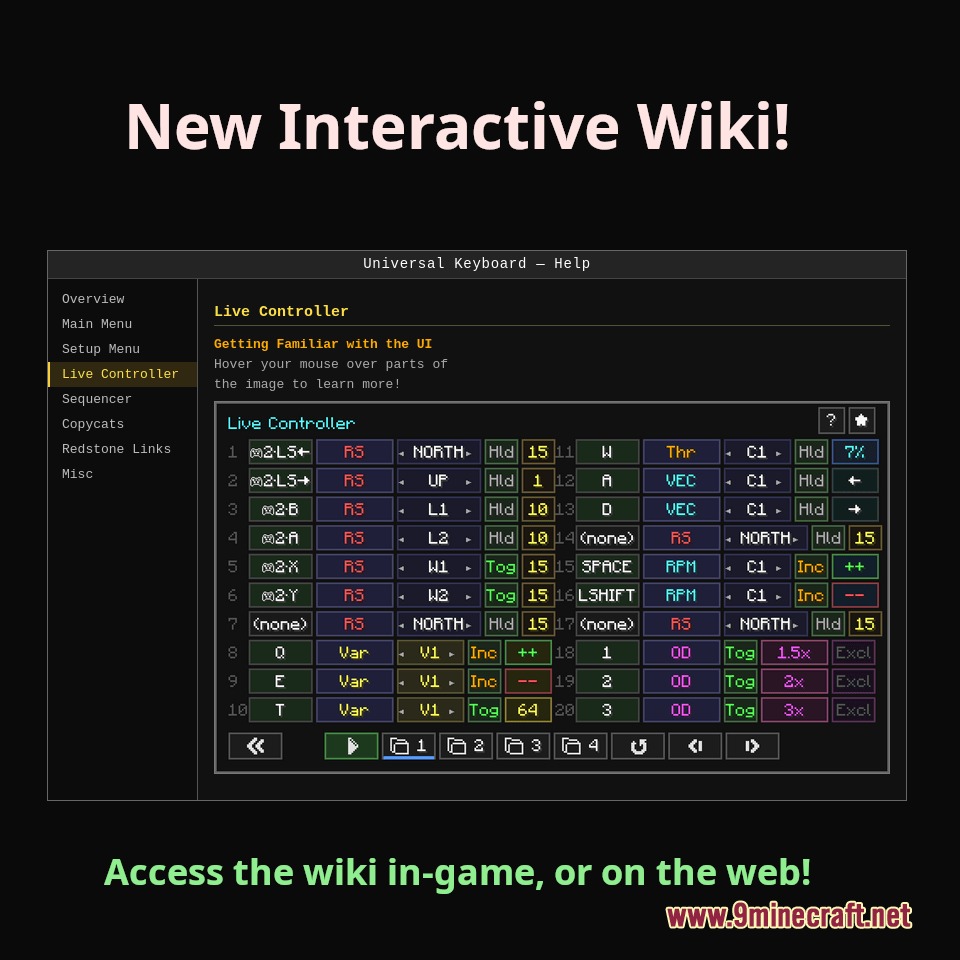
controlWheelLeftRowsControl Wheel — Left Turn Rows | Comma-separated Live Controller row numbers (1–40) whose active state animates the Control Wheel turning left. Works with any input device — keyboard, gamepad sticks, triggers, etc. Example: "1,3". Leave blank to disable. |
controlWheelRightRowsControl Wheel — Right Turn Rows | Comma-separated Live Controller row numbers (1–40) whose active state animates the Control Wheel turning right. Works with any input device. Example: "2,4". Leave blank to disable. |
copycatLocateDurationCopycat Locate Duration | Duration in seconds for the Wireless Copycat test-face feature. Applies to both the per-face Test button on the Copycat and the Locate button on the keyboard. Default: 5. |
doubleExplosionDouble Explosion | Double explosion!! |
enableAdvancedInputEnable Advanced Input | Read controllers as raw joysticks instead of mapped gamepads. Turn on for HOTAS, flight sticks, racing wheels, and other devices GLFW does not recognise as standard gamepads. Exposes all axes, buttons, and hat switches by number. Leave off if you only use stan |
enableDashpanelsBetaEnable Dashpanels Beta | Enable beta features for compat, doesnt work even when true, sorry |
enableGamepadEnable Gamepad | Allow a connected gamepad to drive Live Controller bindings. When on, gamepad buttons, triggers, and sticks can be bound just like keyboard keys. Uses GLFW standard gamepad mapping, so any recognized controller works. Default: true. |
enableKeyboardAnimationsEnable Keyboard Animations | Turns off all keyboard animations if false. Default: true. |
enableMouseInputEnable Mouse Input | Allow the mouse to be bound in live controls Default: false. |
favoriteLiveControlAutoStartFavorite Auto-Start | When true, right-clicking the keyboard immediately starts Live Controls without opening the main menu. The Live Controller screen must also be marked as Favorite. Shift-click the keyboard to open the main menu instead. Default: false. |
joystickScalingJoystick Scaling | Scale a binding's output by how far the stick or trigger is pushed. When on, an analog input bound to 50% power outputs proportionally — pushing the stick halfway sends 25%, fully sends 50%. Applies to RS, Thruster Power, Vector, and Variable bindings in Hld/T |
keyboardRangeKeyboard Range | Max wireless range in blocks between the keyboard and its linked target. Events are dropped if the player exceeds this distance. Set above 2 million to reach sub-levels. Default: 32. |
liveControlIgnoredKeysLive Control Ignored Keys | Comma-separated keys that Live Control passes straight through to the game instead of capturing, so other mods (maps, etc.) still respond while Live Control is running. F1-F12 are always free regardless. Use simple names: letters "M", digits "5", or names like |
mainWaveSpeedMain Wave Speed | Keyboard's main wave animation speed. Default: 0.15. |
mouseAxisSensitivityMouse Axis Sensitivity | Multiplier for how strongly mouse movement deflects its analog axes. Default: 1.0. |
stickCalibrationStick Calibration | Per-axis maximum stick deflection recorded by calibration. Order: [Left X, Left Y, Right X, Right Y]. Values below 1.0 mean the stick physically falls short of the theoretical edge; analog output is rescaled so the stick's real maximum maps to 100%. Set with t |
stickThresholdStick Threshold | How far an analog stick must be pushed before it counts as a directional press. Range: 0.1–1.0. Default: 0.2. |
triggerThresholdTrigger Threshold | How far a trigger (LT/RT) must be pulled before it counts as a press. Range: 0.1–1.0. Default: 0.5. |
Frequently asked questions
What types of input devices does Remote Control Redstone Mod support?
The mod supports GLFW-compatible gamepads, racing wheels, and joystick setups for controlling vehicles and machinery.
How do you pair a controller with a machine in this mod?
You can use a Linking Stick or press Shift + Right-Click on a supported machine block to pair it with your controller.
What is Sequencer mode used for?
Sequencer mode lets you build automated control scripts, set custom triggers, and create PID loops without needing to write Lua scripts.
Can this mod work with other Minecraft mods?
Yes, the mod connects directly with CC: Tweaked peripherals and links with Create mod components like Redstone Links and rotation speed controllers.
What is Overdrive mode in Remote Control Redstone Mod?
Overdrive mode lets you multiply signal changes and set custom speed ratios across control rows for enhanced control precision.
How can you use your mouse as a joystick in this mod?
Press Left-Alt during live control mode to lock your camera and use your mouse as a joystick for steering and control.
You May Also Like
Wikis that share the most with this one
Wikis on the same theme: redstone
More mod wikis on the site
The most downloaded mods that have a wiki here
A few wikis from each of the other kinds
Gallery
5 images from the Remote Control Redstone Mod page.