

 DownloadCustom Title Screen 9minecraft Mod
Get the files on 9Minecraft
Guides
Step-by-step, in-game.
Frequently asked questions
Where does the Custom Title Screen mod place custom text?
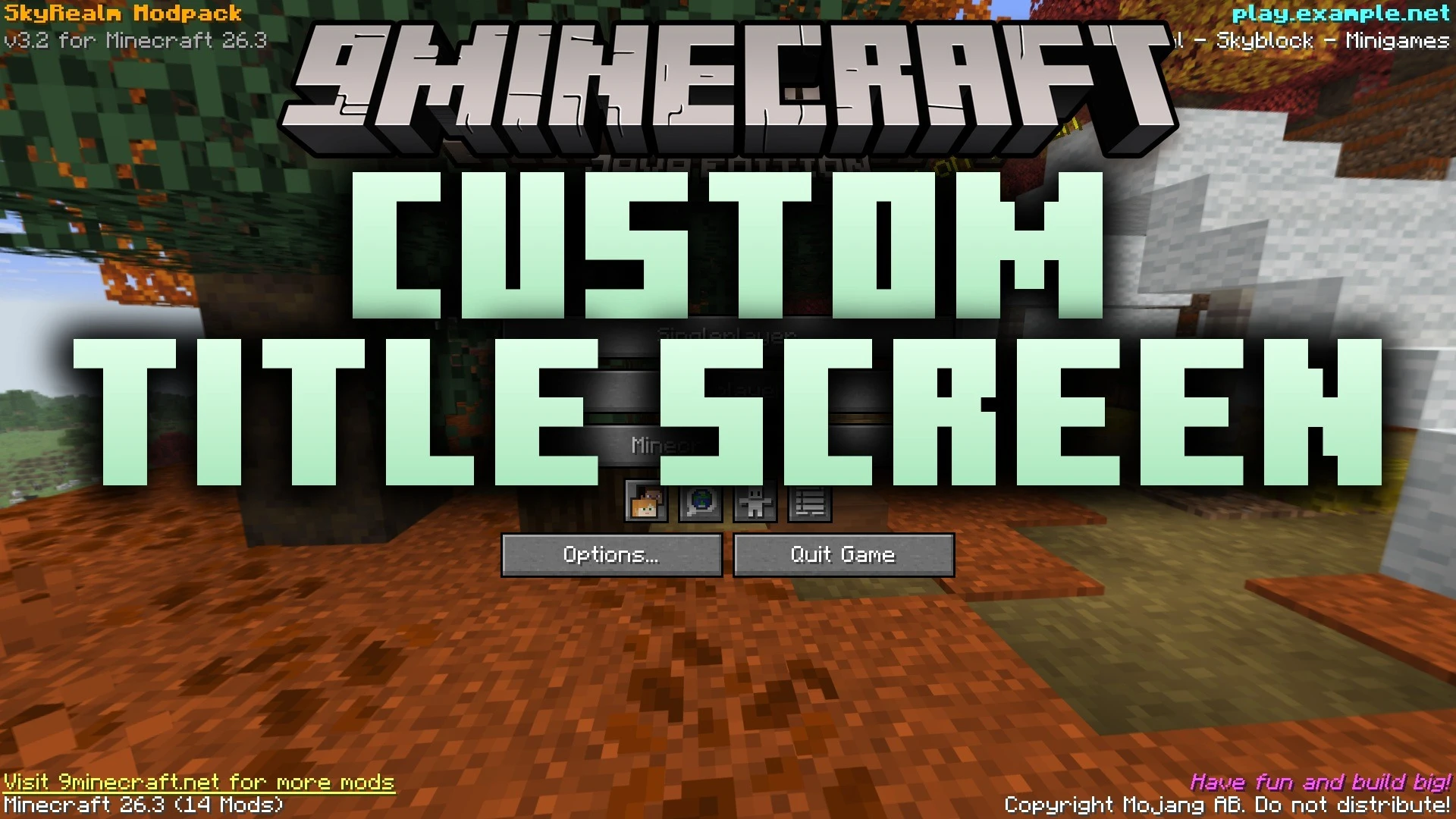
It places custom text lines in the four corners of the title screen and the pause menu. This keeps the text separate from the standard game buttons.
What kinds of things can I display with this mod?
You can show server IP addresses, pack versions, welcome notes, or web links directly on your menus. The text appears across the main menu and pause screen corners.
Can I style the custom text with colors and formatting?
Yes, it works with standard Minecraft text formatting, including hex colors, bold, italic, and underline styling. This lets you customize how each text line looks.
Can the custom text be clicked?
Yes, you can make text clickable to open web pages, copy server addresses, or run commands from the pause screen. An underline effect appears automatically when your mouse hovers over clickable text.
See all 6 Custom Title Screen questions ›
Gallery
9 images from the Custom Title Screen 9Minecraft Mod page.


You May Also Like
Wikis that share the most with this one
More mod wikis on the site
The most downloaded mods that have a wiki here
A few wikis from each of the other kinds