

 DownloadDark Loading Screen Mod
Get the files on 9Minecraft
Guides
Step-by-step, in-game.
Fixing Dark Loading Screen Not Applying or CrashingConfig Not Taking Effect If your color changes do nothing, first confirm you edited the right file:…How to Change the Dark Loading Screen Color In-GameUsing Mod Menu and Cloth Config If you have Mod Menu and Cloth Config API installed alongside Dark Loading Screen,…How to Edit dark-loading-screen.json ManuallyFinding and Opening the File Manual configuration lives at .minecraft/config/dark-loading-screen.json . On Windows…How to Reset Dark Loading Screen to Default ColorsDeleting the Config File If you have experimented with colors and want the original look back, close Minecraft…
Frequently asked questions
How do I open the Dark Loading Screen config?
Install  Mod Menu and
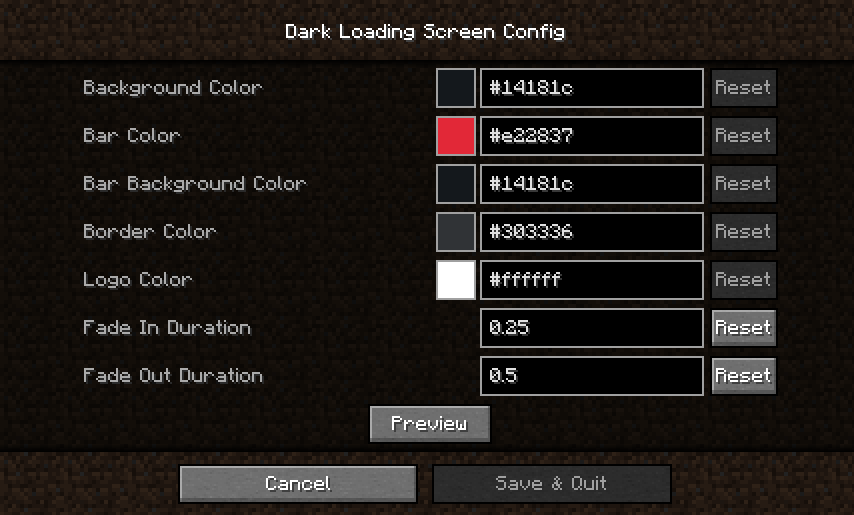
 Cloth Config API alongside the mod, then open Mod Menu from the main menu, find Dark Loading Screen in the list, and click its config button. Without those two mods there is no in-game config screen, so you must edit the JSON file instead.
Mod Menu and Cloth Config API alongside the mod, then open Mod Menu from the main menu, find Dark Loading Screen in the list, and click its config button. Without those two mods there is no in-game config screen, so you must edit the JSON file instead.Does Dark Loading Screen work without Mod Menu or Cloth Config?
Yes, the mod still darkens the loading screen on its own. You just lose the in-game settings screen and have to configure colors by editing .minecraft/config/dark-loading-screen.json manually.
How do I change the loading screen color?
If you have Mod Menu and Cloth Config, open the mod's config screen and set the background color there. Otherwise edit the color value in .minecraft/config/dark-loading-screen.json and restart the game for it to take effect.
Mod Menu and Cloth Config, open the mod's config screen and set the background color there. Otherwise edit the color value in .minecraft/config/dark-loading-screen.json and restart the game for it to take effect.Why doesn't my color change show up right away?
Manual edits to dark-loading-screen.json are only read when the game starts, so you must fully restart Minecraft after saving the file. Changes made through the in-game config screen apply without a restart.
See all 10 Dark Loading Screen questions ›
Gallery
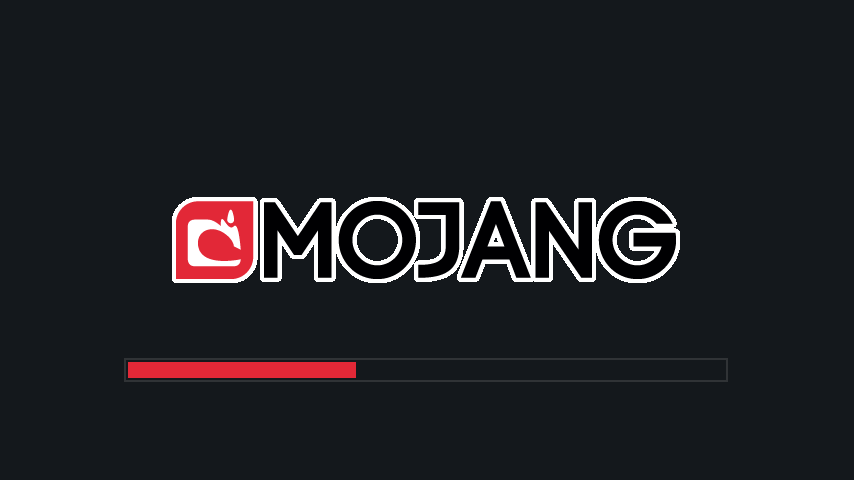
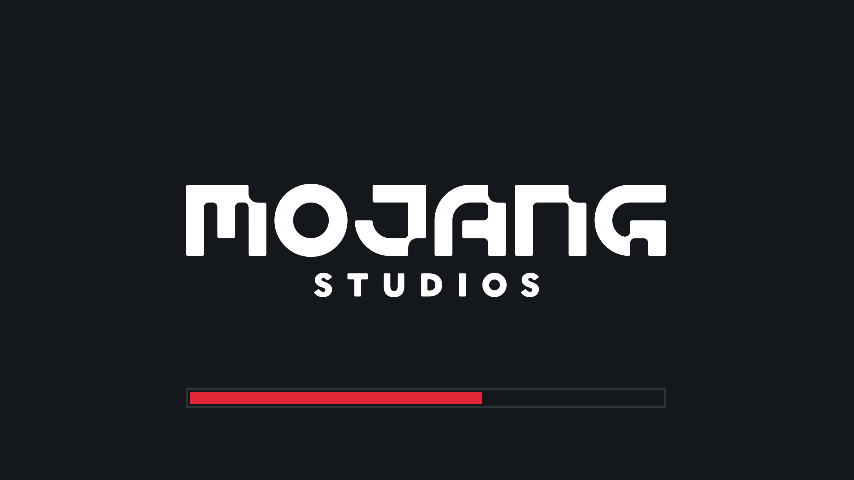
4 images from the Dark Loading Screen Mod page.
You May Also Like
Wikis that share the most with this one
More mod wikis on the site
The most downloaded mods that have a wiki here
A few wikis from each of the other kinds