

 DownloadShow FPS On Screen Mod
Get the files on 9Minecraft
Guides
Step-by-step, in-game.
Adjust FPS Counter Size and Text ColorFinding Display Settings Open the mod's configuration file from your Minecraft config folder. Look for…Display Additional Performance Metrics Beyond FPSChecking Available Metrics Some versions of Show FPS On Screen Mod support displaying more than just frames per…Hide the FPS Counter During GameplayToggling Visibility Most versions of Show FPS On Screen Mod include a keybind to quickly hide or show the FPS counter…Move the FPS Counter to a Different CornerAccessing the Configuration The FPS counter position can be customized through the mod's configuration file. Open…
Frequently asked questions
How do I turn on the FPS counter?
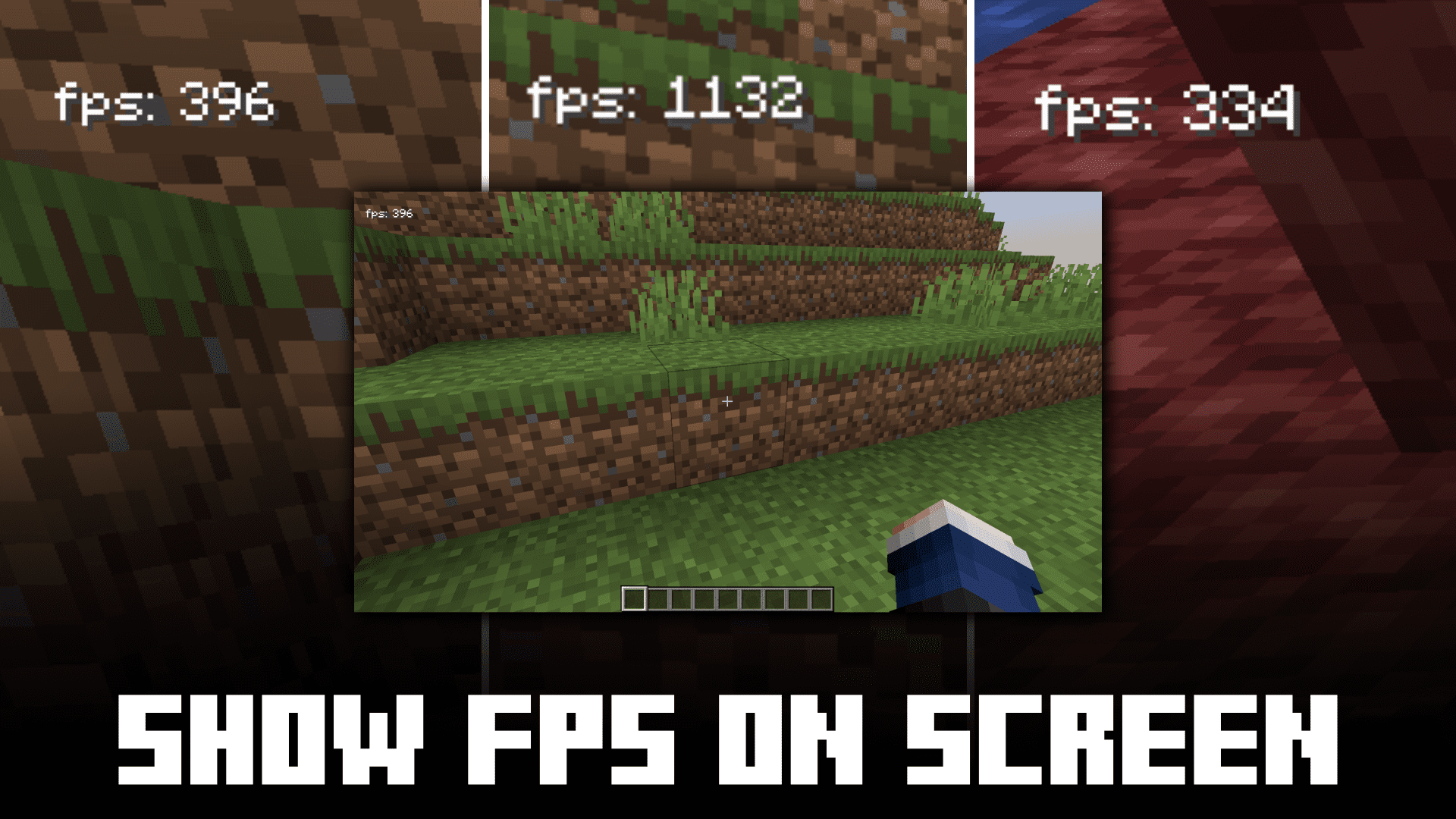
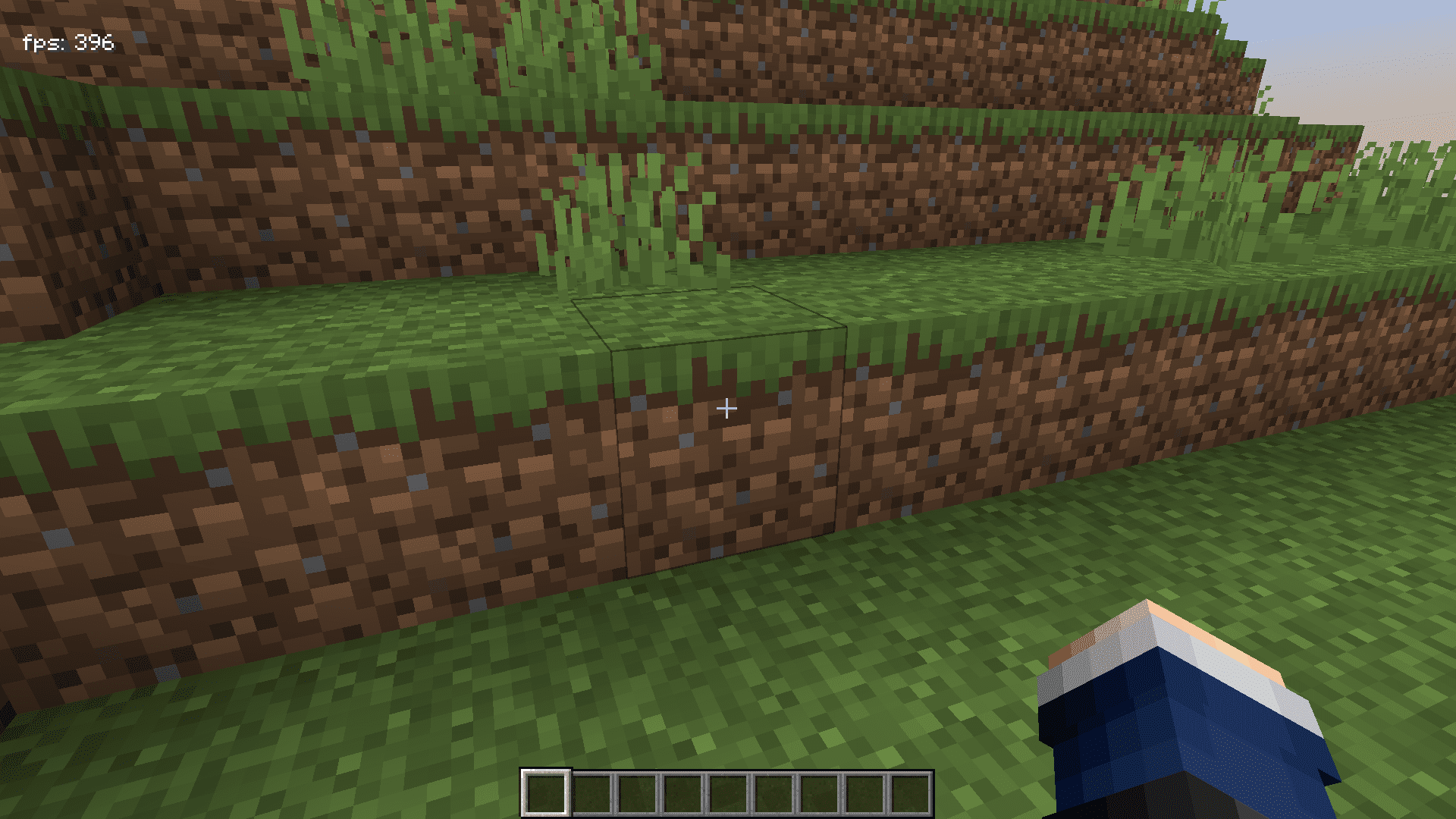
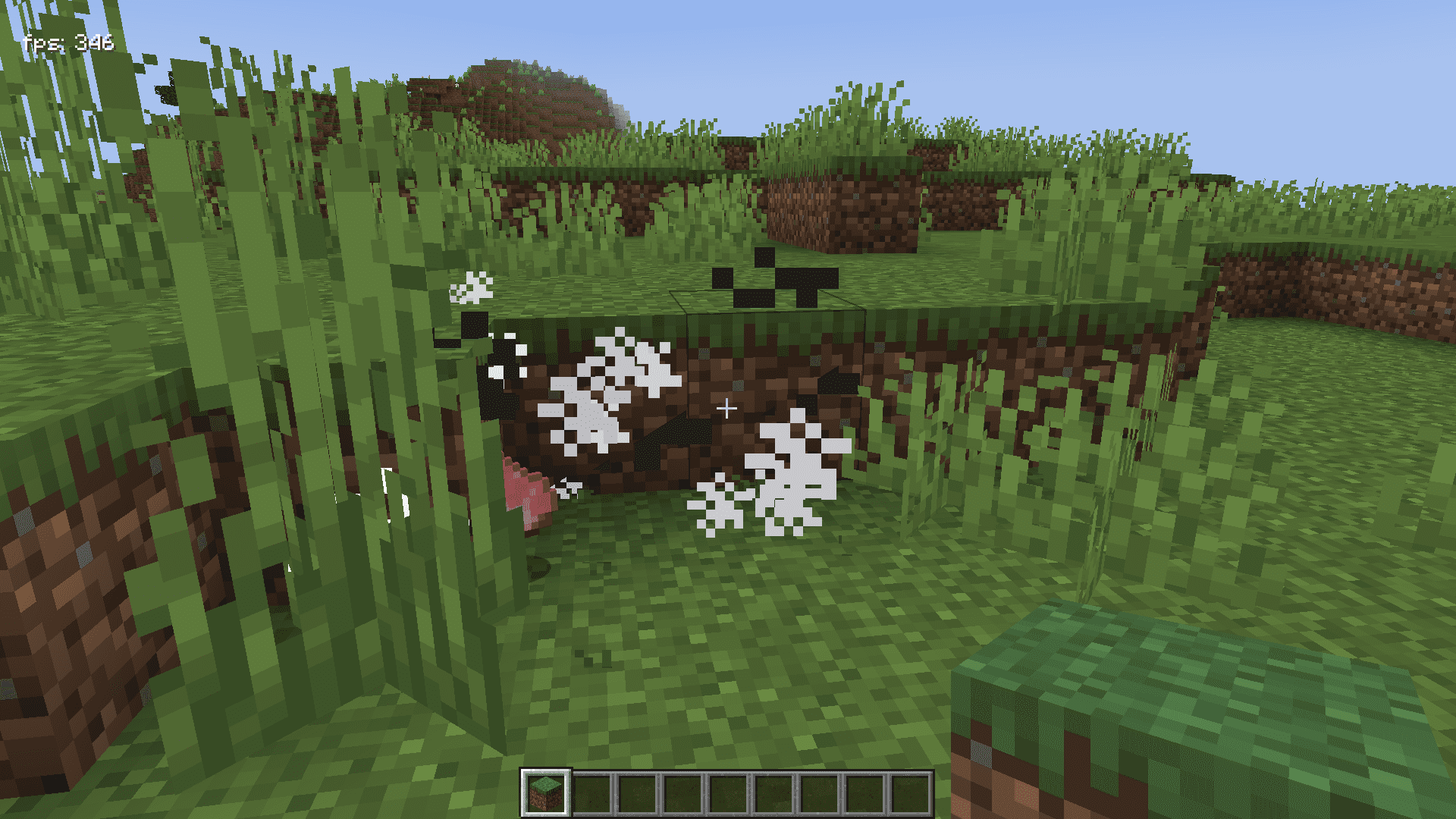
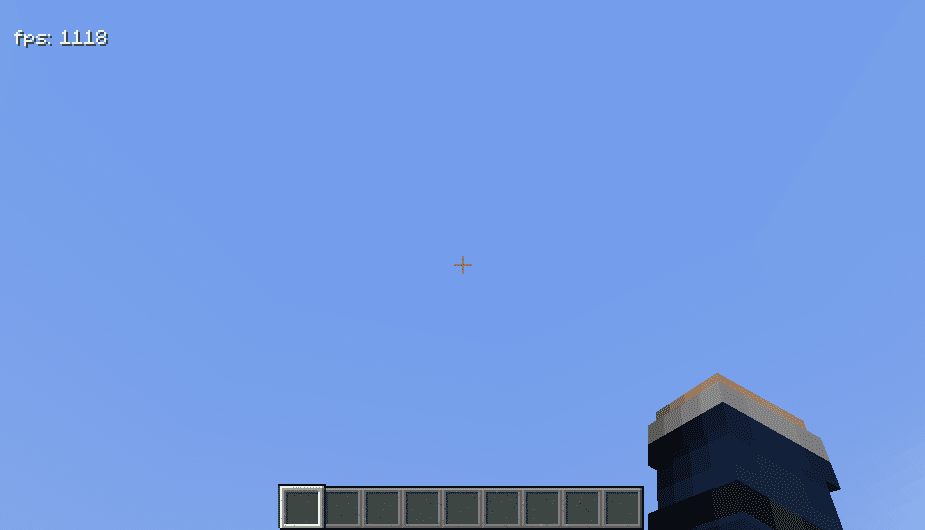
The FPS counter should display automatically once the mod is installed and loaded. If you don't see it, check that the mod is enabled in your mods folder and that you've restarted the game.
Can I move the FPS counter to a different corner?
Yes, you can reposition the FPS counter through the mod's configuration settings. Refer to the "Move the FPS Counter to a Different Corner" guide for step-by-step instructions on changing its location.
How do I hide the FPS counter without uninstalling the mod?
You can toggle the FPS counter on and off through the mod's settings or by using a keybind if one is configured. Check the "Hide the FPS Counter During Gameplay" guide for your specific setup.
Can I change the size and color of the FPS text?
Yes, the mod allows you to customize both the text size and color through its configuration options. See the "Adjust FPS Counter Size and Text Color" guide for detailed customization steps.
See all 10 Show FPS On Screen questions ›
Gallery
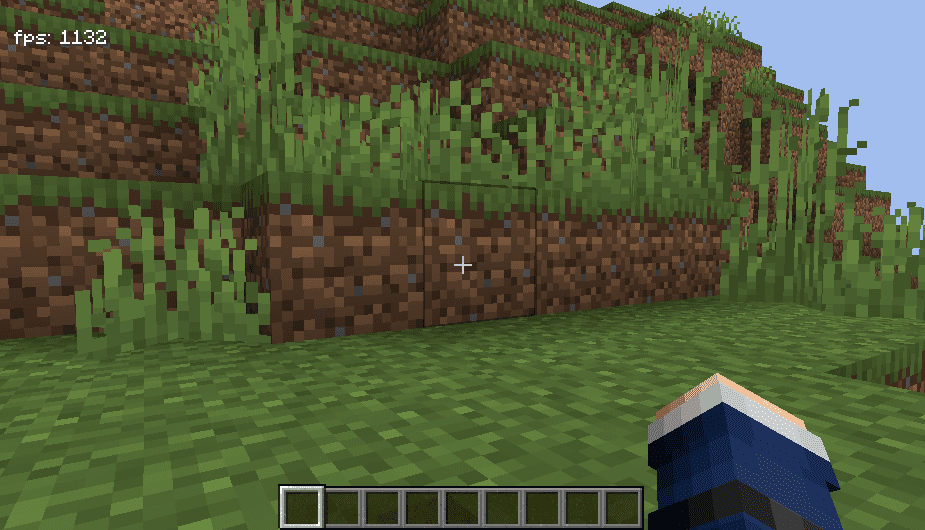
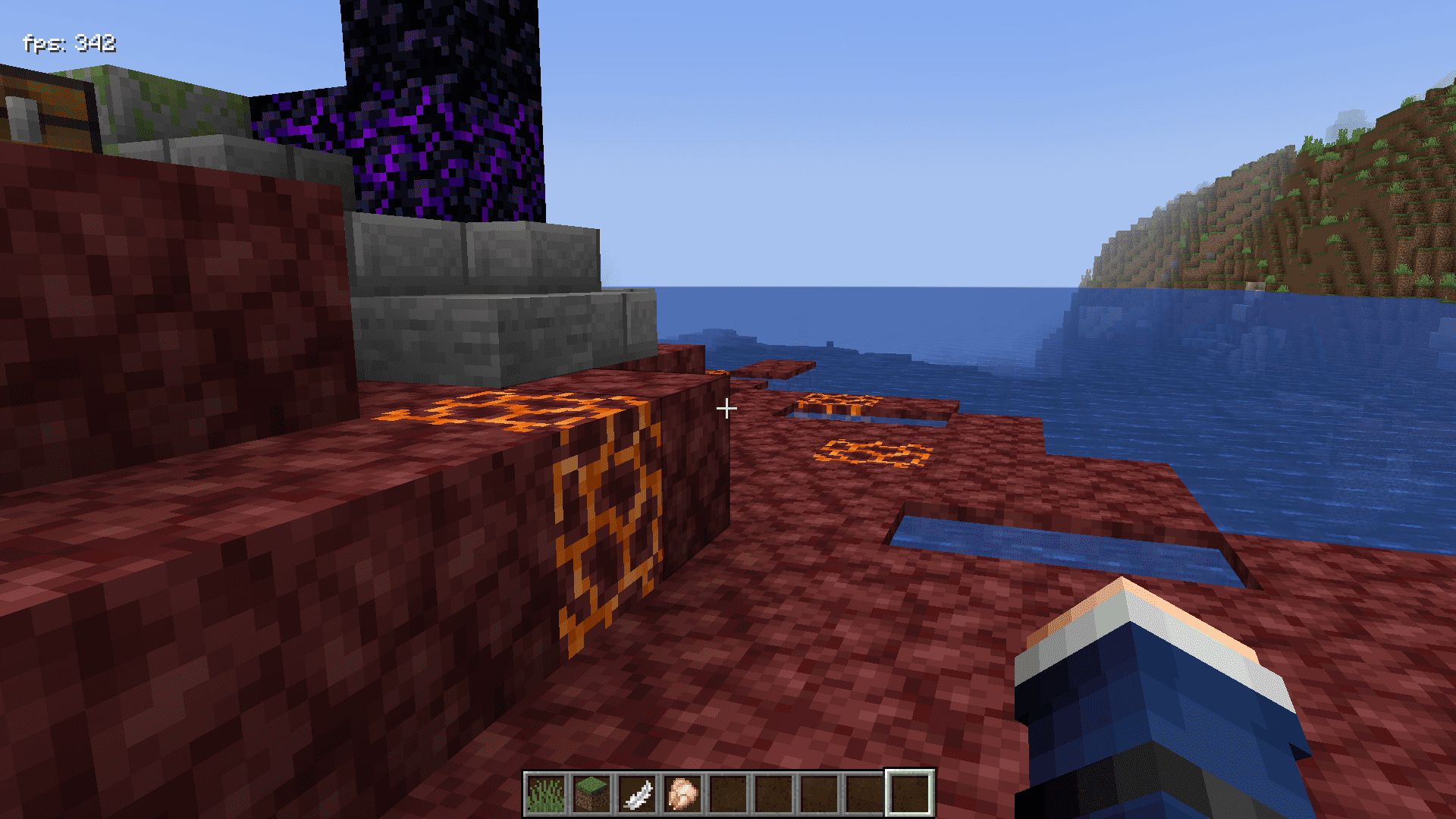
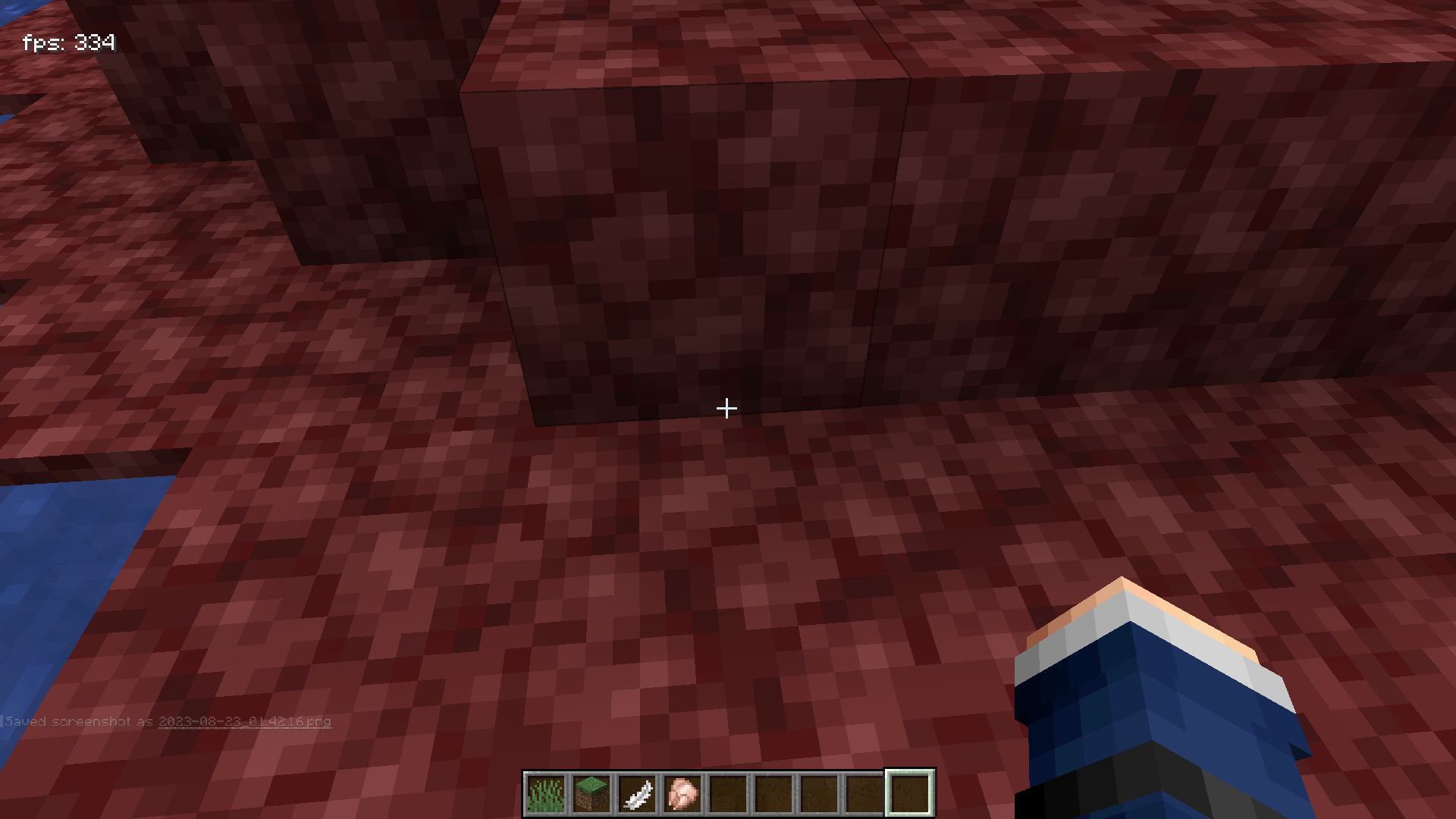
8 images from the Show Fps On Screen Mod page.
You May Also Like
Wikis that share the most with this one
More mod wikis on the site
The most downloaded mods that have a wiki here
A few wikis from each of the other kinds