DownloadProject Red Transmission
Get the files on 9Minecraft
Guides
Step-by-step, in-game.
Building Logic Gates and Simple CircuitsAvailable Logic Gates Project Red includes fundamental logic gates: AND, OR, NOT, XOR, NAND, and NOR. Each gate…Creating and Using Bundled CablesWhat Are Bundled Cables? Bundled cables allow multiple redstone signals to travel through a single cable, each on its…Integrating Project Red with CB Multipart for Compact BuildsUnderstanding Multipart Integration CB Multipart allows multiple blocks and components to occupy the same block…Running Redstone Wire Up Walls and Around CornersBasic Wire Placement Redstone wire in Project Red can be placed on vertical surfaces and around corners, unlike…
Recipes
Every recipe the mod adds, grouped by how it is made.
Items
70 items · showing 24. Browse all →
 Black Bundled Cable
 Black Framed Bundled Cable
 Black Framed Insulated Wire
 Black Insulated Wire
 Blue Bundled Cable
 Blue Framed Bundled Cable
 Blue Framed Insulated Wire
 Blue Insulated Wire
 Brown Bundled Cable
 Brown Framed Bundled Cable
 Brown Framed Insulated Wire
 Brown Insulated Wire
 Bundled Cable
 Cyan Bundled Cable
 Cyan Framed Bundled Cable
 Cyan Framed Insulated Wire
 Cyan Insulated Wire
 Framed Bundled Cable
 Framed Low Load Power Line
 Framed Red Alloy Wire
 Gray Bundled Cable
 Gray Framed Bundled Cable
 Gray Framed Insulated Wire
 Gray Insulated Wire
Frequently asked questions
How do I get started with Project Red wiring?
Craft basic Redstone Wire from the mod's crafting recipes, then place it on blocks or walls to start building circuits. Unlike vanilla Redstone Dust, this wire can climb vertical surfaces and won't drop as an item when broken, making it much easier to work with.
Can I run wires up walls without support blocks?
What's the difference between regular wire and bundled cable?
Bundled cables can carry multiple independent Redstone signals simultaneously through a single cable, like having 16 separate wires in one block space. Regular wires carry a single signal, but bundled cables let you compress complex circuits significantly.
How do I connect bundled cables to devices that expect single signals?
Use a Bundled Cable Breakout block to split individual channels from a bundled cable into separate outputs, or use logic gates designed to work with bundled signals. This lets you interface between bundled and regular wiring systems.
Do logic gates work the same as vanilla Redstone comparators?
Project Red logic gates (AND, OR, NOT, XOR, etc.) perform specific logical operations and work differently than comparators—they're designed to replace complex gate arrangements with single compact blocks. Check each gate's behavior in-game or in guides to understand its specific function.
Will Project Red wires interfere with other mods' blocks in the same space?
Project Red is designed to work with CB Multipart, allowing multiple mod elements to occupy the same block space without conflicts. However, compatibility depends on whether the other mod also supports multipart—check mod documentation if you're combining with other mods.
Why does my bundled cable not transmit signals to my device?
Make sure the device is designed to accept bundled signals, or use a Breakout block to convert the bundled cable into individual wires. Also verify the correct channel is active—bundled cables have 16 separate channels that operate independently.
Can I use Project Red wires with vanilla Redstone Dust?
Project Red wires and vanilla Redstone Dust can connect and power each other, but they work best when kept separate since they don't share all the same properties. Mixing them in the same circuit can lead to unexpected behavior.
What's the performance impact of using lots of bundled cables?
Bundled cables are generally more efficient than running many individual wires since they compress signals into fewer block updates. However, extremely complex circuits with many logic gates can still impact performance—test your build if you notice lag.
How do I create integrated circuits instead of building gates manually?
Project Red includes IC crafting tools that let you design and save circuit layouts as reusable components, though the exact process varies by mod version. Check the mod's guides on IC creation to learn the specific workflow for your installation.
You May Also Like
Wikis that share the most with this one
 Project Shaders
Wikis on the same theme: redstone
More mod wikis on the site
 ProgressiveStages Mod
The most downloaded mods that have a wiki here
A few wikis from each of the other kinds
Gallery
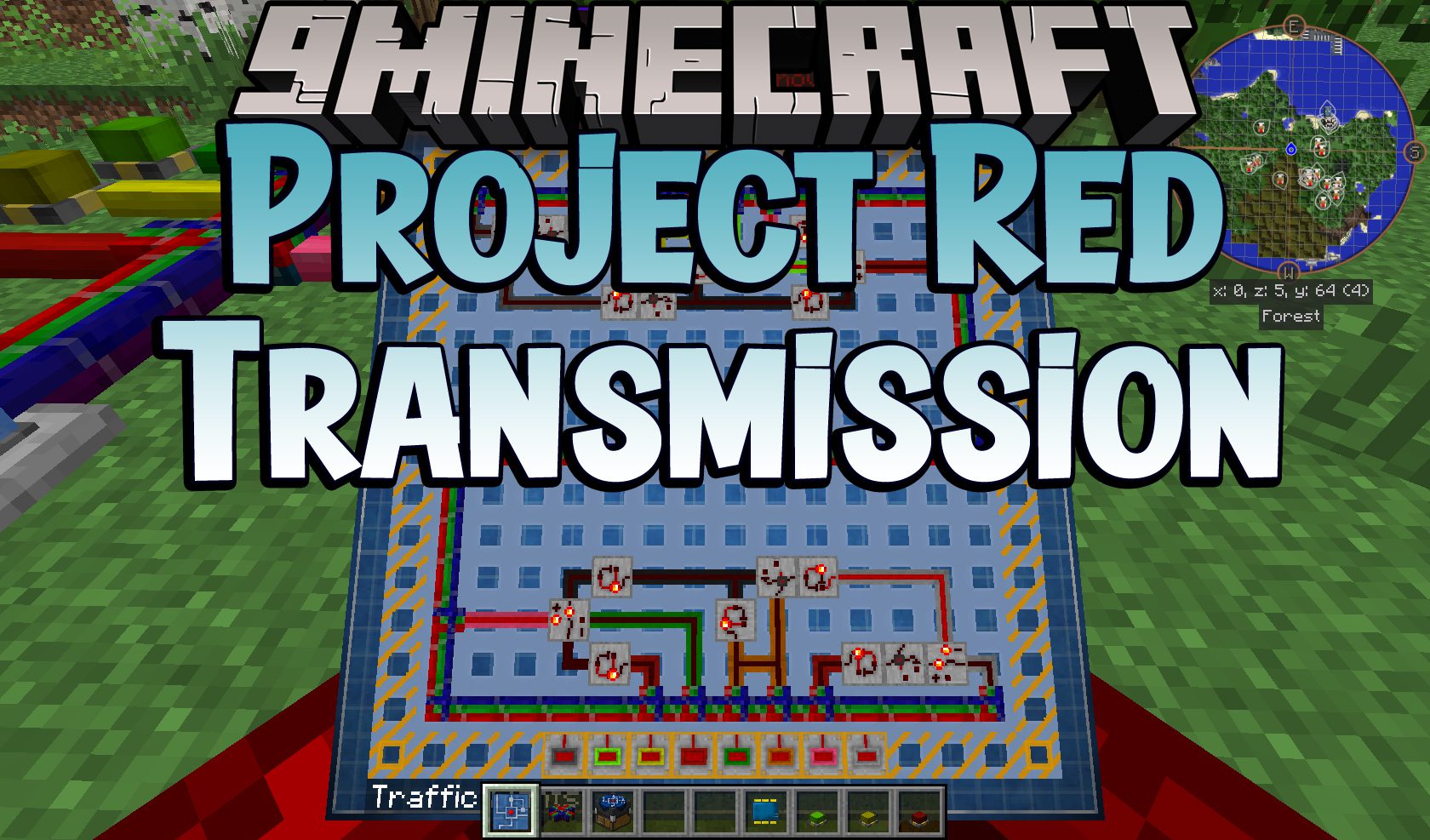
1 image from the Project Red Transmission Mod page.