

 counters
 DownloadProject Red Integration
Get the files on 9Minecraft
Guides
Step-by-step, in-game.
How to Build a Basic Logic Circuit with Project Red GatesPlacing and Wiring Gates Project Red gates are placed like normal blocks and connect to redstone on their input and…How to Build Latches and Memory with Project RedRS Latch and Toggle Latch An RS Latch has set and reset inputs and holds its output until the opposite input is…How to Make a Clock or Timer with Project RedUsing the Timer Block The Timer is the simplest way to get a repeating pulse. Place it, feed it a redstone signal or…How to Use Bus Components and Bundled Cables in Project RedWhat Bus Components Do Bus components let you carry multiple signals along a single line instead of running many…How to Use Project Red Sensors (Light and Rain)Light Sensor Basics The Light Sensor outputs a redstone signal based on the light level at its location. Place it…How to Use the Counter and State Cell for Sequential LogicCounting Pulses with the Counter The Counter increments each time it receives a redstone pulse on its input.…
Recipes
Every recipe the mod adds, grouped by how it is made.
Items
A
 AND Cell
 AND Gate
B
 Buffer Cell
 Buffer Gate
 Bus Converter
 Bus Input Panel
 Bus Randomizer
 Bus Transceiver
C
 Comparator
D
 Dec Randomizer
I
 Invert Cell
L
 Light Sensor
M
 Multiplexer
N
 NAND Gate
 NOR Gate
 NOT Gate
 Null Cell
O
 OR Gate
P
 Pulse Former
R
 Rain Sensor
 Randomizer
 Repeater
 RS Latch
S
 Segment Display
 Sequencer
 State Cell
 Synchronizer
T
 Timer
 Toggle Latch
 Transparent Latch
 Transparent Latch Cell
X
 XNOR Gate
 XOR Gate
Frequently asked questions
How do I get started with Project Red Integration?
Craft the basic gates first (AND, OR, NOT) and place them on a flat surface to test simple logic. Once you understand gate inputs and outputs, move on to cells and bus components for compact builds.
What's the difference between a gate and a cell?
Gates are standalone blocks you place in the world with visible inputs and outputs. Cells are the flat, plate-like versions designed to sit on insulated wire or bundled cable for compact circuitry.
How do I power Project Red gates?
Gates accept redstone signals from vanilla redstone,  Project Red wires, or bundled cables on any input side. Make sure you're feeding the correct face — the input side is usually marked with a colored band or arrow.
Why isn't my gate outputting a signal?
Check that the gate is actually receiving power on its input face and that its output face is pointing toward your destination. Gates only output from one side, so rotating with a screwdriver or wrench is often the fix.
See all 20 Project Red Integration questions ›
Dependencies
Other mods needed to run this one.
Codechickenlib (required)Cb Multipart (required)Projectred Core (required)
Gallery
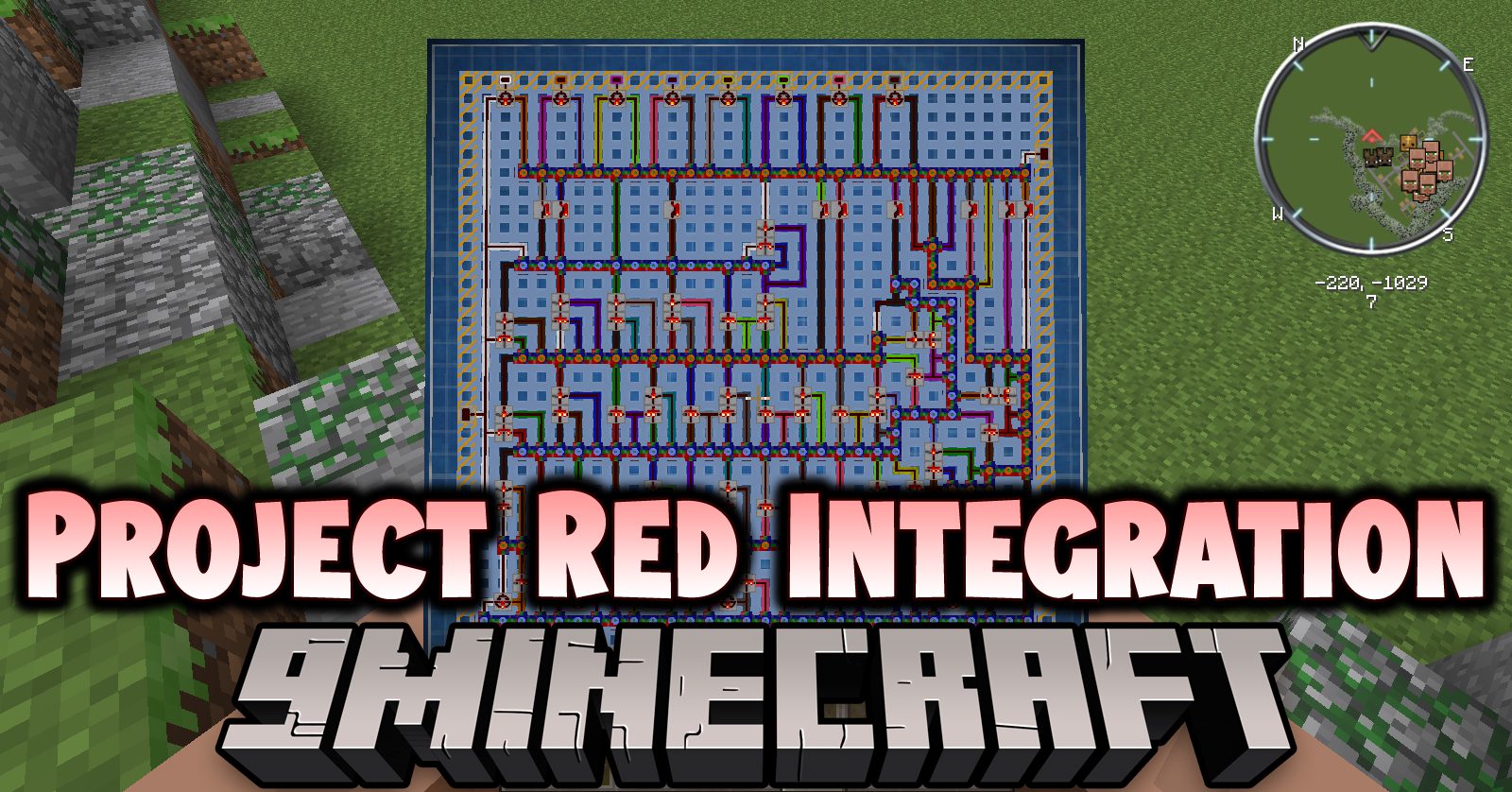
1 image from the Project Red Integration Mod page.
You May Also Like
Wikis that share the most with this one
 Project Shaders
Wikis on the same theme: redstone
More mod wikis on the site
 ProgressiveStages Mod
The most downloaded mods that have a wiki here
A few wikis from each of the other kinds