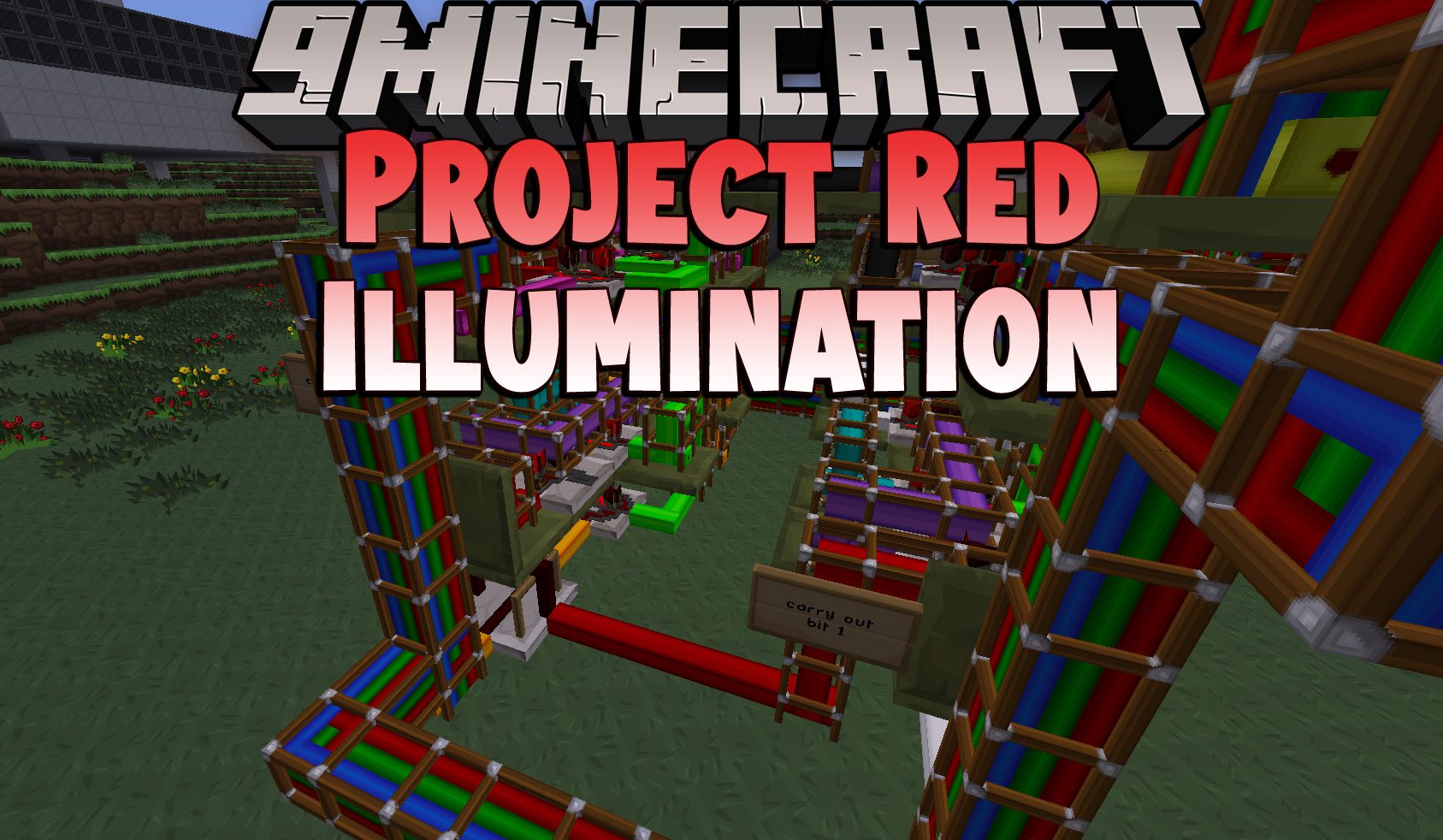
DownloadProject Red Illumination
Get the files on 9Minecraft
Guides
Step-by-step, in-game.
Difference Between Cage, Fallout, Fixture, and Lantern LightsThe Four Light Styles Project Red Illumination offers four distinct light block shapes, each with a different look…How to Build Redstone-Controlled Lighting with Inverted LampsWhy Use Inverted Lights Project Red Illumination adds inverted versions of every lamp, lantern, and fixture. Inverted…How to Craft and Use Illumar Lamps in Project Red IlluminationWhat Illumar Lamps Are Illumar Lamps are the core light source of Project Red Illumination. They come in all sixteen…How to Get Every Color of Project Red LightColors Available Project Red Illumination lights come in all sixteen Minecraft dye colors: white, orange, magenta,…Troubleshooting Project Red Lights That Won't Turn OnLights Not Emitting Light If a Project Red light is placed but not glowing, check these common causes: 1. It's an…Using Project Red Lights for Hidden and Accent LightingWhy Project Red Lights Are Great for Hidden Lighting Because Project Red lights are full blocks and come in flat…
Recipes
Every recipe the mod adds, grouped by how it is made.
Items
128 items · showing 24. Browse all →
 Black Cage Light
 Black Fallout Light
 Black Fixture Light
 Black Inverted Cage Light
 Black Inverted Fallout Light
 Black Inverted Fixture Light
 Black Inverted Lantern
 Black Lantern
 Blue Cage Light
 Blue Fallout Light
 Blue Fixture Light
 Blue Inverted Cage Light
 Blue Inverted Fallout Light
 Blue Inverted Fixture Light
 Blue Inverted Lantern
 Blue Lantern
 Brown Cage Light
 Brown Fallout Light
 Brown Fixture Light
 Brown Inverted Cage Light
 Brown Inverted Fallout Light
 Brown Inverted Fixture Light
 Brown Inverted Lantern
 Brown Lantern
Blocks
B
 Black Illumar Lamp
 Black Inverted Illumar Lamp
 Blue Illumar Lamp
 Blue Inverted Illumar Lamp
 Brown Illumar Lamp
 Brown Inverted Illumar Lamp
C
 Cyan Illumar Lamp
 Cyan Inverted Illumar Lamp
G
 Gray Illumar Lamp
 Gray Inverted Illumar Lamp
 Green Illumar Lamp
 Green Inverted Illumar Lamp
I
 Illumar Smart Lamp
L
 Light Blue Illumar Lamp
 Light Blue Inverted Illumar Lamp
 Light Gray Illumar Lamp
 Light Gray Inverted Illumar Lamp
 Lime Illumar Lamp
 Lime Inverted Illumar Lamp
M
 Magenta Illumar Lamp
 Magenta Inverted Illumar Lamp
O
 Orange Illumar Lamp
 Orange Inverted Illumar Lamp
P
 Pink Illumar Lamp
 Pink Inverted Illumar Lamp
 Purple Illumar Lamp
 Purple Inverted Illumar Lamp
R
 Red Illumar Lamp
 Red Inverted Illumar Lamp
W
 White Illumar Lamp
 White Inverted Illumar Lamp
Y
 Yellow Illumar Lamp
 Yellow Inverted Illumar Lamp
Frequently asked questions
How do I turn on Project Red lights?
Give the block a redstone signal from a lever, button, pressure plate, or redstone dust running into it. Illumar Lamps, Cage Lights, Fallout Lights, Fixture Lights, and Lanterns all light up when powered, and Inverted variants do the opposite — they stay lit until powered.
What's the difference between normal and inverted lights?
Normal lights are off by default and turn on when they receive a redstone signal. Inverted lights are on by default and turn off when powered, which is handy for fail-safe lighting or for lamps you want lit most of the time.
How do I craft Illumar Lamps?
Illumar Lamps are made from Illumar — the glowing material Project Red produces — combined with other ingredients in a crafting grid. Check the wiki's processes section for the exact Illumar recipe chain, since you need to make the Illumar first before you can craft the lamps.
How do I get different colored lights?
Each color comes from its matching dye, so you craft the light with the dye color you want. The mod covers the standard dye colors, and each color has its own Cage, Fallout, Fixture, Illumar Lamp, and Lantern variants in both normal and inverted forms.
Why won't my Project Red lights turn on?
The most common causes are no redstone signal reaching the block, using an Inverted variant (which is on until powered, so it looks 'off' when you expect it on), or a signal that's too weak to reach the block. Check that a lever or dust is actually adjacent or connected, and confirm which variant you placed.
What's the difference between Cage, Fallout, Fixture, and Lantern lights?
They're cosmetic variants with different shapes and light styles — Cage Lights have a caged look, Fallout Lights have a rugged industrial appearance, Fixture Lights look like mounted ceiling fixtures, and Lanterns hang like traditional lanterns. Functionally they all respond to redstone the same way, so pick based on the look you want.
Can I use Project Red lights for hidden lighting?
Yes — Inverted lights are especially good for this, since they stay lit without a signal and you can hide the wiring. You can also tuck Fixture and Cage Lights into ceilings or walls so only the glow shows, giving you accent lighting without visible lamps.
Do Project Red lights cause lag or performance problems?
Lights themselves are cheap blocks, but large numbers of redstone-updating lamps can add up on big builds. If you're lighting a huge area, consider using Inverted lights so they don't need a constant signal, and avoid running long redstone lines to every single lamp.
Do Project Red lights work with other redstone mods?
Yes — they respond to any standard redstone signal, so levers, buttons, pressure plates, repeaters, comparators, and redstone from other mods will all trigger them. Just make sure the signal actually reaches the block face you're powering.
Can I change a light's color after placing it?
No — each color is a separate block, so you'll need to break the light and place one in the color you want. If you're planning a large colored build, decide on the palette before you place blocks to save time.
You May Also Like
Wikis that share the most with this one
 Project Shaders
Wikis on the same theme: lamp
More mod wikis on the site
 ProgressiveStages Mod
The most downloaded mods that have a wiki here
A few wikis from each of the other kinds
Gallery
1 image from the Project Red Illumination Mod page.