

 DownloadProductive Metalworks
Get the files on 9Minecraft
Guides
Step-by-step, in-game.
How to Automate a Productive Metalworks FoundryFeed the Controller Automatically Automation starts at the Foundry Controller. Use item pipes, hoppers, or conduits…How to Build Your First Foundry in Productive MetalworksGather the Core Components A working foundry needs a controller, a tank, at least one drain, and enough fire bricks…How to Use the Casting Table and CastsWhat the Casting Table Does The Casting Table is the smaller cousin of the Casting Basin . Where the basin produces…How to Use the Foundry Tap and Casting BasinPlace the Tap Correctly The Foundry Tap attaches to a Foundry Drain on the outside of your foundry shell. Place the…How to Use the Powered Heating CoilWhat It Replaces The Powered Heating Coil is an alternative heat source for your foundry. Instead of burning solid…Troubleshooting: Foundry Not WorkingCheck the Multiblock First Most "foundry not working" cases are structure problems. The shell must be a complete…
Recipes
Every recipe the mod adds, grouped by how it is made.
Crafting · 142productivemetalworks:block_casting · 19productivemetalworks:fluid_alloying · 14productivemetalworks:item_casting · 10minecraft:blasting · 1minecraft:smelting · 1
Items
 Fire Brick
 Gear Cast
 Gem Cast
 Ingot Cast
 Meat Ingot
 Meat Nugget
 Nugget Cast
 Plate Cast
 Rod Cast
 Shiny Meat Ingot
Blocks
148 blocks · showing 24. Browse all →
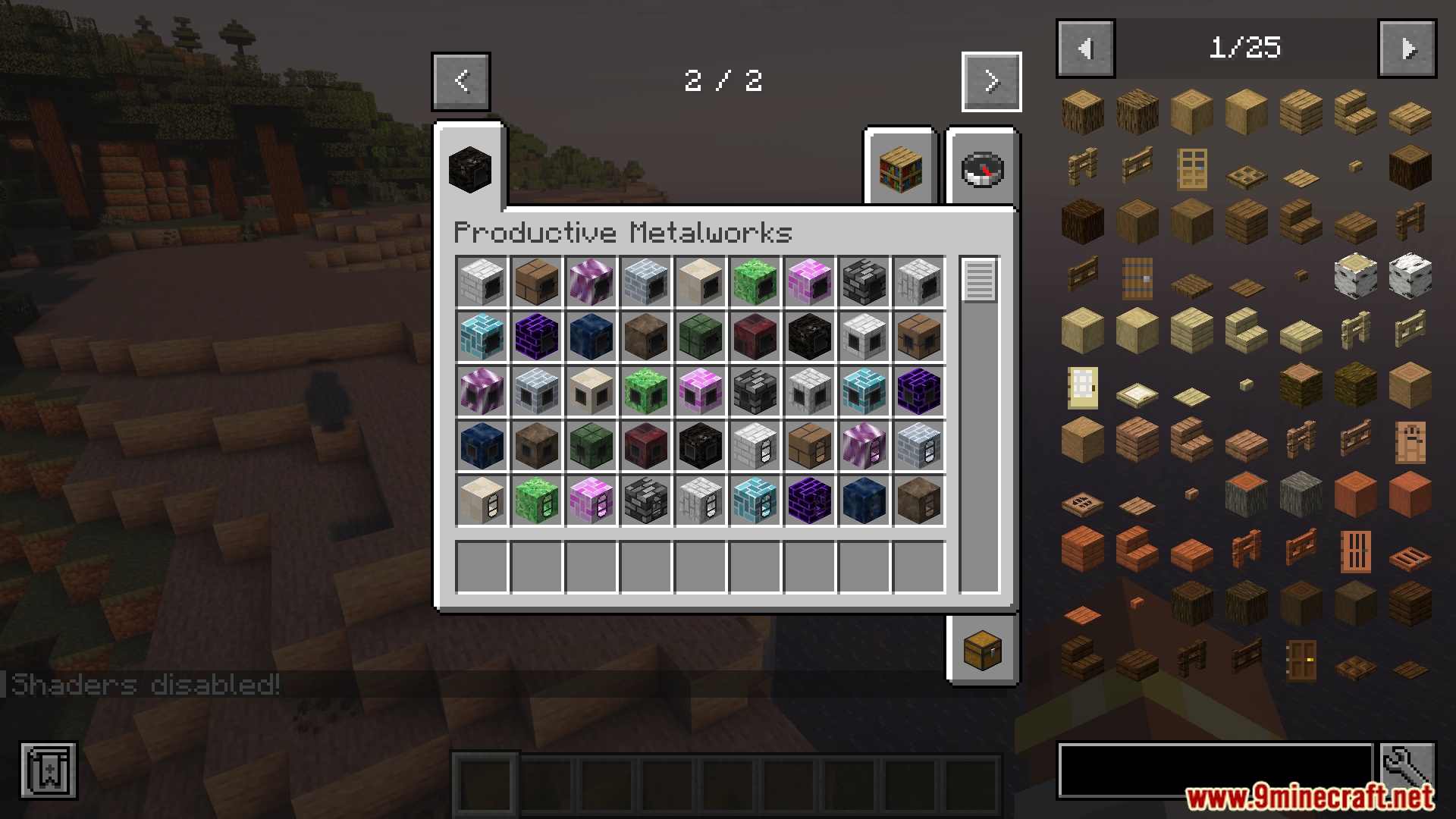
 Black Fire Bricks
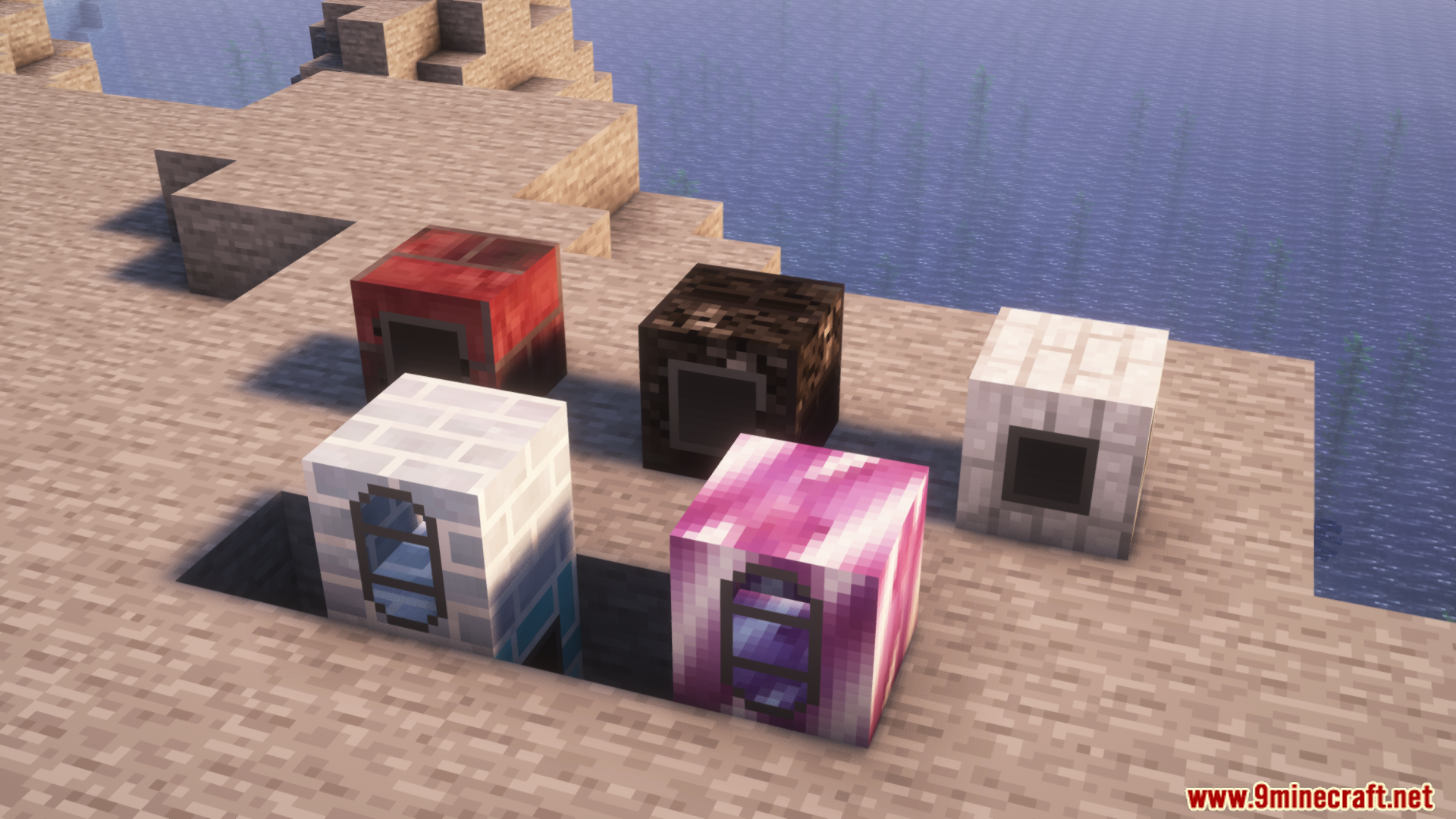
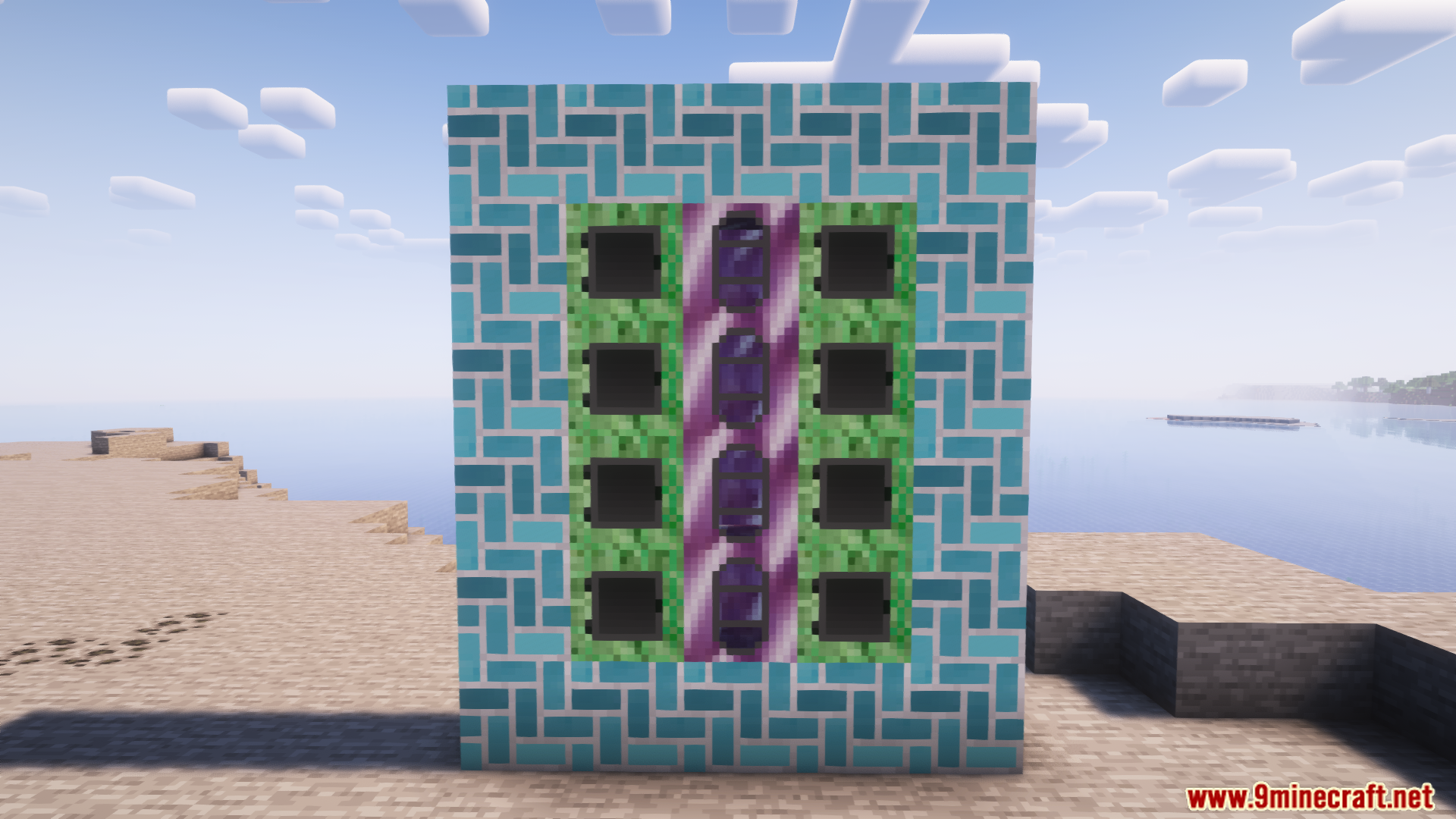
 Black Foundry Capacitor
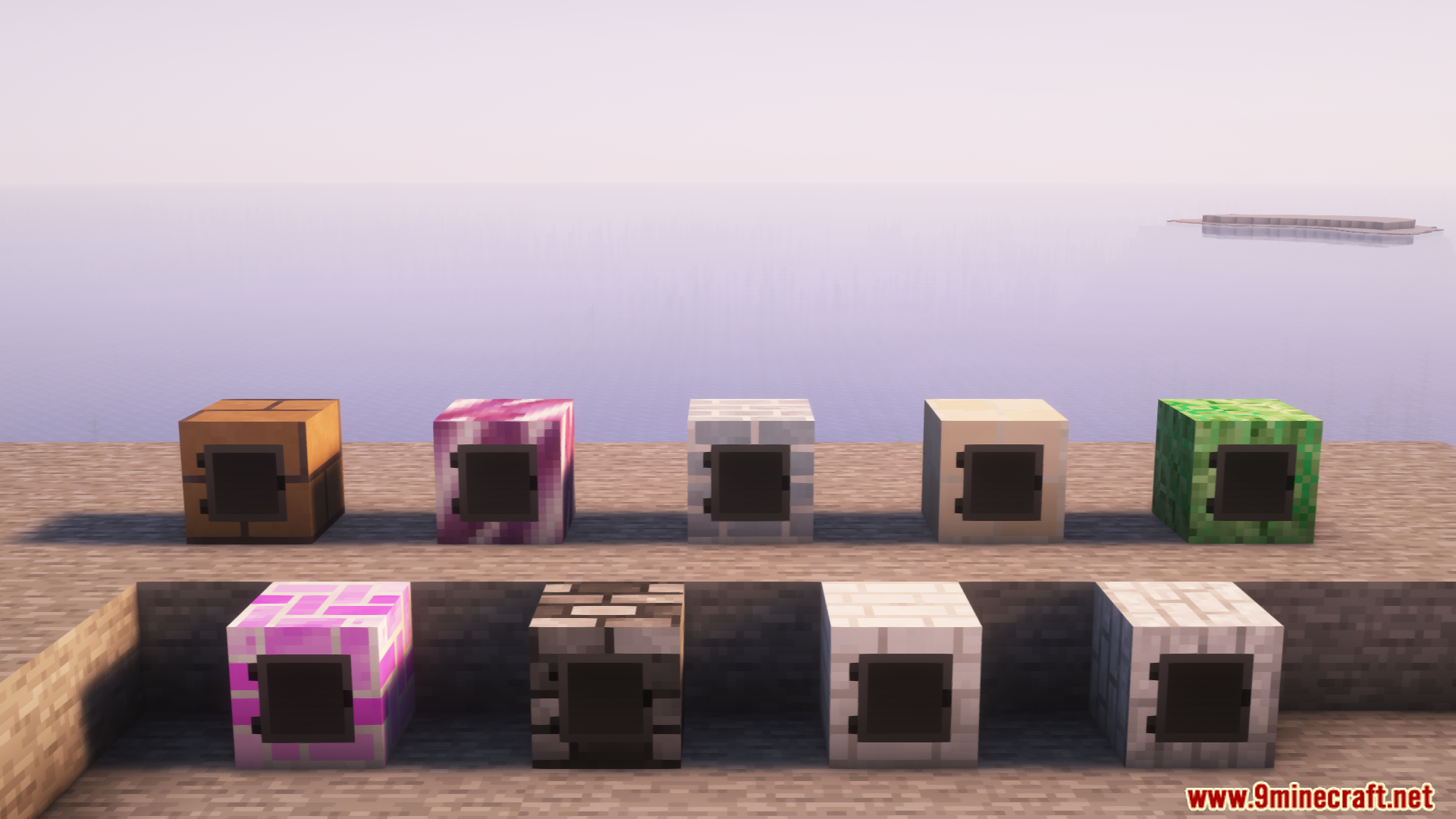
 Black Foundry Controller
 Black Foundry Drain
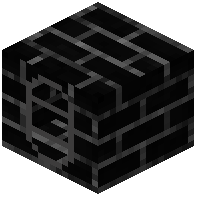 Black Foundry Tank
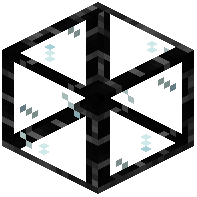 Black Foundry Window
 Blue Fire Bricks
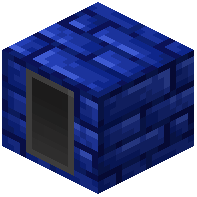 Blue Foundry Capacitor
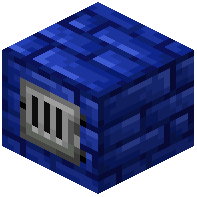 Blue Foundry Controller
 Blue Foundry Drain
 Blue Foundry Tank
 Blue Foundry Window
 Brown Fire Bricks
 Brown Foundry Capacitor
 Brown Foundry Controller
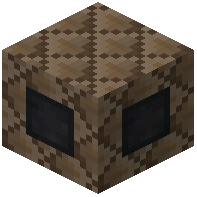 Brown Foundry Drain
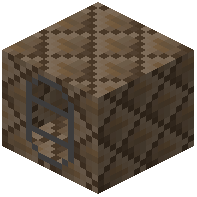 Brown Foundry Tank
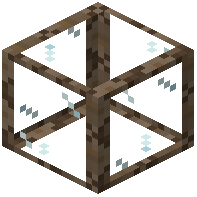 Brown Foundry Window
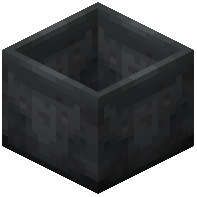 Casting Basin
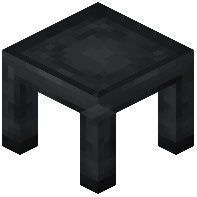 Casting Table
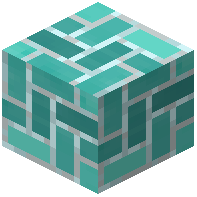 Cyan Fire Bricks
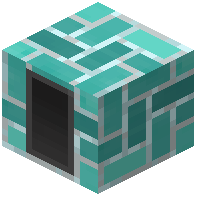 Cyan Foundry Capacitor
 Cyan Foundry Controller
 Cyan Foundry Drain
Configuration
Every setting in the mod config file, with what it changes.
| Option | What it does |
|---|---|
casting | Productive Metalworks |
Frequently asked questions
How do I start Productive Metalworks?
Mine fire clay and craft Fire Bricks, then build a Foundry Controller surrounded by a brick shell with at least one Foundry Tank, Drain and Tap. Place a Casting Basin or Casting Table below the Tap, add fuel and ore to the Controller, and pour your first molten metal.
How to use Productive Metalworks foundry?
Build a valid multiblock out of Fire Bricks with a Foundry Controller, Tank, Drain and Tap forming the walls, then insert ore and fuel through the Controller. Molten metal collects in the Tank and flows out the Tap into a Casting Basin or Casting Table below it.
Minecraft Productive Metalworks foundry not working
The most common causes are a missing or blocked Tank, a Controller that isn't part of a complete brick shell, or a Tap with nothing beneath it to pour into. Check that every face of the multiblock is sealed with Fire Bricks and that the Drain and Tap are on the correct sides.
How to use foundry tap Productive Metalworks?
The Foundry Tap attaches to the Drain on your foundry and pours molten metal downward when the foundry has metal in its Tank. Place a Casting Basin or Casting Table directly underneath the Tap so the metal has somewhere to land.
How to use casting table Productive Metalworks?
Place a Casting Table under a Foundry Tap and put a Cast (such as a Gear Cast or Gem Cast) in it before pouring. The molten metal fills the cast's shape and solidifies into the finished item once it cools.
How to use powered heating coil Productive Metalworks?
The Powered Heating Coil replaces fuel in your foundry by supplying heat from an external power source, letting the Controller smelt ore without you feeding it coal or charcoal. Wire it into your energy network and place it against the foundry where the Controller can draw heat from it.
Minecraft Productive Metalworks steel
Steel is produced by alloying iron with another material inside the foundry rather than smelting a single ore. Load the required ingredients into the Controller, let them melt together in the Tank, then pour the alloy into a Casting Basin or Cast to get steel ingots or parts.
Productive Metalworks Minecraft upgrades
Foundry Capacitors expand the foundry's internal molten metal storage so you can hold more before pouring, and additional Foundry Tanks increase capacity further. Adding more Tanks and Capacitors to the brick shell is the main way to scale a foundry up.
Productive Metalworks automation Minecraft
Automate by feeding ore and fuel into the Foundry Controller with hoppers or pipes, using a Powered Heating Coil instead of solid fuel, and placing a Casting Basin or Casting Table under the Tap to catch output. Extract finished items from the Basin or Table with hoppers or item pipes.
Productive Metalworks all the mods 10
In All the Mods 10 the mod works the same as standalone: build a Fire Brick foundry with a Controller, Tank, Drain and Tap, then pour into Casting Basins or Casting Tables. Its molten metals and casts are commonly used alongside other tech mods for alloy and gear production.
Gallery
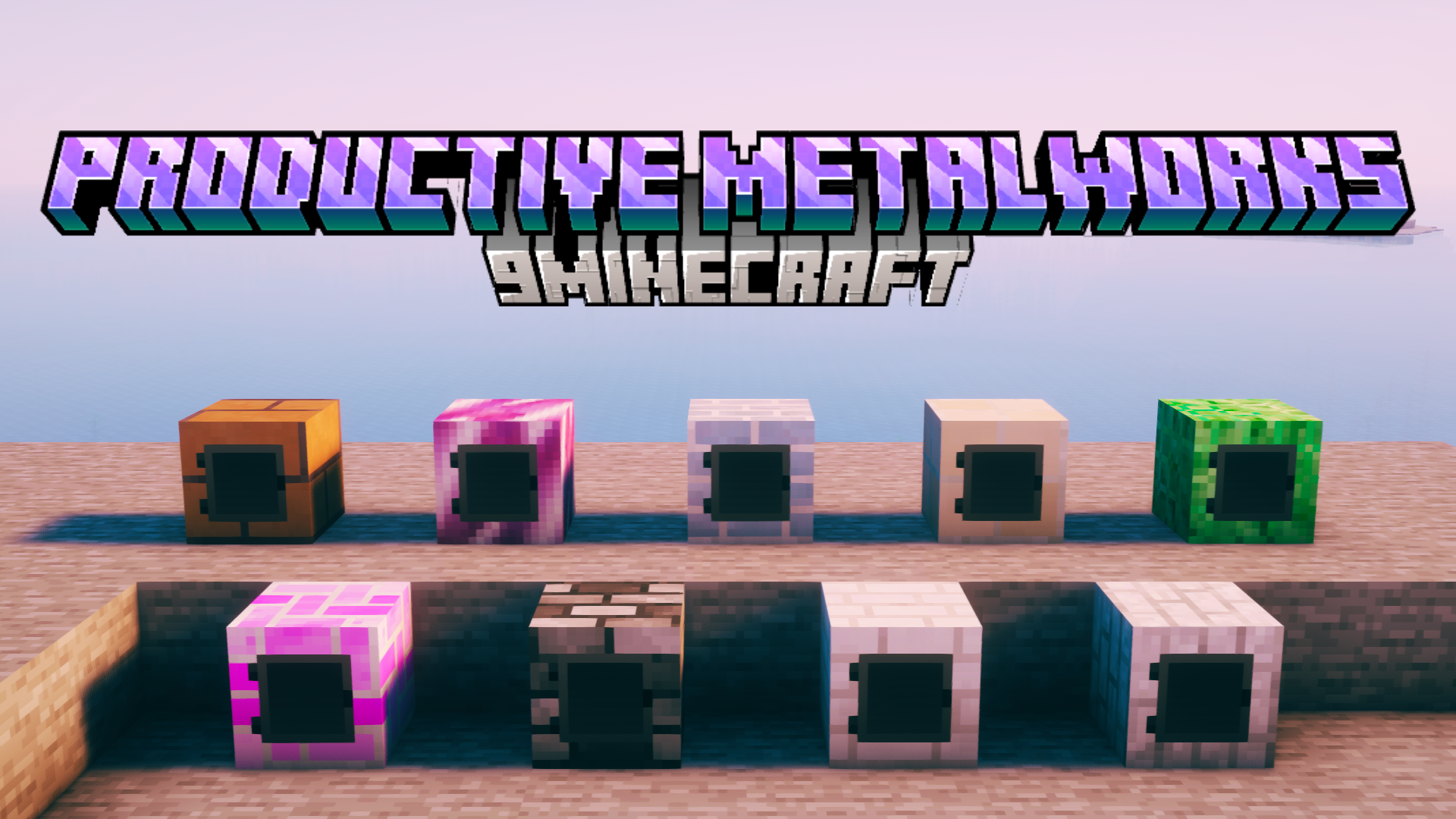
12 images from the Productive Metalworks Mod page.
You May Also Like
Wikis that share the most with this one
Wikis on the same theme: metal
More mod wikis on the site
The most downloaded mods that have a wiki here
A few wikis from each of the other kinds