

 DownloadPlayer Death Kick Mod
Get the files on 9Minecraft
Guides
Step-by-step, in-game.
Broadcast Player Eliminations to Your Entire ServerEnable Server-Wide Kick Announcements Let all players know when someone is eliminated by broadcasting kick messages…Customize the Disconnect Message Players SeeEdit Your Disconnect Message When a player dies and gets kicked, they see a custom message. You can personalize this…Exempt Specific Players or Admins from Death KicksProtect Admin Players from Kicks If you want server operators or players with cheat access to survive death without…Set Up a Tournament Server with Permanent Player RemovalLock Your Server and Configure Death Kicks To run a tournament where eliminated players cannot rejoin, combine server…
Frequently asked questions
Where do I find the config file?
The config file is located in your .minecraft/config folder. Open it with any text editor to adjust all mod settings.
How do I change the message players see when they die and get kicked?
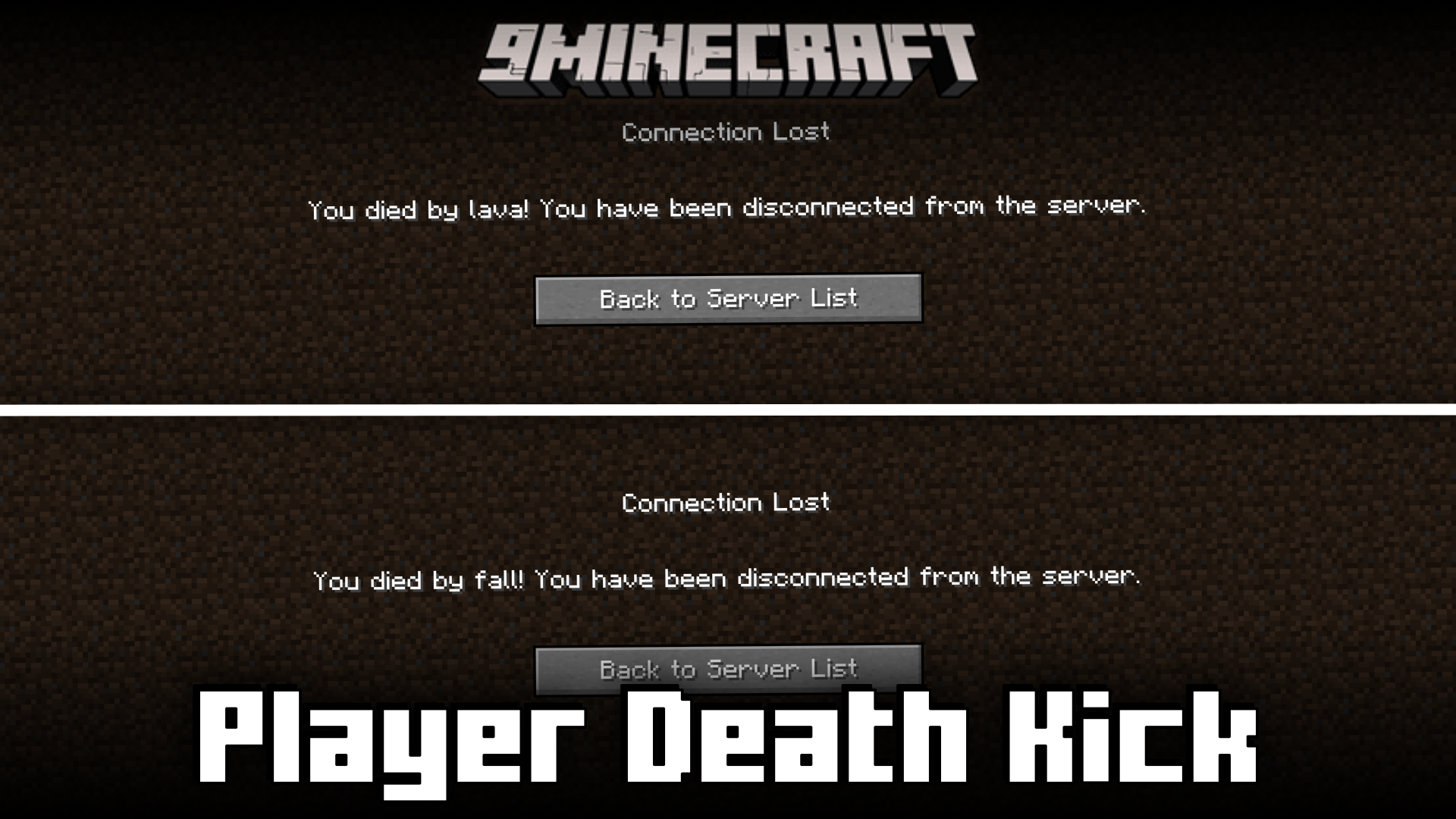
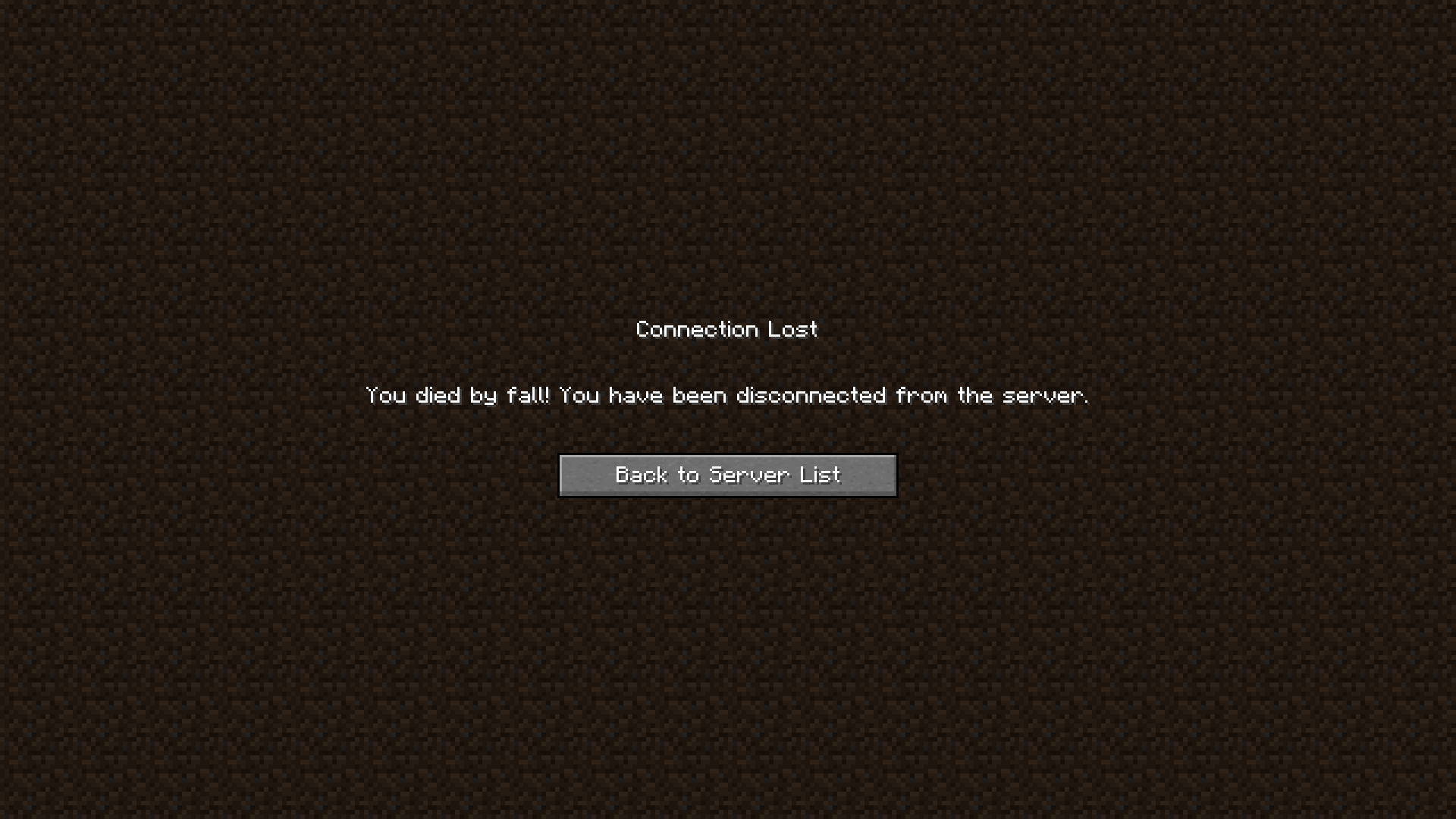
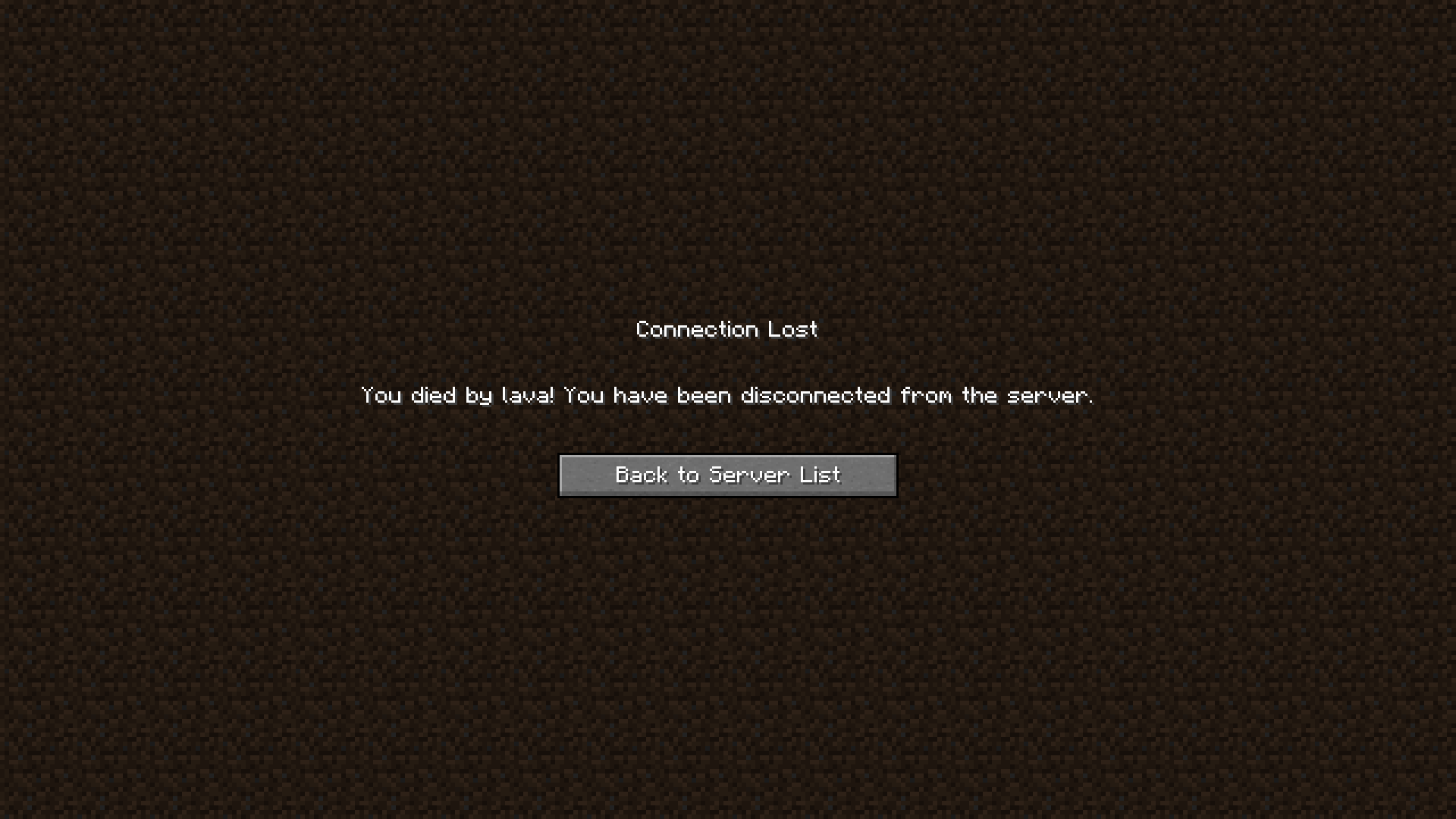
Edit the disconnectMessage setting in the config file. Use %death% as a placeholder to show the cause of death (e.g., "You were killed by a creeper and removed from the server").
Can I make it so admins don't get kicked when they die?
Yes, set exemptAdminPlayers to true in the config file. This exempts any player with OP status or cheat access from being kicked on death.
How do I turn off the death cause in the disconnect message?
Set addDeathCauseToMessage to false in the config file. The %death% placeholder will no longer be replaced, so you can use a simple message instead.
See all 10 Player Death Kick questions ›
Gallery
7 images from the Player Death Kick Mod page.
You May Also Like
Wikis that share the most with this one
More mod wikis on the site
The most downloaded mods that have a wiki here
A few wikis from each of the other kinds