

 DownloadPlayer Kits Mod
Get the files on 9Minecraft
Guides
Step-by-step, in-game.
Load a Kit Into Your InventoryEquip Your Saved Kit When you're ready to switch to a saved kit, use the equip command: ` /kit equip <kit_name> `…Manage Multiple KitsList All Your Kits To see every kit you've created, type: ` /kit list ` This displays all saved kit names in your…Preview a Kit Before Loading ItView Kit Contents Without Equipping If you want to see what's inside a kit before loading it into your inventory,…Save Your First KitPrepare Your Inventory Before saving, arrange your inventory exactly as you want it stored. This includes: Items in…
Frequently asked questions
How do I save my first kit?
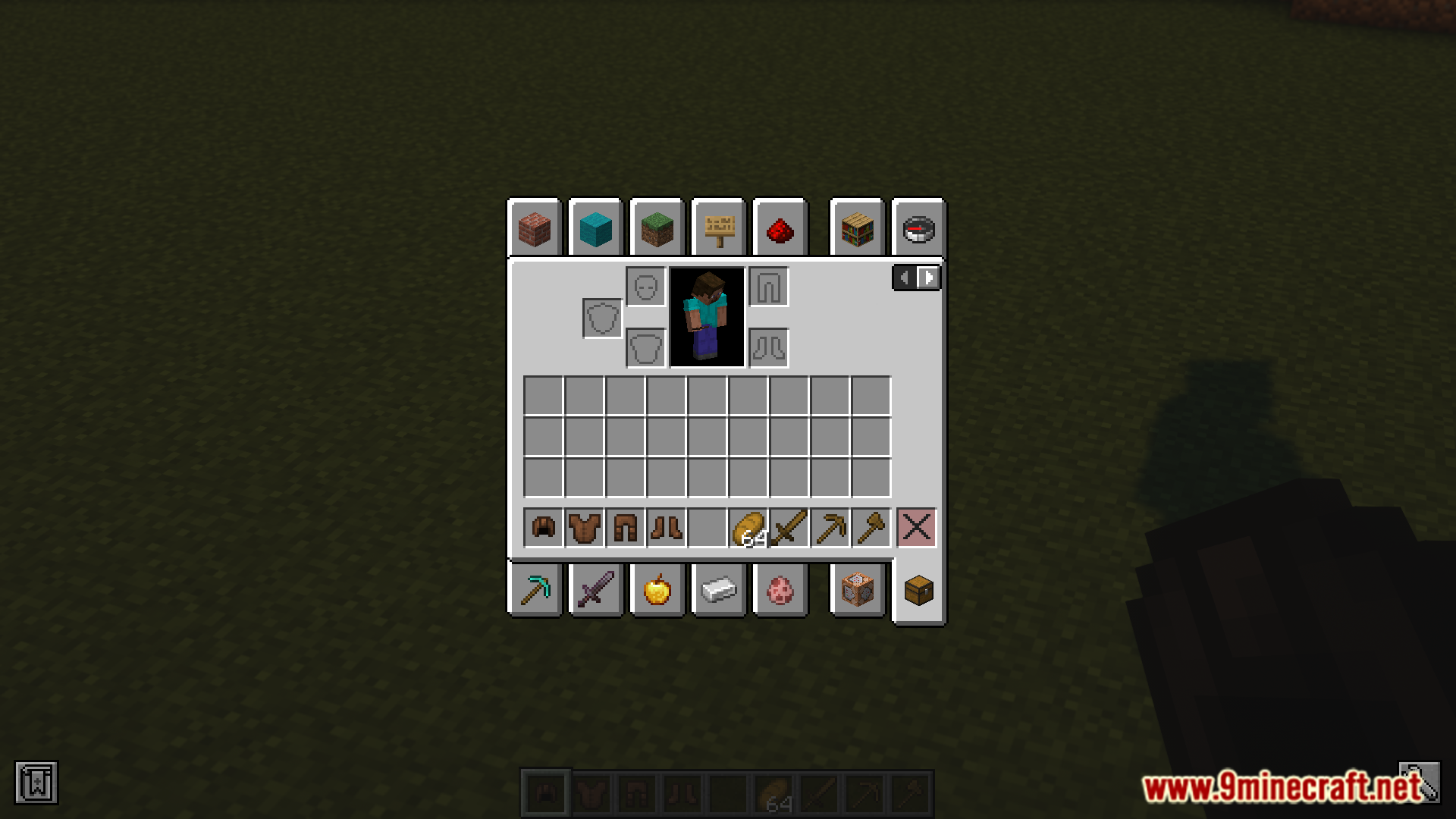
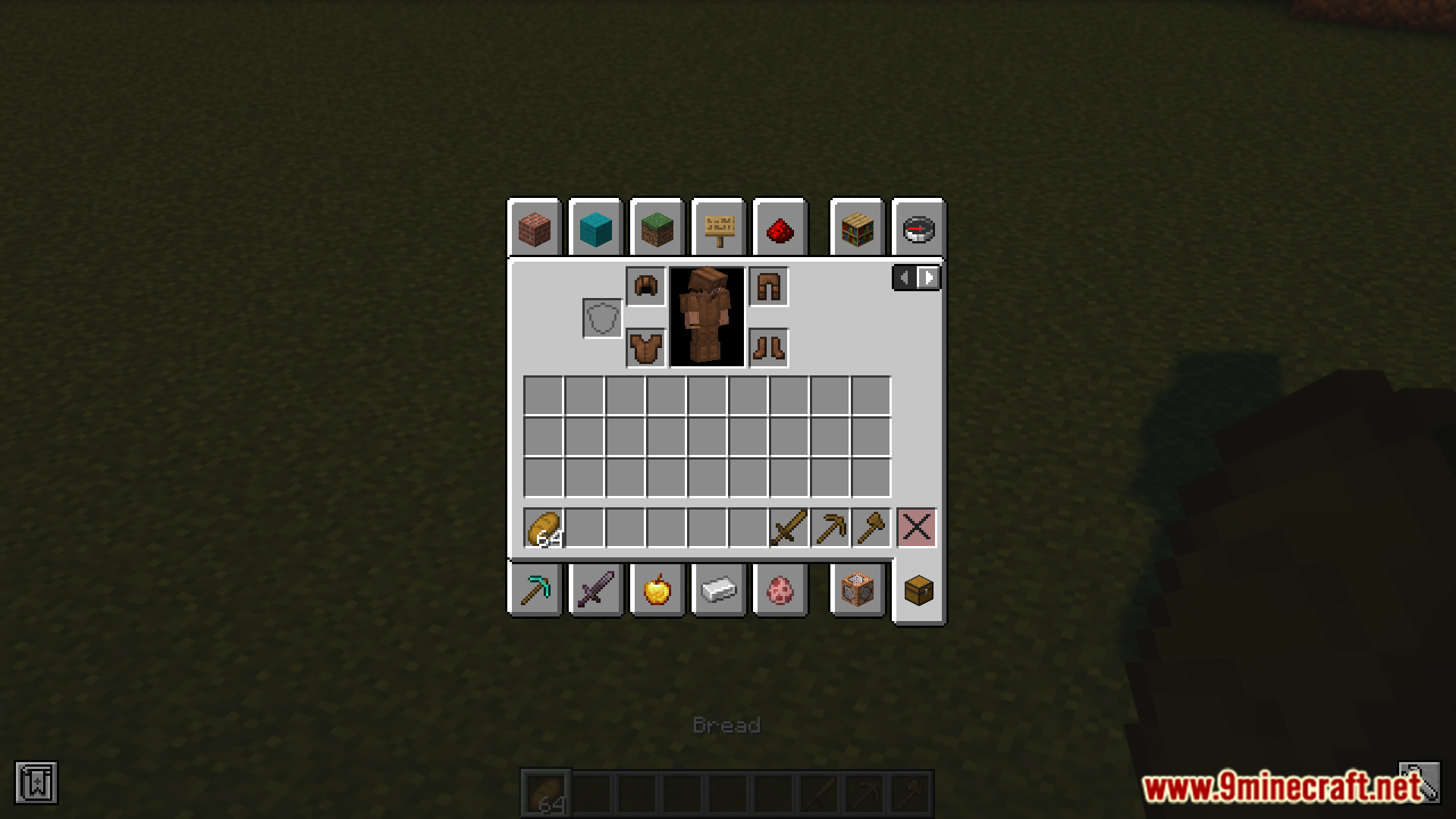
Arrange your inventory exactly how you want it (including hotbar and armor), then type `/kit store` and give your kit a name. The mod will save everything in your inventory at that moment.
Can I save multiple kits?
Yes, you can create as many kits as you need. Each kit is stored separately, so you might have one for terrain blocks, one for building materials, and one for decoration—then switch between them as needed.
What happens to my current inventory when I load a kit?
Loading a kit replaces your entire inventory with the saved kit's contents. If you want to keep your current items, save them as a kit first before loading a different one.
How do I see what's in a kit without loading it?
Use `/kit view [kit name]` to preview the contents of a kit before you equip it. This is useful if you have many kits and want to make sure you're loading the right one.
See all 10 Player Kits questions ›
Gallery
6 images from the Player Kits Mod page.
You May Also Like
Wikis that share the most with this one
More mod wikis on the site
The most downloaded mods that have a wiki here
A few wikis from each of the other kinds