

 DownloadPlayer Particles Mod
Get the files on 9Minecraft
Guides
Step-by-step, in-game.
Apply Your First Particle EffectBasic Setup Particle effects are applied using command slots. You have three available slots that determine where…Find and Use Different Particle TypesCommon Particle Effects The mod supports most particles available in vanilla Minecraft. Some popular choices include:…Manage Particle Performance and VisibilityTurning Particles On and Off You can toggle your own particles without removing them: /playerparticles on – enables…Remove or Change Particle EffectsResetting Individual Slots If you want to remove a particle from just one slot without affecting the others: 1. Open…
Frequently asked questions
How do I apply a particle effect to myself?
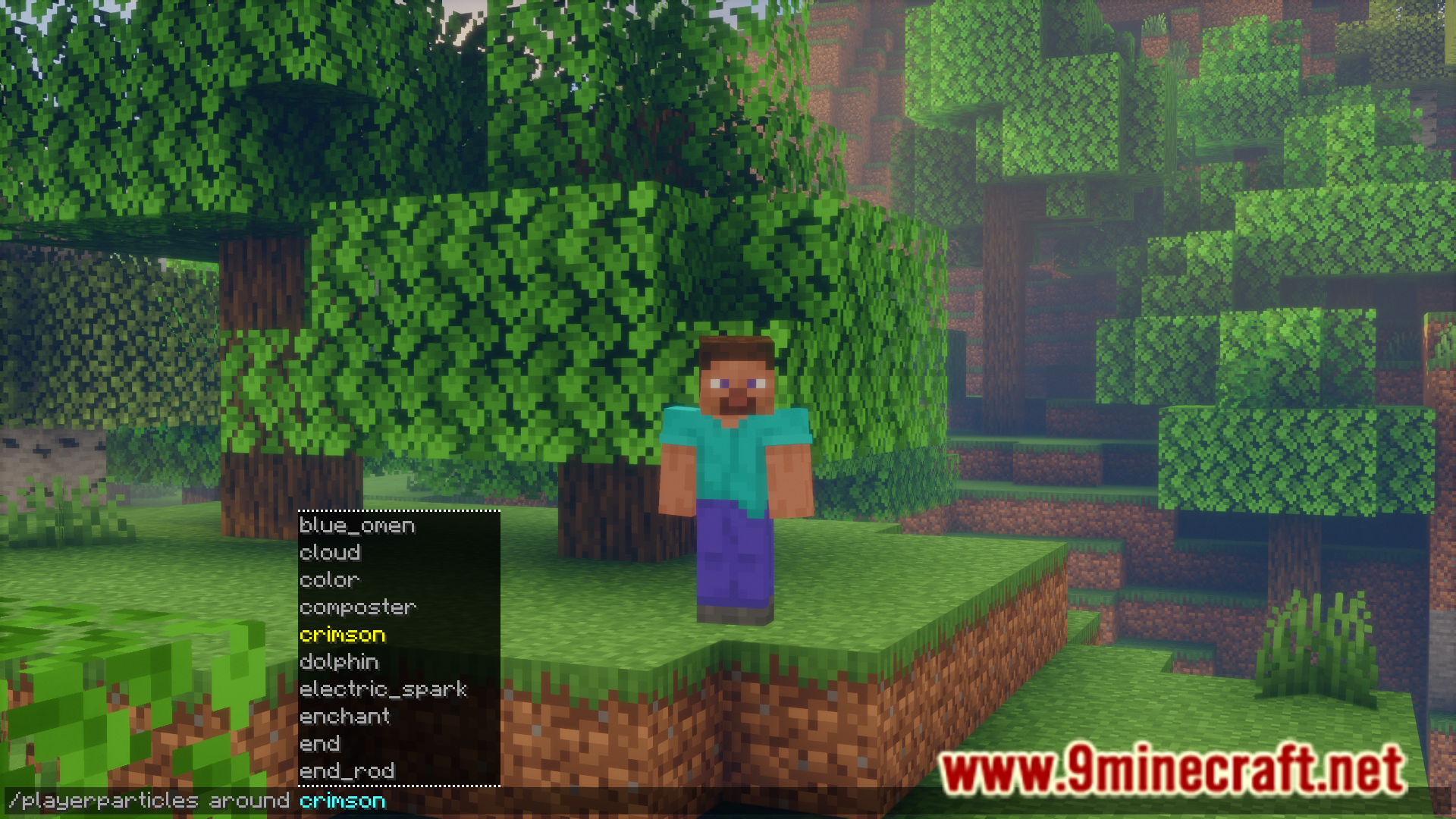
Use the command `/playerparticles ` where ` ` is the particle type you want (like `enchant` or `smoke`) and ` ` is either `above`, `around`, or `below`. For example: `/playerparticles enchant above` will show enchantment table particles above your head.
What particle types can I use?
You can use most particles in the game, including potion effects, enchantment particles, smoke, flame, and many others. Check the guide "Find and Use Different Particle Types" for a full list of available particles and their names.
Can I have multiple particle effects at once?
Yes, you have 3 particle slots available: `above`, `around`, and `below`. You can set a different particle effect in each slot to display them simultaneously.
How do I remove a particle effect?
Use `/playerparticles reset ` to clear a specific slot, or `/playerparticles reset` with no slot specified to clear all three slots at once.
See all 10 Player Particles questions ›
Gallery
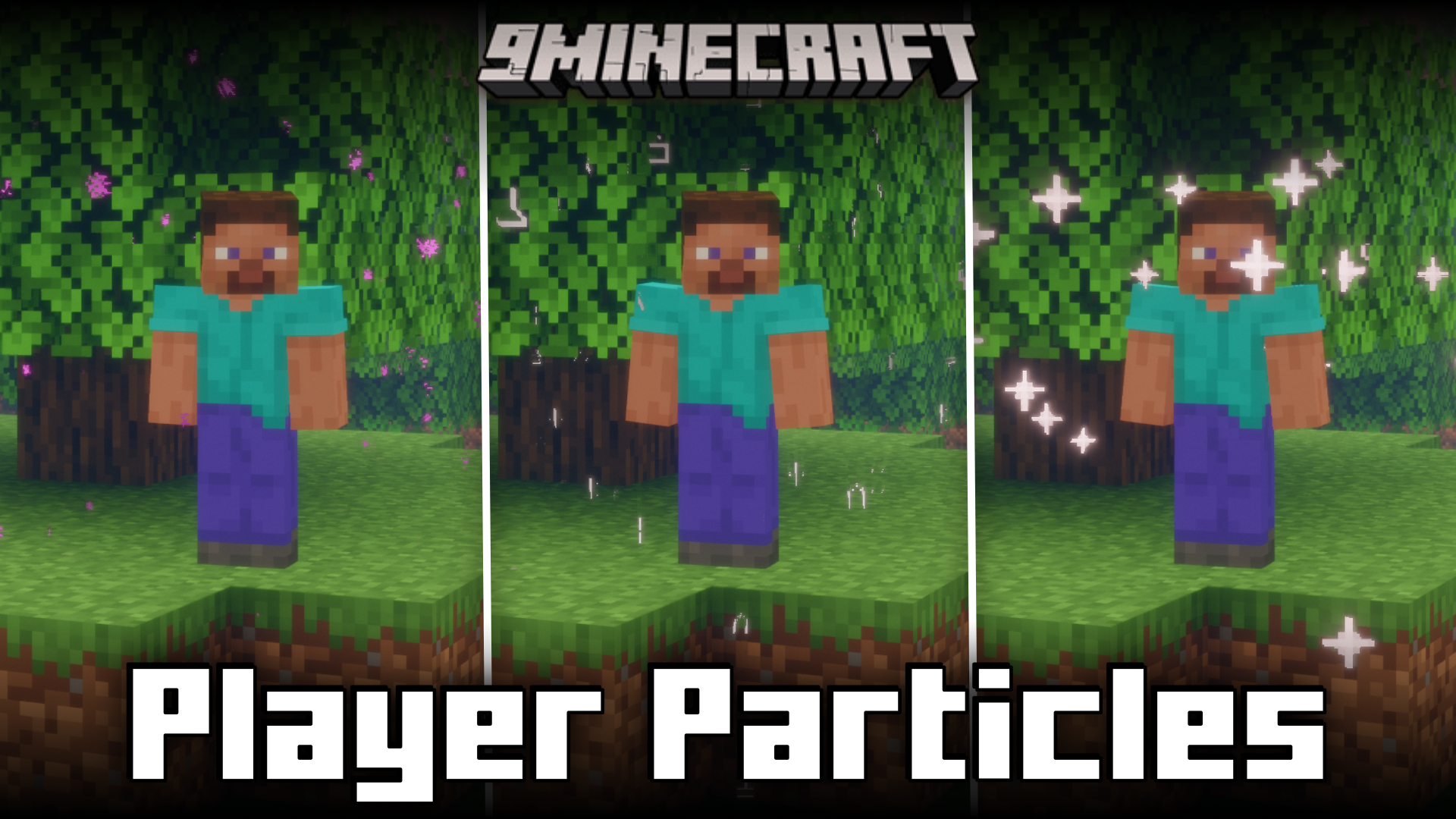
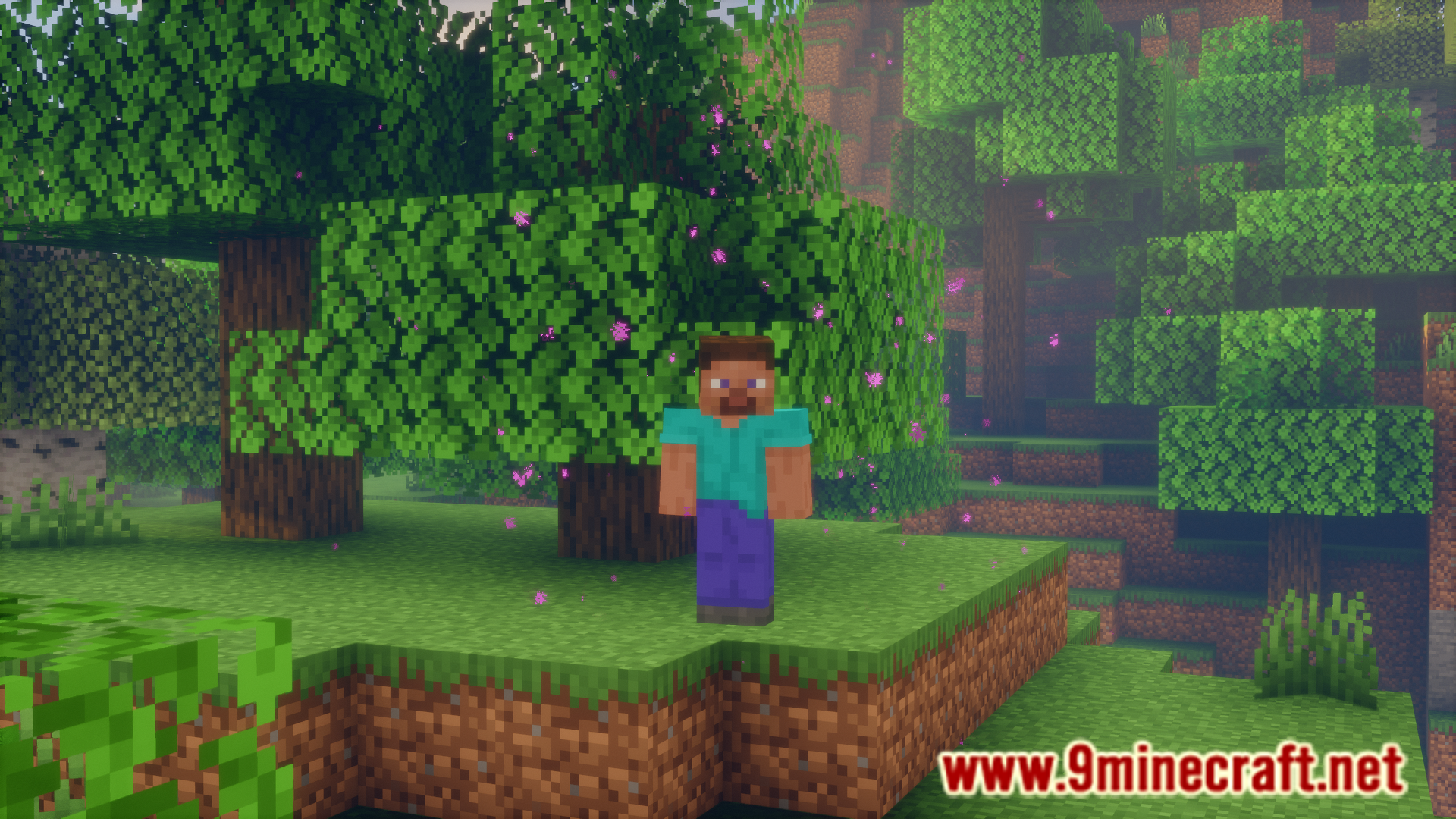
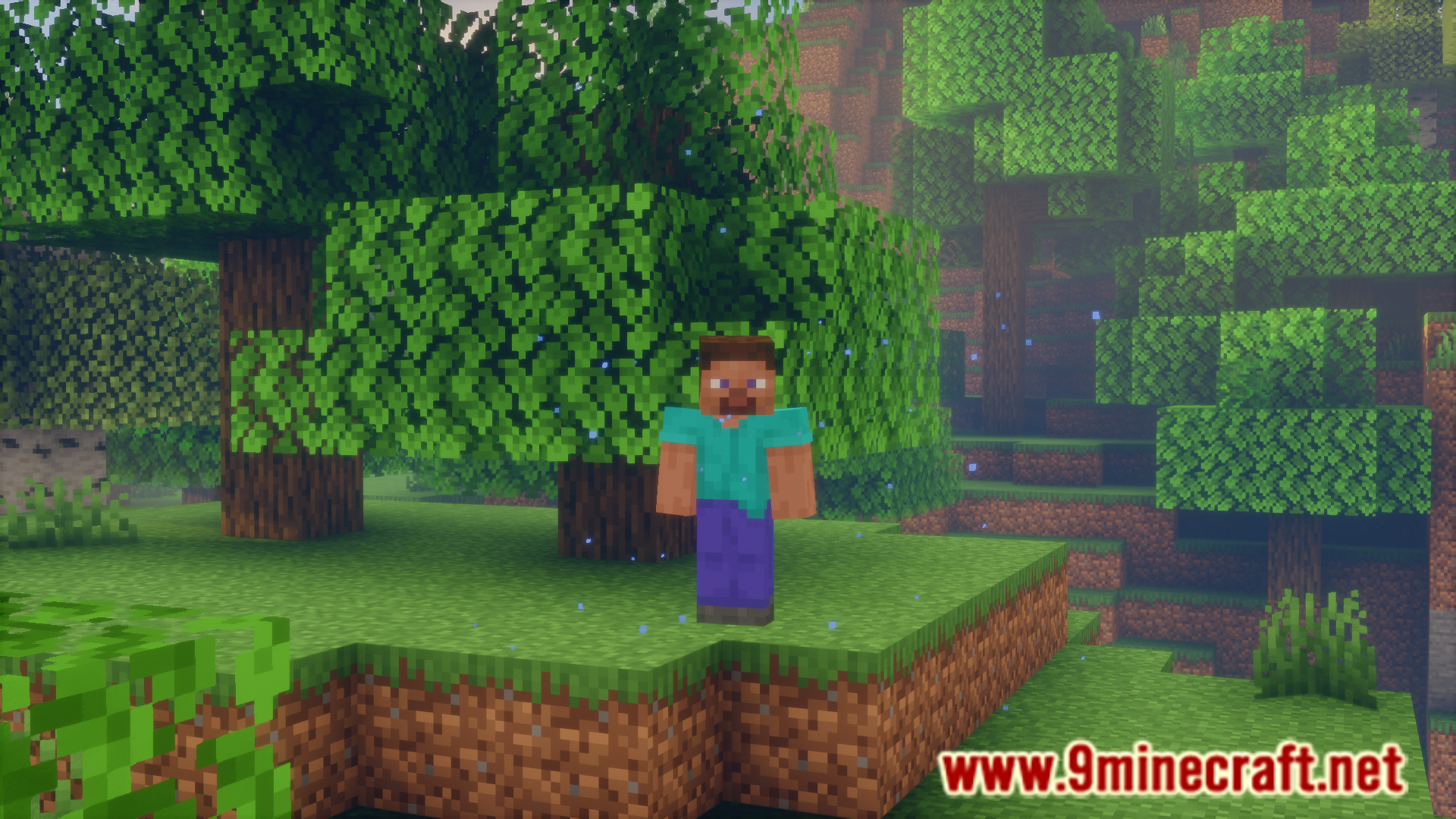
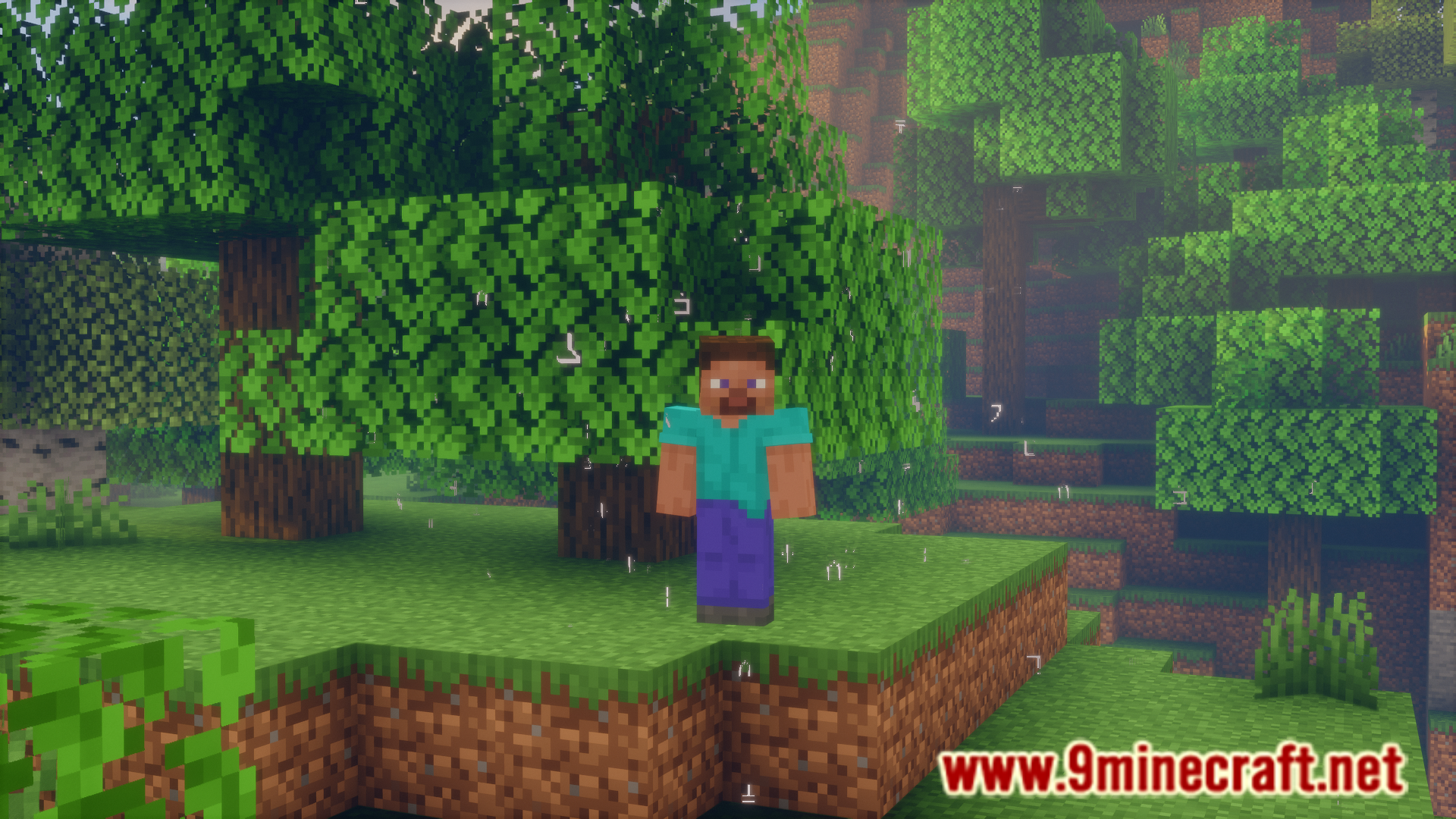
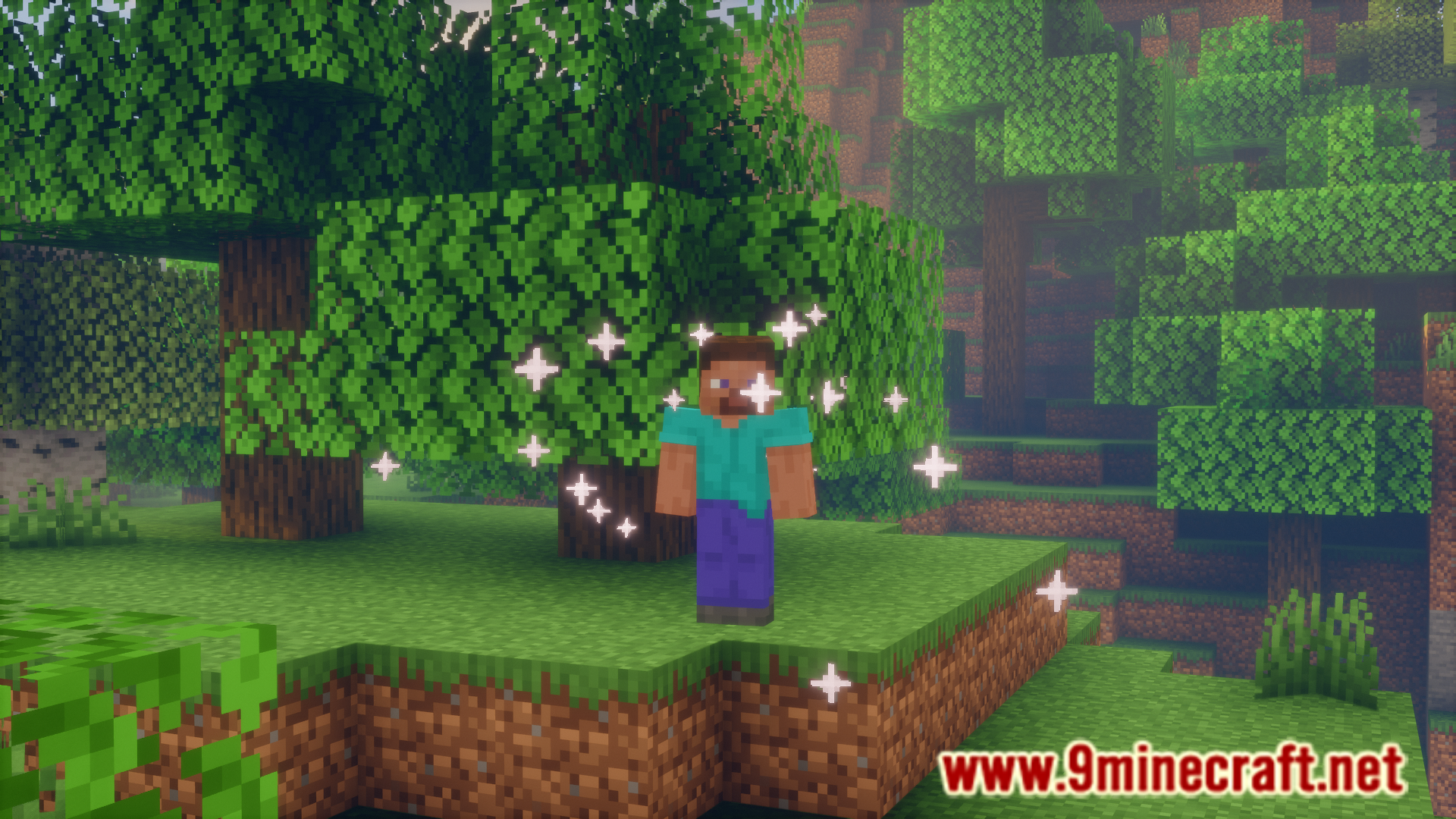
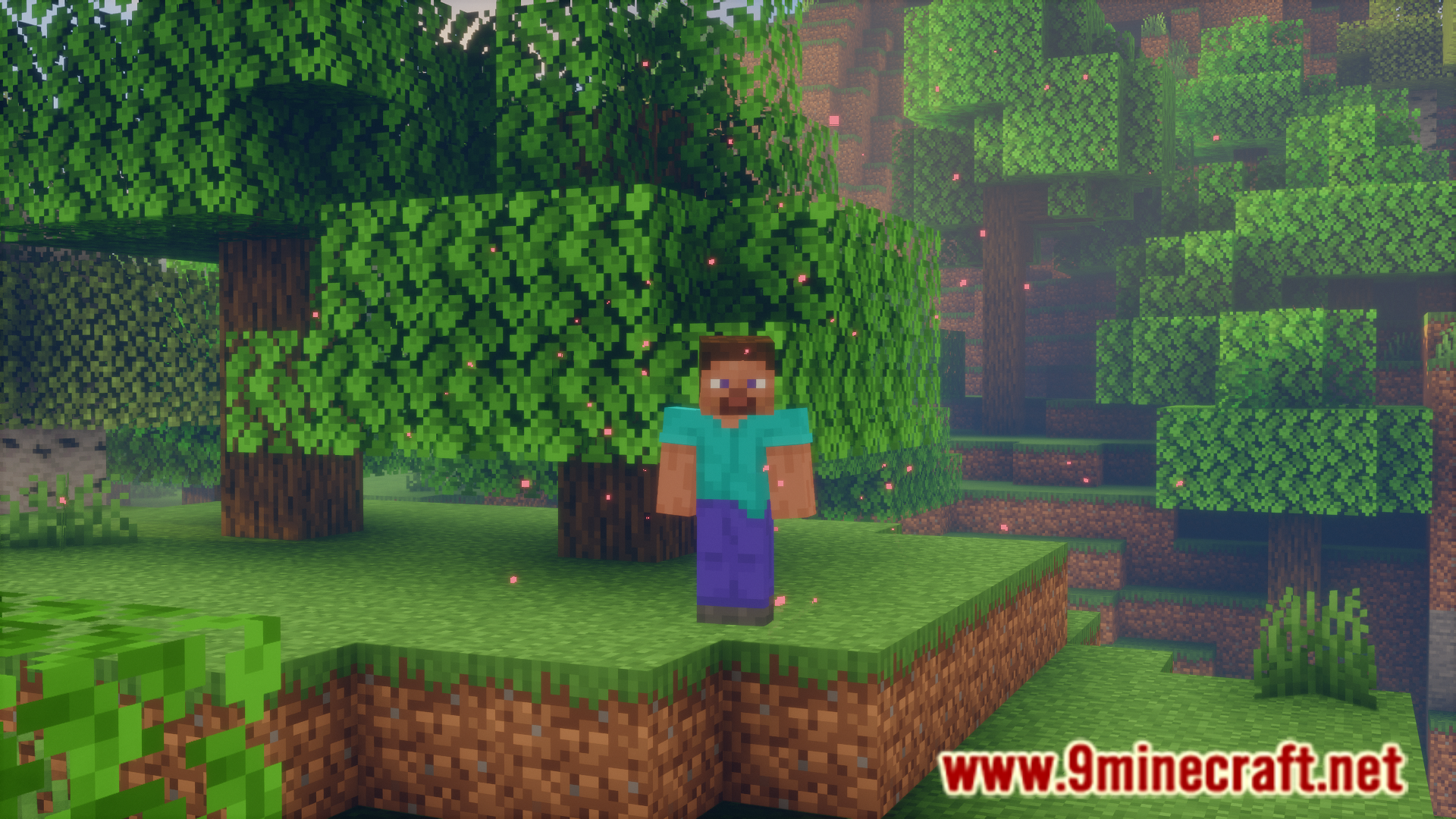
7 images from the Player Particles Mod page.
You May Also Like
Wikis that share the most with this one
More mod wikis on the site
The most downloaded mods that have a wiki here
A few wikis from each of the other kinds