

 DownloadPersona Swapper Mod
Get the files on 9Minecraft
Guides
Step-by-step, in-game.
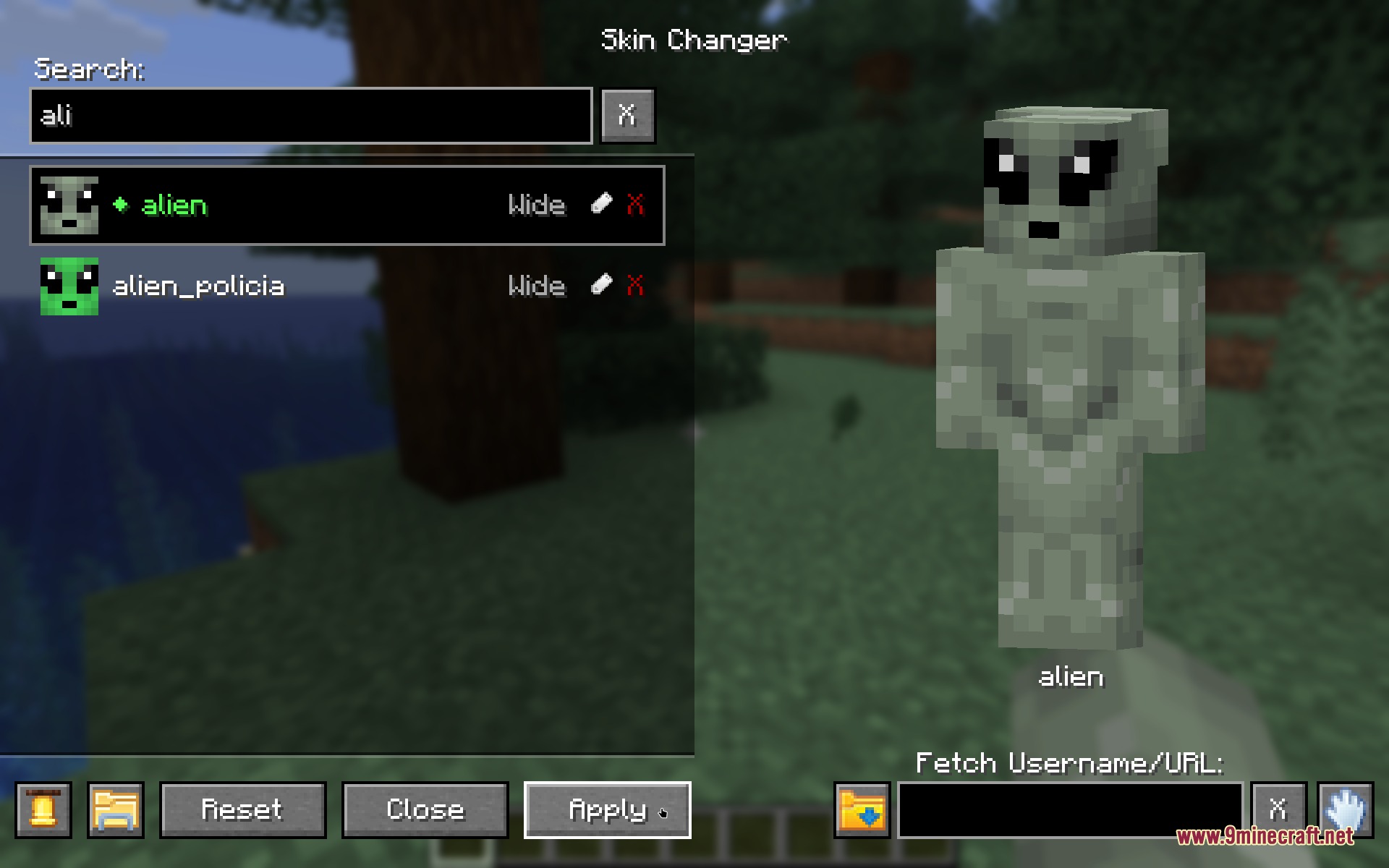
Download and Apply a Skin from a Player NameUsing the Fetch Feature The mod lets you grab skins directly from other players without leaving the game. 1. Press K…Import a Skin from a Web Image LinkPasting Image URLs You can load skins directly from image links hosted online. 1. Open the Persona Swapper menu by…Organize and Search Your Skin CollectionFinding Skins Quickly As your skin collection grows, use the search feature to locate specific looks. 1. Press K to…Use Custom Skins in MultiplayerSyncing Skins on Servers When the mod is installed on a multiplayer server, your custom skins sync automatically so…
Frequently asked questions
How do I open the skin menu?
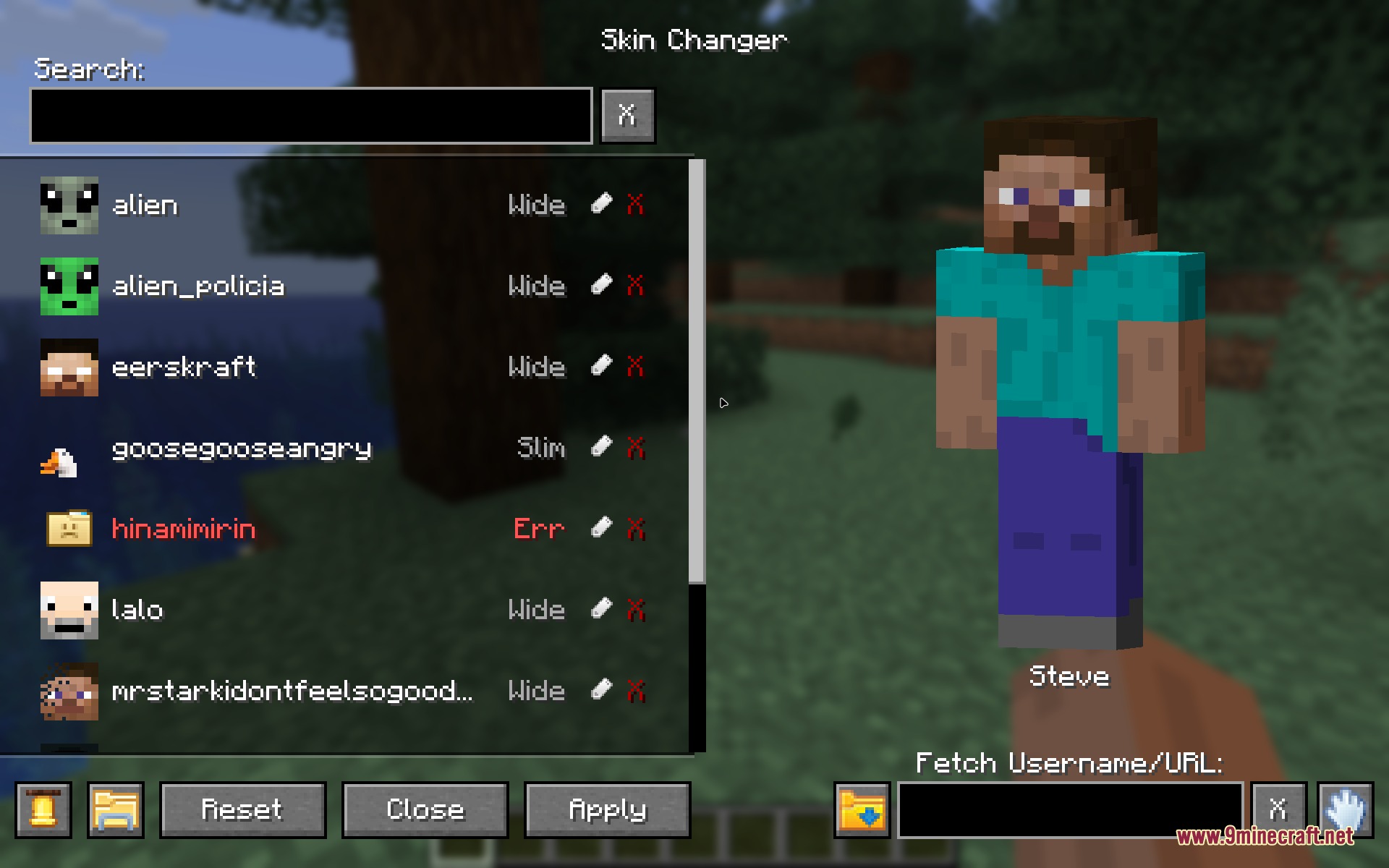
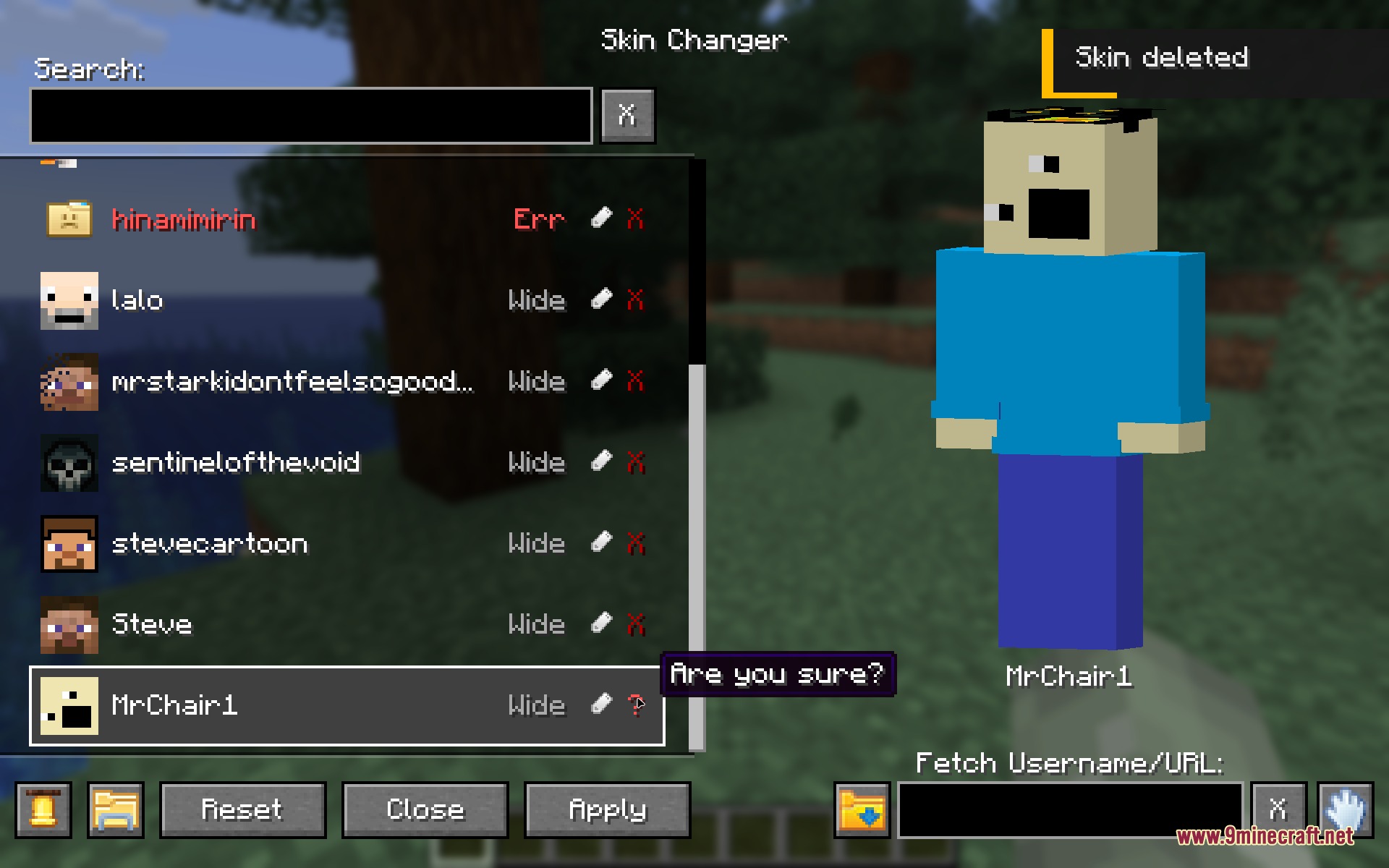
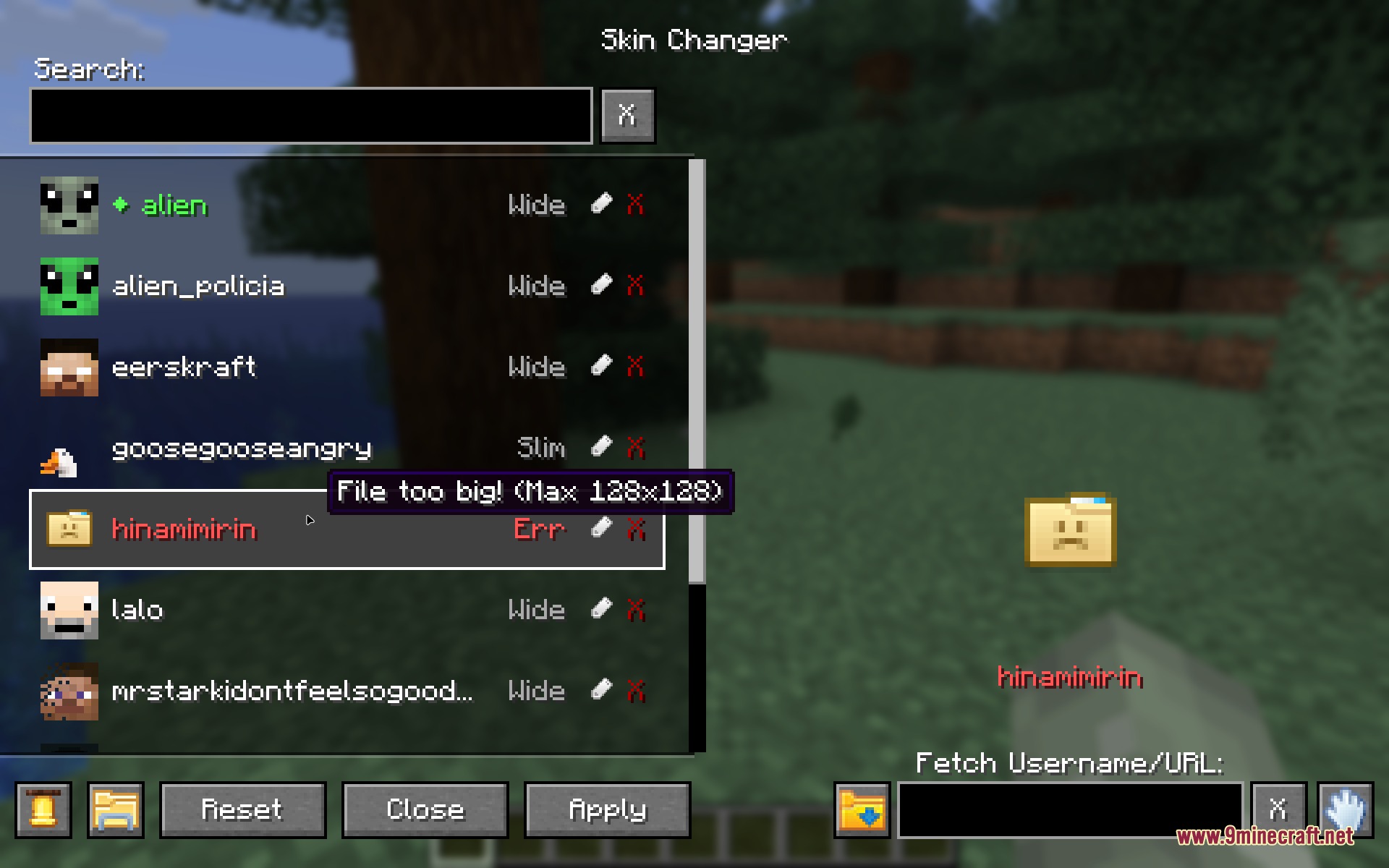
Press K while in-game to open the Persona Swapper menu. The menu will display your saved skins and a live preview of the currently selected skin.
Can I use skins from other players?
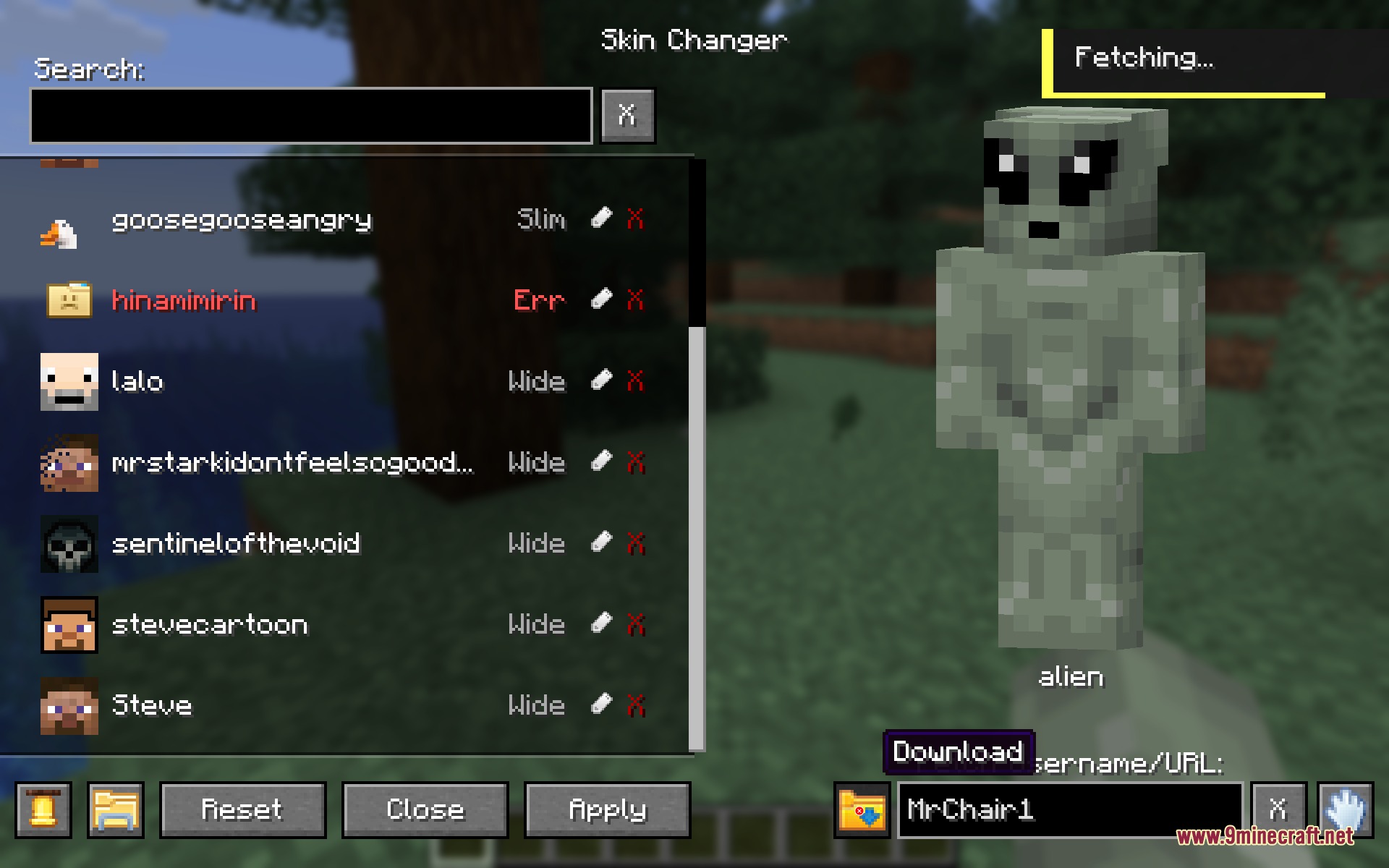
Yes, type a player's username into the fetch box in the menu and the mod will download their skin automatically. You can then apply it to your character.
What image formats does the mod accept?
The mod accepts PNG files. You can drag PNG files directly into your skins folder, or paste image links (URLs) into the fetch box to download them.
Do I need to restart the game to change my skin?
No, that's the main feature of this mod—skins apply in real time without restarting or reloading the game.
See all 10 Persona Swapper questions ›
Gallery
6 images from the Persona Swapper Mod page.
You May Also Like
Wikis that share the most with this one
More mod wikis on the site
The most downloaded mods that have a wiki here
A few wikis from each of the other kinds