

 DownloadPerformance Booster Mod
Get the files on 9Minecraft
Guides
Step-by-step, in-game.
Customizing HUD KeybindsAccessing Keybind Settings The mod provides two default keybinds: P to toggle the HUD and O to toggle Performance…Diagnosing FPS Drops Using Performance MetricsIdentifying the Bottleneck When your game lags, the HUD helps pinpoint the cause. Open the overlay with P and watch…Enabling Performance Mode to Reduce LagActivating Performance Mode Performance Mode applies automatic optimization tweaks designed to improve FPS and reduce…Reading the Performance HUD OverlayUnderstanding the Display The Performance HUD shows real-time metrics about your game and system. By default, press P…
Frequently asked questions
How do I turn on the performance HUD?
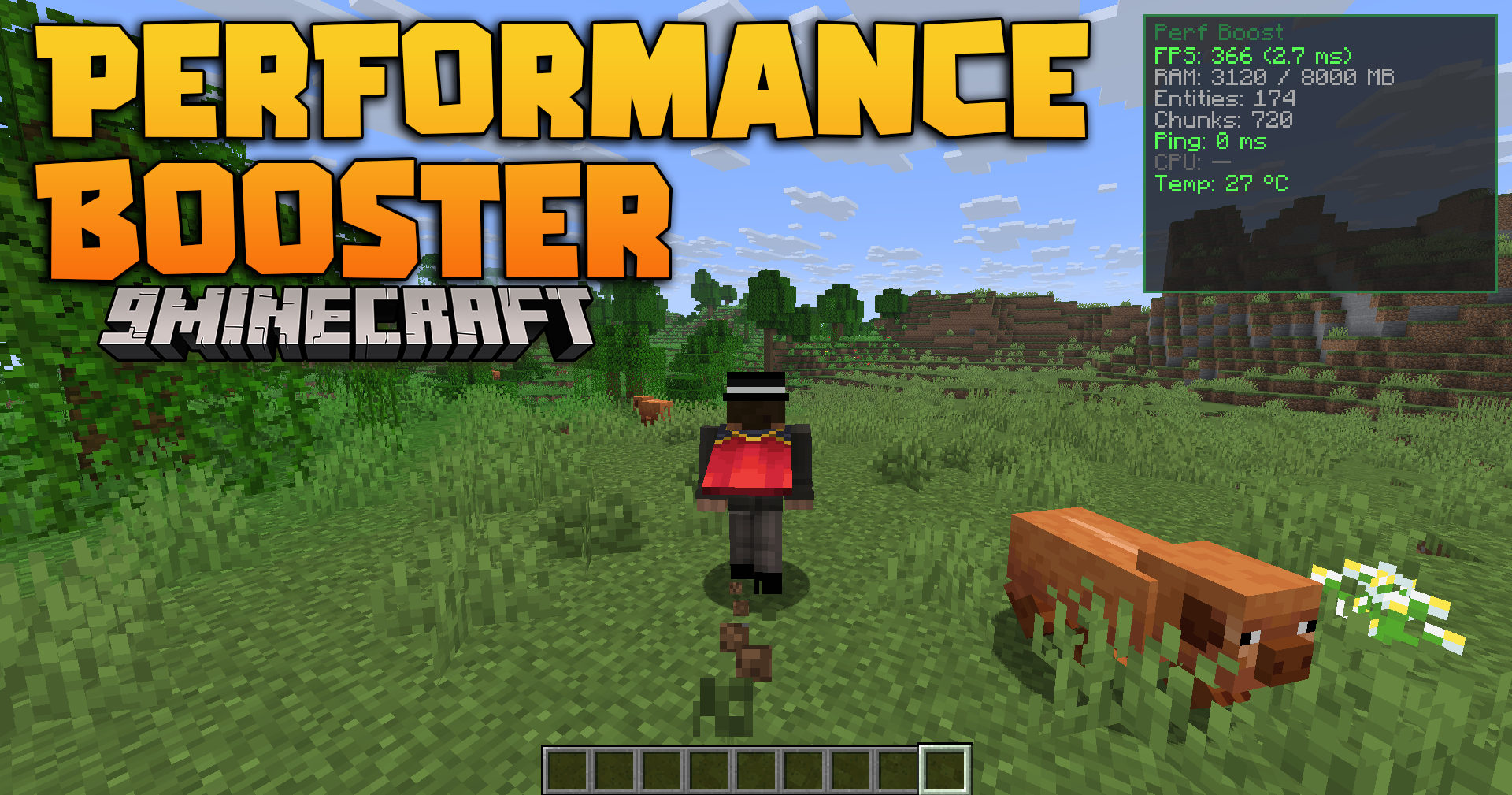
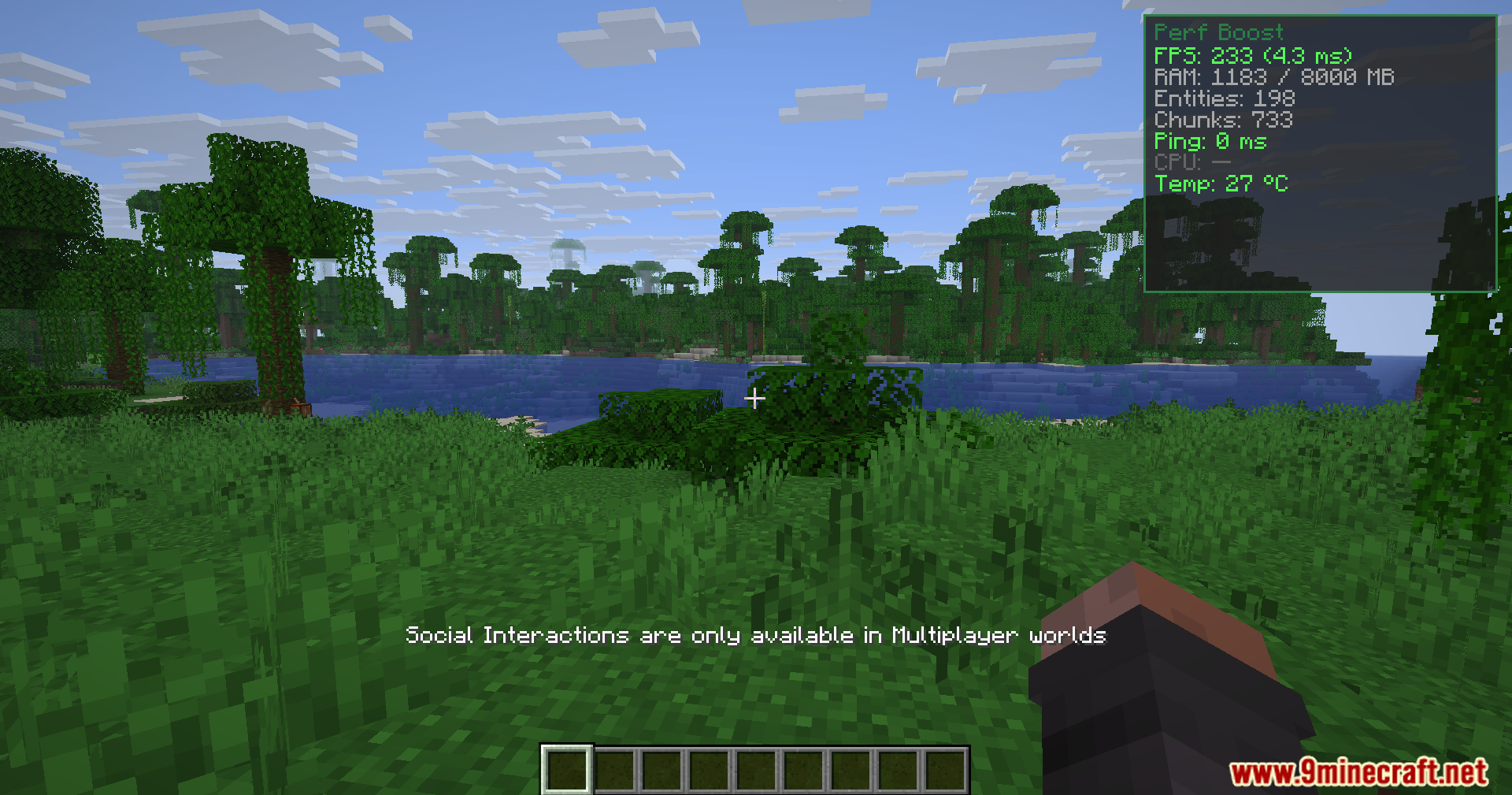
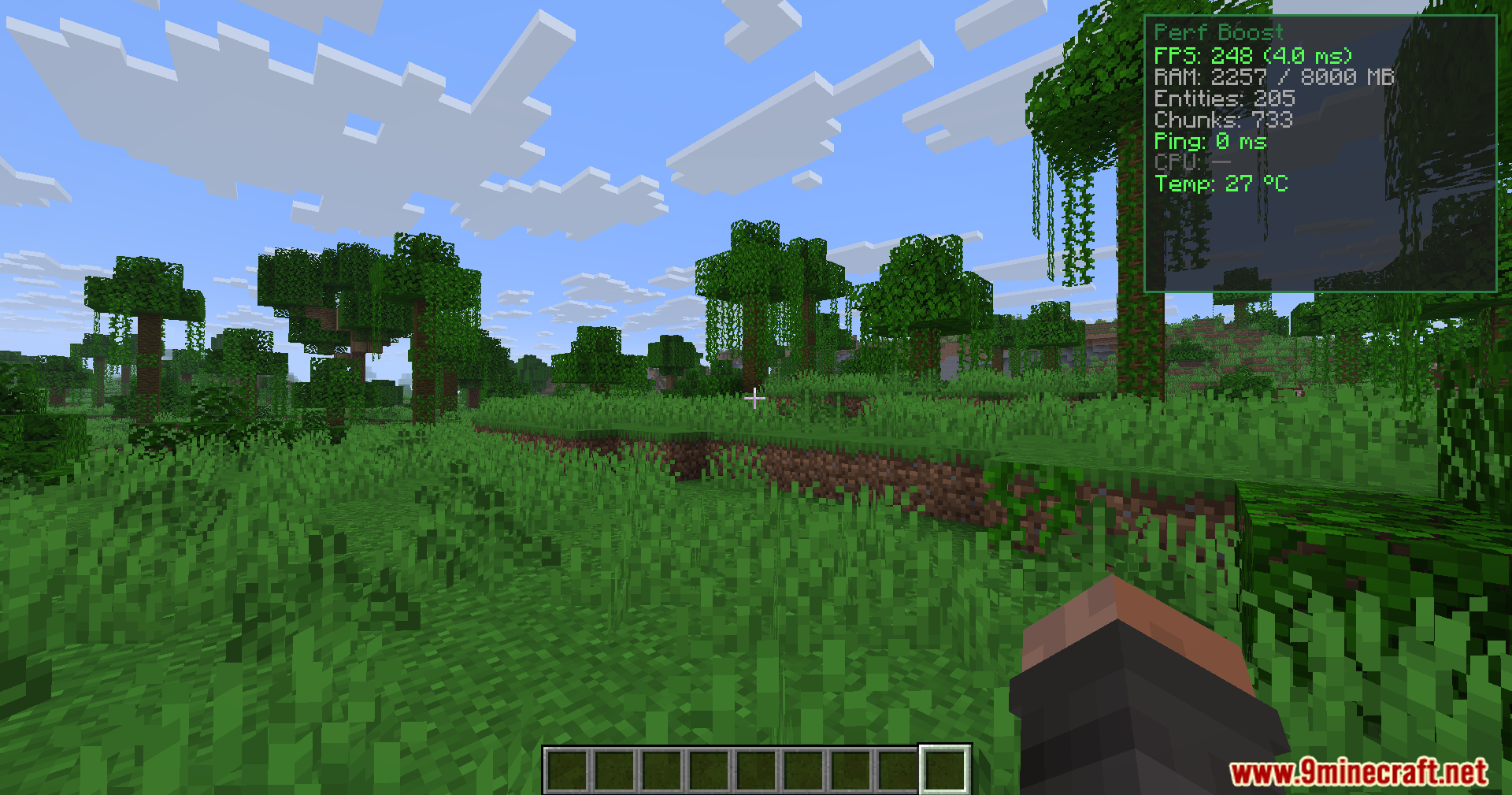
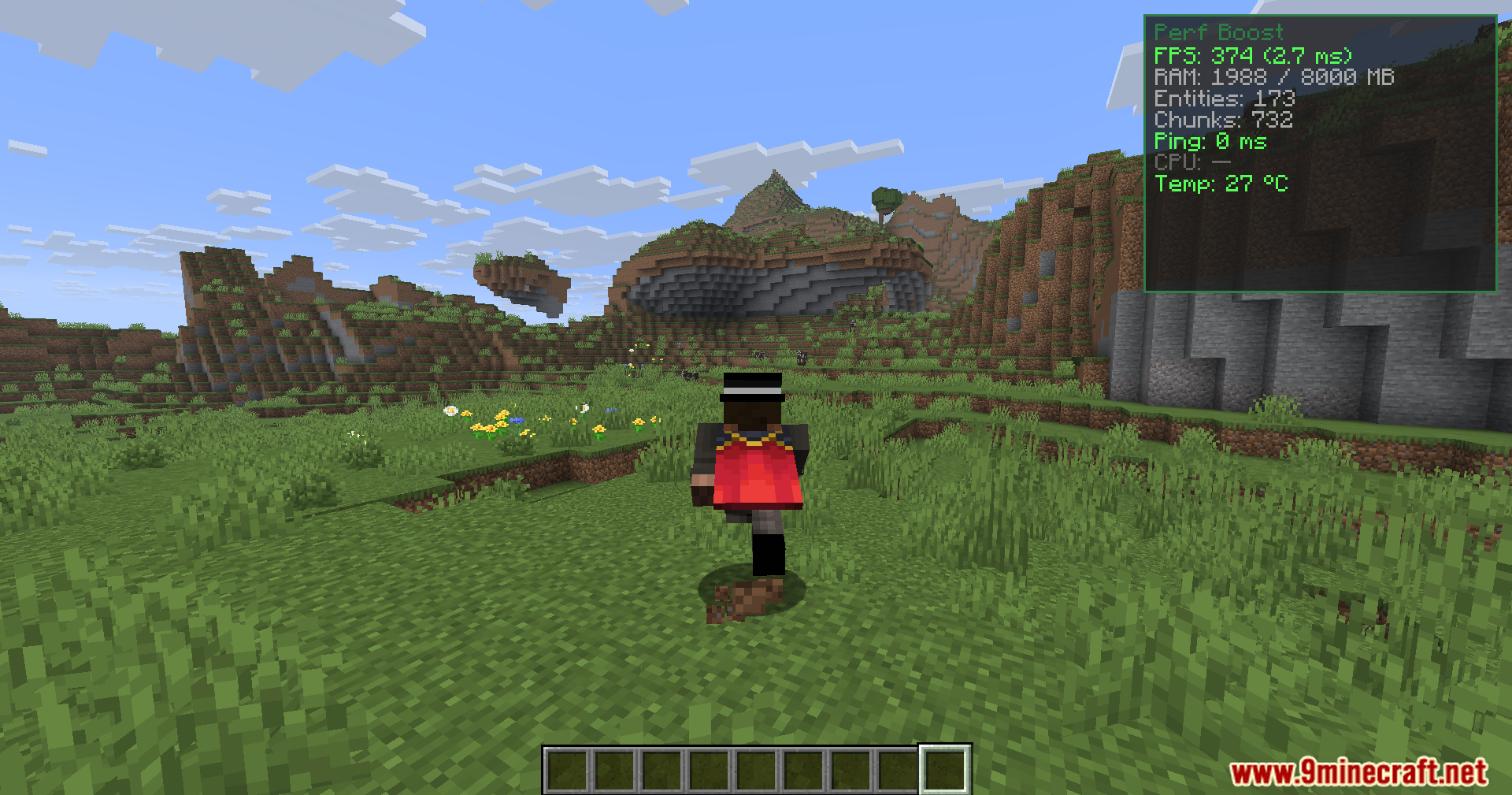
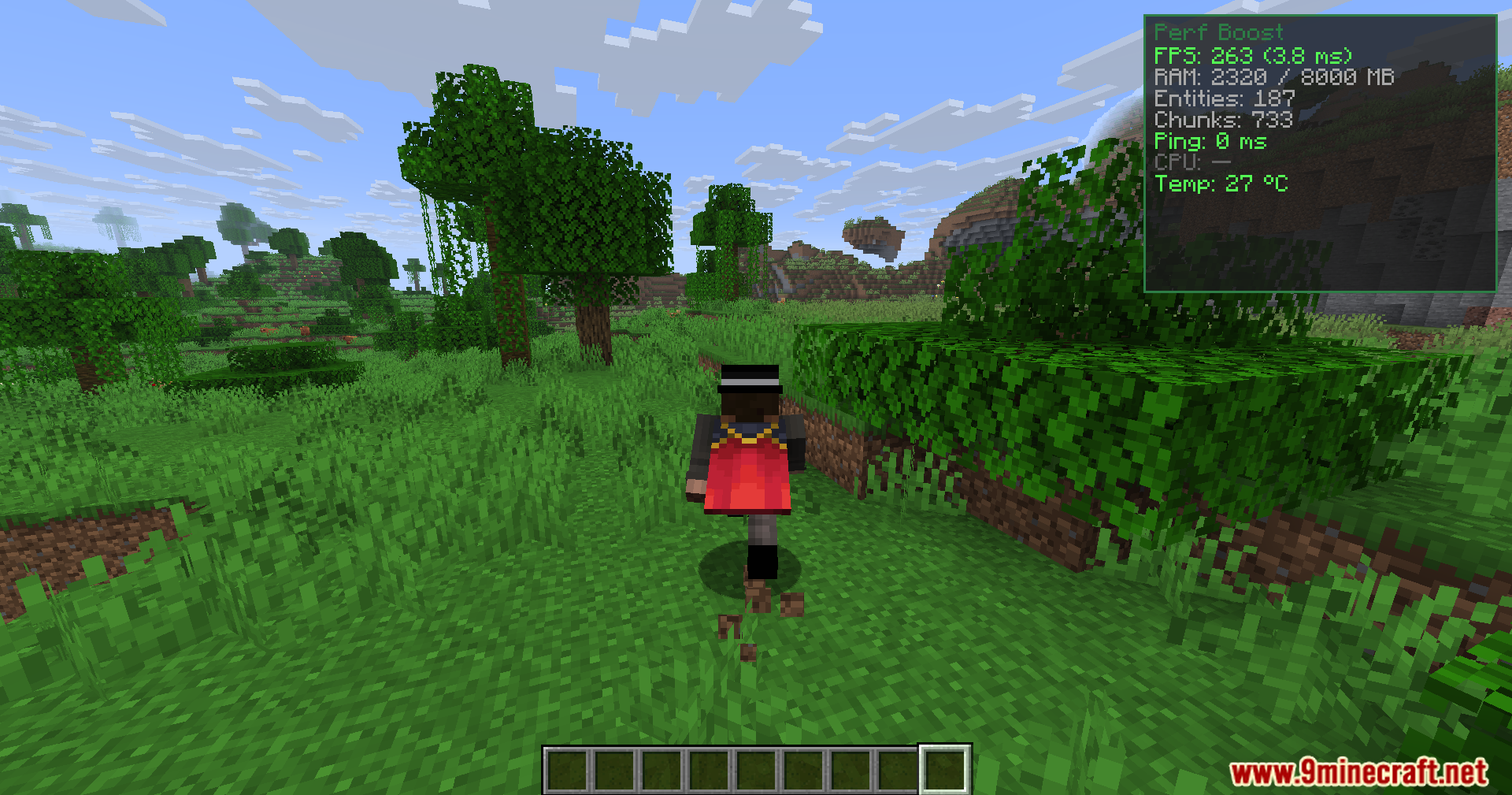
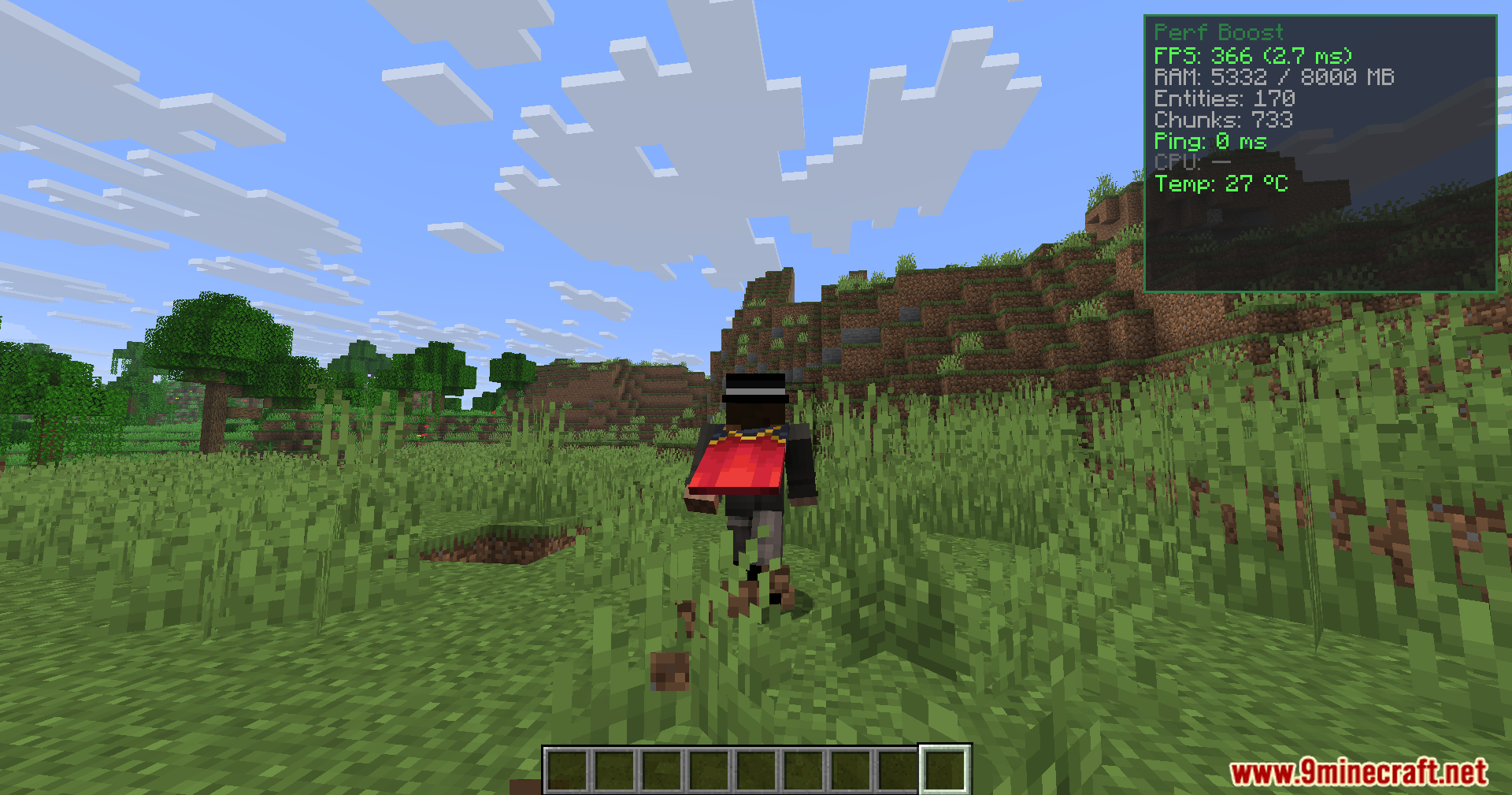
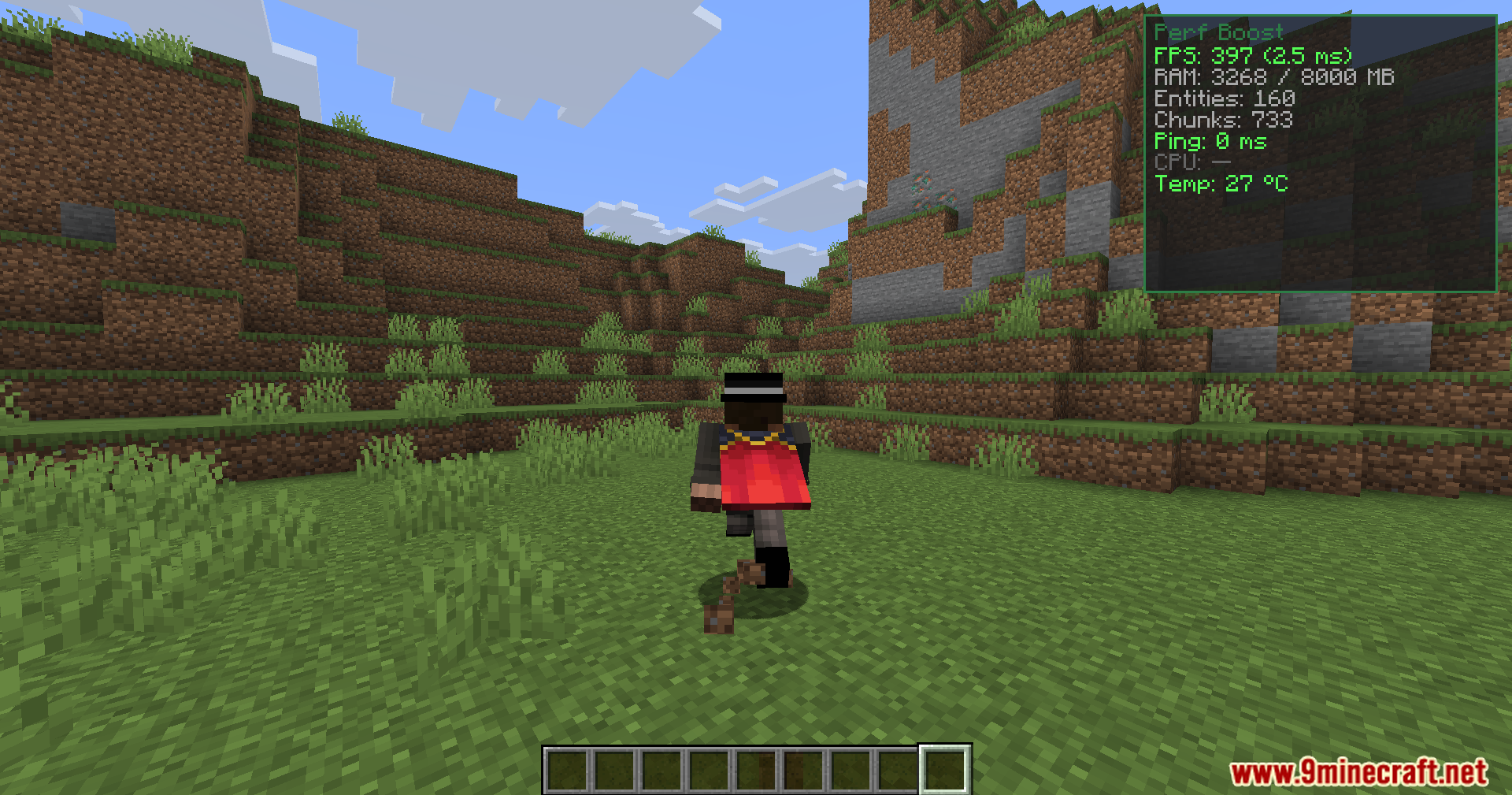
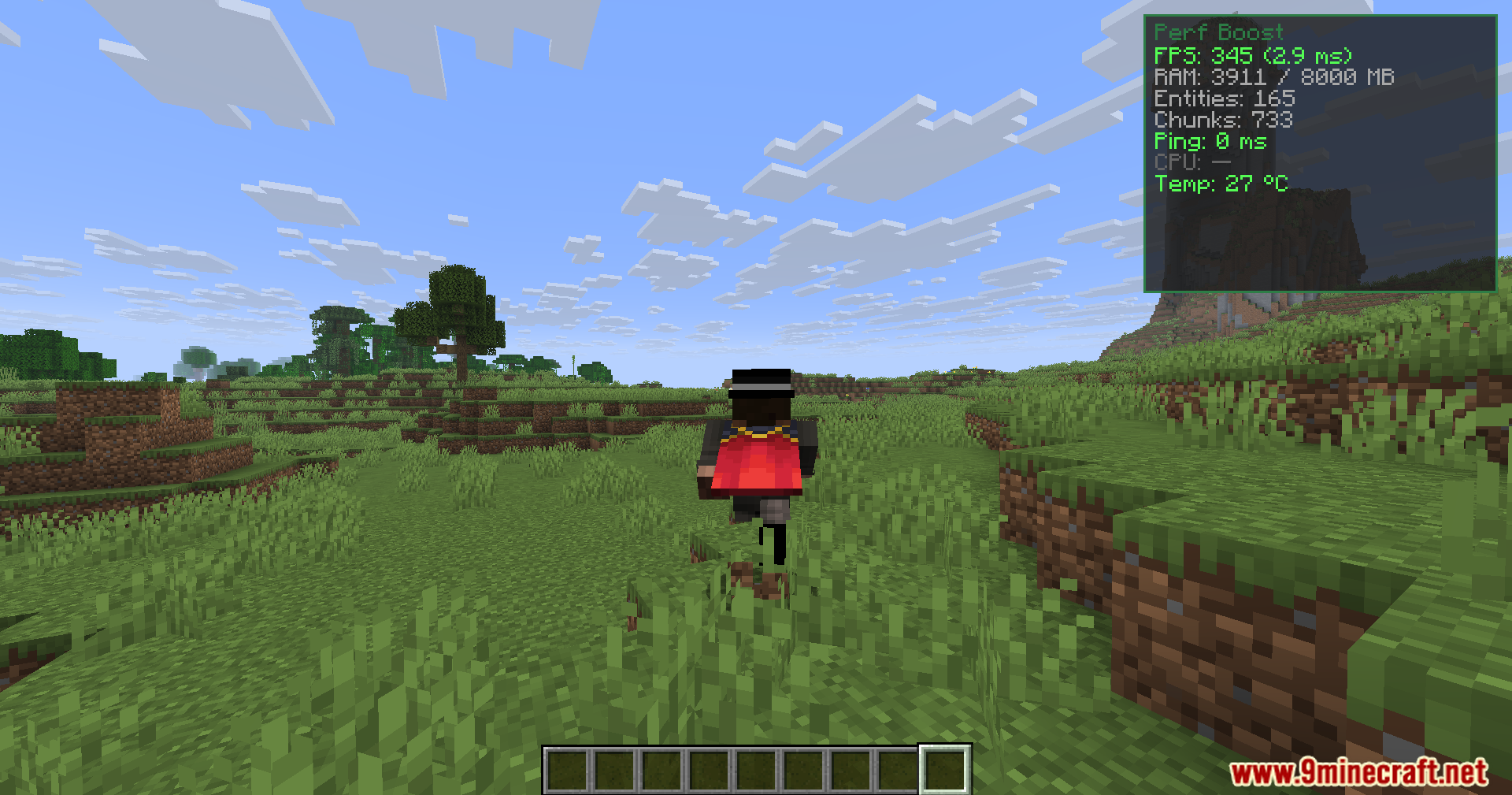
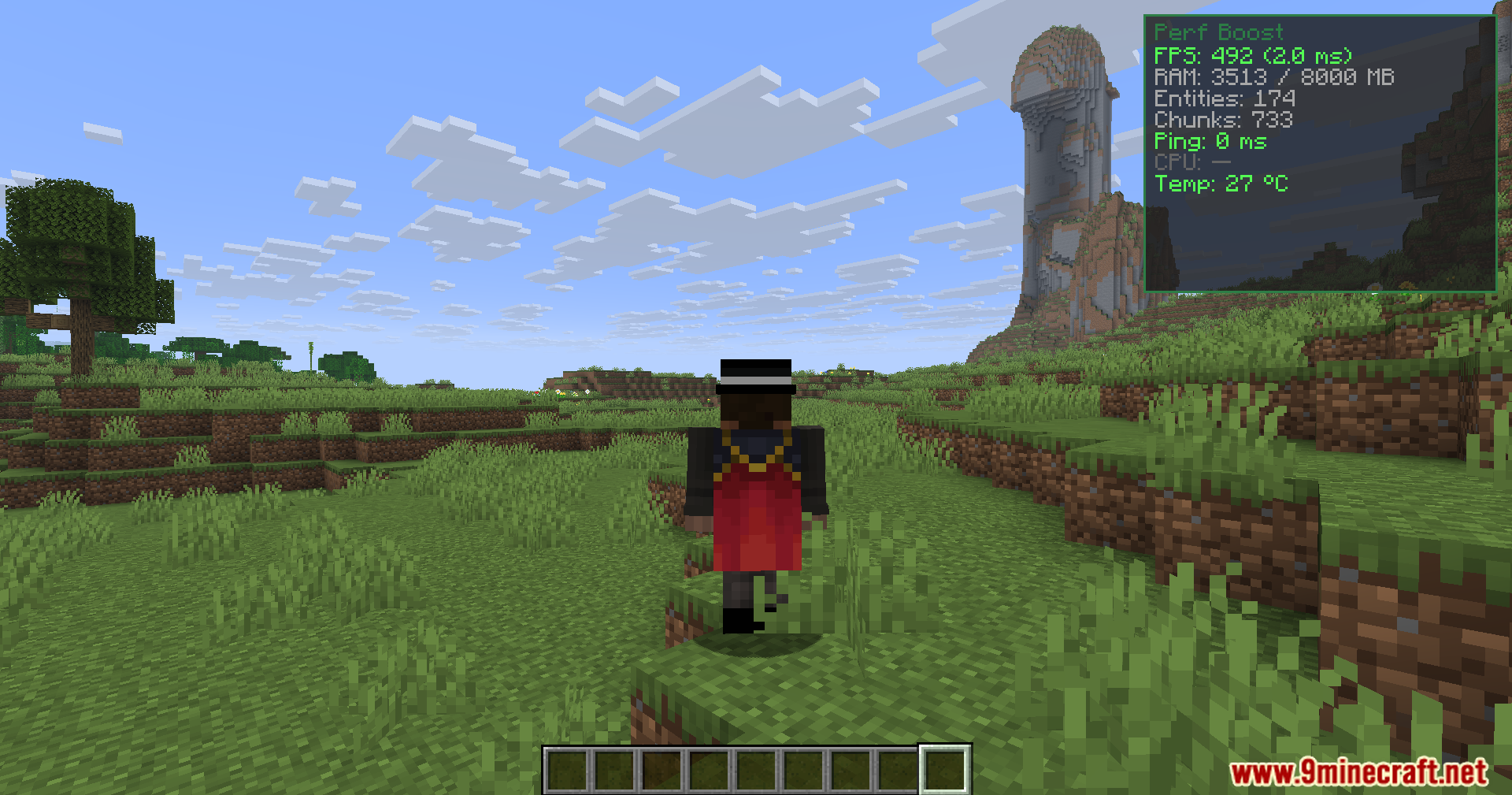
Press P (default keybind) to toggle the performance statistics overlay on and off. You can customize this keybind in the mod's settings if needed.
What does the entity count number mean?
Entity count shows how many living creatures, items, and other objects are currently loaded in your world. High entity counts can cause lag, so if this number is very high, consider reducing mobs or clearing item buildup.
Should I enable performance mode?
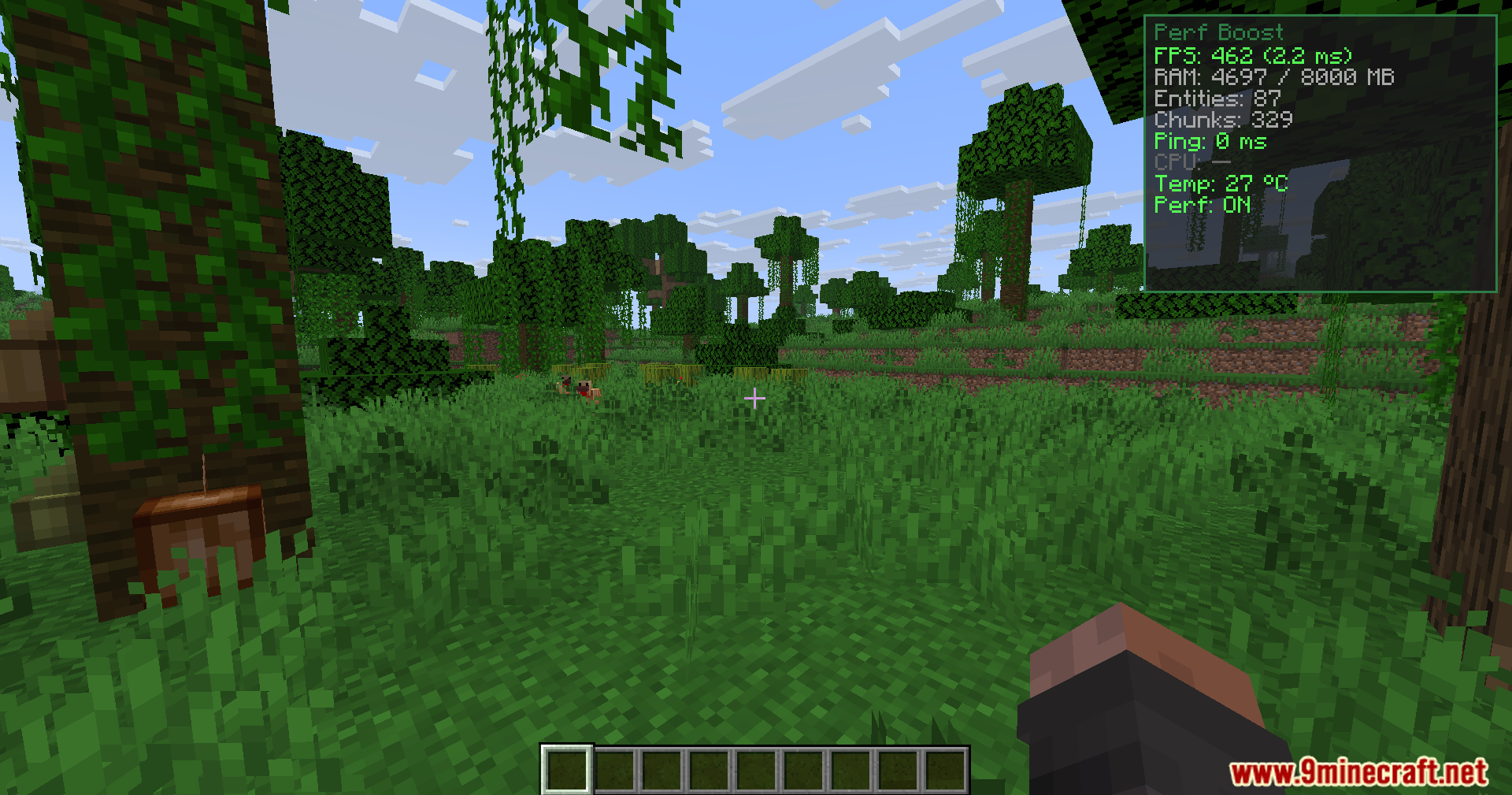
Enable performance mode (default keybind O) if you're experiencing lag or low FPS. It applies optimization tweaks like particle limits that reduce visual effects but improve frame rate.
Why is my RAM usage so high?
High RAM usage is normal in Minecraft and doesn't always mean lag—check your FPS and frame time instead. If you're running out of memory, try reducing render distance or allocating more RAM to Minecraft.
See all 10 Performance Booster questions ›
Gallery
11 images from the Performance Booster Mod page.
You May Also Like
Wikis that share the most with this one
Wikis on the same theme: end
More mod wikis on the site
The most downloaded mods that have a wiki here
A few wikis from each of the other kinds