

 DownloadAnvil Swapper Mod
Get the files on 9Minecraft
Guides
Step-by-step, in-game.
How to Avoid the "Too Expensive!" Anvil Message by Swapping ItemsIn survival, an anvil refuses an operation that costs too many levels and shows "Too Expensive!". Sometimes the…How to Plan Multi-Book Enchanting Efficiently With Anvil SwapperWhen you build a tool or armor piece with several enchantment books, each anvil step costs XP. Checking the swap…How to Save XP When Combining Two Enchanted Books With the Swap ButtonCombining two enchanted books can cost different amounts of XP depending on which book sits in which anvil slot.…Why Isn't the Anvil Swap Button Glowing? Understanding When Swapping HelpsThe swap button only glows when reversing your items would make the anvil operation cheaper. A button that stays dark…
Frequently asked questions
What does the Anvil Swapper button actually do?
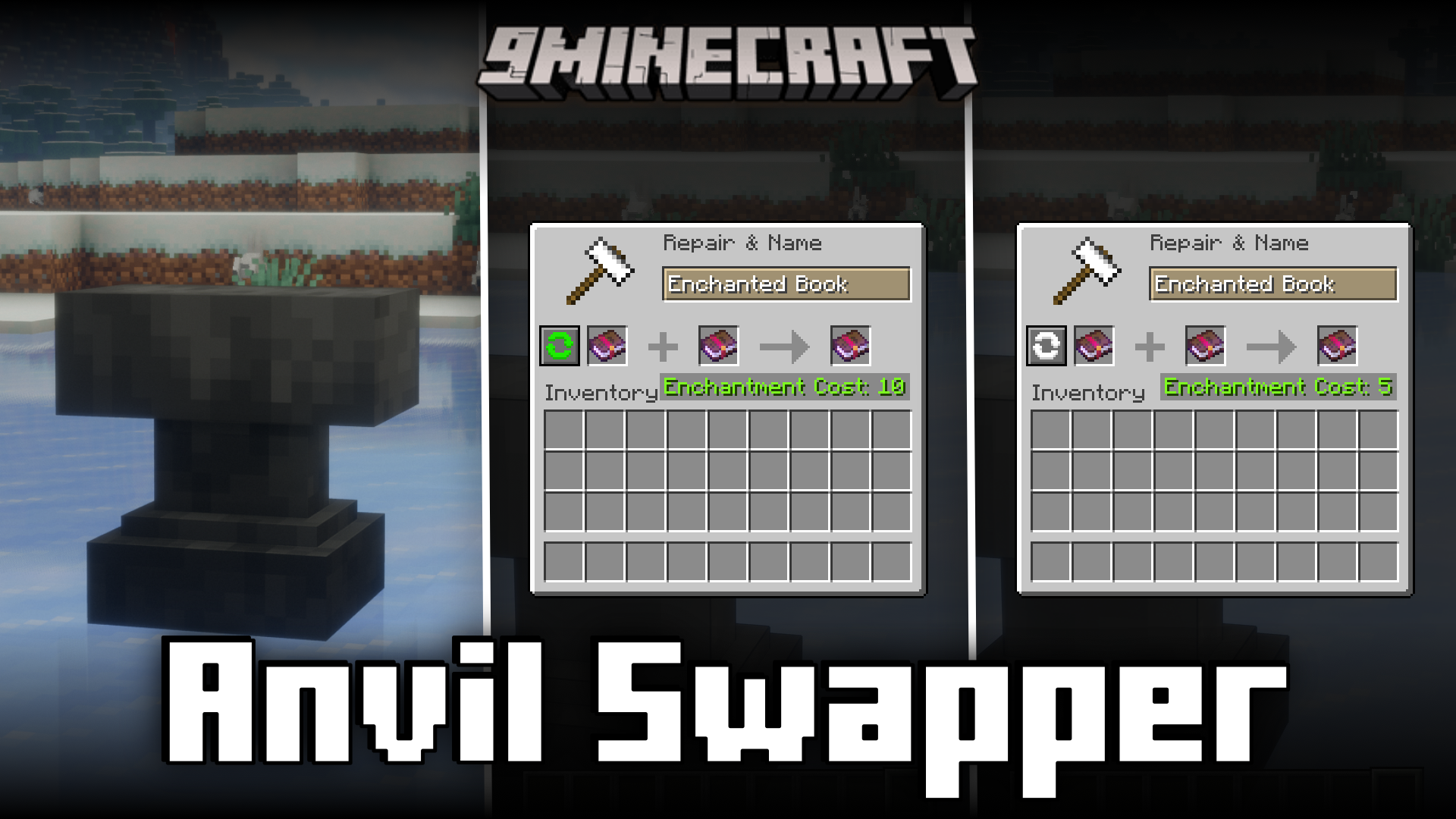
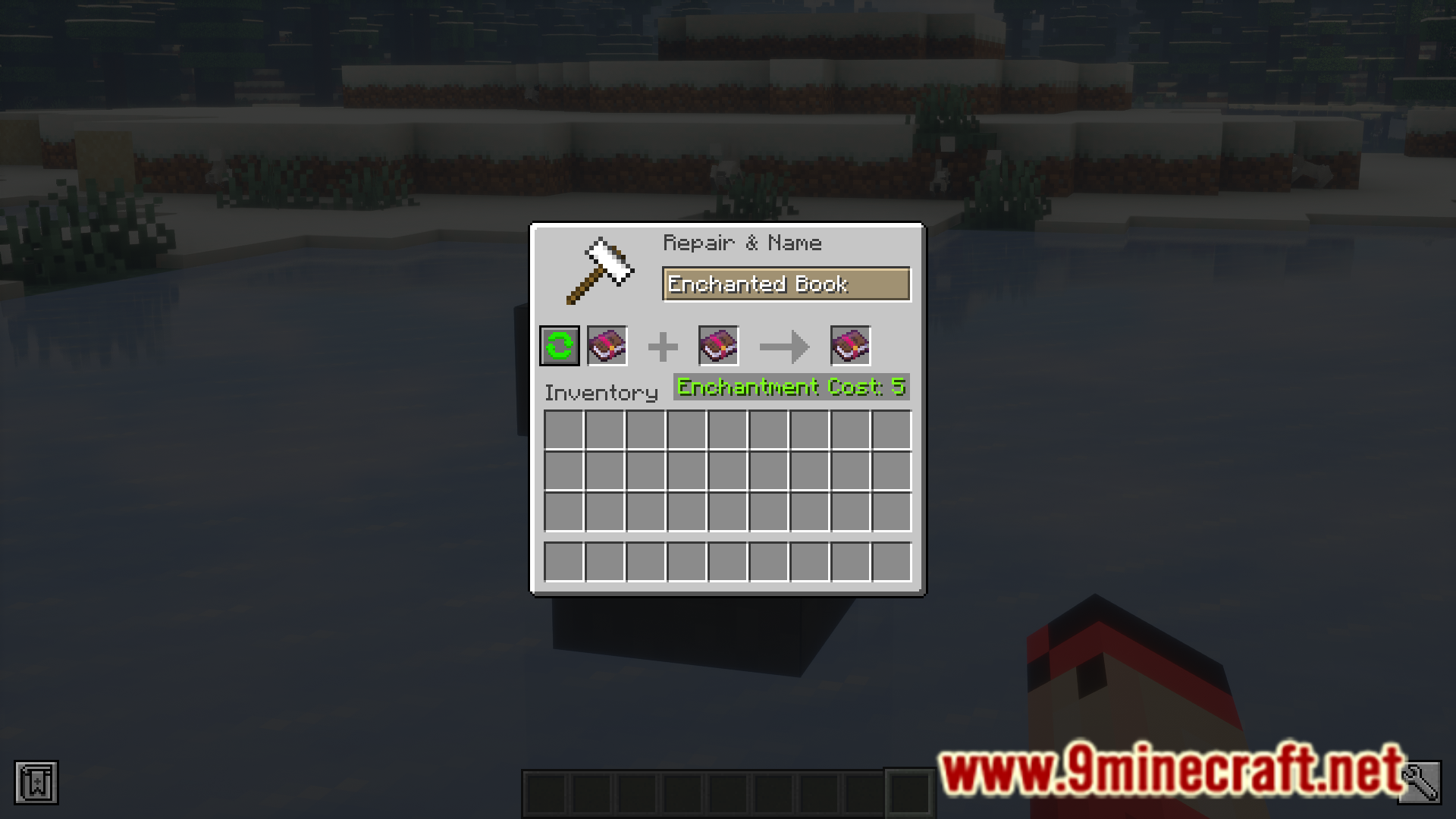
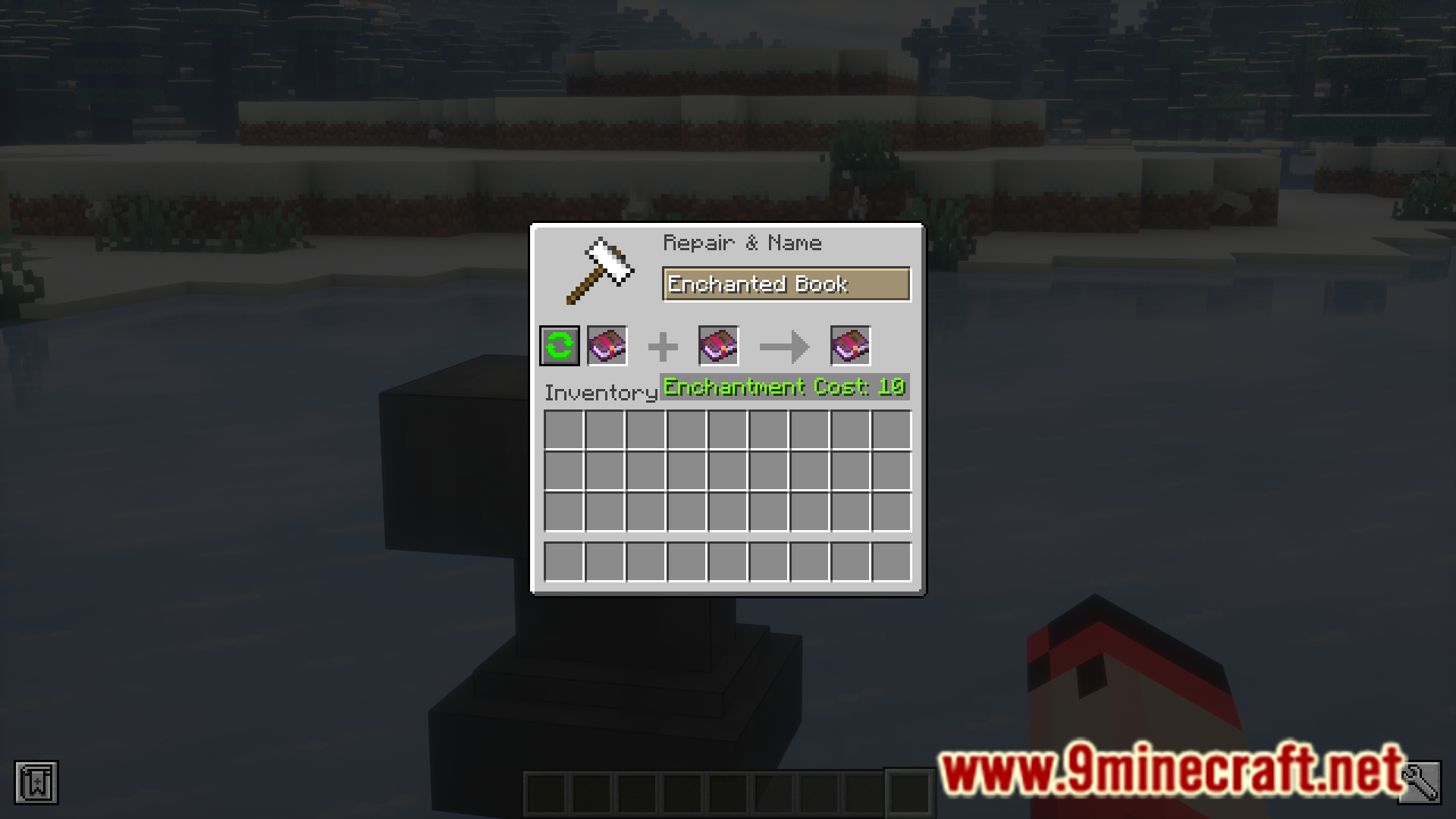
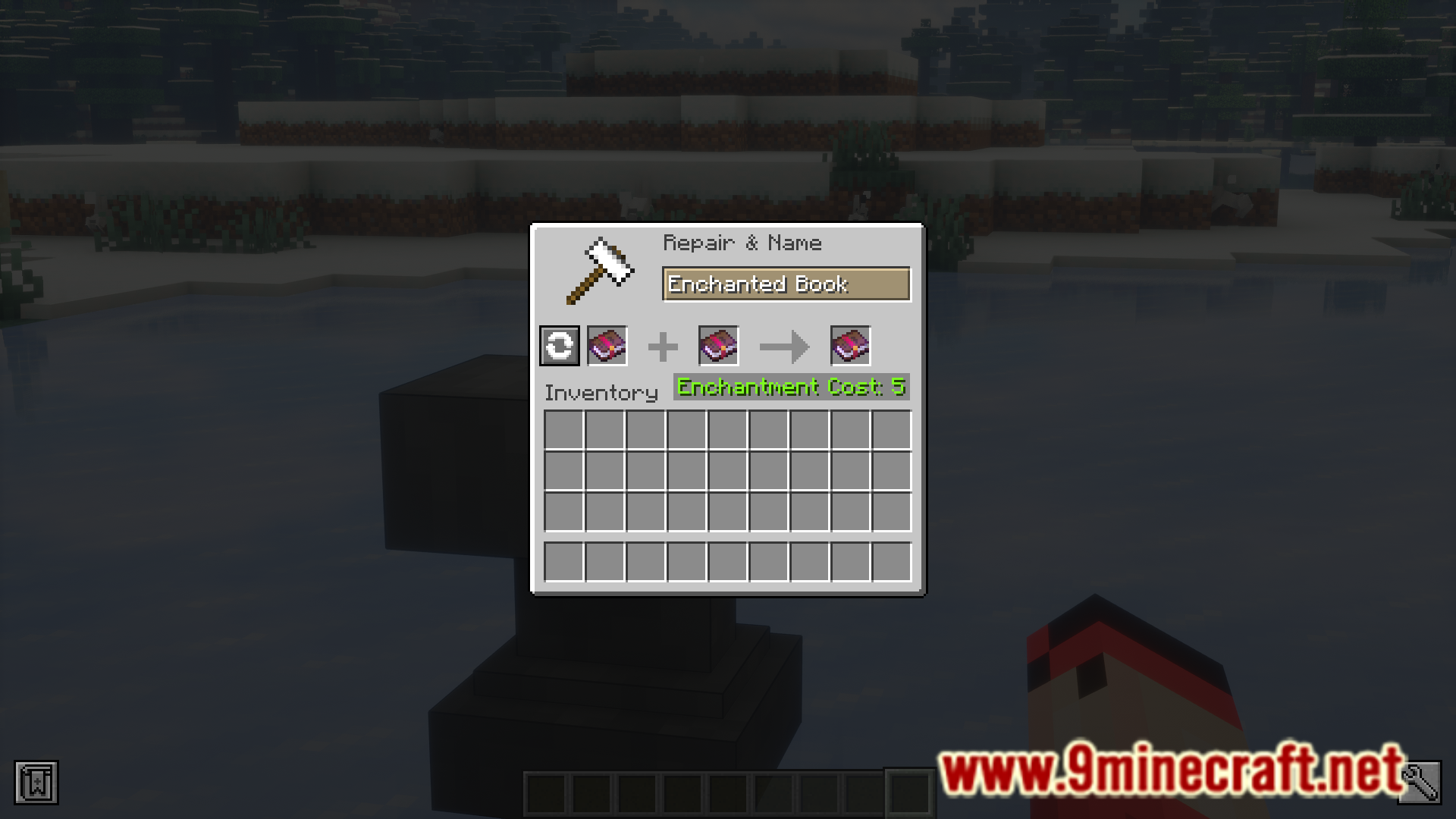
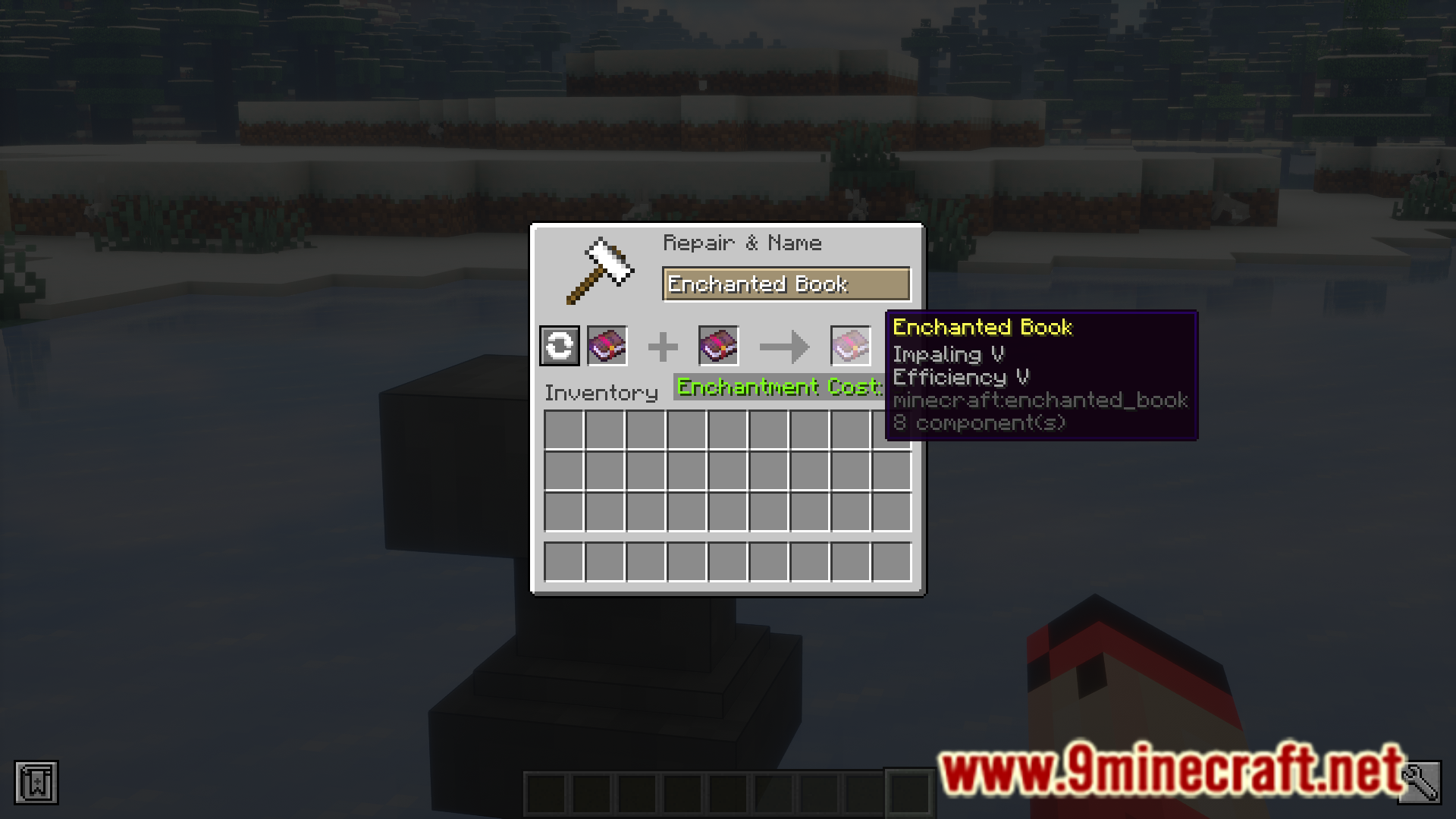
It adds a swap button to the anvil screen that exchanges the items in the two input slots. When the swapped order gives the same result for less XP, the button glows.
How do I use the swap button?
Put your two items in the anvil and look at the button. If it glows, click it and the mod swaps the item positions for you. Then take the output as usual.
Why isn't the swap button glowing?
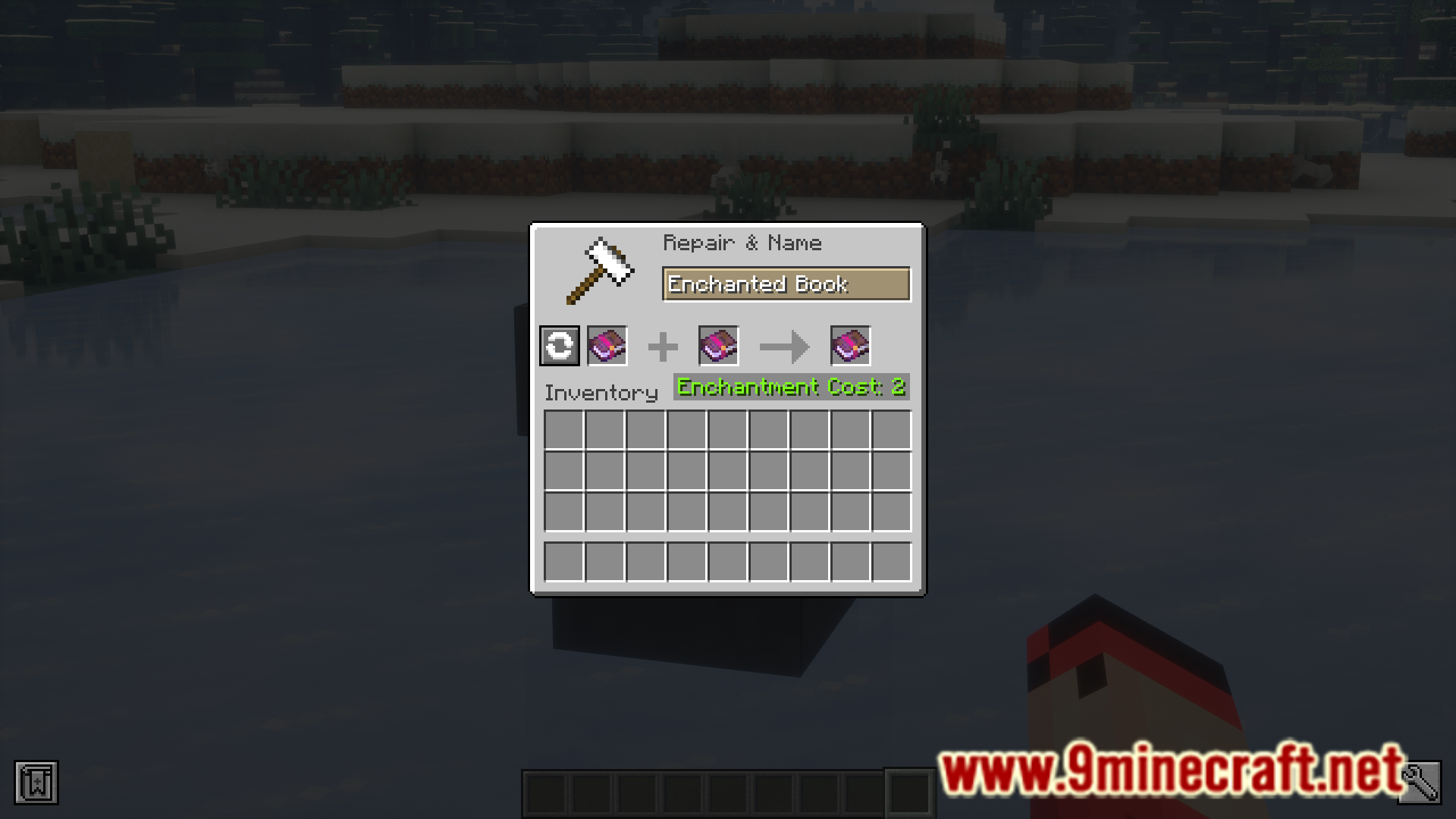
The button only glows when reversing the slots would make the combination cheaper. If the current order is already the cheapest, or the swap wouldn't lower the cost, it stays unlit. Nothing is wrong with the mod in that case.
Does swapping the items change the enchantment result?
No. The mod is meant to give you the same combined result for a lower XP cost. Only the order of the items changes.
See all 10 Anvil Swapper questions ›
Gallery
7 images from the Anvil Swapper Mod page.

You May Also Like
Wikis that share the most with this one
More mod wikis on the site
The most downloaded mods that have a wiki here
A few wikis from each of the other kinds