

 DownloadOptimized Fullbright Mod
Get the files on 9Minecraft
Guides
Step-by-step, in-game.
Build Large Redstone Farms Without Lag SpikesUnderstand Why Redstone Causes Lag Redstone machines and piston farms trigger constant light updates as blocks move…Enable and Disable Fullbright on DemandToggle Fullbright with Keybind The mod includes a default keybind to turn fullbright on and off without restarting…Use Fullbright to Find Caves and Ore EfficientlyNavigate Dark Caves Without Torches Enable fullbright before descending into caves. You'll see every block clearly at…Verify Fullbright is Working CorrectlyCheck Light Levels on F3 Screen Press F3 to open the debug overlay. Look for the light level display (usually shown…
Frequently asked questions
How do I turn fullbright on and off?
Press the keybind (default is usually a configurable key) to toggle fullbright on and off instantly. You can rebind this key in your mod settings or controls menu.
Does fullbright work in the Nether and End?
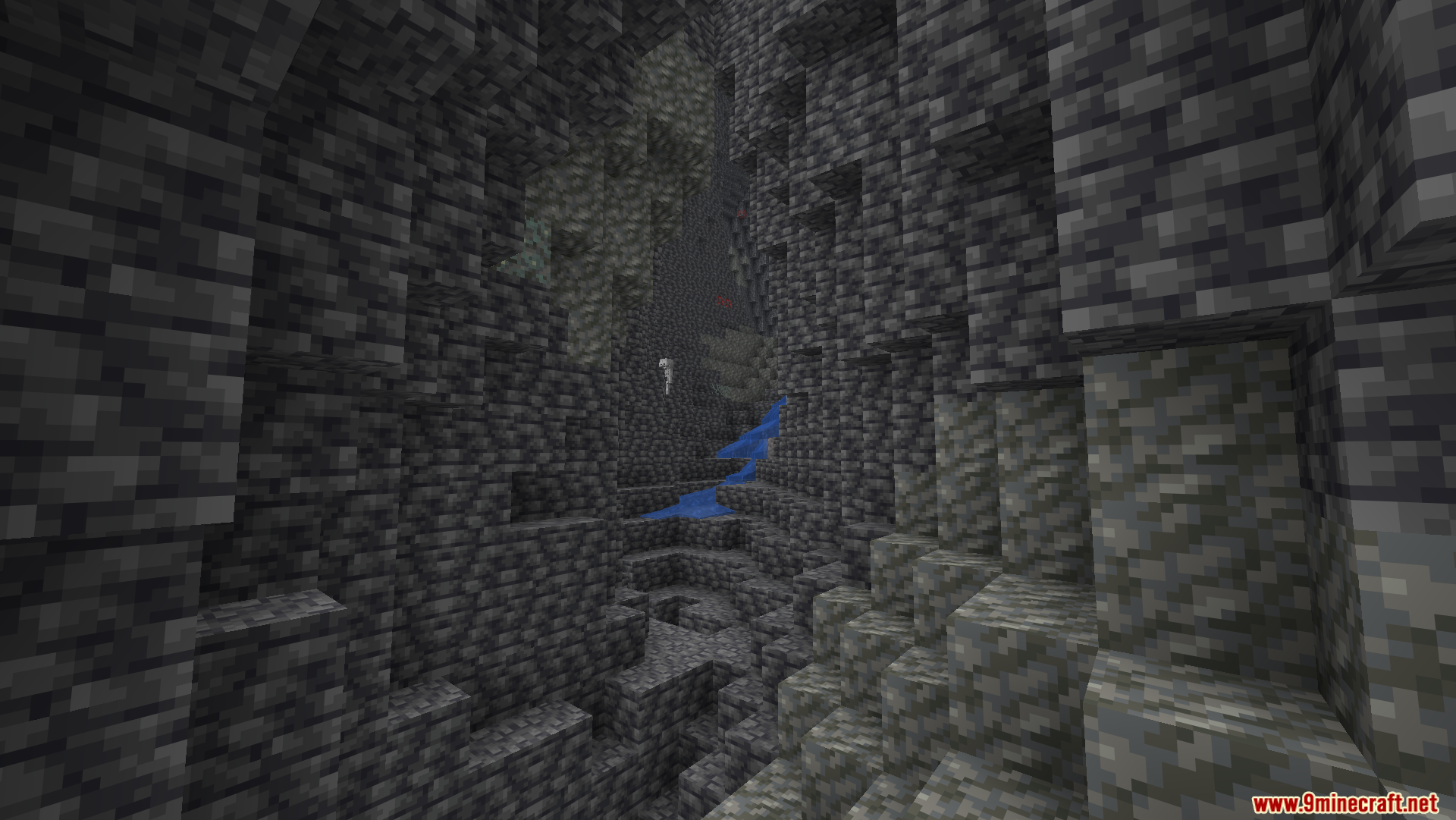
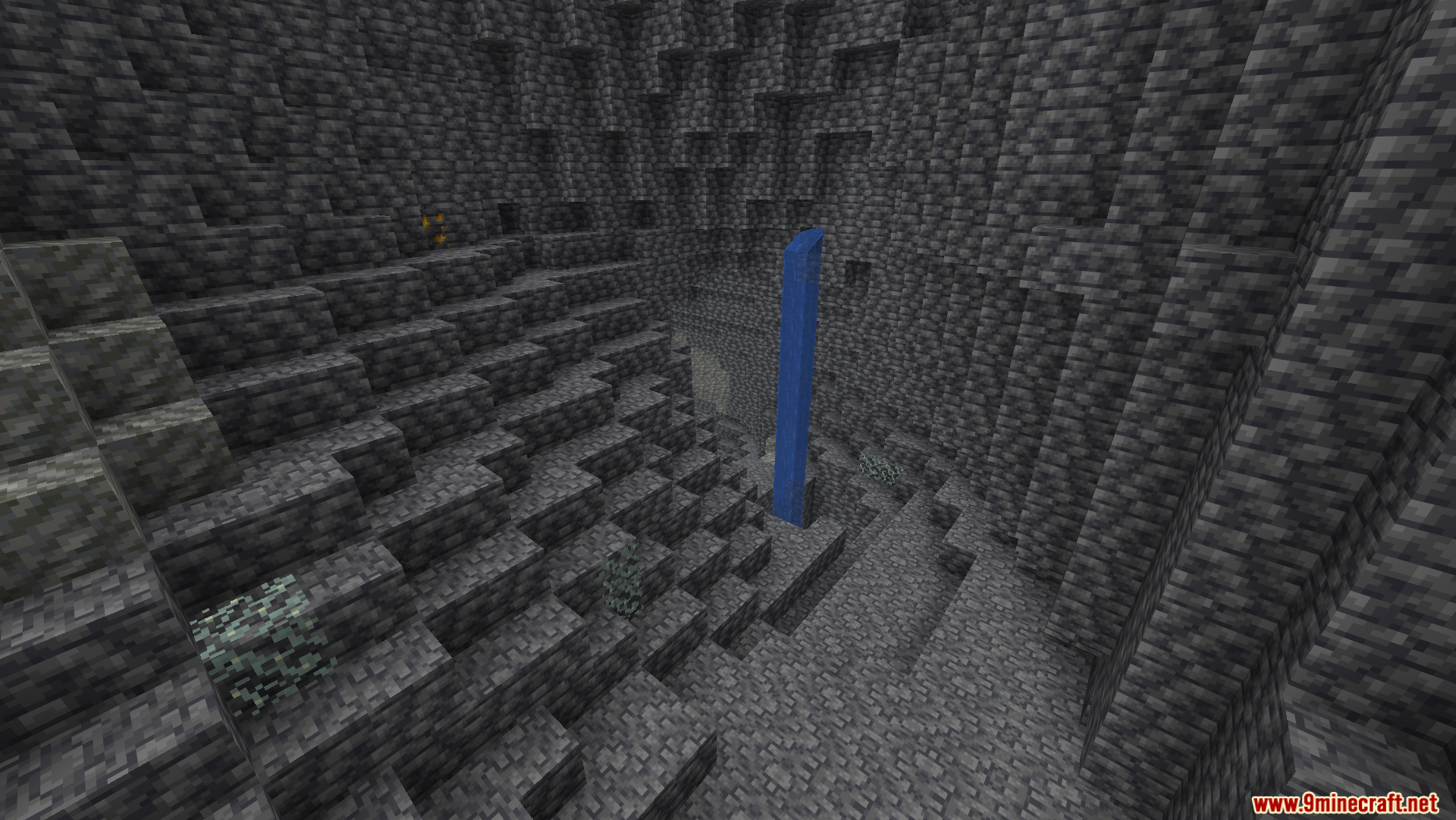
Yes, fullbright works everywhere—caves, surface, Nether, End, and even underground. It gives you full vision regardless of the dimension or time of day.
Will fullbright affect other players on a multiplayer server?
No, fullbright only changes what you see on your client and does not alter any actual game data or rules, so other players won't see any difference.
Does fullbright break mob spawning or game mechanics?
No, fullbright is purely visual and does not change how mobs spawn, how light levels work for game logic, or any other mechanics—only what appears on your screen.
See all 10 Optimized Fullbright questions ›
Gallery
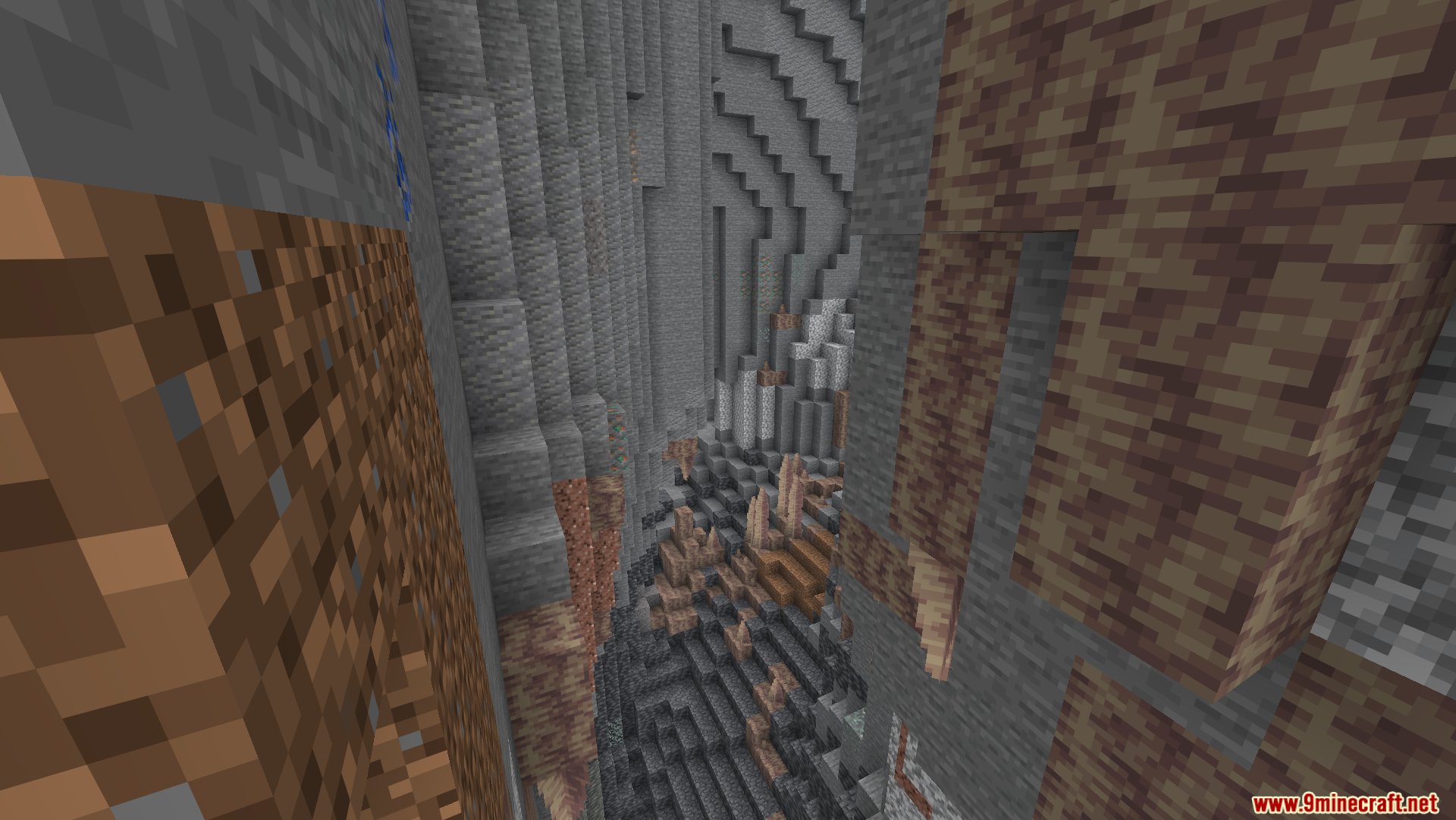
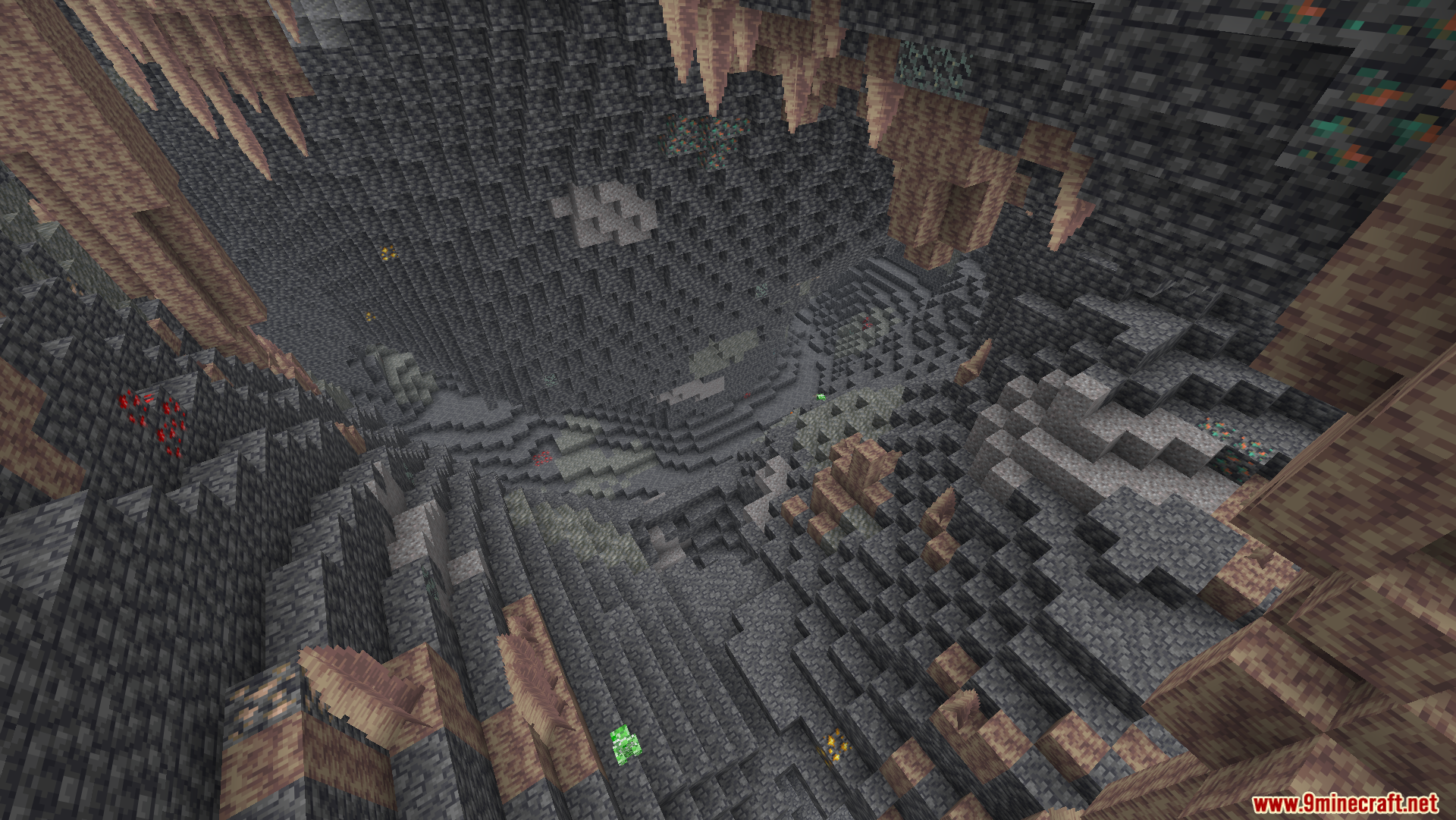
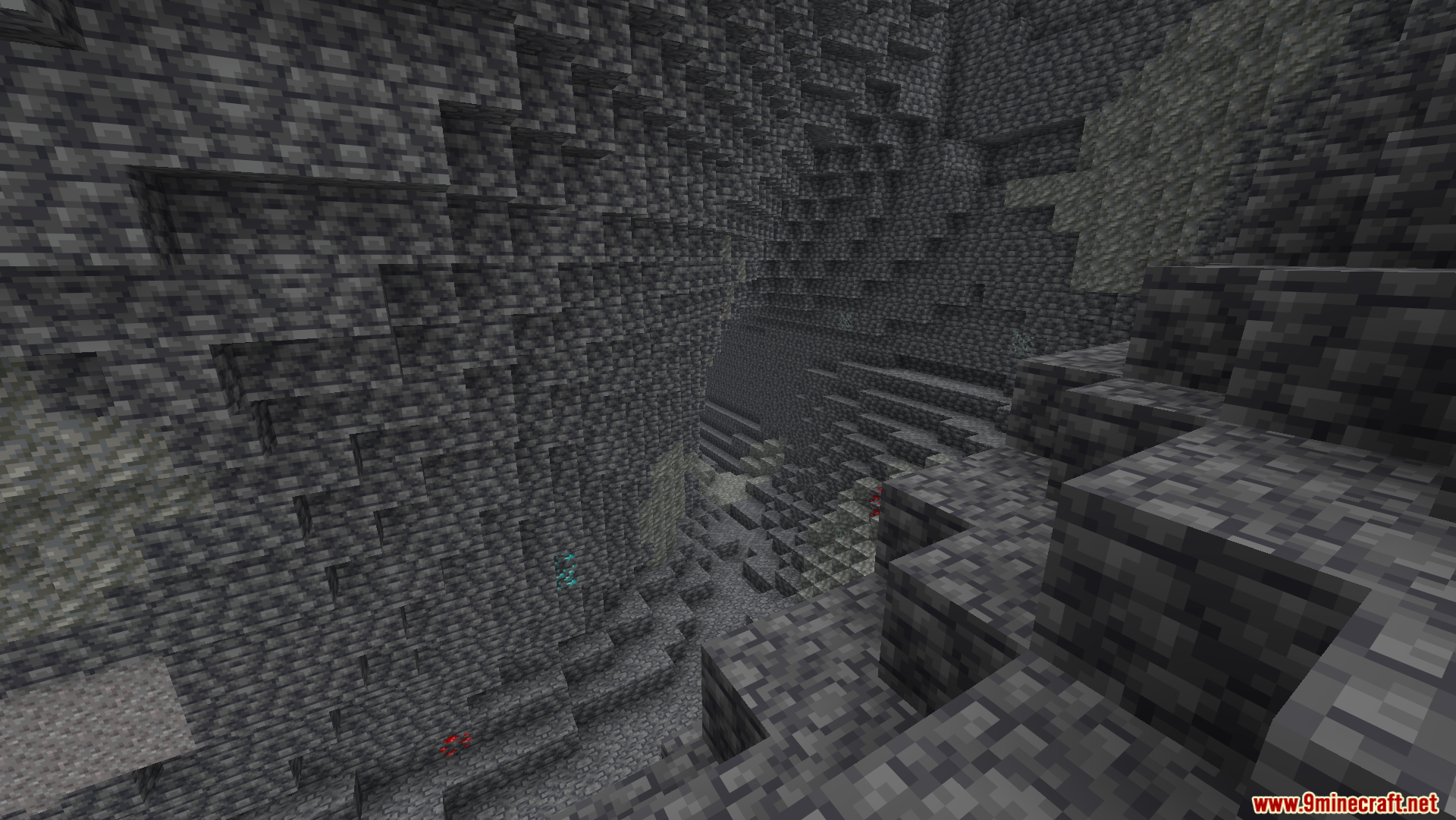
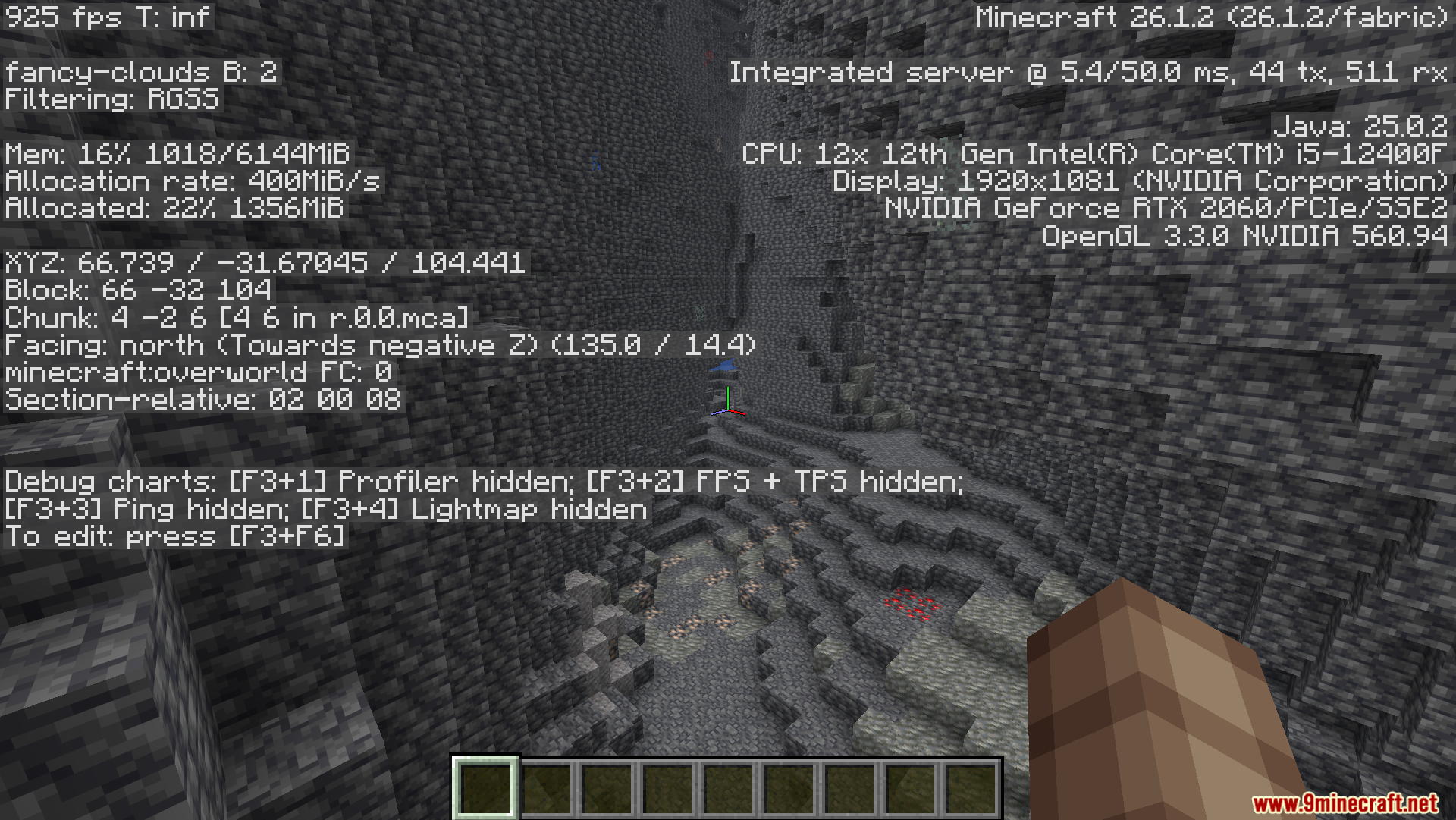
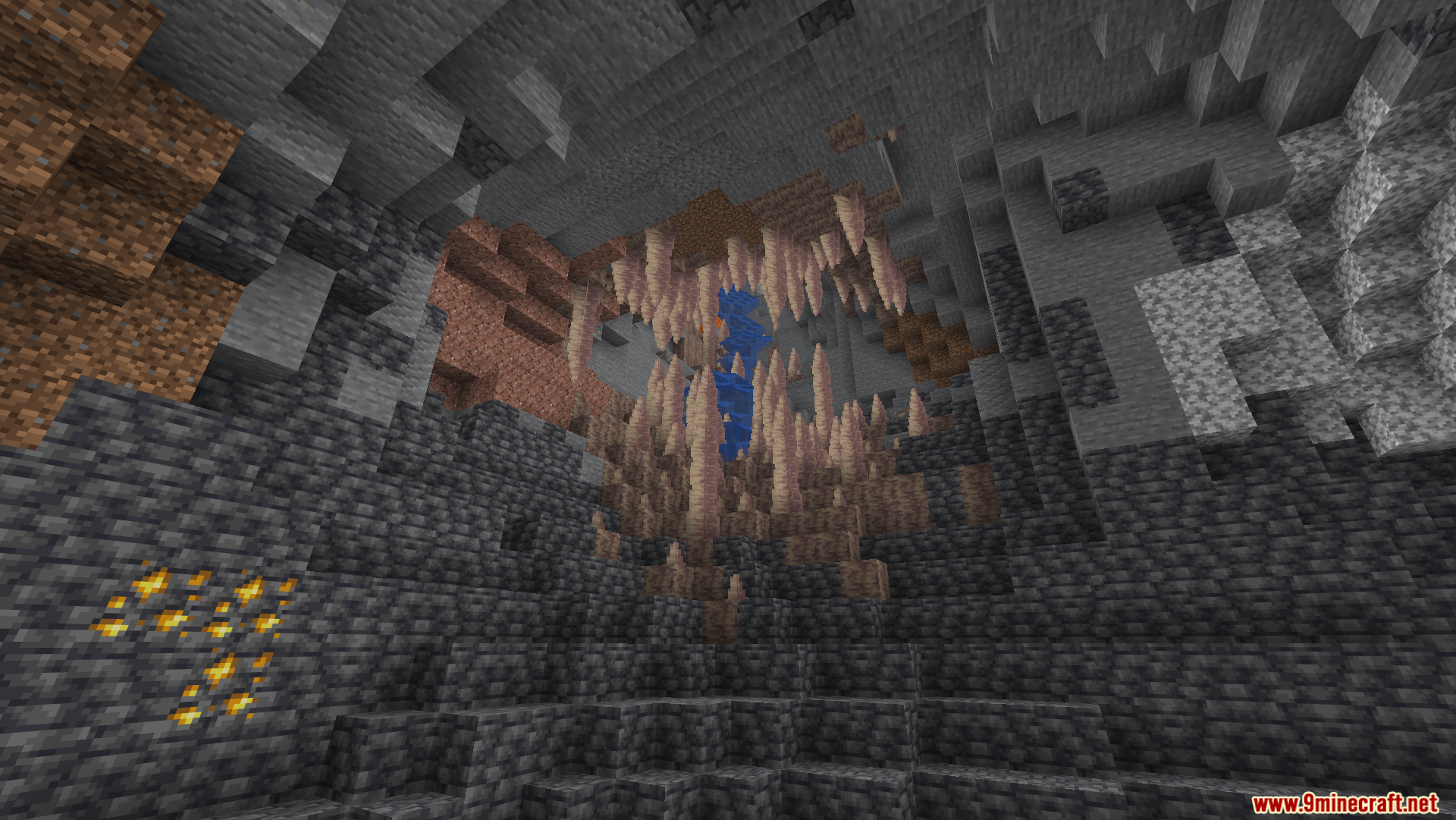
12 images from the Optimized Fullbright Mod page.



You May Also Like
Wikis that share the most with this one
Wikis on the same theme: light
More mod wikis on the site
 Optimized Bushy Leaves Model
The most downloaded mods that have a wiki here
A few wikis from each of the other kinds