

 DownloadErdemstandis Fullbright Mod
Get the files on 9Minecraft
Guides
Step-by-step, in-game.
Change the Fullbright Toggle KeyAccess the controls menu 1. Open your game menu (press Esc ) 2. Click Options 3. Click Controls Find and rebind the…Enable Fullbright for Mining and CavingTurn on the brightness effect Press B on your keyboard to activate Fullbright. You'll immediately notice the world…Mine Efficiently at Night Without TorchesSet up your mining session Activate Fullbright by pressing B before you head out into the night. You'll have perfect…Use Fullbright on Multiplayer ServersHow it works on servers Fullbright is completely client-side, meaning it only affects what you see on your screen.…
Frequently asked questions
How do I turn on fullbright?
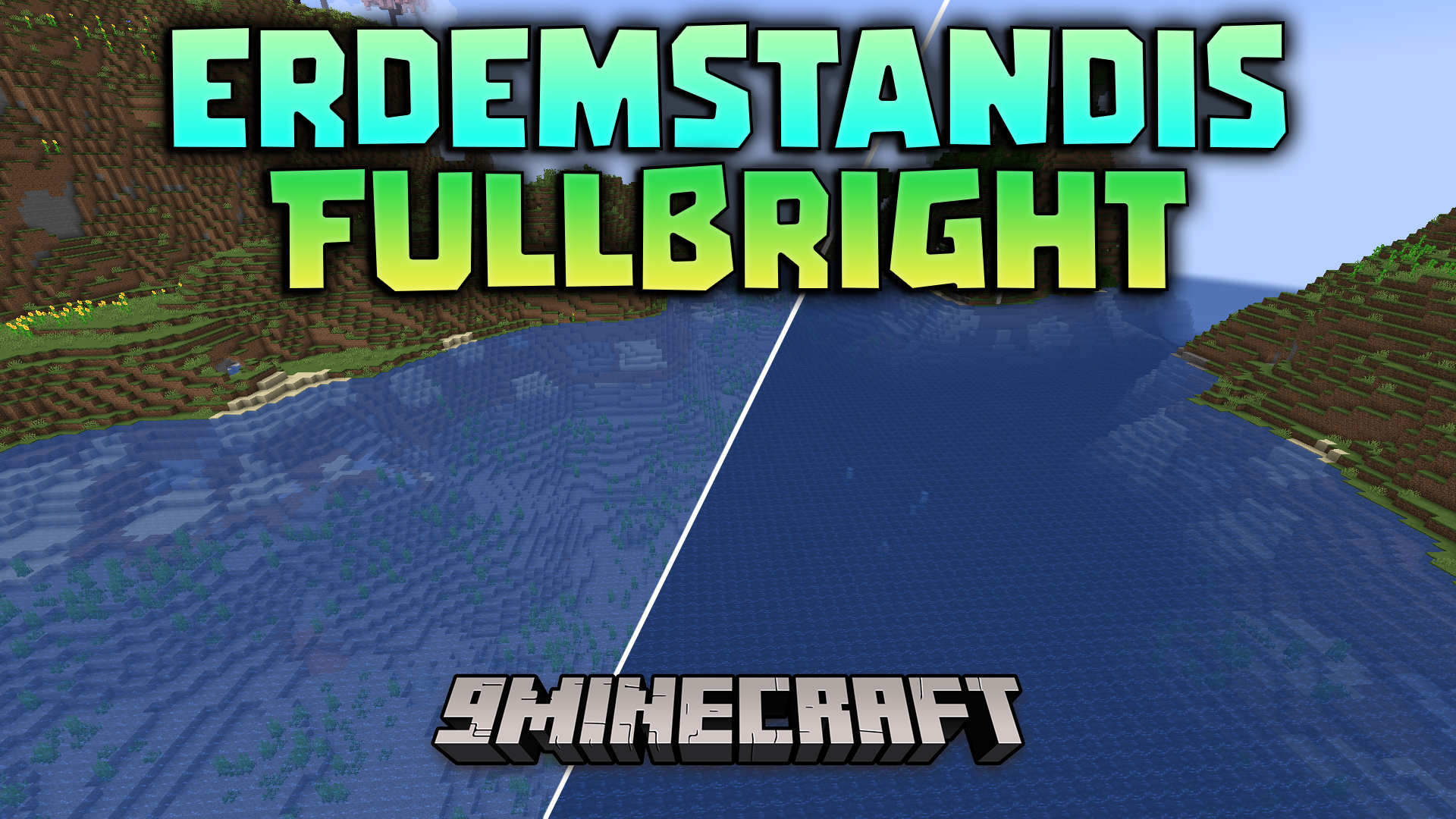
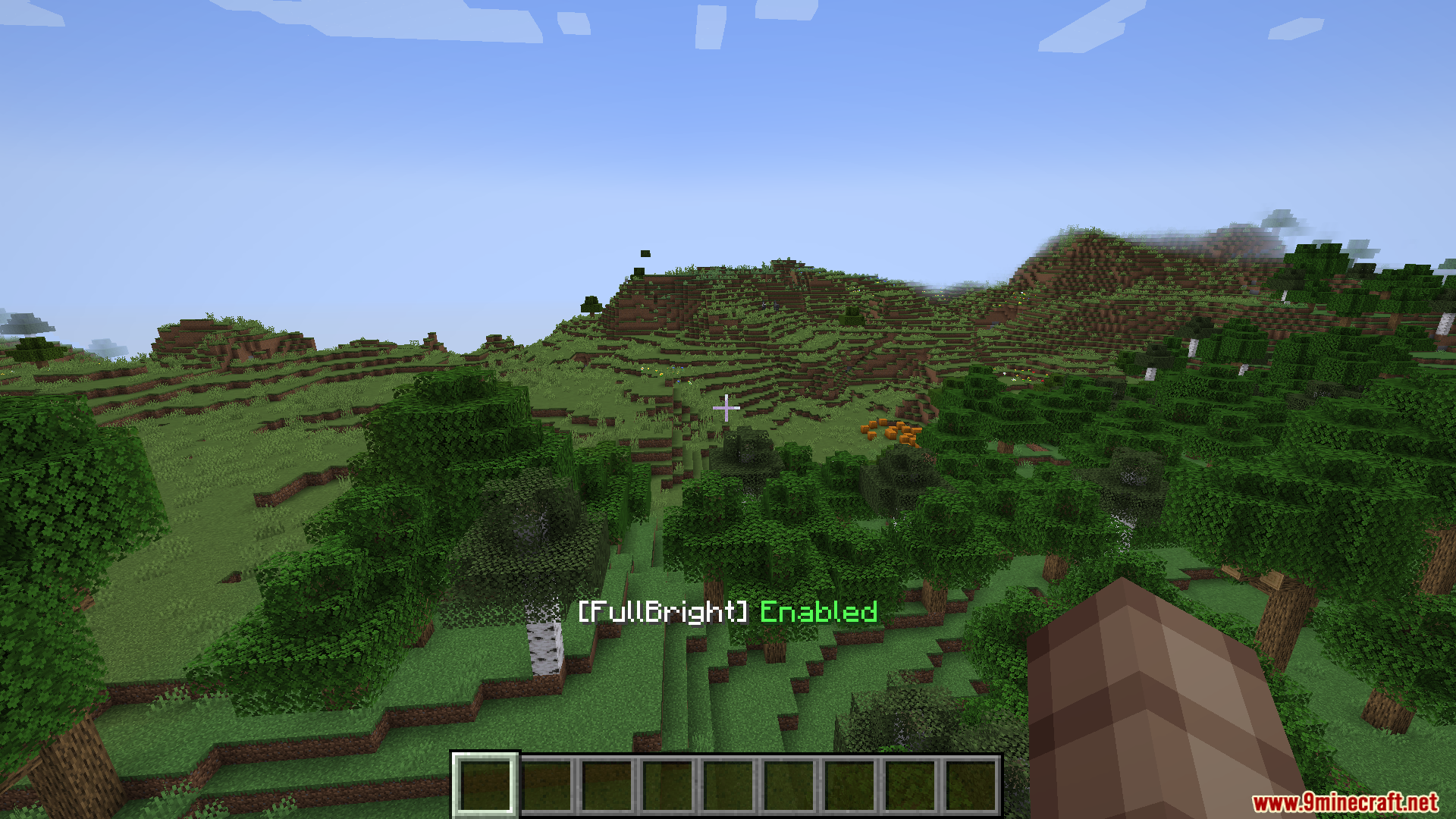
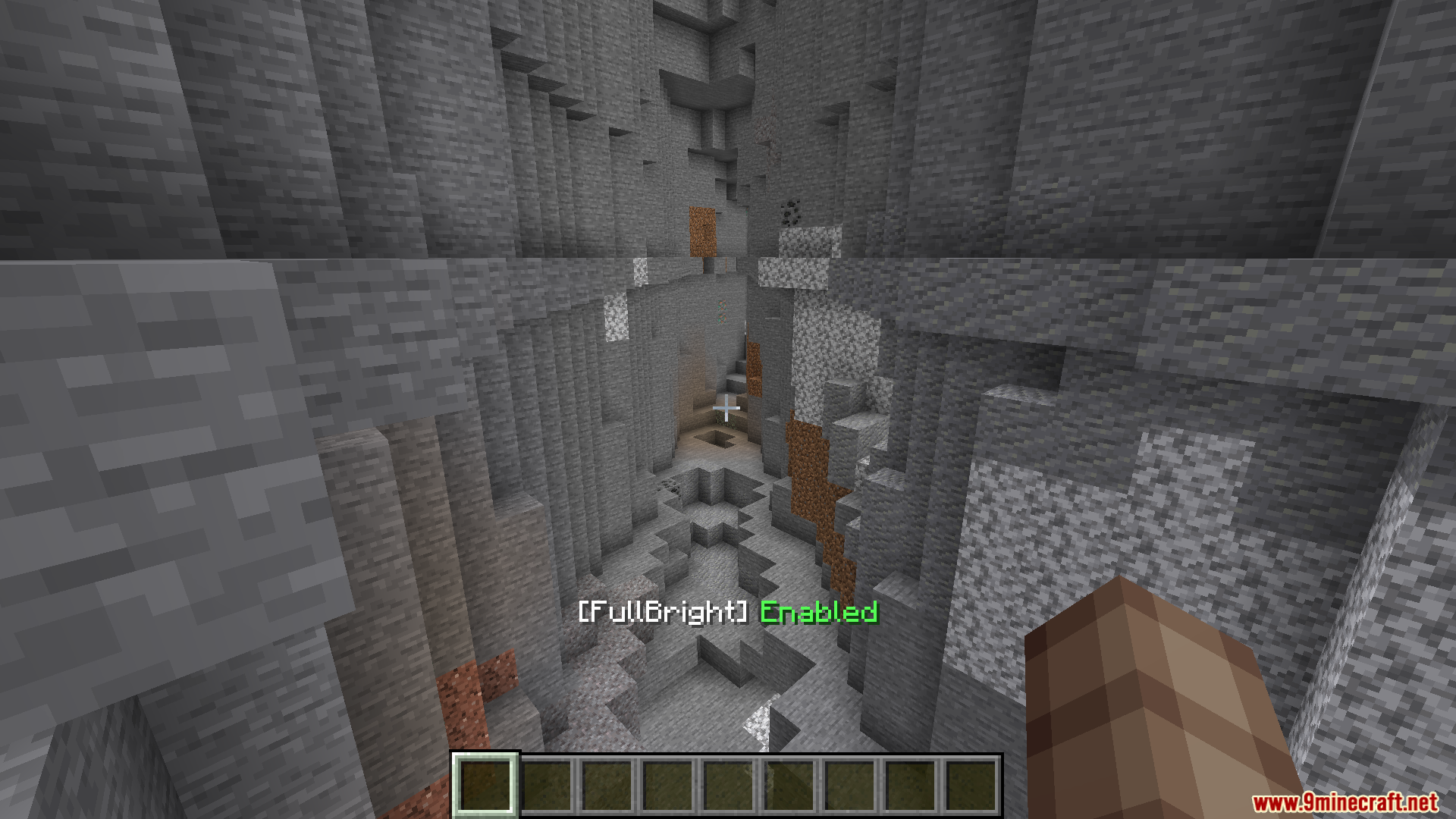
Press B on your keyboard to toggle the fullbright effect on and off. You'll immediately see the brightness effect activate, lighting up dark areas around you.
Can I change the fullbright hotkey?
Yes. Go to Options > Controls and search for the fullbright binding, then click it and press your preferred key to rebind it.
Does fullbright work on multiplayer servers?
Yes, fullbright is client-side only, so it only affects what you see on your screen and doesn't modify the server or affect other players.
Will fullbright slow down my game?
No, the mod is optimized to run smoothly without impacting your frame rate or computer performance.
See all 10 Erdemstandis Fullbright questions ›
Gallery
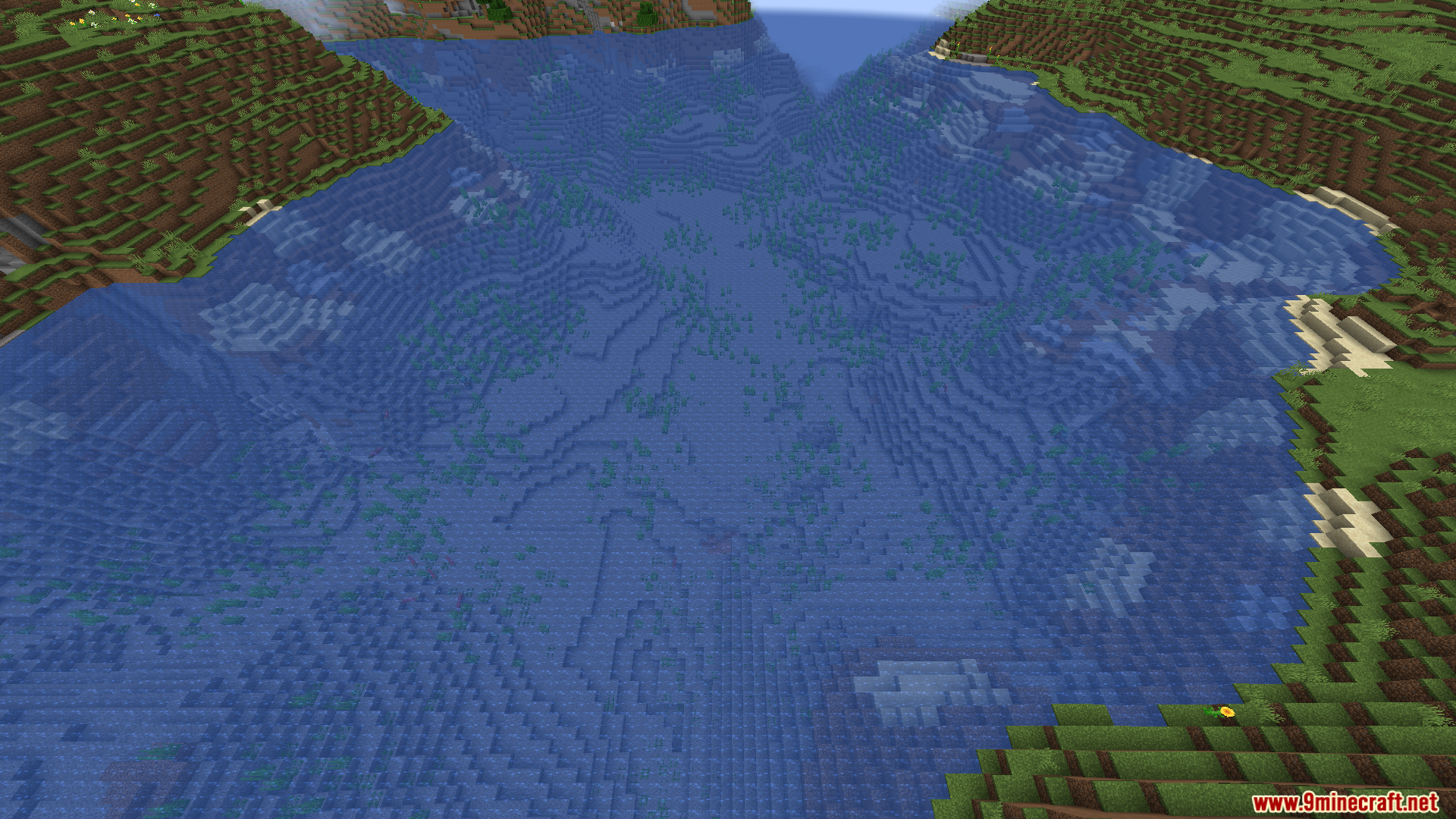
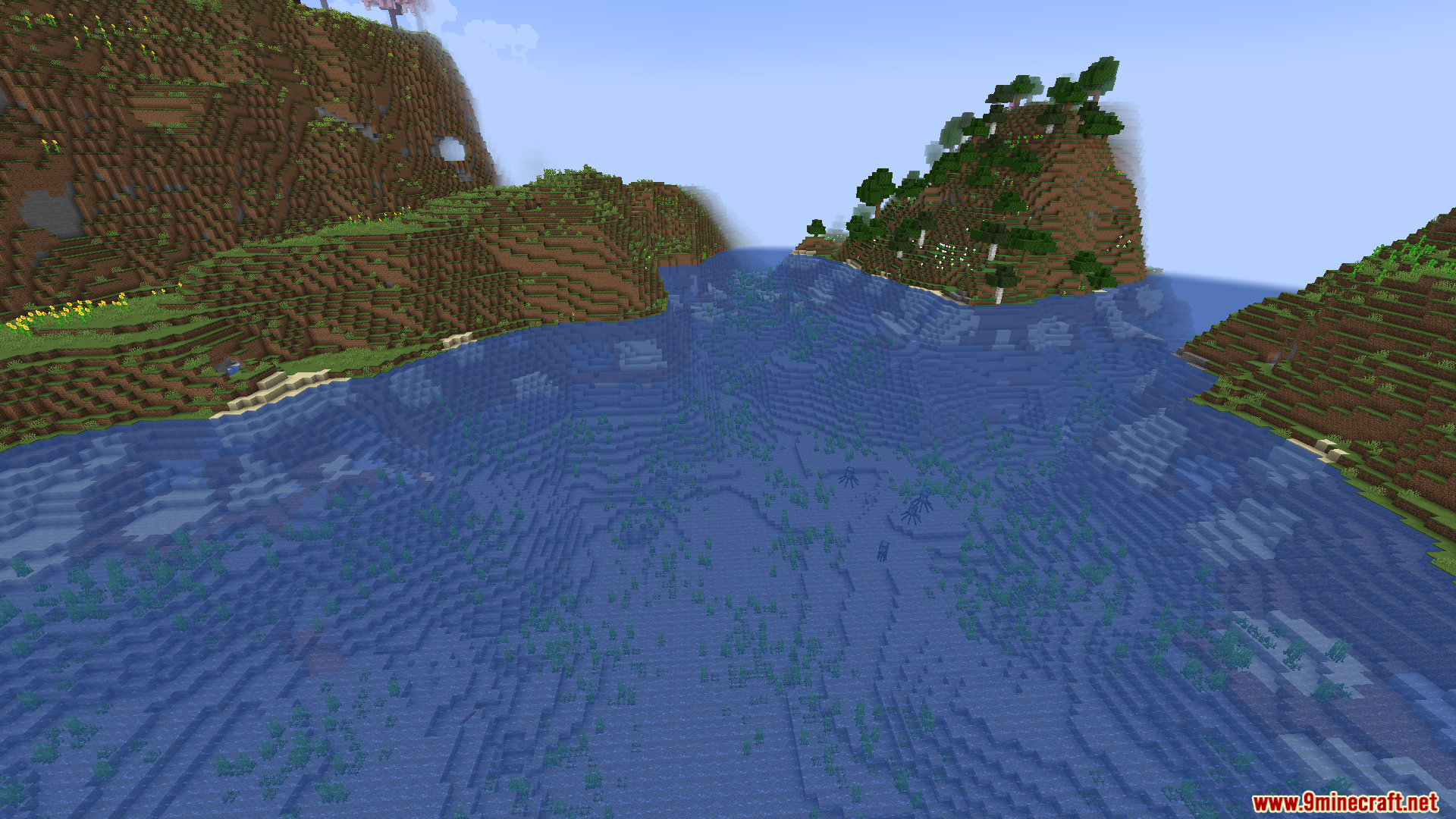
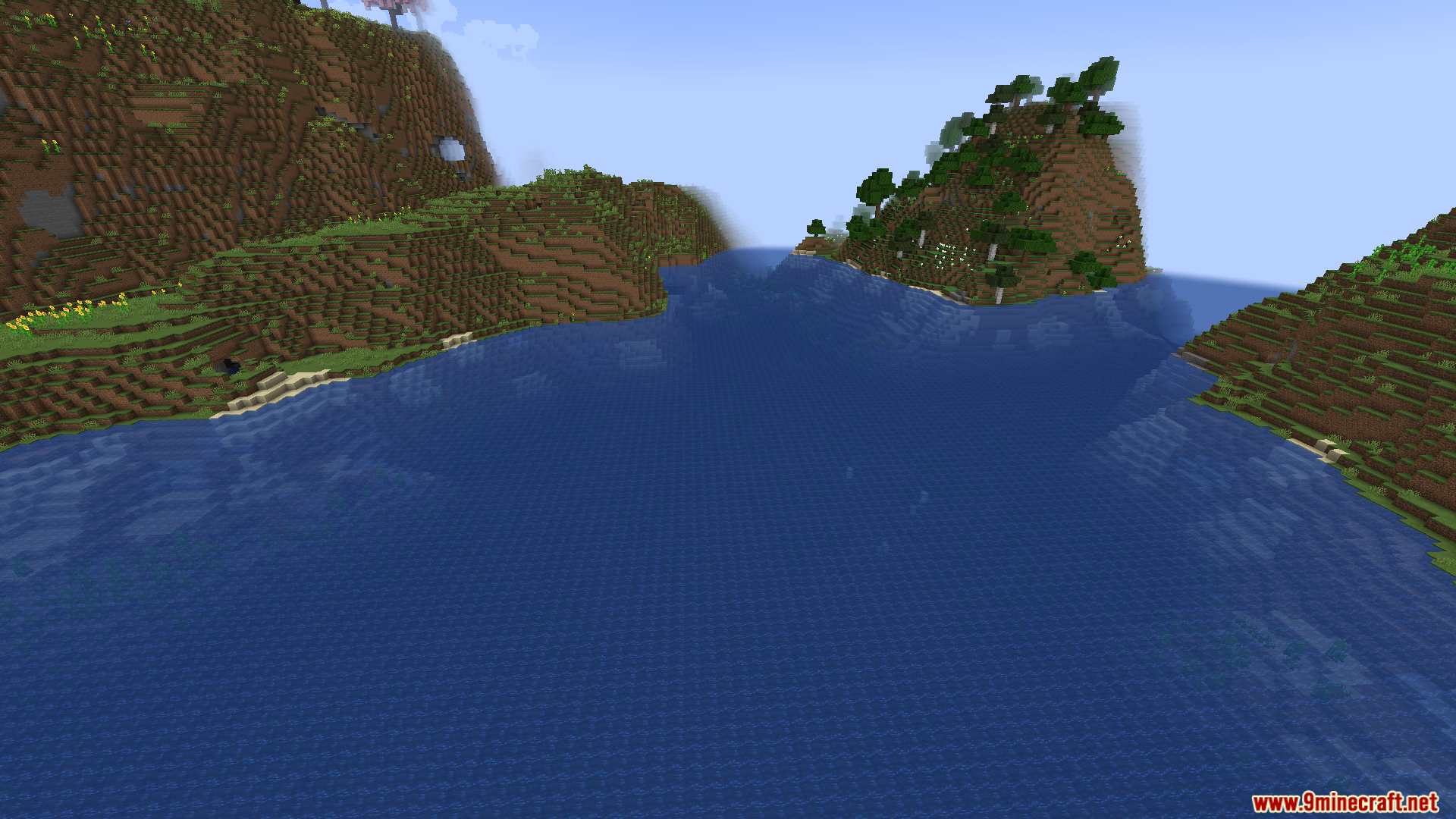
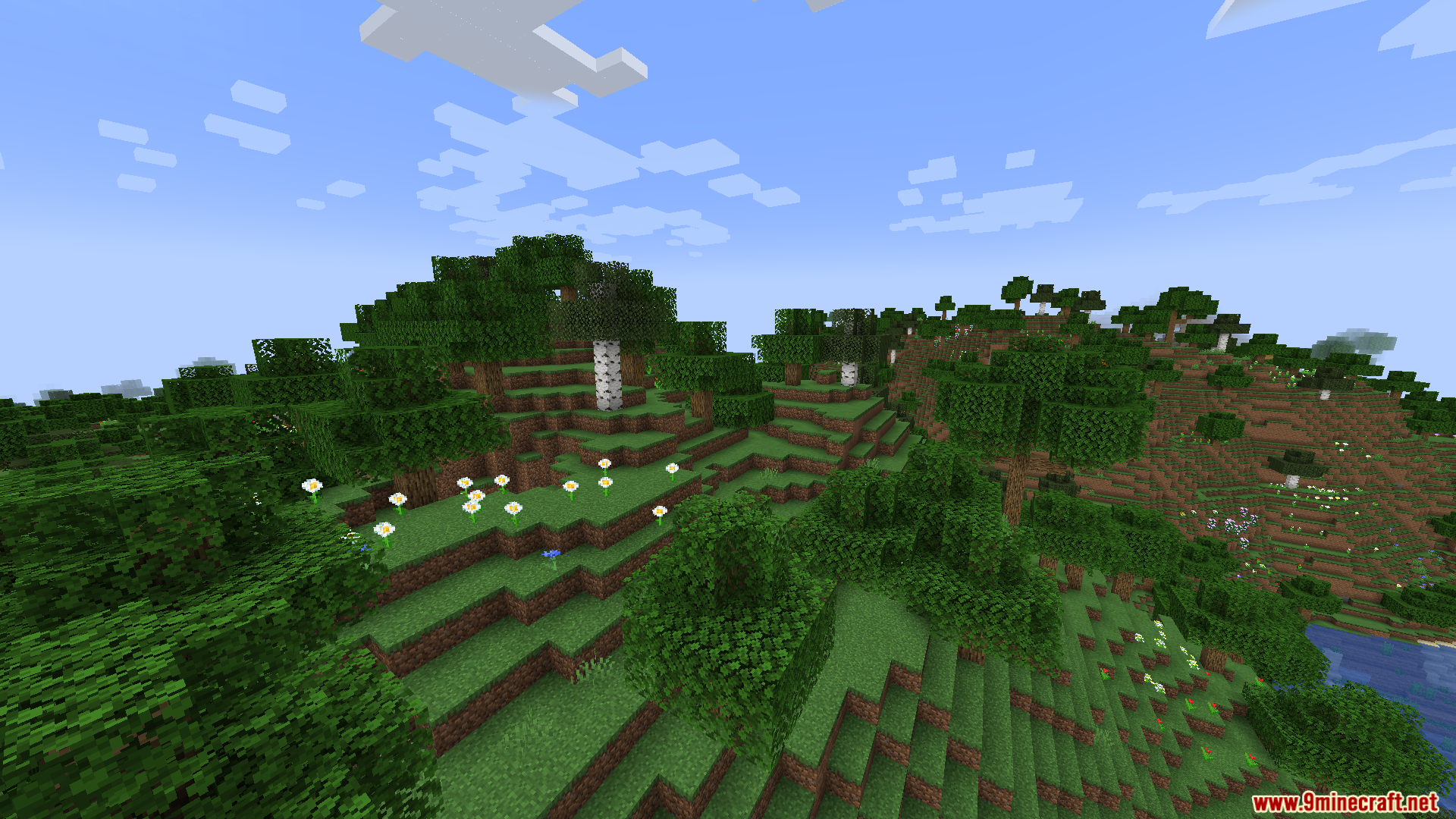
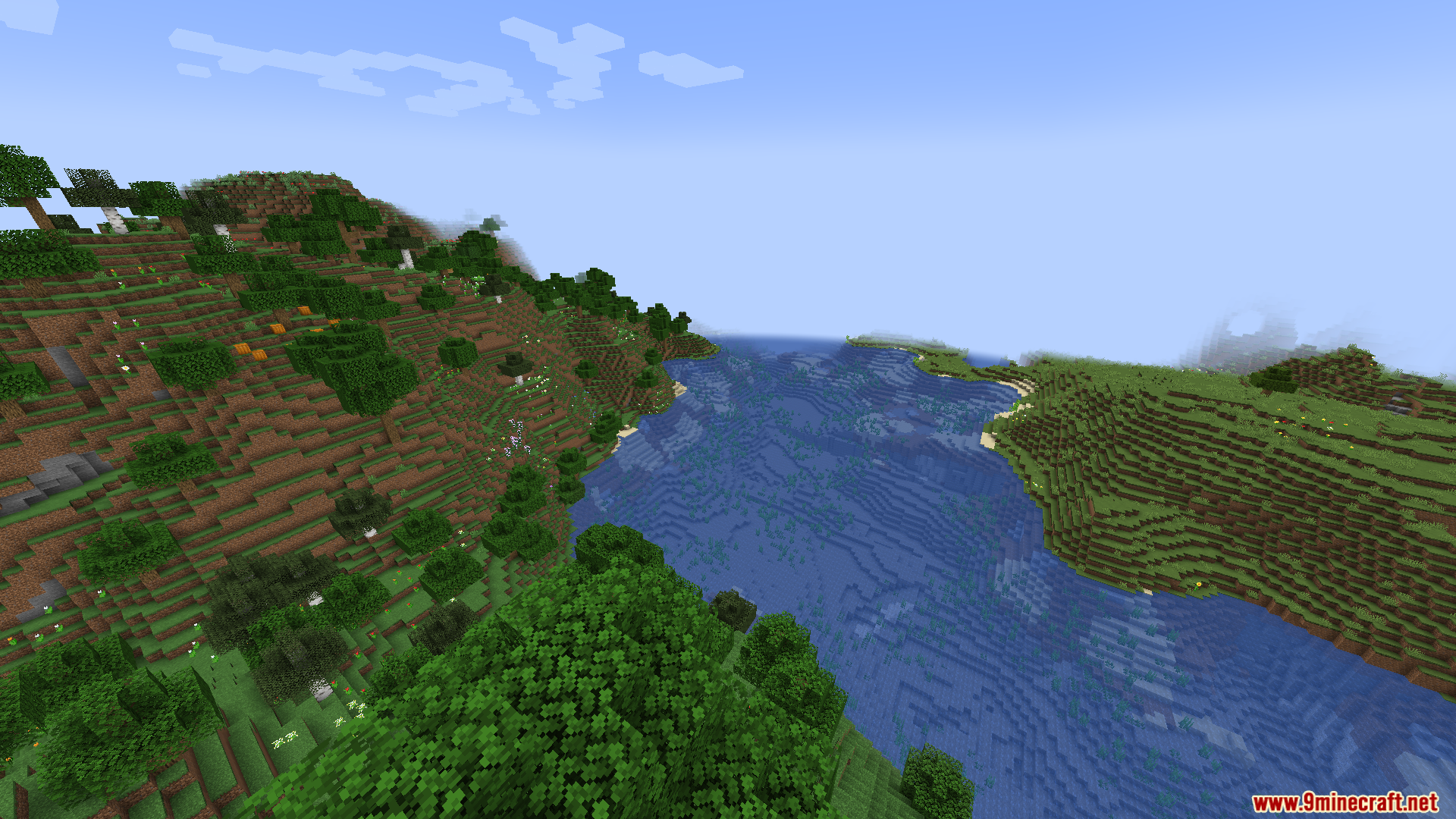
9 images from the Erdemstandis Fullbright Mod page.
You May Also Like
Wikis that share the most with this one
Fullbright ShadersSimple Fullbright ModSodium Fullbright ModDynamic Fullbright ModFullbright Plus ShadersOptimized Fullbright ModFullbright SP Resource PackFlez’s Fullbright Resource PackVanilla Fullbright Resource PackFullbright UB 9minecraft Resource PackEpicurean Gastronomy Mod 1.15.2,EpicYSM Mod
More mod wikis on the site
The most downloaded mods that have a wiki here
A few wikis from each of the other kinds