

 DownloadOptiGUI Mod
Get the files on 9Minecraft
Guides
Step-by-step, in-game.
Fixing GUI Textures That Do Not Show Up in OptiGUIWhen a pack loads but the menus still look vanilla, the problem is almost always pack order, pack format, or a…How to Apply a Custom GUI Resource Pack with OptiGUIOptiGUI works by reading GUI textures out of resource packs, so the first thing you need is a pack that actually…Making Your Own OptiGUI Resource Pack for Custom MenusOptiGUI reads GUI textures from a resource pack, so you can build your own pack to restyle containers, the inventory,…Using OptiGUI Packs on a Server or With Other ModsOptiGUI is a client-side mod, which means the server never needs it and other players will not see your custom menus.…
Frequently asked questions
How do I get started with OptiGUI after installing it?
Drop a compatible GUI resource pack into your resourcepacks folder and enable it from the in-game resource pack menu. OptiGUI reads the pack's custom GUI files automatically, so no extra configuration is needed to see the new menus.
Do I need OptiFine installed for OptiGUI to work?
Where do I put OptiGUI resource packs?
Place them in the same resourcepacks folder you use for any other resource pack, then activate them from the resource pack screen. OptiGUI picks up both OptiFine-format GUI packs and its own format from there.
Why are my GUI textures not showing up after enabling a pack?
The most common causes are the pack being placed below another pack that overrides it, or the pack using a format OptiGUI does not recognize. Move the GUI pack to the top of the list and confirm it actually contains custom GUI files.
See all 10 OptiGUI questions ›
Gallery
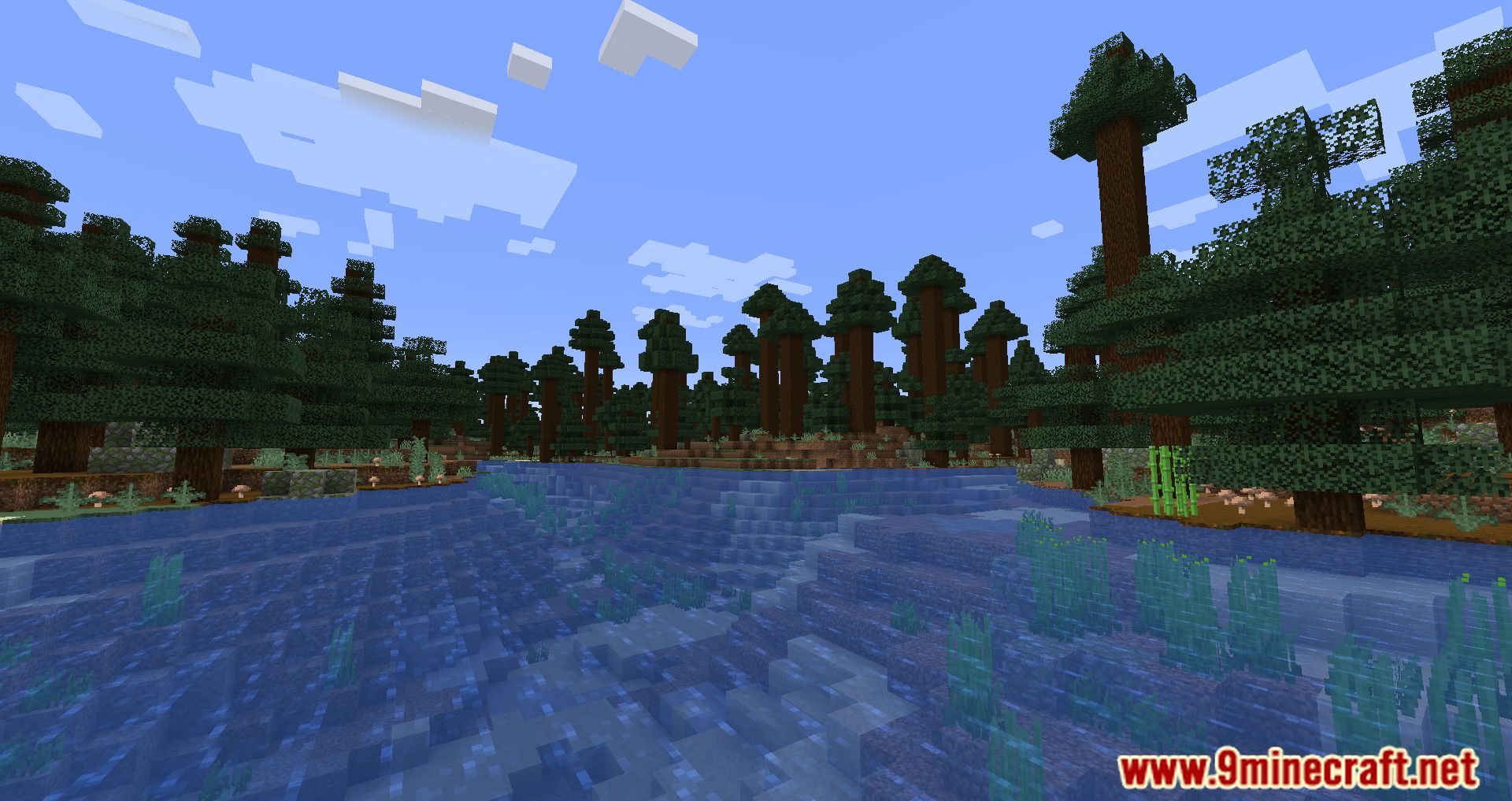
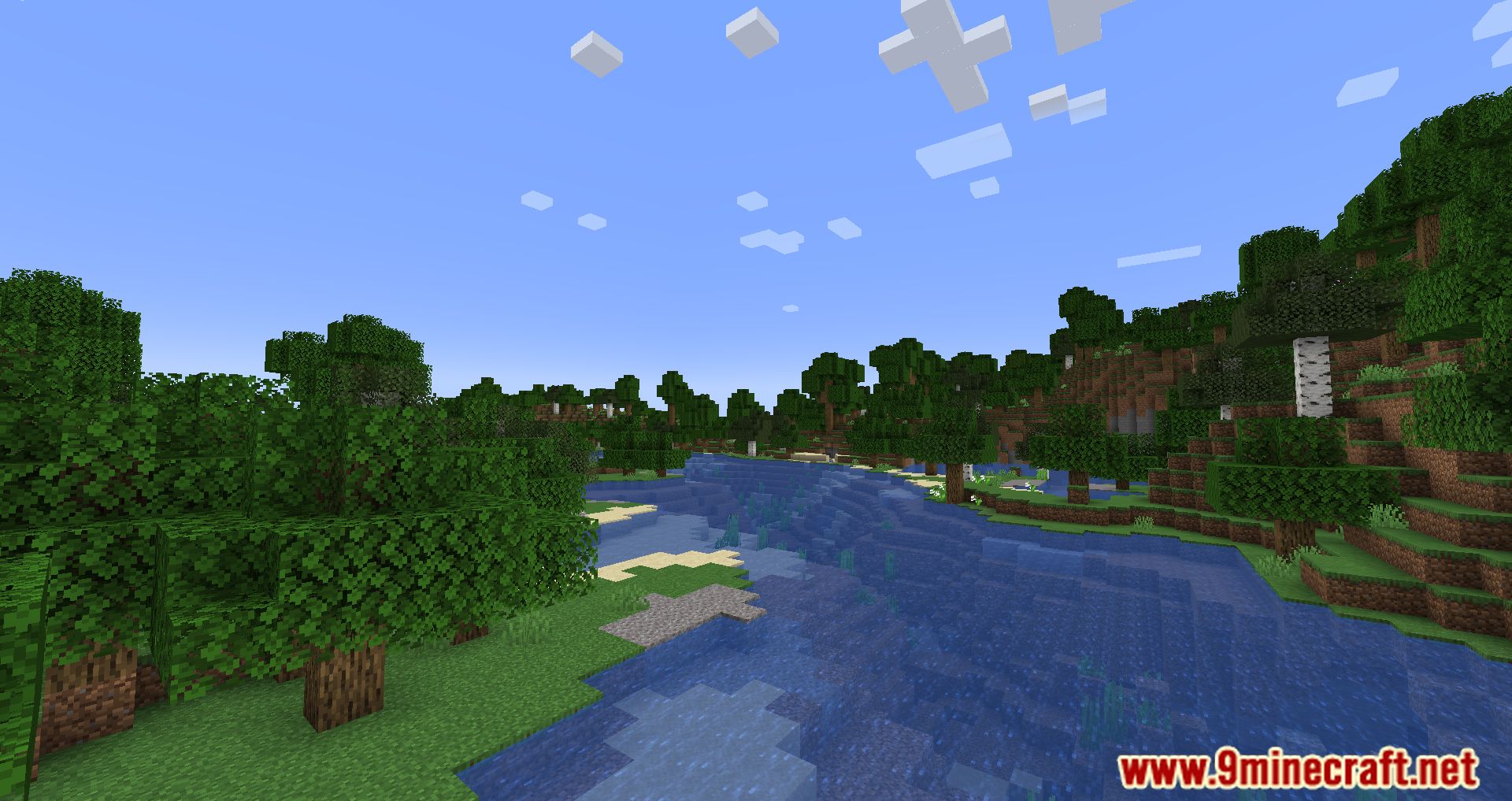
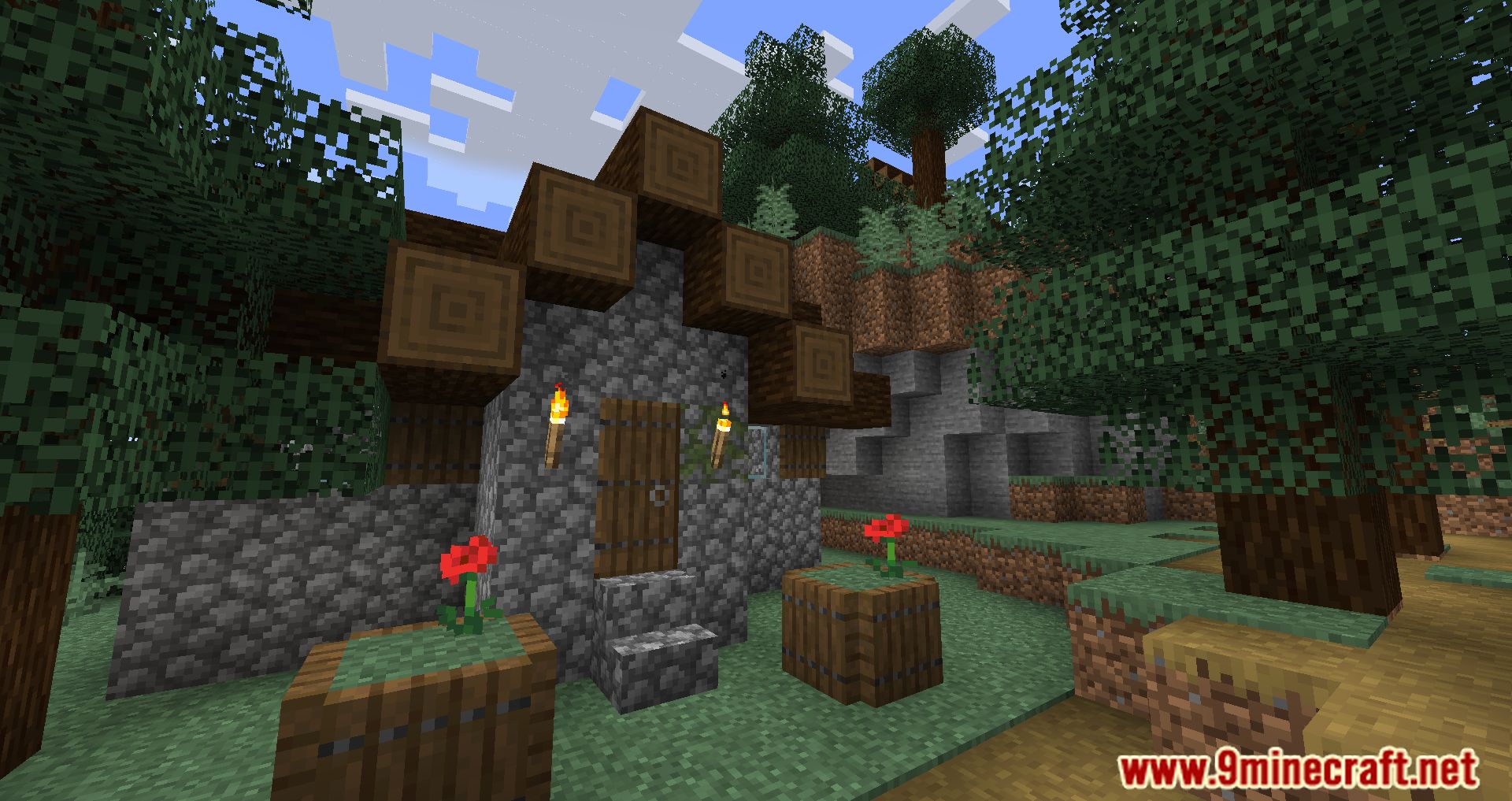
9 images from the Optigui Mod page.
You May Also Like
Wikis that share the most with this one
 Optimized Bushy Leaves Model
More mod wikis on the site
The most downloaded mods that have a wiki here
A few wikis from each of the other kinds