

 DownloadModern Keystrokes Mod
Get the files on 9Minecraft
Guides
Step-by-step, in-game.
Hide Specific Elements You Don't Want to SeeAccessing Toggle Options Open the keystrokes settings with /keystrokes . The menu contains individual toggle switches…Monitor Your Clicks Per Second During CombatEnabling the Click Counter Make sure the click counter is enabled in /keystrokes settings. This component tracks both…Position the Keystrokes Display on Your ScreenOpening the Settings Menu Press or say the command /keystrokes to open the mod's settings interface. This is where…Use the FPS Counter to Monitor Game PerformanceEnabling the FPS Display Open /keystrokes and toggle the FPS counter on. This adds a frames per second readout to…
Frequently asked questions
How do I open the keystrokes settings?
Type /keystrokes in chat to open the main settings menu. From there you can adjust display position, toggle elements on and off, and customize how the mod looks.
Can I move the keystrokes display to a different corner of my screen?
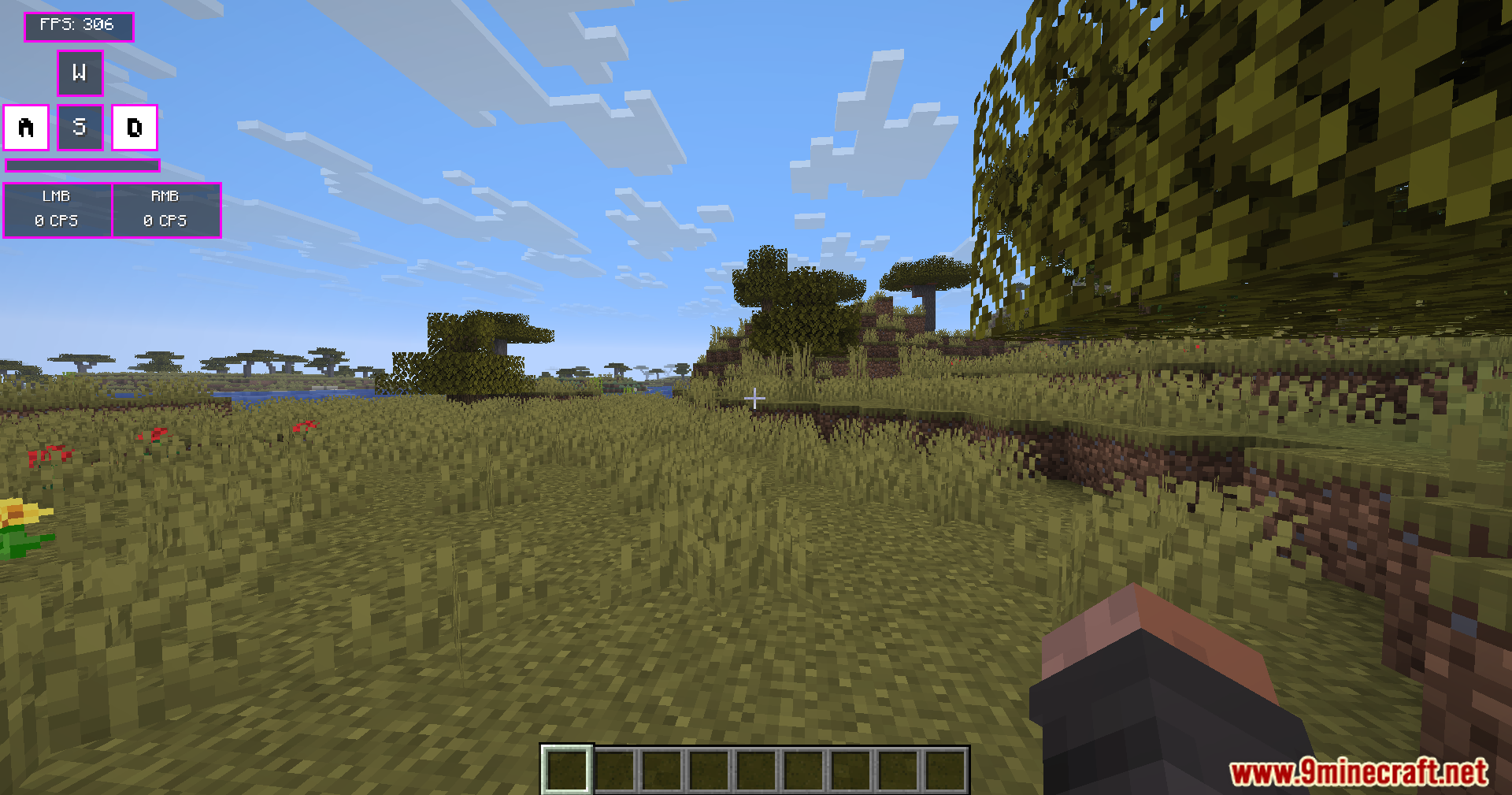
Yes, the settings menu includes sliders that let you reposition the entire display anywhere on your screen—use the X and Y position controls to place it where you want.
How do I turn off the FPS counter?
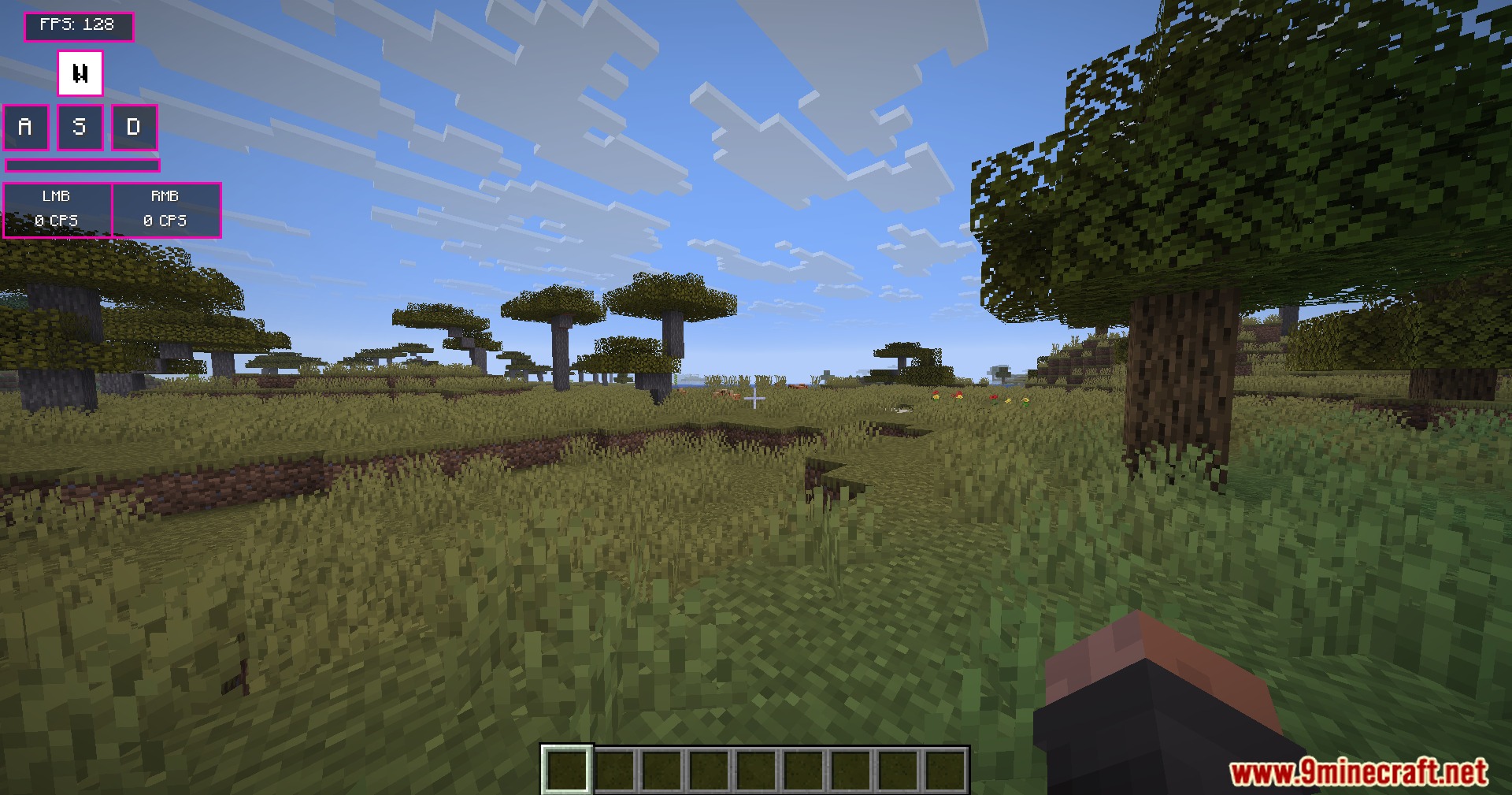
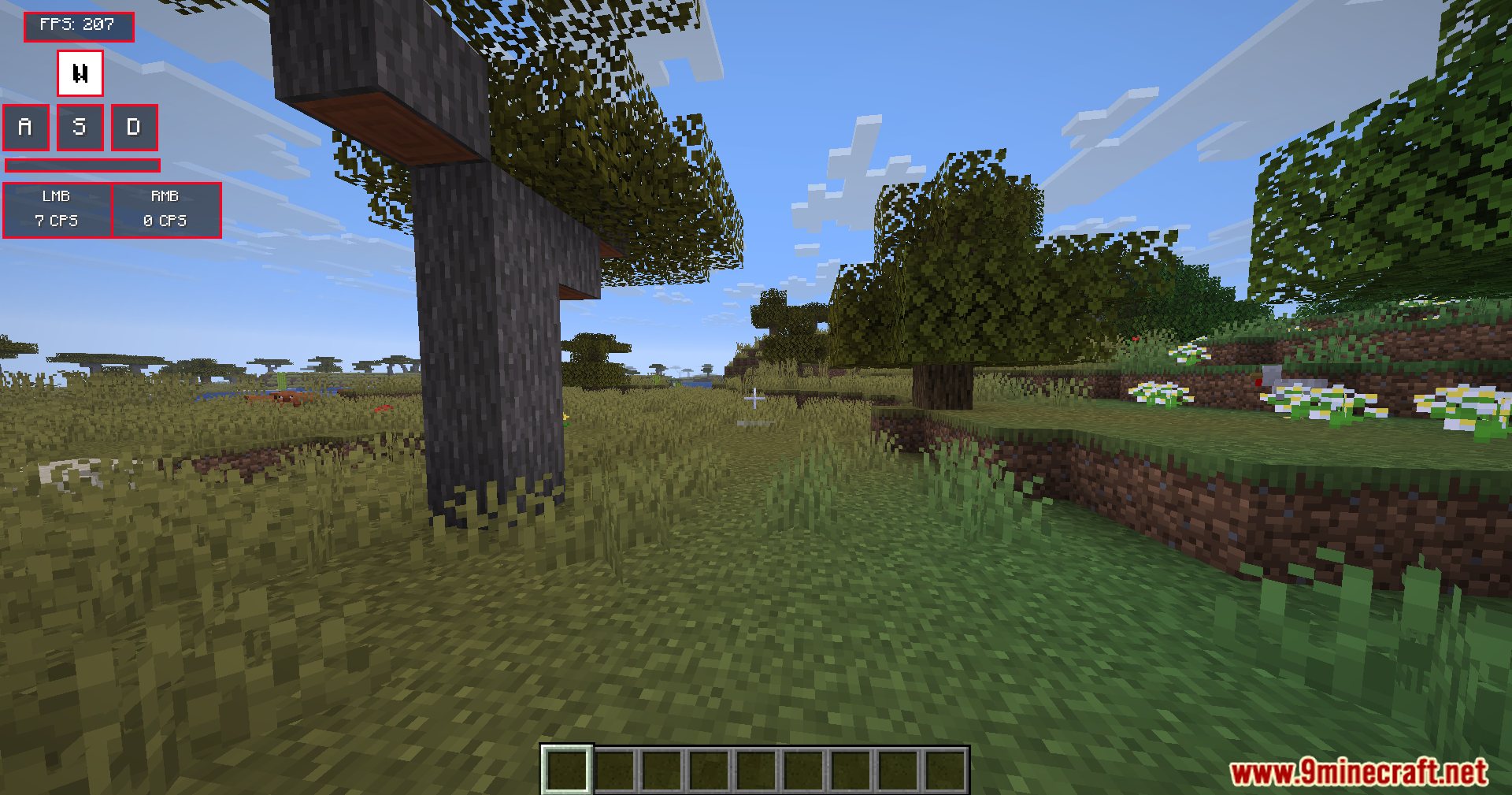
Open /keystrokes and look for the FPS display toggle in the settings. You can disable it independently from the other elements like WASD and click counter.
Does the mod show my exact clicks per second?
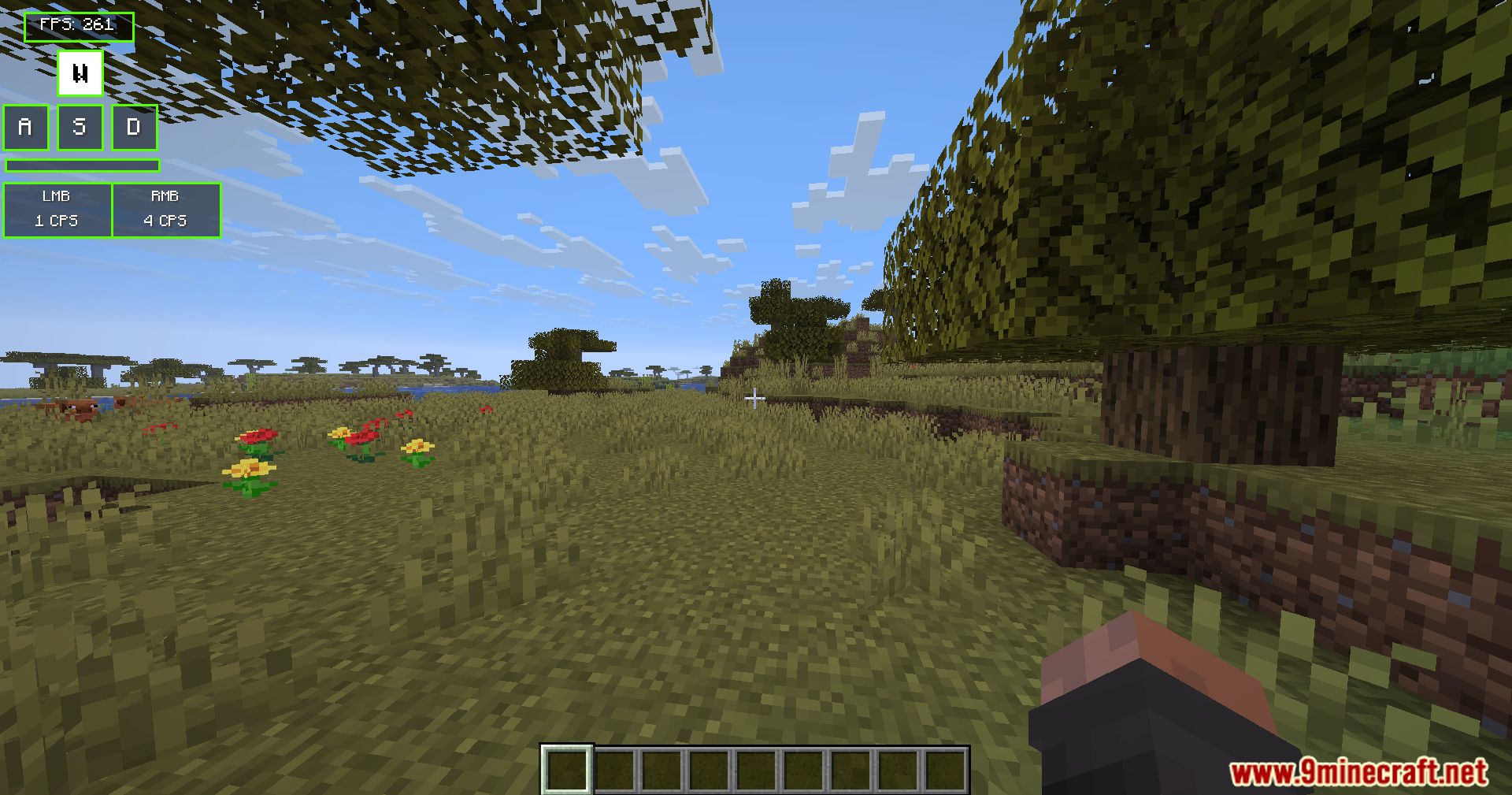
Yes, the Click Tracker counts both left and right mouse button presses and displays your real-time clicks per second (CPS) on screen.
See all 10 Modern Keystrokes questions ›
Gallery
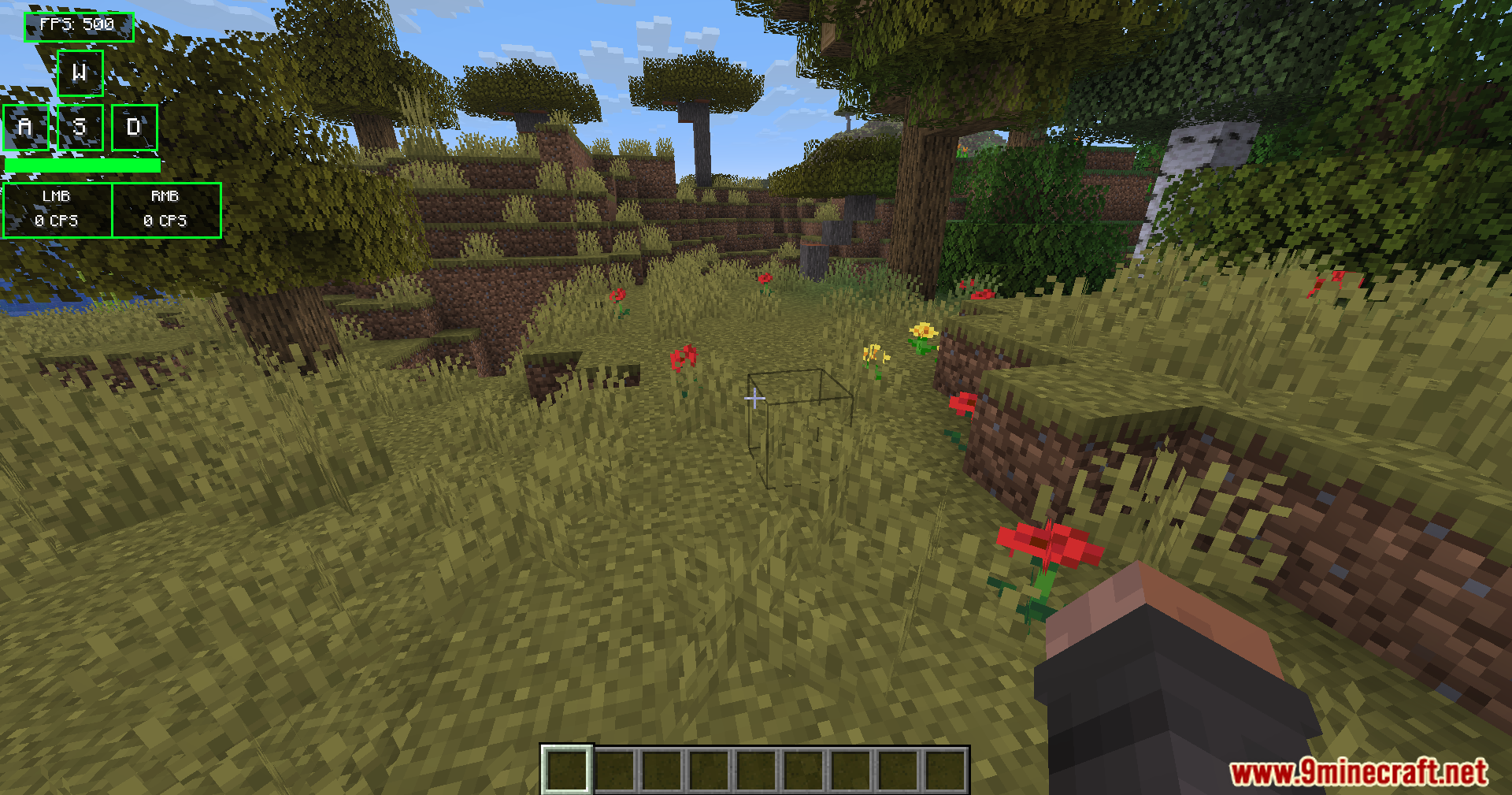
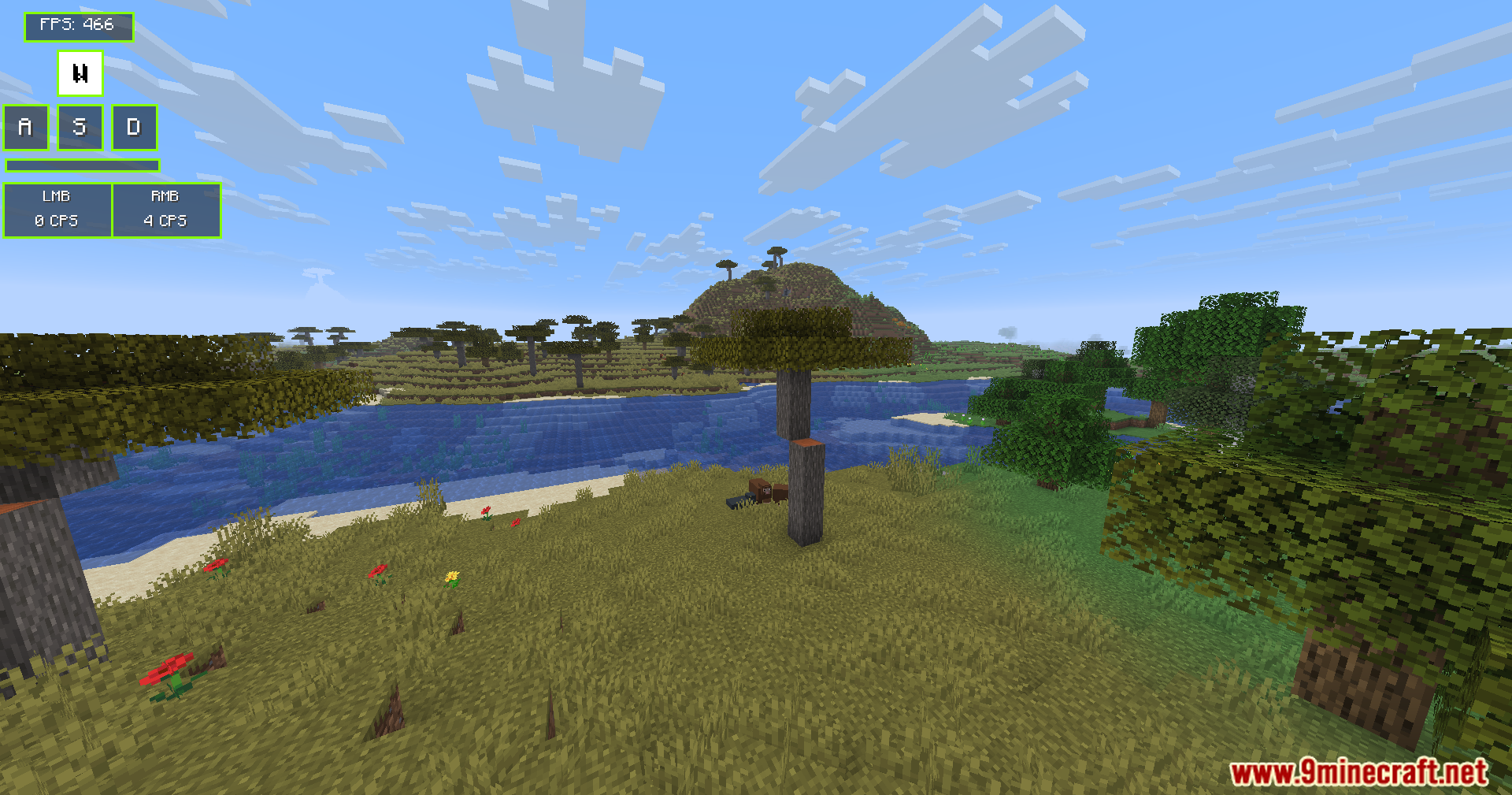
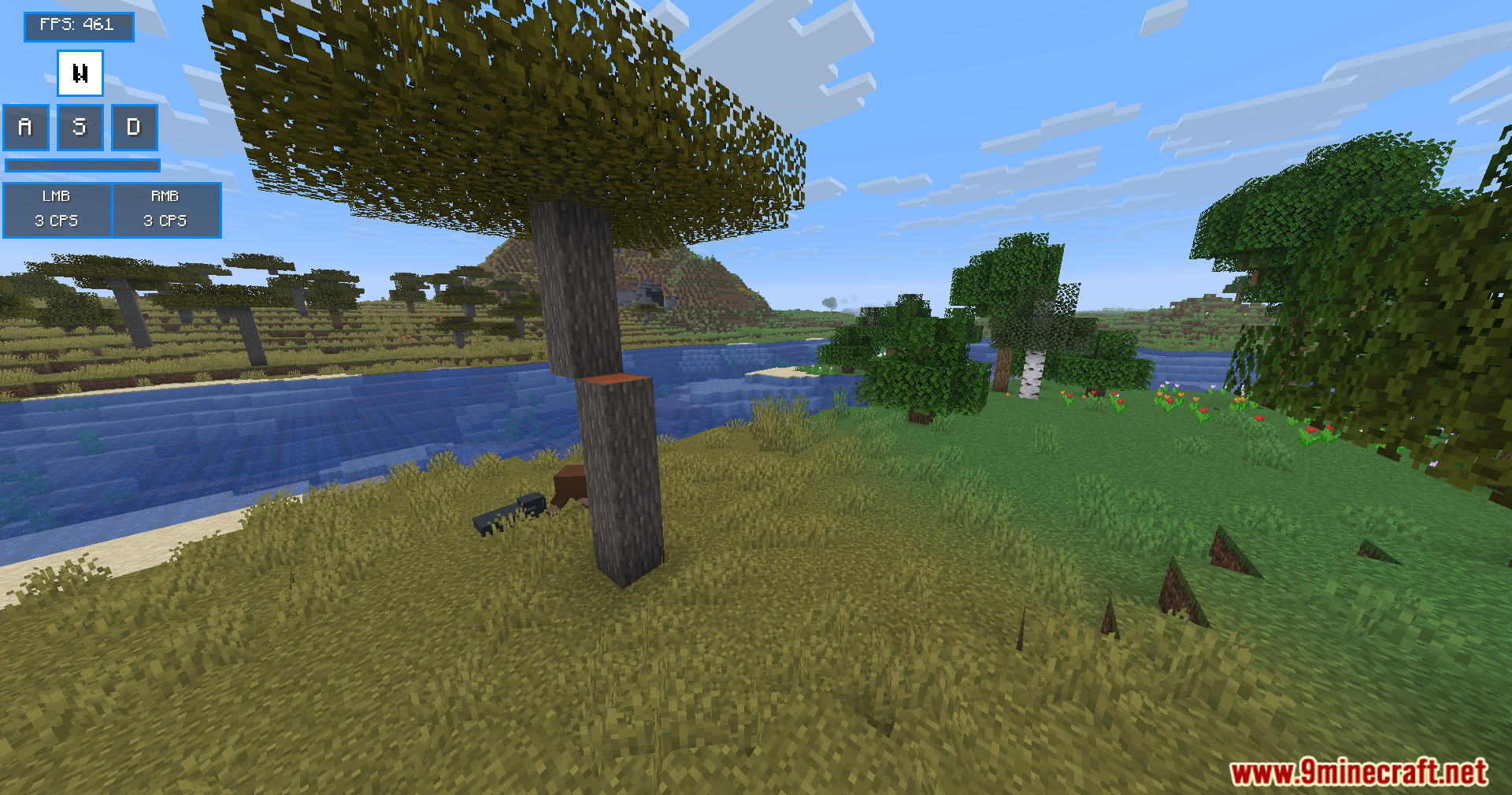
11 images from the Modern Keystrokes Mod page.
You May Also Like
Wikis that share the most with this one
More mod wikis on the site
The most downloaded mods that have a wiki here
A few wikis from each of the other kinds