

 DownloadCollision Fix Mod
Get the files on 9Minecraft
Guides
Step-by-step, in-game.
How to Enable Collision Fix Only on Specific ServersWhy Per-Server Control Matters Disabling client-side collision checks is great for performance, but on some servers…How to Fix Collision Fix Not Working or Causing Weird MovementCheck the Basics First If pushing still happens everywhere, confirm the mod is actually loaded for your current…How to Improve Performance by Disabling Client-Side Collision ChecksUnderstand What Gets Skipped Collision Fix removes collision checks that normally run on your client. The server…How to Stop Mobs From Pushing You Around in Collision FixOpen the Entity Push Settings Collision Fix lets you decide which entities are allowed to shove your player. Open the…
Frequently asked questions
How do I open the Collision Fix settings?
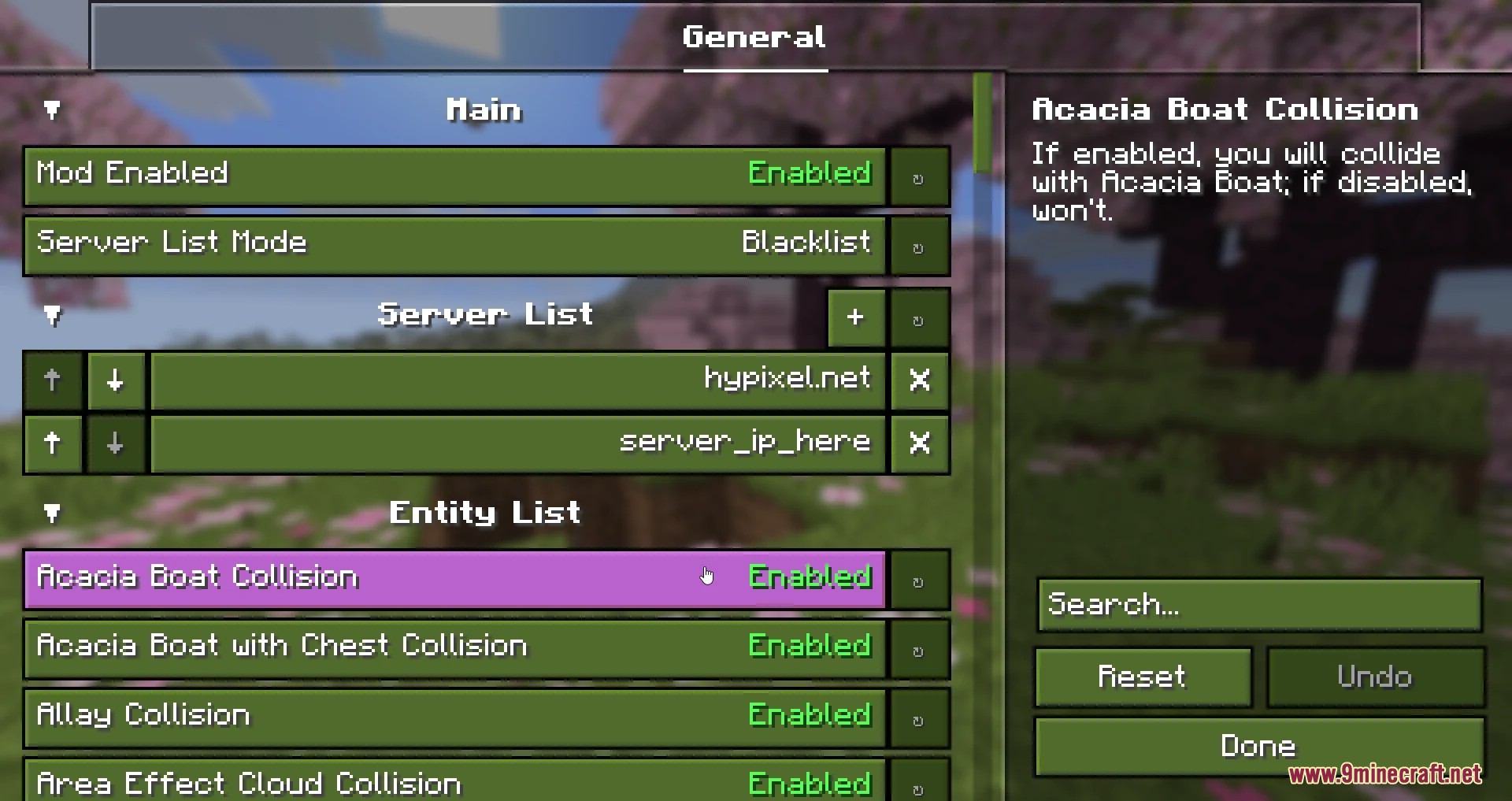
Open the mod's config screen from the Mods list in-game or edit its config file directly. The main options are the entity push toggle and the per-server enable list.
How do I stop mobs from pushing me around?
Turn off entity pushing in the config so client-side collision checks against mobs are skipped. You can also whitelist only the entities you still want to be pushed by.
Can I make Collision Fix work on only one server?
Yes, add that server to the mod's server list in the config. When the list is used, the mod only applies its changes while you're connected to those servers.
Does Collision Fix work on multiplayer servers?
It runs client-side, so it changes how your game handles collisions without the server needing the mod. Server-side anti-cheat or movement checks may still flag unusual movement.
See all 10 Collision Fix questions ›
Gallery
3 images from the Collision Fix Mod page.
You May Also Like
Wikis that share the most with this one
More mod wikis on the site
The most downloaded mods that have a wiki here
A few wikis from each of the other kinds