

 DownloadMas Effects Curseforge Edition Mod
Get the files on 9Minecraft
Guides
Step-by-step, in-game.
Customize Your Hitbox DisplayAccess Hitbox Settings Hitbox customization lets you see player collision boxes in a way that matches your…Enhance Your Mace Combat with Shockwave EffectsEquip and Use a Mace The mace is a heavy weapon that triggers special visual effects when you land smash attacks.…Make Ender Pearl Throws More DramaticThrow an Ender Pearl With this mod active, every ender pearl you throw gains a visual upgrade. Simply throw an ender…View Dramatic Death ExplosionsTrigger the Death Effect Whenever any player dies in your game world, the mod automatically creates a cinematic…
Frequently asked questions
Do I need to enable the mod or does it work automatically?
The mod works automatically once installed—all visual effects are active by default. You can customize individual effects through the mod's configuration menu if you want to disable or adjust specific features.
Will this mod cause lag on servers?
No, this mod is client-side only, meaning all effects render only on your screen and don't affect server performance or other players' experience.
How do I customize the hitbox colors and transparency?
Open the mod's configuration menu and look for the hitbox display settings, where you can adjust both the color and opacity to your preference. Changes apply immediately in-game.
Does the mace shockwave effect work with all mace attacks?
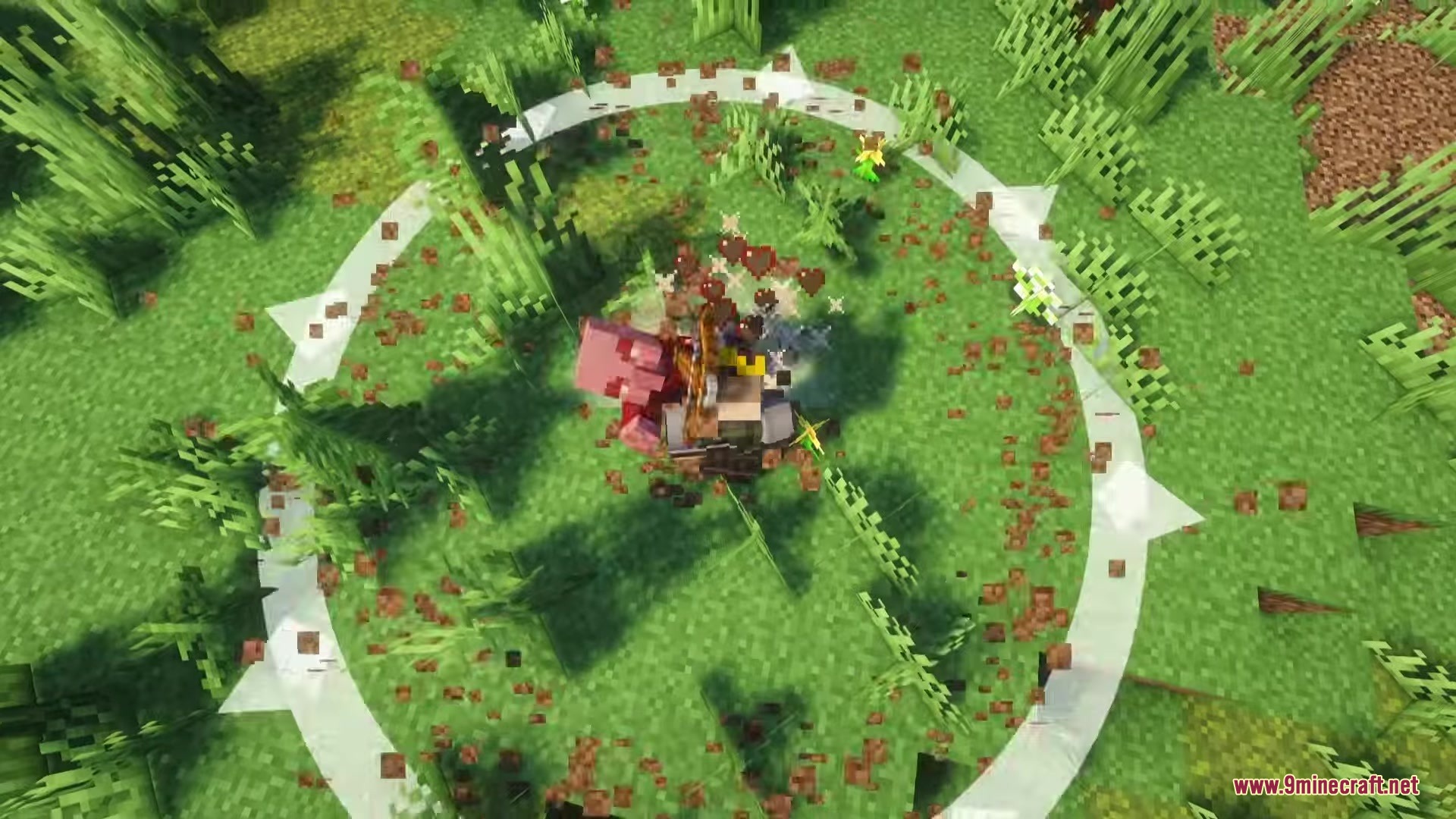
The shockwave effect triggers specifically on heavy smash attacks with the mace, not on regular swings. You'll see the ground-shaking effect when you land the charged attack.
See all 10 Mas Effects Curseforge Edition questions ›
Gallery
10 images from the Mas Effects Curseforge Edition Mod page.
You May Also Like
Wikis that share the most with this one
More mod wikis on the site
The most downloaded mods that have a wiki here
A few wikis from each of the other kinds