

 DownloadMaps3D Mod
Get the files on 9Minecraft
Guides
Step-by-step, in-game.
Convert a Flat Map to 3D Terrain DisplayPrepare Your Map and Frame Start with a filled map (one that has already been used to explore and chart your world).…Customize Individual Map DisplaysAccess Per-Frame Settings Each item frame stores its own independent display settings. Sneak and right-click any…Optimize Performance for Multiple 3D MapsIdentify Performance Issues If you're experiencing framerate drops after enabling 3D rendering on multiple maps, the…Use 3D Maps with ShadersShader Compatibility Maps3D works with most Iris shader packs, allowing your 3D terrain displays to benefit from…
Frequently asked questions
How do I turn a regular map into a 3D display?
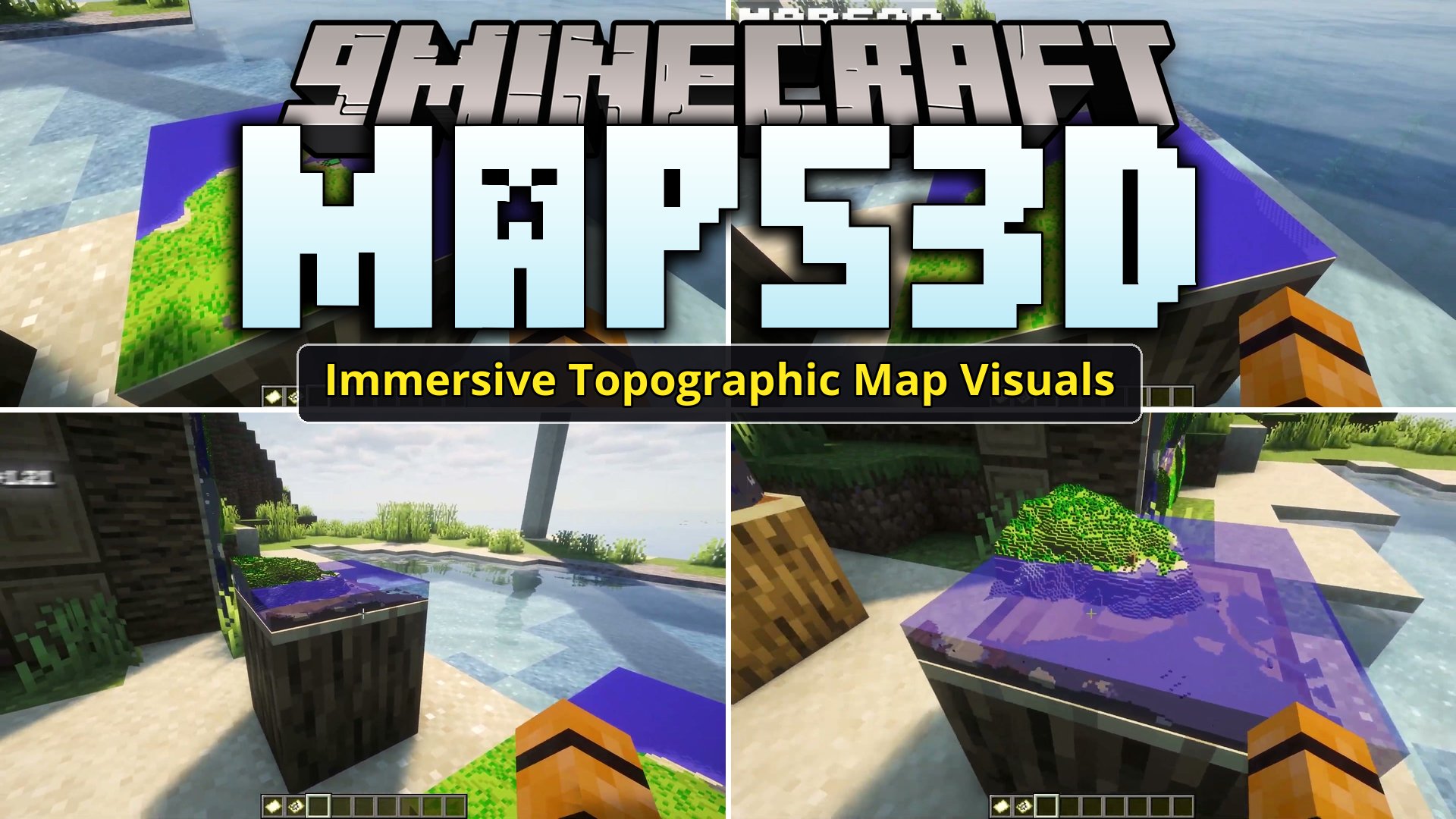
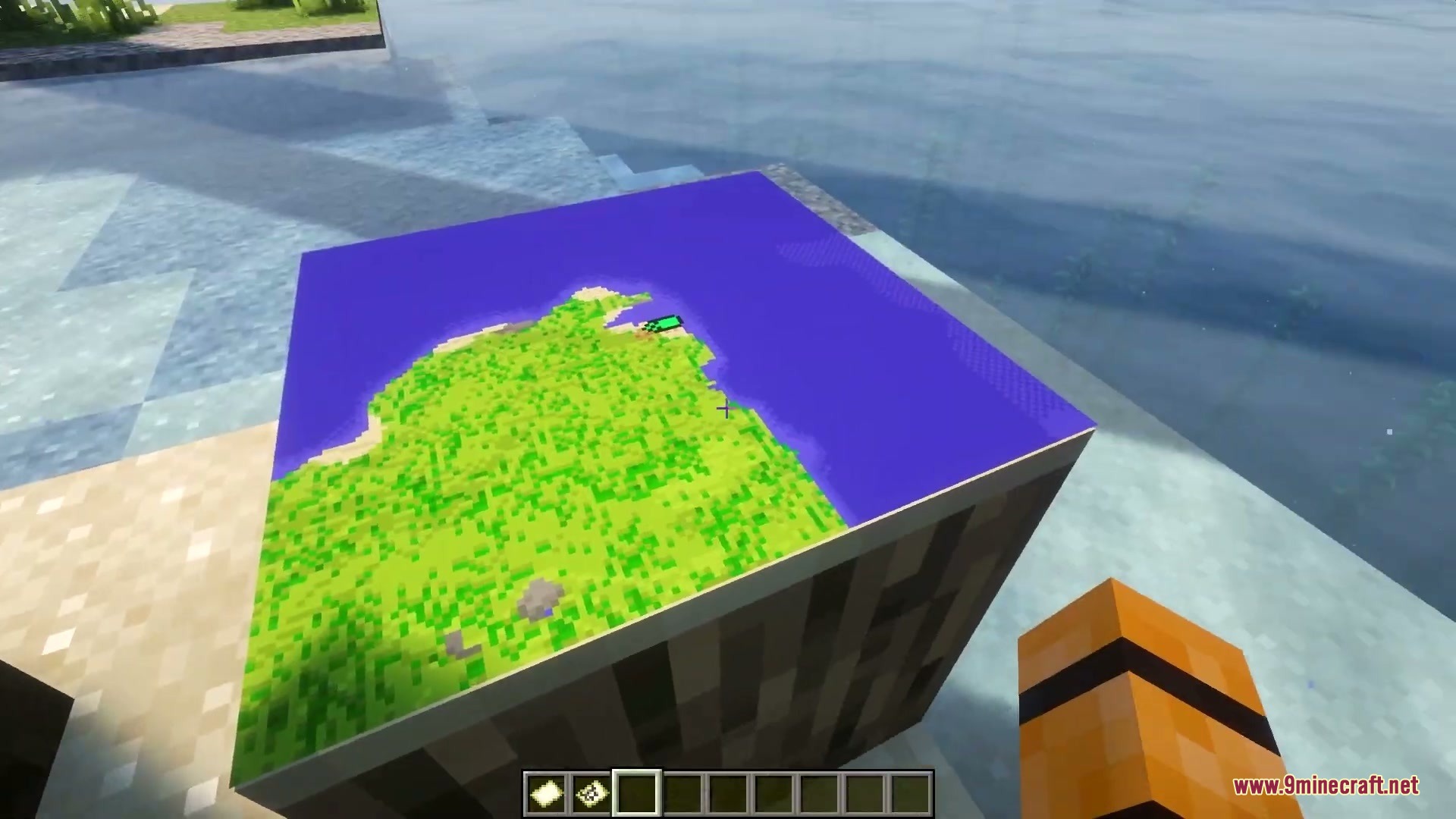
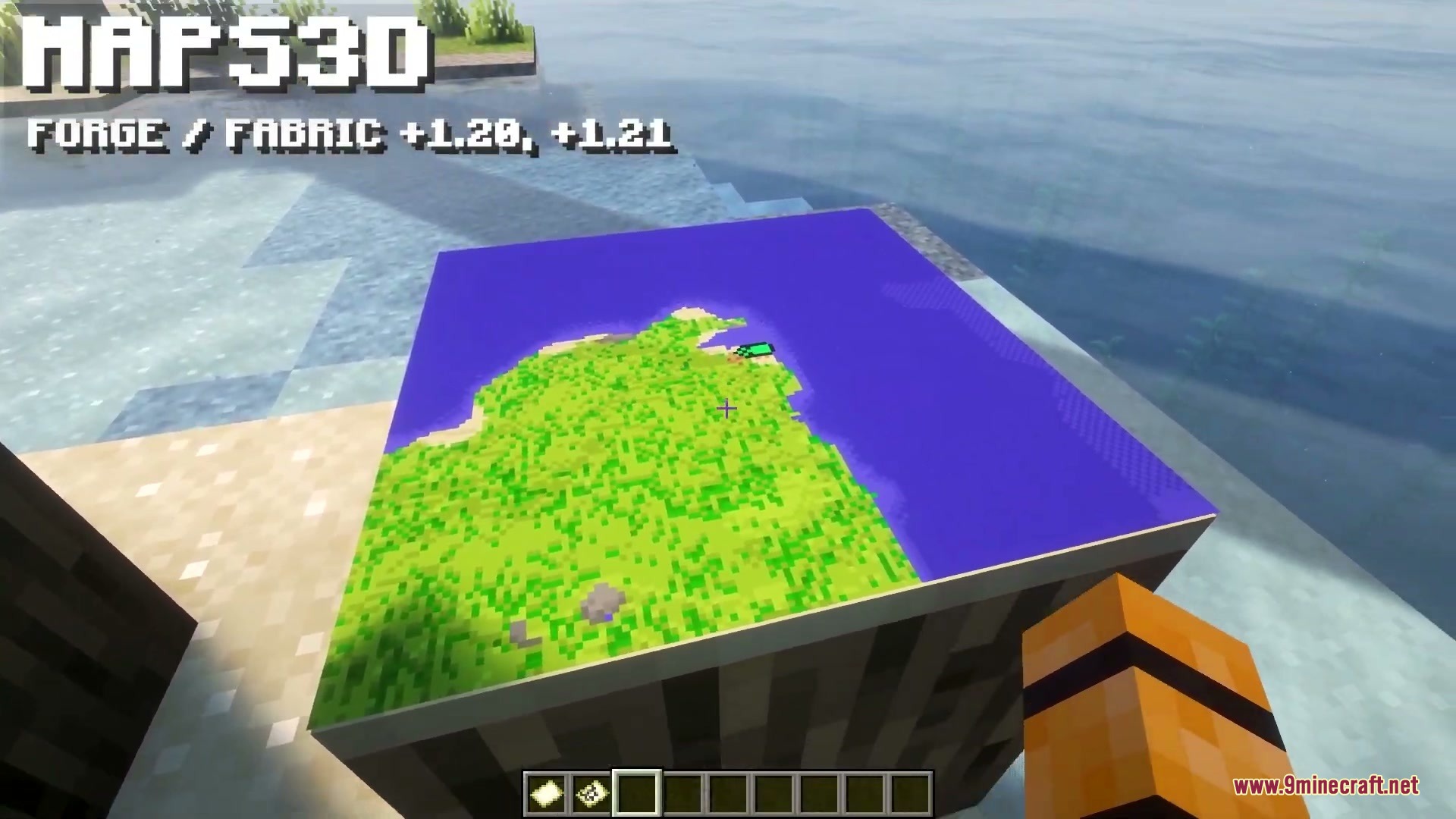
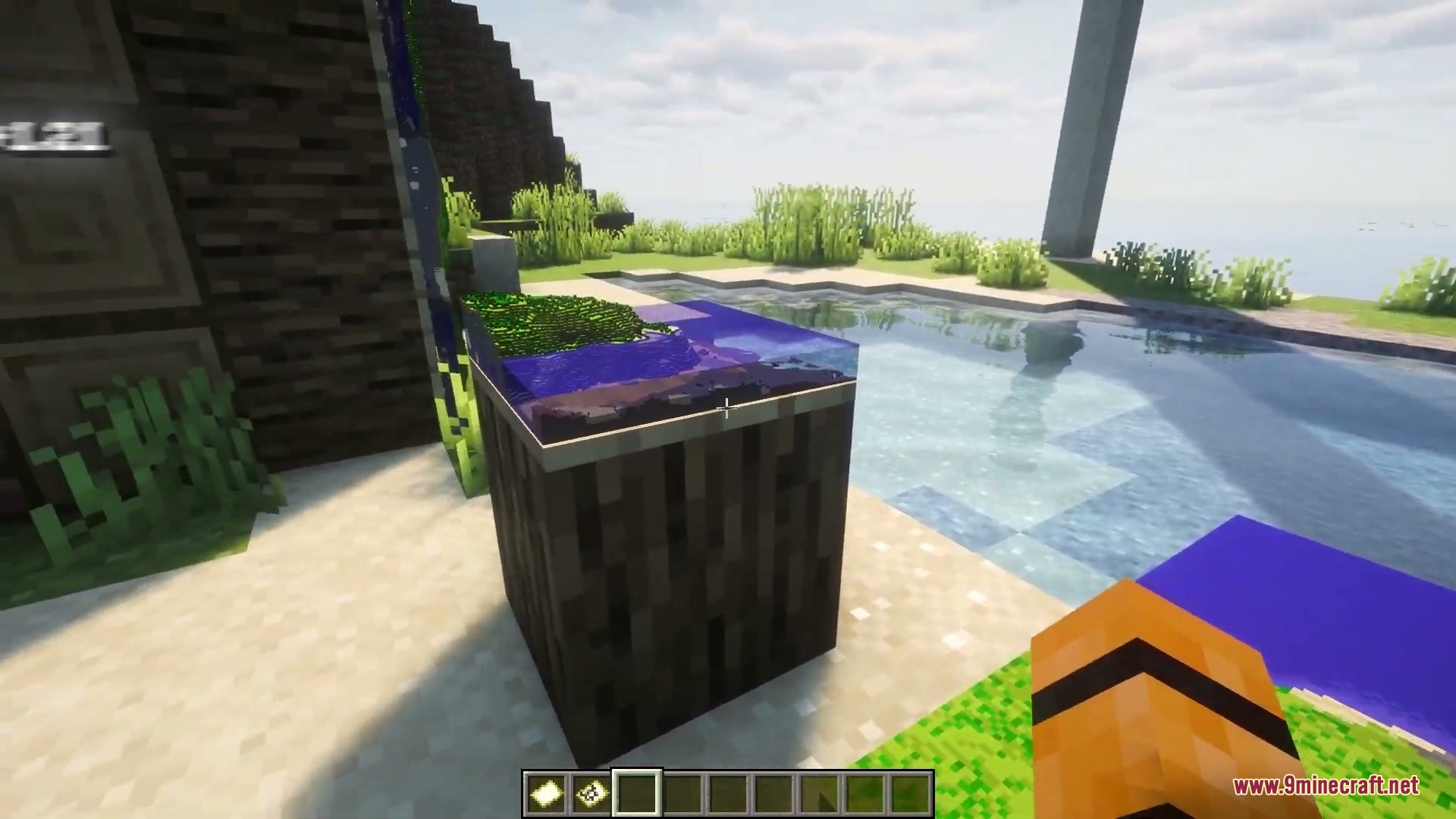
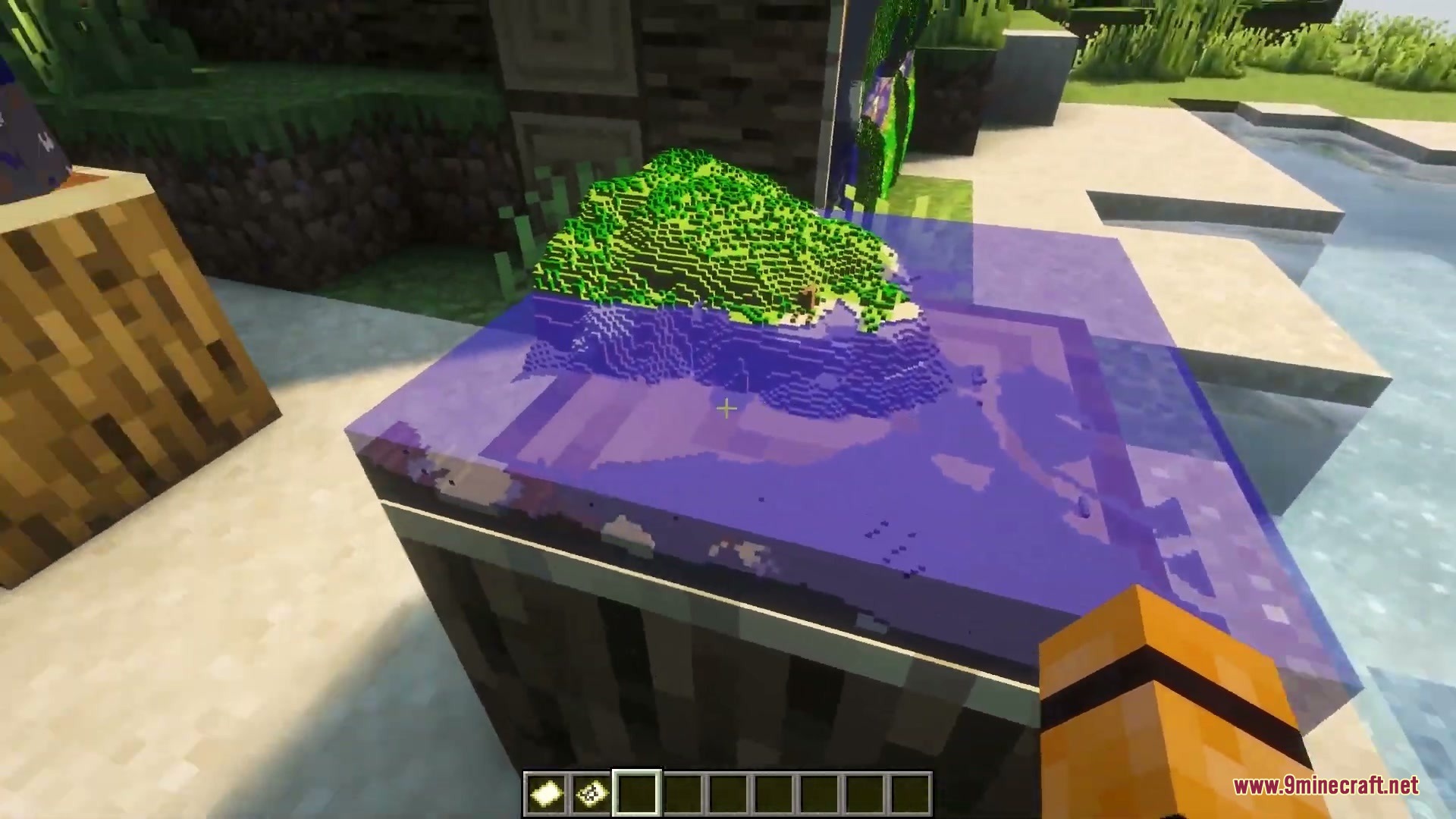
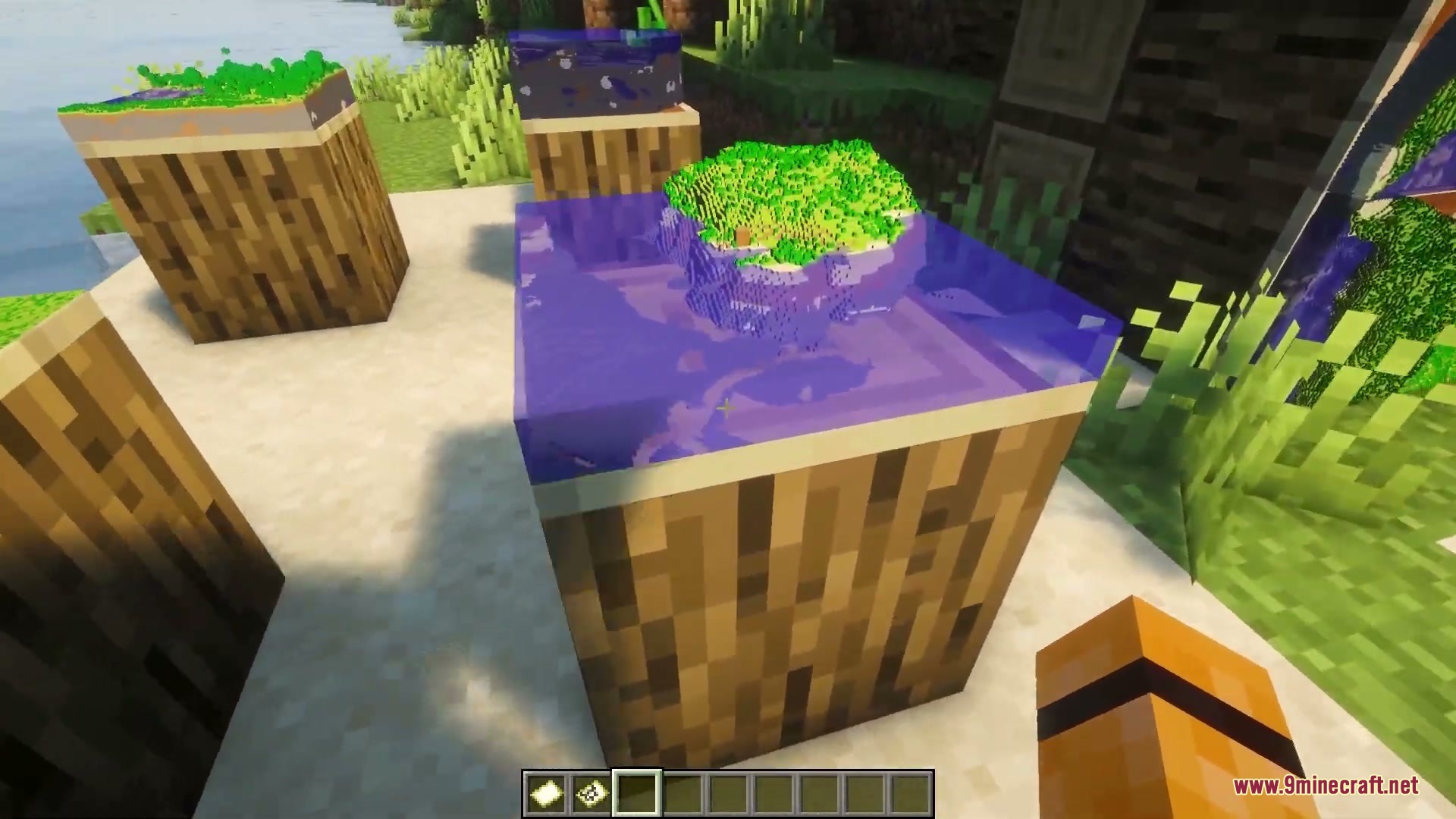
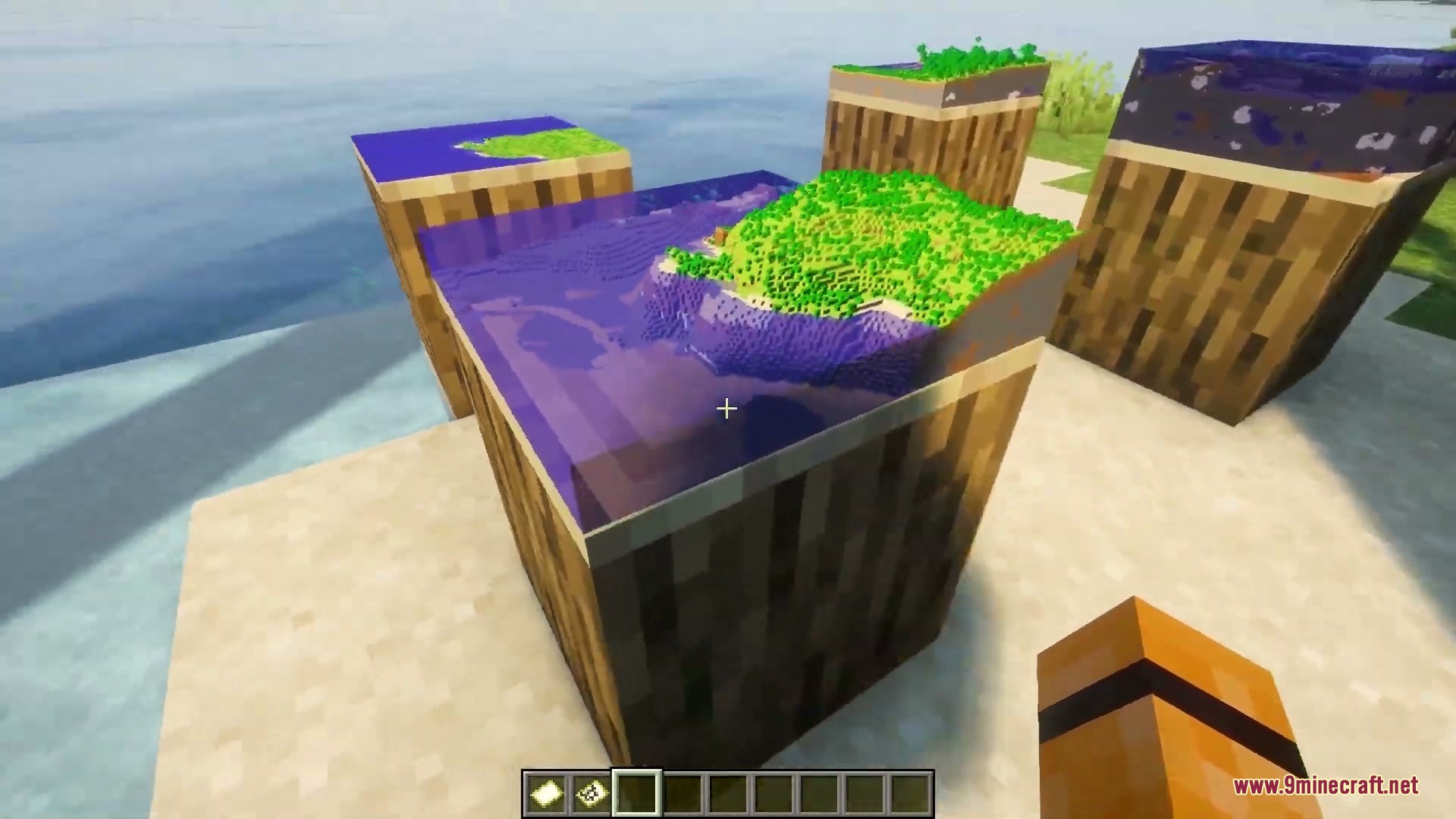
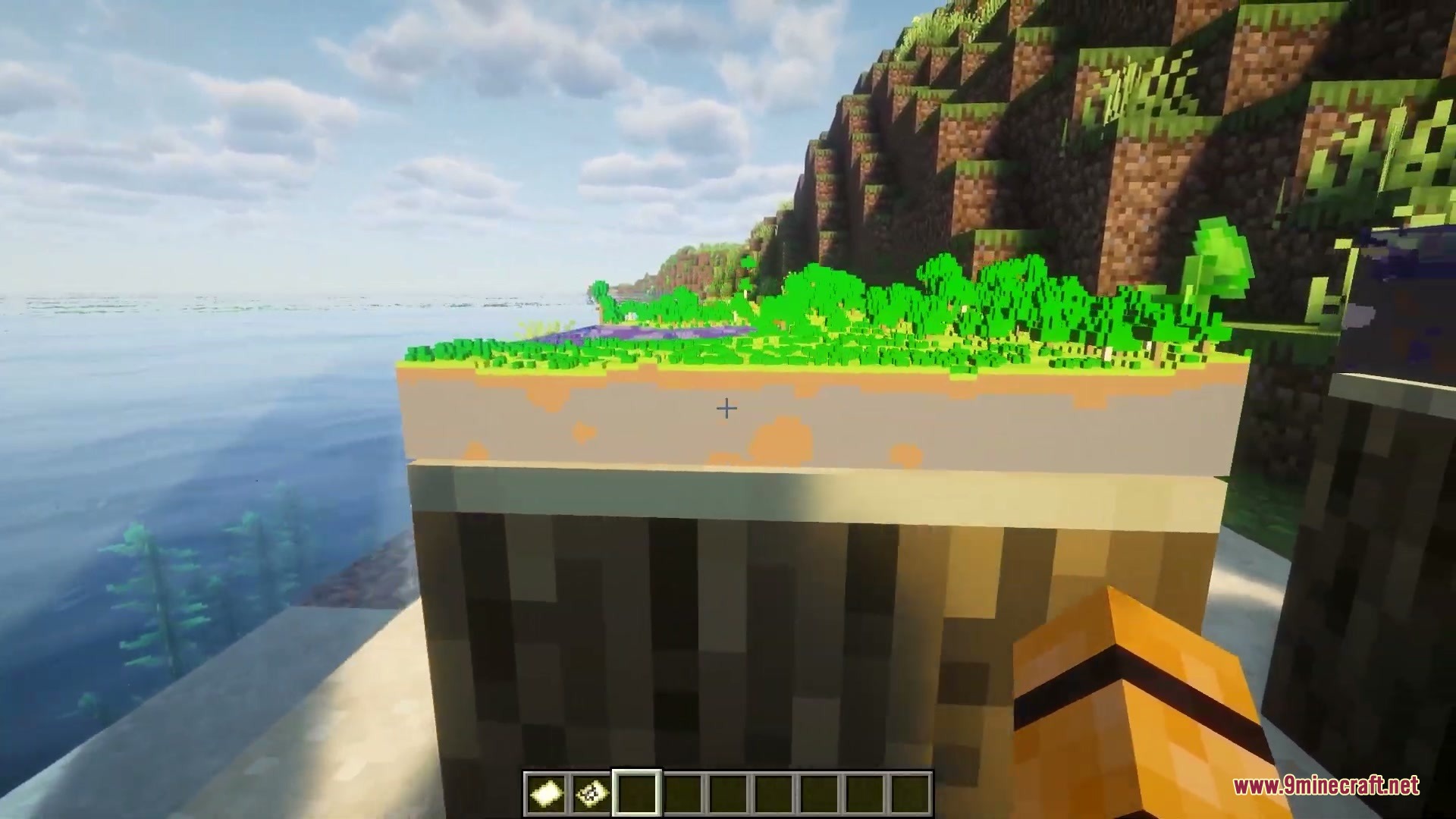
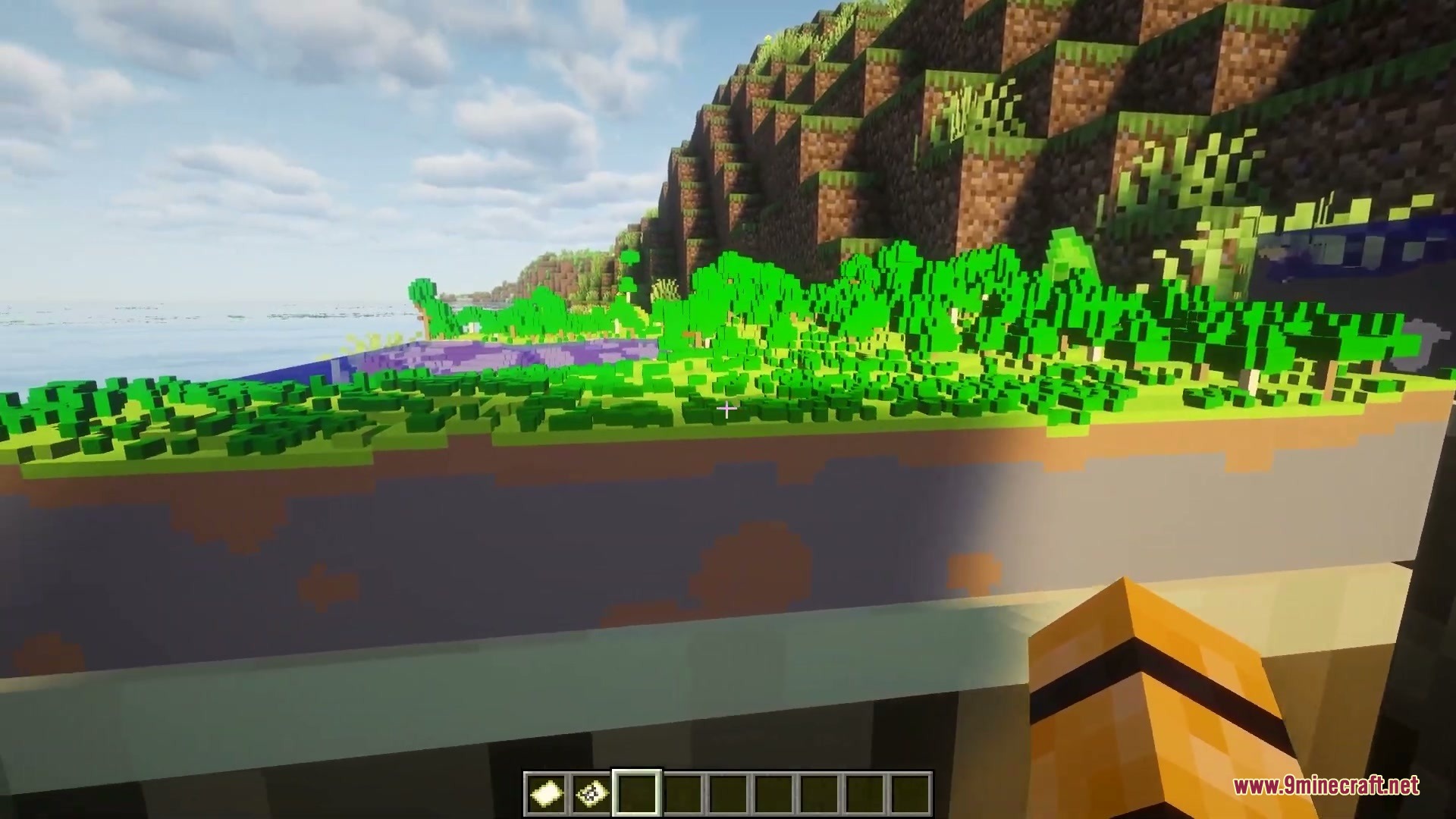
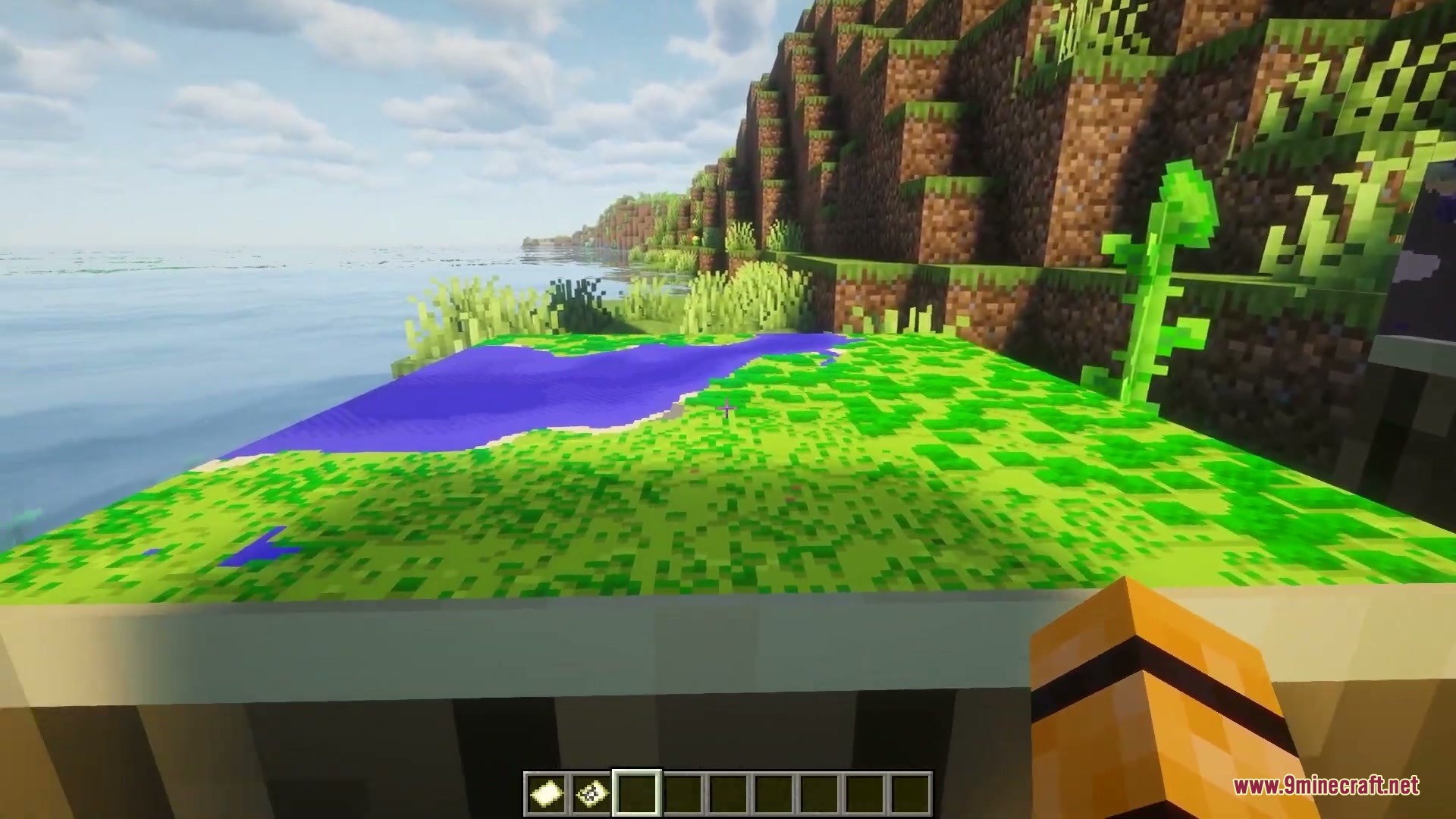
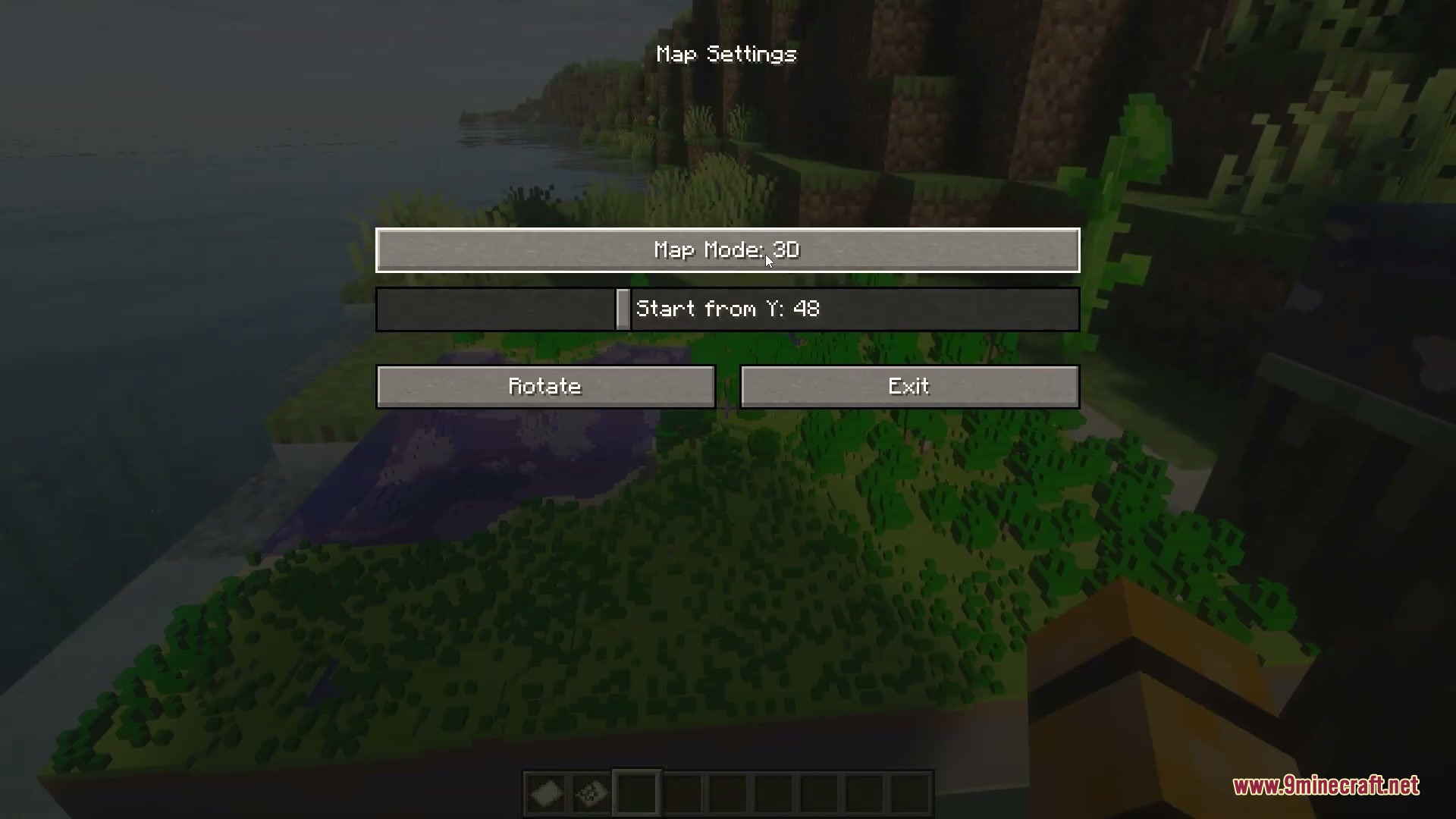
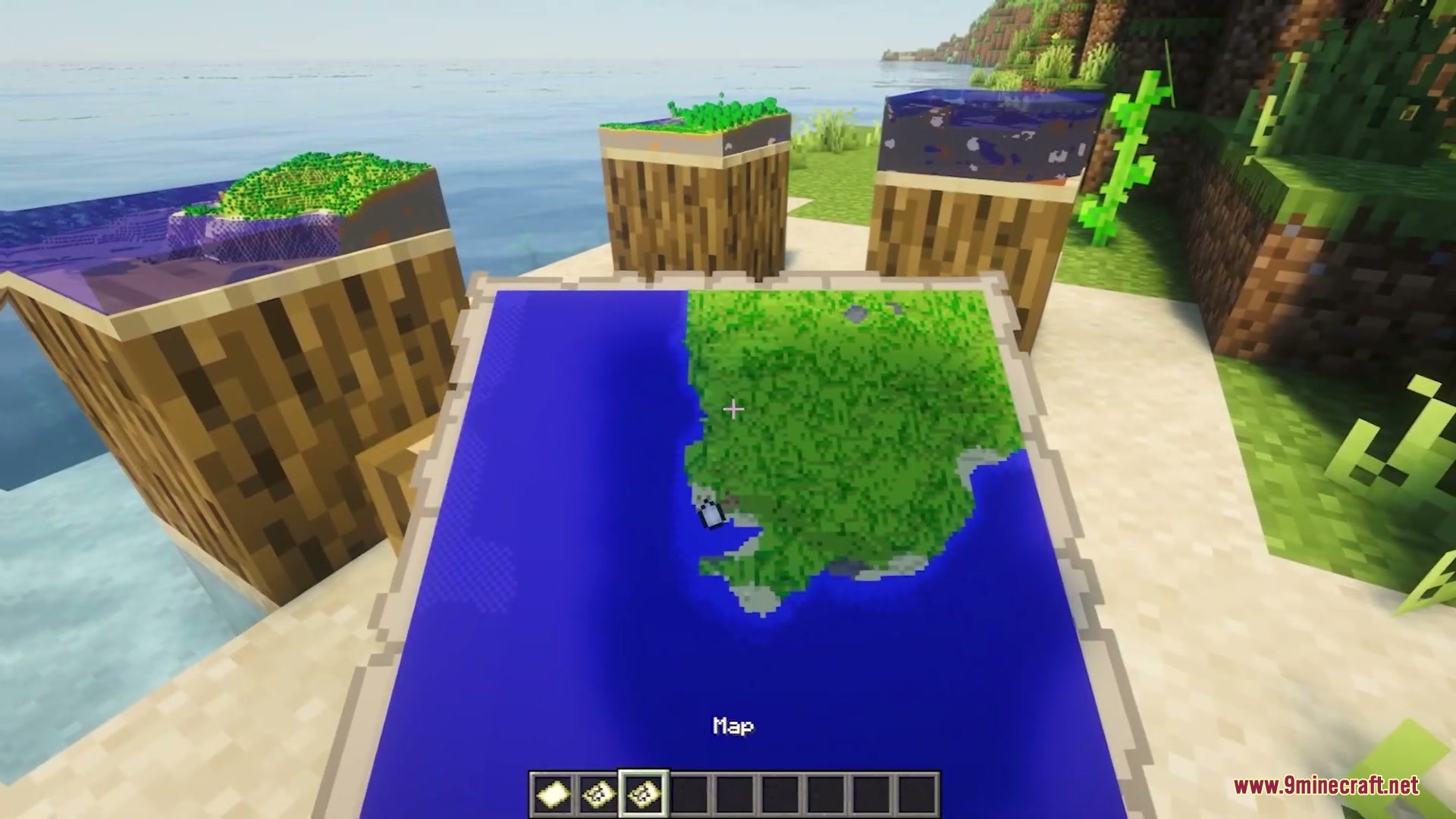
Place a filled map into an item frame, then sneak and right-click the frame to open the settings menu. Toggle the 3D mode on, and the terrain will immediately rise out from the frame showing height and depth.
Can I have some maps in 3D and others in 2D at the same time?
Yes, each item frame stores its own settings independently. You can set one frame to 3D mode and leave another in 2D mode, or mix and match however you want in the same room.
What does the Y-level setting do?
The Y-level setting controls where the 3D terrain model starts vertically. Adjusting it lets you focus on different heights of your world—useful for highlighting mountains, caves, or specific terrain layers.
My frames are lagging when I have multiple 3D maps. How do I fix this?
Open the settings menu and select a lower quality or performance preset. You can also disable 3D rendering globally if needed, or reduce the number of active 3D maps in one area.
Gallery
12 images from the Maps3D Mod page.
You May Also Like
Wikis that share the most with this one
Wikis on the same theme: dimension
More mod wikis on the site
The most downloaded mods that have a wiki here
A few wikis from each of the other kinds