

 DownloadMapFrontiers Mod
Get the files on 9Minecraft
Guides
Step-by-step, in-game.
How to Create and Name a Region in MapFrontiersOpening the Region Tools MapFrontiers adds region controls to the JourneyMap full-screen map. Open your map with the…How to Edit, Resize, or Delete an Existing RegionSelecting a Region to Edit Open the full-screen JourneyMap map and make sure the MapFrontiers region layer is…How to Organize Many Regions Without Cluttering Your MapUsing Colors and Opacity When you mark many territories, a solid fill quickly hides the terrain underneath. Give each…How to Set Up Shared Regions on a Multiplayer ServerWhy Regions Look Different for Each Player MapFrontiers stores region data alongside JourneyMap data. By default that…
Configuration
Every setting in the mod config file, with what it changes.
| Option | What it does |
|---|---|
All | All |
Always | Always |
anchorAnchor | Anchor point of the HUD. When anchored to the minimap, coordinates are relative to the minimap's default position. |
Area | Area |
autoAdjustAnchorAuto adjust anchor | Automatically switch to nearest anchor when HUD position is edited. |
Banner | Banner |
bannerSizeBanner size | Size of the HUD banner. |
FrontierColorBright | Bright |
Chunk | Chunk |
Collection | Collection |
Created | Created |
Current | Current |
Custom | Custom |
DoNothing | Do nothing |
FrontierColor | Frontier |
fullscreenButtonsFullscreen map buttons | Show buttons on the fullscreen map. |
EditShape | Go to edit the shape |
InfoScreen | Go to info screen |
enabledHUD enabled | Show the HUD on screen. |
Minimap | Minimap |
MinimapHorizontal | Minimap horizontal |
MinimapVertical | Minimap vertical |
Modified | Modified |
Never | Never |
Frequently asked questions
How do I open the MapFrontiers region editor?
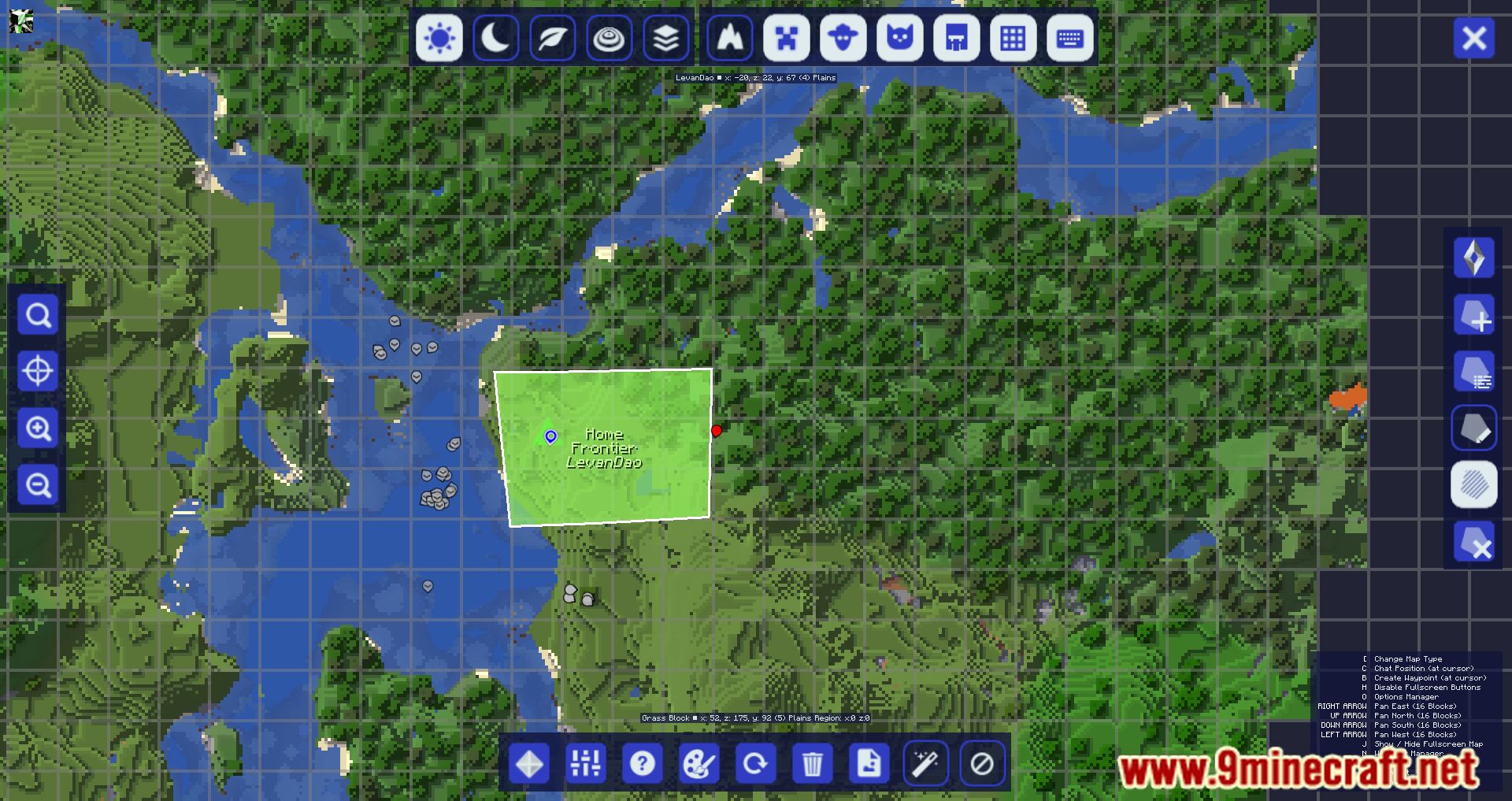
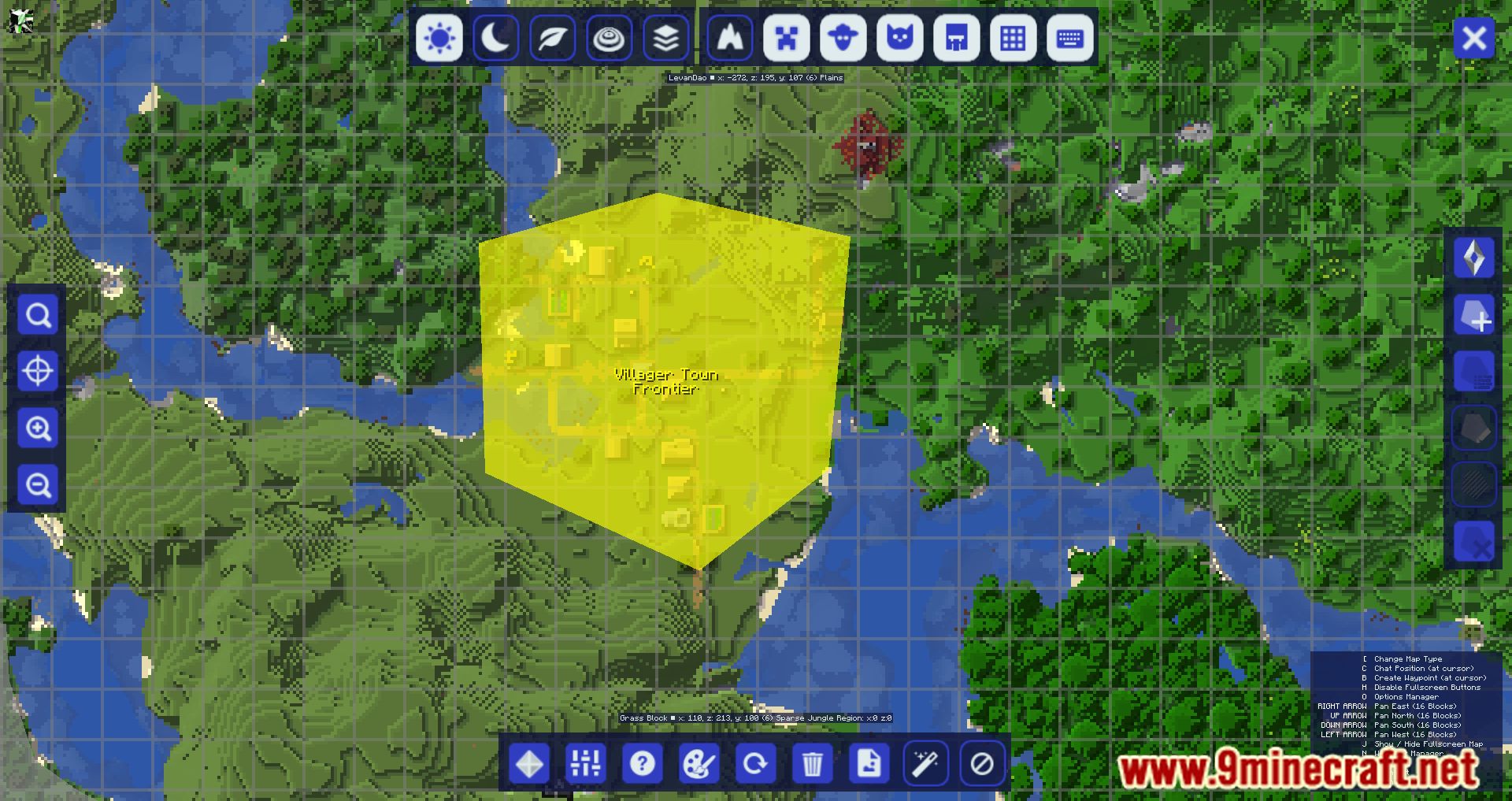
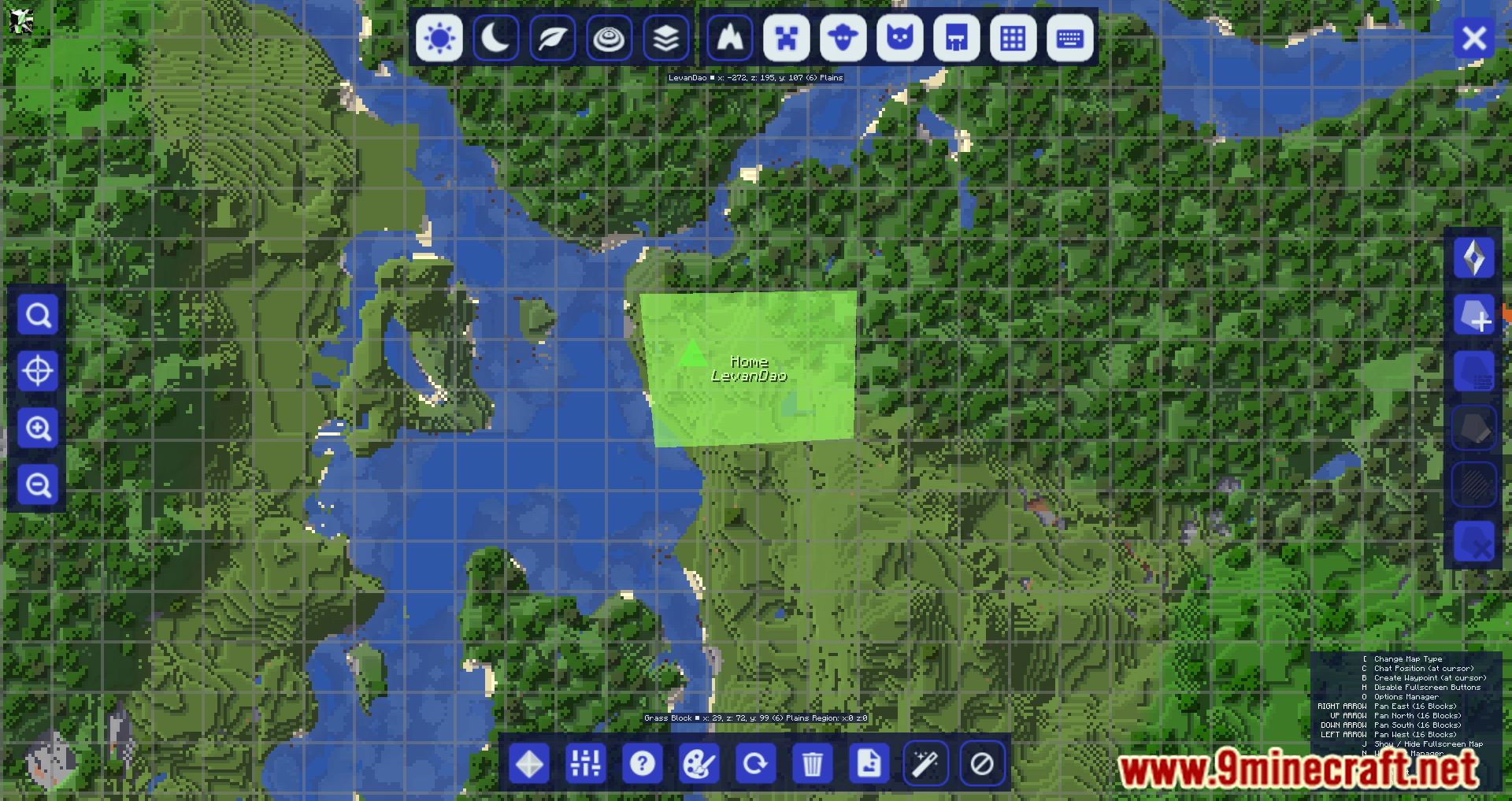
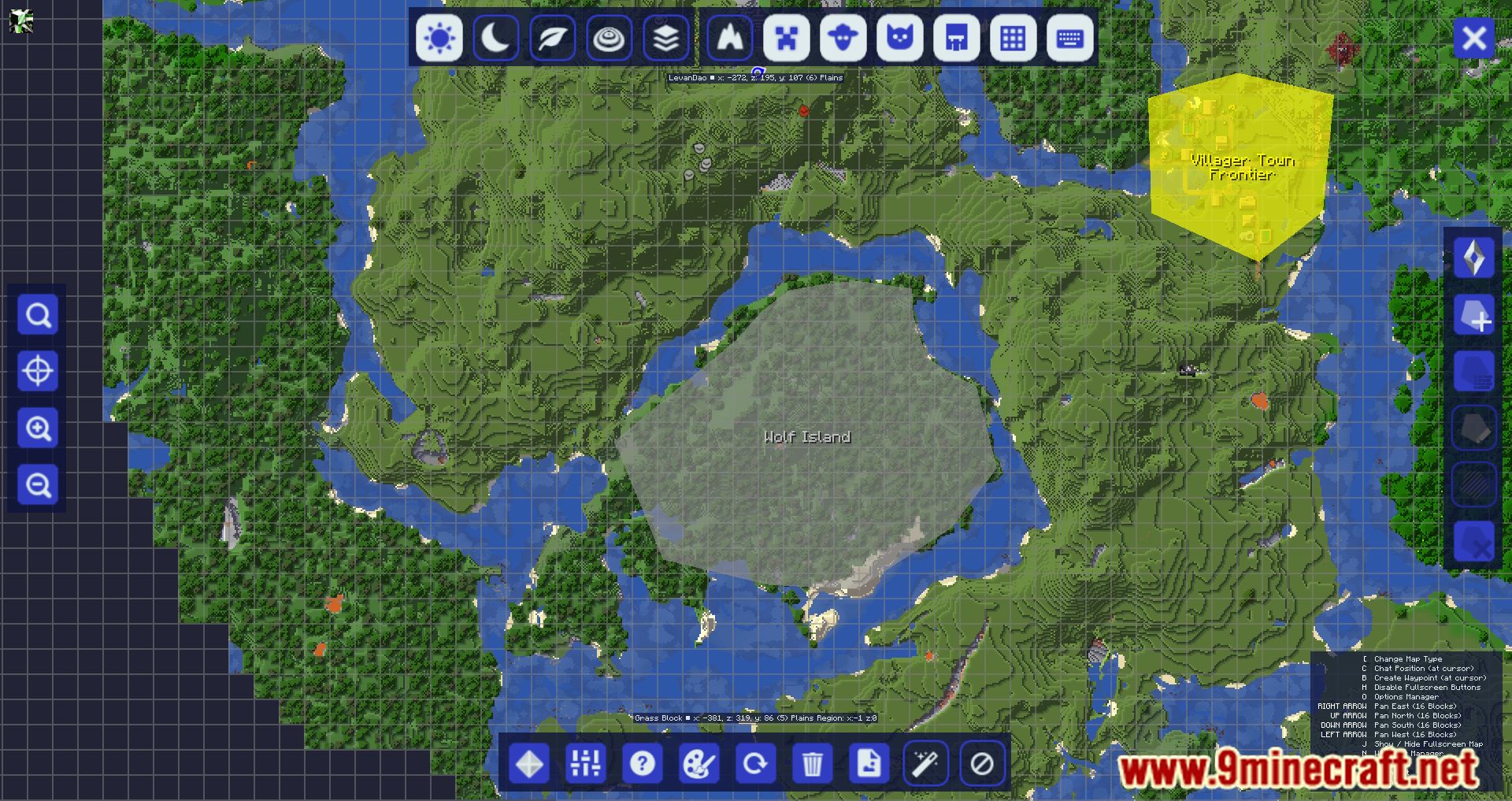
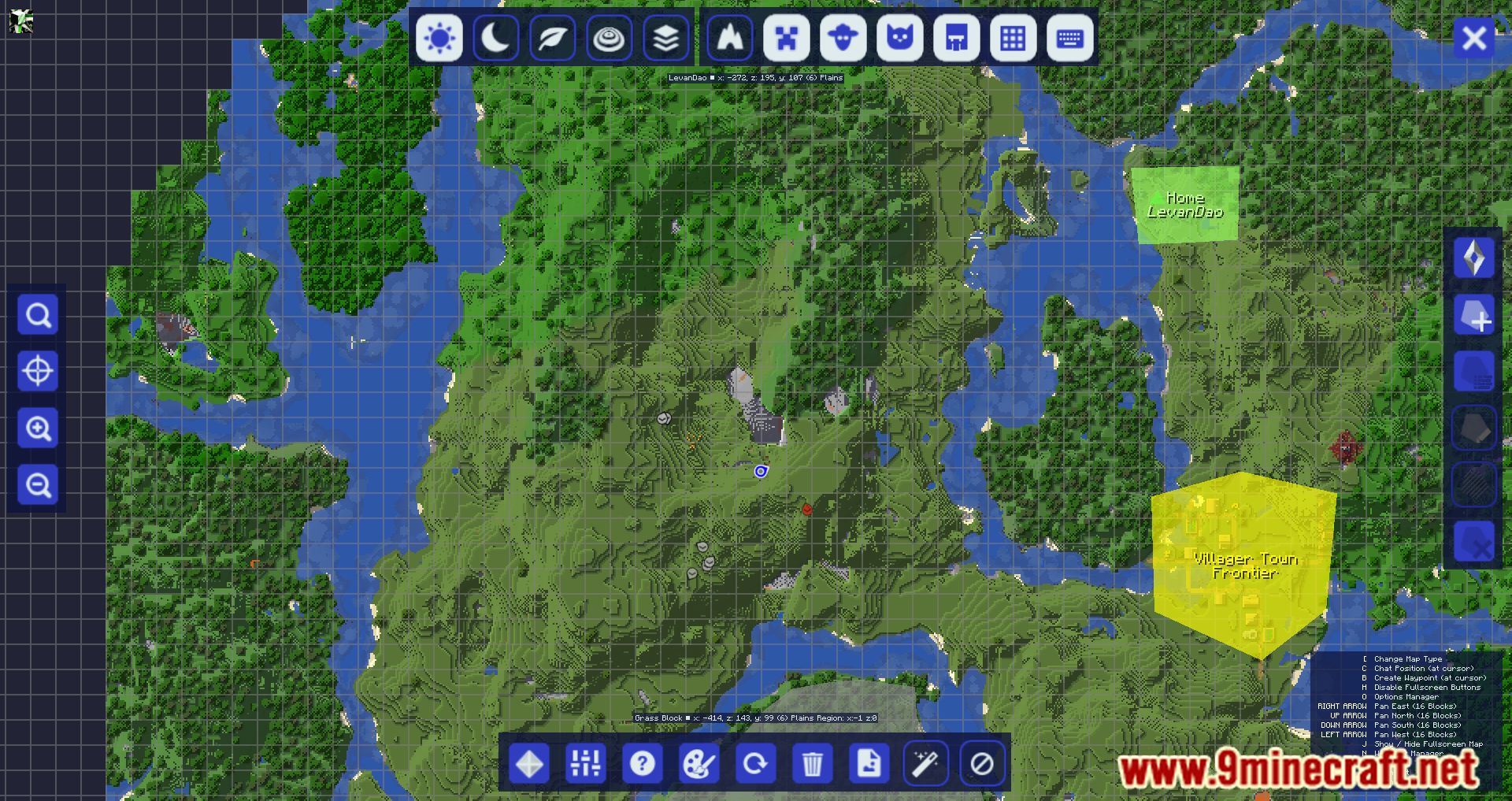
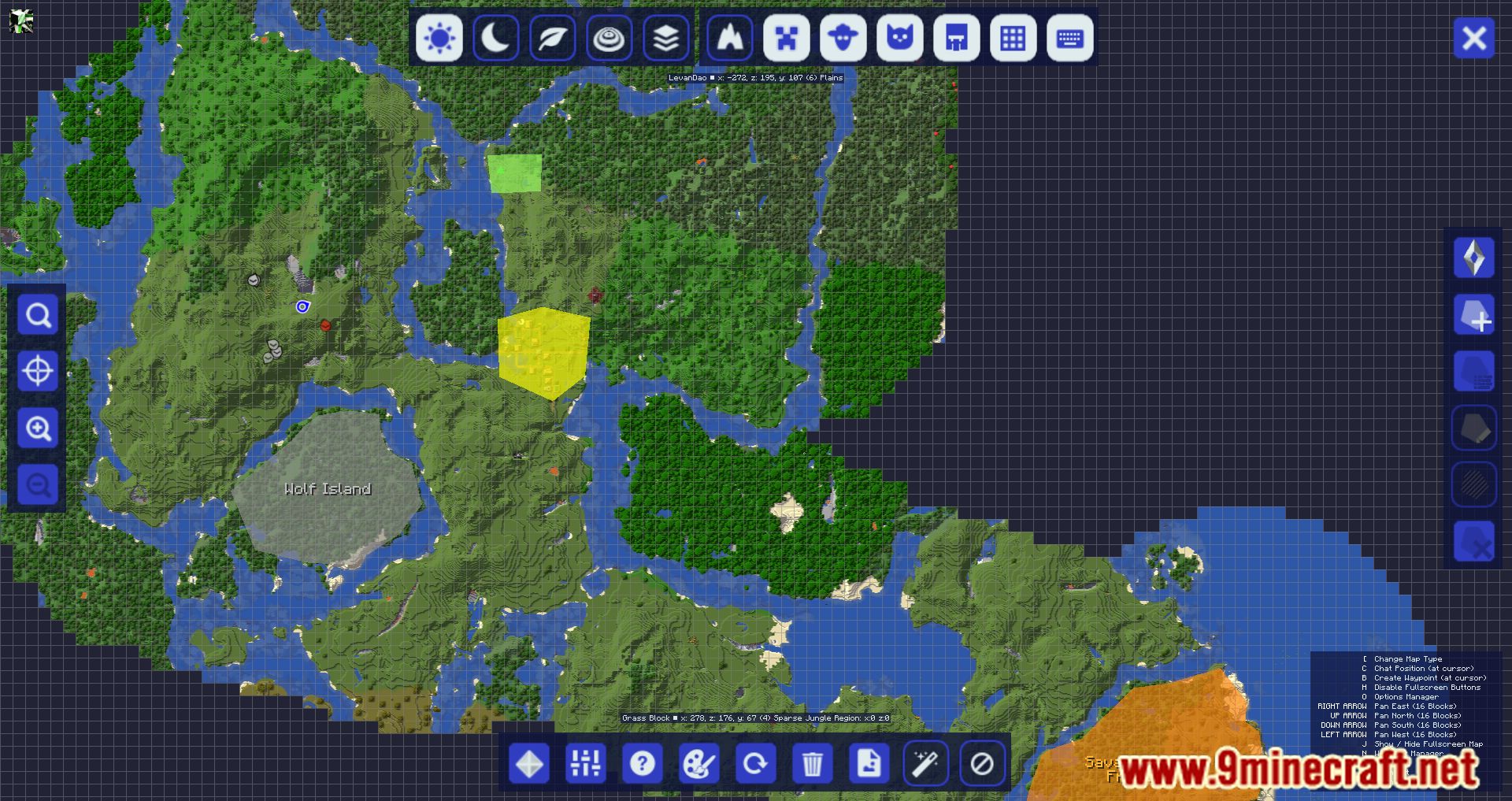
Open your  JourneyMap full-screen map and look for the MapFrontiers button or region controls on the map interface. From there you can switch into region editing mode to draw, name, and color areas.
How do I create my first region?
Enter region editing mode from the JourneyMap screen, then click and drag on the map to draw a shape. When you release, a dialog appears where you can give the region a name and pick a color.
JourneyMap screen, then click and drag on the map to draw a shape. When you release, a dialog appears where you can give the region a name and pick a color.Why can't I see my regions on the map?
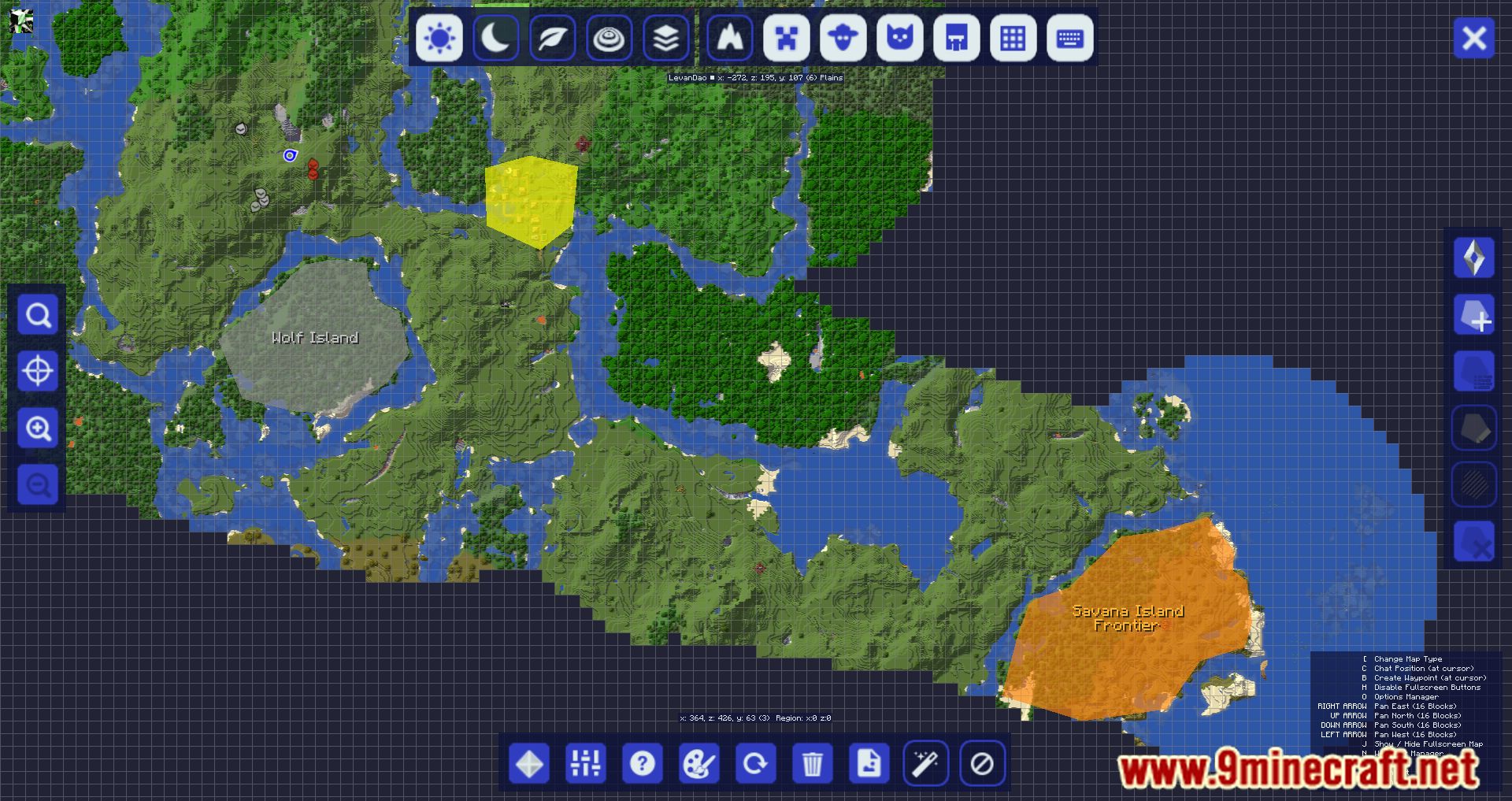
Make sure the region layer or overlay is toggled on in the MapFrontiers settings, since regions can be hidden independently of the base map. Also check that you're viewing the correct dimension, because regions are stored per-dimension.
Do regions get shared with other players on my server?
Regions are saved per-world, so on a multiplayer server they can be shared depending on how the world data is stored and synced. If you want everyone to see the same regions, the world save needs to be common to all players rather than each person keeping a local copy.
See all 10 MapFrontiers questions ›
Gallery
11 images from the Mapfrontiers Mod page.
You May Also Like
Wikis that share the most with this one
More mod wikis on the site
The most downloaded mods that have a wiki here
A few wikis from each of the other kinds