

 DownloadMarci132468’s Replay Mod
Get the files on 9Minecraft
Guides
Step-by-step, in-game.
Capture Screenshots from Your ReplayLoad Your Replay Open the Replay Viewer and load the session you want to capture screenshots from. Navigate to the…Create a Cinematic Video from Your ReplaySelect Your Replay and Set Up Load your replay in the Replay Viewer. Before you start creating, plan which moments…Rewatch and Navigate Your Recorded GameplayOpen the Replay Viewer Access the Replay Viewer from the mod's main menu. You'll see a list of all your recorded…Start Recording Your GameplayEnable Recording Open the mod's recording interface (default keybind is usually accessible from the main menu or…
Frequently asked questions
How do I start recording gameplay?
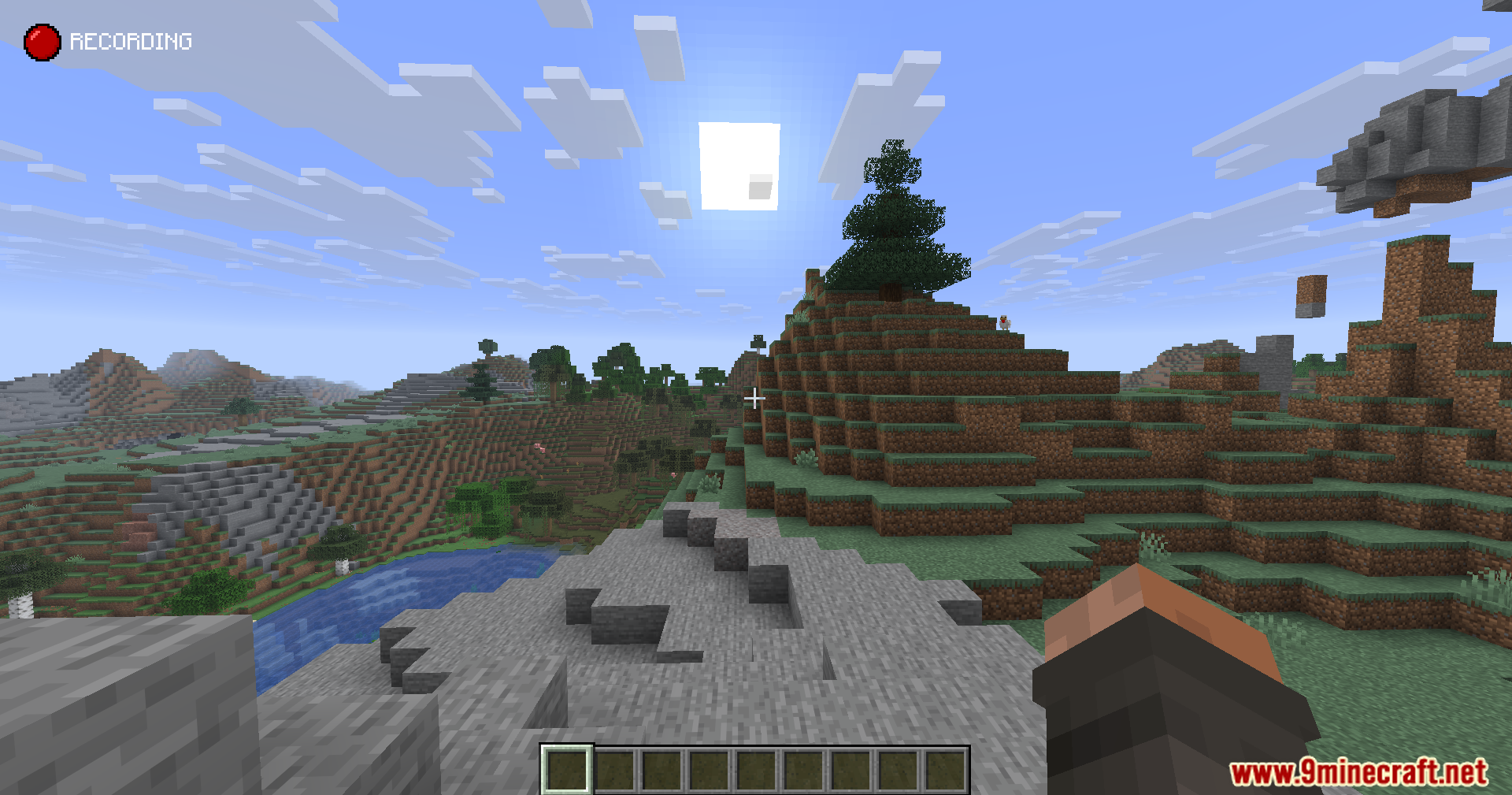
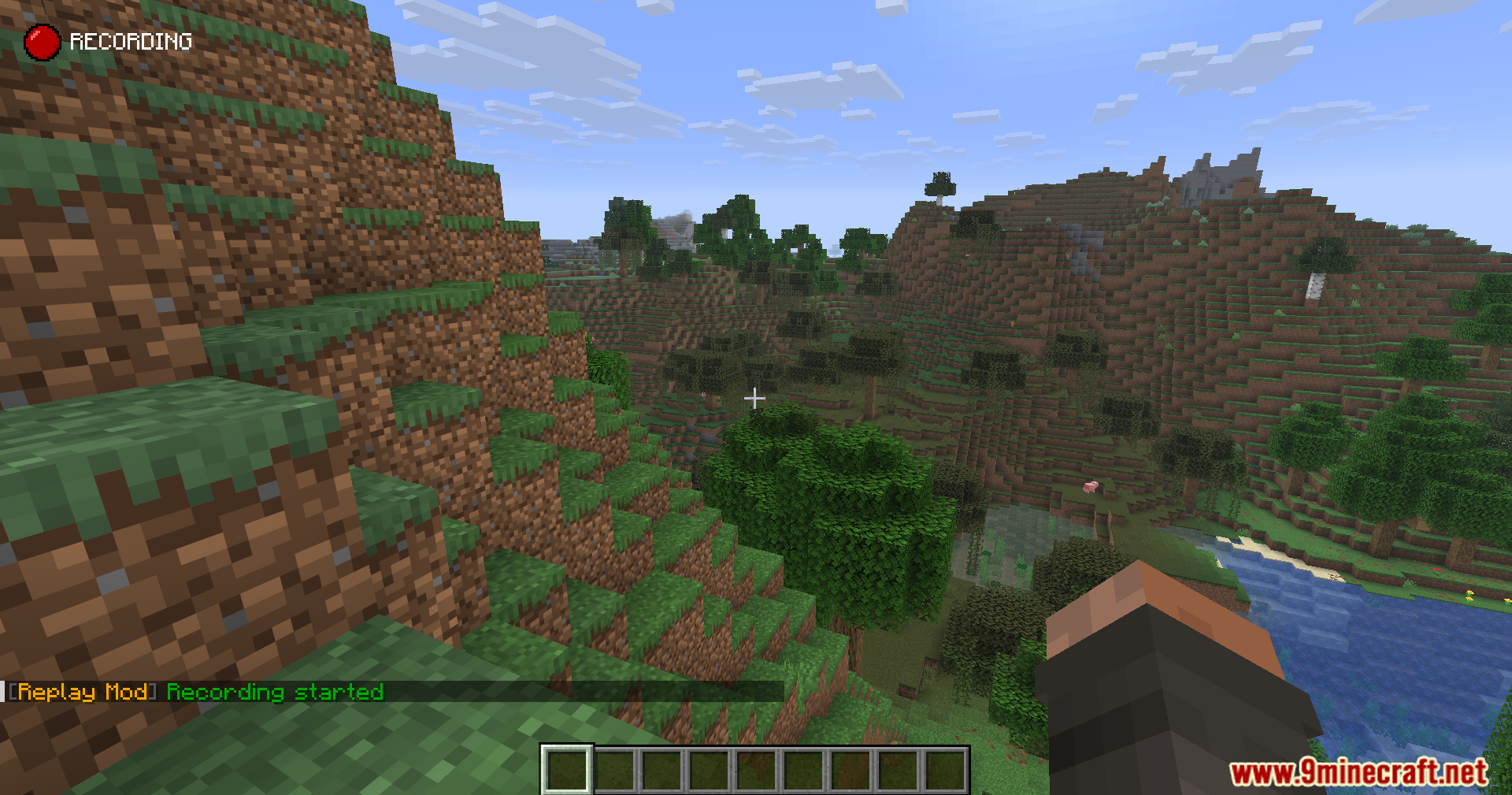
Press the default recording hotkey (usually a configurable key in your controls settings) to begin capturing your world. You'll see a recording indicator appear on your screen, and the mod will start saving everything you do until you press the hotkey again to stop.
Where are my recordings saved?
Recordings are stored in your Minecraft folder under a dedicated replays directory. You can access this folder directly through your file system or navigate to it through the mod's replay viewer interface.
Can I record in multiplayer servers?
Yes, the mod records your client-side view on servers, but keep in mind that other players' movements are limited to what your client receives from the server, so some actions may not be perfectly captured.
How much disk space do recordings use?
Replay files are compressed and use significantly less space than traditional video files, but longer recordings will still take up noticeable storage—the exact amount depends on your world size and activity level.
See all 10 Marci132468’s Replay questions ›
Gallery
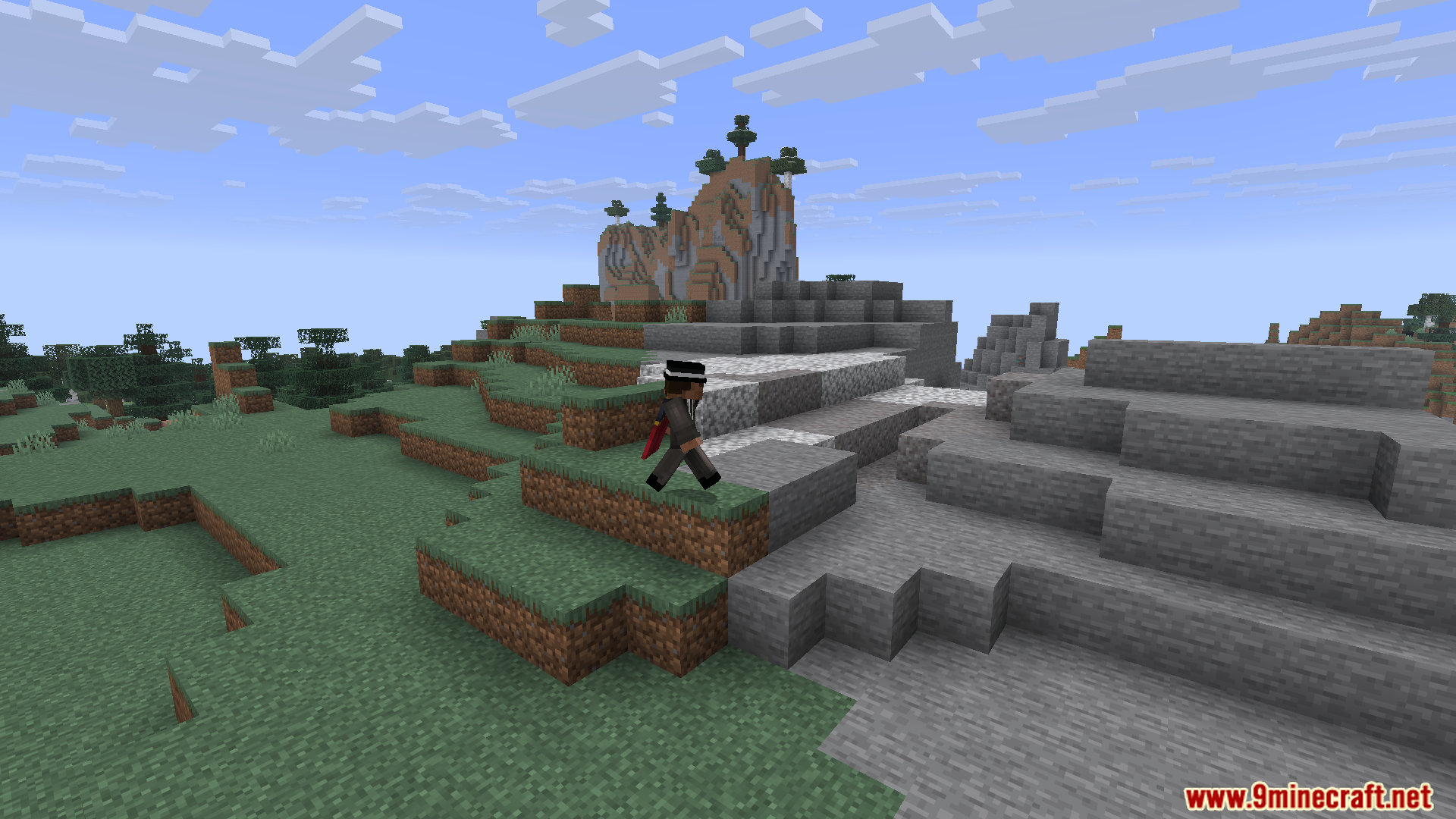
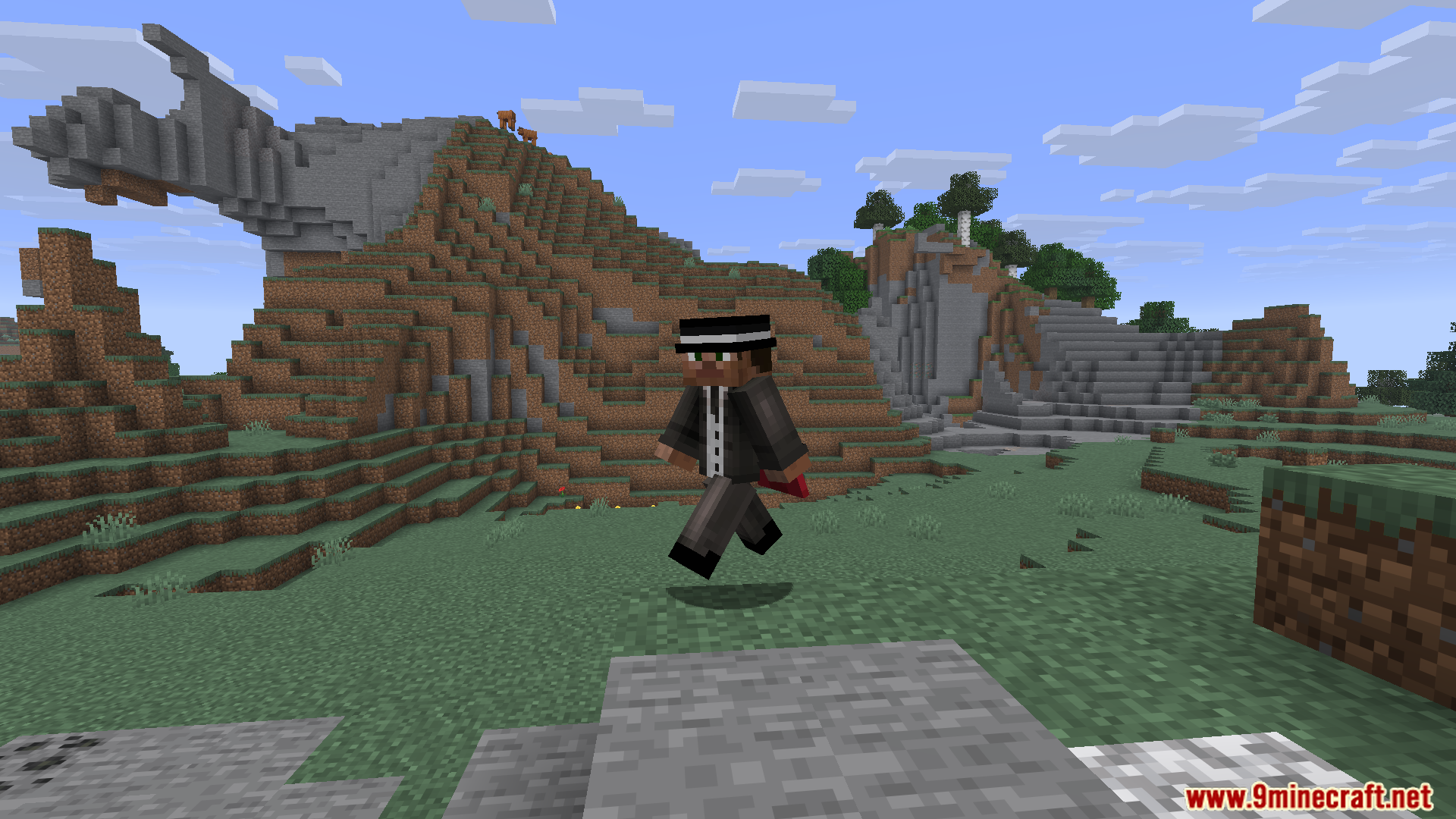
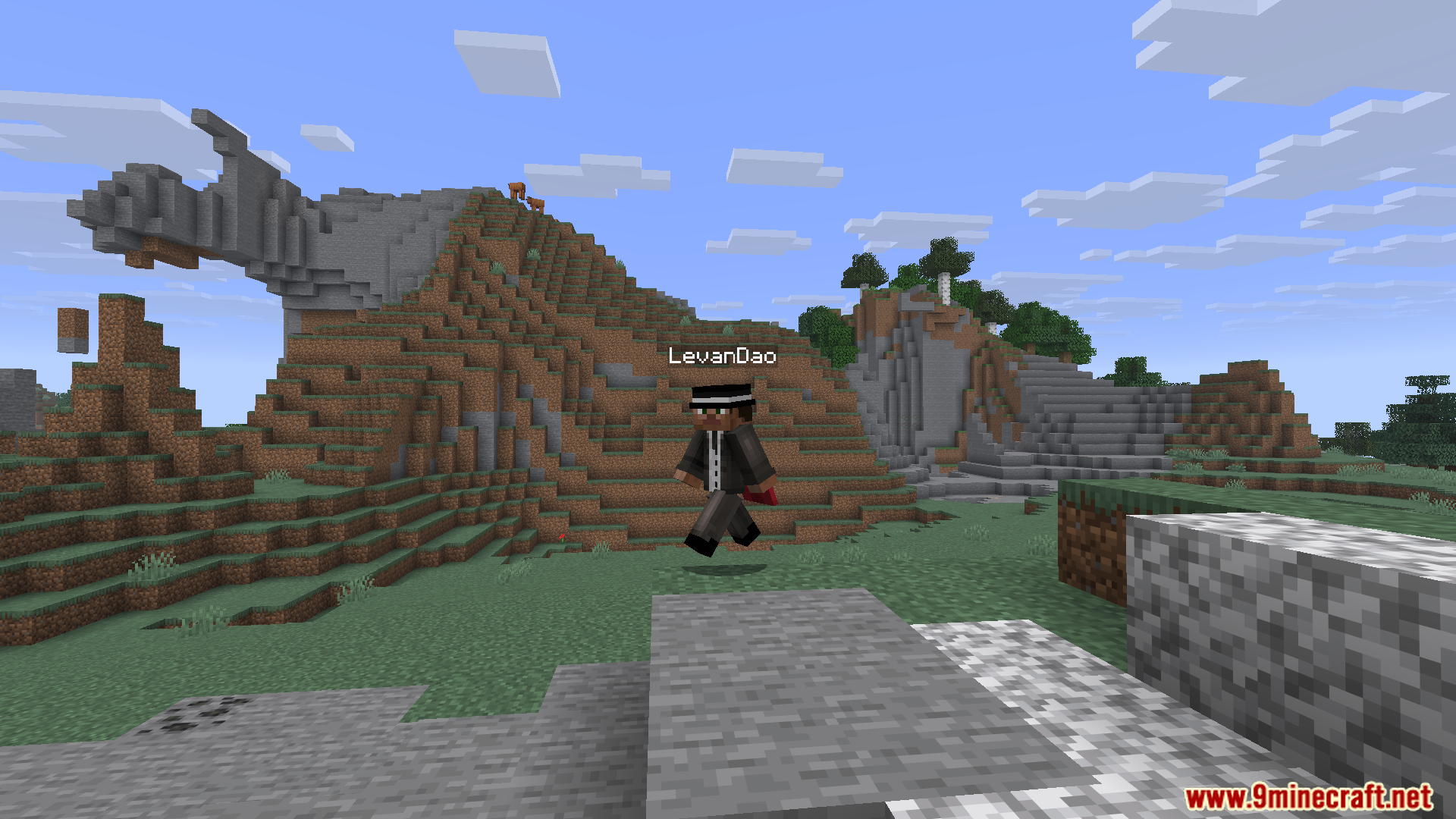
11 images from the Marci132468S Replay Mod page.
You May Also Like
Wikis that share the most with this one
More mod wikis on the site
The most downloaded mods that have a wiki here
A few wikis from each of the other kinds