

 blocks
 DownloadJson Things Mod
Get the files on 9Minecraft
Guides
Step-by-step, in-game.
How to Add a Custom Block with Json ThingsDefining the Block Blocks in Json Things follow the same file-per-thing pattern as items. Create a JSON file in your…How to Create a Custom Item with Json ThingsSetting Up the Item JSON Json Things loads content from a datapack or resource pack folder structure. Create a folder…How to Package and Share Your Json Things ContentFolder Layout Json Things content ships as a datapack, a resource pack, or both depending on what you made. Items and…How to Write Custom Recipes in Json ThingsRecipe File Structure Recipes live in a recipes folder inside your pack, not the things folder. Each recipe is a JSON…
Frequently asked questions
How do I get started with Json Things?
Where do my JSON files need to go?
Items, blocks, and recipes go under data/ /jsonthings/ in a datapack, while textures and models go under assets/ / in a resource pack. The namespace must match the one you use in your JSON definitions.
Do I need to restart Minecraft after editing a JSON file?
No, Json  Things reloads dynamically with resource and data pack reloads. Press F3+T to reload resources, or use the reload command for datapacks, and your changes should appear without restarting the game.
Why isn't my custom item showing up?
The most common causes are a JSON syntax error, a missing namespace folder, or a texture path that doesn't match the item's ID. Check the game log for parse errors and confirm your file is in the correct data or assets directory.
See all 10 Json Things questions ›
Gallery
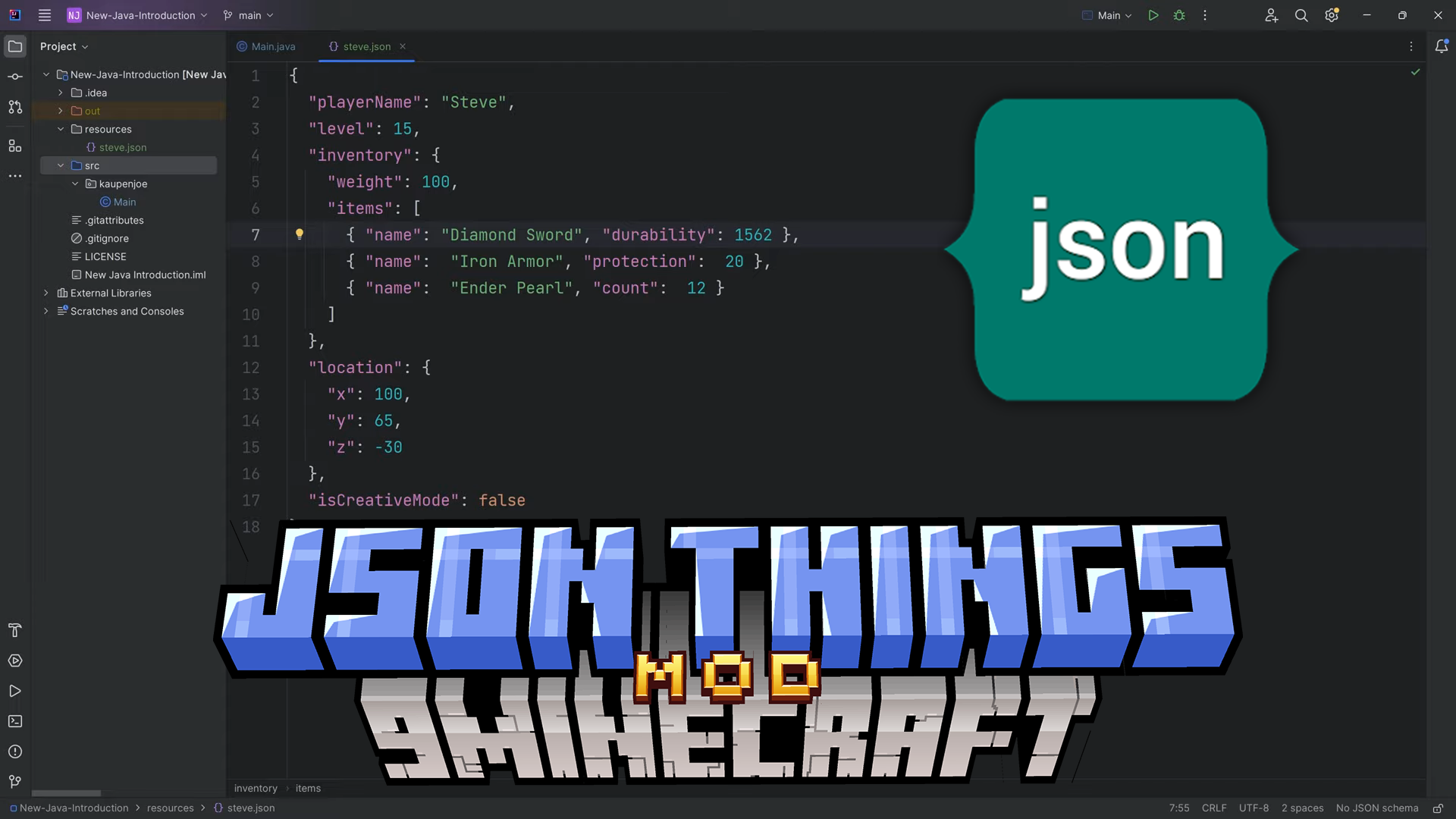
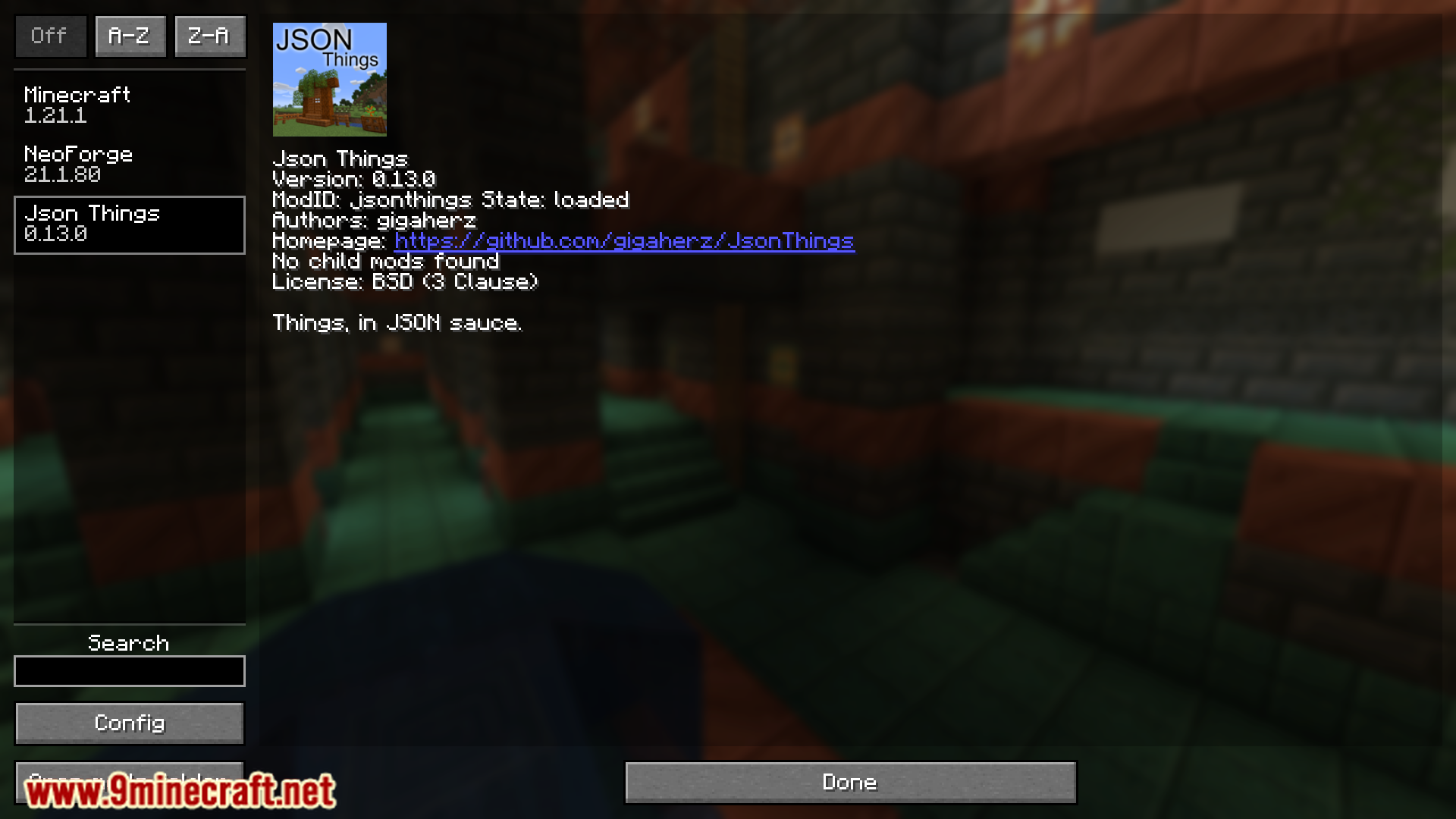
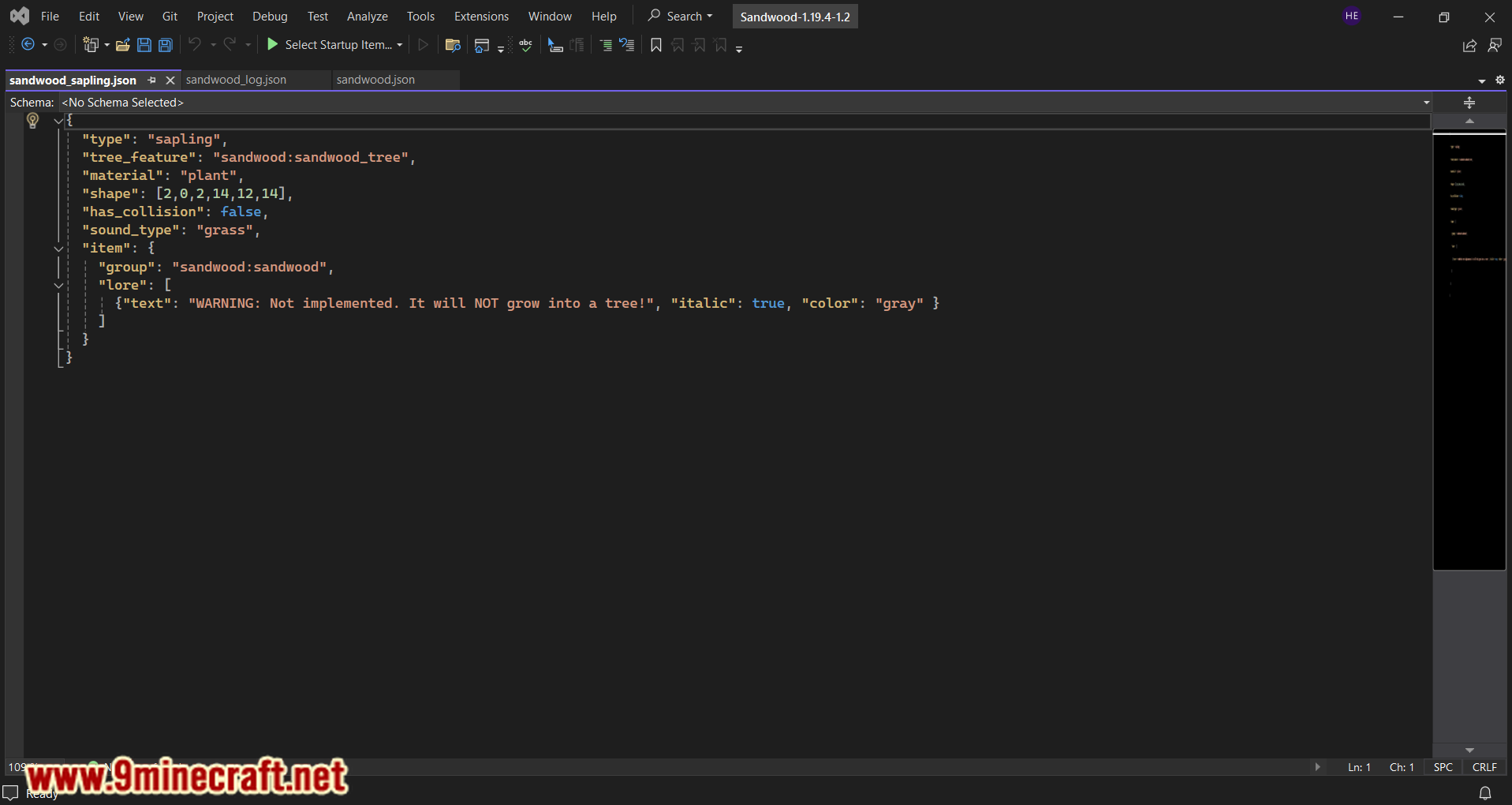
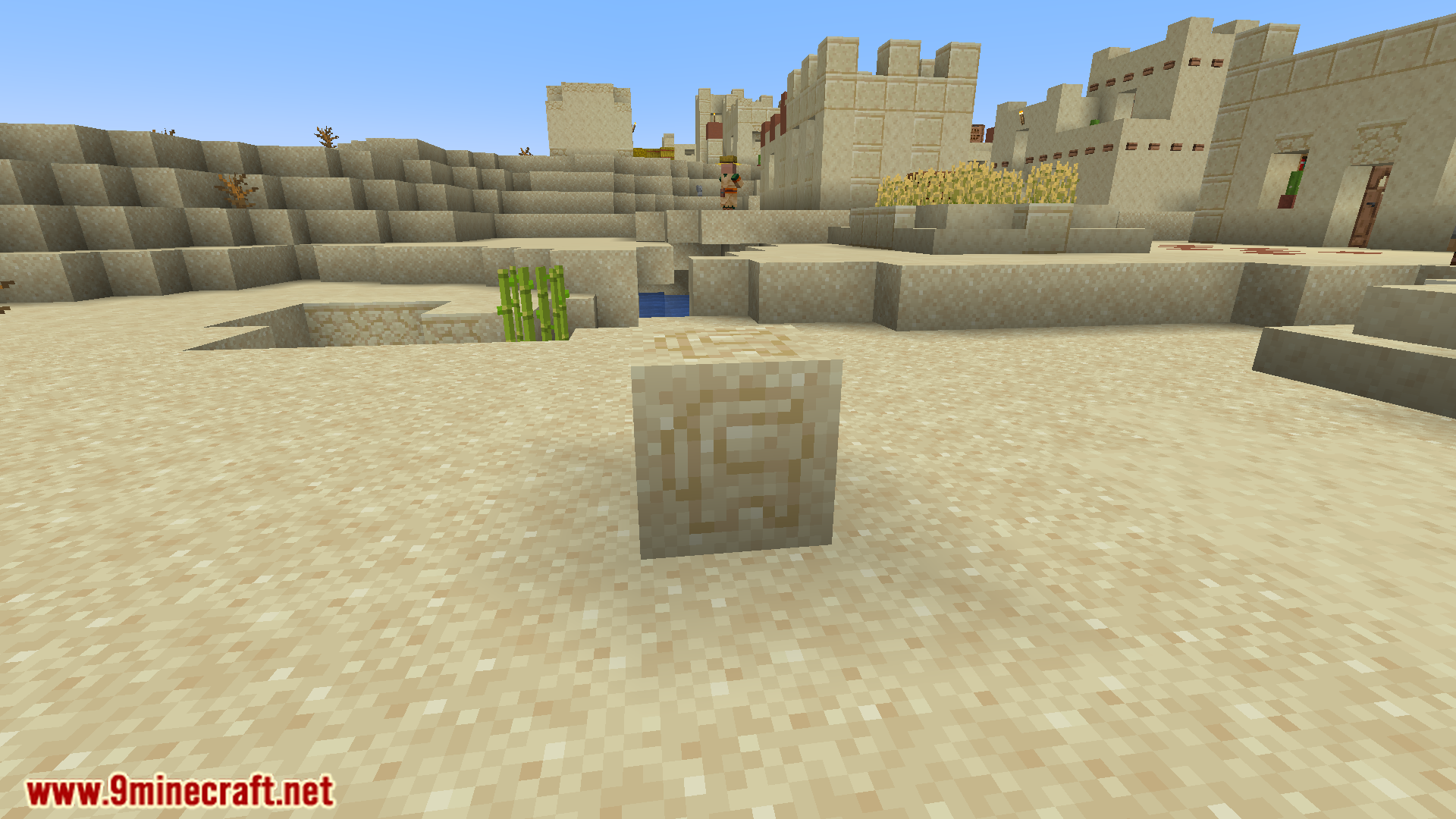
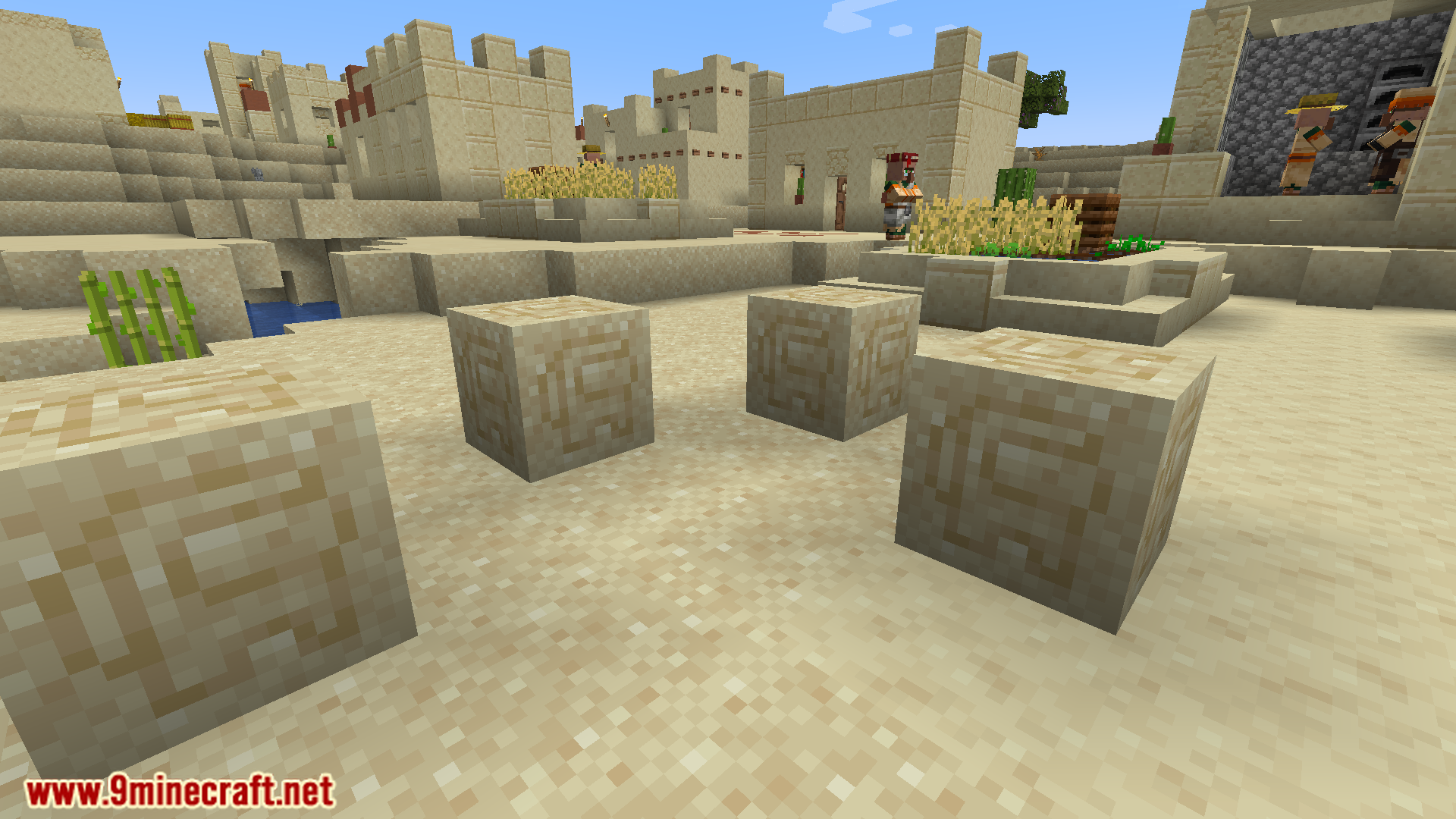
6 images from the Json Things Mod page.
You May Also Like
Wikis that share the most with this one
More mod wikis on the site
The most downloaded mods that have a wiki here
A few wikis from each of the other kinds