

 DownloadJourneyMap Teams Mod
Get the files on 9Minecraft
Guides
Step-by-step, in-game.
Navigate Using Shared Waypoints with Your TeamCreating Team Waypoints Waypoints are essential for coordinating movement. When you place a waypoint in JourneyMap,…Set Up a Team and Share Your MapCreating and Joining a Team Before you can share map data, you need to be part of a team. JourneyMap Teams works with…Track Team Members' Locations in Real TimeViewing Team Member Positions JourneyMap Teams displays the real-time positions of all active team members on your…Troubleshoot Missing Team Data or WaypointsChecking Team Configuration If your team's map data isn't syncing, first verify that all players are in the same team…
Frequently asked questions
How do I create a team so my friends can see my map?
Use the Vanilla Teams command `/team add [teamname]` to create a team, then add players with `/team join [teamname]`. Once players are on the same team, JourneyMap Teams will automatically sync their map data and waypoints.
Why can't my teammate see my waypoints?
Make sure you're both on the same team using `/team list` to verify membership, and that JourneyMap Teams is installed on both client and server. Waypoints only sync between players in the same team.
Can I see where my teammates are in real time?
Yes, if team member tracking is enabled in JourneyMap Teams settings, you'll see your teammates' positions on the shared map and can follow their movements live.
See all 10 JourneyMap Teams questions ›
Gallery
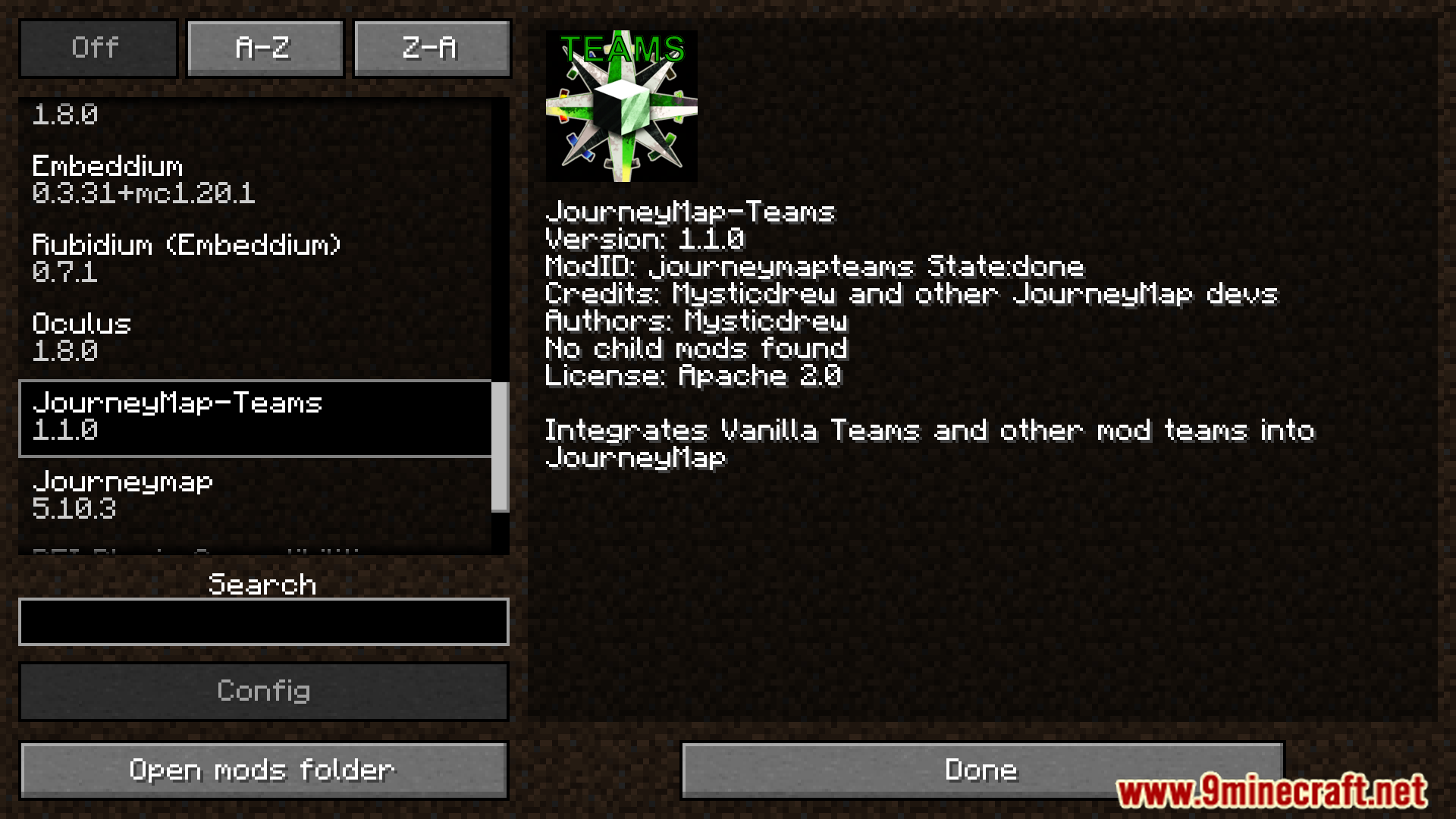
2 images from the Journeymap Teams Mod page.

You May Also Like
Wikis that share the most with this one
More mod wikis on the site
The most downloaded mods that have a wiki here
A few wikis from each of the other kinds