

 DownloadIpla Mod
Get the files on 9Minecraft
Guides
Step-by-step, in-game.
Display Multiple Items on One BlockEnable Quad Mode Quad mode lets you place up to 24 items on a single block surface, perfect for creating item…Keep Items in Place After World ReloadPersistence and Data Saving One of Ipla Mod's key features is that placed items are permanent—they don't disappear…Place Items on Walls and CeilingsPlacing on Non-Horizontal Surfaces Ipla Mod's core strength is placing items anywhere—not just on top of blocks.…Rotate Items for Precise PositioningFine Rotation with Alt + Mouse Wheel For detailed control over item angles, use fine rotation mode to adjust items in…
Frequently asked questions
How do I place my first item with Ipla Mod?
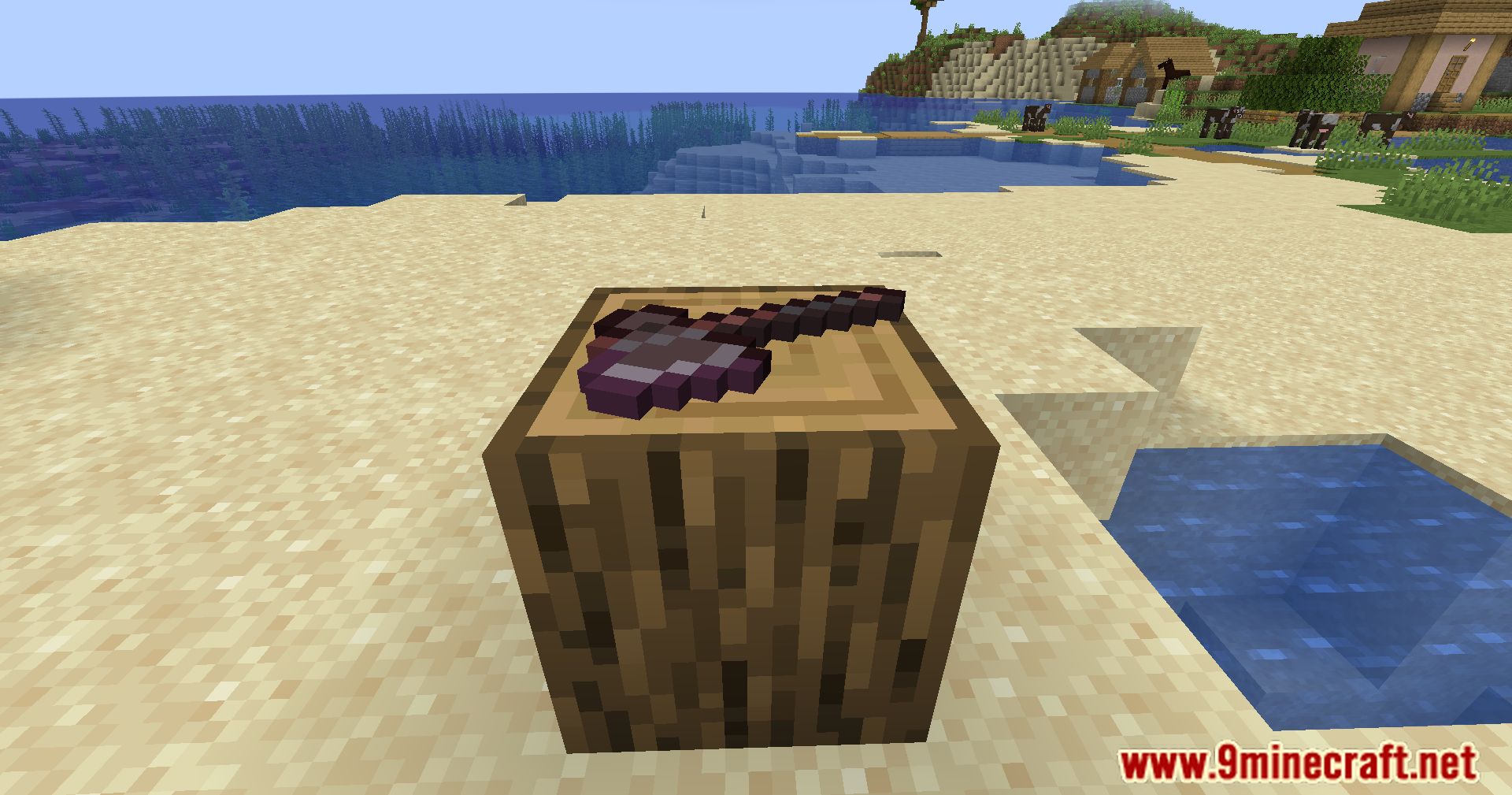
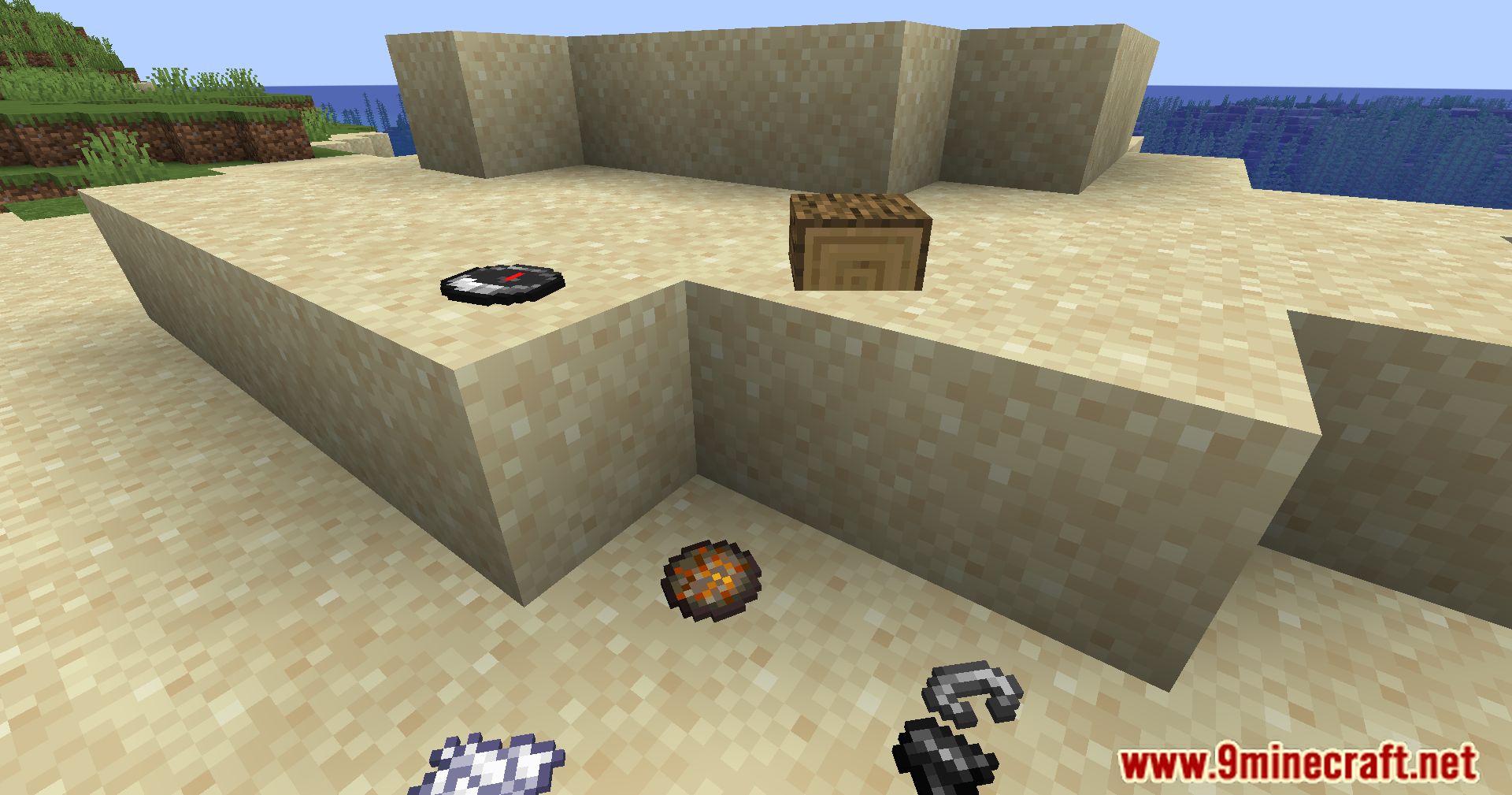
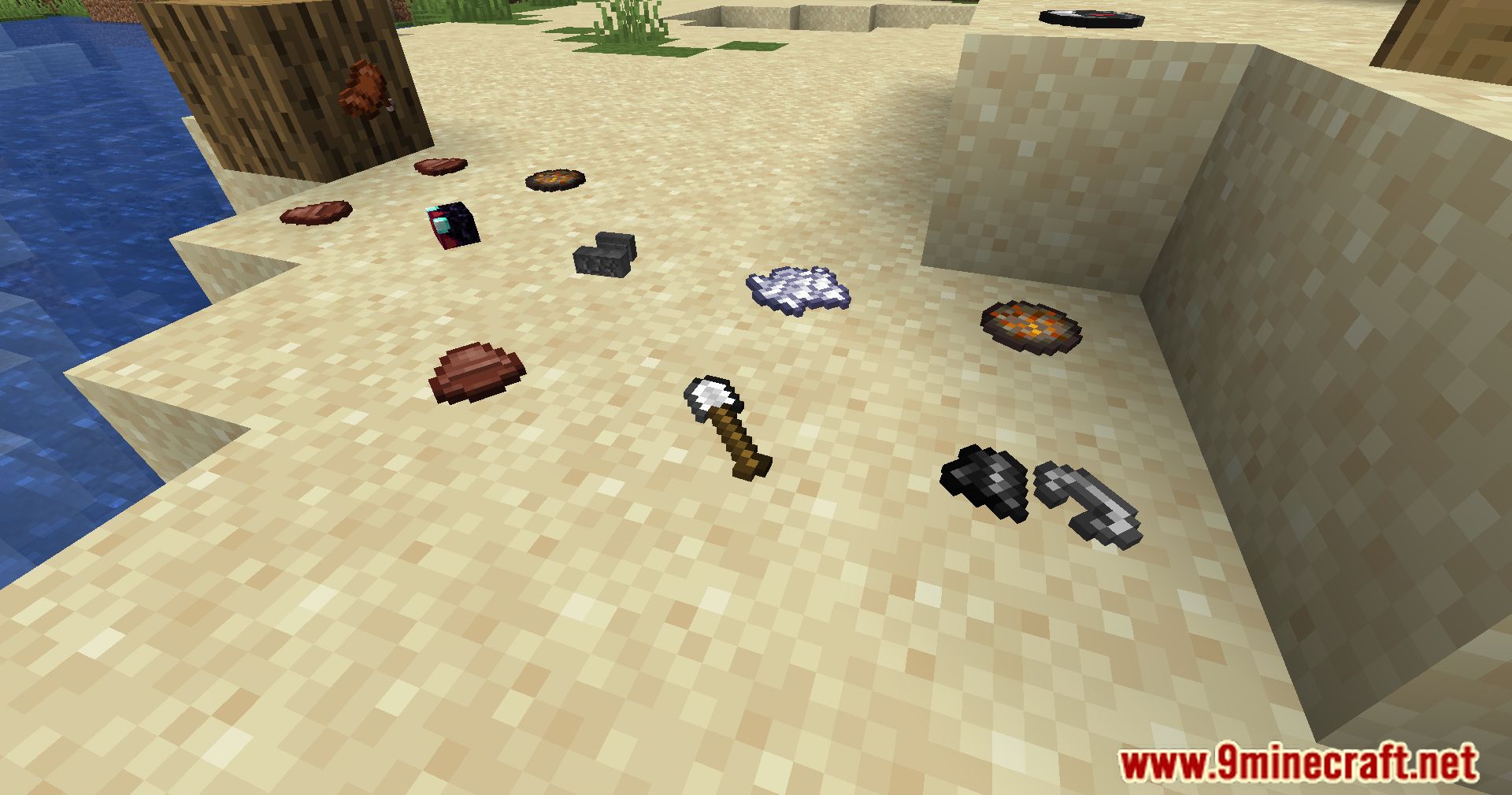
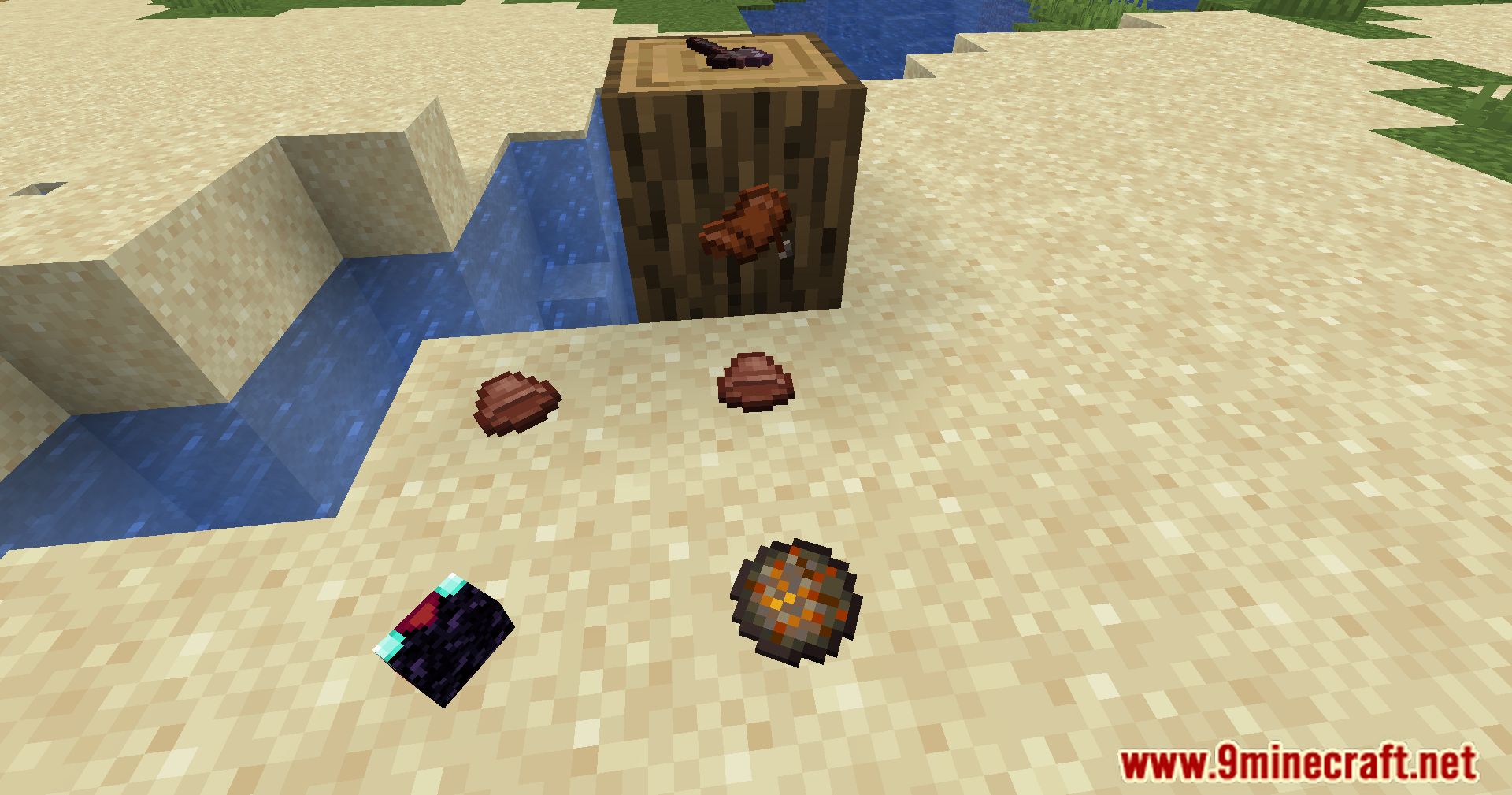
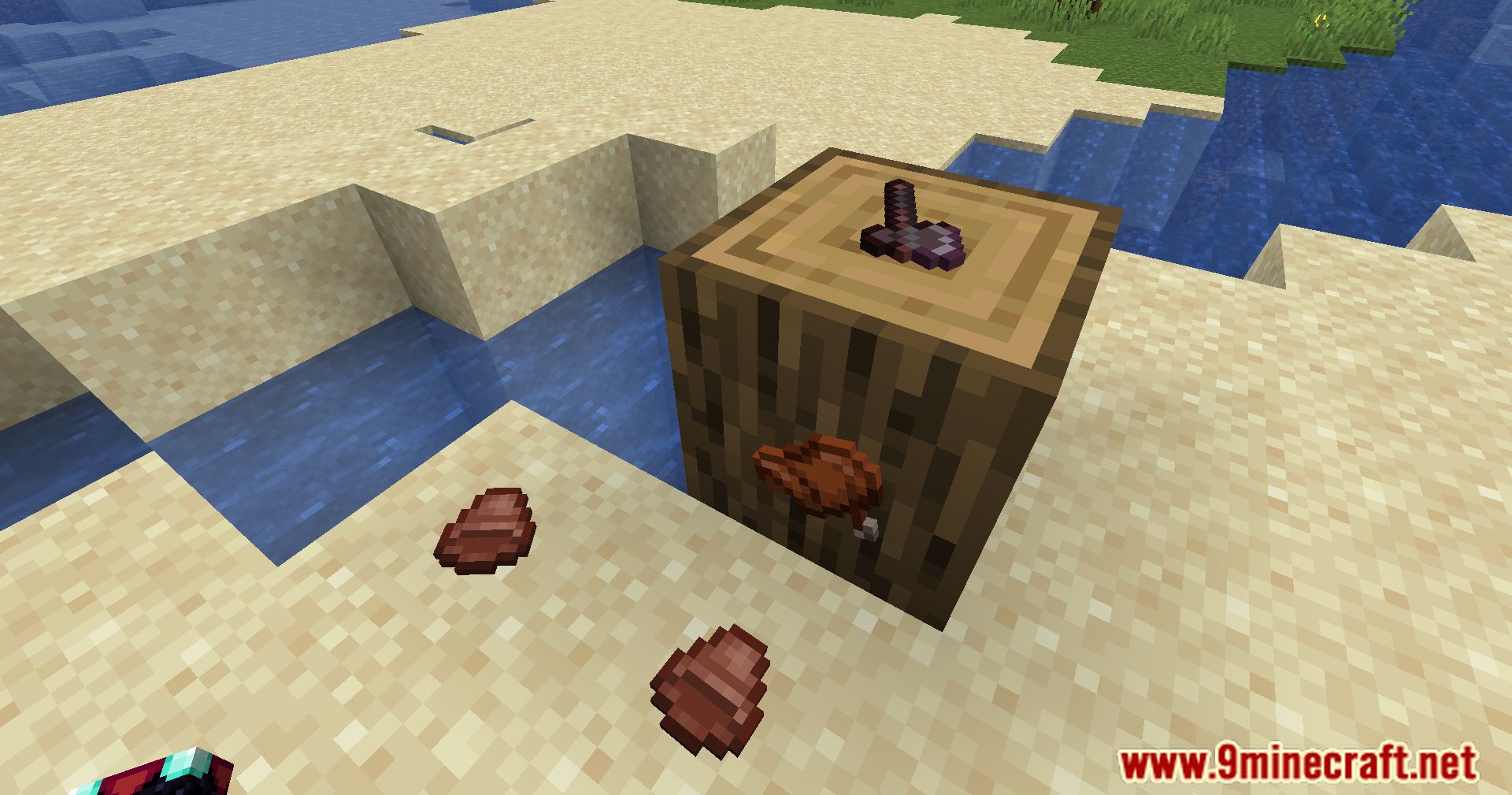
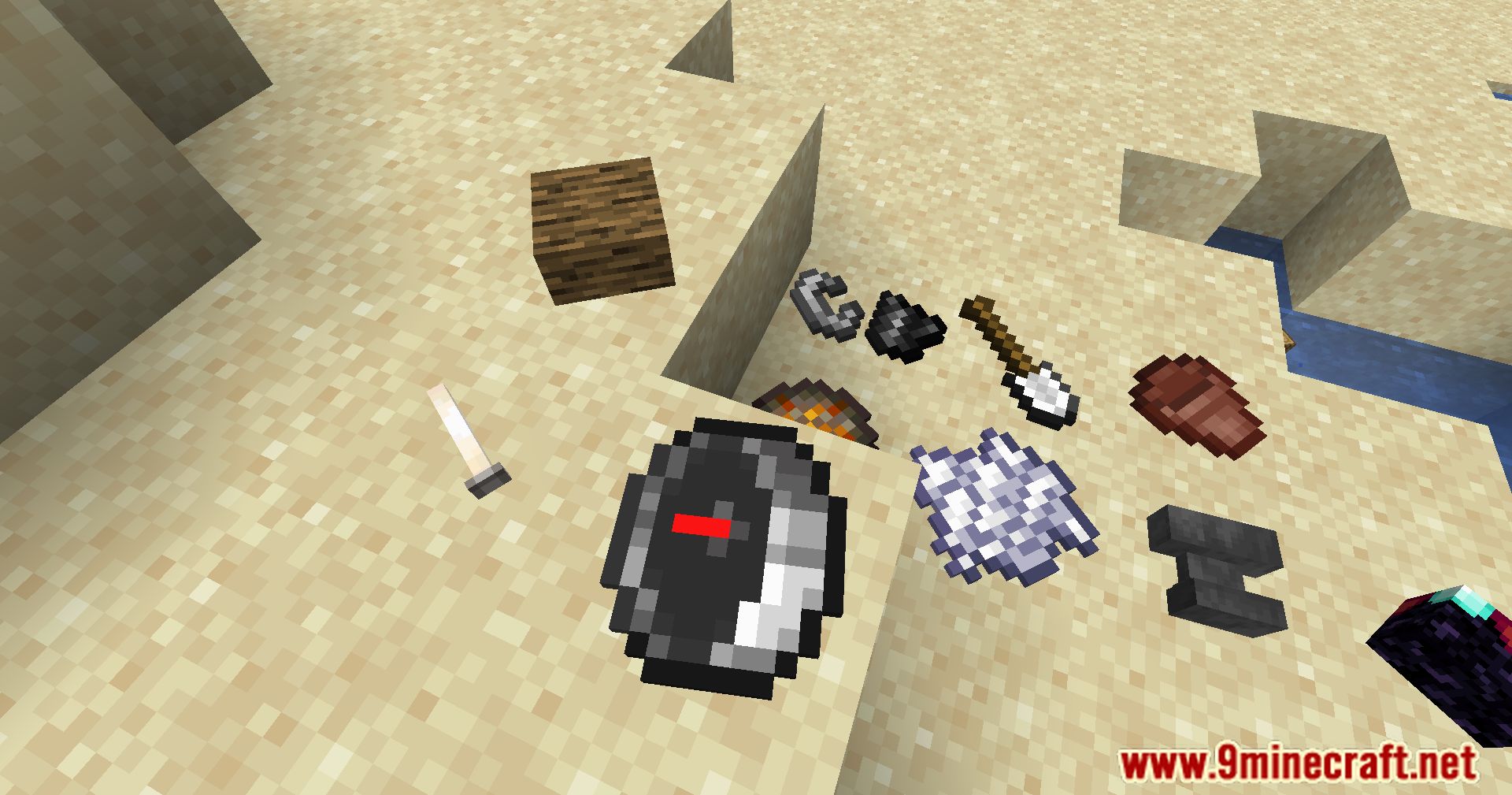
Hold the item you want to place in your hand, look at the block surface where you want it, and press V. The item will appear on that surface and you can then rotate or fine-tune its position before confirming placement.
What does quad mode do and how do I use it?
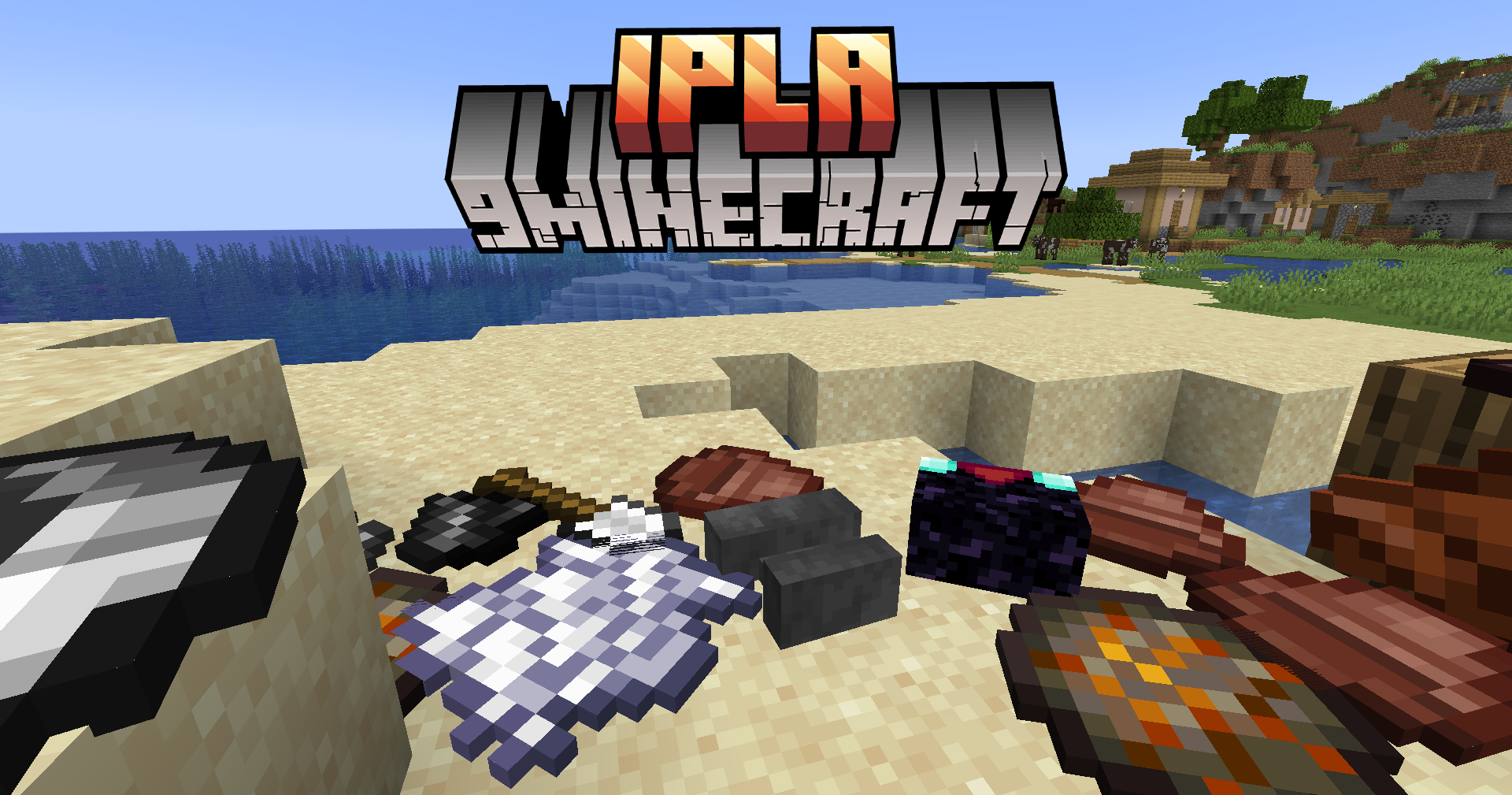
Quad mode lets you display up to 24 items on a single block surface at once. Press Ctrl + V to activate it, then place multiple items in the same area—they'll arrange themselves across the block without overlapping.
How do I rotate items after placing them?
Use Alt + mouse wheel to rotate items smoothly in any direction for precise positioning, or use Alt + Z + mouse wheel for rounded rotations that snap to specific angles.
Can I place items floating in mid-air or do they need a block?
You can place items floating in mid-air—they don't require a solid block beneath them. They'll stay suspended exactly where you position them.
Gallery
11 images from the Ipla Mod page.
You May Also Like
Wikis that share the most with this one
More mod wikis on the site
The most downloaded mods that have a wiki here
A few wikis from each of the other kinds