

 DownloadIR Lights Mod
Get the files on 9Minecraft
Guides
Step-by-step, in-game.
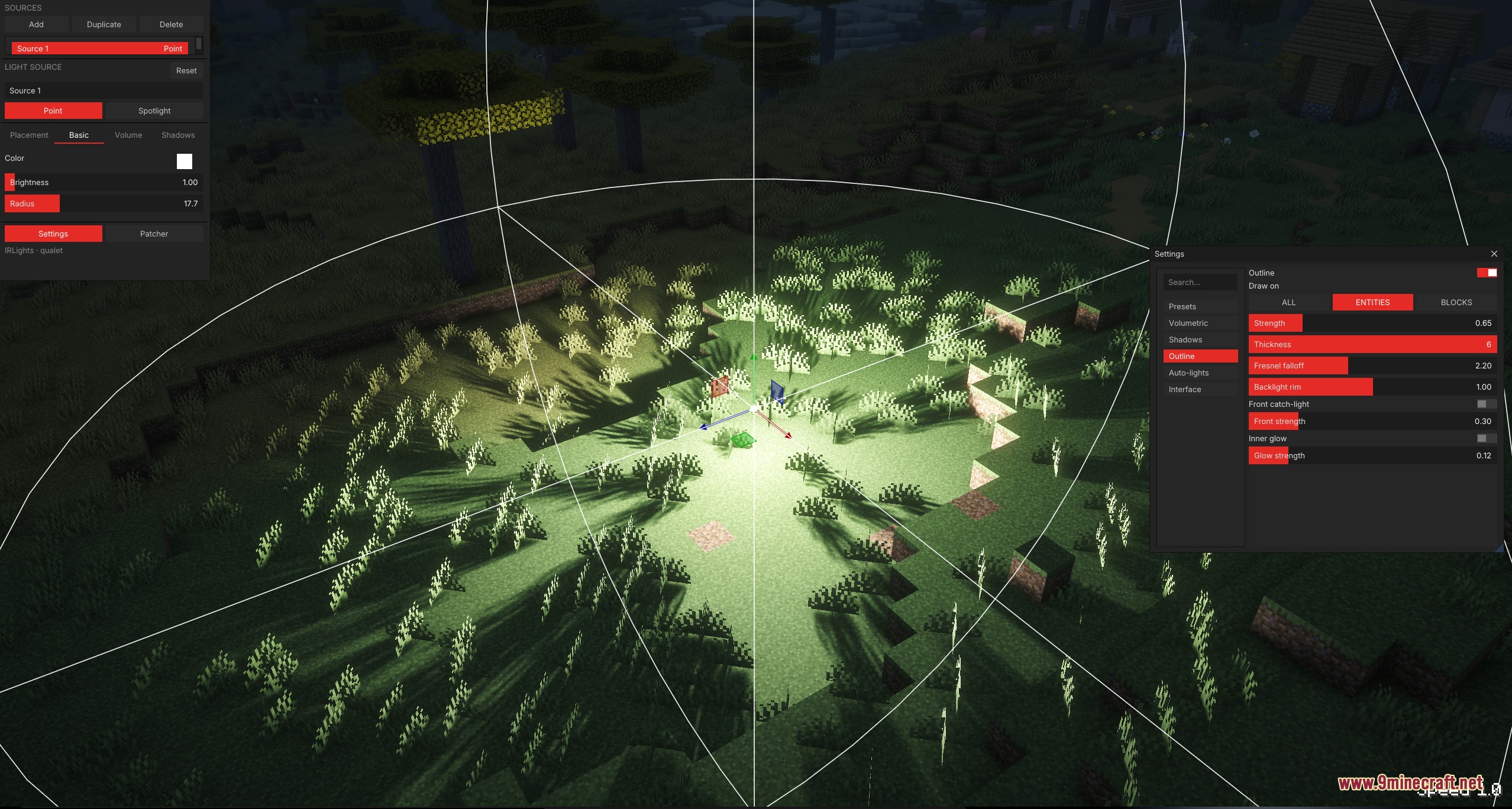
Adjust Shadow Quality and SoftnessAccess Light Shadow Settings Select a light in the Light Editor and open its properties panel. Look for…Create a Spotlight with a Custom Projected ImageSet Up Your Spotlight Open the Light Editor and create a new spotlight. Position it where you want the projection to…Position and Rotate Lights Using the 3D EditorOpen the Light Editor Access the Light Editor interface while in-game. You'll see a floating screen with your placed…Set Up Volumetric Light Beams (God Rays)Create the Light Source Open the Light Editor and place a spotlight or point light where you want the beam to…
Frequently asked questions
How do I open the light editor?
Press the default keybind (usually a configurable key like 'L') to toggle the light editor screen. The editor will appear as a floating panel in your world, and you can move around freely while it's open.
What's the difference between point lights and spotlights?
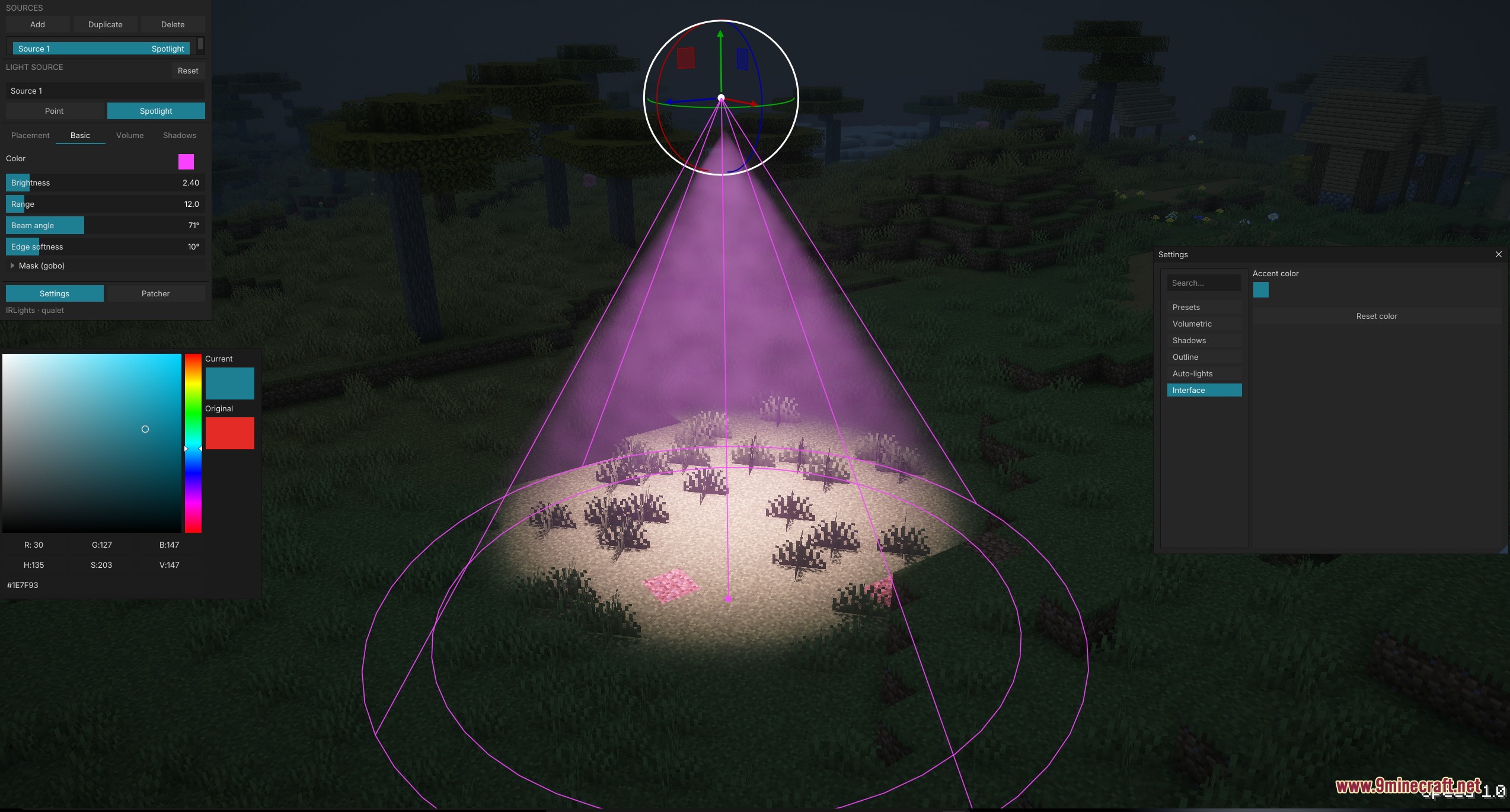
Point lights emit light in all directions from a single point, while spotlights emit a directional cone of light that you can aim and rotate. Spotlights also support custom projected images, whereas point lights cannot.
Why aren't my shadows showing up?
Shadows require Iris shaders to be installed and active. Make sure you have a compatible shader pack loaded and that shadow rendering is enabled in both your shader settings and the mod's configuration.
How do I project an image onto a wall with a spotlight?
Create a spotlight, then in the editor select the projection option and load a black-and-white image file. Position and rotate the spotlight so the beam hits your target surface, then adjust the beam angle to control the image size.
See all 10 IR Lights questions ›
Gallery
7 images from the Ir Lights Mod page.
You May Also Like
Wikis that share the most with this one
Wikis on the same theme: light
More mod wikis on the site
The most downloaded mods that have a wiki here
A few wikis from each of the other kinds